QUOTE(XeactorZ @ Mar 28 2014, 03:25 PM)
thanks but is it hard to setup ?
according to asus website say 30 seconds can setup, but from the video didn't saw need to enter the unifi account and password ??

next week will go and buy it
30 seconds setup is pretty much a lie to me.
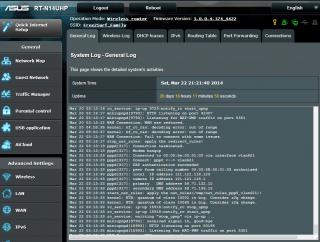
Firstly, you need to select Router among the three modes when setting up. After that, select PPPoE and tick special requirements from IP and select Unifi-Home. Type in your Username and password next. Its pretty straight forward next. After the setup complete, tweak it slightly and plug everything in. HyppTV will out of the box.
WiFi performance according to your devices
Galaxy S3 running Android Revolution v50: One bar but the speed is very stable. You will be able to use your 5Mbps.
iPod Touch 5G(closest hardware i can get that has same WiFi chipset to your iPhone 5): 2 to 3 bars full so yeah. full speed!
Lenovo Y410P: 3 to 5 bars. Need more clarification from my friend.
Users of:
S3:Sister
iPod Touch 5G:Le Me
Lenovo Y410P: Le friend
Location tested:
S3 and iPod Touch 5G: ground floor of a double story house 22 by 70 router located at first floor with lots of walls.
Lenovo Y410P: friend's house.
Routers used: Asus RT-N12HP


 Mar 22 2014, 09:23 PM


 Quote
Quote






 0.0283sec
 0.85
0.85
 6 queries
 GZIP Disabled