

 Jan 3 2019, 06:13 AM


QUOTE(chanti-sama @ Jan 3 2019, 12:33 AM)
Hi soonwai
I followed your steps in the post. Checking the logs i can see the unifi is authenticated and connected. But im not getting data thru. Its very strange, i did a ping to the gateway x.x.88.1 is responsive but when ping to google or major site.. seems like no data is coming out.
I left the firewall rules as the default configuration. Could it be dhcp?
When i checked the peer dns. It auto assigned the default unifi dns
And the nat is masquerade and bind to the unifi-internet interface
By now the laptop at port 2 should have access to internet. But its not so.

Double check dns settings > Allow remote requestI followed your steps in the post. Checking the logs i can see the unifi is authenticated and connected. But im not getting data thru. Its very strange, i did a ping to the gateway x.x.88.1 is responsive but when ping to google or major site.. seems like no data is coming out.
I left the firewall rules as the default configuration. Could it be dhcp?
When i checked the peer dns. It auto assigned the default unifi dns
And the nat is masquerade and bind to the unifi-internet interface
By now the laptop at port 2 should have access to internet. But its not so.
Ip Firewall > Masquerade > Ppoe unifi
This post has been edited by MX510: Jan 3 2019, 06:14 AM
 Quote
Quote



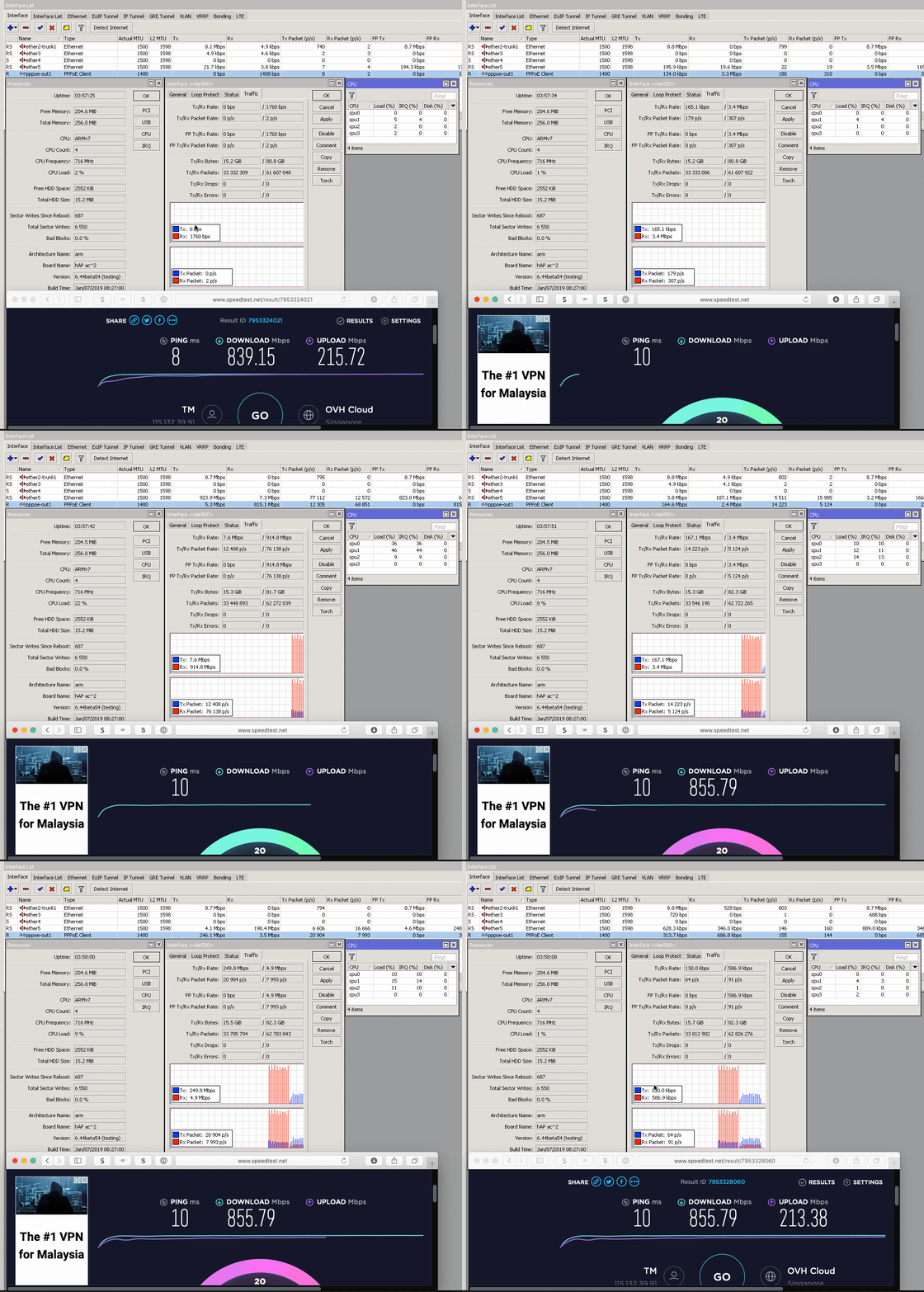

 , who still haven't gotten over the novelty of speed testing 800meg.
 0.0231sec
 0.93
0.93
 6 queries
 GZIP Disabled