

Mercusys MR70X

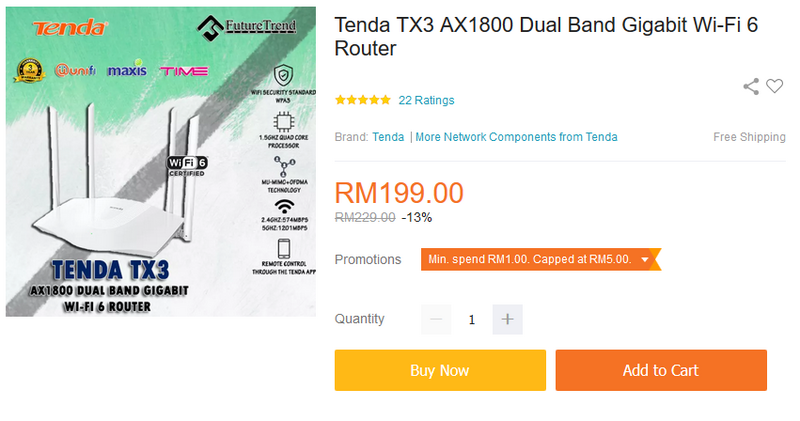
Tenda TX3
TP-Link AX10

Other more expensive options:
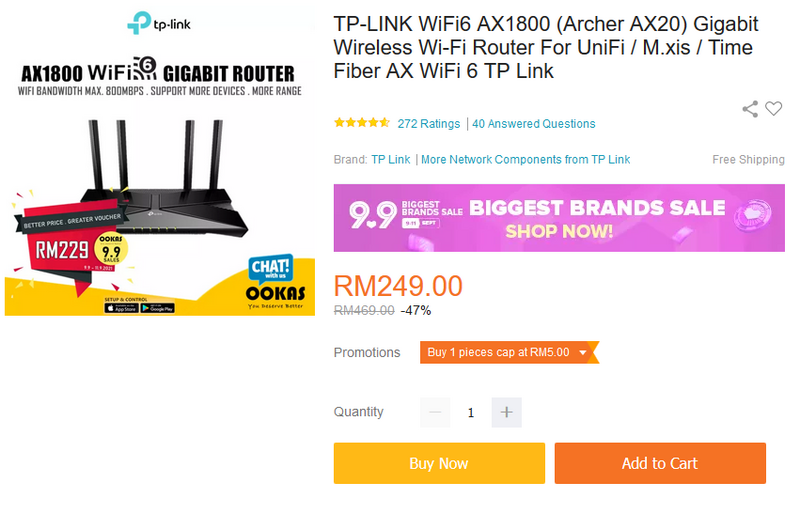
TP-Link AX20
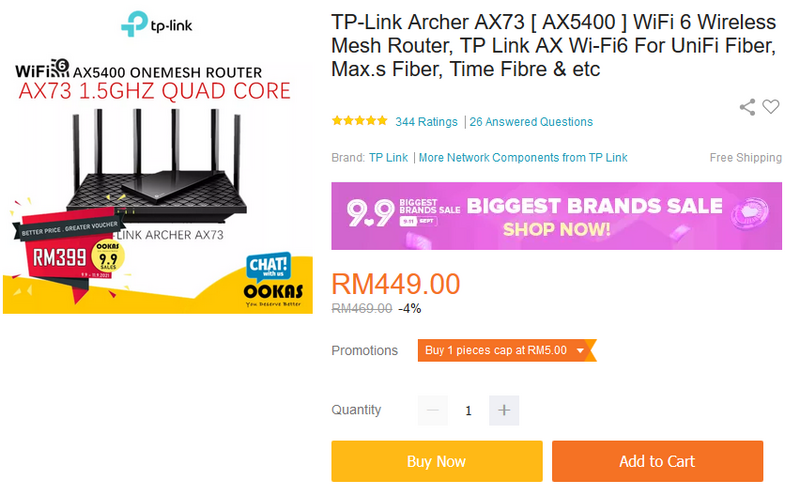
TP-Link AX73
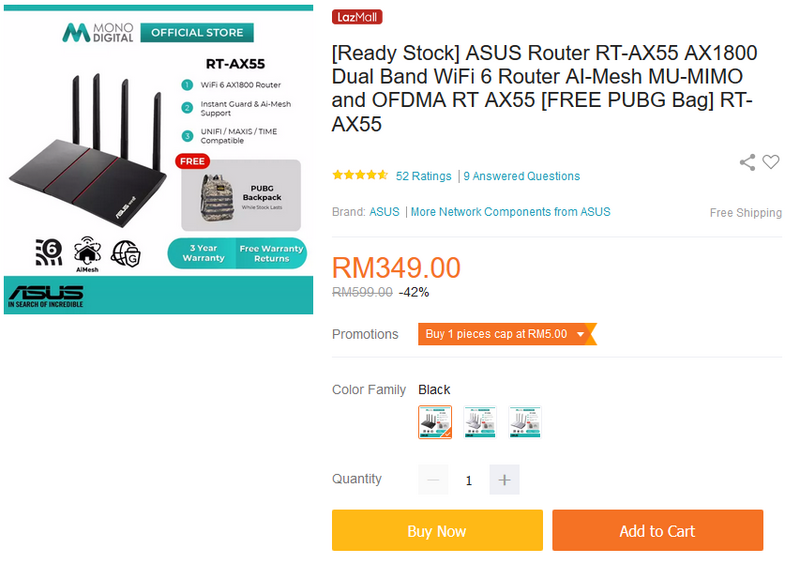
Asus RT-AX55
This post has been edited by Candy12: Sep 4 2021, 10:18 PM
Home Networking WiFi Router Discussion Thread, Updated for 2023
|
|
 Sep 4 2021, 10:16 PM Sep 4 2021, 10:16 PM
Show posts by this member only | IPv6 | Post
#4101
|
 
Senior Member
1,878 posts Joined: Apr 2019 
|
Average prices of several sub RM200 models now selling in the market:
Mercusys MR70X Tenda TX3 TP-Link AX10 Other more expensive options: TP-Link AX20 TP-Link AX73 Asus RT-AX55 This post has been edited by Candy12: Sep 4 2021, 10:18 PM |
|
|
|
|
|
Sep 4 2021, 10:32 PM
|

Junior Member
150 posts Joined: Dec 2005
|
QUOTE(FusionXY @ Sep 4 2021, 09:36 PM) TP-Link AX73 will be your best choice. I understand the firmware is better, but what about the signal strength and stability? previously i used some tplink wifi dongles and experience frequent disconnection. If you don't mind spending more, then you can get TP-Link AX90 or ASUS RT-AX3000. Most people said ASUS is good because their firmware got update even for older models. If tight budget then TP-Link. I am using TP-Link as well, Archer C9. Might get ASUS in the future once my old one start to behave funny.  However ASUS price vs TPlink comparing same spec is almost 2x more expensive. |
|
|
Sep 4 2021, 11:15 PM
|

Junior Member
341 posts Joined: Jun 2008
|
QUOTE(Candy12 @ Sep 4 2021, 10:16 PM) Average prices of several sub RM200 models now selling in the market: What about dlink dir x5460? Any real life user can comment ?Mercusys MR70X Tenda TX3 TP-Link AX10 Other more expensive options: TP-Link AX20 TP-Link AX73 Asus RT-AX55 Thinking to grab it over tp link ax73 as ax73 price rise and not confident with one mesh repeater... X5460 seems can buy 2 unit to form mesh wifi |
|
|
Sep 5 2021, 12:38 AM
Show posts by this member only | IPv6 | Post
#4104
|
|
Senior Member
1,878 posts Joined: Apr 2019
|
QUOTE(vignaroli @ Sep 4 2021, 11:15 PM) What about dlink dir x5460? Any real life user can comment ? The DLink DIR-X5460 also uses the BCM6750 Tri-Core 1.5GHz CPU as found in the TP-Link AX73 and its lower end AX10.Thinking to grab it over tp link ax73 as ax73 price rise and not confident with one mesh repeater... X5460 seems can buy 2 unit to form mesh wifi However its memory chipset used is also by the higher quality Winbond used by also the Tenda. |
|
|
Sep 5 2021, 06:12 AM
|
|
Junior Member
711 posts Joined: Oct 2010
|
bought ax73, however, i noticed the 5ghz speed not so stable, here some scenario :
1. yesterday speedtest on living room same place with router, can reach 300mbps, today i test again it stuck at 150mbps, sometimes only 50 mbps. 2. in my room upstair behind, yesterday i tested can reach 220mbps, however sometime when the signal bar change (drop 1 bar), the speed will drop until 1mbps, the signal bar change quite often. any way i can overcome this? |
|
|
Sep 5 2021, 05:30 PM
|

Senior Member
5,989 posts Joined: Nov 2005
|
QUOTE(claudetan @ Sep 5 2021, 06:12 AM) bought ax73, however, i noticed the 5ghz speed not so stable, here some scenario : Have you updated to the latest firmware?1. yesterday speedtest on living room same place with router, can reach 300mbps, today i test again it stuck at 150mbps, sometimes only 50 mbps. 2. in my room upstair behind, yesterday i tested can reach 220mbps, however sometime when the signal bar change (drop 1 bar), the speed will drop until 1mbps, the signal bar change quite often. any way i can overcome this? |
|
|
|
|
|
Sep 6 2021, 12:43 PM
|

Junior Member
936 posts Joined: Sep 2013
|
QUOTE(Candy12 @ Sep 4 2021, 10:16 PM) Average prices of several sub RM200 models now selling in the market: Can change the router helps with internet slowdown during peak hours? My 800mbps unifi will suffer high ping and unstable internet around 8pm to 11pm daily. I'm looking at MR70X over here to replace the stock TM router. I don't care much about wireless speed because I got M9 Deco to handle coverage around the house. Tried to use the M9 Deco in router mode, but somehow I can't get ethernet connection and my internet speed is limited to only 500mbps.Mercusys MR70X Tenda TX3 TP-Link AX10 Other more expensive options: TP-Link AX20 TP-Link AX73 Asus RT-AX55 This post has been edited by Steponlego: Sep 6 2021, 12:44 PM |
|
|
Sep 6 2021, 01:42 PM
|
|
Junior Member
711 posts Joined: Oct 2010
|
QUOTE(jchong @ Sep 5 2021, 05:30 PM) Have you updated to the latest firmware? yup, btw, the drop to 1 mbps is upload speed, while the download speed from 100 to 220 mbps, some time can reach 200, some time only 100 |
|
|
Sep 6 2021, 02:23 PM
|

Senior Member
5,705 posts Joined: Sep 2011 
|
QUOTE(claudetan @ Sep 6 2021, 01:42 PM) yup, btw, the drop to 1 mbps is upload speed, while the download speed from 100 to 220 mbps, some time can reach 200, some time only 100 This was happening after firmware update? |
|
|
Sep 6 2021, 03:00 PM
|

Junior Member
125 posts Joined: Aug 2005 From: Malaysia 
|
QUOTE(claudetan @ Sep 6 2021, 05:42 AM) yup, btw, the drop to 1 mbps is upload speed, while the download speed from 100 to 220 mbps, some time can reach 200, some time only 100 what channel you using for 5ghz? im using 149 no problem...can get 350mbps and above sometime 450mbps...dont expect 500mbps...im also using unifi 500mbps...never get that speed...maybe something wrong with my setting im not sure. besides that...try using other device for speedtest with ax160mhz onboard...haha.. |
|
|
Sep 6 2021, 07:26 PM
|
|
Junior Member
711 posts Joined: Oct 2010
|
QUOTE(investor @ Sep 6 2021, 03:00 PM) what channel you using for 5ghz? im using 149 no problem...can get 350mbps and above sometime 450mbps...dont expect 500mbps...im also using unifi 500mbps...never get that speed...maybe something wrong with my setting im not sure. besides that...try using other device for speedtest with ax160mhz onboard...haha.. how far u test it? any wall between?i using 300 mbps, router on downstair, test from upstair, my room,1 floor + 1 wall. btw, i using xs max, so 80mhz only. Also, when i try to access 192.168.0.1, it always prompt me an error page on 1st try, have to key in second time and enter only can get into config, do you experience the same? This post has been edited by claudetan: Sep 6 2021, 07:33 PM |
|
|
Sep 6 2021, 08:37 PM
Show posts by this member only | IPv6 | Post
#4112
|
|
Senior Member
1,878 posts Joined: Apr 2019
|
QUOTE(Steponlego @ Sep 6 2021, 12:43 PM) Can change the router helps with internet slowdown during peak hours? My 800mbps unifi will suffer high ping and unstable internet around 8pm to 11pm daily. I'm looking at MR70X over here to replace the stock TM router. I don't care much about wireless speed because I got M9 Deco to handle coverage around the house. Tried to use the M9 Deco in router mode, but somehow I can't get ethernet connection and my internet speed is limited to only 500mbps. Nope, that has nothing much to do with the router but your own ISP's equipment end and upload arrangements with their Tier-1 ISPs bandwidth pipes/peering.You can afford 800Mbps plan I'm sure you can spare more to get a better router than the Mercuresys such as an Asus or Dlink. Not really a big fan of TP-Link though their price to BOM(Bill of Materials BOM) not really worth the price you are paying with the breakdown I showed a few posts back. A73 also still using a BCM6750 chipset inside. https://www.broadcom.com/products/wireless/...ructure/bcm6750 https://www.broadcom.com/products/wireless/...ructure/bcm6755 |
|
|
Sep 6 2021, 10:50 PM
|
|
Junior Member
936 posts Joined: Sep 2013
|
QUOTE(Candy12 @ Sep 6 2021, 08:37 PM) Nope, that has nothing much to do with the router but your own ISP's equipment end and upload arrangements with their Tier-1 ISPs bandwidth pipes/peering. Ah, too late already ordered the Tp-link AX20. Got it for like RM200 after RM20 cashback. I was thinking that the TM AC1200 stock router might not be able to handle the number of devices in this house, I counted 20 devices. Didn't think it was Unifi causing the slowdown since there are only 2 houses with Unifi around the neighborhood so far...You can afford 800Mbps plan I'm sure you can spare more to get a better router than the Mercuresys such as an Asus or Dlink. Not really a big fan of TP-Link though their price to BOM(Bill of Materials BOM) not really worth the price you are paying with the breakdown I showed a few posts back. A73 also still using a BCM6750 chipset inside. https://www.broadcom.com/products/wireless/...ructure/bcm6750 https://www.broadcom.com/products/wireless/...ructure/bcm6755 Original plan was to get something around RM400, found one Tp-link AC4000 for half price on carousell but it does look like an overkill for this household every day use. |
|
|
|
|
|
Sep 6 2021, 10:54 PM
Show posts by this member only | IPv6 | Post
#4114
|
|
Senior Member
1,878 posts Joined: Apr 2019
|
QUOTE(Steponlego @ Sep 6 2021, 10:50 PM) Ah, too late already ordered the Tp-link AX20. Got it for like RM200 after RM20 cashback. I was thinking that the TM AC1200 stock router might not be able to handle the number of devices in this house, I counted 20 devices. Didn't think it was Unifi causing the slowdown since there are only 2 houses with Unifi around the neighborhood so far... AX20 still fine at least it has a better CPU than the more expensive AX73.Can handle deluge of traffic surge and connections during peak utilization.Original plan was to get something around RM400, found one Tp-link AC4000 for half price on carousell but it does look like an overkill for this household every day use. The Mercusys if Blacktubi was correct about having a mere Mediatek dual core inside, not worth for a few bucks more you can get a quad core CPU based router for long term investment. |
|
|
Sep 6 2021, 11:49 PM
|

Junior Member
346 posts Joined: Jul 2012
|
QUOTE(kit615 @ Sep 4 2021, 09:28 PM) Hi all, been reading through the threads, Generally people find ASUS router has better quality and more stable, while TPlink is cheaper. I personally own rt-ax56u and ax73 before this, out of the box performance ax73 is far superior in terms of peak speed, speed consistancy and a little better on the coverage. End up selling the rt-ax56u and kept the ax73 until now. At that time, both of them are similarly price.I am in a dilemma, if my budget is rm500 I can consider something like Asus RT-AX56u or TPlink AX73. Spec wise the Ax73 seems miles ahead of the RT-AX56U, can can anyone advise which should i get? QUOTE(Candy12 @ Sep 6 2021, 10:54 PM) AX20 still fine at least it has a better CPU than the more expensive AX73.Can handle deluge of traffic surge and connections during peak utilization. It's the same thing happening on asus line up too, cheaper model like rt-ax55/rt-ax56u is using quad-core chip but the more expensive model is using tri-core chip like rt-ax3000/rt-ax3000-tuf/rt-ax82u. The Mercusys if Blacktubi was correct about having a mere Mediatek dual core inside, not worth for a few bucks more you can get a quad core CPU based router for long term investment. Not sure the exact reason behind it, but the pattern I notice is asus's quad-core model is using the built-in chip for both 2.4 and 5ghz, but the tri-core model is using dedicated chip for their 5ghz. Yes, blacktubi was right mr70x is using mediatek, can refer to this article but it's in russian  |
|
|
Sep 7 2021, 04:25 PM
Show posts by this member only | IPv6 | Post
#4116
|

Junior Member
16 posts Joined: Apr 2013
|
Currently working from home, so planning to get a router that can allocate bandwidth for teleconference.
Thinking if Deco X20 can handle QoS, or I should get prosumer stuff like Ubiquiti EdgeRouter X, and connect X20 as AP. House type: Condo Size of house: 900 sqf Features required: QoS (very important) Number of devices connected to WiFi: 5 (not sure if it matters but there will another 7 laptops connected via ethernet) Internet Speed: Time Internet 500mbps Budget: < 1k Appreciate if any Sifu can provide some guidance.  This post has been edited by reph05: Sep 7 2021, 04:27 PM |
|
|
Sep 7 2021, 04:54 PM
|

All Stars
13,475 posts Joined: Jan 2012
|
QUOTE(claudetan @ Sep 6 2021, 07:26 PM) how far u test it? any wall between? I'm quite baffled with iphone published wifi specification... how is it 80MHz when it only 2x2 MIMO...i using 300 mbps, router on downstair, test from upstair, my room,1 floor + 1 wall. btw, i using xs max, so 80mhz only. Also, when i try to access 192.168.0.1, it always prompt me an error page on 1st try, have to key in second time and enter only can get into config, do you experience the same? This post has been edited by andrekua2: Sep 7 2021, 04:55 PM |
|
|
Sep 7 2021, 05:31 PM
|
|
Junior Member
460 posts Joined: Jun 2008
|
QUOTE(reph05 @ Sep 7 2021, 04:25 PM) Currently working from home, so planning to get a router that can allocate bandwidth for teleconference. ax73 can cover 1200 sq feet Thinking if Deco X20 can handle QoS, or I should get prosumer stuff like Ubiquiti EdgeRouter X, and connect X20 as AP. House type: Condo Size of house: 900 sqf Features required: QoS (very important) Number of devices connected to WiFi: 5 (not sure if it matters but there will another 7 laptops connected via ethernet) Internet Speed: Time Internet 500mbps Budget: < 1k Appreciate if any Sifu can provide some guidance. never go for mesh if only one floor |
|
|
Sep 7 2021, 05:55 PM
|

Senior Member
1,245 posts Joined: Oct 2004 From: Selangor
|
Guys i need some input. Is Asus AX86u worth to get? Of course it's crazy expensive, does it really justify the price vs performance you get?
I am currently using AC68U, but recently notice it sometimes will suddenly have wifi connection issues until i need to reboot it. I am thinking to get another router to replace it as main router, then move this to second floor and use wire to backhaul extend the wireless network. |
|
|
Sep 7 2021, 07:32 PM
Show posts by this member only | IPv6 | Post
#4120
|

Senior Member
4,490 posts Joined: Oct 2014
|
QUOTE(EpsilonStar @ Sep 7 2021, 05:55 PM) Guys i need some input. Is Asus AX86u worth to get? Of course it's crazy expensive, does it really justify the price vs performance you get? Since you are using Asus already, you should know that Asus are generally more expensive due to its feature available and firmware support. If you are living in a double storey house and looking to get the most out of the bandwidth through wifi, you would need a mesh wifi.I am currently using AC68U, but recently notice it sometimes will suddenly have wifi connection issues until i need to reboot it. I am thinking to get another router to replace it as main router, then move this to second floor and use wire to backhaul extend the wireless network. |
| Change to: |  0.0265sec 0.0265sec
 0.53 0.53
 6 queries 6 queries
 GZIP Disabled GZIP Disabled
Time is now: 8th December 2025 - 01:43 PM |
 Quote
Quote