QUOTE(dlbk75 @ Feb 8 2021, 01:58 PM)
Hi all Sifu,
Few question to ask,
1. What is your current setting on your C716 TV, I am using Smart HDR most of the time.
2. Can some Sifu here share the website where to read more about the TCL TV Firmware, my out the box is V606 but when I do OTA upgrade, it always says I have the latest firmware already.
3. Did any Sifu here installed Movie HD apk? and how to get it to work on Android TV?
4. How to enable Dolby ATMOS on C716? So far never see it on all the content I watch on Youtube or Netflix. I did try to watch Dolby content on Youtube but the ATMOS LOGO on-screen never pop up....
Thanks in advance.
Mostly of your questions is answered in previous posts....just need to read...
Btw, in shot...
1. I using Low Power mode
2. Any firmware can be upgrade (or downgrade) by USB FAT32 (NTFS also working) by About/
Local Update....
Zip file should be copy to USB (
V8-R851T02-LF1V620.018337.zip) , sometime need to change USB.
3. I downloaded any (TV) app in my PC, then copy to USB, insert USB on TV and by TV Guard/App manager install.
No need additional app to do this. Beside Netflix (Prime I disabled), I got Plex, Sofa TV, MagellanTV,...etc
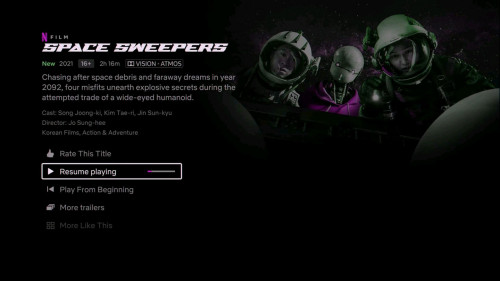
4. Agree with @smaelz83....btw, Netflix Dolby Vision...no Atmos.....YouTube only HDR10/HLG.... no Atmos.
Apps which I didn't use I disabled or deleted by
ADB_AppControl, as is easy to use.
Need app and adb driver for you PC.
Edit:
With ADB_AppControl you can also install any app (from PC..no need USB as discribed above) or save app from your TV to your PC.
https://forum.xda-developers.com/t/tool-adb...ndroid.4147837/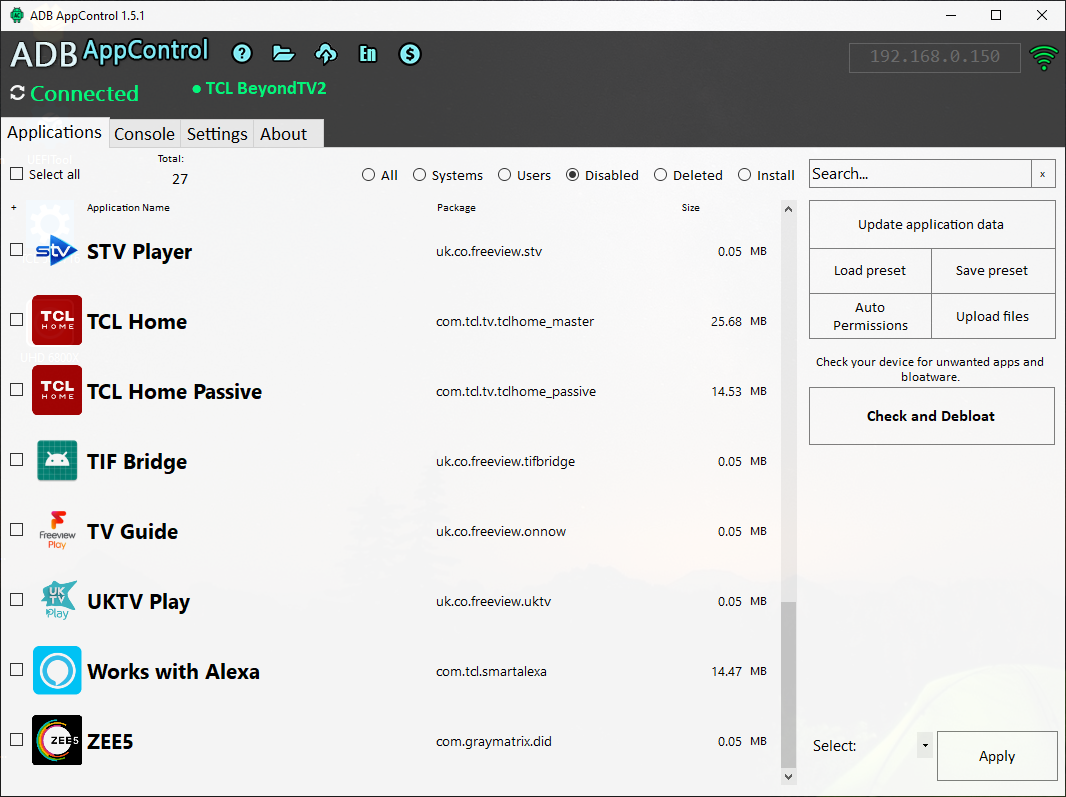 This post has been edited by stasio: Feb 9 2021, 02:27 PM

 Feb 7 2021, 07:00 PM


 Quote
Quote





 0.0272sec
 0.82
0.82
 6 queries
 GZIP Disabled