QUOTE(Polaris @ Jan 21 2007, 03:42 PM)
I'm using Azureus.
Now trying to understand step 4 and 5 of Proxymitron.
I tried startServer last nite but failed. Somehow Azureus got firewalled, I did as Silver said, not messing with the BT client's tracker but only adding localhost+8080 to Azureus proxy but the NAT is still red until I removed the proxy.
This is how it looks using the Azu client.
OK. First of all, it doesn't happen right away IMHO. You would have to fresh reboot after configuring the Proxomitron (PM). You Azureus looks OK, but I'm no expert on that client.
Anyway, lets talk about PM config first.
1. When you start PM, the important thing is to make sure that 'Outgoing Header Filters' is checked on the Active Filters list.
2. Click on 'Headers' under the Edit Filters list on the right. It pops up a larger window with a whole list of items and check boxes. First of all make sure you know which checkboxes are for In and which are for Out.
3. Then scroll down until you find the 6 items with User-agent near the bottom of the list. Pick one, it doesn't matter. I'm using the Opera one. Remember, the Out check box, not the In one. Then Click OK at the bottom to get back to the main PM window.
4. If the green diskette icon is lighted up at the top, save your settings so that you don't have to do it again.
Now this is the part I'm guessing. The first time I hit the Log Window it didn't show me much. However, after rebooting Windows, (I think the reboot slows down a bit. Please tell me if it happens 2u2.) the torrents start to pick up, but still very slowly
The sequence now appears 2b important.
Reboot, then connect to the Internet first. Start PM program and your browser if you are connected to any private trackers and login. Open the PM Log Window and finally start your BT client after everything is already running. It did not work quite right 4me when the BT client starts b4 the PM program.
It takes a while and then you should see lots of gibberish in the PM Log Window. After half an hour or so, you should get a little bit of speed on your BT. Then again, it is subject to where your peers are.
Our ISP has a different definition of Internet, and imagines that Internet means no need to connect to other countries. Must be some new goddamn Kamus.


 Jan 21 2007, 02:35 PM


 Quote
Quote


 juz got 2 so far...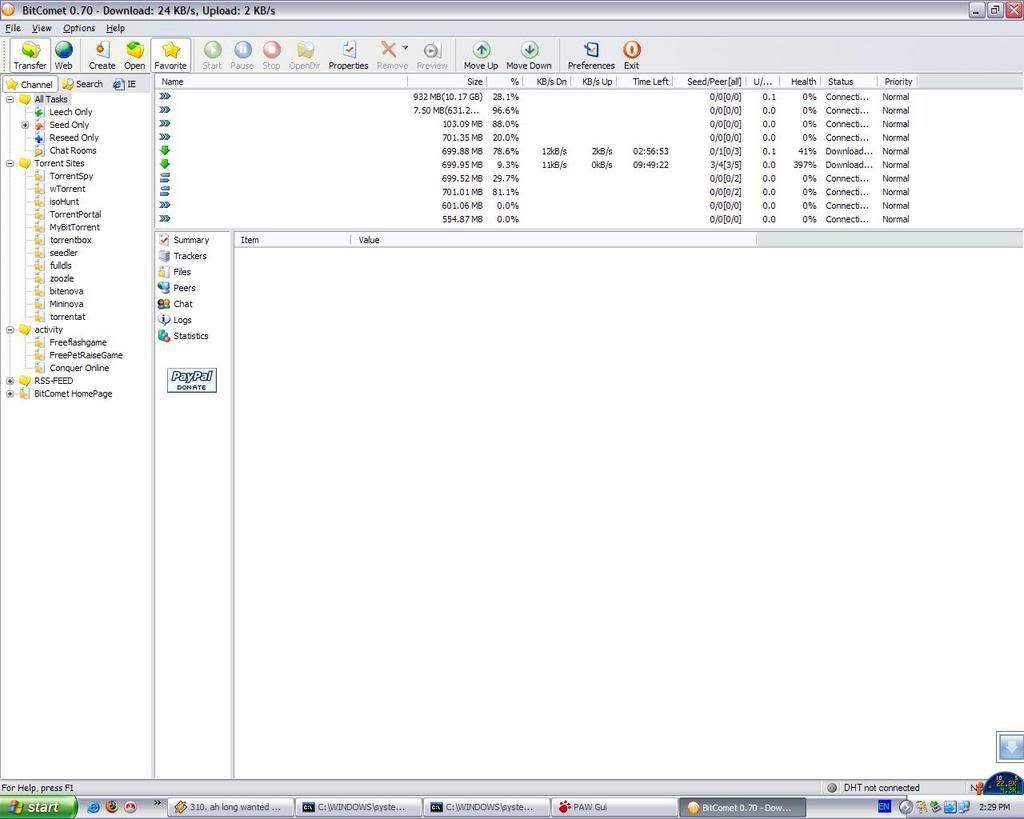






 Yeah, like they "saved" up their darn bandwidth.


 0.0319sec
 0.98
0.98
 6 queries
 GZIP Disabled