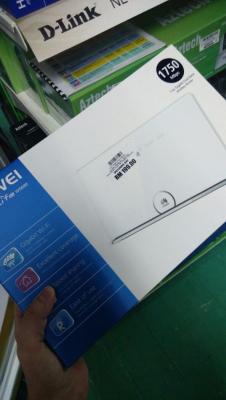
I was browsing WIFI router last weekend at Lowyat plaza, and I spot a rarely seen router - Huawei WS880 AC1750 wifi router.

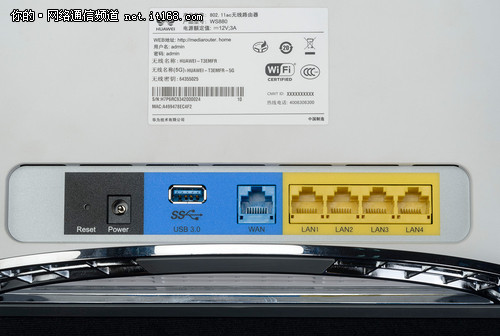
Basic Spec is
» Click to show Spoiler - click again to hide... «
Interface
One 10/100/1000Mbps Ethernet RJ-45 uplink port
Four 10/100/1000Mbps Ethernet RJ-45 downlink ports
WLAN Feature
Protocols:802.11ac & 802.11n
Antenna:11ac 3x3 MIMO & 11n 3x3 MIMO
Speed:1750Mbps (11ac 1300Mpbs+11n 450Mbps)
Frequency:2.4G & 5G concurrent
USB
1 x USB 3.0
CPU
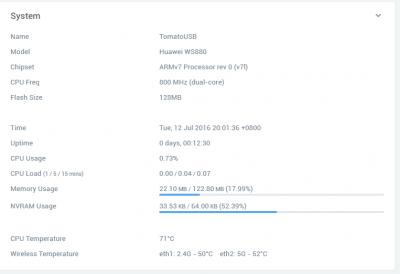
Dual core 800Mhz Broadcom BCM4708
RAM
128MB
Flash
128MB
WIFI transceiver
BCM4360 (5G) + BCM4331 (2.4G)
How to flash to third party firmware
» Click to show Spoiler - click again to hide... «
Disclaimer - I hold no responsibility for bricked devices, dead router, increase EM radiation or whatsoever,
Please do some research if you have any concerns about features included in the products you find here before flashing it!
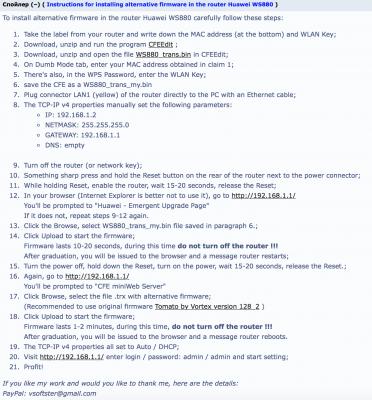
Huawei WS880 bootloader is locked, so you need to unlock the bootloader in order to flash 3rd party firmware, follow the below steps to unlock
Prerequisites 1. CFEEdit tool
Download2. WS880 CFE
Download3. Use CFEEdit to edit the WS880_Trans.Bin extract from WS880 CFE file
4. Modify the following, you may brick your device if you don't modify it correctly
et0macaddr = <Your WS880 Mac address stated at the back of the router>
secret_code = <WLAN KEY stated at the back of the router >
lan_ipaddr = 192.168.1.1 -> the ip address of the router after reboot
5. Recommend to use IE to access router management page
Unlock and Flash Procedure1. Unplug the power cable from router
2. Hold on the reset key while plug in the power cable, hold the reset key for 20 secs then release
3. The router will boot the emergency upgrade page
4. Login to the 192.168.1.1 and flash the WS880_Trans.Bin file that you have modified
5. The router will reboot again, wait for few minutes, it will boot to CFE miniWeb Server page
6. Once it is booted to CFE miniWeb Server page, you may flash your favorite firmware
Available 3rd party FirmwareAsuswrt-Merlin
Asuswrt-Merlin Download Choose WS880_*.zip
AdvancedTomato
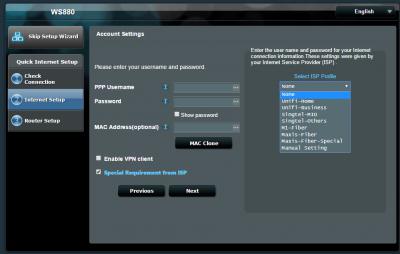
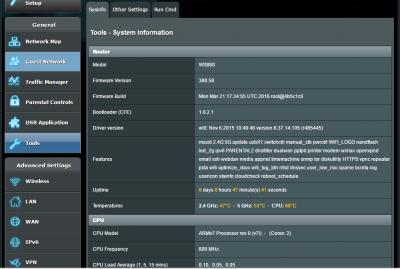
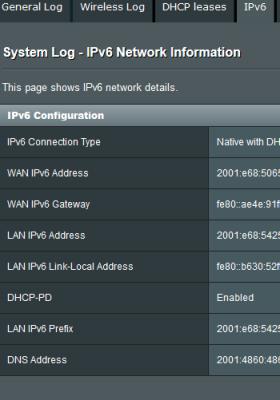
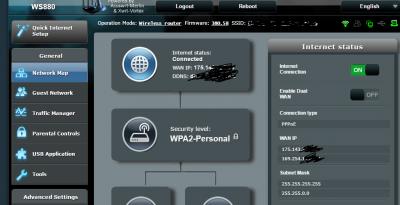
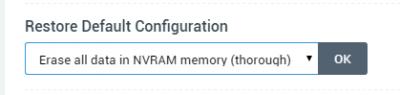
Advanced Tomato Since it is broadcom chipset, it is supported by ASUSWRT and Tomato firmware, I managed to flash the firmware to ASUSWRT-MERLIN, and it detected WS880 as AC68U

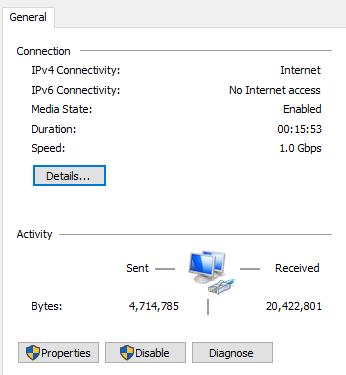
It even supports UNIFI and Maxis broadband out of the box
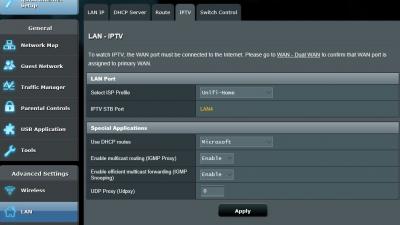
The speed is awesome, I can get full speed of UNIFI 30Mbps even I sit at the far corner of 1st floor while my router is sitting at the ground floor living room
This router is no longer available at Lowyat, possibly not even available in Malaysia.
This post has been edited by Kiding: May 17 2018, 07:22 PM 

 Jul 8 2016, 08:19 PM, updated 4y ago


 Quote
Quote





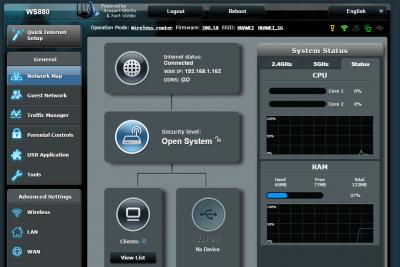

































 He told me there are still plenty, one whole full rack.


 0.1927sec
 0.83
0.83
 6 queries
 GZIP Disabled