ROOT + Recovery CWM [HOW-TO-i9500//i9505]-- To remind you guys, this method will trigger knox, dont bother to try this if you soo sayang your knox ---- Applicable and tested on Kitkat firmware only ---- Below steps flow generally like this : Inject CWM Recovery --> Root ---- I try to make it as understandable as i can, please quote me on any question in mind ---- In this method im using CWM Philz Touch Recovery, the most advanced available --Download All Files Below FirstOdin v3.09 :
DownloadKnox Removal Script :
Downloadi9500 CWM Recovery :
Downloadi9505 CWM Recovery :
DownloadInitial Steps : Installing CWM Recovery1) Extract
Odin3_v3.09.rar, Open the Odin folder, Right-Click on
Odin3-v3.09.exe and choose
Run As Administrator2) In
Odin, at Files section, Click on
AP/PDA and File Browser windows will came out, point to the Recovery File you downloaded earlier whether i9500/i9505 depends on your phone model
3) Once you've chosen the required files click Open, now leave Odin for a while
4) Take your Phone, Turn it OFF, then Turn it ON with these Button Combo
[Power+VolDown+Home] to enter
Download Mode5) Once in Download Mode, just ignore the warning and hit Volume Up button to Continue
6) In Download Mode, once you see Android Logo with Downloading words at the bottom, Connect your phone to your PC,
recommended to use Original Cable7) Once phone connected to PC, check in Odin make sure it identifies your Device (
Color Popup on ID:COM)
8) At
Option area in
ODIN, make sure
only Auto Reboot & F.Reset Time is CHECKED, others is unchecked.
At Files[Download] area, only AP/PDA is checked, others is unchecked9) Hit
START! Let it be, once finished, your phone will automatically Reboot and in ODIN will show success word, if not then something wrong. Now your phone will have CWM recovery
To Enter Recovery : Turn off phone, Turn it back on with pressing
VolumeUP + Power + Home button until Samsung Logo screen appears, Release Power Button only while Keep pressing VolumeUP+Home until you enter recovery
Next Steps : ROOTING -- Before proceeding installing Knox Remover script, you can always perform Backup first, and recommended, you have been warned --1) Once your phone Turned On after installing Recovery earlier in these steps, connect your phone to PC
2) Copy file
DE-SAMSUNGNIZER_KNOX_REMOVAL_SCRIPT_V2.1.zip to your externalSD or InternalSDcard
3) Once copied, Turn OFF your phone, Turn ON again with these Button Combo
[Power+VolUp+Home],
Release Power Button only once your phone
Vibrate but still
keep pressing VolUP+Home until you enter Recovery
4) Once you entered CWM Recovery Mode, click on
Install Zip and
choose SDcard1 if you copied De-Samsungnizer file earlier in externalSD, choose SDcard if you copied to internalSD.5) Once the file found, just proceed to Flash
6) Once done flashing, go back to Main Menu
7) Click on
Advanced Philz Options / Choose Re-root system / Choose Yes Apply (SuperSu)8) Wait until it finishes, once done just Reboot your phone and
check if SuperSU is installed, if not just install manually from Play Store
9) When first time opening SuperSU, sometimes it will ask you to update Binaries with Two Options, just choose the
NORMAL METHOD and ignore the TWRP/CWM Method
SIDENOTES --Afer Root
- Thanks to
fkinmeng, i almost forgot. For i9505 users, after installing CWM Recovery, every eachtime when you want to enter recovery you will see (During Boot) three lines at your top left screen and one of them mention
" RECOVERY IS NOT SEANDROID ENFORCING ", just ignore the warning.
- And if in case you cant enter Recovery after installing CWM Recovery, its not the case where your Recovery is not installed or failed but you just dont get to press the right button combination at the right timing. As long as Odin mentioned your flash is successful, means CWM Recovery is there, unless it stated Failed.
For Noobs Who Feels like The Above Guide is a hell of a story» Click to show Spoiler - click again to hide... «
Honestly saying the above steps looks like TL;DR right? Trust me i wrote the above tutorial in such detailed so that even super noob person can follow step by step. So if you have any suggestion just quote me.
Actually we can skip that flashing De-samsungnizer Knox Removal script part, as once you applied Re-Root option in CWM Recovery, SuperSU will promt to remove Knox at first boot, but yeah im afraid something will gone wrong for some user, so we just playsafe
This post has been edited by wajahebat: Nov 11 2014, 12:04 PM 

 Aug 7 2014, 09:50 PM, updated 11y ago


 Quote
Quote

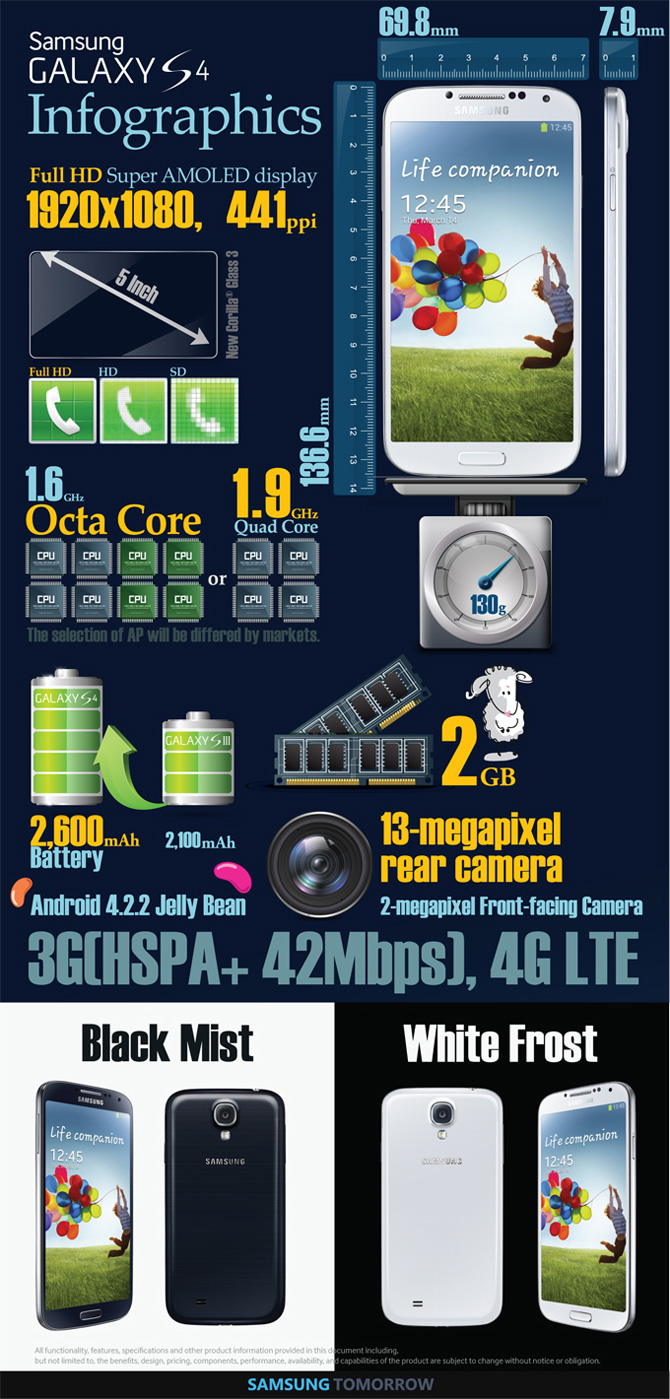





 . I do use NFC as I have NFC stickers ready for writing.





 legendary TS reporting





 enjoy what's available first....











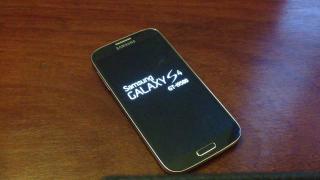
 What an utter dissapointment for me. I chose to buy an SME set because of warranty reasons and now I feel cheated as I should have got the LTE version which is supposed to be the I9505. Heard AP sets are all I9505. Anyway, my mistake for not checking properly when I bought it.








 0.2406sec
 0.66
0.66
 6 queries
 GZIP Disabled