

 Aug 17 2012, 04:08 PM


QUOTE(unequalteck @ Aug 17 2012, 01:56 PM)
im using a z77 cheapo mobo so i assume i ask in the correct place 
i overclocked the SB proc at 1.245v
for the vcore setting, there are 2 options, manual and offset
now i set it at manual @1.245v, what's the difference with the offset mode and how should i configure it?

i overclocked the SB proc at 1.245v
for the vcore setting, there are 2 options, manual and offset
now i set it at manual @1.245v, what's the difference with the offset mode and how should i configure it?
QUOTE(owikh84 @ May 12 2012, 09:36 AM)
All offset voltage does is change the voltage under load. So, if your stock voltage is 1.30v and you offset it +0.05v, you will get 1.35v under load. It allows your computer to idle at a very low voltage. Basically the offset is how much voltage you want to add to your CPU under load.
Manual = voltage is always that unless affected by load line calibration LLC.
Offset = whatever the Intel set VID voltage is + your offset
So if your VID for 1.6GHz is 0.900v, with +0.050 offset you will make it 0.950v
VID at 2.5GHz is 0.950v, you will make it 1.000v
VID at 3.2GHz is 1.050v, you will make it 1.100v
VID at 3.7GHz is 1.100v, you will make it 1.15v
etc....
You might wanna go through this guide completely written for offset clockings:
Overclocking Using Offset Mode for CPU Core Voltage
btw, I always use manual OC.
Manual = voltage is always that unless affected by load line calibration LLC.
Offset = whatever the Intel set VID voltage is + your offset
So if your VID for 1.6GHz is 0.900v, with +0.050 offset you will make it 0.950v
VID at 2.5GHz is 0.950v, you will make it 1.000v
VID at 3.2GHz is 1.050v, you will make it 1.100v
VID at 3.7GHz is 1.100v, you will make it 1.15v
etc....
You might wanna go through this guide completely written for offset clockings:
Overclocking Using Offset Mode for CPU Core Voltage
btw, I always use manual OC.
 Quote
Quote

 Maybe not a good stick or coz of my proc batch L220B296 hve not so good IMC
  Gonna buy performance ram after getting lot of duit raya!!!




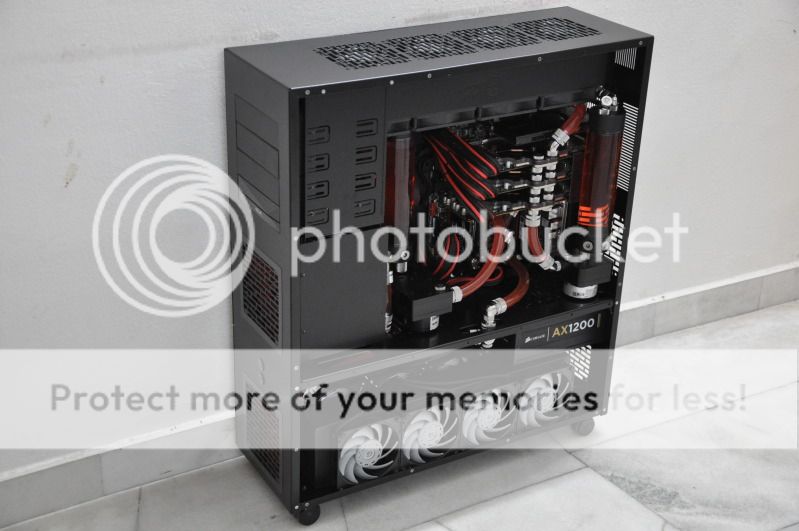
 What GC you got there in tri-SLI/crossfire?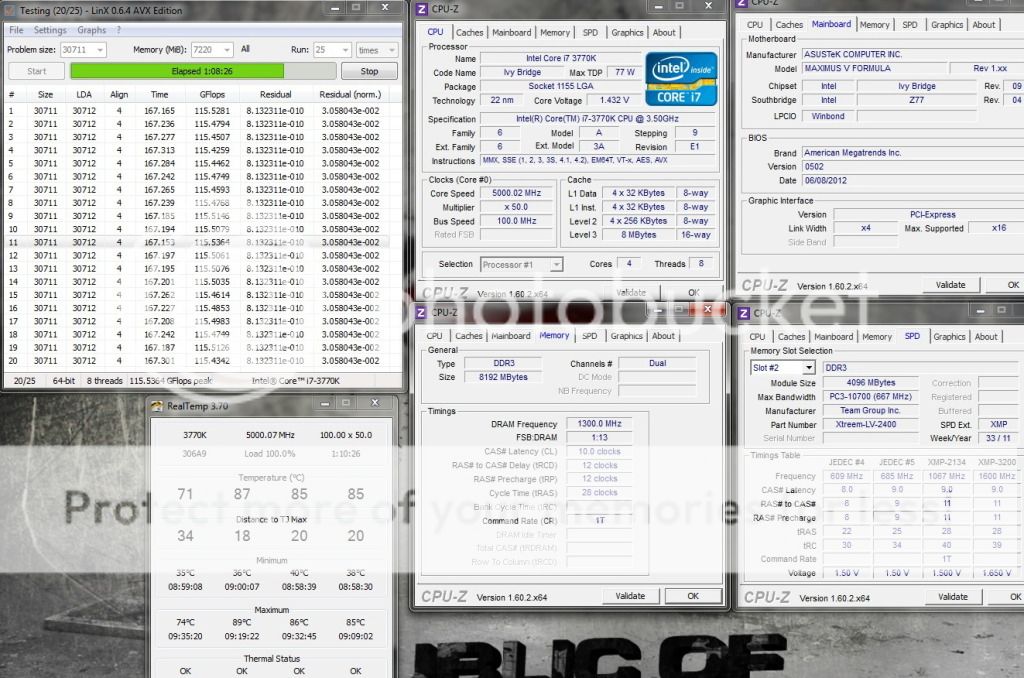
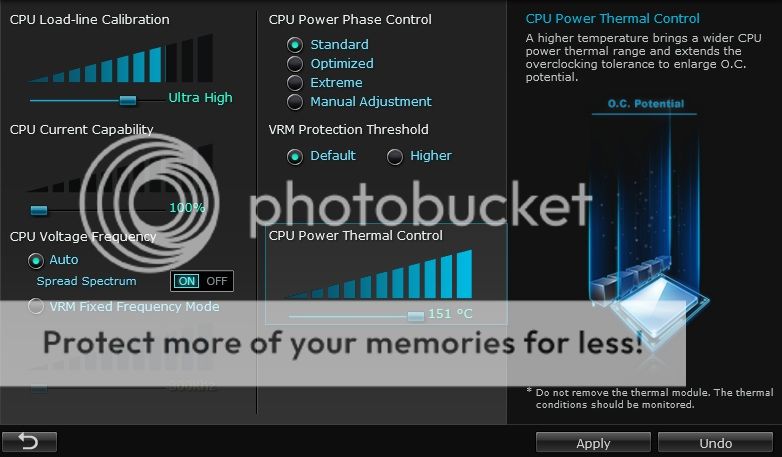


 Is it beta or stable one? Checked through @BIOS still F5
 0.0286sec
 0.96
0.96
 6 queries
 GZIP Disabled