Welcome Guest ( Log In | Register )

4 Pages  1 2 3 > » Bottom

Outline · [ Standard ] · Linear+

 Asus Eee PC Thread V3

views
     
TSemino
post Oct 29 2008, 10:43 PM, updated 15y ago

IG - riezforester
*******
Senior Member
5,967 posts

Joined: Oct 2004
From: Malaysia... Duh!


QUOTE(Wikipedia)
The ASUS Eee PC (pronounced as the letter e, IPA /iː/) is a subnotebook / netbook computer designed by ASUS. At the time of its introduction, it was noted for its combination of a light weight, Linux-based operating system, solid-state drive and relatively low cost. Newer models have added the option of Windows XP operating system and traditional hard disk drives. Newer models have also increased in price, though they remain relatively inexpensive as laptops, and notably inexpensive for ultra-small laptops.

According to ASUS, the name Eee derives from "the three Es," an abbreviation of its advertising slogan for the device: "Easy to learn, Easy to work, Easy to play".[1] It is manufactured by Pegatron Technology.[2]

In the UK, the ASUS Eee PC is also distributed as the RM Asus Minibook by RM.

Previous thread:
http://forum.lowyat.net/topic/681985

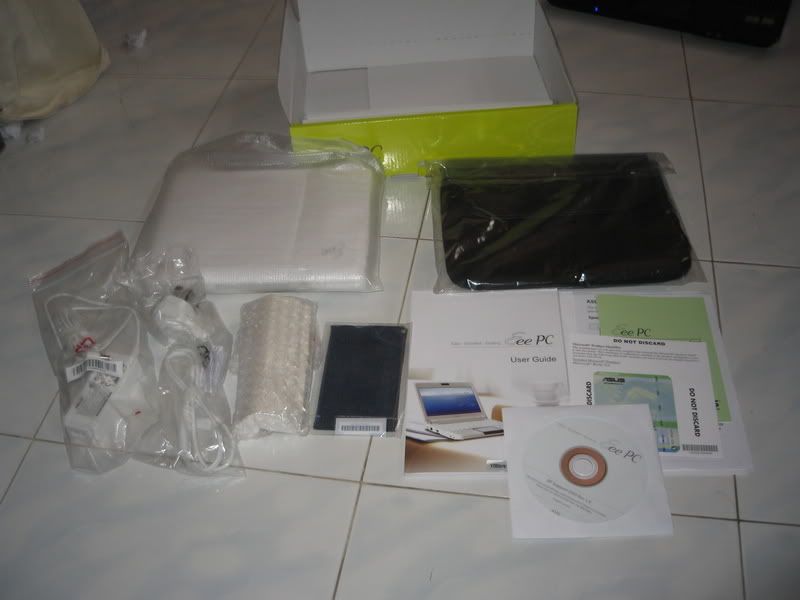
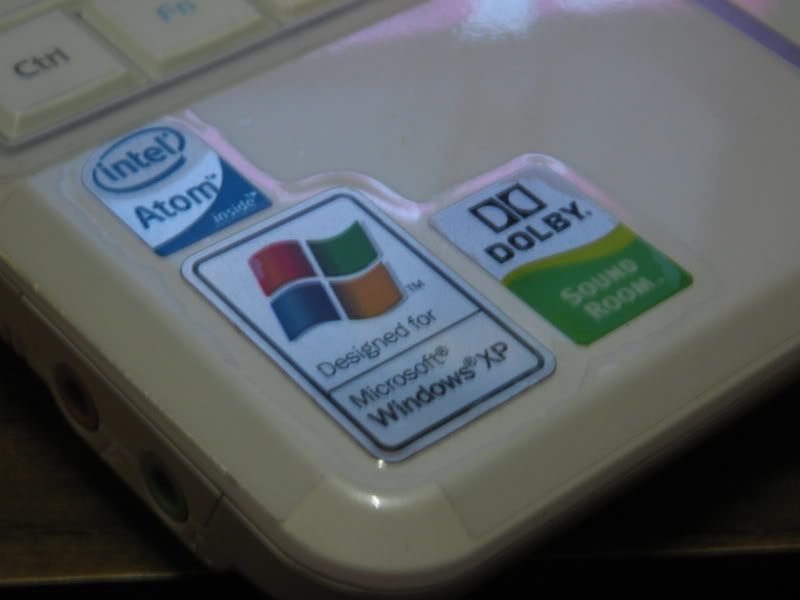
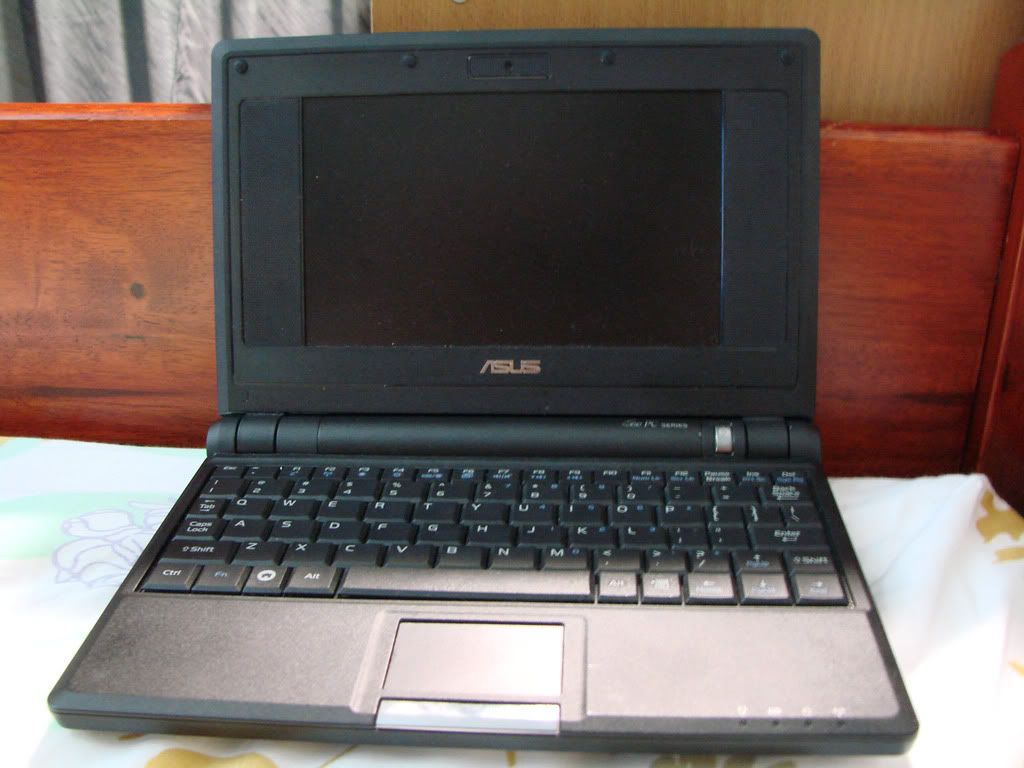
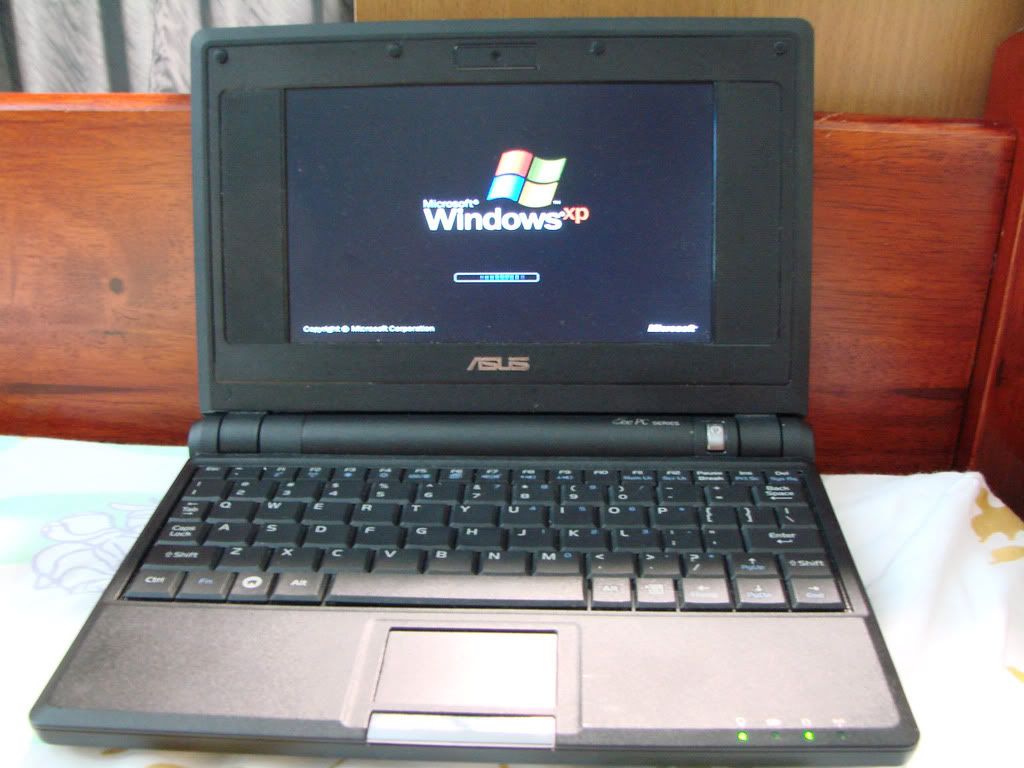
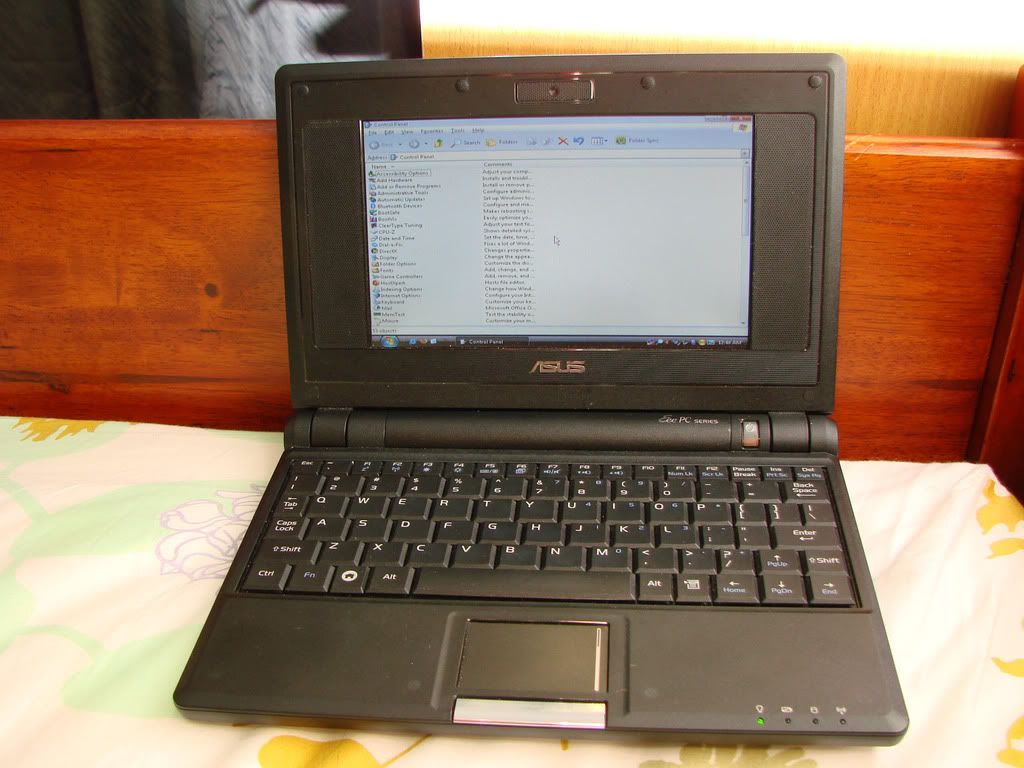
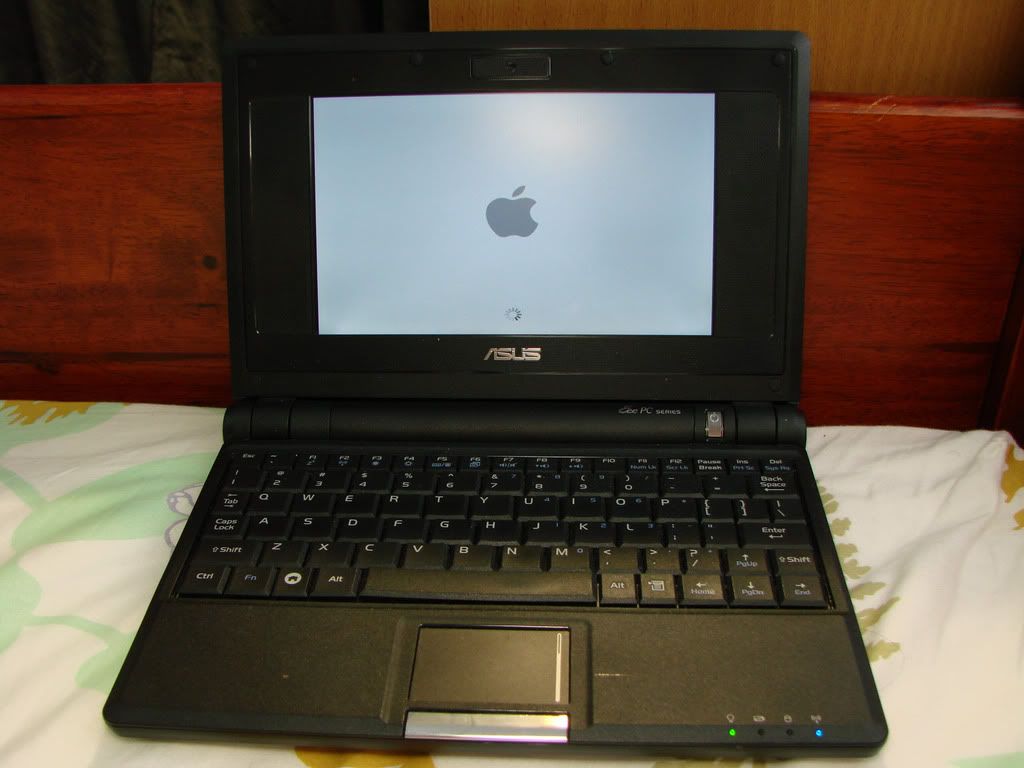
Eee Pictures
» Click to show Spoiler - click again to hide... «


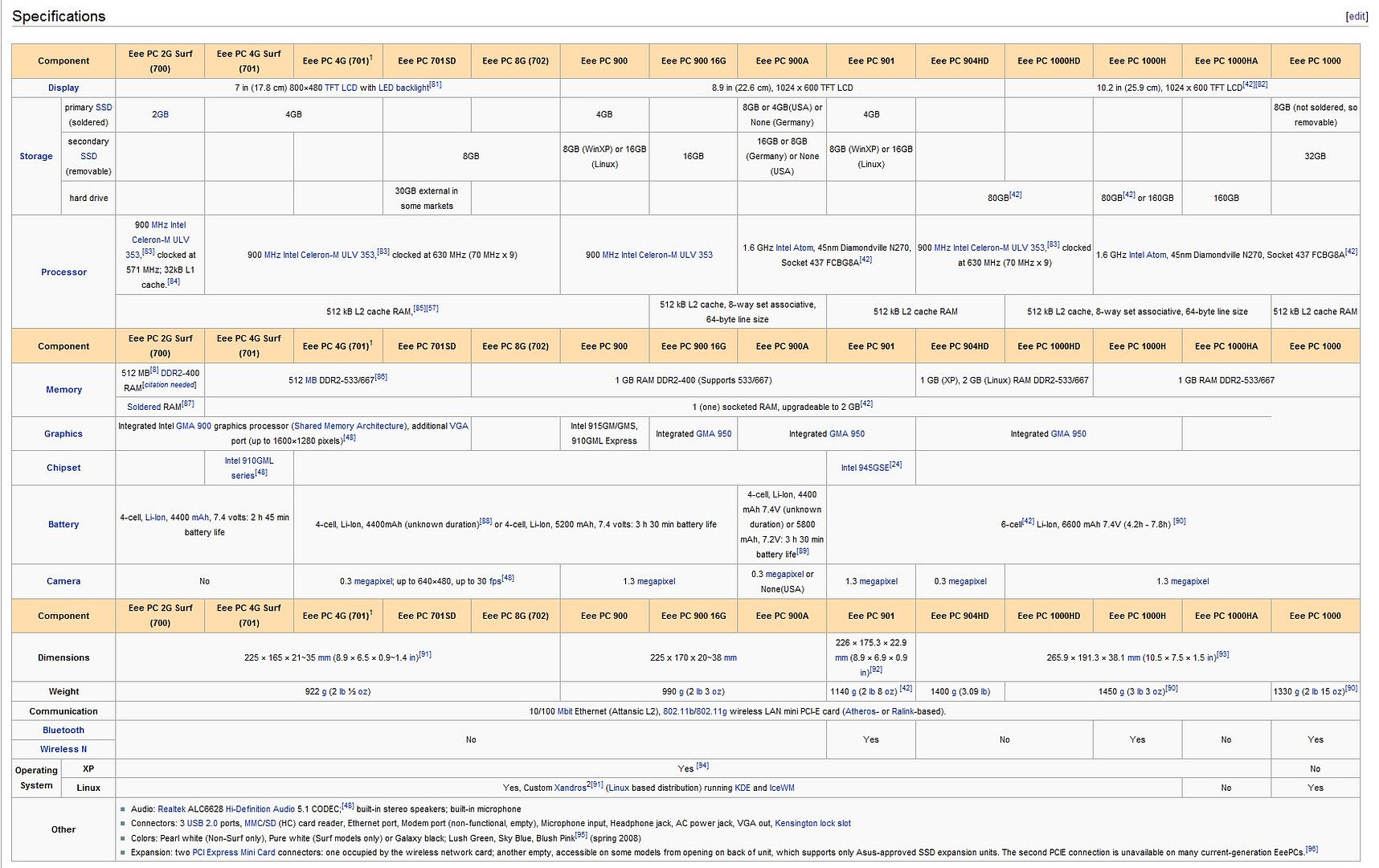
EeePC Specs
» Click to show Spoiler - click again to hide... «


This post has been edited by emino: Dec 6 2008, 06:14 PM
TSemino
post Oct 29 2008, 10:44 PM

IG - riezforester
*******
Senior Member
5,967 posts

Joined: Oct 2004
From: Malaysia... Duh!


Eee Dedicated Websites
http://www.eeeuser.com/
http://www.eeefiles.com/

Tutorials and Guides
ACPI Guide for Vista
Save space on C for 901

This post has been edited by emino: Feb 22 2009, 07:09 PM
TSemino
post Oct 29 2008, 10:45 PM

IG - riezforester
*******
Senior Member
5,967 posts

Joined: Oct 2004
From: Malaysia... Duh!


Eee PC Owner Listing:

700 Series
kazasho - 701. current os ubuntu.
beebee - 701 user with nlite XP.

900 Series
resQ - 900
vixxiee - EEE PC 901 Pearl White, Windows XP
blurprincess - 900
chicky86 - 900 30gb galaxy black
mcchin - 901, white, ram upgrade, with a zif socket
hangy2k - 901 with 3G
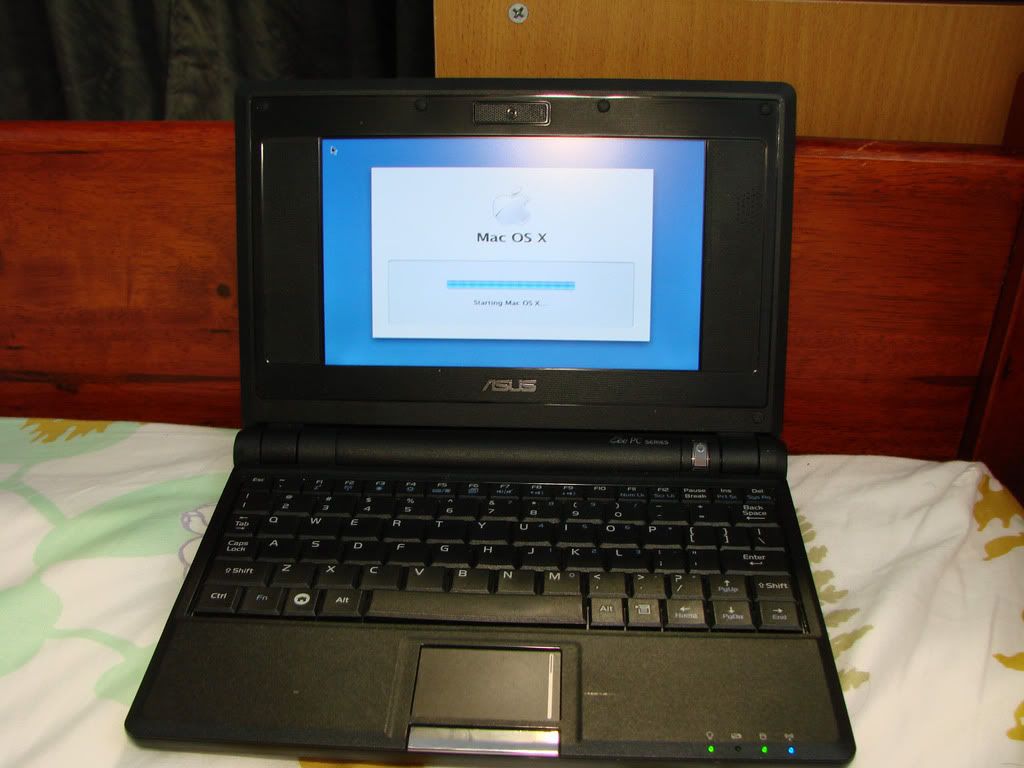
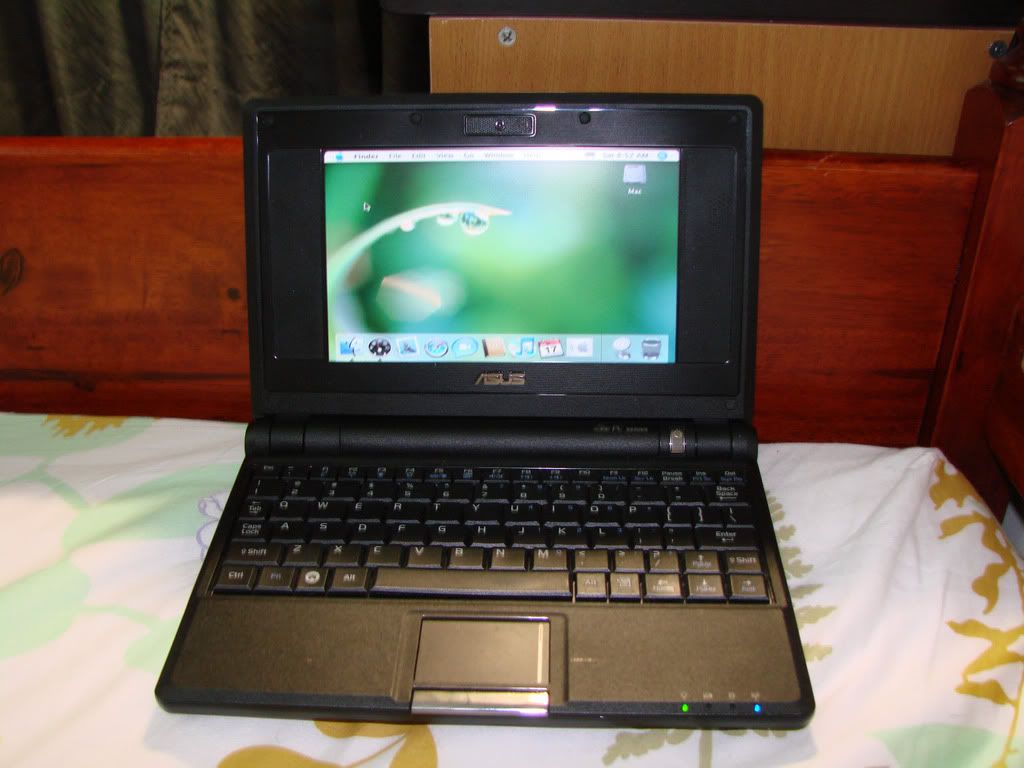
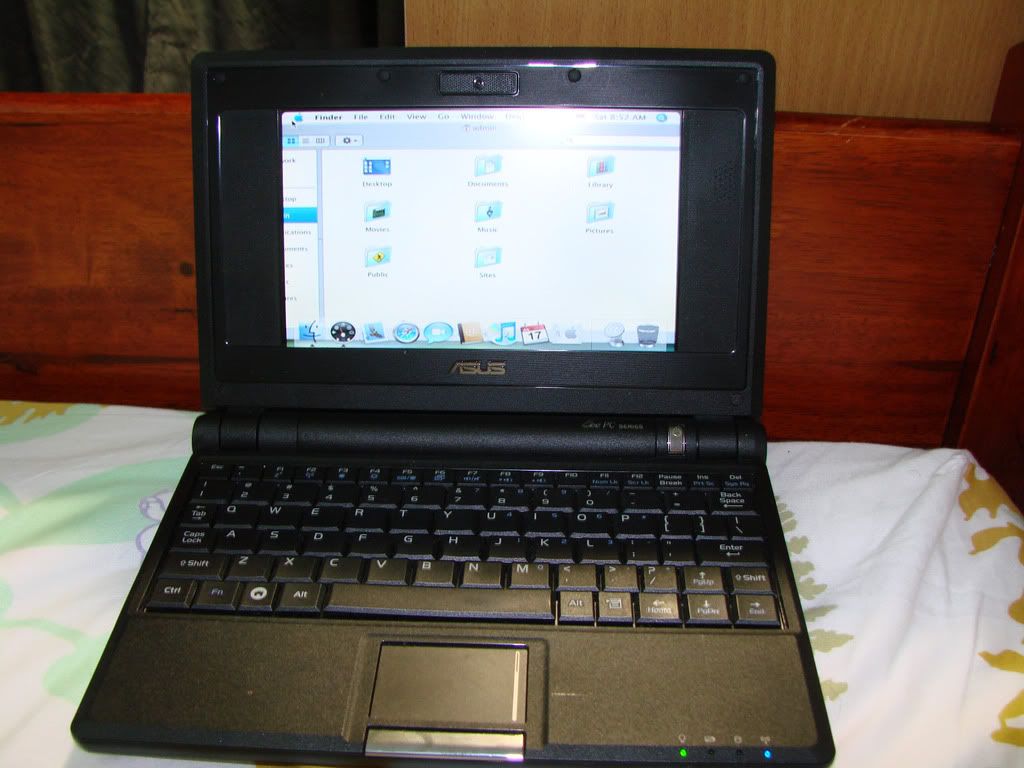
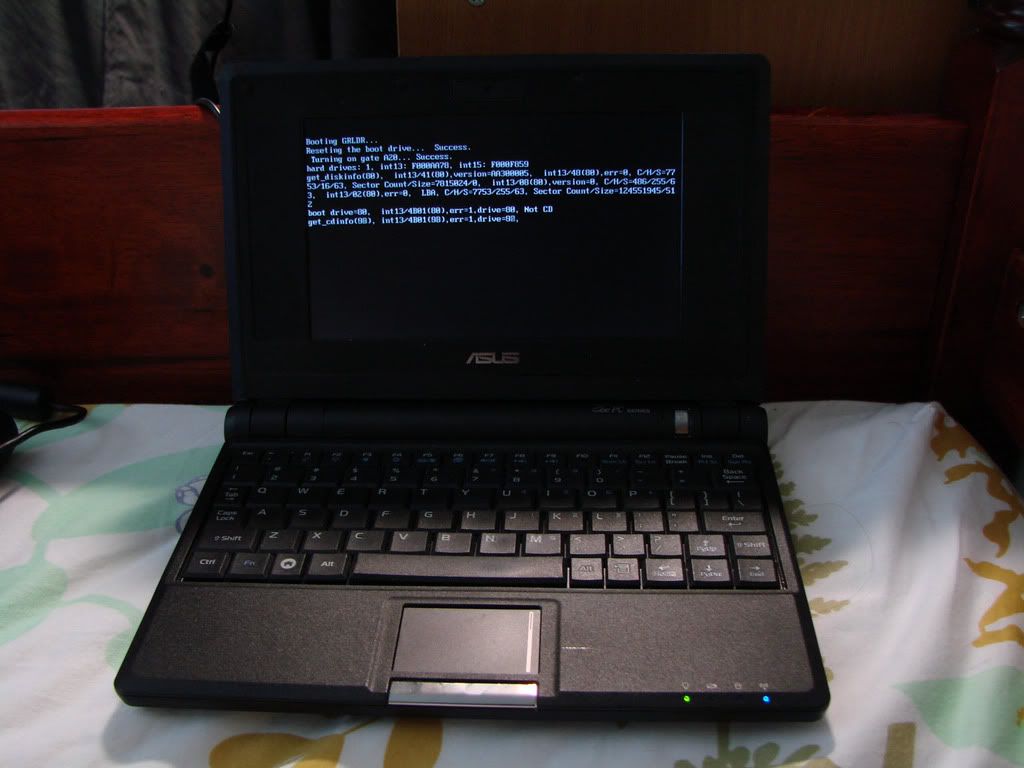
swhung - eee pc 900, 30gb hdd + 4GB PHISON SSD, triple boot xp, windows 7 and mac os x
redninja - 900A - Best Buy version (4GB, no webcam, 1GB RAM, Atom)

1000 Series
jamezco - 1000H
SKY 1809 - Old Model 1000H 80 gb.
blind&deaf - 1000h 160gb, bought from perfect stranger's store
dantwt - 1000H 80Gb
uniquexme
Perfect-Stranger's gf - 1000H 160GB
irwan6179 - 1000HE(black)
mikelanding - 1000HE (white)

1002 Series
maximp - 1002HA
muxx - 1002 for rm1899..2gb ram with free mouse...lovin it!

1005 Series
KKW - 1005HA

S101 Series
Perfect-Stranger - Eee PC S101 Champagne gold (staff price)

Special Eee PC Owner Listing (those who have more than 1):

havocx
2 x EEEPc 701 - SSD 4GB - 2GB Ram, 16gb AData SDHC
2 x EEEPc 900 - SSD 8 GB - 2GB Ram, 16gb AData SDHC
Interchangeable Bluetooth Receiver, GPS Transmitter, 77whr Battery with the EEEPC 701
1 x EEEPc 901 - HDD 30Gb
2 x EEEPc 901GO
1 x EEEPc 1000H - HDD 80 Gb
1 x S101

emino
1 x EeePC 901, RM1600, upgrade to 2 gig ram. os xp home.
1 x EeePC T91, RM1700, os xp home.

If you want me to list your name here, please pm me or mention it on this thread. TQ.

This post has been edited by emino: Jan 20 2010, 04:10 PM
TSemino
post Oct 29 2008, 10:56 PM

IG - riezforester
*******
Senior Member
5,967 posts

Joined: Oct 2004
From: Malaysia... Duh!


okay guys, please post up your items that i can add to the list smile.gif.
SUSgigabyte_PHD
post Oct 29 2008, 11:09 PM

Working For QUIDS Industry
*****
Senior Member
855 posts

Joined: Oct 2008
From: Timezone , WA


how come so little owners ? all go to MSI wind ?
kazasho
post Oct 29 2008, 11:09 PM

カザショ!
******
Senior Member
1,964 posts

Joined: Jun 2006
From: San Andreas


thanx for the v3.

mine 701. current os ubuntu eee
TSemino
post Oct 29 2008, 11:18 PM

IG - riezforester
*******
Senior Member
5,967 posts

Joined: Oct 2004
From: Malaysia... Duh!


QUOTE(gigabyte_PHD @ Oct 29 2008, 11:09 PM)
how come so little owners ? all go to MSI wind ?
*
we never actually listed them, so i think it should be the time to start smile.gif.
SUSgigabyte_PHD
post Oct 29 2008, 11:21 PM

Working For QUIDS Industry
*****
Senior Member
855 posts

Joined: Oct 2008
From: Timezone , WA


so late ah ! is not to late to start , keep it up
ResQ
post Oct 30 2008, 12:15 AM

Regular
******
Senior Member
1,039 posts

Joined: Jun 2006
From: Malaka


add me! ResQ 900

i wanna ask why my eee very2 slow ha? what shud i upgrade?
jamezco
post Oct 30 2008, 12:22 AM

WoooooooooooooT!
******
Senior Member
1,078 posts

Joined: Nov 2005


Me ... 1000H =)


» Click to show Spoiler - click again to hide... «


This post has been edited by jamezco: Oct 30 2008, 12:28 AM
SYAMiLLiON
post Oct 30 2008, 12:24 AM

Casual
***
Junior Member
460 posts

Joined: Dec 2004
From: 2.27,102.55


wow..V3 already...
kazasho
post Oct 30 2008, 12:40 AM

カザショ!
******
Senior Member
1,964 posts

Joined: Jun 2006
From: San Andreas


QUOTE(ResQ @ Oct 30 2008, 12:15 AM)
add me! ResQ 900

i wanna ask why my eee very2 slow ha? what shud i upgrade?
*
using what antivirus? space hdd left? ram how big?
mych
post Oct 30 2008, 03:40 AM

Look at all my stars!!
*******
Senior Member
2,068 posts

Joined: Nov 2006


why no backlit keyboard?
TSemino
post Oct 30 2008, 06:19 AM

IG - riezforester
*******
Senior Member
5,967 posts

Joined: Oct 2004
From: Malaysia... Duh!


QUOTE(ResQ @ Oct 30 2008, 12:15 AM)
add me! ResQ 900

i wanna ask why my eee very2 slow ha? what shud i upgrade?
*
what model?
Perfect-Stranger
post Oct 30 2008, 08:23 AM

做人如果没梦想,同咸鱼有甚么分别
******
Senior Member
1,593 posts

Joined: Aug 2007


QUOTE(emino @ Oct 30 2008, 07:19 AM)
what model?
*
Maybe 900.
Congratz ! Version 3 ady ! rclxms.gif
cspace
post Oct 30 2008, 08:38 AM

Getting Started
**
Junior Member
111 posts

Joined: Jan 2003
From: KL


Add me:

cspace - 901, Galaxy Black, XP, 2Gb RAM

Thanks!
mcchin
post Oct 30 2008, 01:20 PM

SLAVA UKRAINI !
*******
Senior Member
3,902 posts

Joined: Jul 2005
From: Sin Lor, B'worth,Pg.
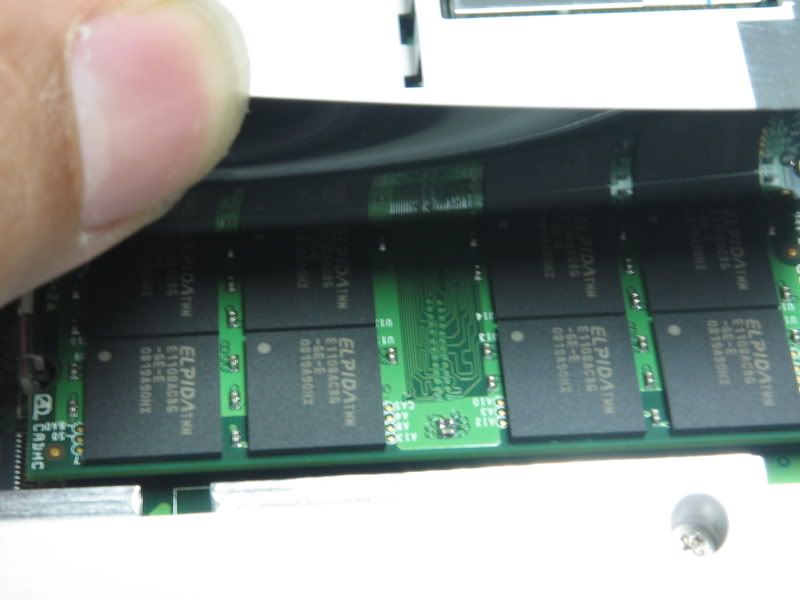
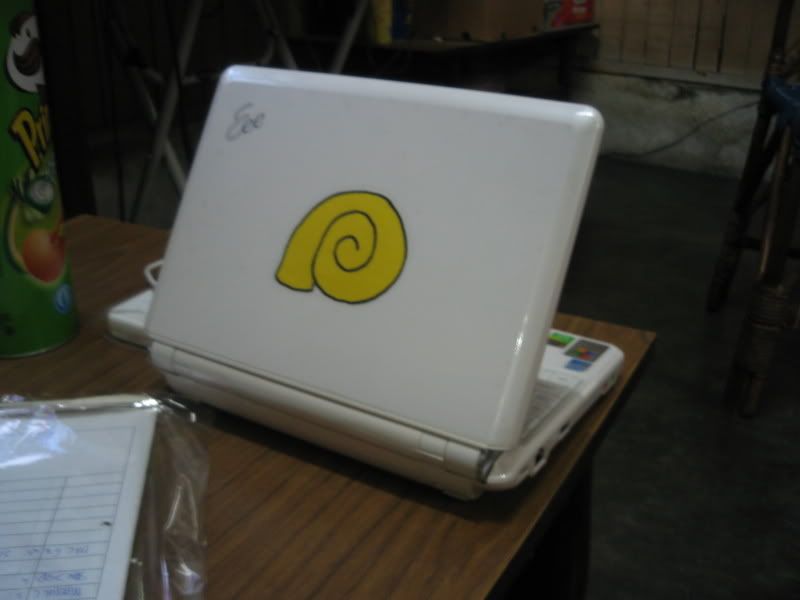
user for two months+

user posted image

user posted image

upgraded to 2gb rams

user posted image

user posted image

put some cloths on the body- don't want any indecent charges tongue.gif


last week brought this little fella to SG
though cannot connect to their common wireless
(SG$ 6/ hr shocking.gif)
but did connect to a wireless n modem
(non functional)
and the speed is 135mbps...

nice..
gonna get me one of those wireless-n wireless router


Added on October 30, 2008, 1:21 pmopps

it's a eee-pc 901, white, ram upgrade, with a zif socket

This post has been edited by mcchin: Oct 30 2008, 01:21 PM
Perfect-Stranger
post Oct 30 2008, 03:39 PM

做人如果没梦想,同咸鱼有甚么分别
******
Senior Member
1,593 posts

Joined: Aug 2007


Why put the yellow logo xD
vixxiee
post Oct 30 2008, 04:31 PM

Super size me!!
******
Senior Member
1,294 posts

Joined: Jan 2007
From: Putrajaya ~ Johor

QUOTE(emino @ Oct 29 2008, 10:56 PM)
okay guys, please post up your items that i can add to the list smile.gif.
*
EEE PC 901 Pearl White, Windows XP, Intel Atom, 1GB DDR2, 12GB SSD, A-Data 16GB Class 6 SDHC

whistling.gif
SKY 1809
post Oct 30 2008, 07:02 PM

20k VIP Club
*********
All Stars
23,851 posts

Joined: Dec 2006


Me ,,Old Model 1000H 80 gb.

Plse update.10Q

Extra one year warranty for those who post here. just joking.

This post has been edited by SKY 1809: Oct 30 2008, 07:05 PM
vixxiee
post Oct 30 2008, 08:46 PM

Super size me!!
******
Senior Member
1,294 posts

Joined: Jan 2007
From: Putrajaya ~ Johor

QUOTE(gigabyte_PHD @ Oct 29 2008, 11:09 PM)
how come so little owners ? all go to MSI wind ?
*
theres alot i can say from the previous thread...myb they still dont find the v3 yet

hmm still no new for the new eeepc with 3g hmm.gif
kazasho
post Oct 30 2008, 11:47 PM

カザショ!
******
Senior Member
1,964 posts

Joined: Jun 2006
From: San Andreas


weh dell mini got maxis 3g. wtf.wheres eeepc?
vixxiee
post Oct 30 2008, 11:59 PM

Super size me!!
******
Senior Member
1,294 posts

Joined: Jan 2007
From: Putrajaya ~ Johor

ye ke?? its out already?? how much is it..
dantwt
post Oct 31 2008, 01:03 AM

OverD
******
Senior Member
1,308 posts

Joined: Jun 2005
From: Penang


Owner of eeepc 1000H 80Gb here..

as asked in previous thread :

Could guys pls check what are the stock partitions on the 80GB hdd it initially came with? Pls provide details on each partition.

To check, follow instructions below :
Right click on My Computer ---> Select "Manage" ---> "Disk Management"

Thanks in advance..

FYI i tink i screwed up my partitions.. sad.gif
blurprincess
post Oct 31 2008, 12:20 PM

Getting Started
**
Junior Member
200 posts

Joined: Jan 2003
From: Batu Pahat


i got 900...
samngcheesan
post Oct 31 2008, 12:39 PM

012-3200032
******
Senior Member
1,175 posts

Joined: Sep 2006
From: PJ SS 2
hi
just 1 2 share
eee pc 4gb noe selling 599 onli
Alex89614
post Oct 31 2008, 12:54 PM

New Member
*
Junior Member
45 posts

Joined: Dec 2007
but i call already
out of stock
T_T
i want buy also

samngcheesan
post Oct 31 2008, 01:11 PM

012-3200032
******
Senior Member
1,175 posts

Joined: Sep 2006
From: PJ SS 2
u mean IKANO
so fast ..... luckly i bought 1
Alex89614
post Oct 31 2008, 01:16 PM

New Member
*
Junior Member
45 posts

Joined: Dec 2007
what time u bought ?
ya Ikano there
many ppl ??
samngcheesan
post Oct 31 2008, 01:19 PM

012-3200032
******
Senior Member
1,175 posts

Joined: Sep 2006
From: PJ SS 2
i bought it 10:40
yes all buying this eee pc onli

ps:this one can install XP or not ?

This post has been edited by samngcheesan: Oct 31 2008, 01:19 PM
Alex89614
post Oct 31 2008, 01:21 PM

New Member
*
Junior Member
45 posts

Joined: Dec 2007
erm
can geh but just 4 GB only u have
after u Install XP just left 2 or 3 GB lorr


2moro go there buy 1 also


This post has been edited by Alex89614: Oct 31 2008, 01:21 PM
shadiee
post Oct 31 2008, 01:50 PM

New Member
*
Junior Member
25 posts

Joined: Jul 2006
Where to buy 901 model?
fruitie
post Oct 31 2008, 02:36 PM

Rise and Shine
Group Icon
Staff
72,807 posts

Joined: Sep 2005
From: KUL

QUOTE(Alex89614 @ Oct 31 2008, 12:54 PM)
but i call already
out of stock
T_T
i want buy also
*
Out of stock already? cry.gif
I also want one. Too bad I'm not in Klang Valley, don't know ask who to help me. sad.gif
Alex89614
post Oct 31 2008, 03:13 PM

New Member
*
Junior Member
45 posts

Joined: Dec 2007
today out of stock only

cspace
post Oct 31 2008, 03:32 PM

Getting Started
**
Junior Member
111 posts

Joined: Jan 2003
From: KL


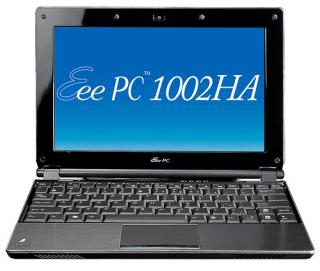
Wait for new model, Eee PC 1002HA.
Source


Attached thumbnail(s)
Attached Image
fruitie
post Oct 31 2008, 03:54 PM

Rise and Shine
Group Icon
Staff
72,807 posts

Joined: Sep 2005
From: KUL

QUOTE(Alex89614 @ Oct 31 2008, 03:13 PM)
today out of stock only
*
OK, still have hope for tomorrow. Hopefully my friend can wake up earlier to queue for me. tongue.gif
Does anybody have idea how many sets do they have per day? What time does All IT Hypermarket start its business hours?
Thank you. smile.gif
Alex89614
post Oct 31 2008, 04:10 PM

New Member
*
Junior Member
45 posts

Joined: Dec 2007
10 am
chicky86
post Oct 31 2008, 05:06 PM

Casual
***
Junior Member
320 posts

Joined: Jun 2007
add me into da list oso..
currently using eee pc 900 30gb galaxy black n happy wit it.. rclxms.gif
chrysler
post Oct 31 2008, 05:16 PM

Getting Started
**
Junior Member
182 posts

Joined: Oct 2006
From: Muddy Valley to Kuala Lumpur


any cons frm current asus eeepc 4g users??? cz im also planning to get one frm ikano power centre tmr...
blind&deaf
post Oct 31 2008, 05:19 PM

Getting Started
**
Junior Member
84 posts

Joined: Jan 2003
From: Ipoh
eeepc 1000h 160gb , bought from perfect stranger's store
Alex89614
post Oct 31 2008, 06:25 PM

New Member
*
Junior Member
45 posts

Joined: Dec 2007
who back from Ikano ?

vixxiee
post Oct 31 2008, 07:11 PM

Super size me!!
******
Senior Member
1,294 posts

Joined: Jan 2007
From: Putrajaya ~ Johor

QUOTE(shadiee @ Oct 31 2008, 01:50 PM)
Where to buy 901 model?
*
the only way u can get 901 now is bought 2nd or u can get from outside (ebay, amazon)

brows.gif
TSemino
post Oct 31 2008, 07:11 PM

IG - riezforester
*******
Senior Member
5,967 posts

Joined: Oct 2004
From: Malaysia... Duh!


QUOTE(blurprincess @ Oct 31 2008, 12:20 PM)
i got 900...
*

QUOTE(chicky86 @ Oct 31 2008, 05:06 PM)
add me into da list oso..
currently using eee pc 900 30gb galaxy black n happy wit it..  rclxms.gif
*

QUOTE(blind&deaf @ Oct 31 2008, 05:19 PM)
eeepc 1000h 160gb , bought from perfect stranger's store
*
Added you guys to the list. thumbup.gif
MANKiND
post Oct 31 2008, 07:19 PM

Getting Started
**
Junior Member
61 posts

Joined: Aug 2007
From: lowyat.net


i got friend in aussie which would like to help me to purchase asus 901 or MSI wind u1000...so which one is better deal ya???as hdd capacity is not a prob...coz i got external hdd already...

my main purpose for this netbook for internet....i travel a lot that why i prefer lighweight netbook. Also need to submit report online frequently whenever i go...so 6 cell battery help when i'm not able to find for power...

so anyone kind enough to enlighten me...plez
vixxiee
post Oct 31 2008, 07:36 PM

Super size me!!
******
Senior Member
1,294 posts

Joined: Jan 2007
From: Putrajaya ~ Johor

the msi have much bigger screen is it..10" but as for me i dont like the design of the msi..thats why i go for eeepc
jeffblazed
post Oct 31 2008, 08:54 PM

Getting Started
**
Junior Member
204 posts

Joined: Dec 2004


allit ikano only sell 5 unit of the asus eepc 701 each day for rm599....my cousin went there today around 1pm all sold out
so only the five lucky early bird will get the eepc for rm599 tomorrow.....i bet u there will be 50 plus people line up to get the eepc......next time they should just advertised 5 units daily for rm 599...so this is just a marketing ploy..... this allit
vixxiee
post Oct 31 2008, 09:19 PM

Super size me!!
******
Senior Member
1,294 posts

Joined: Jan 2007
From: Putrajaya ~ Johor

any1 going there 2moro..pls take pic of the line..hehe
mcchin
post Oct 31 2008, 09:28 PM

SLAVA UKRAINI !
*******
Senior Member
3,902 posts

Joined: Jul 2005
From: Sin Lor, B'worth,Pg.
how come my name not in the list?

outkast?

cry.gif :crie: cry.gif sad.gif sad.gif cry.gif sad.gif sad.gif cry.gif cry.gif
tnghian
post Oct 31 2008, 09:43 PM

Getting Started
**
Junior Member
81 posts

Joined: Jan 2003
From: SJ/USJ
QUOTE(MANKiND @ Oct 31 2008, 07:19 PM)
i got friend in aussie which would like to help me to purchase asus 901 or MSI wind u1000...so which one is better deal ya???as hdd capacity is not a prob...coz i got external hdd already...

my main purpose for this netbook for internet....i travel a lot that why i prefer lighweight netbook. Also need to submit report online frequently whenever i go...so 6 cell battery help when i'm not able to find for power...

so anyone kind enough to enlighten me...plez
*
could you do the bulk order for us ? i think a lot of ppl interested in asus 901 model, thanks.

Alex89614
post Oct 31 2008, 11:56 PM

New Member
*
Junior Member
45 posts

Joined: Dec 2007
QUOTE(jeffblazed @ Oct 31 2008, 08:54 PM)
allit ikano only sell 5 unit of the asus eepc 701 each day for rm599....my cousin went there today around 1pm all sold out
so only the five lucky early bird will get the eepc for rm599 tomorrow.....i bet u there will be 50 plus people line up to get the eepc......next time they should just advertised 5 units daily for rm 599...so this is just a marketing ploy..... this allit
*
just sell 5 unit only?
lol
jeffblazed
post Nov 1 2008, 12:08 AM

Getting Started
**
Junior Member
204 posts

Joined: Dec 2004


thats why la i also wandering.......why 5 units......maybe they clearing the old stock...

samngcheesan
post Nov 1 2008, 12:11 AM

012-3200032
******
Senior Member
1,175 posts

Joined: Sep 2006
From: PJ SS 2
5 box x 10 eee pc = 50 pcs eee pc
when i bought still left 1 box
Alex89614
post Nov 1 2008, 12:14 AM

New Member
*
Junior Member
45 posts

Joined: Dec 2007
u lucky.....
jeffblazed
post Nov 1 2008, 12:14 AM

Getting Started
**
Junior Member
204 posts

Joined: Dec 2004


thats why la i also wandering.......why 5 units......maybe they clearing the old stock...

samngcheesan
post Nov 1 2008, 12:16 AM

012-3200032
******
Senior Member
1,175 posts

Joined: Sep 2006
From: PJ SS 2
not 5 unit is 50 unit
tomorrow they got sell this for 599 also
but u all have to go there q lah
chrysler
post Nov 1 2008, 12:22 AM

Getting Started
**
Junior Member
182 posts

Joined: Oct 2006
From: Muddy Valley to Kuala Lumpur


so its 50 units???
Alex89614
post Nov 1 2008, 12:35 AM

New Member
*
Junior Member
45 posts

Joined: Dec 2007
yup
q first
TSemino
post Nov 1 2008, 12:38 AM

IG - riezforester
*******
Senior Member
5,967 posts

Joined: Oct 2004
From: Malaysia... Duh!


QUOTE(mcchin @ Oct 31 2008, 09:28 PM)
how come my name not in the list?

outkast?

cry.gif :crie: cry.gif sad.gif  sad.gif  cry.gif  sad.gif  sad.gif  cry.gif  cry.gif
*
sorry, missed your post.
8431
post Nov 1 2008, 01:25 AM

Henshin
*******
Senior Member
2,157 posts

Joined: Jan 2003
QUOTE(jeffblazed @ Oct 31 2008, 08:54 PM)
allit ikano only sell 5 unit of the asus eepc 701 each day for rm599....my cousin went there today around 1pm all sold out
so only the five lucky early bird will get the eepc for rm599 tomorrow.....i bet u there will be 50 plus people line up to get the eepc......next time they should just advertised 5 units daily for rm 599...so this is just a marketing ploy..... this allit
*
it's 50 units per day not 5 units.

FYI: tomolo all it ikano will be open late for customers coz they've scheduled the grand opening ceremony session from 10.00am to 12.00pm. there will be also a queue system utilzing "ticket" for EEE pc allocation abt 50 units, and this imply also on other promo items as well which is limited in quantity. so u guys can start lining up early coz the entrance will be closed til the opening ceremony session is done. good luck to all lol

This post has been edited by 8431: Nov 1 2008, 01:29 AM
vhs1
post Nov 1 2008, 01:26 AM

Look at all my stars!!
*******
Senior Member
2,829 posts

Joined: Sep 2008
5 units of what?
andrewhtf
post Nov 1 2008, 01:37 AM

Regular
******
Senior Member
1,583 posts

Joined: Apr 2006
From: Clerking. Data Entry like a Mad Man


Hi guys, i'm not sure if this has been asked before, but i need a quick answer. The one selling in Ikano, although It's an old model, sounds like good bargain. I just need one for websurfing. Only issue is It's running on linux, which i'm afraid, does not get the most support for online browsing features like an IE does. Can i change the OS to win xp? If yes, how do i go about it? Through asus authorised? Or we can diy it?

This post has been edited by andrewhtf: Nov 1 2008, 01:42 AM
maevox
post Nov 1 2008, 04:11 AM

Getting Started
**
Junior Member
78 posts

Joined: Feb 2006
From: Seremban, N9


QUOTE(andrewhtf @ Nov 1 2008, 01:37 AM)
Hi guys, i'm not sure if this has been asked before, but i need a quick answer.  The one selling in Ikano, although It's an old model, sounds like good bargain. I just need one for websurfing. Only issue is It's running on linux, which i'm afraid, does not get the most support for online browsing features like an IE does. Can i change the OS to win xp? If yes, how do i go about it? Through asus authorised? Or we can diy it?
*
u can install WinXP but need to DIY
u need an external cd-drive for that
google about the instruction on the Net
Perfect-Stranger
post Nov 1 2008, 08:48 AM

做人如果没梦想,同咸鱼有甚么分别
******
Senior Member
1,593 posts

Joined: Aug 2007


QUOTE(andrewhtf @ Nov 1 2008, 02:37 AM)
Hi guys, i'm not sure if this has been asked before, but i need a quick answer.  The one selling in Ikano, although It's an old model, sounds like good bargain. I just need one for websurfing. Only issue is It's running on linux, which i'm afraid, does not get the most support for online browsing features like an IE does. Can i change the OS to win xp? If yes, how do i go about it? Through asus authorised? Or we can diy it?
*
First of all, you need to check whether it is Eee PC 701.
If yes, it should be no problem to switch it to Window XP as the XP drivers are provided inside the Box.
You can install XP by using external DVD Drive or by using a bootable Pendrive ( *Note* not all pendrive able to boot )
If lets say you want Asus authorised to do it for you, you must give them the original Window XP. And remember, there will be some service charge * RM50-100 *
So might be as well DIY first coz its like normal reformating your pc.

Have a nice day


Added on November 1, 2008, 8:55 am* Update *

Eee PC 900 with 160GB in the market finally !
Selling at RM1499.


This post has been edited by Perfect-Stranger: Nov 1 2008, 08:55 AM
samngcheesan
post Nov 1 2008, 10:50 AM

012-3200032
******
Senior Member
1,175 posts

Joined: Sep 2006
From: PJ SS 2
QUOTE(8431 @ Nov 1 2008, 01:25 AM)
it's 50 units per day not 5 units.

FYI: tomolo all it ikano will be open late for customers coz they've scheduled the grand opening ceremony session from 10.00am to 12.00pm. there will be also a queue system utilzing "ticket" for EEE pc allocation abt 50 units, and this imply also on other promo items as well which is limited in quantity. so u guys can start lining up early coz the entrance will be closed til the opening ceremony session is done.  good luck to all lol
*
no need buy
Q = 200 people at lease
shadiee
post Nov 1 2008, 06:54 PM

New Member
*
Junior Member
25 posts

Joined: Jul 2006
QUOTE(vixxiee @ Oct 31 2008, 07:11 PM)
the only way u can get 901 now is bought 2nd or u can get from outside (ebay, amazon)

brows.gif
*
If bought outside Malaysia how about warranty? is eee pc come with international warranty and can claim with asus Malaysia?

This post has been edited by shadiee: Nov 1 2008, 06:54 PM
chrysler
post Nov 1 2008, 07:54 PM

Getting Started
**
Junior Member
182 posts

Joined: Oct 2006
From: Muddy Valley to Kuala Lumpur


thank you jesus...i gt my asus eee pc 4g today..started Que-ing since 8+....till 12>.<...but well...its worth it.....
killer_pussylover
post Nov 1 2008, 09:49 PM

Getting Started
**
Junior Member
205 posts

Joined: Oct 2007
Any idea when the eee pc s101 be launching in M'sia and how much?
winstorm08
post Nov 1 2008, 09:55 PM

Getting Started
**
Junior Member
120 posts

Joined: Oct 2008
QUOTE(samngcheesan @ Nov 1 2008, 10:50 AM)
no need buy
Q = 200 people at lease
*
I was there this morning, they open 11am, i reach there around 11.15am, saw they still have few pcs. According to the floor people, they said they have another 50pcs to be release tomorrow (Sunday), if anyone come before 1030am, line up for half and hour, they will be abe to grab it as most people come around 11am....

so be an early bird if you really want to grab it.

For me I grab a A4 Tech wireless keyboard and mouse set for only RM 49..... from their 50% discount...very good deal !!!
AHBOON
post Nov 2 2008, 01:01 AM

Regular
******
Senior Member
1,278 posts

Joined: Jan 2003


where is their profit came from since sell so cheap at ikano?
vhs1
post Nov 2 2008, 03:06 AM

Look at all my stars!!
*******
Senior Member
2,829 posts

Joined: Sep 2008
really unbelivable!

so cheap!! rclxms.gif
vixxiee
post Nov 2 2008, 03:45 AM

Super size me!!
******
Senior Member
1,294 posts

Joined: Jan 2007
From: Putrajaya ~ Johor

QUOTE(AHBOON @ Nov 2 2008, 01:01 AM)
where is their profit came from since sell so cheap at ikano?
*
just for fun whistling.gif old stock i think
Perfect-Stranger
post Nov 2 2008, 08:29 AM

做人如果没梦想,同咸鱼有甚么分别
******
Senior Member
1,593 posts

Joined: Aug 2007


QUOTE(shadiee @ Nov 1 2008, 07:54 PM)
If bought outside Malaysia how about warranty? is eee pc come with international warranty and can claim with asus Malaysia?
*
Nope, Eee PC doesn't comes with international warranty.
If you bought it outside Msia, then you need to send it back to the country in which you bought it from.

QUOTE(AHBOON @ Nov 2 2008, 02:01 AM)
where is their profit came from since sell so cheap at ikano?
*
Clearing old stock.
Waiting for them to clear eee pc 900. xD

kazasho
post Nov 2 2008, 08:41 AM

カザショ!
******
Senior Member
1,964 posts

Joined: Jun 2006
From: San Andreas


eeepc 900 with 160gb 1499? >.< xp home ori rite?

my local shop eeepc 900 with 80gb 1499 >.<
jeffblazed
post Nov 2 2008, 10:37 AM

Getting Started
**
Junior Member
204 posts

Joined: Dec 2004


heard today people q from 5am to get the eeepc from ikano.......
Perfect-Stranger
post Nov 2 2008, 10:51 AM

做人如果没梦想,同咸鱼有甚么分别
******
Senior Member
1,593 posts

Joined: Aug 2007


QUOTE(kazasho @ Nov 2 2008, 09:41 AM)
eeepc 900 with 160gb 1499? >.< xp home ori rite?

my local shop eeepc 900 with 80gb 1499 >.<
*
Yeap,
900 160GB + 2gb RAM for RM1499 .
Window XP home SP3 ORIGINAL.
The start up speed faster than 900 30GB by 10 seconds.

Haha ! 900 or 904 ? =)

QUOTE(jeffblazed @ Nov 2 2008, 11:37 AM)
heard today people q from 5am to get the eeepc from ikano.......
*
WOW !
Actually not only Ikano having ths promotion, ALLIT in Lowyat plaza 3rd floor oso got. But not sure stil got stock or not.

jeffW
post Nov 2 2008, 11:15 AM

Getting Started
**
Junior Member
149 posts

Joined: Aug 2008
QUOTE(jeffblazed @ Nov 2 2008, 10:37 AM)
heard today people q from 5am to get the eeepc from ikano.......
*
5am is bullshit.
Ikano center hasnt open yet.

7am+ more like it.
enjay
post Nov 2 2008, 12:25 PM

New Member
*
Junior Member
26 posts

Joined: May 2008
From: Petaling Jaya


QUOTE(jeffW @ Nov 2 2008, 11:15 AM)
5am is bullshit.
Ikano center hasnt open yet.

7am+ more like it.
*
i arrived there 8am today and the queue was already long. i was about the 60th person in line who wanted to buy the eepc. i missed my chance to take one home by about 10 people. cry.gif


Perfect-Stranger
post Nov 2 2008, 05:28 PM

做人如果没梦想,同咸鱼有甚么分别
******
Senior Member
1,593 posts

Joined: Aug 2007


Nvm la, better luck next time ^^
jamezco
post Nov 2 2008, 09:45 PM

WoooooooooooooT!
******
Senior Member
1,078 posts

Joined: Nov 2005


lol ... i dont think there is a next time
Perfect-Stranger
post Nov 2 2008, 10:10 PM

做人如果没梦想,同咸鱼有甚么分别
******
Senior Member
1,593 posts

Joined: Aug 2007


Who knows =) Anyhow Asus will try their best to clear them off.
jamezco
post Nov 3 2008, 12:13 AM

WoooooooooooooT!
******
Senior Member
1,078 posts

Joined: Nov 2005


hmmm i dont mind if they sell me a 701 for RM600 then i can mod a touch screen and mount it in my lil wira ...

change the speedo to a touch screen ..... wooooooooot

Proton Wira 1.3 = Powered by Asus 701 with Windows XP...

xD
Perfect-Stranger
post Nov 3 2008, 12:29 AM

做人如果没梦想,同咸鱼有甚么分别
******
Senior Member
1,593 posts

Joined: Aug 2007


Lol !!
That's great idea.
But .. worth it ? I mean it would cost sum of money to mod it into a touch screen mode, isn't it ?

kazasho
post Nov 3 2008, 01:28 AM

カザショ!
******
Senior Member
1,964 posts

Joined: Jun 2006
From: San Andreas


last time got forumer bulk. now none sad.gif
wanted last time but no money.
rm1xx for touch screen hardware
jamezco
post Nov 3 2008, 01:56 AM

WoooooooooooooT!
******
Senior Member
1,078 posts

Joined: Nov 2005


QUOTE(Perfect-Stranger @ Nov 3 2008, 12:29 AM)
Lol !!
That's great idea.
But .. worth it ? I mean it would cost sum of money to mod it into a touch screen mode, isn't it ?
*
QUOTE(kazasho @ Nov 3 2008, 01:28 AM)
last time got forumer bulk. now none sad.gif
wanted last time but no money.
rm1xx for touch screen hardware
*
I remembered someone posted there is a USB screen which we can stick on the screen and make it automatically touch screen...

what my friend suggested was go find some china touch screen thingy and hook it up ...

the problem now is that ... how do i power the lappie wit the car batt???

do i need extra batt in the car???

if this really could be done it would be dam sweet ...

the water temp and petrol meters could be placed on the right hand side then the custom make a place to fit the touch screen on the speedo area ...

hide the 701 behind the dashboard .... bluetooth it and put a bluetooth GPS .... install garmin mobile pc and load it with malsing maps ... put a 5.1 USB sound card ... and it would be FANTASTIC... i think all this mods wont even cost more than 1k since the 701 is so cheap ... hehehehe =)

not forgetting we could put a bluetooth keyboard as well =) ... hahaha xD

This post has been edited by jamezco: Nov 3 2008, 01:57 AM
vixxiee
post Nov 3 2008, 03:30 PM

Super size me!!
******
Senior Member
1,294 posts

Joined: Jan 2007
From: Putrajaya ~ Johor

plug power to your eeepc in the car..can use something like this

user posted image
ercheekong
post Nov 3 2008, 03:37 PM

New Member
*
Junior Member
29 posts

Joined: Mar 2007
Can any 1 tell me that Eee 901 used what kind of graphic chip?? it not stated in the official website...(need it to draw Autocad 3D)

If i connect it to 19" LCD monitor, can i change the resolution to 1440X900...??

Eee 901 used SSD, can change it to HHD??
And what kind of upgrade can be done??
like... RAM, Max is??
XP home to XP pro?? or Vista??
kevtan
post Nov 3 2008, 03:46 PM

New Member
*
Junior Member
16 posts

Joined: Oct 2005
the asus eee series is the lowest in terms of speed for a pc. You do not want to run heavy duty apps like ACAD or Photoshop unless you want to make lots of coffe while waiting for updates to refresh the screen.
ercheekong
post Nov 3 2008, 04:15 PM

New Member
*
Junior Member
29 posts

Joined: Mar 2007
So, it can't run AutoCAD...
it can run MS office??
jamezco
post Nov 3 2008, 04:23 PM

WoooooooooooooT!
******
Senior Member
1,078 posts

Joined: Nov 2005


QUOTE(vixxiee @ Nov 3 2008, 03:30 PM)
plug power to your eeepc in the car..can use something like this

user posted image
*
hmmm nice one ... but I want to hide the 701 under the dashboard wor ... then i cannot smoke in the car liao lo ... anywayz great suggestion ... =)

thx thx


QUOTE(ercheekong @ Nov 3 2008, 04:15 PM)
So, it can't run AutoCAD...
it can run MS office??
*
Yes you can run MS Office ... In fact ... my 2gb ram 1000H is running Vista Ulti with MS office 2007.... no problemo ....
ercheekong
post Nov 3 2008, 04:46 PM

New Member
*
Junior Member
29 posts

Joined: Mar 2007
QUOTE(jamezco @ Nov 3 2008, 04:23 PM)
hmmm nice one ... but I want to hide the 701 under the dashboard wor ... then i cannot smoke in the car liao lo ... anywayz great suggestion ... =)

thx thx
Yes you can run MS Office ... In fact ... my 2gb ram 1000H is running Vista Ulti with MS office 2007.... no problemo ....
*
So, Eee 901 can use vista too??
RAM can upgrade to 2 GB?? 4GB can a??
TSemino
post Nov 3 2008, 05:25 PM

IG - riezforester
*******
Senior Member
5,967 posts

Joined: Oct 2004
From: Malaysia... Duh!


QUOTE(ercheekong @ Nov 3 2008, 04:46 PM)
So, Eee 901 can use vista too??
RAM can upgrade to 2 GB?? 4GB can a??
*
You keep forgetting that eee is for portability, not performance. Better get a full spec laptop if you wants those things.
kevtan
post Nov 3 2008, 05:26 PM

New Member
*
Junior Member
16 posts

Joined: Oct 2005
ram maxes out at 2gb, yes you can run acad or photoshop or vista but its like running those apps on a pentium 4 of 5 years ago in terms of speed. You will regret getting the EEE for these apps.

This is not a desktop replacement, its meant for long runtime wifi access for those on the run without the weight penalty of a desktop replacement notebook.
ercheekong
post Nov 3 2008, 05:50 PM

New Member
*
Junior Member
29 posts

Joined: Mar 2007
QUOTE(emino @ Nov 3 2008, 05:25 PM)
You keep forgetting that eee is for portability, not performance. Better get a full spec laptop if you wants those things.
*
I know it is not for performance...i just wanna know is there possible for a portable laptop to run such heavy program...

Btw full spec laptop is very heavy...
I now using 14" laptop, damn heavy... (maybe i'm too weak hmm.gif )

I need to travel a lot from S'pore to M'sia. So, i really need a portable laptop.
jamezco
post Nov 3 2008, 06:14 PM

WoooooooooooooT!
******
Senior Member
1,078 posts

Joined: Nov 2005


hmmmm .... how bout going for a 12" lappie? there are quite a few good ones

X200 is good ... but its kinda pricy
Perfect-Stranger
post Nov 4 2008, 08:28 AM

做人如果没梦想,同咸鱼有甚么分别
******
Senior Member
1,593 posts

Joined: Aug 2007


» Click to show Spoiler - click again to hide... «


I double check with Asus Imbi Plaza, they said it is impossible to order this car charger.


» Click to show Spoiler - click again to hide... «


Using intel graphic chipset with integrated graphic like 128mb.

I tested with 22'' LCD monitor, it is possible to change the resolution to 1440 x 900.

Eee 901 used SSD inwhich the size of it is totally different with 2.5inches normal laptop HDD, unless you are going for mini HDD.

RAM can be maximum upgraded to 2 GB one stick.
You can try with 4GB one stick in the future after the price for 4gb become cheaper. *Currently is RM1K+ for 4GB ram*

901 comes with XP home, but you can stil go for XP proby reformating it again.
I would not recommend you to go for Window Vista as i felt that n10 that comes with vista + atom processor + 2gb ram is kinda slow.
So, stick with XP if possible.
I wonder whats the difference between the future window 09 with the current XP and Vista, you can anyhow try it in the future. rclxms.gif


wufei
post Nov 4 2008, 11:30 AM

Look at all my stars!!
*******
Senior Member
3,039 posts

Joined: Jan 2003
From: Laputa


bookmark , v3 liao
kazasho
post Nov 4 2008, 12:51 PM

カザショ!
******
Senior Member
1,964 posts

Joined: Jun 2006
From: San Andreas


anybody selling their eeepc brows.gif

check at garage sales, not many used for sell >.<
if anyone know who sell used or new, pm me

my father plak bising mau. hahaha
ercheekong
post Nov 4 2008, 04:14 PM

New Member
*
Junior Member
29 posts

Joined: Mar 2007
QUOTE(Perfect-Stranger @ Nov 4 2008, 08:28 AM)
» Click to show Spoiler - click again to hide... «


I double check with Asus Imbi Plaza, they said it is impossible to order this car charger.
» Click to show Spoiler - click again to hide... «


Using intel graphic chipset with integrated graphic like 128mb.

I tested with 22'' LCD monitor, it is possible to change the resolution to 1440 x 900.

Eee 901 used SSD inwhich the size of it is totally different with 2.5inches normal laptop HDD, unless you are going for mini HDD.

RAM can be maximum upgraded to 2 GB one stick.
You can try with 4GB one stick in the future after the price for 4gb become cheaper. *Currently is RM1K+ for 4GB ram*

901 comes with XP home, but you can stil go for XP proby reformating it again.
I would not recommend you to go for Window Vista as i felt that n10 that comes with vista + atom processor + 2gb ram is kinda slow.
So, stick with XP if possible.
I wonder whats the difference between the future window 09 with the current XP and Vista, you can anyhow try it in the future.  rclxms.gif
*
thank dude. biggrin.gif

I saw some videos in youtube, Eee 901 can ply NFS most wanted and SSD can change to 18" HHD.

BTW... M'sia got sell 18" HHD?? I never hear it before... hmm.gif
n price??
jamezco
post Nov 4 2008, 04:53 PM

WoooooooooooooT!
******
Senior Member
1,078 posts

Joined: Nov 2005


QUOTE(ercheekong @ Nov 4 2008, 04:14 PM)
thank dude. biggrin.gif

I saw some videos in youtube, Eee 901 can ply NFS most wanted and SSD can change to 18" HHD.

BTW... M'sia got sell 18" HHD?? I never hear it before... hmm.gif
n price??
*
i think what you meant is SSD ????

currently its 64gb SSD for RM715
ercheekong
post Nov 4 2008, 05:04 PM

New Member
*
Junior Member
29 posts

Joined: Mar 2007
QUOTE(jamezco @ Nov 4 2008, 04:53 PM)
i think what you meant is SSD ????

currently its 64gb SSD for RM715
*
That expensive a... shocking.gif
Better buy a SDHC... icon_idea.gif

Eee 901 can support SDHC a??
TSemino
post Nov 4 2008, 05:13 PM

IG - riezforester
*******
Senior Member
5,967 posts

Joined: Oct 2004
From: Malaysia... Duh!


QUOTE(ercheekong @ Nov 4 2008, 05:04 PM)
That expensive a... shocking.gif
Better buy a SDHC... icon_idea.gif

Eee 901 can support SDHC a??
*
Yes. I am using mine with a 16GB SDHC. Very good indeed.
kevtan
post Nov 4 2008, 05:20 PM

New Member
*
Junior Member
16 posts

Joined: Oct 2005
The 1.8inch hd is the same used in the Ipod. DO NOT expect that the HD will improve the speed of the EEE by much. It will be much faster if you can get the SLC SSD. Read thru the 2nd ver and you can see where they can be bought. Beware that they are expensive.
pv03
post Nov 4 2008, 07:01 PM

New Member
*
Junior Member
37 posts

Joined: Jul 2008
just received my 1.8 Toshiba HDD today but already damage the cable cry.gif cry.gif
... now need to order new cable for my HDD... Toshiba HDD connector very thin only 0.22mm..


Perfect-Stranger
post Nov 5 2008, 08:39 AM

做人如果没梦想,同咸鱼有甚么分别
******
Senior Member
1,593 posts

Joined: Aug 2007


Bad news.
Deepavali promotion ended d, Eee pc 1000H price changed from RM1899 to RM1999.

blind&deaf
post Nov 5 2008, 09:26 PM

Getting Started
**
Junior Member
84 posts

Joined: Jan 2003
From: Ipoh
it's not a bad news for me.
bought it during raya promotion.
din like the battery and the shift key though, haha
now i am using my1000h more than my desktop
****************************************
hk is selling 11200,12000 mah batteries for 1000h, any chance you will sell them here ?

This post has been edited by blind&deaf: Nov 5 2008, 09:39 PM
Perfect-Stranger
post Nov 5 2008, 09:29 PM

做人如果没梦想,同咸鱼有甚么分别
******
Senior Member
1,593 posts

Joined: Aug 2007


Lol !
Nvm la, since you bought it d, try to lub it anyhow ^0^
Netbook is anyhow better than desktop =D
jeffblazed
post Nov 5 2008, 11:11 PM

Getting Started
**
Junior Member
204 posts

Joined: Dec 2004


HOW MUCH EEE 701 NOW.....WHERE THE BEST PLACE TO BUY
Perfect-Stranger
post Nov 6 2008, 09:53 AM

做人如果没梦想,同咸鱼有甚么分别
******
Senior Member
1,593 posts

Joined: Aug 2007


Normal retail price wou;d be around RM799, let me know if you are interested through PM.
Will confirm the price with you again if you really keen to get it.
jamezco
post Nov 7 2008, 01:10 AM

WoooooooooooooT!
******
Senior Member
1,078 posts

Joined: Nov 2005


Guys ... wanna ask something aye ....

I'm currently running vista Ulti on my 1000H .... regarding the Hybrid engine... do i use that to underclock my processor or use the batt thingy from vista to underclock it?

if both also work then i would prefer to use the hybrid engine so i no need to click on my task bar to choose what settings i want to use ....

thx guys =)

btw for Vista users ... they have found a solution to fix the ACPI problem =)

my audio buttons by using the Fn keys are working fantastically =)

wooooooot
dantwt
post Nov 7 2008, 01:41 AM

OverD
******
Senior Member
1,308 posts

Joined: Jun 2005
From: Penang


mind to show how to fix the ACPI thinggy?

or at least post the link here?

a tutorial will be great though
ilham87
post Nov 7 2008, 03:56 AM

SSD Freak
*****
Senior Member
848 posts

Joined: Feb 2005
From: Pantai Dalam, KL


i cannot sleep.. damn bored.. so decided to play around with my eeepc 900.

this time play with new os.

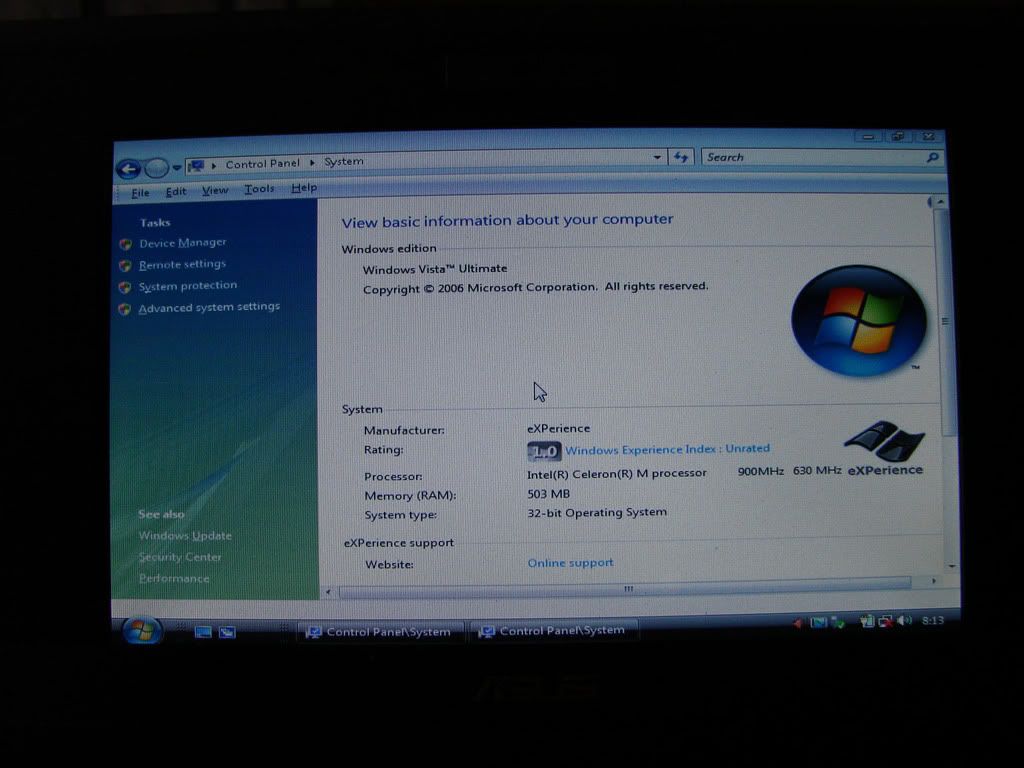
Windows 7 Ultimate pre-beta edition. Required disc space 7.8gb min.. my eeepc still have 15gb left.. so i create new partition and dual boot together with the preloaded windows xp.

gui more or less the same like vista.. but suprisingly, it is faster and better than vista. Boot time for my eeepc 900 is around 45 sec

here is some pic..

» Click to show Spoiler - click again to hide... «


i think thats all for now.. i'll post more images later.

overall im quite suprise with the performance of this new os. even a 900mhz celeron processor eeepc can run it smoothly.

This post has been edited by ilham87: Nov 7 2008, 09:27 AM
jamezco
post Nov 7 2008, 09:21 AM

WoooooooooooooT!
******
Senior Member
1,078 posts

Joined: Nov 2005


QUOTE(dantwt @ Nov 7 2008, 01:41 AM)
mind to show how to fix the ACPI thinggy?

or at least post the link here?

a tutorial will be great though
*
As requested.

ACPI Fix for EEE PC Vista


Nice one Ilham .... next time could you put into spoiler so it wont make the thread look so long ...

btw your Windows 7 is valid for 30 days? =)
ilham87
post Nov 7 2008, 09:26 AM

SSD Freak
*****
Senior Member
848 posts

Joined: Feb 2005
From: Pantai Dalam, KL


QUOTE(jamezco @ Nov 7 2008, 09:21 AM)
As requested.

ACPI Fix for EEE PC Vista
Nice one Ilham .... next time could you put into spoiler so it wont make the thread look so long ...

btw your Windows 7 is valid for 30 days? =)
*
yep.. only 30 days..
jamezco
post Nov 7 2008, 11:08 AM

WoooooooooooooT!
******
Senior Member
1,078 posts

Joined: Nov 2005


so after 30 days then the whole windows wont run anymore?
Perfect-Stranger
post Nov 7 2008, 12:00 PM

做人如果没梦想,同咸鱼有甚么分别
******
Senior Member
1,593 posts

Joined: Aug 2007


» Click to show Spoiler - click again to hide... «


Hi, may i know where to download the window xD
jamezco
post Nov 7 2008, 12:11 PM

WoooooooooooooT!
******
Senior Member
1,078 posts

Joined: Nov 2005


actually I also want ... hehehe

actually i think we can get it via BT but not sure if the most latest version a not .. apparently there are a few version out there in the wild already
ilham87
post Nov 7 2008, 12:15 PM

SSD Freak
*****
Senior Member
848 posts

Joined: Feb 2005
From: Pantai Dalam, KL


QUOTE(jamezco @ Nov 7 2008, 11:08 AM)
so after 30 days then the whole windows wont run anymore?
*
stated there 30 days evaluation only. not sure what happen after that

QUOTE(Perfect-Stranger @ Nov 7 2008, 12:00 PM)
» Click to show Spoiler - click again to hide... «


Hi, may i know where to download the window xD
*
As far as i know.. not available for download.. microsoft distributed the dvd to the attendees of Professional Developers Conference
ilham87
post Nov 7 2008, 12:18 PM

SSD Freak
*****
Senior Member
848 posts

Joined: Feb 2005
From: Pantai Dalam, KL


QUOTE(jamezco @ Nov 7 2008, 12:11 PM)
actually I also want ... hehehe

actually i think we can get it via BT but not sure if the most latest version a not .. apparently there are a few version out there in the wild already
*
bt got already? nice... mine is official version build 6801
jamezco
post Nov 7 2008, 01:28 PM

WoooooooooooooT!
******
Senior Member
1,078 posts

Joined: Nov 2005


I pun mau ... but you have to uninstall it after 30 days?


ilham87
post Nov 7 2008, 02:03 PM

SSD Freak
*****
Senior Member
848 posts

Joined: Feb 2005
From: Pantai Dalam, KL


QUOTE(jamezco @ Nov 7 2008, 01:28 PM)
I pun mau ... but you have to uninstall it after 30 days?
*
not sure.. have to test until 30 days first.
jamezco
post Nov 7 2008, 04:48 PM

WoooooooooooooT!
******
Senior Member
1,078 posts

Joined: Nov 2005


Sweet .... could you let me know what happens after 30 days .... hehehe .... could you image me a Windows 7 as well ???

feel like testing it out ....

currently running vista but i dont mind trying other things as long as it doesnt screw up the windows partition =)
ilham87
post Nov 7 2008, 05:17 PM

SSD Freak
*****
Senior Member
848 posts

Joined: Feb 2005
From: Pantai Dalam, KL


QUOTE(jamezco @ Nov 7 2008, 04:48 PM)
Sweet .... could you let me know what happens after 30 days .... hehehe .... could you image me a Windows 7 as well ???

feel like testing it out ....

currently running vista but i dont mind trying other things as long as it doesnt screw up the windows partition =)
*
sure.. can image it for you.. but how to send it to you. 2.72gb
yo el rey
post Nov 7 2008, 06:28 PM

Getting Started
**
Junior Member
83 posts

Joined: Oct 2008
From: Petaling Jaya


Can anyone tell me what the prices are for these EEEpc models 900 and 1000 and where is the best place to buy them?
Perfect-Stranger
post Nov 7 2008, 06:42 PM

做人如果没梦想,同咸鱼有甚么分别
******
Senior Member
1,593 posts

Joined: Aug 2007


QUOTE(yo el rey @ Nov 7 2008, 07:28 PM)
Can anyone tell me what the prices are for these EEEpc models 900 and 1000 and where is the best place to buy them?
*
CurrenT market price for Model 900 with 160Gb RM 1499
Model 1000H 160GB RM 1999
jamezco
post Nov 7 2008, 07:59 PM

WoooooooooooooT!
******
Senior Member
1,078 posts

Joined: Nov 2005


QUOTE(ilham87 @ Nov 7 2008, 05:17 PM)
sure.. can image it for you.. but how to send it to you. 2.72gb
*
I found the 6801 build d ... its ok liao ...

thx dude =)

btw all drivers and the ACPI is working for the Windows 7 yea?

antivirus, office, etc etc ... ? =)
ilham87
post Nov 7 2008, 11:10 PM

SSD Freak
*****
Senior Member
848 posts

Joined: Feb 2005
From: Pantai Dalam, KL


QUOTE(jamezco @ Nov 7 2008, 07:59 PM)
I found the 6801 build d ... its ok liao ...

thx dude =)

btw all drivers and the ACPI is working for the Windows 7 yea?

antivirus, office, etc etc ... ? =)
*
all driver working except acpi.
jamezco
post Nov 8 2008, 11:56 AM

WoooooooooooooT!
******
Senior Member
1,078 posts

Joined: Nov 2005


ilham87 ...

try this fix and see if it works on Windows 7 a not =)

ACPI Fix for EEE PC Vista

ilham87
post Nov 9 2008, 02:16 PM

SSD Freak
*****
Senior Member
848 posts

Joined: Feb 2005
From: Pantai Dalam, KL


QUOTE(jamezco @ Nov 8 2008, 11:56 AM)
ilham87 ...

try this fix and see if it works on Windows 7 a not =)

ACPI Fix for EEE PC Vista
*
not working.. maybe because win7 is build using different coding from vista
jamezco
post Nov 9 2008, 11:26 PM

WoooooooooooooT!
******
Senior Member
1,078 posts

Joined: Nov 2005


Aiks ......

Wasted ... I think i will stick to Vista for now till Windows 7 is all good to go =)

thx ilham =)
cspace
post Nov 10 2008, 12:32 AM

Getting Started
**
Junior Member
111 posts

Joined: Jan 2003
From: KL


Eee PC's image has just dipped 10 points.... orz

http://www.youtube.com/watch?v=FTFTtSJAjqQ
jamezco
post Nov 10 2008, 01:06 AM

WoooooooooooooT!
******
Senior Member
1,078 posts

Joined: Nov 2005


WEAK !!!! that is the weakest ad ever !!!
astrex_17
post Nov 10 2008, 01:13 AM

Getting Started
**
Junior Member
87 posts

Joined: Apr 2008
From: SP-KL


hmm.. weak? tongue.gif
kazasho
post Nov 10 2008, 01:18 AM

カザショ!
******
Senior Member
1,964 posts

Joined: Jun 2006
From: San Andreas


QUOTE(cspace @ Nov 10 2008, 12:32 AM)
Eee PC's image has just dipped 10 points.... orz

http://www.youtube.com/watch?v=FTFTtSJAjqQ
*
drool.gif

Vote for the ad tongue.gif
jamezco
post Nov 10 2008, 01:45 AM

WoooooooooooooT!
******
Senior Member
1,078 posts

Joined: Nov 2005


Using Duracell concept.... Dont deserve my vote ... hehe
uniquexme
post Nov 10 2008, 07:53 PM

Enthusiast
*****
Senior Member
839 posts

Joined: Jun 2005


guys is that 901 @ RM1380 with 16GB SSD a good buy?
TSemino
post Nov 10 2008, 07:56 PM

IG - riezforester
*******
Senior Member
5,967 posts

Joined: Oct 2004
From: Malaysia... Duh!


QUOTE(uniquexme @ Nov 10 2008, 07:53 PM)
guys is that 901 @ RM1380 with 16GB SSD a good buy?
*
a VERY good buy.
zippo86
post Nov 10 2008, 08:00 PM

Getting Started
**
Junior Member
139 posts

Joined: Mar 2006
From: KL / MLK


QUOTE(uniquexme @ Nov 10 2008, 08:53 PM)
guys is that 901 @ RM1380 with 16GB SSD a good buy?
*
where u get this price?
NEW? sudd become so cheap?
ajay67
post Nov 10 2008, 09:34 PM

Look at all my stars!!
*******
Senior Member
2,960 posts

Joined: Jan 2003


second hand ka? even that also a good buy
Perfect-Stranger
post Nov 10 2008, 11:40 PM

做人如果没梦想,同咸鱼有甚么分别
******
Senior Member
1,593 posts

Joined: Aug 2007


Lol ! I like brand new unit more =x But poor 901 no longer in Msia market

This post has been edited by Perfect-Stranger: Nov 10 2008, 11:41 PM
Rezuan78
post Nov 11 2008, 07:22 AM

Getting Started
**
Junior Member
144 posts

Joined: Jun 2007
From: Orbit


shocking.gif is this eee pc is a lappy for children or what? whistling.gif
TSemino
post Nov 11 2008, 07:36 AM

IG - riezforester
*******
Senior Member
5,967 posts

Joined: Oct 2004
From: Malaysia... Duh!


QUOTE(Rezuan78 @ Nov 11 2008, 07:22 AM)
shocking.gif is this eee pc is a lappy for children or what?  whistling.gif
*
its xp in a small form (unless of course, if you opt for the linux ones). so if your 6-year-old knows how to operate windows, yes, its a laptop for him. you wouldnt want to waste a dell xps machine on young kids, are you?

This post has been edited by emino: Nov 11 2008, 07:37 AM
jamezco
post Nov 11 2008, 09:06 AM

WoooooooooooooT!
******
Senior Member
1,078 posts

Joined: Nov 2005


Yah .... Its for big kids like me .. hehehe =)
ercheekong
post Nov 11 2008, 11:43 AM

New Member
*
Junior Member
29 posts

Joined: Mar 2007
QUOTE(Perfect-Stranger @ Nov 10 2008, 11:40 PM)
Lol ! I like brand new unit more =x But poor 901 no longer in Msia market
*
shocking.gif 901 didnt sell in M'sia???
jamezco
post Nov 11 2008, 02:02 PM

WoooooooooooooT!
******
Senior Member
1,078 posts

Joined: Nov 2005


901 was selling in msia ... now tak ada lagi ... =)
one0202
post Nov 11 2008, 02:53 PM

Casual
***
Junior Member
429 posts

Joined: Jan 2003
is eee pc has USB? and can it connected with 3G datacard modem(Huawei E220)????
i need a small notebook like this, mostly to surfing, do office work(Excel, word etc) and some downloding.........
n im not gamers..........
is it suit me???
now im using Benq S41, but im lazy to bring my laptop anywhere coz really big.
i just need a mobile PC that can be put into my small backpack.....hehehe
Perfect-Stranger
post Nov 11 2008, 03:41 PM

做人如果没梦想,同咸鱼有甚么分别
******
Senior Member
1,593 posts

Joined: Aug 2007


QUOTE(one0202 @ Nov 11 2008, 03:53 PM)
is eee pc has USB? and can it connected with 3G datacard modem(Huawei E220)????
i need a small notebook like this, mostly to surfing, do office work(Excel, word etc) and some downloding.........
n im not gamers..........
is it suit me???
now im using Benq S41, but im lazy to bring my laptop anywhere coz really big.
i just need a mobile PC that can be put into my small backpack.....hehehe
*
Yeap, Eee pc has three USB slots, Card reader, VGA output and LAN port.
It can suit your requirement drool.gif
jamezco
post Nov 11 2008, 10:56 PM

WoooooooooooooT!
******
Senior Member
1,078 posts

Joined: Nov 2005


1 thing i really love bout my 1000H....

When i use the sleep mode which is available in Vista ...

I could juz close the lid and then pack up, then when i want to use it ... i juz open the lid and press any key on the keyboard then "wah lah" its ready for me to use ....

vista with 1000H = sweet!!!!!!
TSemino
post Nov 11 2008, 11:37 PM

IG - riezforester
*******
Senior Member
5,967 posts

Joined: Oct 2004
From: Malaysia... Duh!


QUOTE(jamezco @ Nov 11 2008, 10:56 PM)
1 thing i really love bout my 1000H....

When i use the sleep mode which is available in Vista ...

I could juz close the lid and then pack up, then when i want to use it ... i juz open the lid and press any key on the keyboard then "wah lah" its ready for me to use ....

vista with 1000H = sweet!!!!!!
*
you can basically do the same wth xp sweat.gifsweat.gifsweat.gif
jamezco
post Nov 12 2008, 01:41 AM

WoooooooooooooT!
******
Senior Member
1,078 posts

Joined: Nov 2005


hahaha ... so its like the standby function in the XP ???


xD

my bad


one0202
post Nov 12 2008, 09:47 AM

Casual
***
Junior Member
429 posts

Joined: Jan 2003
QUOTE(Perfect-Stranger @ Nov 11 2008, 03:41 PM)
Yeap, Eee pc has three USB slots, Card reader, VGA output and LAN port.
It can suit your requirement  drool.gif
*
already survey eee pc at lowyat....
everything seem ok to me, and it suit my requirement..
but......
no cd@ DVD drive/????
how u use to read cd@dvd with this lptop????
buy another external dvd drive???
shocking.gif shocking.gif shocking.gif
jamezco
post Nov 12 2008, 10:02 AM

WoooooooooooooT!
******
Senior Member
1,078 posts

Joined: Nov 2005


yea you have to buy an external DVD or CD rom..


its weird i know, traveling without a CD or DVD rom .... but you will get used to it

This post has been edited by jamezco: Nov 12 2008, 10:06 AM
one0202
post Nov 12 2008, 10:47 AM

Casual
***
Junior Member
429 posts

Joined: Jan 2003
QUOTE(jamezco @ Nov 12 2008, 10:02 AM)
yea you have to buy an external DVD or CD rom..
its weird i know, traveling without a CD or DVD rom .... but you will get used to it
*
i can accept external hard disc, but
bringing external cd/dvd drive........it bulky maa.....
now need to thinking twice before buy this lptop....
advanteges, it small, easy to use,
disadvanteges : no cd/dvd drive...huhuhuhu

what the price for this laptop now?
and what the latest model???
yawn.gif yawn.gif yawn.gif
wufei
post Nov 12 2008, 11:20 AM

Look at all my stars!!
*******
Senior Member
3,039 posts

Joined: Jan 2003
From: Laputa


Why need cd drive? Load everything inside lar.
TSemino
post Nov 12 2008, 12:02 PM

IG - riezforester
*******
Senior Member
5,967 posts

Joined: Oct 2004
From: Malaysia... Duh!


QUOTE(one0202 @ Nov 12 2008, 09:47 AM)
already survey eee pc at lowyat....
everything seem ok to me, and it suit my requirement..
but......
no cd@ DVD drive/????
how u use to read cd@dvd with this lptop????
buy another external dvd drive???
shocking.gif  shocking.gif  shocking.gif
*
Whoah? Theres still people using cd/dvd rom drives on laptop meh?
Most of us only uses thumb drives nowadays.
SerioseCat
post Nov 12 2008, 03:51 PM

On my way
****
Junior Member
502 posts

Joined: May 2008


u guys would want to take a look at THIS


one0202
post Nov 12 2008, 04:52 PM

Casual
***
Junior Member
429 posts

Joined: Jan 2003
QUOTE(emino @ Nov 12 2008, 12:02 PM)
Whoah? Theres still people using cd/dvd rom drives on laptop meh?
Most of us only uses thumb drives nowadays.
*
i need dvd-rw..........coz sometime need to burn some data to dvd@cd as storage backup....
(especially burn tv show as collection) brows.gif brows.gif brows.gif
TSemino
post Nov 12 2008, 04:56 PM

IG - riezforester
*******
Senior Member
5,967 posts

Joined: Oct 2004
From: Malaysia... Duh!


QUOTE(SerioseCat @ Nov 12 2008, 03:51 PM)
u guys would want to take a look at THIS
*
1 post already bulk. no past history of sales. the seller is high risk de...
uniquexme
post Nov 12 2008, 05:21 PM

Enthusiast
*****
Senior Member
839 posts

Joined: Jun 2005


new user reporting in, haha... got a 1000 series
wufei
post Nov 12 2008, 06:47 PM

Look at all my stars!!
*******
Senior Member
3,039 posts

Joined: Jan 2003
From: Laputa


QUOTE(one0202 @ Nov 12 2008, 04:52 PM)
i need dvd-rw..........coz sometime need to burn some data to dvd@cd as storage backup....
(especially burn tv show as collection) brows.gif  brows.gif  brows.gif
*
Hdd also cheap mah nowdays. Buy external HDD lar...or else buy a NAS
Perfect-Stranger
post Nov 12 2008, 11:08 PM

做人如果没梦想,同咸鱼有甚么分别
******
Senior Member
1,593 posts

Joined: Aug 2007


QUOTE(one0202 @ Nov 12 2008, 11:47 AM)
i can accept external hard disc, but
bringing external cd/dvd drive........it bulky maa.....
now need to thinking twice before buy this lptop....
advanteges, it small, easy to use,
disadvanteges : no cd/dvd drive...huhuhuhu

what the price for this laptop now?
and what the latest model???
  yawn.gif  yawn.gif  yawn.gif
*
Well, FYI, the external dvd drive nowadays are slim and lighter in weight, all powered by USB. No longer the bulky type =D
The highest end would be 1000H with 160GB HDD.
Selling at RM1999.
Let me know if you are keen to get it =D

Selling External DVD drive as well, MSI Brand. RM 300.

Have a nice day everyone.

pv03
post Nov 12 2008, 11:40 PM

New Member
*
Junior Member
37 posts

Joined: Jul 2008
QUOTE(one0202 @ Nov 12 2008, 10:47 AM)
i can accept external hard disc, but
bringing external cd/dvd drive........it bulky maa.....
now need to thinking twice before buy this lptop....
advanteges, it small, easy to use,
disadvanteges : no cd/dvd drive...huhuhuhu

what the price for this laptop now?
and what the latest model???
  yawn.gif  yawn.gif  yawn.gif
*
mine dvd writer is smaller than my eee 901 and it support light scribe cool brows.gif brows.gif

just received my ZIF cable yesterday all the way from hong kong...
and now my 80GB 1.8 hard disk works satisfactory.. at last sweat.gif sweat.gif
uniquexme
post Nov 13 2008, 10:38 AM

Enthusiast
*****
Senior Member
839 posts

Joined: Jun 2005


guys, may i ask how much did u get ur 1000H? just for a reference so that i didn't get ripped off, even though i already bought. muhaha....
Perfect-Stranger
post Nov 13 2008, 09:07 PM

做人如果没梦想,同咸鱼有甚么分别
******
Senior Member
1,593 posts

Joined: Aug 2007


QUOTE(uniquexme @ Nov 13 2008, 11:38 AM)
guys, may i ask how much did u get ur 1000H? just for a reference so that i didn't get ripped off, even though i already bought. muhaha....
*
Well, FYI,
1000H price during last Deepavali, RM1899 with 2GB RAM
Now RM 1999 with 2GB RAM.

Different shop, different price =D
shadiee
post Nov 14 2008, 11:05 AM

New Member
*
Junior Member
25 posts

Joined: Jul 2006
Mind to share where you get it in Hong Kong? Do you buy online?
DO you know where to buy mini pci-e socket / connector for eee pc 901


QUOTE(pv03 @ Nov 12 2008, 11:40 PM)
mine dvd writer is smaller than my eee 901 and it support light scribe cool brows.gif  brows.gif

just received my ZIF cable yesterday all the way from hong kong...
and now my 80GB 1.8 hard disk works satisfactory.. at last sweat.gif  sweat.gif
*
prasys
post Nov 14 2008, 01:30 PM

Heros Never Die
Group Icon
VIP
12,925 posts

Joined: Mar 2005
From: Kuala Lumpur
QUOTE(jamezco @ Nov 12 2008, 01:41 AM)
hahaha ... so its like the standby function in the XP ???
xD

my bad
*
Even Linux does that , OSX does that. All modern Operating systems can do that as well. Just for your information ! . You might want to read on ACPI ( http://en.wikipedia.org/wiki/Advanced_Conf...Power_Interface )
anon5391
post Nov 15 2008, 12:37 PM

Getting Started
**
Junior Member
110 posts

Joined: Jan 2003
Where to find eeepc 9 or 10 with SSD? Any shops at Lowyat or Imbi selling? Price? thks
pv03
post Nov 15 2008, 07:43 PM

New Member
*
Junior Member
37 posts

Joined: Jul 2008
QUOTE(shadiee @ Nov 14 2008, 11:05 AM)
Mind to share where you get it in Hong Kong? Do you buy online?
DO you know where to buy mini pci-e socket / connector for eee pc 901
*
get it from ebay dude....
mini pci-e socket...??? usb to pci-e blink.gif
care to explain smile.gif smile.gif
our 901 have 1 pci-e but fitted with wifi card

guys my touch screen ribbon damage cry.gif cry.gif cry.gif cry.gif
looks like have to order new screen cry.gif cry.gif
TSemino
post Nov 22 2008, 07:05 PM

IG - riezforester
*******
Senior Member
5,967 posts

Joined: Oct 2004
From: Malaysia... Duh!


bumping the thread. its had been a while.

so, no new eee user?

and if you found articles or good reference sites, please post it here so that i can update on first page. thank you.
andrewhtf
post Nov 23 2008, 07:44 PM

Regular
******
Senior Member
1,583 posts

Joined: Apr 2006
From: Clerking. Data Entry like a Mad Man


Just Wana ask, which one better? Eeepc 900 or 904? Both specs seems similar to me, except 904 got speaker at the screen's side.
tnghian
post Nov 23 2008, 07:52 PM

Getting Started
**
Junior Member
81 posts

Joined: Jan 2003
From: SJ/USJ
QUOTE(andrewhtf @ Nov 23 2008, 07:44 PM)
Just Wana ask, which one better? Eeepc 900 or 904? Both specs seems similar to me, except 904 got speaker at the screen's side.
*
both are celeron processor...

prefer you get 1000H, i think lyt selling around 1699
andrewhtf
post Nov 23 2008, 08:07 PM

Regular
******
Senior Member
1,583 posts

Joined: Apr 2006
From: Clerking. Data Entry like a Mad Man


1000H is selling for 1.8k. Dowan less. Just came back from lowyat. Was offered 904 for Rm1.3k, so how?
tnghian
post Nov 24 2008, 06:43 AM

Getting Started
**
Junior Member
81 posts

Joined: Jan 2003
From: SJ/USJ
QUOTE(andrewhtf @ Nov 23 2008, 08:07 PM)
1000H is selling for 1.8k. Dowan less. Just came back from lowyat. Was offered 904 for Rm1.3k, so how?
*
pc fair on december, maybe got lot of new model comming...

1000H 80gb 1699 just check czone website.
alexandriafx
post Nov 27 2008, 11:06 AM

Getting Started
**
Junior Member
52 posts

Joined: Sep 2008
still worth to buy 1000h my friends?...planning to get 1 next week...anyone can give opinion...compared to s10...i think asus won the race...with wifi bgn,dolby audio, 6 cell...unlike s10 wifi bg,normal audio,3 cell(but 6 cell just come out as optional upgrade)....huh...so still worth?...
alvinddm
post Nov 27 2008, 12:48 PM

Casual
***
Junior Member
443 posts

Joined: Apr 2008


I too planning to get the 1000H this coming pcfair. Best price now can get rm1799 for 160gb hdd. hope pcfair price will be lower.
Perfect-Stranger
post Nov 27 2008, 12:59 PM

做人如果没梦想,同咸鱼有甚么分别
******
Senior Member
1,593 posts

Joined: Aug 2007


QUOTE(alvinddm @ Nov 27 2008, 01:48 PM)
I too planning to get the 1000H this coming pcfair. Best price now can get rm1799 for 160gb hdd. hope pcfair price will be lower.
*
I can give RM 1799 + 2GB kingston RAM. =D
alexandriafx
post Nov 27 2008, 01:51 PM

Getting Started
**
Junior Member
52 posts

Joined: Sep 2008
pc fair...sometime not even fair...either they slash the price or they slash customer head...hehe
hangy2k
post Nov 28 2008, 12:01 AM

Look at all my stars!!
*******
Senior Member
2,158 posts

Joined: Jan 2003
From: Why Am I Here?? Status: ---


got myself a black eeepc 901 3.75G today... rclxm9.gif

my 3rd eeepc since last year Nov... sweat.gif
TSemino
post Nov 28 2008, 12:05 AM

IG - riezforester
*******
Senior Member
5,967 posts

Joined: Oct 2004
From: Malaysia... Duh!


QUOTE(hangy2k @ Nov 28 2008, 12:01 AM)
got myself a black eeepc 901 3.75G today... rclxm9.gif

my 3rd eeepc since last year Nov... sweat.gif
*
For how much? Where? How are the internal 3g used? :curious:
msiathot
post Nov 28 2008, 12:08 AM

Getting Started
**
Junior Member
131 posts

Joined: Dec 2005
QUOTE(alvinddm @ Nov 27 2008, 12:48 PM)
I too planning to get the 1000H this coming pcfair. Best price now can get rm1799 for 160gb hdd. hope pcfair price will be lower.
*
I believe your prayers will be answered during the PC Fair. Netbook buyers will be spoilt choice with new players - Toshiba, Lenovo and Dell - joining the bandwagon. And of course, HP's newly launched Mini 1000 will steal the thunder in mid December.

And perhaps even more choices during PC Fair 1 2009 with the roll-out of the next-generation netbooks. Your guess is as good as mine. An entry-level netbook may be cheaper than a mainstream PDA phone. As it is, consumers in developed nations are already puzzled why Malaysians fork out more than RM1,500 for a mobile phone and over RM3,000 for an iPhone.

This post has been edited by msiathot: Nov 28 2008, 12:13 AM
hangy2k
post Nov 28 2008, 09:02 AM

Look at all my stars!!
*******
Senior Member
2,158 posts

Joined: Jan 2003
From: Why Am I Here?? Status: ---


QUOTE(emino @ Nov 28 2008, 12:05 AM)
For how much? Where? How are the internal 3g used? :curious:
*
i got it in singapore, at S$898.

the sim card slot is under the battery, the 3G connection so far so good.. biggrin.gif


havocx
post Nov 28 2008, 10:39 AM

The Last Fat Samurai
******
Senior Member
1,913 posts

Joined: Jan 2003
From: Quantum Leaping, Next Location Unknown..

Current Netbooks.

2 x EEEPc 701 - SSD 4GB - 2GB Ram, 16gb AData SDHC
2 x EEEPc 900 - SSD 8 GB - 2GB Ram, 16gb AData SDHC

Interchangeable Bluetooth Receiver, GPS Transmitter, 77whr Battery with the EEEPC 701

1 x EEEPc 901 - HDD 30Gb
1 x EEEPc 1000H - HDD 80 Gb

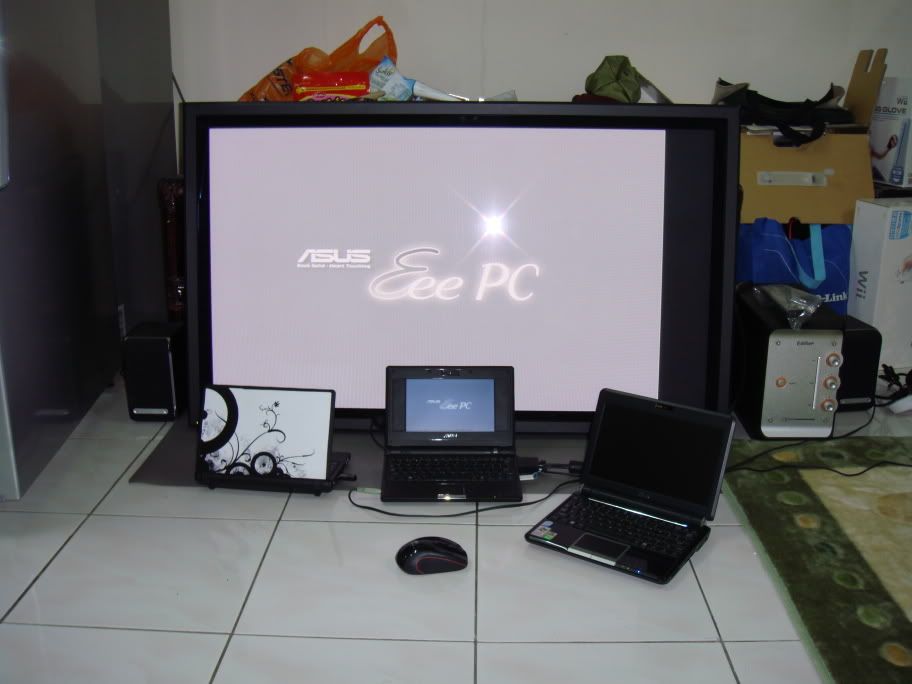
I went with the EEEPC's for their lightweight and design and more importantly the SSD's. Now most Ultra Mobiles will pit SSD's ( which are small ) vs their larger capacity HDD's within. Even the 901 which I have uses the 1.8" Sata HDD which gives a space of 30gb vs the others which are all SSD's the largest being 12gb and the smallest being 4gb. Believe me, SSD's are the only way to go. Nothing beats that.

For size comparisons, from what I see the EEEPC takes about the smallest footprint as compared to its similar competitor of the same capacity and size. That being said, yes Im a fan of the EEEPC but not to say Ive nothing good to say about the rest. But if you are going for size, you will see that most the time the EEEPC will be much sleeker than the others. Have you seen how huge in comparison HP 2133 Mini Notebook is ? Or how fat MSI Wind is in comparison to the EEEPC ?

Design wise though I like the look of the Aspire One from Acer. That's just new but those lights at the side and the gloss they go really well together smile.gif EEEPC has gloss too on the 901 and 1001 but I still prefer the Aspire One look. Perhaps I may trade in one of the Laptops that I have for the Aspire One smile.gif

Earlier when purchasing my requirements were :

Running on / Can install Windows XP SP2 - Most if not all support that. In fact all my EEEPC's are running a small Modified version of XP SP3 which is taking only about 400mb in install footprint!

Net Surfing, (thus need Wifi and Ethernet support ) - The very essence of an Ultra Mobile PC, we can safely say for both requirements above any UMPC will fit that need.

Watch Movies, ( RMVB, Avi , moderate bitrate, maybe sometimes 720HD or 1080HD, rarely but possible) -
For this part yes most UMPC will be able to fulfill your needs but having the latest Atom Processor EEEPC in the 1001 I can play all movies except sadly for the movies running on 1080HD and 720HD, well they play but not often smooth. So yes they play but you wont get proper playback. Best stick to normal divx at the normal high resolution and not the super high ones.

Play Games, (old school game, Counter-strike 1.6 ) - Playing Warcraft 3 on my old skool EEEPC 701 with 512mb Ram ( All the other ones have been upgraded to 2gb Ram ), Warcraft 3 runs fine on it so safe to say you'd be fine, though playing CS on it may need you to squint a little laugh.gif
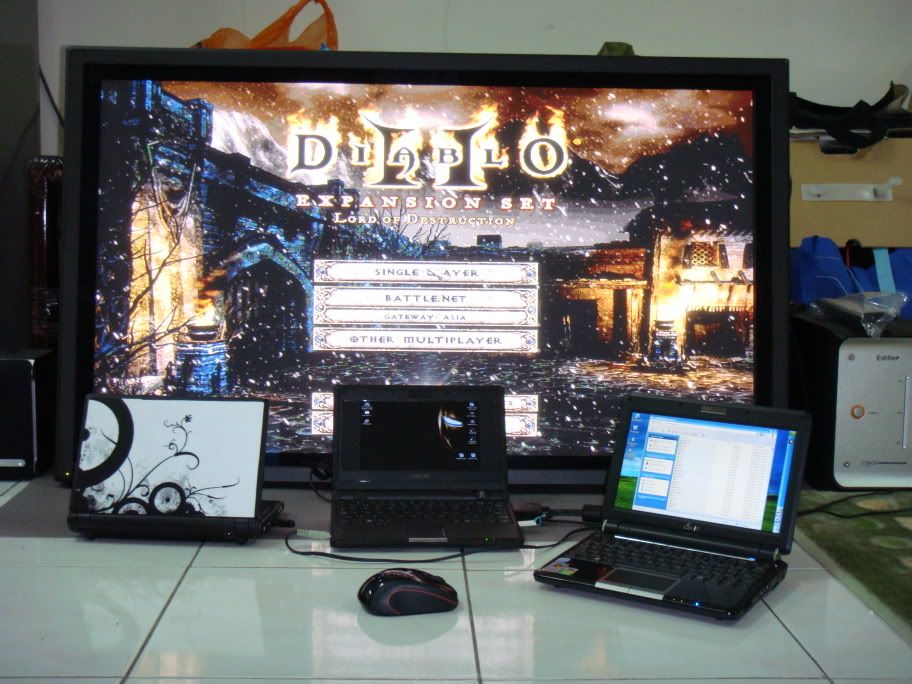
Running Diablo 2 on mine now too.

Office works ( MS office) laugh.gif - This goes without saying smile.gif In Fact MS Office 2007.

Running Garmin GPS on 2 of the UMPC's now. I have Ultra Big Screen GPS for cheap!
All my EEEPC's are running WinXP SP3 fine without problems. Speed is essential and other than my 901 which runs on 30gb SATA HDD all I can say about all of the UMPC that I have is that they run blazing fast.


QUOTE(hangy2k @ Nov 28 2008, 09:02 AM)
i got it in singapore, at S$898.

the sim card slot is under the battery, the 3G connection so far so good.. biggrin.gif
*
Ooh might get me one of those next smile.gif Was considering the Dell, but to me the price doesnt justify it sad.gif
I prefer if the 3.5G was in the 904 or 900 series though. Did you see any like that ?

You see reason i like the 700, 900 and 904 ( and yes reason is a bit lame ).
All of them fit into my Khaki Pants. Into the pocket. smile.gif

Now the 901 and 1000H is a little different make, battery is different and all that and they Dont fit in my pants.
For me Netbook, can fit in my pants pocket smile.gif Which is why I stuck with EEEPC.
Also I have a lot of spares for the 700 and 900 but i also now feel that I need 3G in them.
No more of those Pods of Maxis and Celcoms that im using.

Any particular shop did you get them from mate ?


This post has been edited by havocx: Nov 28 2008, 11:18 AM
new in IT
post Nov 28 2008, 10:49 AM

Casual
***
Junior Member
378 posts

Joined: Aug 2006
From: WPKL, Malaysia, South East Asia, Asia


Hey guys and gals, is this model available in Malaysia's market? Estimated price?

ASUS Eee PC 900HA Specifications:
# Intel Atom 1.6 GHz processor
# 160GB 5400 RPM Hard Drive (Seagate Momentus 5400.4)
# 1GB of DDR2 RAM (667MHz)
# Windows XP Home Edition Operating System
# 9" WSVGA LED-Backlit 1024 x 600 LCD
# Ports: Three USB 2.0, 1 VGA monitor out, headphone jack, microphone input, SD card reader (SDHC compatible), Kensington lock slot, Ethernet 10/100
# Webcam (.3 MP)
# Battery: 7.4v 5200mAh 4-cell battery (39Wh)
# Wireless: 802.11b/g (Atheros AR5007EG)
# One-year warranty
# Size: 8.86 (W) x 6.69 (D) x .79 ~ 1.33 (H)
# Weight: 2 lbs 7 oz
havocx
post Nov 28 2008, 11:04 AM

The Last Fat Samurai
******
Senior Member
1,913 posts

Joined: Jan 2003
From: Quantum Leaping, Next Location Unknown..

QUOTE(new in IT @ Nov 28 2008, 10:49 AM)
Hey guys and gals, is this model available in Malaysia's market? Estimated price?

ASUS Eee PC 900HA Specifications:
# Intel Atom 1.6 GHz processor
# 160GB 5400 RPM Hard Drive (Seagate Momentus 5400.4)
# 1GB of DDR2 RAM (667MHz)
# Windows XP Home Edition Operating System
# 9" WSVGA LED-Backlit 1024 x 600 LCD
# Ports: Three USB 2.0, 1 VGA monitor out, headphone jack, microphone input, SD card reader (SDHC compatible), Kensington lock slot, Ethernet 10/100
# Webcam (.3 MP)
# Battery: 7.4v 5200mAh 4-cell battery (39Wh)
# Wireless: 802.11b/g (Atheros AR5007EG)
# One-year warranty
# Size: 8.86 (W) x 6.69 (D) x .79 ~ 1.33 (H)
# Weight: 2 lbs 7 oz
*
Ive seen this model before. But its not called 900HA here.
Its called the EEEPC 904. Retails at RM1399 in Midvalley IT Center, saw it last Thursday.
Exact complete same specs.
Having my eyes on it because this too fits into my side pocket smile.gif


This post has been edited by havocx: Nov 28 2008, 11:20 AM
alvinddm
post Nov 28 2008, 12:41 PM

Casual
***
Junior Member
443 posts

Joined: Apr 2008


Guys, need your inputs. Does 1000H comes standard with 5600mAh or 6600mAh battery? I'm abit confused as some are with either but same price. Response appreciated, thx.
Hico
post Nov 28 2008, 01:49 PM

Look at all my stars!!
*******
Senior Member
4,709 posts

Joined: Jan 2003
1000h with 80gb will come with 6600mah but with 160gb will only come with 5600mah..but 80gb is quite hard to find in the market i heard...
hangy2k
post Nov 28 2008, 01:51 PM

Look at all my stars!!
*******
Senior Member
2,158 posts

Joined: Jan 2003
From: Why Am I Here?? Status: ---


QUOTE(havocx @ Nov 28 2008, 10:39 AM)


Ooh might get me one of those next smile.gif Was considering the Dell, but to me the price doesnt justify it sad.gif
I prefer if the 3.5G was in the 904 or 900 series though. Did you see any like that ?

You see reason i like the 700, 900 and 904 ( and yes reason is a bit lame ).
All of them fit into my Khaki Pants. Into the pocket. smile.gif

Now the 901 and 1000H is a little different make, battery is different and all that and they Dont fit in my pants.
For me Netbook, can fit in my pants pocket smile.gif Which is why I stuck with EEEPC.
Also I have a lot of spares for the 700 and 900 but i also now feel that I need 3G in them.
No more of those Pods of Maxis and Celcoms that im using.

Any particular shop did you get them from mate ?

*
yea, 901 is slightly bigger, maybe you should consider buying bigger pant? tongue.gif

for the 901 3.5G version, you can get it in all singtel shop in singapore. it is exclusive to singtel only. wink.gif
TSemino
post Nov 28 2008, 01:54 PM

IG - riezforester
*******
Senior Member
5,967 posts

Joined: Oct 2004
From: Malaysia... Duh!


QUOTE(hangy2k @ Nov 28 2008, 01:51 PM)
yea, 901 is slightly bigger, maybe you should consider buying bigger pant? tongue.gif

for the 901 3.5G version, you can get it in all singtel shop in singapore. it is exclusive to singtel only.  wink.gif
*
if thats the case, i'll stick with my connect-to-phone-via-bluetooth-and-use-it-as-modem method, as I dont like to be tied down with one provider.
havocx
post Nov 28 2008, 02:25 PM

The Last Fat Samurai
******
Senior Member
1,913 posts

Joined: Jan 2003
From: Quantum Leaping, Next Location Unknown..

QUOTE(hangy2k @ Nov 28 2008, 01:51 PM)
yea, 901 is slightly bigger, maybe you should consider buying bigger pant? tongue.gif

for the 901 3.5G version, you can get it in all singtel shop in singapore. it is exclusive to singtel only.  wink.gif
*
Whoa hangy2k,
Im planning to buy it and use in Msia. Is it locked only to Singtel ?
From what I read the EEEPC's 3.5G modem is not supposed to be locked to a Service Provider.
At the price I would be purchasing ( ie your price at S898 ) would I also be signing up to a broadband deal like how Maxis is doing with its Inspiron Mini 9's ?

Bigger pants ? Waa kenot loo...my pants already so huge. smile.gif

hangy2k
post Nov 28 2008, 02:43 PM

Look at all my stars!!
*******
Senior Member
2,158 posts

Joined: Jan 2003
From: Why Am I Here?? Status: ---


QUOTE(emino @ Nov 28 2008, 01:54 PM)
if thats the case, i'll stick with my connect-to-phone-via-bluetooth-and-use-it-as-modem method, as I dont like to be tied down with one provider.
*

QUOTE(havocx @ Nov 28 2008, 02:25 PM)


Whoa hangy2k,
Im planning to buy it and use in Msia. Is it locked only to Singtel ?
From what I read the EEEPC's 3.5G modem is not supposed to be locked to a Service Provider.
At the price I would be purchasing ( ie your price at S898 ) would I also be signing up to a broadband deal like how Maxis is doing with its Inspiron Mini 9's ?

Bigger pants ? Waa kenot loo...my pants already so huge. smile.gif

*
singtel doesn't lock the set, you can use it with other provider. i plan to use it with celcom when i am at malaysia.

price S$898 is the retail price without signing any plan, but if you want to sign a 24 month plan for 2mbps, it is S$598 smile.gif
havocx
post Nov 28 2008, 03:47 PM

The Last Fat Samurai
******
Senior Member
1,913 posts

Joined: Jan 2003
From: Quantum Leaping, Next Location Unknown..

QUOTE(hangy2k @ Nov 28 2008, 02:43 PM)
singtel doesn't lock the set, you can use it with other provider. i plan to use it with celcom when i am at malaysia.

price S$898 is the retail price without signing any plan, but if you want to sign a 24 month plan for 2mbps, it is S$598 smile.gif
*
Schweet, does it require you to be a Singaporean PR or something funny like Iphone needs its buyers to be on their plan. Hmm 24month plan means ill be paying extra everymonth for something i dont use though the savings are about S$300.

Hmm interesting option this. Better yet that I am planning to go to Singapore soon for some shopping.
Ishk like this confirm cannot buy bigger pants liaw, the money im gonna spend for the EEEPC means ill be patching my current worn out ones leh smile.gif

Thanks for your info hangy2k smile.gif

alvinddm
post Nov 28 2008, 04:18 PM

Casual
***
Junior Member
443 posts

Joined: Apr 2008


QUOTE(Hico @ Nov 28 2008, 01:49 PM)
1000h with 80gb will come with 6600mah but with 160gb will only come with 5600mah..but 80gb is quite hard to find in the market i heard...
*
Just my luck.. anyone knows who has stock? If not any big difference between the two battery capacity?
hangy2k
post Nov 28 2008, 04:31 PM

Look at all my stars!!
*******
Senior Member
2,158 posts

Joined: Jan 2003
From: Why Am I Here?? Status: ---


QUOTE(havocx @ Nov 28 2008, 03:47 PM)


Schweet, does it require you to be a Singaporean PR or something funny like Iphone needs its buyers to be on their plan. Hmm 24month plan means ill be paying extra everymonth for something i dont use though the savings are about S$300.

Hmm interesting option this. Better yet that I am planning to go to Singapore soon for some shopping.
Ishk like this confirm cannot buy bigger pants liaw, the money im gonna spend for the EEEPC means ill be patching my current worn out ones leh smile.gif

Thanks for your info hangy2k smile.gif

*
anyone can buy, as long as you have money wink.gif
havocx
post Nov 28 2008, 06:08 PM

The Last Fat Samurai
******
Senior Member
1,913 posts

Joined: Jan 2003
From: Quantum Leaping, Next Location Unknown..

QUOTE(alvinddm @ Nov 28 2008, 04:18 PM)
Just my luck.. anyone knows who has stock? If not any big difference between the two battery capacity?
*
Here you go mate. Check it out for a WHOLE FULL BLOWN comparison reports on ALL the EEEPC's ever! ( Ever for now.. smile.gif )
Also from reports, the smaller capacity battery also apparently juts out a little more than the bigger capacity ones.


QUOTE(hangy2k @ Nov 28 2008, 04:31 PM)
anyone can buy, as long as you have money wink.gif
*
Right then, since itll be only after PC Fair that Ill be dropping by SG, perhaps ill see how hard it hits the pocket in our
local shores first, that is, if it does hit smile.gif


This post has been edited by havocx: Nov 28 2008, 06:08 PM
alvinddm
post Nov 28 2008, 06:45 PM

Casual
***
Junior Member
443 posts

Joined: Apr 2008


QUOTE(havocx @ Nov 28 2008, 06:08 PM)
Also from reports, the smaller capacity battery also apparently juts out a little more than the bigger capacity ones.
Please elaborate rclxub.gif
havocx
post Nov 28 2008, 07:47 PM

The Last Fat Samurai
******
Senior Member
1,913 posts

Joined: Jan 2003
From: Quantum Leaping, Next Location Unknown..

QUOTE(alvinddm @ Nov 28 2008, 06:45 PM)
Please elaborate  rclxub.gif
*
Okie day..
Here's the picture of the current 160GB EEEPC 1000H with 5600mah Batteries

user posted image

Here's the one from the original 80GB EEEPC 1000H with 6600mah Batteries.

user posted image

Lower capacity batteries but juts out ? Shouldnt it be the other way around ? Cuz on my 10400mah batteries they REALLY jut out ! wink.gif

tnghian
post Nov 28 2008, 07:48 PM

Getting Started
**
Junior Member
81 posts

Joined: Jan 2003
From: SJ/USJ
QUOTE(hangy2k @ Nov 28 2008, 12:01 AM)
got myself a black eeepc 901 3.75G today... rclxm9.gif

my 3rd eeepc since last year Nov... sweat.gif
*
rclxms.gif

battery 6600mah (5hours) or 8700mah ? coz 901GO got 8700mah already, battery can use for more than 7hours....


alvinddm
post Nov 28 2008, 07:51 PM

Casual
***
Junior Member
443 posts

Joined: Apr 2008


OMG that 5600mAh battery looks fugly!! Haizzz... guess i wont be buying it then..
havocx
post Nov 28 2008, 07:54 PM

The Last Fat Samurai
******
Senior Member
1,913 posts

Joined: Jan 2003
From: Quantum Leaping, Next Location Unknown..

QUOTE(tnghian @ Nov 28 2008, 07:48 PM)
rclxms.gif

battery 6600mah (5hours) or 8700mah ? coz 901GO got 8700mah already, battery can use for more than 7hours....
*
Actually i guess it depends on the processor as well ?
My 10400mah lasts me 6 hours full music and video on the 701 but thats running WinXP on the original Celeron batteries.
The original 5200mah batteries run me about 2 hours on music and video.

But the 6600mah batteries run for 5 hours on the 901's so yeah it should run very VERY much longer on the newer Atom chips.
Would like to know also hangy2k nod.gif

By the way in case anyone is wondering how much the 10400mah batteries juts out from the 701 AND 900 I have, here's some samples.

user posted image

user posted image

Also quoted from hangy2k's last posts

user posted image

user posted image


This post has been edited by havocx: Nov 28 2008, 08:04 PM
hangy2k
post Nov 29 2008, 12:21 AM

Look at all my stars!!
*******
Senior Member
2,158 posts

Joined: Jan 2003
From: Why Am I Here?? Status: ---


QUOTE(tnghian @ Nov 28 2008, 07:48 PM)
rclxms.gif

battery 6600mah (5hours) or 8700mah ? coz 901GO got 8700mah already, battery can use for more than 7hours....
*
it is 6600mAh, but i havent really test the battery yet..
msiathot
post Nov 29 2008, 04:22 PM

Getting Started
**
Junior Member
131 posts

Joined: Dec 2005
Interestingly, Tesco is offering Asus 904HD for only RM1,199. And you can enjoy cash rebate with the StanChart Saadiq debit card or the Hong Leong Bank credit card.
jananan
post Nov 29 2008, 04:42 PM

Android
******
Senior Member
1,513 posts

Joined: Jan 2003
From: Penang, Malaysia


QUOTE(havocx @ Nov 28 2008, 07:54 PM)


Actually i guess it depends on the processor as well ?
My 10400mah lasts me 6 hours full music and video on the 701 but thats running WinXP on the original Celeron batteries.
The original 5200mah batteries run me about 2 hours on music and video.

But the 6600mah batteries run for 5 hours on the 901's so yeah it should run very VERY much longer on the newer Atom chips.
Would like to know also hangy2k  nod.gif

By the way in case anyone is wondering how much the 10400mah batteries juts out from the 701 AND 900 I have, here's some samples.

user posted image

user posted image

Also quoted from hangy2k's last posts

user posted image

user posted image


*
where did you that 10,400 mah battery ? freakin huge man... i was thinking of getting one. but now after looking at yours...

but it really elevates the keyboard huh.... good for typing....

anyway, where u bought and how much ?

thanks
tanseehua
post Nov 29 2008, 10:13 PM

On my way
****
Senior Member
519 posts

Joined: Jan 2003
From: Kuala Krai, Kelantan


Hello, Im finally become EeePC user at last.

Last week in Bangkok MBK plaza, saw a EeePC 701 (1st model with webcam) is selling at 6900 bht. thinking to buy but at last tak jadi. coz thinking to come back Malaysia by the Aspire 1 at RM1499 and do installment by credit card.

Few day thinking to buy Aspire 1, than yesterday shopping at Tesco Kota Bharu, saw this EeePC at RM1199, i also dunno what spec and model, strait by............haha.........gila punya..........coz can do installment.


Im just bought my EeePC from Tesco Kota Bharu yesterday. The Model that i have bought is 904HD
Price: RM1199 cash or credit card in full payment. Get Tesco Clubcard point about 600 plus points (Credit Card 0% interest installment charge a RM30 processing fee)

Spec:

# Intel Celeron 900Hz processor
# 80 GB Hard Drive
# 1GB RAM DDR2
# Windows XP SP3 Home Edition Operating System
# 8.9" WSVGA LED-Backlit 1024 x 600 LCD
# 3 USB 2.0, 1 VGA monitor out, headphone jack, microphone input, SD card reader (SDHC compatible), Kensington lock slot
# Webcam (0.3 MP)
# Battery: 7.4v 6600mAh
# Wireless: 802.11b/g
# 10/100 Mbps Ethernet
# Colour is Fine Ebony

Im not sure is worth is to buy at this price or not, but as long as i can do the installment for 12 months, im happy to buy it.

but i found that this model with 6600mAh battery is quit heavy in term of compare with prevois EeePC model or other compatitor product.

But im happy with it. now will join here more to know more about EeePC liao lo...............

Nice to be here, Thanks for all information from other forumers here.

This post has been edited by tanseehua: Nov 29 2008, 10:24 PM
alexandriafx
post Nov 30 2008, 09:44 AM

Getting Started
**
Junior Member
52 posts

Joined: Sep 2008
waa...finally i bought 1000h...yesterday at lowyat tru toshiba88(lowyat member)....nice selller there...1000h 1799 +30 for 2G ram upgraded...the battery still cant see how many hours it can last...got the 5600mah still the six cell...coz the 6600 dont have stock even i searching around before decide to buy...sound very good...weightless compare to my acer 3680...so welcome to the club to me...hehe rclxms.gif
havocx
post Nov 30 2008, 10:06 AM

The Last Fat Samurai
******
Senior Member
1,913 posts

Joined: Jan 2003
From: Quantum Leaping, Next Location Unknown..

QUOTE(jananan @ Nov 29 2008, 04:42 PM)
where did you that 10,400 mah battery ? freakin huge man... i was thinking of getting one. but now after looking at yours...

but it really elevates the keyboard huh.... good for typing....

anyway, where u bought and how much ?

thanks
*
Got it from a buddy who went on to Taiwan, planning to perhaps get one or two more and yes, it really helps with the typing, in fact the wife loves it, she does a huge amount of document editing for her work and that really helped smile.gif


QUOTE(tanseehua @ Nov 29 2008, 10:13 PM)
Hello, Im finally become EeePC user at last.

Last week in Bangkok MBK plaza, saw a EeePC 701 (1st model with webcam) is selling at 6900 bht. thinking to buy but at last tak jadi. coz thinking to come back Malaysia by the Aspire 1 at RM1499 and do installment by credit card.

Im not sure is worth is to buy at this price or not, but as long as i can do the installment for 12 months, im happy to buy it.

but i found that this model with 6600mAh battery is quit heavy in term of compare with prevois EeePC model or other compatitor product.

But im happy with it. now will join here more to know more about EeePC liao lo...............

Nice to be here, Thanks for all information from other forumers here.
*
There was an offer for 701 in Malaysia before for RM599 so its actually cheaper here smile.gif
Your 904 is a good buy. Saw last week in Midvalley the price was RM1399 so you have a good bargain there, I might wanna get one for me self as well smile.gif

Dont ya worry about the 6600mAh, the one in Midvalley was selling the lower capacity model battery of 5600mah, difference in weight is really negligible.

For those using the Celeron processor, the ones with the higher capacity battery is actually better smile.gif

QUOTE(alexandriafx @ Nov 30 2008, 09:44 AM)
waa...finally i bought 1000h...yesterday at lowyat tru toshiba88(lowyat member)....nice selller there...1000h 1799 +30 for 2G ram upgraded...the battery still cant see how many hours it can last...got the 5600mah still the six cell...coz the 6600 dont have stock even i searching around before decide to buy...sound very good...weightless compare to my acer 3680...so welcome to the club to me...hehe rclxms.gif
*
You're lucky, notice the size and batter consumption difference between the 5600mah and 6600mah ?
Look behind for my size comparison photos smile.gif
For the Atom processors, the smaller battery is actually better. Its smaller in footprint and actually strangely, lasts longer smile.gif


This post has been edited by havocx: Nov 30 2008, 10:08 AM
alexandriafx
post Nov 30 2008, 11:34 AM

Getting Started
**
Junior Member
52 posts

Joined: Sep 2008
how can i resize the icon on desktop to smaller 1 ya?...coz the default size icon on desktop to big for me...i the tried change the resolution but x600 is the best...cant go higher...so any idea resize the desktop icon?...
mynewuser
post Nov 30 2008, 05:00 PM

Look at all my stars!!
*******
Senior Member
2,549 posts

Joined: Dec 2004
From: Sungai Petani, Kedah


QUOTE(tanseehua @ Nov 29 2008, 10:13 PM)
Hello, Im finally become EeePC user at last.

Im just bought my EeePC from Tesco Kota Bharu yesterday. The Model that i have bought is 904HD
Price: RM1199 cash or credit card in full payment. Get Tesco Clubcard point about 600 plus points (Credit Card 0% interest installment charge a RM30 processing fee)

Spec:

# Intel Celeron 900Hz processor
# 80 GB Hard Drive
# 1GB RAM DDR2
# Windows XP SP3 Home Edition Operating System
# 8.9" WSVGA LED-Backlit 1024 x 600 LCD
# 3 USB 2.0, 1 VGA monitor out, headphone jack, microphone input, SD card reader (SDHC compatible), Kensington lock slot
# Webcam (0.3 MP)
# Battery: 7.4v 6600mAh
# Wireless: 802.11b/g
# 10/100 Mbps Ethernet
# Colour is Fine Ebony

*
Thinking of getting this netbook for browsing and office work. Any comment on the performance.
havocx
post Nov 30 2008, 05:37 PM

The Last Fat Samurai
******
Senior Member
1,913 posts

Joined: Jan 2003
From: Quantum Leaping, Next Location Unknown..

QUOTE(alexandriafx @ Nov 30 2008, 11:34 AM)
how can i resize the icon on desktop to smaller 1 ya?...coz the default size icon on desktop to big for me...i the tried change the resolution but x600 is the best...cant go higher...so any idea resize the desktop icon?...
*
Here you go

user posted image

Steps for changing desktop icon size.
1. Right Click Desktop + Choose “Properties”
2. In the Properties Window click on the “Appearance Tab” at the top.
3. In the Appearance Window click on the button called “Advanced”
4. In the Advanced Appearance Window choose “Item:” from the drop down list and choose “Icon” and you can choose desired Icon size. By default many users will see 32 x 32 pixels but this can be changed to whatever you want.


QUOTE(mynewuser @ Nov 30 2008, 05:00 PM)
Thinking of getting this netbook for browsing and office work. Any comment on the performance.
*
Have a look see at my comments running a 701 a much lower capacity performer of the 900 series.
I guess you can compare hows the performance just from there wink.gif
The one youre looking at has higher HDD capacity, Ram and screen size.
Running on normal HDD though and not SSD smile.gif


This post has been edited by havocx: Nov 30 2008, 05:39 PM
alexandriafx
post Nov 30 2008, 06:22 PM

Getting Started
**
Junior Member
52 posts

Joined: Sep 2008
thanks havoc...done it...anything u willing to share...oh perhaps in maximize the speed of this lappy?...by the way how can i enter bios setup when it boot?...but seem it boot too fast...huhu...
alvinddm
post Nov 30 2008, 07:16 PM

Casual
***
Junior Member
443 posts

Joined: Apr 2008


I just bought the 1000h 160gb version for lowyat too today. But mine came with 6600mah battery after searching for about 1 hour
alexandriafx
post Nov 30 2008, 07:46 PM

Getting Started
**
Junior Member
52 posts

Joined: Sep 2008
QUOTE(alvinddm @ Nov 30 2008, 07:16 PM)
I just bought the 1000h 160gb version for lowyat too today. But mine came with 6600mah battery after searching for about 1 hour
*
aiyaaa...yesterday i searching they said dont have...but its ok now...coz mine can lastt for 4 hours....quite lot than other brand... rclxm9.gif

havocx
post Dec 1 2008, 12:46 AM

The Last Fat Samurai
******
Senior Member
1,913 posts

Joined: Jan 2003
From: Quantum Leaping, Next Location Unknown..

QUOTE(alexandriafx @ Nov 30 2008, 06:22 PM)
thanks havoc...done it...anything u willing to share...oh perhaps in maximize the speed of this lappy?...by the way how can i enter bios setup when it boot?...but seem it boot too fast...huhu...
*
To go in Bios press F2 as soon as you see the EEEPC logo.
Youre using the 1000H with XP yes ? In 1000H the bios has an option for a quick boot, that helps in the bootup. Look into the DVD that came with your laptop in the software section for the Asus U1 Tuner. That'll help 'overclock' your laptop.

You can then search on the net on how to minimize the load of your laptop thus making it boot faster. Tho it can never boot as fast as SSD models ( my 701 model boots up fully in 11 secs flat ) but you can fine tune it to boot faster. Depending on how you want to configure it though.

My 1000H 80Gb boots up fully in 26 seconds. Im planning to make a smaller partition just for windows only perhaps 5GB so that i can make the load up even faster. smile.gif More RAM might help in making your windows experience better what more since the price is very low nowadays smile.gif

killer_pussylover
post Dec 1 2008, 09:04 PM

Getting Started
**
Junior Member
205 posts

Joined: Oct 2007
Anyone here got problem with their eee SSD hardidsk? Reported that a number of eee SSD having problem, a number of discussion is going on i.e. http://forum.eeeuser.com/viewtopic.php?pid=308476.


TSemino
post Dec 1 2008, 09:42 PM

IG - riezforester
*******
Senior Member
5,967 posts

Joined: Oct 2004
From: Malaysia... Duh!


QUOTE(killer_pussylover @ Dec 1 2008, 09:04 PM)
Anyone here got problem with their eee SSD hardidsk? Reported that a number of eee SSD having problem, a number of discussion is going on i.e. http://forum.eeeuser.com/viewtopic.php?pid=308476.
*
No problem for me so far. icon_idea.gif
hangy2k
post Dec 1 2008, 09:48 PM

Look at all my stars!!
*******
Senior Member
2,158 posts

Joined: Jan 2003
From: Why Am I Here?? Status: ---


QUOTE(killer_pussylover @ Dec 1 2008, 09:04 PM)
Anyone here got problem with their eee SSD hardidsk? Reported that a number of eee SSD having problem, a number of discussion is going on i.e. http://forum.eeeuser.com/viewtopic.php?pid=308476.
*
my first eeepc 701 got ssd problem, out of sudden the space left 3GB instead of the original 4GB. sent for warranty and they replace the whole motherboard for me..
miloy2k
post Dec 1 2008, 09:55 PM

[[[[[IMPERIAL ARMY]]]]]
********
All Stars
15,773 posts

Joined: Jan 2003
From: Capital Wasteland


can this eepc watch movie smoothly? since teh size is small thinking can watch movie/anime/etc while one the go hmm.gif
TSemino
post Dec 1 2008, 10:23 PM

IG - riezforester
*******
Senior Member
5,967 posts

Joined: Oct 2004
From: Malaysia... Duh!


QUOTE(miloy2k @ Dec 1 2008, 09:55 PM)
can this eepc watch movie smoothly? since teh size is small thinking can watch movie/anime/etc while one the go hmm.gif
*
the main reason i bought it is to watch movies at work. lol.

yeah, it works wonderfully! icon_rolleyes.gif
zerigemok
post Dec 1 2008, 10:58 PM

Getting Started
**
Junior Member
132 posts

Joined: Aug 2008
Guys, need a quick input here. I'm thinking of buying a used eee901. Is the warranty covered by asus all over the

world, (i'll have the receipt of purchase too). And another question, can it connect to an external monitor? I'm gonna

use it to surf lots of internet with lots of tabs open and maybe a movie or music playing at the background. Will it be too

much for the netbook? Thanks in advance
beatlesalbum
post Dec 1 2008, 11:01 PM

Regular
******
Senior Member
1,711 posts

Joined: Nov 2006


EEEPC is better than buying those expesnive 700 portable DVD players. at least this can also function for web surfing and other stuff.
TSemino
post Dec 1 2008, 11:01 PM

IG - riezforester
*******
Senior Member
5,967 posts

Joined: Oct 2004
From: Malaysia... Duh!


QUOTE(zerigemok @ Dec 1 2008, 10:58 PM)
Guys, need a quick input here. I'm thinking of buying a used eee901. Is the warranty covered by asus all over the

world, (i'll have the receipt of purchase too). And another question, can it connect to an external monitor? I'm gonna

use it to surf lots of internet with lots of tabs open and maybe a movie or music playing at the background. Will it be too

much for the netbook? Thanks in advance
*
I think its local warranty only.

yes, can connect to monitor/projector.

depends on what browser you plan to use. avoid FF3. Try FF1.5 or Google Chrome.
Hico
post Dec 1 2008, 11:04 PM

Look at all my stars!!
*******
Senior Member
4,709 posts

Joined: Jan 2003
eee pc only have local waranty..but asus n10 got global waranty..
zerigemok
post Dec 1 2008, 11:09 PM

Getting Started
**
Junior Member
132 posts

Joined: Aug 2008
Oh i see. But why can't use ff3? I've gotten so used to it that it'll be hard to change to other browsers lol.
TSemino
post Dec 1 2008, 11:17 PM

IG - riezforester
*******
Senior Member
5,967 posts

Joined: Oct 2004
From: Malaysia... Duh!


QUOTE(zerigemok @ Dec 1 2008, 11:09 PM)
Oh i see. But why can't use ff3? I've gotten so used to it that it'll be hard to change to other browsers lol.
*
FF3 is heavy for eee, and it lags on some website (such as youtube). FF2 is not a that heavy, and still tolerable. in fact, i uses that one on my eee.

But believe me, 1.5 is better. Or Google Chrome.
beatlesalbum
post Dec 1 2008, 11:23 PM

Regular
******
Senior Member
1,711 posts

Joined: Nov 2006


FF is some flash player?
TSemino
post Dec 1 2008, 11:26 PM

IG - riezforester
*******
Senior Member
5,967 posts

Joined: Oct 2004
From: Malaysia... Duh!


QUOTE(beatlesalbum @ Dec 1 2008, 11:23 PM)
FF is some flash player?
*
FireFox meh.
zerigemok
post Dec 2 2008, 02:55 AM

Getting Started
**
Junior Member
132 posts

Joined: Aug 2008
Ok I just ordered a used 901. Hope to get it by this friday.
havocx
post Dec 2 2008, 10:44 AM

The Last Fat Samurai
******
Senior Member
1,913 posts

Joined: Jan 2003
From: Quantum Leaping, Next Location Unknown..

QUOTE(miloy2k @ Dec 1 2008, 09:55 PM)
can this eepc watch movie smoothly? since teh size is small thinking can watch movie/anime/etc while one the go hmm.gif
*
Haha this one sure dont read the threads carefully one, here's a sample of what i can do.

Running on / Can install Windows XP SP2 - Most if not all support that. In fact all my EEEPC's are running a small Modified version of XP SP3 which is taking only about 400mb in install footprint!

Net Surfing, (thus need Wifi and Ethernet support ) - The very essence of an Ultra Mobile PC, we can safely say for both requirements above any UMPC will fit that need.

Watch Movies, ( RMVB, Avi , moderate bitrate, maybe sometimes 720HD or 1080HD, rarely but possible) -
For this part yes most UMPC will be able to fulfill your needs but having the latest Atom Processor EEEPC in the 1001 I can play all movies except sadly for the movies running on 1080HD and 720HD, well they play but not often smooth. So yes they play but you wont get proper playback. Best stick to normal divx at the normal high resolution and not the super high ones.

Play Games, (old school game, Counter-strike 1.6 ) - Playing Warcraft 3 on my old skool EEEPC 701 with 512mb Ram ( All the other ones have been upgraded to 2gb Ram ), Warcraft 3 runs fine on it so safe to say you'd be fine, though playing CS on it may need you to squint a little laugh.gif
Running Diablo 2 on mine now too.


Office works ( MS office) laugh.gif - This goes without saying smile.gif In Fact MS Office 2007.
In fact Ive DUMPED the office laptop at home ( Core 2 Duo Processor ) and brings it to the office only for another screen ( dual screen ), prefer to carry the EEEPC to my meetings, not only do i get the stares, i also get the oohs and aahs showing the prowress of the tiny machine on the BIG Screen. Also I dont have to break my back daily lugging the Office Laptop around.

Running Garmin GPS on 2 of the UMPC's now. I have Ultra Big Screen GPS for cheap!


QUOTE(zerigemok @ Dec 1 2008, 10:58 PM)
Guys, need a quick input here. I'm thinking of buying a used eee901. Is the warranty covered by asus all over the

world, (i'll have the receipt of purchase too). And another question, can it connect to an external monitor? I'm gonna

use it to surf lots of internet with lots of tabs open and maybe a movie or music playing at the background. Will it be too

much for the netbook? Thanks in advance
*
QUOTE(emino @ Dec 1 2008, 11:17 PM)
FF3 is heavy for eee, and it lags on some website (such as youtube). FF2 is not a that heavy, and still tolerable. in fact, i uses that one on my eee.

But believe me, 1.5 is better. Or Google Chrome.
*
Yep, go for Chrome or FF 1.5, im experiencing lag with the newer FF in some of my faster machines too.
Some of my desktops at home also experiences crashes when i have more than 35 tabs open..err maybe i shouldnt open too many of those huh ? doh.gif

In any case, Chrome still moves fine with those number of tabs open so im just thinking its FF3 wink.gif


This post has been edited by havocx: Dec 2 2008, 10:49 AM
Choongster
post Dec 2 2008, 12:14 PM

Banned From Lowyat.net
******
Senior Member
1,606 posts

Joined: Jan 2008
From: Car Junk


QUOTE(havocx @ Dec 2 2008, 10:44 AM)
Running Garmin GPS on 2 of the UMPC's now. I have Ultra Big Screen GPS for cheap!
does the GARMIN GPS program have to run with GARMIN GPS Receiver? or it can be any third party GPS receiver?
havocx
post Dec 2 2008, 04:04 PM

The Last Fat Samurai
******
Senior Member
1,913 posts

Joined: Jan 2003
From: Quantum Leaping, Next Location Unknown..

QUOTE(Choongster @ Dec 2 2008, 12:14 PM)
does the GARMIN GPS program have to run with GARMIN GPS Receiver? or it can be any third party GPS receiver?
*
Running it with 3rd Party GPS receiver smile.gif
Program though will then only work with your machine. You wont be able to install it on another machine with the same serial number. If you get Garmins receiver and software together as a bundle then you can use it together in any machine.

I didnt get the Garmins GPS receiver cuz at the time the only option they had was a wired option and i detest wires smile.gif

shadiee
post Dec 3 2008, 07:45 PM

New Member
*
Junior Member
25 posts

Joined: Jul 2006
Any info when 1002HA selling in Malaysia? It available for preorder now in US.
havocx
post Dec 3 2008, 08:03 PM

The Last Fat Samurai
******
Senior Member
1,913 posts

Joined: Jan 2003
From: Quantum Leaping, Next Location Unknown..

QUOTE(shadiee @ Dec 3 2008, 07:45 PM)
Any info when 1002HA selling in Malaysia? It available for preorder now in US.
*
Its actually already on sale from the 1st December at USD 499 but dang 3G is not standard though in Korea theres already a variant release of S101 and 1002HA with 3G.

Battery life is wanting though.. 4200mah ? Personally I wouldnt go for it, its sleek and light yes.
But then again I could go for Inspiron Mini 12 if i wanted slim.
EEEPC 701 and 900 slimness is just right for me biggrin.gif


This post has been edited by havocx: Dec 3 2008, 08:05 PM
Kclee2002
post Dec 3 2008, 09:49 PM

Look at all my stars!!
*******
Senior Member
5,135 posts

Joined: Jan 2003


QUOTE(emino @ Dec 1 2008, 11:01 PM)
I think its local warranty only.

yes, can connect to monitor/projector.

depends on what browser you plan to use. avoid FF3. Try FF1.5 or Google Chrome.
*
Opera works great on the eeepc as well.
huh?
post Dec 4 2008, 07:25 AM

eh? ada 4 stars? lol
****
Senior Member
533 posts

Joined: Oct 2007
From: in between kL and Jb


guys.. i MWTS my 701 eeepc.. it comes with 2gb of ram, XP installed, 8 gb sd card and the boxset.. how much can i sell it now??

it doesnt have any warranty left though..


TSemino
post Dec 4 2008, 08:38 AM

IG - riezforester
*******
Senior Member
5,967 posts

Joined: Oct 2004
From: Malaysia... Duh!


QUOTE(huh? @ Dec 4 2008, 07:25 AM)
guys.. i MWTS my 701 eeepc.. it comes with 2gb of ram, XP installed, 8 gb sd card and the boxset.. how much can i sell it now??

it doesnt have any warranty left though..
*
Usually if people wanna sell second handed stuffs yourself, the formula is to cut the selling price by half, and then add/deduct the item price based on its condition and how fast you wanna let it go.
havocx
post Dec 4 2008, 09:10 AM

The Last Fat Samurai
******
Senior Member
1,913 posts

Joined: Jan 2003
From: Quantum Leaping, Next Location Unknown..

QUOTE(emino @ Dec 4 2008, 08:38 AM)
Usually if people wanna sell second handed stuffs yourself, the formula is to cut the selling price by half, and then add/deduct the item price based on its condition and how fast you wanna let it go.
*
Emino's right, you might not be able to get the same high prices you got last time.
Based on
Current latest Ikano promotion EEEPC 701's going for only RM599
Last promotion of EEEPC 900 in IOI Puchong going for only RM699 - thats EEEPC 701 specs with 8.9" screen.
The laptop is no longer with Warranty
Falling prices of RAM and SDHC cards.


Id say for a whole package like yours perhaps you may be able to push at RM500. Thats an estimate only of course, hopefully you get to sell it higher, but more likely youll only be able to push it off lower sad.gif

huh?
post Dec 4 2008, 09:47 AM

eh? ada 4 stars? lol
****
Senior Member
533 posts

Joined: Oct 2007
From: in between kL and Jb


hmmm... sounds bad for me as i was looking to sell it somewhere around 700.. sad.gif (IN MY DREAMS!! ..hahaha )

i was thinking of getting a portable game console..

i guess ill just keep it rather than selling it.. and get a higher capacity batt pack myb..


shadiee
post Dec 4 2008, 11:07 AM

New Member
*
Junior Member
25 posts

Joined: Jul 2006
QUOTE(havocx @ Dec 3 2008, 08:03 PM)


Its actually already on sale from the 1st December at USD 499 but dang 3G is not standard though in Korea theres already a variant release of S101 and 1002HA with 3G.

Battery life is wanting though.. 4200mah ? Personally I wouldnt go for it, its sleek and light yes.
But then again I could go for Inspiron Mini 12 if i wanted slim.
EEEPC 701 and 900 slimness is just right for me biggrin.gif

*
I really like a brushed-aluminum chassis. If the battery can last around 3hs with wifi on is ok for me.
Hico
post Dec 4 2008, 12:29 PM

Look at all my stars!!
*******
Senior Member
4,709 posts

Joined: Jan 2003
s101 available in msia market oledi? how much it cost?
havocx
post Dec 4 2008, 01:41 PM

The Last Fat Samurai
******
Senior Member
1,913 posts

Joined: Jan 2003
From: Quantum Leaping, Next Location Unknown..

QUOTE(huh? @ Dec 4 2008, 09:47 AM)
hmmm... sounds bad for me as i was looking to sell it somewhere around 700.. sad.gif  (IN MY DREAMS!! ..hahaha )

i was thinking of getting a portable game console..

i guess ill just keep it rather than selling it.. and get a higher capacity batt pack myb..
*
Yep, have it around you know somewhat of say an easy access machine. Get your house wifi enabled if its not already and you know that can be on the living room table. Anytime you need or your guest need info for instance its a quick boot ( small SSD and fast ! ) and ur off to get information. Easier than a huge laptop i must say.

Have it next to your LCD and connect a thumbdrive or perhaps a 1TB hdd to it and youre set to have a home theater collection of shows and DVD's smile.gif

Attach a wireless keyboard and mouse on it and connect it to your LCD TV and voila, huge DISPLAY for the very same visitors smile.gif

Possibilities are endless, ive explored them all hehe....besides the Matt cover helps from keeping oily fingers off. Now I can even surf while doing potty business kwakwa doh.gif

QUOTE(shadiee @ Dec 4 2008, 11:07 AM)
I really like a brushed-aluminum chassis. If the battery can last around 3hs with wifi on is ok for me.
*
Yep that would be sweet, i doubt itll go that far on the batts its given with though. 2 hours is possible. So yes if its a longer wifi capability ill go for it smile.gif

QUOTE(Hico @ Dec 4 2008, 12:29 PM)
s101 available in msia market oledi? how much it cost?
*
Belum. Dunno.
Also still waiting for it wink.gif

klloo
post Dec 4 2008, 04:03 PM

New Member
*
Newbie
1 posts

Joined: Dec 2008
From: Penang
I just got myself Eee PC 900 with 30GB HDD for RM1249 (with win xp) in Penang.
The included HDD is Seagate ST730212DE 3600rpm, SUPER SLOW. cry.gif
Initially tot that is SDD, but actually is a slow hard drive. cry.gif

So now looking for 32GB SSD....or faster HDD... icon_question.gif

Anybody know where to get in Penang?
sevendogz
post Dec 4 2008, 10:01 PM

Regular
******
Senior Member
1,276 posts

Joined: Dec 2005
From: Klg-Ktn-Klg-KK-PG-BM
hi guys, i am using eeepc 904hd, also bought from tesco, my question is..
can i read data from Memory Stick using the supplied card reader slot?
help......
Perfect-Stranger
post Dec 4 2008, 10:07 PM

做人如果没梦想,同咸鱼有甚么分别
******
Senior Member
1,593 posts

Joined: Aug 2007


QUOTE(klloo @ Dec 4 2008, 05:03 PM)
I just got myself Eee PC 900 with 30GB HDD for RM1249 (with win xp) in Penang.
The included HDD is Seagate ST730212DE 3600rpm, SUPER SLOW.  cry.gif
Initially tot that is SDD, but actually is a slow hard drive. cry.gif

So now looking for 32GB SSD....or faster HDD... icon_question.gif

Anybody know where to get in Penang?
*
Yea, the 30GB HDD is actually IDE, not SATA. Thats why kinda slow.
You are paying RM1249 for 30gb, im selling RM1299 + 2gb ram for 160GB HDD sata.
laugh.gif


QUOTE(sevendogz @ Dec 4 2008, 11:01 PM)
hi guys, i am using eeepc 904hd, also bought from tesco, my question is..
can i read data from Memory Stick using the supplied card reader slot?
help......
*
Yeap =D
The card reader slot is to read your memory card, but just apply to SD card.
sevendogz
post Dec 4 2008, 10:45 PM

Regular
******
Senior Member
1,276 posts

Joined: Dec 2005
From: Klg-Ktn-Klg-KK-PG-BM
any ideas of bluetooth in 904hd? i saw a bluetooth driver V5.5.0.3200 for 904hd, downloading now, don't know can use or not? anyone?
havocx
post Dec 4 2008, 11:02 PM

The Last Fat Samurai
******
Senior Member
1,913 posts

Joined: Jan 2003
From: Quantum Leaping, Next Location Unknown..

QUOTE(sevendogz @ Dec 4 2008, 10:45 PM)
any ideas of bluetooth in 904hd? i saw a bluetooth driver  V5.5.0.3200  for 904hd, downloading now, don't know can use or not? anyone?
*
Eh you sure the 904HD comes with bluetooth ?
Im pretty sure it doesnt
Unless of course you bought one of those bluetooth adapter in which case you should use the one that came with the disk.


This post has been edited by havocx: Dec 4 2008, 11:04 PM
Perfect-Stranger
post Dec 4 2008, 11:05 PM

做人如果没梦想,同咸鱼有甚么分别
******
Senior Member
1,593 posts

Joined: Aug 2007


QUOTE(havocx @ Dec 5 2008, 12:02 AM)


Eh you sure the 904HD comes with bluetooth ?
Im pretty sure it doesnt
Unless of course you bought one of those bluetooth adapter in which case you should use the one that came with the disk.

*
Same here, 904HD doesn't comes with bluetooth feature.
Well, if you guys want it, just buy a bluetooth doggle. Cost around RM15.
Plug and play =D
shadiee
post Dec 5 2008, 11:12 AM

New Member
*
Junior Member
25 posts

Joined: Jul 2006
QUOTE(havocx @ Dec 4 2008, 01:41 PM)

Yep that would be sweet, i doubt itll go that far on the batts its given with though. 2 hours is possible. So yes if its a longer wifi capability ill go for it smile.gif

*
Yup the battery can last 3hrs with wifi turn ON as reviewed by laptopmag. But far from Samsung NC10 lasted 6:34hrs

This post has been edited by shadiee: Dec 5 2008, 11:28 AM
Hico
post Dec 5 2008, 01:54 PM

Look at all my stars!!
*******
Senior Member
4,709 posts

Joined: Jan 2003
samsung NC10 is available in msia now?? 6 hours+ is really attractive
kevtan
post Dec 5 2008, 06:16 PM

New Member
*
Junior Member
16 posts

Joined: Oct 2005
The 901 with 16gb SSD last the same time.
havocx
post Dec 5 2008, 06:17 PM

The Last Fat Samurai
******
Senior Member
1,913 posts

Joined: Jan 2003
From: Quantum Leaping, Next Location Unknown..

QUOTE(shadiee @ Dec 5 2008, 11:12 AM)
Yup the battery can last 3hrs with wifi turn ON as reviewed by laptopmag. But far from Samsung NC10 lasted 6:34hrs
*
Oh cool! An upgrade to the S101 smile.gif
Now IF ONLY Asus went ahead and stuck 3G in there, itll be PERFECT!


QUOTE(kevtan @ Dec 5 2008, 06:16 PM)
The 901 with 16gb SSD last the same time.
*
Hey but ITS NOT as slim. And thats the main discussion icon_rolleyes.gif

901 vs Asus 1002HA

user posted image


This post has been edited by havocx: Dec 5 2008, 06:25 PM
iZuDeeN
post Dec 5 2008, 09:32 PM

Look at all my stars!!
*******
Senior Member
3,466 posts

Joined: Jan 2003
From: PJ, Malaysia
which is better buy?

901 or mini 1000?


TSemino
post Dec 5 2008, 09:35 PM

IG - riezforester
*******
Senior Member
5,967 posts

Joined: Oct 2004
From: Malaysia... Duh!


QUOTE(iZuDeeN @ Dec 5 2008, 09:32 PM)
which is better buy?

901 or mini 1000?
*
Unless you import or buy secondhand, I dont think its possible to buy 901 in Malaysia anymore. They stopped bringing it in.
iAce
post Dec 5 2008, 09:44 PM

Getting Started
**
Junior Member
93 posts

Joined: Jun 2008
Is there another net-book with a wireless capabilities such as Asus Eee PC [ Wireless N Connection smile.gif ]
TSemino
post Dec 5 2008, 09:48 PM

IG - riezforester
*******
Senior Member
5,967 posts

Joined: Oct 2004
From: Malaysia... Duh!


If theres someone I've missed, please tell me what eee do you own so that I can put it on the list at the front page. smile.gif

If you have any interesting eee-related links, tutorials or articles, feel free to notify me as well.

Same goes to any of you with eee pictures you wanna share. thumbup.gif

Thanks.

This post has been edited by emino: Dec 5 2008, 09:48 PM
obm_nlh
post Dec 5 2008, 09:54 PM

Casual
***
Junior Member
473 posts

Joined: Jun 2007


QUOTE(iZuDeeN @ Dec 5 2008, 09:32 PM)
which is better buy?

901 or mini 1000?
*
what about between 904HD and 1000?


TSemino
post Dec 5 2008, 09:55 PM

IG - riezforester
*******
Senior Member
5,967 posts

Joined: Oct 2004
From: Malaysia... Duh!


QUOTE(obm_nlh @ Dec 5 2008, 09:54 PM)
what about between 904HD and 1000?
*
904 - smaller screen than 1000. No bluetooth. I think.
Hico
post Dec 5 2008, 10:59 PM

Look at all my stars!!
*******
Senior Member
4,709 posts

Joined: Jan 2003
of cos 1000...better spec...


Added on December 5, 2008, 11:00 pm
QUOTE(iAce @ Dec 5 2008, 09:44 PM)
Is there another net-book with a wireless capabilities such as Asus Eee PC [ Wireless N Connection smile.gif ]
*
i think at the moment, only asus n10 got wireless N..or else u have to wait for s101 lor...

This post has been edited by Hico: Dec 5 2008, 11:01 PM
TSemino
post Dec 5 2008, 11:03 PM

IG - riezforester
*******
Senior Member
5,967 posts

Joined: Oct 2004
From: Malaysia... Duh!


i thought all asus netbook came with b/g/n wifi?
havocx
post Dec 6 2008, 12:27 AM

The Last Fat Samurai
******
Senior Member
1,913 posts

Joined: Jan 2003
From: Quantum Leaping, Next Location Unknown..

QUOTE(emino @ Dec 5 2008, 09:35 PM)
Unless you import or buy secondhand, I dont think its possible to buy 901 in Malaysia anymore. They stopped bringing it in.
*
Actually if you want one, ACME Computers Sunway carries still the 901 at RM1499 smile.gif

QUOTE(iAce @ Dec 5 2008, 09:44 PM)
Is there another net-book with a wireless capabilities such as Asus Eee PC [ Wireless N Connection smile.gif ]
*
Current EEEPC's available in the market only comes with G connections. Thats the best so far thats available retail smile.gif

QUOTE(emino @ Dec 5 2008, 09:48 PM)
If theres someone I've missed, please tell me what eee do you own so that I can put it on the list at the front page. smile.gif

If you have any interesting eee-related links, tutorials or articles, feel free to notify me as well.

Same goes to any of you with eee pictures you wanna share. thumbup.gif

Thanks.
*
Mari mari...
Current Netbooks.

2 x EEEPc 701 - SSD 4GB - 2GB Ram, 16gb AData SDHC
2 x EEEPc 900 - SSD 8 GB - 2GB Ram, 16gb AData SDHC

Interchangeable Bluetooth Receiver, GPS Transmitter, 77whr Battery with the EEEPC 701

1 x EEEPc 901 - HDD 30Gb
1 x EEEPc 1000H - HDD 80 Gb

Total EEEPC in the house = Grand Total of 6!

QUOTE(emino @ Dec 5 2008, 11:03 PM)
i thought all asus netbook came with b/g/n wifi?
*
Naah..they dont come with N. Well not yet wink.gif

TSemino
post Dec 6 2008, 12:34 AM

IG - riezforester
*******
Senior Member
5,967 posts

Joined: Oct 2004
From: Malaysia... Duh!


QUOTE(havocx @ Dec 6 2008, 12:27 AM)
[size=1]
Mari mari...
Current Netbooks.

2 x EEEPc 701 - SSD 4GB - 2GB Ram, 16gb AData SDHC
2 x EEEPc 900 - SSD 8 GB - 2GB Ram, 16gb AData SDHC

Interchangeable Bluetooth Receiver, GPS Transmitter, 77whr Battery with the EEEPC 701

1 x EEEPc 901 - HDD 30Gb
1 x EEEPc 1000H - HDD 80 Gb

Total EEEPC in the house = Grand Total of 6!
*
Whoah, gila la lu. So many! thumbup.gif
I put you under special fan list lah!
winlose2582
post Dec 6 2008, 05:36 PM

On my way
****
Senior Member
516 posts

Joined: Jan 2003
From: Bandar Kinrara


Today just went to Digital mall to check out the netbook....
Found one of the Spec for EEEPC 1000H....
Wireless N, 160Gb, 6 Cell battery and etc...
The memory is 1GB... but i heard the sale guy said the ram is DDR2, 800Mhz... is it ??
With 2gb ram, price around Rm1860++
havocx
post Dec 6 2008, 06:00 PM

The Last Fat Samurai
******
Senior Member
1,913 posts

Joined: Jan 2003
From: Quantum Leaping, Next Location Unknown..

QUOTE(emino @ Dec 5 2008, 11:03 PM)
i thought all asus netbook came with b/g/n wifi?
*
Eh Emino i just found a resource turns out Im mistaken there is EEEPCs running on N lookit the graph I have smile.gif


QUOTE(winlose2582 @ Dec 6 2008, 05:36 PM)
Today just went to Digital mall to check out the netbook....
Found one of the Spec for EEEPC 1000H....
Wireless N, 160Gb, 6 Cell battery and etc...
The memory is 1GB... but i heard the sale guy said the ram is DDR2, 800Mhz... is it ??
With 2gb ram, price around Rm1860++
*
From the details in the graph, it doesnt look as such, but im sure it can run the same DDR2 Ram though it wont do a big performance boost i think smile.gif

Emino you can pick this up as the main resource page, itll help consolidate the info thumbup.gif

user posted image


This post has been edited by havocx: Dec 6 2008, 06:01 PM
Hico
post Dec 7 2008, 07:46 AM

Look at all my stars!!
*******
Senior Member
4,709 posts

Joined: Jan 2003
only 1000 and 901 and asus n10 come with wifi N....i tried n10 today..kinda good in quality..but the speaker sound still 1000 better...its kinda soft but sharp ..just lack of bass effect compare with 1000 other than that, its ok for me...quality build of cos look better.. just i dun like the shift key! why make so small ..alway press the wrong button...need sometime to get use to it! sad.gif
Balok
post Dec 7 2008, 01:13 PM

Truly Malaysian
******
Senior Member
1,666 posts

Joined: Aug 2007
Walau laugh.gif

long time already dun come here smile.gif so how many EEE pc already in the market arr? lost count la brows.gif

anyway my EEE PC 900 got this damn problem, the mouse clicker sometimes not working. I have to baling it to the wall then it worked again. really frustrating >.<
TSemino
post Dec 7 2008, 01:29 PM

IG - riezforester
*******
Senior Member
5,967 posts

Joined: Oct 2004
From: Malaysia... Duh!


mouse clicker? so its the mouse's problem loh. not really eee's.
Balok
post Dec 7 2008, 02:37 PM

Truly Malaysian
******
Senior Member
1,666 posts

Joined: Aug 2007
QUOTE(emino @ Dec 7 2008, 01:29 PM)
mouse clicker? so its the mouse's problem loh. not really eee's.
*
I mean the clicker in the eee pc. i'm not using external mouse. smile.gif

sorry for my x cukup info sad.gif
TSemino
post Dec 7 2008, 02:39 PM

IG - riezforester
*******
Senior Member
5,967 posts

Joined: Oct 2004
From: Malaysia... Duh!


you mean the touch pad? sent for warranty lah. ahahahha. tongue.gif
usermail
post Dec 8 2008, 01:35 PM

Getting Started
**
Junior Member
160 posts

Joined: Sep 2005
From: Sarawak
user posted image

This post has been edited by usermail: Dec 8 2008, 01:35 PM
TSemino
post Dec 8 2008, 01:39 PM

IG - riezforester
*******
Senior Member
5,967 posts

Joined: Oct 2004
From: Malaysia... Duh!


QUOTE(usermail @ Dec 8 2008, 01:35 PM)
user posted image
*
PC fair promotion?

This post has been edited by emino: Dec 8 2008, 01:39 PM
usermail
post Dec 8 2008, 01:45 PM

Getting Started
**
Junior Member
160 posts

Joined: Sep 2005
From: Sarawak
got it from
PC fair in Kuching
5-7 Dec 2008

This post has been edited by usermail: Dec 8 2008, 01:49 PM
Perfect-Stranger
post Dec 8 2008, 04:15 PM

做人如果没梦想,同咸鱼有甚么分别
******
Senior Member
1,593 posts

Joined: Aug 2007


New batch of 1000H 160GB comes with 6600mah and the battery pack there no longer pop out =D
TSemino
post Dec 8 2008, 04:19 PM

IG - riezforester
*******
Senior Member
5,967 posts

Joined: Oct 2004
From: Malaysia... Duh!


QUOTE(Perfect-Stranger @ Dec 8 2008, 04:15 PM)
New batch of 1000H 160GB comes with 6600mah and the battery pack there no longer pop out =D
*
PS, you work in Lowyat right? Which one isit your shop? I go there almost every week, so maybe later would drop by.
zerigemok
post Dec 8 2008, 10:17 PM

Getting Started
**
Junior Member
132 posts

Joined: Aug 2008
My 901 reached me today woot woot. Is it possible to upgrade the ram for 901 then? I tried to open the backlid but failed? how ah?

Hico
post Dec 8 2008, 10:29 PM

Look at all my stars!!
*******
Senior Member
4,709 posts

Joined: Jan 2003
901 reached?? where did you order??? from oversea ah?? 901 should be upgrade to 2gb ram...
zerigemok
post Dec 8 2008, 10:56 PM

Getting Started
**
Junior Member
132 posts

Joined: Aug 2008
QUOTE(Hico @ Dec 8 2008, 10:29 PM)
901 reached?? where did you order??? from oversea ah?? 901 should be upgrade to 2gb ram...
*
ebay second hand lol. Figured out how to change the ram, but after rebooting, it's still shows 1 gb of ram... hmm.gif . Did i do something wrong here? the 2 gb ram is functional in another computer.
Hico
post Dec 8 2008, 11:02 PM

Look at all my stars!!
*******
Senior Member
4,709 posts

Joined: Jan 2003
last time my 1000h also showed 1gb after i put in 2gb ram...but after i check in the window xp's system , it showed 2gb..kinda weird..
zerigemok
post Dec 8 2008, 11:15 PM

Getting Started
**
Junior Member
132 posts

Joined: Aug 2008
I dont understand? where did it show 1 gb and where did it show 2 gb? How do i check in the xp`s system? I forgot all about xp already, blame vista for that lol.

On another note though, I`m currently browsing internet using ff3(lots of tabs) AND playing hd video at the background, still no lagging. I'm shocked really, thought it'd be too heavy for the netbook. Maybe mine is still new and not many programs installed lol
Perfect-Stranger
post Dec 9 2008, 10:54 AM

做人如果没梦想,同咸鱼有甚么分别
******
Senior Member
1,593 posts

Joined: Aug 2007


QUOTE(emino @ Dec 8 2008, 05:19 PM)
PS, you work in Lowyat right? Which one isit your shop? I go there almost every week, so maybe later would drop by.
*
Lowyat 3rd floor, behind Samsung.
=D

QUOTE(zerigemok @ Dec 8 2008, 11:56 PM)
ebay second hand lol. Figured out how to change the ram, but after rebooting, it's still shows 1 gb of ram... hmm.gif .      Did i do something wrong here? the 2 gb ram is functional in another computer.
*
Go to BIOS, load Manufacturer default setting.
smile.gif
hangy2k
post Dec 9 2008, 01:43 PM

Look at all my stars!!
*******
Senior Member
2,158 posts

Joined: Jan 2003
From: Why Am I Here?? Status: ---


QUOTE(zerigemok @ Dec 8 2008, 10:56 PM)
ebay second hand lol. Figured out how to change the ram, but after rebooting, it's still shows 1 gb of ram... hmm.gif .      Did i do something wrong here? the 2 gb ram is functional in another computer.
*
i have 2 2GB ram both same brand, same spec, one have the same problem with yours, another one is ok. i think 901 is picky to certain ram chipset. hmm.gif
james2306
post Dec 9 2008, 03:29 PM

A not so Senior, Señor
******
Senior Member
1,119 posts

Joined: Jan 2007
From: USJ


Hey guys.. ill be heading to the coming PC Fair on Friday to get an EeePC for my cousin.

His reqs is just to Surf web, type documents, connect his PDA to it, and do some powerpoint stuff..

currently looking at the 904, the one with 80GB HDD.. any recomendations?
any problems i need to know of?

Also,. any good deals at the coming PC Fair? i have RM 1.5k budget, might jump to 1000H if the deal is good smile.gif
jamezco
post Dec 9 2008, 06:48 PM

WoooooooooooooT!
******
Senior Member
1,078 posts

Joined: Nov 2005


Juz go ahead for the 1000H since now its already 6600mAH and the batt belakang doesnt pop out already ...

add another 300 bucks =)

for extra 1" screen, more keyboard space for typing and extra 80gb for HDD =)
Perfect-Stranger
post Dec 9 2008, 07:22 PM

做人如果没梦想,同咸鱼有甚么分别
******
Senior Member
1,593 posts

Joined: Aug 2007


QUOTE(james2306 @ Dec 9 2008, 04:29 PM)
Hey guys.. ill be heading to the coming PC Fair on Friday to get an EeePC for my cousin.

His reqs is just to Surf web, type documents, connect his PDA to it, and do some powerpoint stuff..

currently looking at the 904, the one with 80GB HDD.. any recomendations?
any problems i need to know of?

Also,. any good deals at the coming PC Fair? i have RM 1.5k budget, might jump to 1000H if the deal is good smile.gif
*
Why wanna find 904 with 80gb HDD since there is 160gb HDD for 904 nowadays.
Selling at RM1399 only =D + 2 gb ram =D thumbup.gif


Added on December 9, 2008, 7:23 pm1000H not only comes with 6600 mah battery and no pop out at the battery part, it also comes with one Asus mouse. Sweet ! =D White mouse for white 1000H, not so sure about the black one xD

This post has been edited by Perfect-Stranger: Dec 9 2008, 07:23 PM
Hico
post Dec 9 2008, 07:24 PM

Look at all my stars!!
*******
Senior Member
4,709 posts

Joined: Jan 2003
yalo..i will recommend u to get 1000h...better spec compare with 904...also better look..904 look a bit uglier tongue.gif
Perfect-Stranger
post Dec 9 2008, 07:27 PM

做人如果没梦想,同咸鱼有甚么分别
******
Senior Member
1,593 posts

Joined: Aug 2007


QUOTE(Hico @ Dec 9 2008, 08:24 PM)
yalo..i will recommend u to get 1000h...better spec compare with 904...also better look..904 look a bit uglier tongue.gif
*
True true, especially the palm rest area not shinny type.
Somemore the speaker panel make it abit ugly..
So sorry to 904 owner ><
Hico
post Dec 9 2008, 07:42 PM

Look at all my stars!!
*******
Senior Member
4,709 posts

Joined: Jan 2003
yalo i most dislike the speaker put beside the screen yet the whole body so big...then the screen so small..look so unequal...1000H got some offer during pc fair i heard? and also 2 yrs waranty? if it is true, it will be really good deal...
Perfect-Stranger
post Dec 9 2008, 08:04 PM

做人如果没梦想,同咸鱼有甚么分别
******
Senior Member
1,593 posts

Joined: Aug 2007


QUOTE(Hico @ Dec 9 2008, 08:42 PM)
yalo i most dislike the speaker put beside the screen yet the whole body so big...then the screen so small..look so unequal...1000H got some offer during pc fair i heard? and also 2 yrs waranty? if it is true, it will be really good deal...
*
Yeap, it's true.
2 years warranty. blush.gif
TSemino
post Dec 9 2008, 08:47 PM

IG - riezforester
*******
Senior Member
5,967 posts

Joined: Oct 2004
From: Malaysia... Duh!


QUOTE(Perfect-Stranger @ Dec 9 2008, 07:22 PM)
Why wanna find 904 with 80gb HDD since there is 160gb HDD for 904 nowadays.
Selling at RM1399 only =D + 2 gb ram =D  thumbup.gif


Added on December 9, 2008, 7:23 pm1000H not only comes with 6600 mah battery and no pop out at the battery part, it also comes with one Asus mouse. Sweet ! =D White mouse for white 1000H, not so sure about the black one xD
*
normal mouse or bluetooth mouse?
limhongwoon
post Dec 9 2008, 08:49 PM

Intel Certified - COre I7
*******
Senior Member
2,892 posts

Joined: Oct 2007
From: Penang


which eee pc better ??
Hico
post Dec 9 2008, 08:55 PM

Look at all my stars!!
*******
Senior Member
4,709 posts

Joined: Jan 2003
of cos 1000H at the moment...or wait for s101..lol
limhongwoon
post Dec 9 2008, 08:56 PM

Intel Certified - COre I7
*******
Senior Member
2,892 posts

Joined: Oct 2007
From: Penang


QUOTE(Hico @ Dec 9 2008, 09:55 PM)
of cos 1000H at the moment...or wait for s101..lol
*
S101 very nice ?
Hico
post Dec 9 2008, 09:07 PM

Look at all my stars!!
*******
Senior Member
4,709 posts

Joined: Jan 2003
some review saying s101 has the prettiest outlook of the netbook..but wait till u see the real unit only u conclude..... tongue.gif


This post has been edited by Hico: Dec 9 2008, 09:09 PM
limhongwoon
post Dec 9 2008, 09:15 PM

Intel Certified - COre I7
*******
Senior Member
2,892 posts

Joined: Oct 2007
From: Penang


same specification ??
Hico
post Dec 9 2008, 09:24 PM

Look at all my stars!!
*******
Senior Member
4,709 posts

Joined: Jan 2003
with ssd...other should be same like 1000h..u can try search online...i think other country like taiwan is selling it now... only msia duno when will it be available sad.gif
Perfect-Stranger
post Dec 9 2008, 09:27 PM

做人如果没梦想,同咸鱼有甚么分别
******
Senior Member
1,593 posts

Joined: Aug 2007


QUOTE(emino @ Dec 9 2008, 09:47 PM)
normal mouse or bluetooth mouse?
*
Normal mouse, but crystal white in colour. drool.gif
limhongwoon
post Dec 9 2008, 09:37 PM

Intel Certified - COre I7
*******
Senior Member
2,892 posts

Joined: Oct 2007
From: Penang


here is the specification :

Operating System:Genuine Windows® XP Home/GNU Linux

Display:10.2" wide active matrix LED-backlight TFT, WSVGA 1024x600, 252K colors

Intel CPU & Chipset:Intel Atom N270 & Intel 945GSE / ICH7-M

Ethernet Communication:Onboard 10/100 Mbps Fast Ethernet controller

Memory:1GB (DDR2)

Wireless Data Network:WLAN: 802.11n

Bluetooth V2.0

Hybrid Storage:XP: Solid State Drive16G/Linux: Solid State Drive 32G/64G ,30GB Eee Storage

*Eee Storage service is complimentary for the first 18 months. Please register account information for 6 months extension (depend on country)

Camera:0.3 M Pixel

Audio:Hi-definition audio CODEC/Built-in high quality stereo speakers/Digital Array Mic

Storage Cards:4-in-1 MMC, SD, Memory Stick and MS-PRO flash card slot

Input / Output:

1 x VGA port (D-sub 15-pin for external monitor)
3 x USB 2.0 ports
1 x LAN RJ-45
2 x audio jacks: Headphone / Mic-in

Battery:

Lithium Polymer Battery: 36W/hr; 2S2P (2450mAh/cell)

Dimensions:

264 mm (w) x 180.5 mm (d) x 18 ~ 25 mm (h)

Weight:1 kg


Perfect-Stranger
post Dec 9 2008, 10:00 PM

做人如果没梦想,同咸鱼有甚么分别
******
Senior Member
1,593 posts

Joined: Aug 2007


I love the battery life of it. =D
limhongwoon
post Dec 9 2008, 10:01 PM

Intel Certified - COre I7
*******
Senior Member
2,892 posts

Joined: Oct 2007
From: Penang


but webcam
Balok
post Dec 9 2008, 10:31 PM

Truly Malaysian
******
Senior Member
1,666 posts

Joined: Aug 2007
Dammint my Eee punya mouse clicker really fauty la sad.gif

can i send to pc fair for repair arr? tongue.gif
TSemino
post Dec 9 2008, 10:41 PM

IG - riezforester
*******
Senior Member
5,967 posts

Joined: Oct 2004
From: Malaysia... Duh!


QUOTE(Balok @ Dec 9 2008, 10:31 PM)
Dammint my Eee punya mouse clicker really fauty la sad.gif

can i send to pc fair for repair arr? tongue.gif
*
Send to Asus Royal Club at Imbi. If its within 1 years old should still have the warranty.


Added on December 9, 2008, 10:42 pm
QUOTE(Perfect-Stranger @ Dec 9 2008, 09:27 PM)
Normal mouse, but crystal white in colour.  drool.gif
*
I tink I'll stick with my lovely white logitech bluetooth mouse. wub.gif
user posted image

This post has been edited by emino: Dec 9 2008, 10:44 PM
shadiee
post Dec 10 2008, 10:00 AM

New Member
*
Junior Member
25 posts

Joined: Jul 2006
QUOTE(Hico @ Dec 9 2008, 08:55 PM)
of cos 1000H at the moment...or wait for s101..lol
*
1000H will replace with 1002HA
user posted image

Key Features

10″ LED Backlight LCD (1024×600)
1.6Hgz Intel Atom N270 CPU
160GB HDD
1GB DDR2 RAM
802.11b/g/n WiFi
Brushed Aluminum Finish
Bluetooth V2.0
1.3M webcam
3x USB 2.0 Ports, 4-in-1 MMC
1.2 KG
264 mm (W) x 181 mm (D) x 27.6 mm (H)


This post has been edited by shadiee: Dec 10 2008, 10:02 AM
TSemino
post Dec 10 2008, 10:24 AM

IG - riezforester
*******
Senior Member
5,967 posts

Joined: Oct 2004
From: Malaysia... Duh!


QUOTE(shadiee @ Dec 10 2008, 10:00 AM)
1000H will replace with 1002HA
user posted image

Key Features

10″ LED Backlight LCD (1024×600)
1.6Hgz Intel Atom N270 CPU
160GB HDD
1GB DDR2 RAM
802.11b/g/n WiFi
Brushed Aluminum Finish
Bluetooth V2.0
1.3M webcam
3x USB 2.0 Ports, 4-in-1 MMC
1.2 KG
264 mm (W) x 181 mm (D) x 27.6 mm (H)
*
damn. i want that!
msiathot
post Dec 10 2008, 10:37 AM

Getting Started
**
Junior Member
131 posts

Joined: Dec 2005
The only minus point is that 1002HA does not come with a 6-cell batt. I think it's 4 cells.
jamezco
post Dec 10 2008, 10:50 AM

WoooooooooooooT!
******
Senior Member
1,078 posts

Joined: Nov 2005


Wow the 1002HA looks sweet .... if it comes with a 6 cell and priced bout RM1.8k ... then people like me with 1000H really wasted d ....
Hico
post Dec 10 2008, 11:24 AM

Look at all my stars!!
*******
Senior Member
4,709 posts

Joined: Jan 2003
wow..look nice...and very professional compare with current 1000h.... tongue.gif
tanseehua
post Dec 10 2008, 07:25 PM

On my way
****
Senior Member
519 posts

Joined: Jan 2003
From: Kuala Krai, Kelantan


wanna buy this to protect my 904HD...........someone is selling at RM70 in LYN.........will getting it soon

user posted image


Or should i get my 904HD for skinning??? how much for the skinning???

This post has been edited by tanseehua: Dec 10 2008, 07:27 PM
Hico
post Dec 10 2008, 08:23 PM

Look at all my stars!!
*******
Senior Member
4,709 posts

Joined: Jan 2003
rm70?? why i asked only rm68 incl postage and rm38 for keyboard protector? i get 2 sets only rm190...
steven789
post Dec 12 2008, 12:10 AM

Casual
***
Junior Member
303 posts

Joined: Sep 2006


QUOTE(hangy2k @ Nov 28 2008, 09:02 AM)
i got it in singapore, at S$898.

the sim card slot is under the battery, the 3G connection so far so good.. biggrin.gif
*
Does your unit a Eee PC 901Go? Does it come with 8Gb + 8Gb (=16Gb) SSD storage?
sfim
post Dec 12 2008, 10:24 AM

New Member
*
Junior Member
21 posts

Joined: Nov 2006
From: Earth


QUOTE(msiathot @ Dec 10 2008, 10:37 AM)
The only minus point is that 1002HA does not come with a 6-cell batt. I think it's 4 cells.
*
worst. its 2 cells.

sauce

Features & Specifications
Specifications for the Asus Eee 1002HA include Windows XP Home, SD card reader, 1GB of RAM, 160GB HDD, a 10-inch LCD with a resolution of 1024 x 600 and the CPU is an Intel Atom N270. The 1002HA weighs 2.6 pounds and is 1-inch thick. Rather than plastic like the majority of the Asus systems, the Asus Eee 1002HA is covered in brushed aluminum.
Asus also offers owners of the 1002HA 10GB of online storage and offers the Super Hybrid Engine that allows users to tune the system to save power or offer highest performance. The battery is a 2-cell unit with 4200mAh of power and the little machine has 802.11n Wi-Fi along with Bluetooth.

Hico
post Dec 12 2008, 11:38 AM

Look at all my stars!!
*******
Senior Member
4,709 posts

Joined: Jan 2003
actually how to determine the different btw 2cell or 6cell?? like this 2 cell with 4200mAh but some stating 6 cell with 4400mAh....what is the different then???
sfim
post Dec 12 2008, 11:57 AM

New Member
*
Junior Member
21 posts

Joined: Nov 2006
From: Earth


QUOTE(Hico @ Dec 12 2008, 11:38 AM)
actually how to determine the different btw 2cell or 6cell?? like this 2 cell with 4200mAh but some stating 6 cell with 4400mAh....what is the different then???
*
must be a 2-cell high capacity lithium polymer battery.
compared to a cheap & older technology 6/4 cells normal capacity battery.

theoretically this 2-cell is better and of course, lighter.


...........The small 2-cell battery that Asus ships with the 1002HA seems small at first glance, but offers good runtime. Using MobileMark 2007's reader benchmark gave a battery run time of 243 minutes (roughly 4 hours). That time was achieved with the LCD set to full brightness, Wi-Fi on and the Super Hybrid Engine set to auto mode for adjusting performance.............
PCHo
post Dec 12 2008, 12:03 PM

...Otherwise known as Kevin Ho...
******
Senior Member
1,246 posts

Joined: Jan 2003
From: JB


QUOTE(Hico @ Dec 12 2008, 11:38 AM)
actually how to determine the different btw 2cell or 6cell?? like this 2 cell with 4200mAh but some stating 6 cell with 4400mAh....what is the different then???
*
I think what is more important should be the "mAh" rating.
As with camera batteries, the higher the "mAh" rating, the more shots you can take using that batt (longer lasting).
So this 4200mAh batt should not be far away from the 4400mAh's batt life.

I think.... tongue.gif

This post has been edited by PCHo: Dec 12 2008, 12:07 PM
Hico
post Dec 12 2008, 12:21 PM

Look at all my stars!!
*******
Senior Member
4,709 posts

Joined: Jan 2003
wow...kinda attractive! not bad the battery life too!
PCHo
post Dec 12 2008, 12:54 PM

...Otherwise known as Kevin Ho...
******
Senior Member
1,246 posts

Joined: Jan 2003
From: JB


QUOTE(Hico @ Dec 12 2008, 12:21 PM)
wow...kinda attractive! not bad the battery life too!
*
Reviews say 3+ hours on the batt.
But seems to me this is more like a better looking 1000H only.
Performance should be more or less the same. sweat.gif
Hico
post Dec 12 2008, 02:14 PM

Look at all my stars!!
*******
Senior Member
4,709 posts

Joined: Jan 2003
but it is a lot better i think..at least more look like a notebook...almost same like n10 ..
havocx
post Dec 15 2008, 06:42 PM

The Last Fat Samurai
******
Senior Member
1,913 posts

Joined: Jan 2003
From: Quantum Leaping, Next Location Unknown..

QUOTE(Hico @ Dec 12 2008, 02:14 PM)
but it is a lot better i think..at least more look like a notebook...almost same like n10 ..
*
I had a chance to play around with the N10 for 2 days, and yes its awesome, but the price well its just too high for poor folks like us on EEEPC's smile.gif

I had also a chance to review and play a bit with the HP's latest release, thats one slim netbook and nice to play around with, too bad on its Proprietory Graphics Output, that really put me off. I mean I use the EEEPC for many a reason one of which is for work and displaying presentation and the off chance of a movie or two, and the very mention of proprietory, well thats a put off.

I mean its just simply only to HP and its not even normal HDMI or any other type of output. Ishks.

On another note, FTEC came out with its EEBook. Haha just like EEEPC without the extra E smile.gif Immitation is the sincerest form of flattery. Im actually quite interested in it, except for the embossed EEBook on the main screen of the laptop.

For RM1399, you get a 10.2 inch, 160gb, 1Gb DDR2 Ram, Wifi, 5 Cell Battery, Atom 1.6Mhz Processor. Definitely an option to think about. For RM1899 you get the same like above with the addition of N wireless, 2GB Ram, Bluetooth and 3G MODULE!!!! Waaa best.

I nearly got one then got kicked by the wife asking me to wait for the Asus 1002HA, she said at that price might as well get the Dell Inspiron Mini 9 and pair it via Bluetooth to her phone for Modem. Aiseh so im waiting again smile.gif

TSemino
post Dec 15 2008, 07:06 PM

IG - riezforester
*******
Senior Member
5,967 posts

Joined: Oct 2004
From: Malaysia... Duh!


I went to PC fair with a friend on sunday. he ends up buying an eee 1000H under my influence of course! thumbup.gif
SapperJones
post Dec 15 2008, 11:14 PM

New Member
*
Junior Member
26 posts

Joined: Jun 2006
which Netbook fits my needs?
=====================

already have an old dell inspiron 15" that stills works fine after 6 years.
but heavy to lug around.


am looking for a reliable, good looking netbook (black and professional-looking) that lets me do 3 things really well.


1) Word processing using MS word as I write a lot


2) Use the Internet using free WiFi


3) a bit of photo editing/touchups to go with word processing using irfanview, etc.


Other than that, I do very little DVD movie watching/music listening but it's nice to have.


since netbooks do not have DVD recorder/player, would like to get an external unit. Battery life at least 3 hours. Bluetooth is a requirement to sync with a Nokia E71.


pros and cons with HP Mini, latest FTEC don't know reliable or not and dell and lenovo look sweet. am leaning towards the later 2 esp dell since i have had good experiences with it and aftersales.


No rush... I can wait till first quarter 2009.

which would be ideal? all-in budget RM2,000. sweet spot would be RM1,600-RM1,800.
TSemino
post Dec 15 2008, 11:21 PM

IG - riezforester
*******
Senior Member
5,967 posts

Joined: Oct 2004
From: Malaysia... Duh!


i think 1000H with added ext DVD writer suits you. It fits your budget of 2k. the keyboard is large and comfortable to write on, and 6 cell battery has enough power for around 5 hours. it as enough space for your music. and the size is only around 10".

And of course, it has bluetooth and wifi.

This post has been edited by emino: Dec 15 2008, 11:23 PM
Hico
post Dec 16 2008, 08:18 AM

Look at all my stars!!
*******
Senior Member
4,709 posts

Joined: Jan 2003
QUOTE(emino @ Dec 15 2008, 11:21 PM)
i think 1000H with added ext DVD writer suits you. It fits your budget of 2k. the keyboard is large and comfortable to write on, and 6 cell battery has enough power for around 5 hours. it as enough space for your music. and the size is only around 10".

And of course, it has bluetooth and wifi.
*
asus should paid u for the recommendation and promotion of their product lol.. brows.gif rclxms.gif
TSemino
post Dec 16 2008, 08:56 AM

IG - riezforester
*******
Senior Member
5,967 posts

Joined: Oct 2004
From: Malaysia... Duh!


QUOTE(Hico @ Dec 16 2008, 08:18 AM)
asus should paid u for the recommendation and promotion of their product lol..  brows.gif  rclxms.gif
*
Hey, if its a good product and I love it, why not recommending it to others?
havocx
post Dec 16 2008, 09:05 AM

The Last Fat Samurai
******
Senior Member
1,913 posts

Joined: Jan 2003
From: Quantum Leaping, Next Location Unknown..

QUOTE(SapperJones @ Dec 15 2008, 11:14 PM)
which Netbook fits my needs?
=====================

already have an old dell inspiron 15" that stills works fine after 6 years.
but heavy to lug around.
am looking for a reliable, good looking netbook (black and professional-looking) that lets me do 3 things really well.
1) Word processing using MS word as I write a lot
2) Use the Internet using free WiFi
3) a bit of photo editing/touchups to go with word processing using irfanview, etc.
Other than that, I do very little DVD movie watching/music listening but it's nice to have.
since netbooks do not have DVD recorder/player, would like to get an external unit. Battery life at least 3 hours. Bluetooth is a requirement to sync with a Nokia E71.
pros and cons with HP Mini, latest FTEC don't know reliable or not and dell and lenovo look sweet. am leaning towards the later 2 esp dell since i have had good experiences with it and aftersales.
No rush... I can wait till first quarter 2009.

which would be ideal? all-in budget RM2,000. sweet spot would be RM1,600-RM1,800.
*
HOLD YOUR BREATH, this is gonna be a long one smile.gif

Lets see, you're asking in an EEEPC Fans thread so of course the onus would be to push you towards EEEPC
Your requirements were :

1) Word processing using MS word as I write a lot
2) Use the Internet using free WiFi
3) a bit of photo editing/touchups to go with word processing using irfanview, etc.

An answer to that is : All Netbooks from the very first generation EEEPC 701 can actually do the very base of these. In fact, I can proudly say the lowest capacity of the lot can do all this.
Im pasting an answer ive put earlier in this thread on what the EEEPC can do.

I went with the EEEPC's for their lightweight and design and more importantly the SSD's. Now most Ultra Mobiles will pit SSD's ( which are small ) vs their larger capacity HDD's within. Even the 901 which I have uses the 1.8" Sata HDD which gives a space of 30gb vs the others which are all SSD's the largest being 12gb and the smallest being 4gb. Believe me, SSD's are the only way to go. Nothing beats that.

For size comparisons, from what I see the EEEPC takes about the smallest footprint as compared to its similar competitor of the same capacity and size. That being said, yes Im a fan of the EEEPC but not to say Ive nothing good to say about the rest. But if you are going for size, you will see that most the time the EEEPC will be much sleeker than the others. Have you seen how huge in comparison HP 2133 Mini Notebook is ? Or how fat MSI Wind is in comparison to the EEEPC ?

Design wise though I like the look of the Aspire One from Acer. That's just new but those lights at the side and the gloss they go really well together smile.gif EEEPC has gloss too on the 901 and 1001 but I still prefer the Aspire One look. Perhaps I may trade in one of the Laptops that I have for the Aspire One

Earlier when purchasing my requirements were :

Running on / Can install Windows XP SP2 - Most if not all support that. In fact all my EEEPC's are running a small Modified version of XP SP3 which is taking only about 400mb in install footprint!

Net Surfing, (thus need Wifi and Ethernet support ) - The very essence of an Ultra Mobile PC, we can safely say for both requirements above any UMPC will fit that need.

Watch Movies, ( RMVB, Avi , moderate bitrate, maybe sometimes 720HD or 1080HD, rarely but possible) -
For this part yes most UMPC will be able to fulfill your needs but having the latest Atom Processor EEEPC in the 1001 I can play all movies except sadly for the movies running on 1080HD and 720HD, well they play but not often smooth. So yes they play but you wont get proper playback. Best stick to normal divx at the normal high resolution and not the super high ones.

Play Games, (old school game, Counter-strike 1.6 ) - Playing Warcraft 3 on my old skool EEEPC 701 with 512mb Ram ( All the other ones have been upgraded to 2gb Ram ),
Warcraft 3 runs fine on it so safe to say you'd be fine, though playing CS on it may need you to squint a little
Running Diablo 2 on mine now too.

Office works ( MS office) - This goes without saying, In Fact MS Office 2007.

Running Garmin GPS on 2 of the UMPC's now. I have Ultra Big Screen GPS for cheap!
All my EEEPC's are running WinXP SP3 fine without problems. Speed is essential and other than my 901 which runs on 30gb SATA HDD all I can say about all of the UMPC that I have is that they run blazing fast.


Personal Tips from havocx on getting a netbook :
*There is no major reason as to why you should get an External Drive EEEPC is USB bootable too.
*Dont worry about HDD footprint, my 4G SSD still have plenty of space ( if youre good enough to manipulate it ) for WinXP SP3, Word 2003, GPS, Diablo and a couple of programs. All on only 4GB. SSD of course. So buying a new machine, think about the speed of the HDD as well, no use having a huge space when you load and run programs very slow.
* HDD size comparison 80gb, 160gb vs SSD of 12gb, 8gb ? Bah - I carry 1 Terrabyte of space with me on my very small twin external laptop drive. Why bother with space issues ?
* VGA output is a must, there are times when youd want to see that photo you took and you saved on say a larger than 20" screen.
* Try to get one with an Atom Based processor, on the same mAh battery rating, Atom based processor will last you longer, much longer. Of course size is also a factor. ( I got 2 Atom based processors but I still like my Celeron based one simply for its size, i personally think the EEEPC 1000H is a little on the fat side. No offence owners smile.gif
* Ram Upgrades ? - If youre running SSD youll see that 512mb is actually enough for most things smile.gif
* Better to get one with 3G WWAN Support, running on Bluetooth is fine but youre limited in speed by your Bluetooth connectivity. Nowadays you can clone your own sim card to have 2 sims with the same number and capability, just chuck one in the laptop while leaving your phone functions running. Much faster support smile.gif
* Battery Life - Most common Laptops nowadays run with 4 cell batts, the more cell the better, combine that with an Atom processor and youve got a winner in how long the laptop holds up. A simple 6 cell battery with ratings of 6600mah on an Atom based processor runs about 5 hours on max setting for all. If you lower brightness sound and everything else youll get an even longer hang time!

Lets talk about the new HP Mini

Id say

1) doesnt have proper vga-out ; need spend extra for adaptor - Major ouch for me, that Adapter on its own is outrageous, i mean, i dont mind it not having a proper vga out, but please pass the adapter for free since you dont have it in your design, this to me is a major flaw sad.gif

2) 3-cell battery - Tested the battery life on this, 3 cell lasted me only 1.5 hour with medium brightness and constant surfing. Even running on Atom, its a major letdown.

3) WWAN freaking xpensive >RM700 - One word Expensive! The FTEC EEBook which comes in at RM1899 comes in with Bluetooth, 10.2 Inch screen, 160Gb Hdd, 2gb Ram, Wifi, VGA Port connector and 3G Module, now that as opposed to very sleek sexy, RM1699 without the ability to display on a larger screen for presentation and no 3G WWan Module....very mahal wor.

4) hdd is 1.8" - expensive to get & very slow at 4200 rpm... - Nowadays if possible i only go with SSD anyway, reduce my XP to what size i want with a certain 3rd party software and voila, I load faster on my EEEPC 701 ( yeah first gen SSD ) than on my Quad Core Processor at home with 4GB Ram

5) Their screen size, keyboard size however might be the best for someone who writes alot like yourself smile.gif

On the Dell

Battery Life - Sucks to high heaven. 3 cell battery ? Aww cmon, even on an atom based processor youll not be mobile on this, its power hungry due to its limited power supply.

On FTEC

Youve seen my comments about a few posts back. Your choice, but remember though, that brands untested so its more of a wait and see game
Pretty good specs though, wished they had SSD smile.gif


Oh finally why SSD ?
I'm hoping that as per discussion real question and real world comparisons
are used and not assumption based, I have both SSD and HD based netbooks and I do not just own 1 of them so I believe in my facts. Im not saying I the all correct source but at least I would have a clearer picture of what im explaining about and for discussion purposes the other folks could know and understand what it being discussed about.

Yes to many 160Gb HDD is a heck a lot bigger than the measly 8GB of SSD but not everyone needs space for the netbooks, they are to be fast light and easy to use. I need them really really fast and though booting up speed of 5 seconds vs 16 seconds ( for instance ) on a SSD based netbook vs your HDD based netbook may seem a neglible difference to you, it is a major difference as opposed to the work that I do which needs VERY FAST hdd access speeds.

Youll also find that Im clamour for space, I own 9.46 TB of data currently and yes space is also very important to me. Its just that for a netbook, im looking to more for speed which is the reason why SSD's i personally believe is always a better option. As also mentioned earlier, i own a twin Buffalo mini casing, holding twin 250Gb laptop HDD's so basically im going around with the netbook and 500Gb of data when i need it. Not only will it save space on my netbook's Defrag, it will also not load up too much unnecessary processes when im looking at running the laptop optimally. Have you seen how long it takes to defrag a HDD based 80GB netbook ? Versus a 4GB SSD ? wink.gif

There's many things that contribute to why people choose SSD's over HDD's. A little google may help you
a lot in finding out the reasons my friend. Results from Wiki.

Advantages of SSD :

- Faster start-up, as no spin-up is required (RAM & Flash). - Typically, fast random access for reading, as there is no read/write head to move (RAM & Flash).
- Extremely low read latency times, as SSD seek-times are orders of magnitude lower than the best current hard disk drives.
- (RAM) In applications where hard disk seeks are the limiting factor, this results in faster boot and application launch times.
- Extremely fast write (RAM, nearly the same for best modern flash).
- No noise: a lack of moving parts makes SSDs completely silent, unless, as in the case of some high-end and high-capacity models, they have cooling fans attached (RAM & Flash).
- For low-capacity flash SSDs, low power consumption and heat production when in active use, although high-end SSDs and DRAM-based SSDs may have significantly higher power requirements (Flash).
- High mechanical reliability, as the lack of moving parts almost eliminates the risk of mechanical failure (RAM & Flash).
- Ability to endure extreme shock, high altitude, vibration and extremes of temperature: once again because there are no moving parts.[This makes SSDs useful for laptops, mobile computers, and devices that operate in extreme conditions.
- Larger range of operating temperatures. Typical hard drives have an operating range of 5-55 degrees C. Most flash drives can operate at 70 degrees, and some industrial grade drives can operate over an even wider temperature range.
- Relatively deterministic read performance: unlike hard disk drives, performance of SSDs is almost constant and deterministic across the entire storage. This is because the seek time is almost constant and does not depend on the physical location of the data, and so, file fragmentation has almost no impact on read performance.
- For low-capacity SSDs, lower weight and size: although size and weight per unit storage are still better for traditional hard drives, and microdrives allow up to 20 GB storage in a CompactFlash 42.8×36.4×5 mm (1.7×1.4×.2 in) form-factor. Up to 256 GB, SSDs are currently lighter than hard drives of the same capacity.When failures occur, they tend to occur either 'on write', or 'on erase', rather than 'on read'. With traditional HDDs, failure tends to occur 'on read'. If the drive detects failure on write, data can be written to a new cell without data loss occuring. If a drive fails on read, then data is usually lost permanently.

As you can see there are many advantages, reasons as to why folks tend to choose SSD's.

To be fair there are of course disadvantages as you so eloquently put.

Disadvantages

Cost – as of mid-2008, SSD prices are still considerably more costly per gigabyte than are comparable conventional hard drives: consumer grade drives are typically USD 2 to 3.50 per GB for flash drives and over USD 80 per GB for RAM-based compared to less than USD 0.15 per gigabyte for hard drives. As time passes these are rapidly falling.

Capacity – currently far lower than that of conventional hard drives (Flash SSD capacity is predicted to increase rapidly, with experimental drives of 1 TB).

DRAM based SSDs have a higher vulnerability to abrupt power loss. Most SSD's have moved away from DRAM based SSD's.

Limited write (erase) cycles – flash-memory cells will often wear out after 1,000 to 10,000 write cycles for MLC, and up to 100,000 write cycles for SLC[5], while high endurance cells may have an endurance of 1–5 million write cycles (many log files, file allocation tables, and other commonly used parts of the file system exceed this over the lifetime of a computer).[18] Special file systems or firmware designs can mitigate this problem by spreading writes over the entire device (so-called wear levelling), rather than rewriting files in place.In 2008 wear levelling was just beginning to be incorporated into consumer level devices. Nevertheless newer SSD's have a higher write cycle. Thus the calculation for EEEPc will be as below.

The Eee PC will perform between 100,000 and 200,000 writes to a sector before it fails.

To use the table, choose a sub-table based on wear-leveling effectiveness and total lifetime writes. Enter the sub-table on the line that most closely represents your measured write rate in MB/s. Read across the line to the last column to see how many years until the drive fails (or perhaps becomes unusable/unreliable).

So here's what I'm seeing with the Eee PC SSD useful lifespan (limit) in years. The pairs of lines highlighted in yellow represent the typical range of results I got in my write tests. I continued the table up to a write speed of 10 MB/s just to see how short the lifespan might get.

Example: With the Eee PC SSD, a typical user (6 hours/day, 10% write rate) will write for 36 minutes per day resulting in a useful lifespan of ~25 years. In other words, I'm not going to worry about it.


Slower write speeds – as erase blocks on flash-based SSDs generally are quite large (e.g. 0.5 - 1 megabyte), they are far slower than conventional disks for random writes and therefore vulnerable to write fragmentation, and in some cases for sequential writes. SSDs based on DRAM do not suffer from this problem.

Lower storage density – hard disks can store more data per unit volume than DRAM or flash SSDs, except for very low capacity/small devices.


This post has been edited by havocx: Dec 16 2008, 09:12 AM
TSemino
post Dec 16 2008, 09:10 AM

IG - riezforester
*******
Senior Member
5,967 posts

Joined: Oct 2004
From: Malaysia... Duh!


If he wants light photo editing, 701 is not really that good since the screen is way too small. I suggested 1000H since the screen is just nice and the keyboards are one of the most comfortable I've seen on a netbook so far. The only downside (to me) is the uses of HD rather than SSD but then again, some people likes big storage.

Since he mentions listening to music, I assume he might want to keep the musics inside the eee. so, big storage.
havocx
post Dec 16 2008, 09:14 AM

The Last Fat Samurai
******
Senior Member
1,913 posts

Joined: Jan 2003
From: Quantum Leaping, Next Location Unknown..

QUOTE(emino @ Dec 16 2008, 09:10 AM)
If he wants light photo editing, 701 is not really that good since the screen is way too small. I suggested 1000H since the screen is just nice and the keyboards are one of the most comfortable I've seen on a netbook so far. The only downside (to me) is the uses of HD rather than SSD but then again, some people likes big storage.

Since he mentions listening to music, I assume he might want to keep the musics inside the eee. so, big storage.
*
Didnt recommend him the 701 boss smile.gif
Just mentioned to him even the lowest and smallest of all netbook range can already do all that.
And yes to have better screen size of course choose the netbook with the larger screens..i call them fatties haha smile.gif
But dont worry, like you I have them fatties too, just that they dont fit into my pants like the 701 does nod.gif

TSemino
post Dec 16 2008, 09:19 AM

IG - riezforester
*******
Senior Member
5,967 posts

Joined: Oct 2004
From: Malaysia... Duh!


why not we start a list.

"the reason i liked eee more than other netbooks"
- built in overclocking system (asus hybrid engine)
- the touchpad gestures thingy (easy to scroll, zoom, rotate, etc)
- battery life
- ssd. most netbooks uses hd.
- bluetooth!

anyone else wanna add more?
havocx
post Dec 16 2008, 09:26 AM

The Last Fat Samurai
******
Senior Member
1,913 posts

Joined: Jan 2003
From: Quantum Leaping, Next Location Unknown..

QUOTE(emino @ Dec 16 2008, 09:19 AM)
why not we start a list.

"the reason i liked eee more than other netbooks"
- built in overclocking system (asus hybrid engine)
- the touchpad gestures thingy (easy to scroll, zoom, rotate, etc)
- battery life
- ssd. most netbooks uses hd.
- bluetooth!

anyone else wanna add more?
*
Hmm but those reasons are not really relevant ( what i feel personally though ) because say Bluetooth, the other netbooks have it too smile.gif
But in any case
- the touchpad gestures thingy (easy to scroll, zoom, rotate, etc) - Almost like Iphone.
- the touchpad is normal - have you seen the left and right placement of the Aspire Series for their Touchpad ?
- Dolby Surround added on to the 1000H
- Matt background ( on the 701 and 900 ) - Easier to clean than fingerprint attracting glossy exterior smile.gif
- Bootable USB
- battery life - most EEEPC provides large 5 cell or 6 cells batts as opposed to 3 cell than the rest of the competitor
- EEEPC is still sleek and slimmer than the rest.
- Wonderful speakers even on the lowest end EEEPC, ive heard the sounds from Dell Mini, HP, MSI Wind and Aspire, they all cant compare to how loud the 701 is, how can they hope to fight Dolby on 1000H cool.gif


chewlf
post Dec 16 2008, 09:47 AM

Regular
******
Senior Member
1,217 posts

Joined: Nov 2007
From: Penang
How about Lenovo S10 compare to 1000H? It also come with the features similar to 1000H.
msiathot
post Dec 16 2008, 10:03 AM

Getting Started
**
Junior Member
131 posts

Joined: Dec 2005
QUOTE(chewlf @ Dec 16 2008, 09:47 AM)
How about Lenovo S10 compare to 1000H? It also come with the features similar to 1000H.
*
Spec wise, both are about the same. The S10, however, looks sleeker and comes with ASEAN/China warranty for two years. The 6-cell batt offering for Lenovo makes it a more compelling one over the perceived netbook champion.
Hico
post Dec 16 2008, 10:23 AM

Look at all my stars!!
*******
Senior Member
4,709 posts

Joined: Jan 2003
QUOTE(havocx @ Dec 16 2008, 09:05 AM)


HOLD YOUR BREATH, this is gonna be a long one smile.gif

Lets see, you're asking in an EEEPC Fans thread so of course the onus would be to push you towards EEEPC
Your requirements were :

1) Word processing using MS word as I write a lot
2) Use the Internet using free WiFi
3) a bit of photo editing/touchups to go with word processing using irfanview, etc.

An answer to that is : All Netbooks from the very first generation EEEPC 701 can actually do the very base of these. In fact, I can proudly say the lowest capacity of the lot can do all this.
Im pasting an answer ive put earlier in this thread on what the EEEPC can do.

I went with the EEEPC's for their lightweight and design and more importantly the SSD's. Now most Ultra Mobiles will pit SSD's ( which are small ) vs their larger capacity HDD's within. Even the 901 which I have uses the 1.8" Sata HDD which gives a space of 30gb vs the others which are all SSD's the largest being 12gb and the smallest being 4gb. Believe me, SSD's are the only way to go. Nothing beats that.

For size comparisons, from what I see the EEEPC takes about the smallest footprint as compared to its similar competitor of the same capacity and size. That being said, yes Im a fan of the EEEPC but not to say Ive nothing good to say about the rest. But if you are going for size, you will see that most the time the EEEPC will be much sleeker than the others. Have you seen how huge in comparison HP 2133 Mini Notebook is ? Or how fat MSI Wind is in comparison to the EEEPC ?

Design wise though I like the look of the Aspire One from Acer. That's just new but those lights at the side and the gloss they go really well together smile.gif EEEPC has gloss too on the 901 and 1001 but I still prefer the Aspire One look. Perhaps I may trade in one of the Laptops that I have for the Aspire One

Earlier when purchasing my requirements were :

Running on / Can install Windows XP SP2 - Most if not all support that. In fact all my EEEPC's are running a small Modified version of XP SP3 which is taking only about 400mb in install footprint!

Net Surfing, (thus need Wifi and Ethernet support ) - The very essence of an Ultra Mobile PC, we can safely say for both requirements above any UMPC will fit that need.

Watch Movies, ( RMVB, Avi , moderate bitrate, maybe sometimes 720HD or 1080HD, rarely but possible) -
For this part yes most UMPC will be able to fulfill your needs but having the latest Atom Processor EEEPC in the 1001 I can play all movies except sadly for the movies running on 1080HD and 720HD, well they play but not often smooth. So yes they play but you wont get proper playback. Best stick to normal divx at the normal high resolution and not the super high ones.

Play Games, (old school game, Counter-strike 1.6 ) - Playing Warcraft 3 on my old skool EEEPC 701 with 512mb Ram ( All the other ones have been upgraded to 2gb Ram ),
Warcraft 3 runs fine on it so safe to say you'd be fine, though playing CS on it may need you to squint a little 
Running Diablo 2 on mine now too.

Office works ( MS office)  - This goes without saying, In Fact MS Office 2007.

Running Garmin GPS on 2 of the UMPC's now. I have Ultra Big Screen GPS for cheap!
All my EEEPC's are running WinXP SP3 fine without problems. Speed is essential and other than my 901 which runs on 30gb SATA HDD all I can say about all of the UMPC that I have is that they run blazing fast.


Personal Tips from havocx on getting a netbook :
*There is no major reason as to why you should get an External Drive EEEPC is USB bootable too.
*Dont worry about HDD footprint, my 4G SSD still have plenty of space ( if youre good enough to manipulate it ) for WinXP SP3, Word 2003, GPS, Diablo and a couple of programs. All on only 4GB. SSD of course. So buying a  new machine, think about the speed of the HDD as well, no use having a huge space when you load and run programs very slow.
* HDD size comparison 80gb, 160gb vs SSD of 12gb, 8gb ? Bah - I carry 1 Terrabyte of space with me on my very small twin external laptop drive. Why bother with space issues ?
* VGA output is a must, there are times when youd want to see that photo you took and you saved on say a larger than 20" screen.
* Try to get one with an Atom Based processor, on the same mAh battery rating, Atom based processor will last you longer, much longer. Of course size is also a factor. ( I got 2 Atom based processors but I still like my Celeron based one simply for its size, i personally think the EEEPC 1000H is a little on the fat side. No offence owners smile.gif
* Ram Upgrades ? - If youre running SSD youll see that 512mb is actually enough for most things smile.gif
* Better to get one with 3G WWAN Support, running on Bluetooth is fine but youre limited in speed by your Bluetooth connectivity. Nowadays you can clone your own sim card to have 2 sims with the same number and capability, just chuck one in the laptop while leaving your phone functions running. Much faster support smile.gif
* Battery Life - Most common Laptops nowadays run with 4 cell batts, the more cell the better, combine that with an Atom processor and youve got a winner in how long the laptop holds up. A simple 6 cell battery with ratings of 6600mah on an Atom based processor runs about 5 hours on max setting for all. If you lower brightness sound and everything else youll get an even longer hang time!

Lets talk about the new HP Mini

Id say

1) doesnt have proper vga-out ; need spend extra for adaptor - Major ouch for me, that Adapter on its own is outrageous, i mean, i dont mind it not having a proper vga out, but please pass the adapter for free since you dont have it in your design, this to me is a major flaw sad.gif

2) 3-cell battery - Tested the battery life on this, 3 cell lasted me only 1.5 hour with medium brightness and constant surfing. Even running on Atom, its a major letdown.

3) WWAN freaking xpensive >RM700 - One word Expensive! The FTEC EEBook which comes in at RM1899 comes in with Bluetooth, 10.2 Inch screen, 160Gb Hdd, 2gb Ram, Wifi, VGA Port connector and 3G Module, now that as opposed to very sleek sexy, RM1699 without the ability to display on a larger screen for presentation and no 3G WWan Module....very mahal wor.

4) hdd is 1.8" - expensive to get & very slow at 4200 rpm...  - Nowadays if possible i only go with SSD anyway, reduce my XP to what size i want with a certain 3rd party software and voila, I load faster on my EEEPC 701 ( yeah first gen SSD ) than on my Quad Core Processor at home with 4GB Ram

5) Their screen size, keyboard size however might be the best for someone who writes alot like yourself smile.gif

On the Dell

Battery Life - Sucks to high heaven. 3 cell battery ? Aww cmon, even on an atom based processor youll not be mobile on this, its power hungry due to its limited power supply.

On FTEC

Youve seen my comments about a few posts back. Your choice, but remember though, that brands untested so its more of a wait and see game
Pretty good specs though, wished they had SSD smile.gif
Oh finally why SSD ?
I'm hoping that as per discussion real question and real world comparisons
are used and not assumption based, I have both SSD and HD based netbooks and I do not just own 1 of them so I believe in my facts. Im not saying I the all correct source but at least I would have a clearer picture of what im explaining about and for discussion purposes the other folks could know and understand what it being discussed about.

Yes to many 160Gb HDD is a heck a lot bigger than the measly 8GB of SSD but not everyone needs space for the netbooks, they are to be fast light and easy to use. I need them really really fast and though booting up speed of 5 seconds vs 16 seconds ( for instance ) on a SSD based netbook vs your HDD based netbook may seem a neglible difference to you, it is a major difference as opposed to the work that I do which needs VERY FAST hdd access speeds.

Youll also find that Im clamour for space, I own 9.46 TB of data currently and yes space is also very important to me. Its just that for a netbook, im looking to more for speed which is the reason why SSD's i personally believe is always a better option. As also mentioned earlier, i own a twin Buffalo mini casing, holding twin 250Gb laptop HDD's so basically im going around with the netbook and 500Gb of data when i need it. Not only will it save space on my netbook's Defrag, it will also not load up too much unnecessary processes when im looking at running the laptop optimally. Have you seen how long it takes to defrag a HDD based 80GB netbook ? Versus a 4GB SSD ?  wink.gif

There's many things that contribute to why people choose SSD's over HDD's. A little google may help you
a lot in finding out the reasons my friend. Results from Wiki.

Advantages of SSD :

- Faster start-up, as no spin-up is required (RAM & Flash). - Typically, fast random access for reading, as there is no read/write head to move (RAM & Flash).
- Extremely low read latency times, as SSD seek-times are orders of magnitude lower than the best current hard disk drives.
- (RAM) In applications where hard disk seeks are the limiting factor, this results in faster boot and application launch times.
- Extremely fast write (RAM, nearly the same for best modern flash).
- No noise: a lack of moving parts makes SSDs completely silent, unless, as in the case of some high-end and high-capacity models, they have cooling fans attached (RAM & Flash).
- For low-capacity flash SSDs, low power consumption and heat production when in active use, although high-end SSDs and DRAM-based SSDs may have significantly higher power requirements (Flash).
- High mechanical reliability, as the lack of moving parts almost eliminates the risk of mechanical failure (RAM & Flash).
- Ability to endure extreme shock, high altitude, vibration and extremes of temperature: once again because there are no moving parts.[This makes SSDs useful for laptops, mobile computers, and devices that operate in extreme conditions.
- Larger range of operating temperatures. Typical hard drives have an operating range of 5-55 degrees C. Most flash drives can operate at 70 degrees, and some industrial grade drives can operate over an even wider temperature range.
- Relatively deterministic read performance: unlike hard disk drives, performance of SSDs is almost constant and deterministic across the entire storage. This is because the seek time is almost constant and does not depend on the physical location of the data, and so, file fragmentation has almost no impact on read performance.
- For low-capacity SSDs, lower weight and size: although size and weight per unit storage are still better for traditional hard drives, and microdrives allow up to 20 GB storage in a CompactFlash 42.8×36.4×5 mm (1.7×1.4×.2 in) form-factor. Up to 256 GB, SSDs are currently lighter than hard drives of the same capacity.When failures occur, they tend to occur either 'on write', or 'on erase', rather than 'on read'. With traditional HDDs, failure tends to occur 'on read'. If the drive detects failure on write, data can be written to a new cell without data loss occuring. If a drive fails on read, then data is usually lost permanently.

As you can see there are many advantages, reasons as to why folks tend to choose SSD's.

To be fair there are of course disadvantages as you so eloquently put.

Disadvantages

Cost – as of mid-2008, SSD prices are still considerably more costly per gigabyte than are comparable conventional hard drives: consumer grade drives are typically USD 2 to 3.50 per GB for flash drives and over USD 80 per GB for RAM-based compared to less than USD 0.15 per gigabyte for hard drives. As time passes these are rapidly falling.

Capacity – currently far lower than that of conventional hard drives (Flash SSD capacity is predicted to increase rapidly, with experimental drives of 1 TB).

DRAM based SSDs have a higher vulnerability to abrupt power loss. Most SSD's have moved away from DRAM based SSD's.

Limited write (erase) cycles – flash-memory cells will often wear out after 1,000 to 10,000 write cycles for MLC, and up to 100,000 write cycles for SLC[5], while high endurance cells may have an endurance of 1–5 million write cycles (many log files, file allocation tables, and other commonly used parts of the file system exceed this over the lifetime of a computer).[18] Special file systems or firmware designs can mitigate this problem by spreading writes over the entire device (so-called wear levelling), rather than rewriting files in place.In 2008 wear levelling was just beginning to be incorporated into consumer level devices. Nevertheless newer SSD's have a higher write cycle. Thus the calculation for EEEPc will be as below.

The Eee PC will perform between 100,000 and 200,000 writes to a sector before it fails.

To use the table, choose a sub-table based on wear-leveling effectiveness and total lifetime writes. Enter the sub-table on the line that most closely represents your measured write rate in MB/s. Read across the line to the last column to see how many years until the drive fails (or perhaps becomes unusable/unreliable).

So here's what I'm seeing with the Eee PC SSD useful lifespan (limit) in years. The pairs of lines highlighted in yellow represent the typical range of results I got in my write tests. I continued the table up to a write speed of 10 MB/s just to see how short the lifespan might get.

Example: With the Eee PC SSD, a typical user (6 hours/day, 10% write rate) will write for 36 minutes per day resulting in a useful lifespan of ~25 years. In other words, I'm not going to worry about it.


Slower write speeds – as erase blocks on flash-based SSDs generally are quite large (e.g. 0.5 - 1 megabyte), they are far slower than conventional disks for random writes and therefore vulnerable to write fragmentation, and in some cases for sequential writes. SSDs based on DRAM do not suffer from this problem.

Lower storage density – hard disks can store more data per unit volume than DRAM or flash SSDs, except for very low capacity/small devices.

*
wow very good explaination! rclxms.gif
for SSD, i heard aspire is using different type of SSD compare with EEEpc...and its slower too...isit true? how abt the life span compare to both?
hangy2k
post Dec 16 2008, 11:15 AM

Look at all my stars!!
*******
Senior Member
2,158 posts

Joined: Jan 2003
From: Why Am I Here?? Status: ---


QUOTE(emino @ Dec 16 2008, 09:19 AM)
why not we start a list.

"the reason i liked eee more than other netbooks"
- built in overclocking system (asus hybrid engine)
- the touchpad gestures thingy (easy to scroll, zoom, rotate, etc)
- battery life
- ssd. most netbooks uses hd.
- bluetooth!

anyone else wanna add more?
*
wifi n and 3.75g module on 901 3.75g version biggrin.gif
it is more future proof.. haha
havocx
post Dec 16 2008, 11:23 AM

The Last Fat Samurai
******
Senior Member
1,913 posts

Joined: Jan 2003
From: Quantum Leaping, Next Location Unknown..

QUOTE(Hico @ Dec 16 2008, 10:23 AM)
wow very good explaination!  rclxms.gif
for SSD, i heard aspire is using different type of SSD compare with EEEpc...and its slower too...isit true? how abt the life span compare to both?
*
Thanks Hico smile.gif
Yes it is VERY MUCH Slower. In actual fact the same SSD is also used in the earlier models of the 901 where it comes with 12gb SSD. The 12gb SSD that Asus gives is in fact 2 different SSD's running at 4gb and 8gb respectively. The 4GB is the same one used in all the speedier models of the EEEPC while the 8gb is the slower one Acer uses. Its only supposed to run and act as storage anyway smile.gif

How slow ?

Well on the 12GB 901 i tested it on ( still in my house by the way ), installation on the 4GB for Win XP took about roughly 30 minutes for everything to settle down, drivers, software and stuff, for the 8gb when i tried installing it on the second partition, it took me BELIEVE IT 5 hours. Sheesh.

Imagine running that on the EEEPC as the main HDD.

Hico
post Dec 16 2008, 12:28 PM

Look at all my stars!!
*******
Senior Member
4,709 posts

Joined: Jan 2003
QUOTE(havocx @ Dec 16 2008, 11:23 AM)


Thanks Hico smile.gif
Yes it is VERY MUCH Slower. In actual fact the same SSD is also used in the earlier models of the 901 where it comes with 12gb SSD. The 12gb SSD that Asus gives is in fact 2 different SSD's running at 4gb and 8gb respectively. The 4GB is the same one used in all the speedier models of the EEEPC while the 8gb is the slower one Acer uses. Its only supposed to run and act as storage anyway smile.gif

How slow ?

Well on the 12GB 901 i tested it on ( still in my house by the way ), installation on the 4GB for Win XP took about roughly 30 minutes for everything to settle down, drivers, software and stuff, for the 8gb when i tried installing it on the second partition, it took me BELIEVE IT 5 hours. Sheesh.

Imagine running that on the EEEPC as the main HDD.

*
wow..so slow!! icon_question.gif rclxub.gif at first i still think of getting aao which is cheap now and make it into nlite xp... but now.. rclxub.gif
havocx
post Dec 16 2008, 01:13 PM

The Last Fat Samurai
******
Senior Member
1,913 posts

Joined: Jan 2003
From: Quantum Leaping, Next Location Unknown..

QUOTE(Hico @ Dec 16 2008, 12:28 PM)
wow..so slow!!  icon_question.gif  rclxub.gif at first i still think of getting aao which is cheap now and make it into nlite xp... but now..  rclxub.gif
*
I actually had the same thought too, a move to replace my 701's but having seen that I didnt move forward.
The 901 at home is back at using the original first 4GB SSD as its main HDD

Hico
post Dec 16 2008, 01:42 PM

Look at all my stars!!
*******
Senior Member
4,709 posts

Joined: Jan 2003
i think some users here oledi swap to xp after getting their aao linux version..maybe can share some experience with us here..
havocx
post Dec 16 2008, 02:28 PM

The Last Fat Samurai
******
Senior Member
1,913 posts

Joined: Jan 2003
From: Quantum Leaping, Next Location Unknown..

QUOTE(Hico @ Dec 16 2008, 01:42 PM)
i think some users here oledi swap to xp after getting their aao linux version..maybe can share some experience with us here..
*
Are you sure you got the right thread Hico, this is the EEEPC Club lar smile.gif
In any case you were asking on the AAO Club if anyone upgraded theirs and the availability of Drivers for it.

Well, just to let you know, I have with me an Image of AAO running WinXP ie a Ghosted image of AAO and im running it on one of the EEEPC. My verdict, its kinda buggy on the EEEPC ( well of course since theres slight difference in drivers ) and Maxis Broadband wont work on it. Also it keeps enabling the onboard webcam for no reason.

But that doesnt answer your question, you wanted to know if running XP on a Linux AAO will work. Answer is a yes smile.gif
Wrong thread to ask though laugh.gif

Hico
post Dec 16 2008, 05:03 PM

Look at all my stars!!
*******
Senior Member
4,709 posts

Joined: Jan 2003
QUOTE(havocx @ Dec 16 2008, 02:28 PM)


Are you sure you got the right thread Hico, this is the EEEPC Club lar smile.gif
In any case you were asking on the AAO Club if anyone upgraded theirs and the availability of Drivers for it.

Well, just to let you know, I have with me an Image of AAO running WinXP ie a Ghosted image of AAO and im running it on one of the EEEPC. My verdict, its kinda buggy on the EEEPC ( well of course since theres slight difference in drivers ) and Maxis Broadband wont work on it. Also it keeps enabling the onboard webcam for no reason.

But that doesnt answer your question, you wanted to know if running XP on a Linux AAO will work. Answer is a yes smile.gif
Wrong thread to ask though  laugh.gif

*
hehe...i am asking ssd support xp fluently or not...so take aao a example only...as i know some did tried it lo..anyway..901 is kinda cute and pretty..too bad cant get it here anymore...
havocx
post Dec 17 2008, 07:10 AM

The Last Fat Samurai
******
Senior Member
1,913 posts

Joined: Jan 2003
From: Quantum Leaping, Next Location Unknown..

QUOTE(Hico @ Dec 16 2008, 05:03 PM)
hehe...i am asking ssd support xp fluently or not...so take aao a example only...as i know some did tried it lo..anyway..901 is kinda cute and pretty..too bad cant get it here anymore...
*
Ah okie, well answer to that Hico is that all my EEEPC's are running WinXP SP3 smile.gif
Only the 901 i have came by default with Win XP the others were all originally Linux.
Ive also installed WinXP Sp3 in MSI Winds, AAO and Dell Mini.

So yes, my comments on the bootup times were all related to speed of bootup on WinXP SP3 smile.gif

Hico
post Dec 17 2008, 08:16 AM

Look at all my stars!!
*******
Senior Member
4,709 posts

Joined: Jan 2003
QUOTE(havocx @ Dec 17 2008, 07:10 AM)


Ah okie, well answer to that Hico is that all my EEEPC's are running WinXP SP3 smile.gif
Only the 901 i have came by default with Win XP the others were all originally Linux.
Ive also installed WinXP Sp3 in MSI Winds, AAO and Dell Mini.

So yes, my comments on the bootup times were all related to speed of bootup on WinXP SP3 smile.gif

*
wow..u operate computer shop or u just bought them cos u like them???
then next time if i wan install xp..should ask for ur advice... icon_question.gif
SapperJones
post Dec 17 2008, 12:29 PM

New Member
*
Junior Member
26 posts

Joined: Jun 2006
Hello Havocx,


Thanks for taking the time to explain in detail. Appreciate it.


Yeah, speed of access is very important to me. I don't want to spend like 4 mins waiting to get to work.


Probably will get 8GB SSD computer. As a Netbook, I plan to keep it stripped down and bare, so that it will be zippy as can be. Every file must earn its space. wink.gif


The Asus 1000H and 1002HA look tempting. where's the place/shop (Low Yat Plaza/Digital Mall??) to get the best deals

on Asus?


For the 1000H/1002HA, can a customer specify to the vendor he wants either HDD or SSD? In the first place, can a factory-fitted HDD on a Netbook be swapped with an SSD or vice versa?


Years ago, I would not consider asus because it was new and untested. But I suppose like Korean carmakers (read

Hyundai), their quality and reliability these days are on par with the best in the business.


You mentioned a modified XP SP3 installation. Does this mean running 400MB of the OS from a thumbdrive? Is there a link somewhere where I can read more abt how this can be

done?


andrewhtf
post Dec 17 2008, 07:44 PM

Regular
******
Senior Member
1,583 posts

Joined: Apr 2006
From: Clerking. Data Entry like a Mad Man


was wondering... between eeepc 904 and AAO winxp, which one will last in terms of battery life?
havocx
post Dec 18 2008, 08:42 AM

The Last Fat Samurai
******
Senior Member
1,913 posts

Joined: Jan 2003
From: Quantum Leaping, Next Location Unknown..

QUOTE(Hico @ Dec 17 2008, 08:16 AM)
wow..u operate computer shop or u just bought them cos u like them???
then next time if i wan install xp..should ask for ur advice...  icon_question.gif
*
I bought my EEEPC's cuz I like them..A lot smile.gif. In fact, Ive never owned any laptops before I got my EEEPC's. To me they were just heavy loads i need to carry around.
Many times refused my offices laptop cuz I dont wanna be lugging them around. EEEPC's, i got on the Notebook bandwagon smile.gif
The others were favours I did for friends on installing the apps.
Cant afford to open a shop blush.gif

QUOTE(SapperJones @ Dec 17 2008, 12:29 PM)
Hello Havocx,
Thanks for taking the time to explain in detail. Appreciate it.
Yeah, speed of access is very important to me. I don't want to spend like 4 mins waiting to get to work. 
Probably will get 8GB SSD computer. As a Netbook, I plan to keep it stripped down and bare, so that it will be zippy as can be. Every file must earn its space. wink.gif
The Asus 1000H and 1002HA look tempting. where's the place/shop (Low Yat Plaza/Digital Mall??) to get the best deals

on Asus?
For the 1000H/1002HA, can a customer specify to the vendor he wants either HDD or SSD? In the first place, can a factory-fitted HDD on a Netbook be swapped with an SSD or vice versa?
Years ago, I would not consider asus because it was new and untested.  But I suppose like Korean carmakers (read

Hyundai), their quality and reliability these days are on par with the best in the business.
You mentioned a modified XP SP3 installation. Does this mean running 400MB of the OS from a thumbdrive? Is there a link somewhere where I can read more abt how this can be

done?
*
No worries mate,
For the best deals I think, you can head on over to Evernew in Digital Mall, ground floor in front of the escalators coming down from first floor, they should have the options you need smile.gif
For the laptops, unless they come with Zif sockets its not so easy just to swap HDD with SSD and customer can specify to vendor on what they need ie SSD vs HDD.
Note though its on availability and currently SSD will ALWAYS be more expensive than HDD. Well an 8gb one would be comparable in price to an 80GB HDD.

The 400Mb is running straight from the SSD. Not from Thumbdrive although that can also be done.
PM me for the link though if youre interested smile.gif

QUOTE(andrewhtf @ Dec 17 2008, 07:44 PM)
was wondering... between eeepc 904 and AAO winxp, which one will last in terms of battery life?
*
The AAO only runs on 3 cells mate. The 904 is running 6cell 6600mah battery.
Thats 2 hours runtime on all medium settings versus 5 hours runtime on all max settings. You be the judge cool.gif


This post has been edited by havocx: Dec 18 2008, 08:44 AM
MT-MT
post Dec 18 2008, 02:34 PM

Getting Started
**
Junior Member
245 posts

Joined: Oct 2008
QUOTE(havocx @ Dec 18 2008, 06:12 AM)


IThe AAO only runs on 3 cells mate. The 904 is running 6cell 6600mah battery.
Thats 2 hours runtime on all medium settings versus 5 hours runtime on all max settings. You be the judge  cool.gif

*
i think AAO had 6 cells model which cost RM1499..Quite same spec with EE904 beside the EE904 running with Celeron..
correct me if i'm wrong..i'm thinking which one to go for ..AAO RM1499, EE904 RM1380+-, any recommend?

i use it for web surfing and movie watching, therefore battery life, sound quality is most important issue to me..
beside this, 8.9" will cause problem for web viewing? Can fit the screen without scroll left and right?
thanks all feedbac..

And Havocx, remember u got lots of EEPC, do u hav 904? Mind to share ur experience ?


This post has been edited by MT-MT: Dec 18 2008, 03:34 PM
msiathot
post Dec 18 2008, 03:31 PM

Getting Started
**
Junior Member
131 posts

Joined: Dec 2005
QUOTE(MT-MT @ Dec 18 2008, 02:34 PM)
i think AAO had 6 cells model which cost RM1499..Quite same spec with EE904 beside the EE904 running with Celeron..
correct me if i'm wrong..i'm thinking which one to go for ..AAO RM1499, EE904 RM1380+-, any recommend?

i use it for web surfing and movie watching, therefore battery life, sound quality is most important issue to me..
beside this, 8.9" will cause problem for web viewing? Can fit the screen without scroll left and right?
thanks all feedbac
*
I would suggest that you consider a 10-inch screen for an optimum experience on the Net. No regret - I can assure you. You won't go wrong either with 1000H or the Lenovo S10, both with six-cell batteries.
MT-MT
post Dec 18 2008, 03:38 PM

Getting Started
**
Junior Member
245 posts

Joined: Oct 2008
QUOTE(msiathot @ Dec 18 2008, 01:01 PM)
I would suggest that you consider a 10-inch screen for an optimum experience on the Net.  No regret - I can assure you.  You won't go wrong either with 1000H or the Lenovo S10, both with six-cell batteries.
*
But price difference a lot..1000H RM1799, 904 RM1389, RM400 difference leh...and hope upgrade to 2g ram too..
Besides this, i hav 2 lappy aredi, so just want to hav extra small netbook when out for fun / tea, not heavy user
havocx
post Dec 18 2008, 05:36 PM

The Last Fat Samurai
******
Senior Member
1,913 posts

Joined: Jan 2003
From: Quantum Leaping, Next Location Unknown..

QUOTE(MT-MT @ Dec 18 2008, 02:34 PM)
i think AAO had 6 cells model which cost RM1499..Quite same spec with EE904 beside the EE904 running with Celeron..
correct me if i'm wrong..i'm thinking which one to go for ..AAO RM1499, EE904 RM1380+-, any recommend?

i use it for web surfing and movie watching, therefore battery life, sound quality is most important issue to me..
beside this, 8.9" will cause problem for web viewing? Can fit the screen without scroll left and right?
thanks all feedbac..

And Havocx, remember u got lots of EEPC, do u hav 904? Mind to share ur experience ?
*
Heya MT-MT,
As far as I know for Acer Aspire One, only 2 models, A110X with Win XP, 16GB SSD, 1gb Memory, 0.3 Megapixel cam and A150X with Windows XP,160gb HDD, 1gb Ram and 1.3 Megapixel cam comes with the 6 cells battery. All the rest comes with a lousy 3 cell battery. So be careful what you purchase.

The Official ratings for the battery are up to 3 hours for the 3-cell, and up to 7 hours for the 6-cell. Linpus Linux Lite has been optimized by Acer for lower power consumption. Battery life is shorter on HDD configurations with Windows XP, at approximately 2.5 hours for the 3-cell, those were of course official words, real world usage of course finds it a little bit lower than the rated hours.

As what my review was before, and proven of course from usage by the rest of the community the Atom will definitely last longer for battery life.

Im gonna quote myself again on this, the lowest end model the 701 with 7" screen is already nice to watch movies on and we all know the bigger the better yes ? On an 8.9" it will be much much better. For web scrolling though if you want though you might need to get the tweaked drivers for EEEPC, im currently running mine on 800 x 600 resolution on my 701 ( i like to speak on the lowest possible EEEPC to show what the newer ones are capable of smile.gif ) and the tweaked drivers does allow it to go 1024 x 768 though i cant see a darn thing on the screen. And note im doing this on a screen that is rated 800 x 480 on the official Asus sites.

The higher 8.9" models will do 800 x 600 comfortably and 1024 x 768 will get you a screen where you wont need to scroll left right so much, but you wont need to go far 1024 x 768 will do. smile.gif Ive even tried 1280 x 1024, Worked like a charm. 1280 × 1024 scaled to fit on the 800×480 screen without scrollbars. Nice.

Now note : The graphics chip/driver takes the non-native resolution and scales it to the physical screen size of 800×600. This is easy to imagine if you are mapping 1600×1200 onto the physical 800×600 - you would just drop every other pixel on each axis. The signal processing is more complicated for other resolutions like 1024×768, but its the same idea.

I dont have the 904 but i have instead the 900 which basically is the lower end version ( well SSD version 8Gb ) of the 904, same body, same processor but different battery and different hdd. My 904 on 4 cell batts run for about 2.5 hours on all Max settings, yours should run longer being on bigger LCD and Celeron processor. I would say it would give the AAO a run for its money smile.gif

QUOTE(msiathot @ Dec 18 2008, 03:31 PM)
I would suggest that you consider a 10-inch screen for an optimum experience on the Net.  No regret - I can assure you.  You won't go wrong either with 1000H or the Lenovo S10, both with six-cell batteries.
*
Thats a premium to pay price but yes the battery life and not to forget the bigger screen would make all the difference. But you dont actually need a bigger screen to have optimum experience, a 10" screen with a 640 x 480 resolution would make my internet experience a non too happy one too i believe smile.gif

Its the resolution that matters.

QUOTE(MT-MT @ Dec 18 2008, 03:38 PM)
But price difference a lot..1000H RM1799, 904 RM1389, RM400 difference leh...and hope upgrade to 2g ram too..
Besides this, i hav 2 lappy aredi, so just want to hav extra small netbook when out for fun / tea, not heavy user
*
Your queries I hope is answered above, the 8.9" is capable of much higher resolutions which currently on my 900 i put it to 1024 x 768 though sometimes i tune it down to 800 x 600, scrolling is there, but its just a simple very quick flick not a long left to right dragging smile.gif

If you dont really need the HDD space, try and look around if anyone still has a 900 with SSD, with SSD, 512mb Ram already kicks ass for any sort or work you need to do since the load time is almost instantenous. In any case an upgrade of Ram nowadays is very cheap, note youll have to sacrifice your 512mb to place the 2gb since there wont be any available slots for you to put it in smile.gif But seriously, upgrade later if you manage to get an SSD EEEPC. Dont rush to upgrading Ram without feeling how good it is to be using an EEEPC running on SSD smile.gif


This post has been edited by havocx: Dec 18 2008, 06:27 PM
MT-MT
post Dec 18 2008, 06:35 PM

Getting Started
**
Junior Member
245 posts

Joined: Oct 2008
wah...really clear explanation...in fact i waiting for ur answer.. rclxms.gif

Yup, nearly made up my mind for 904, wait for price drop... drool.gif

ANyway, 900 differ processor with 904 rite? Though 904 hav better processor?

how much for 900 cost now?

Besides that, for my requirement above, any else netbook recommend? rclxub.gif

This post has been edited by MT-MT: Dec 18 2008, 06:45 PM
havocx
post Dec 18 2008, 07:38 PM

The Last Fat Samurai
******
Senior Member
1,913 posts

Joined: Jan 2003
From: Quantum Leaping, Next Location Unknown..

QUOTE(MT-MT @ Dec 18 2008, 06:35 PM)
wah...really clear explanation...in fact i waiting for ur answer.. rclxms.gif

Yup, nearly made up my mind for 904, wait for price drop... drool.gif

ANyway, 900 differ processor with 904 rite? Though 904 hav better processor?

how much for 900 cost now?

Besides that, for my requirement above, any else netbook recommend? rclxub.gif
*
Nope 904 uses the same 900Mhz Processor that the 900 came out with. They came out at a time when there was a shortage of Atom processors. Yes im not making that up.

For 900 the last I saw it was 3 weeks ago selling at RM899 for the first 5 lucky buyers at an IT store opening in Puchong. I dont really know the price new now.

For your requirement, have you looked at the FTEC EEBook. Yeah theyre taking the EEEPC name somewhat, its black, bigger and price is RM1399. 5 cell battery on Atom processor. That looks to be a sweet deal cept for the name smile.gif FTEC. Hmm still waiting for other reviews on it. Not gonna jump on that bandwagon just yet.

Hico
post Dec 18 2008, 09:24 PM

Look at all my stars!!
*******
Senior Member
4,709 posts

Joined: Jan 2003
QUOTE(havocx @ Dec 18 2008, 07:38 PM)


Nope 904 uses the same 900Mhz Processor that the 900 came out with. They came out at a time when there was a shortage of Atom processors. Yes im not making that up.

For 900 the last I saw it was 3 weeks ago selling at RM899 for the first 5 lucky buyers at an IT store opening in Puchong. I dont really know the price new now.

For your requirement, have you looked at the FTEC EEBook. Yeah theyre taking the EEEPC name somewhat, its black, bigger and price is RM1399. 5 cell battery on Atom processor. That looks to be a sweet deal cept for the name smile.gif FTEC. Hmm still waiting for other reviews on it. Not gonna jump on that bandwagon just yet.

*
wow ...u really know a lot abt netbook...do u know any netbook with atom selling below 1k? plan to get another one..aao linux version is in my list..any more other?
Itori
post Dec 18 2008, 09:31 PM

Getting Started
**
Junior Member
181 posts

Joined: Apr 2006
From: Earth, Asia, SEA, Malaysia, Selangor, Kuala Lumpur
Wow... 900 at RM899? Well, I guess there are lucky people out there getting things cheap. Bought my tiny 900 from my friend. Costs the standard price of RM1399.

My 900 runs pretty slow on startup. Can't blame it, used only for moderate surf, Youtube, Blog, IM, Downloads... Pretty neat to have this netbook. I kinda use to the typing already. Although typos occur sometimes.

Usually what Antivirus is recommended on the 900? I got AVG installed and it sucks like hell. I wanted to remove it but from the forums and my personal experience, AVG is an a$$ when it comes to uninstalling it.

Currently running WinXPHome SP3. Do I need the updates? or should I off them? Using FF2, FF3 eats too much memory... Surf a few youtube already hangs... Using latest Opera since I can block some of the ads. Chrome a bit lagging sometimes and IE6... I can't install IE7. Donno why.

my HDD is the 160GB version. Does it lag when the drive is full? I'm not such of a geek. This is my first notebook/netbook so... Got to take care of it as much as I can.

Any advices?
havocx
post Dec 19 2008, 12:26 AM

The Last Fat Samurai
******
Senior Member
1,913 posts

Joined: Jan 2003
From: Quantum Leaping, Next Location Unknown..

Haha im going to sleep already but i'd like to share something which happened when i was playing a movie on my eeepc just now before going to bed.

If you’re a user of VLC Media Player you will have noticed that as of Midnight 19 December, it has a rather festive get-up! It seems the developers decided to include in version 0.9+ an Easter Egg (or perhaps, Christmas Present would be a better term for it) in the form of a little VLC Road Cone with a Christmas hat on it!

Here’s a quick screenshot:

user posted image

Was playing Chuck on mine and was pleasantly surprised with the ending smile.gif

Ill update you folks on the queries tommorow smile.gif Nighty nite wink.gif

rahuldave
post Dec 19 2008, 09:51 AM

FAFC 'Forever Android Fan Club'
******
Senior Member
1,241 posts

Joined: Nov 2004
From: Georgetown Penang


Hi

1st of All, add me in , a 1000H User 80gb/6600mAH

Just wanna ask u guyz, currently i'm having 80gb HDD, can i upgrade the HDD without having the warranty void as I'm still covered for at least another 7 month?

What is max capacity that 1000H supports?

MT-MT
post Dec 19 2008, 10:33 AM

Getting Started
**
Junior Member
245 posts

Joined: Oct 2008
i think 900 model come with 3/4 cells battery, which out of my requirement...FTEC, yup, lot of forummers talk abt this netbook,
as it is really cheap, however, everyone waiting for review, like me tongue.gif
Some brochure show 904 model come with Atom processor, isnt it? If come with celeron, then may need to think twice of it.. sad.gif

1000h still my favourite, but as 3rd lappy, and seldom use, price is too high for me whistling.gif
Hico
post Dec 19 2008, 10:37 AM

Look at all my stars!!
*******
Senior Member
4,709 posts

Joined: Jan 2003
QUOTE(MT-MT @ Dec 19 2008, 10:33 AM)
i think 900 model come with 3/4 cells battery, which out of my requirement...FTEC, yup, lot of forummers talk abt this netbook,
as it is really cheap, however, everyone waiting for review, like me  tongue.gif
Some brochure show 904 model come with Atom processor, isnt it? If come with celeron, then may need to think twice of it.. sad.gif

1000h still my favourite, but as 3rd lappy, and seldom use, price is too high for me whistling.gif
*
FTEC got sell in the market oledi? i agree with u..as 3rd lappy, over rm1500 is too expensive... if below that, still can consider tongue.gif... but i would like to find something which is small and easy to bring around.. since seldom use , so the size of keyboard is not so important ... but portable and size is my first consideration now..
MT-MT
post Dec 19 2008, 11:22 AM

Getting Started
**
Junior Member
245 posts

Joined: Oct 2008
QUOTE(Hico @ Dec 19 2008, 08:07 AM)
FTEC got sell in the market oledi? i agree with u..as 3rd lappy, over rm1500 is too expensive... if below that, still can consider tongue.gif... but i would like to find something which is small and easy to bring around.. since seldom use , so the size of keyboard is not so important ... but portable and size is my first consideration now..
*
During last PC fair out in market rite? Sighted some forummer display the brochuce at forum..but forget which topic..
Yup, correct, small and easy to use..as if use for work, i ll go for bigger screen and good keyboard, therefore i just get myself a 17" notebook
last month biggrin.gif

But still can not forget small cute netbook, but dont wanna spend much on it..AAO only 3 cell, though the price quite attract me tongue.gif

Emmmm, since wanna listen song and watch movie, i thnk battery and sound quality is most important, beside that is speed..so 2g ram is my consideration too..

This post has been edited by MT-MT: Dec 19 2008, 11:23 AM
havocx
post Dec 19 2008, 11:41 AM

The Last Fat Samurai
******
Senior Member
1,913 posts

Joined: Jan 2003
From: Quantum Leaping, Next Location Unknown..

QUOTE(Hico @ Dec 18 2008, 09:24 PM)
wow ...u really know a lot abt netbook...do u know any netbook with atom selling below 1k? plan to get another one..aao linux version is in my list..any more other?
*
Haha its actually very little that I know smile.gif. Other than the Blue AAO and the 701 and 900 EEEPC's im not sure if there is any other netbooks in the market thats under RM1k.

QUOTE(Itori @ Dec 18 2008, 09:31 PM)
Wow... 900 at RM899? Well, I guess there are lucky people out there getting things cheap. Bought my tiny 900 from my friend. Costs the standard price of RM1399.

My 900 runs pretty slow on startup. Can't blame it, used only for moderate surf, Youtube, Blog, IM, Downloads... Pretty neat to have this netbook. I kinda use to the typing already. Although typos occur sometimes.

Usually what Antivirus is recommended on the 900? I got AVG installed and it sucks like hell. I wanted to remove it but from the forums and my personal experience, AVG is an a$$ when it comes to uninstalling it.

Currently running WinXPHome SP3. Do I need the updates? or should I off them? Using FF2, FF3 eats too much memory... Surf a few youtube already hangs... Using latest Opera since I can block some of the ads. Chrome a bit lagging sometimes and IE6... I can't install IE7. Donno why.

my HDD is the 160GB version. Does it lag when the drive is full? I'm not such of a geek. This is my first notebook/netbook so... Got to take care of it as much as I can.

Any advices?
*
I'd recommend you take the smallest footprint PAID antivirus. Yes free good Antiviruses are out there too, but Ive had experience before with Panda, AVG and Avira, all of which failed to get me the virus I was looking for. Using Kapersky found that for me. So far its the one with lightest footprint ive used though Ive not tried the New Norton Antivirus which claims to be the smallest footprint in the world. Yeah paid is not free but trust me been using various type of unpaid software, to me at the very least Antivirus, that should be a paid one. Of course if you can everything licensed, all the better.

Is this your main machine, if it is you should have the latest updates, if not getting a proper paid version of antivirus will do the trick for you. In any case though your HDD has 160Gb worth of space, if you can afford the space ( a HDD will be able to take the load of SSD anytime because of its size ).

The HDD is SATA and like all SATA or any HDD, it will lag when its full without proper defrag. It depends on what you have loading on it, on the taskbars and the like. Ive a 1.5TB at home thats nearly full but does not lag, but thats only filled with data you see no installation programs and the like, so its all up to what you have on it.

Id recommend FF1.5 actually which from reports shows it works awesome. Not sure but on mine FF3 runs okay. Depending on the version of Windows which was loaded on it I guess. Mine, I custom picked myself on things that should and should not be installed where for instance I specified I didnt want media player and windows games at all but replaced them with something else smile.gif

QUOTE(Hico @ Dec 19 2008, 10:37 AM)
FTEC got sell in the market oledi? i agree with u..as 3rd lappy, over rm1500 is too expensive... if below that, still can consider tongue.gif... but i would like to find something which is small and easy to bring around.. since seldom use , so the size of keyboard is not so important ... but portable and size is my first consideration now..
*
Yes FTEC is in the market already.
RM1399 - Atom, 1GB Ram 80GB HDD, Wifi
RM1899 - Atom, 2gb Ram, 160GB HDD, Bluetooth, 3G WWAN Card!

QUOTE(MT-MT @ Dec 19 2008, 11:22 AM)
Some brochure show 904 model come with Atom processor, isnt it? If come with celeron, then may need to think twice of it..
*
Youve gotta look carefully at the brochures. The easiest way to identify a 904 vs 901 is how thick they are. The 904 is thin just like the 900 while the 901s are the only ones with the Atom Processor. Because of the different Architechture they were not able to incorporate the Atom processors into slimmer bodies. Remember how I was ranting that I wished the 901 was slimmer so it could fit into my pants pockets ?

But, if you really did get to have a 904 which is as slim and running on Atom, then go for it! And update us smile.gif

QUOTE(rahuldave @ Dec 19 2008, 09:51 AM)
Hi

1st of All, add me in , a 1000H User 80gb/6600mAH

Just wanna ask u guyz, currently i'm having 80gb HDD, can i upgrade the HDD without having the warranty void as I'm still covered for at least another 7 month?

What is max capacity that 1000H supports?
*
Well, if it aint broken dont tinker with it. If you upgrade it, it should not technically void the warranty, but preferably you do it at the shop you bought it at. Upgrading is a normal part and parcel of PC Purchase but make sure with the Asus Royal Club first or the shop you bought it from. Depending on what is your current model, if its a SATA 80gb you can then upgrade to the largest SATA HDD available in your size in the market. Note that there is an 1.8inch SATA and 2.5inch SATA Laptop HDD, better be sure whats yours smile.gif


This post has been edited by havocx: Dec 19 2008, 11:51 AM
rahuldave
post Dec 19 2008, 03:02 PM

FAFC 'Forever Android Fan Club'
******
Senior Member
1,241 posts

Joined: Nov 2004
From: Georgetown Penang


QUOTE(havocx @ Dec 19 2008, 11:41 AM)


Well, if it aint broken dont tinker with it. If you upgrade it, it should not technically void the warranty, but preferably you do it at the shop you bought it at. Upgrading is a normal part and parcel of PC Purchase but make sure with the Asus Royal Club first or the shop you bought it from. Depending on what is your current model, if its a SATA 80gb you can then upgrade to the largest SATA HDD available in your size in the market. Note that there is an 1.8inch SATA and 2.5inch SATA Laptop HDD, better be sure whats yours smile.gif


*
Tks for your reply

U c, i bought it online, the shop is at KL, while I'm staying in Penang. So just thought maybe I can upgrade it myself without voiding the warranty.

By the way from your prev reply, u hv quoted about Asus U1 Tuner, i cant get it, maybe can u link it here.


MT-MT
post Dec 19 2008, 03:44 PM

Getting Started
**
Junior Member
245 posts

Joined: Oct 2008
Check Asus EE Pc web only discover that 904 hav 2 models..
one is 904HD which i come with Celeron processor cry.gif
another one is 904HA, which is come with Atom processor drool.gif

904HD come with 0.3 megapixel camera but 904HA come with 1.3 megapixel camera..
i think i 'm looking for 904HA, anyone here own one? How much is it?
Since now i'm confuse 904HA same price with 904HD? rclxub.gif


havocx
post Dec 19 2008, 03:54 PM

The Last Fat Samurai
******
Senior Member
1,913 posts

Joined: Jan 2003
From: Quantum Leaping, Next Location Unknown..

QUOTE(rahuldave @ Dec 19 2008, 03:02 PM)
Tks for your reply

U c, i bought it online, the shop is at KL, while I'm staying in Penang. So just thought maybe I can upgrade it myself without voiding the warranty.

By the way from your prev reply, u hv quoted about Asus U1 Tuner, i cant get it, maybe can u link it here.
*
Asus U1 Tuner comes with the 1000 series, perhaps you can look for the download there ?

QUOTE(MT-MT @ Dec 19 2008, 03:44 PM)
Check Asus EE Pc web only discover that 904 hav 2 models..
one is 904HD which i come with Celeron processor  cry.gif
another one is 904HA, which is come with Atom processor  drool.gif

904HD come with 0.3 megapixel camera but 904HA come with 1.3 megapixel camera..
i think i 'm looking for 904HA, anyone here own one? How much is it?
Since now i'm confuse 904HA same price with 904HD? rclxub.gif
*
904HD is the one at RM1399. It comes with bigger hdd and slim design. I think perhaps the 904HA will have the same price as the 904HD or perhaps an even higher priced. Note they do not look the same.

The 904HD is the newer version of the 900
The 904HA is the newer version of the 901.

MT-MT
post Dec 19 2008, 04:29 PM

Getting Started
**
Junior Member
245 posts

Joined: Oct 2008
Thanks for ur further classification..

intend get 901 before 1000 come out, but lot of forummer said there is not stock at m'sia market..

if 904HA is new version of 901, think i will just go for it

but need to hav a look of price...

just saw Qwerty sold 904HD at 1299.. drool.gif

and is all 904 model come with 6600mh? any owner can giv review for battery, speed of surfing web, sound quality?

This post has been edited by MT-MT: Dec 19 2008, 04:33 PM
mynewuser
post Dec 19 2008, 09:18 PM

Look at all my stars!!
*******
Senior Member
2,549 posts

Joined: Dec 2004
From: Sungai Petani, Kedah


Tesco selling 904HD for RM 1199 at this moment. But not sure how is the warranty claim when problem occur.
havocx
post Dec 20 2008, 09:49 AM

The Last Fat Samurai
******
Senior Member
1,913 posts

Joined: Jan 2003
From: Quantum Leaping, Next Location Unknown..

QUOTE(mynewuser @ Dec 19 2008, 09:18 PM)
Tesco selling 904HD for RM 1199 at this moment. But not sure how is the warranty claim when problem occur.
*
The Tesco I went to had their EEEPC's at the same RM1199 but the receipt is handled by ThunderMatch. What the sales person said was that you can return it to ThunderMatch for Service or Asus Royal Club directly which I thought was a fair bargain.

MT-MT
post Dec 20 2008, 12:54 PM

Getting Started
**
Junior Member
245 posts

Joined: Oct 2008
Sweet price for that...pity is celeron..but what make really significant different for Atom and processor?
Speed for surfing net? word / excel operating? battery life?
Since it quite hard to source for 904HA..may choose HD model..
No review for this baby?
havocx
post Dec 20 2008, 02:04 PM

The Last Fat Samurai
******
Senior Member
1,913 posts

Joined: Jan 2003
From: Quantum Leaping, Next Location Unknown..

QUOTE(MT-MT @ Dec 20 2008, 12:54 PM)
Sweet price for that...pity is celeron..but what make really significant different for Atom and processor?
Speed for surfing net? word / excel operating? battery life?
Since it quite hard to source for 904HA..may choose HD model..
No review for this baby?
*
I think ive mentioned before the major difference between an Atom based processor and a Celeron processor in real world usage Ive experienced is the battery life. SIGNIFICANT difference in that a 3 cell Atom can last as long or even longer than a 4 cell Celeron.

Real world comparison, my 1000 series running 10 inch screen with Atom and 6 cells battery easily outlasts the 701 with Celeron in terms of battery life.

1000H - Battery Consumption running on 6 cells, Medium sound, Wifi, Bluetooth, HDD (moving parts consume more batts), Bigger Screen medium high brightness lasts 5 hours.

701 - Smallest screen ( lest consumption ), medium brightness, medium sound, bluetooth adapter, SSD ( less consumption ), wifi and running a 4 cell battery only lasts 2 hours.

Since I dont own a 904HA or 904HD i cant give proper comparisons though but those 2 should give you an idea.

MT-MT
post Dec 20 2008, 05:52 PM

Getting Started
**
Junior Member
245 posts

Joined: Oct 2008
Thanks for comparison...hope my luck can get me 6600mah 904hd at RM1199 rclxms.gif
i like 1000H, but the price is really too high ...
rahuldave
post Dec 20 2008, 06:31 PM

FAFC 'Forever Android Fan Club'
******
Senior Member
1,241 posts

Joined: Nov 2004
From: Georgetown Penang


QUOTE(havocx @ Dec 19 2008, 03:54 PM)
[size=1]

Asus U1 Tuner comes with the 1000 series, perhaps you can look for the download there ?

*
Tks once again for your reply. I have search the DVD, and only found U1 folder to be AiGuru U1 USB Phone For Skype, did u mean Super Hybrid Engine? Hope u can help
mynewuser
post Dec 21 2008, 10:30 AM

Look at all my stars!!
*******
Senior Member
2,549 posts

Joined: Dec 2004
From: Sungai Petani, Kedah


QUOTE(havocx @ Dec 20 2008, 09:49 AM)


The Tesco I went to had their EEEPC's at the same RM1199 but the receipt is handled by ThunderMatch. What the sales person said was that you can return it to ThunderMatch for Service or Asus Royal Club directly which I thought was a fair bargain.

*
Any idea where this Asus Royal Clud located in northern malaysia region?
phunkydude
post Dec 21 2008, 02:59 PM

Look at all my stars!!
*******
Senior Member
2,402 posts

Joined: Dec 2004


@havocx ,

how's the celeron-900 compares with the atom? (aside of consumption on batt.)
does the celeron-900 able to handles some surfing on firefox with few tabs & vga out to tv for watching movie, etc etc.?

how bout the temp.? is it hotter than atom?

Thanks.
derex
post Dec 21 2008, 11:45 PM

New Member
*
Newbie
1 posts

Joined: Oct 2005


guys i am gonna buy a netbook within next week. after reading ur all posts here, the leading contender would be Eee PC 1000H. I know all here are owners of Asus netbook, but need sincere and unbias icon_question.gif (i know u guys sincere already and unbias) of other possible brand/model of netbook available out there which could rival 1000H in terms of technical capabilities/vulnerabilities, money (price and warranty wise), OS (i need xp at the very least), batt life, and connectivity. I am always on the go (got Celcom broadband), need to do lots of presentations (powerpoint), online vids viewing, googling, report writing, emailing (vital), and listen to music cool.gif whenever is possible using my stereo bluetooth headset. thats all i need it for. Thanks in advance for your advice.

p/s: me going to lowyat, so who ever has/or know of any best deal i can find in lowyat, feel free to share with me too. thank you. thumbup.gif
jamezco
post Dec 22 2008, 03:16 AM

WoooooooooooooT!
******
Senior Member
1,078 posts

Joined: Nov 2005


Derex ... based on what you said in your post that you have read all the post here ... 1000H is still the way to go ...

Actually all the netbooks are nearly the same coz all are running the atom chip... 2gb (if u upgrade)... 160gb and wifi of course ... but 1 thing good with the 1000H is their 6 cell batt...

I myself own a 1000H loaded with Vista and Ubuntu ... Both OS works great on the 1000H ... =)
TSemino
post Dec 22 2008, 06:30 AM

IG - riezforester
*******
Senior Member
5,967 posts

Joined: Oct 2004
From: Malaysia... Duh!


Guys, recently Asus releases some cool stuffs to help with eee PC 901 lack of space on C drive. Its on the asus site, under eee PC 901, under utility. I'm uploading it here since its so slow to download directly from their site. Please read the readme, especially on the AutoC2D since the installation is a bit unconventional.

QUOTE
The AutoC2D automatically sets up partition D (D:) as the default  path for Program Files folder, and thus leaves more space on  partition C (C:) for Windows Update.

After the AutoC2D activation finishes, the C:/Program Files
becomes a soft link, which synchronizes with D:/Program Files.
Softwares will be installed ONLY in D:/Program Files even if you
select C:/Program Files as the installation path.


A very nice thing indeed! If you do that manually by tweaking the registry, it causes problems with Microsoft Office since their common files is always on C: drive, but this software helps a lot!


Attached File(s)
Attached File  EeePC_Shrinker_new.zip ( 514.63k ) Number of downloads: 184
Attached File  AutoC2D_3_1_.zip ( 1.13mb ) Number of downloads: 60
rahuldave
post Dec 22 2008, 03:05 PM

FAFC 'Forever Android Fan Club'
******
Senior Member
1,241 posts

Joined: Nov 2004
From: Georgetown Penang


Guyz

Looks like there is a perfect companion for our EEE PC's

Its a netbook docking station

Source
SapperJones
post Dec 22 2008, 09:47 PM

New Member
*
Junior Member
26 posts

Joined: Jun 2006


twinhead e10 is selling for RM1299.

the 10-incher uses an amd lx-800 ulv processor with 60GB HDD. must be using a Linux OS. If so, can one just

install win xp sp3 and overwrite it? and speaking of XP is it the Pro or Home version? I suppose the Pro would be

overkill.


how does the AMD CPU rate in terms of power usage when compared with Intel Atom?

twinhead claims 1.2kg weight and 0.9 watt of power consumption.


The Asus 1002HA is already selling in other foreign markets. When is the 1000H successor coming to Malaysia?


100OH at RM1800 is pricy. so i'm considering a 9-inch asus. would the sacrifice in screen space be worth it or

should I just bite the bullet and opt for the 1000H/1002HA.


whether 9-inch or 10-inch, it must be Atom processor for longer battery life, and use SSD. so where can I find

both models using SSD in PJ/KL?

went to digital mall and evernew yesterday, practically all use 160GB HDD.


TSemino
post Dec 22 2008, 09:51 PM

IG - riezforester
*******
Senior Member
5,967 posts

Joined: Oct 2004
From: Malaysia... Duh!


QUOTE(SapperJones @ Dec 22 2008, 09:47 PM)
twinhead e10 is selling for RM1299.

the 10-incher uses an amd lx-800 ulv processor with 60GB HDD. must be using a Linux OS. If so, can one just

install win xp sp3 and overwrite it? and speaking of XP is it the Pro or Home version?  I suppose the Pro would be

overkill.
how does the AMD CPU rate in terms of power usage when compared with Intel Atom?

twinhead claims 1.2kg weight and 0.9 watt of power consumption.
The Asus 1002HA is already selling in other foreign markets. When is the 1000H successor coming to Malaysia?
100OH at RM1800 is pricy. so i'm considering a 9-inch asus.  would the sacrifice in screen space be worth it or

should I just bite the bullet and opt for the 1000H/1002HA.
whether 9-inch or 10-inch, it must be Atom processor for longer battery life,  and use SSD. so where can I find

both models using SSD in PJ/KL?

went to digital mall and evernew yesterday, practically all use 160GB HDD.
*
This is why I dont get why they stop bringing 901 into this country. Its a perfect choice for those who wants SSD.
Now your hope is only wait for the S101 I guess.
havocx
post Dec 22 2008, 11:02 PM

The Last Fat Samurai
******
Senior Member
1,913 posts

Joined: Jan 2003
From: Quantum Leaping, Next Location Unknown..

QUOTE(rahuldave @ Dec 20 2008, 06:31 PM)
Tks once again for your reply. I have search the DVD, and only found U1 folder to be AiGuru U1 USB Phone For Skype, did u mean Super Hybrid Engine? Hope u can help
*
Sorry mate thats what I originally meant, right yout are smile.gif

QUOTE(mynewuser @ Dec 21 2008, 10:30 AM)
Any idea where this Asus Royal Clud located in northern malaysia region?
*
Im afraid the only official address I seem to find it is only in KL.
ASUS Royal Club (Malaysia)
Address: G-2IT@SPS, Ground Floor, Wisma SPS, Jalan Imbi, 55100 Kuala Lumpur
Tel: 603- 2141 9379
Fax: 603- 2145 8379

QUOTE(phunkydude @ Dec 21 2008, 02:59 PM)
@havocx ,

how's the celeron-900 compares with the atom? (aside of consumption on batt.)
does the celeron-900 able to handles some surfing on firefox with few tabs & vga out to tv for watching movie, etc etc.?

how bout the temp.? is it hotter than atom?

Thanks.
*
Aside from the Battery the Celeron 900 actually performs just as well and on par with the Atom, I dont see any speed boosts or slowness as compared to my Atom processors at home.
But that can also perhaps be attributed to my 1000H having HDD, my 901 running twin SSD's though seems to move along the same speed as the Celeron 900.

On the 701 running FF3 i can open 11 tabs without any lags whilst the 12 does show a little bit on the sluggish side, running games is not recommended while FF3 is running in background.
That said, with Chrome running, i can run Diablo 2 and Word 2003 and having the Internet simultaneously running without any major issues. In fact Im happily doing that now on my machine while typing this.

My review about the lowest end EEEPC and what it can do has been posted a few pages back if youd care to see. Now for watching movies and all that, well I have one running downstairs, I thought id just go and take a quick snapshot, since I took the display down to do some carpenting on the wall behind smile.gif Behold the MIGHTY EEEPC smile.gif

The EEEPC downstairs is connected constantly to my Display, its used to run Diablo 2 ( you can see the wireless mouse there ), so its a 7" running on a 42" hehe, seems to be overkill, but I like it, I have a wireless keyboard connected to it as well, and we use the display as a Photo Wall, basically displaying pictures coming from my HDD connected to it via USB, a Digital Photo Frame if youd like. Though the EEEPC's loud, i connected it to an Edifier and we have a Movie Running on it sometimes, and as you can see, when im bored, I sometimes play Diablo on the 42" as well. Very nice.

So yes, my EEEPC is my GPS, Gaming, Movie Watching Internet Surfing portable Photo Display to which I lurve to bits smile.gif

Pictured is my constantly connected EEEPC 701, next to it is my 701 which i carry in my pocket when I go out and next to it is my 901, the rest are upstairs.
Dont mind the mess and Emino its in the spoiler now, was editing it earlier smile.gif

» Click to show Spoiler - click again to hide... «


QUOTE(rahuldave @ Dec 22 2008, 03:05 PM)
Guyz

Looks like there is a perfect companion for our EEE PC's

Its a netbook docking station

Source
*
The netbook docking station is already available here, I actually bought one for my brother in law, its RM139 for the full fledged version. Didnt think to catch a picture of it though.
Personally for me, I dont have the need for it though smile.gif


This post has been edited by havocx: Dec 22 2008, 11:09 PM
TSemino
post Dec 22 2008, 11:05 PM

IG - riezforester
*******
Senior Member
5,967 posts

Joined: Oct 2004
From: Malaysia... Duh!


dude, can you put big pictures inside spoiler tag? its kind stretches my browser.
Hico
post Dec 23 2008, 06:09 AM

Look at all my stars!!
*******
Senior Member
4,709 posts

Joined: Jan 2003
havocx,

what is the use of docking??
havocx
post Dec 23 2008, 07:43 AM

The Last Fat Samurai
******
Senior Member
1,913 posts

Joined: Jan 2003
From: Quantum Leaping, Next Location Unknown..

QUOTE(Hico @ Dec 23 2008, 06:09 AM)
havocx,

what is the use of docking??
*
If you dont already know, a dock in the normal sense of the word for a normal laptop would enable it to expand its ports and have much more connectivity than normal, itll come with, for instance extra VGA or DVI port, more USB ports, an extra LAN, an extra Pararel port in some cases. Usually the come in raised platforms to encourage better ergonomics for users.

In my office, we use our office given laptops together with our LCD's making us have extended twin monitors for our work, the ports are also much easier to use.

The EEEPC dock however is a little different, well its not really an EEEPC dock, its a dock specifically designed for netbooks, the pros ( and cons ) of it,
1. Its light in design. Plus points there means itll be easier to carry around - Its bigger than the netbook makes it a little cumbersome at times.
2. Expansion ports, you use on USB port to power the dock, and from the dock you have 3 more. You now have a total of 5 USB (3 on dock and remaining 2 on your machine) - The same output is also going to be used by the HDD in the dock ( more on that later )
3. Has fans running inside, keeps your machine cool. - Works only for certain models because like the 701 and 901, the vents are by the side.
4. Best feature, you can put any size SATA HDD into the slot below of the Dock thereby increasing your total Laptop capabity. - While cool, the HDD also shares the same USB connection that powers up the Dock as well as powering up the other ports, data transfer might not be as good, I can do the same already with an External HDD connected to my machine, plus its more friendly, ie I can use it together with my Desktop and other laptops, the currect dock setup is much more cumbersome.

But hey thats just me, a whole lot of folks might actually find they like using the dock smile.gif

Hico
post Dec 23 2008, 08:32 AM

Look at all my stars!!
*******
Senior Member
4,709 posts

Joined: Jan 2003
QUOTE(havocx @ Dec 23 2008, 07:43 AM)


If you dont already know, a dock in the normal sense of the word for a normal laptop would enable it to expand its ports and have much more connectivity than normal, itll come with, for instance extra VGA or DVI port, more USB ports, an extra LAN, an extra Pararel port in some cases. Usually the come in raised platforms to encourage better ergonomics for users.

In my office, we use our office given laptops together with our LCD's making us have extended twin monitors for our work, the ports are also much easier to use.

The EEEPC dock however is a little different, well its not really an EEEPC dock, its a dock specifically designed for netbooks, the pros ( and cons ) of it,
1. Its light in design. Plus points there means itll be easier to carry around - Its bigger than the netbook makes it a little cumbersome at times.
2. Expansion ports, you use on USB port to power the dock, and from the dock you have 3 more. You now have a total of 5 USB (3 on dock and remaining 2 on your machine) - The same output is also going to be used by the HDD in the dock ( more on that later )
3. Has fans running inside, keeps your machine cool. - Works only for certain models because like the 701 and 901, the vents are by the side.
4. Best feature, you can put any size SATA HDD into the slot below of the Dock thereby increasing your total Laptop capabity. - While cool, the HDD also shares the same USB connection that powers up the Dock as well as powering up the other ports, data transfer might not be as good, I can do the same already with an External HDD connected to my machine, plus its more friendly, ie I can use it together with my Desktop and other laptops, the currect dock setup is much more cumbersome.

But hey thats just me, a whole lot of folks might actually find they like using the dock smile.gif

*
icic..now i understand...it sound kinda useful...but need to carry another docking is a bit troublesome...3usb port should be enuff for my use now... HDD put below docking? got any protection or not or just explore like that? kinda dangerous issnt it? like u say..external HDD is even more useful..
havocx
post Dec 23 2008, 08:43 AM

The Last Fat Samurai
******
Senior Member
1,913 posts

Joined: Jan 2003
From: Quantum Leaping, Next Location Unknown..

QUOTE(Hico @ Dec 23 2008, 08:32 AM)
icic..now i understand...it sound kinda useful...but need to carry another docking is a bit troublesome...3usb port should be enuff for my use now... HDD put below docking? got any protection or not or just explore like that? kinda dangerous issnt it? like u say..external HDD is even more useful..
*
Well its small, for me im okay already with my External HDD which I carry so I dont really find much use for the Docking station and since Im already using a hub with my EEEPC the only thing left is the function of the cooling fan, something I can do without for now. HDD below Docking, here's some pics courtesy of the earlier link. Second pictures show where the HDD will go under the docking station.

user posted image
user posted image
user posted image


This post has been edited by havocx: Dec 23 2008, 08:44 AM
Hico
post Dec 23 2008, 08:45 AM

Look at all my stars!!
*******
Senior Member
4,709 posts

Joined: Jan 2003
QUOTE(havocx @ Dec 23 2008, 08:43 AM)


Well its small, for me im okay already with my External HDD which I carry so I dont really find much use for the Docking station and since Im already using a hub with my EEEPC the only thing left is the function of the cooling fan, something I can do without for now. HDD below Docking, here's some pics courtesy of the earlier link. Second pictures show where the HDD will go under the docking station.

user posted image
user posted image
user posted image

*
do u found sometime usb hub do not function when plug in pen drive or memory card reader? but if use with usb mouse or keyboard then it works well...i tried dekstop also the same...
havocx
post Dec 23 2008, 08:52 AM

The Last Fat Samurai
******
Senior Member
1,913 posts

Joined: Jan 2003
From: Quantum Leaping, Next Location Unknown..

QUOTE(Hico @ Dec 23 2008, 08:45 AM)
do u found sometime usb hub do not function when plug in pen drive or memory card reader? but if use with usb mouse or keyboard then it works well...i tried dekstop also the same...
*
Hmm not that I can recall, I have a Logitech and Belkin hub. Perhaps your hub is not giving you enough power to work on it guess. Keyboard and mice usually needs only 3w to run, your basic computer usb 2.0 ports should give it 5w of juice, sometimes though, the needs for readers go up to 5w in which the hub cant power those items up, perhaps you should give powered hubs a try ? The give much more juice than normal hubs.

Hico
post Dec 23 2008, 11:01 AM

Look at all my stars!!
*******
Senior Member
4,709 posts

Joined: Jan 2003
QUOTE(havocx @ Dec 23 2008, 08:52 AM)


Hmm not that I can recall, I have a Logitech and Belkin hub. Perhaps your hub is not giving you enough power to work on it guess. Keyboard and mice usually needs only 3w to run, your basic computer usb 2.0 ports should give it 5w of juice, sometimes though, the needs for readers go up to 5w in which the hub cant power those items up, perhaps you should give powered hubs a try ? The give much more juice than normal hubs.

*
hmm ic...maybe its true..cos i only use those normal branded hub like my10 etc.. which is cheap and cost less than rm30..
rahuldave
post Dec 23 2008, 12:19 PM

FAFC 'Forever Android Fan Club'
******
Senior Member
1,241 posts

Joined: Nov 2004
From: Georgetown Penang


QUOTE(havocx @ Dec 23 2008, 08:43 AM)


Well its small, for me im okay already with my External HDD which I carry so I dont really find much use for the Docking station and since Im already using a hub with my EEEPC the only thing left is the function of the cooling fan, something I can do without for now. HDD below Docking, here's some pics courtesy of the earlier link. Second pictures show where the HDD will go under the docking station.

user posted image
user posted image
user posted image

*
Wow good info man.

Bro, the one which u say u bought for RM 139 that is the full fledged ones, pls advise where can i get it, if possible online? And does the docking comes with DVD Drive? Does the drive supports DVD +/- Dual Layer? If the drive is not included, how can I find it, is it hard to get in Malaysia? Hope u can advise some specs.

biggrin.gif
havocx
post Dec 23 2008, 01:34 PM

The Last Fat Samurai
******
Senior Member
1,913 posts

Joined: Jan 2003
From: Quantum Leaping, Next Location Unknown..

QUOTE(rahuldave @ Dec 23 2008, 12:19 PM)
Wow good info man.

Bro, the one which u say u bought for RM 139 that is the full fledged ones, pls advise where can i get it, if possible online? And does the docking comes with DVD Drive? Does the drive supports DVD +/- Dual Layer? If the drive is not included, how can I find it, is it hard to get in Malaysia? Hope u can advise some specs.

biggrin.gif
*
I got it online at HERE
Sadly as you can also see stuff being sold there is only for one day never to make a return. So gotta wait till my rounds in the shops to update you if I do see it.

The Netbook dock does not come with a DVD Drive. You can opt to get one of those slim ones though, Samsung, LiteOn, Bufallo, LG and Pioneer all comes with one, they range from RM250 - RM300. Kinda pricey. Unless you get the Fat External ones which is designed for Desktops, those go from RM160 - RM200. You can already install stuff from USB though, personally I dont recommend getting one unless you really feel the need for it.

In case you do though, Id recommend getting a Bufallo Model, kinda pricey at RM300 its better than the rest I feel, only needing one single Mini USB cable to run it vs all the rest which needs the Larger USB Cables to connect to it. Built is pretty good, superb design. Oh and the 3 years warranty REALLY helps, I mean who cares if its RM20 ringgit more than the others, 1 year vs 3 years for RM20 more, I dont mind thumbup.gif

If you dont like trays and like Slot Ins though you can go for Pioneers External DVD drive works very nicely.
And finally yes they all support DVD + / - as they all can burn DVD's too smile.gif

rahuldave
post Dec 23 2008, 01:49 PM

FAFC 'Forever Android Fan Club'
******
Senior Member
1,241 posts

Joined: Nov 2004
From: Georgetown Penang


QUOTE(havocx @ Dec 23 2008, 01:34 PM)


I got it online at HERE
Sadly as you can also see stuff being sold there is only for one day never to make a return. So gotta wait till my rounds in the shops to update you if I do see it.

The Netbook dock does not come with a DVD Drive. You can opt to get one of those slim ones though, Samsung, LiteOn, Bufallo, LG and Pioneer all comes with one, they range from RM250 - RM300. Kinda pricey. Unless you get the Fat External ones which is designed for Desktops, those go from RM160 - RM200. You can already install stuff from USB though, personally I dont recommend getting one unless you really feel the need for it.

In case you do though, Id recommend getting a Bufallo Model, kinda pricey at RM300 its better than the rest I feel, only needing one single Mini USB cable to run it vs all the rest which needs the Larger USB Cables to connect to it. Built is pretty good, superb design. Oh and the 3 years warranty REALLY helps, I mean who cares if its RM20 ringgit more than the others, 1 year vs 3 years for RM20 more, I dont mind  thumbup.gif

If you dont like trays and like Slot Ins though you can go for Pioneers External DVD drive works very nicely.
And finally yes they all support DVD + / - as they all can burn DVD's too smile.gif

*
Thanks for your reply.

But I'm really sad as I can get the item as it is one day stuff. Bro, please let me know if there is any shop around KL seling it. I will pay you the money including the courier chargers, appreciate if u could send it to me

Currently, I'm having this Panasonic UJ-870 , it is connected via USB and does not need ac power, is there anyway that I can take out the casing and install the drive to the docking station? If it can be done, it can save me some $$$ biggrin.gif

This post has been edited by rahuldave: Dec 23 2008, 01:51 PM
havocx
post Dec 23 2008, 02:00 PM

The Last Fat Samurai
******
Senior Member
1,913 posts

Joined: Jan 2003
From: Quantum Leaping, Next Location Unknown..

QUOTE(rahuldave @ Dec 23 2008, 01:49 PM)
Thanks for your reply.

But I'm really sad as I can get the item as it is one day stuff. Bro, please let me know if there is any shop around KL seling it. I will pay you the money including the courier chargers, appreciate if u could send it to me

Currently, I'm having this Panasonic UJ-870 , it is connected via USB and does not need ac power, is there anyway that I can take out the casing and install the drive to the docking station? If it can be done, it can save me some $$$ biggrin.gif
*
Sure if and when I do see it Ill drop you a note to let you know. Ill charge the exact rate of course no cut throat jacking up prices when Im already at the shop and all that, besides its not as if I went to the shop specifically to get the item for you now huh smile.gif

You may find that it might go for a little higher than the price I got it for though ( perhaps ), the site thats lists stuff that you saw sells things in a bunch in discounts, kinda like a one day bulk sale but it wont be different by much.

Hmm sadly I dont think youll be able to fit it to the dock, although, with some strong double sided tapes you might well be able to make it part of the docking station smile.gif I think the docking station can be opened somehow, there's two fans inside, removing one and closing the dock again on top of your External DVDRW might well make it part of the docking station nod.gif but thats just a thought, i gotta have a proper look at the dock again once i get the chance to.

paskal
post Dec 23 2008, 02:08 PM

armchair commando couch potato
*******
Senior Member
2,801 posts

Joined: Jan 2003
From: Darul Aman
guys, especially to those that have EEEPC 1000H,
can i know how much capacity (mAH rating) of your 6 cell battery? as it's heavier than other netbooks that i've hold, i think maybe it has bigger capacity than the raved Samsung NC10.

Mobile Computer Mag UK rates the 1000H to have more than 9 hours of battery life with their 6600mAH battery.
anyone could confirm the capacity? would be much appreciated.
rahuldave
post Dec 23 2008, 03:48 PM

FAFC 'Forever Android Fan Club'
******
Senior Member
1,241 posts

Joined: Nov 2004
From: Georgetown Penang


QUOTE(havocx @ Dec 23 2008, 02:00 PM)


Sure if and when I do see it Ill drop you a note to let you know. Ill charge the exact rate of course no cut throat jacking up prices when Im already at the shop and all that, besides its not as if I went to the shop specifically to get the item for you now huh smile.gif

You may find that it might go for a little higher than the price I got it for though ( perhaps ), the site thats lists stuff that you saw sells things in a bunch in discounts, kinda like a one day bulk sale but it wont be different by much.

Hmm sadly I dont think youll be able to fit it to the dock, although, with some strong double sided tapes you might well be able to make it part of the docking station smile.gif I think the docking station can be opened somehow, there's two fans inside, removing one and closing the dock again on top of your External DVDRW might well make it part of the docking station  nod.gif but thats just a thought, i gotta have a proper look at the dock again once i get the chance to.

*
Thanks man, appreciate that biggrin.gif

I guess, I will try to sell my external drive once I hv chance to get the docking station.

And purchase another drive, if possible, when u r at the shop, maybe can u ask them, if they can fix it as well. It'll be easier. The drive should support DVD+/-RW, DVD+/- R Dual Layer, DVD Ram, and those CD-R, CD-RW and etc for burning of DATA CD, Audio CD and etc .

And just to confirm, as u hv mentioned earlier, u hv bought the full fledged version, but at the website that u have mentioned before, it only shows ePA-106, which does not have the slot for DVD Drive. The exact model should be ePA-108, with CD Bay. rclxub.gif

This post has been edited by rahuldave: Dec 23 2008, 04:03 PM
havocx
post Dec 23 2008, 05:53 PM

The Last Fat Samurai
******
Senior Member
1,913 posts

Joined: Jan 2003
From: Quantum Leaping, Next Location Unknown..

QUOTE(paskal @ Dec 23 2008, 02:08 PM)
guys, especially to those that have EEEPC 1000H,
can i know how much capacity (mAH rating) of your 6 cell battery? as it's heavier than other netbooks that i've hold, i think maybe it has bigger capacity than the raved Samsung NC10.

Mobile Computer Mag UK rates the 1000H to have more than 9 hours of battery life with their 6600mAH battery.
anyone could confirm the capacity? would be much appreciated.
*
Now now, you should do a little search first mate, this is already in a couple of pages back. You'll find that there are different versions of it in the market and instead of needing to open the battery you can actually just look at the battery to know the difference.

Ill put it in for your reference.

» Click to show Spoiler - click again to hide... «


QUOTE(rahuldave @ Dec 23 2008, 03:48 PM)
Thanks man, appreciate that biggrin.gif

I guess, I will try to sell my external drive once I hv chance to get the docking station.

And purchase another drive, if possible, when u r at the shop, maybe can u ask them, if they can fix it as well. It'll be easier. The drive should support DVD+/-RW, DVD+/- R Dual Layer, DVD Ram, and  those CD-R, CD-RW and etc for burning of DATA CD, Audio CD and etc .

And just to confirm, as u hv mentioned earlier, u hv bought the full fledged version, but at the website that u have mentioned before, it only shows ePA-106, which does not have the slot for DVD Drive. The exact model should be ePA-108, with CD Bay. rclxub.gif
*
Haha as mentioned I didnt actually check properly had it sent direct to my bro in laws house. Will check when I get to see him again.
And yes will work on the DVD input as well icon_rolleyes.gif

rahuldave
post Dec 23 2008, 09:14 PM

FAFC 'Forever Android Fan Club'
******
Senior Member
1,241 posts

Joined: Nov 2004
From: Georgetown Penang


HI GUYZ, JUST WANNA SHARE, MY EEE PC 1000H WITH FULL BODY EZSTICK

INNER PART (WITH KEYBOARD PROTECTOR)
user posted image

FRONT PART
user posted image

BACK PART
user posted image

WITH SCREEN PROTECTOR
user posted image


hangy2k
post Dec 24 2008, 09:12 AM

Look at all my stars!!
*******
Senior Member
2,158 posts

Joined: Jan 2003
From: Why Am I Here?? Status: ---


bought a 64gb pci-e SSD yesterday and installed in my eeepc 901 3.75G, now i have a lot of space.. rclxm9.gif
Hico
post Dec 24 2008, 09:16 AM

Look at all my stars!!
*******
Senior Member
4,709 posts

Joined: Jan 2003
QUOTE(hangy2k @ Dec 24 2008, 09:12 AM)
bought a 64gb pci-e SSD yesterday and installed in my eeepc 901 3.75G, now i have a lot of space.. rclxm9.gif
*
how much you bought the ssd?

eee pc 901 3.75G??? where did u get it? online?
havocx
post Dec 24 2008, 09:20 AM

The Last Fat Samurai
******
Senior Member
1,913 posts

Joined: Jan 2003
From: Quantum Leaping, Next Location Unknown..

QUOTE(Hico @ Dec 24 2008, 09:16 AM)
how much you bought the ssd?

eee pc 901 3.75G??? where did u get it? online?
*
Got it in SG, im planning to get me one as well. Comes with 3G, actually look up post by hangy2k and youll find the answers to your query. Im however interested to know how much was the SSD and it replaces the 8gb or 4gb on your 901? Im assuming your 901 originally came with 12gb SSD divided to 4gb and 8gb. nod.gif

hangy2k
post Dec 24 2008, 09:34 AM

Look at all my stars!!
*******
Senior Member
2,158 posts

Joined: Jan 2003
From: Why Am I Here?? Status: ---


QUOTE(Hico @ Dec 24 2008, 09:16 AM)
how much you bought the ssd?

eee pc 901 3.75G??? where did u get it? online?
*
the pci-e ssd cost me about S$278

i got my 901 3.75G in singapore wink.gif

QUOTE(havocx @ Dec 24 2008, 09:20 AM)


Got it in SG, im planning to get me one as well. Comes with 3G, actually look up post by hangy2k and youll find the answers to your query. Im however interested to know how much was the SSD and it replaces the 8gb or 4gb on your 901? Im assuming your 901 originally came with 12gb SSD divided to 4gb and 8gb.  nod.gif

*
901 3.75G originally come with 16GB SSD divided to 8GB and 8GB seperately.. wink.gif
havocx
post Dec 24 2008, 09:45 AM

The Last Fat Samurai
******
Senior Member
1,913 posts

Joined: Jan 2003
From: Quantum Leaping, Next Location Unknown..

QUOTE(hangy2k @ Dec 24 2008, 09:34 AM)
the pci-e ssd cost me about S$278

i got my 901 3.75G in singapore wink.gif
901 3.75G originally come with 16GB SSD divided to 8GB and 8GB seperately.. wink.gif
*
Thanks for the clarification mate. Erm id like to confirm tho.
The 901 I have ( which of course is different from yours ) comes with 12gb SSD. But they are 2 separate ones physically, one is a faster 4GB and the other a slower 8gb.

Mind giving more details of the original 901 3.75g ? Ie you mentioned 16gb, does it physically separate to 8gb x 2 or is it only partitioned in 2. Also assuming that its physically separated, how you only replaced one of them making it 8gb + 64gb ?

Very curious, cuz im planning another EEEPC project later biggrin.gif

hangy2k
post Dec 24 2008, 09:51 AM

Look at all my stars!!
*******
Senior Member
2,158 posts

Joined: Jan 2003
From: Why Am I Here?? Status: ---


QUOTE(havocx @ Dec 24 2008, 09:45 AM)


Thanks for the clarification mate. Erm id like to confirm tho.
The 901 I have ( which of course is different from yours ) comes with 12gb SSD. But they are 2 separate ones physically, one is a faster 4GB and the other a slower 8gb.

Mind giving more details of the original 901 3.75g ? Ie you mentioned 16gb, does it physically separate to 8gb x 2 or is it only partitioned in 2. Also assuming that its physically separated, how you only replaced one of them making it 8gb + 64gb ?

Very curious, cuz im planning another EEEPC project later biggrin.gif

*
it come with 8gbx2 physically. now i have 8gb+64gb, 8gb for the operating system. i saw somewhere saying that the 64gb is faster than any stocked ssd or other brand ssd, those people have disable the 8gb and boot OS from the 64gb/32gb ssd
havocx
post Dec 24 2008, 10:16 AM

The Last Fat Samurai
******
Senior Member
1,913 posts

Joined: Jan 2003
From: Quantum Leaping, Next Location Unknown..

QUOTE(hangy2k @ Dec 24 2008, 09:51 AM)
it come with 8gbx2 physically. now i have 8gb+64gb, 8gb for the operating system. i saw somewhere saying that the 64gb is faster than any stocked ssd or other brand ssd, those people have disable the 8gb and boot OS from the 64gb/32gb ssd
*
Thanks mate, that looks about right smile.gif
Yeah on my system my 12gb system divided into 2 of 4gb and 8gb the difference is glaring. Installing Windows on the 4Gb takes about 30 minutes while on the 8gb it takes about 4 hours. The 8gb on mine is definitely VERY slow smile.gif Good insight and info on the 64gb SSD mate. Got any tips for me wheres best to get IT Stuff in SG ? I only know of Sim Lim Square which may or not be the correct place to be at biggrin.gif

hangy2k
post Dec 24 2008, 10:21 AM

Look at all my stars!!
*******
Senior Member
2,158 posts

Joined: Jan 2003
From: Why Am I Here?? Status: ---


QUOTE(havocx @ Dec 24 2008, 10:16 AM)


Thanks mate, that looks about right smile.gif
Yeah on my system my 12gb system divided into 2 of 4gb and 8gb the difference is glaring. Installing Windows on the 4Gb takes about 30 minutes while on the 8gb it takes about 4 hours. The 8gb on mine is definitely VERY slow smile.gif Good insight and info on the 64gb SSD mate. Got any tips for me wheres best to get IT Stuff in SG ? I only know of Sim Lim Square which may or not be the correct place to be at biggrin.gif

*
yeah, sim lim square is the best place to get IT stuff. But the pci-e ssd i got is from a shop near lavendar MRT, they carry very limited amount of the pci-e ssd by RunCore.

here's the shop URL

http://www.eastgear.com
tanseehua
post Dec 24 2008, 03:22 PM

On my way
****
Senior Member
519 posts

Joined: Jan 2003
From: Kuala Krai, Kelantan


For those who wanna get EeePC 904HD at Tesco, for ur information.
The price after 26 Dec 2008 is RM1399, but with RM100 discount when u show the Tesco promotion booklet to them, so the price is RM1299. All the spec its same with the previos version of 904HD sold in Tesco, but it now come with bigger size HD it is a 160GB HDD. the one that i bought in end of Nov is 80GB but the price is RM1199.

U can do 12 month interest free installment on ur EeePC bought, but a RM30 processing fee will be add.
SapperJones
post Dec 25 2008, 07:54 PM

New Member
*
Junior Member
26 posts

Joined: Jun 2006
After surveying the market for Netbooks, I have decided to go with Asus 1000H. I feel comfortable with the fact it's a strong player in this segment plus the little truism that it pioneered a whole new niche.


Aftersales, from what I have seen and heard, are better than average to its rivals. Tell me if that's not true.


The 80GB variant (the first model before Asus started packing it with 160GB) looks right for me at nearly RM1,600.


It doesn't look like Malaysia will be getting any SSD-based Netbooks soon. But I can live with the fact that boot-up time on XP on a HDD will be marginally slower.


Could have waited for the 1000H replacement, which one salesman said may be coming in the next 2 months. The 1000H looks style-wise, still good.


The Asus EEE PC 1002HA has cosmetic changes to look like the higher-end S101. uses brushed alum....sexy. But it is let down by an underpowered 2 cell Li Poly battery that offers about 3 hrs and 45 mins with moderate usage. Using the Super Hybrid Engine lets u stretch it to more than 4 hrs 10 mins.


Added on December 25, 2008, 10:05 pm


Great review on the 1000H and why the fella ain't missing the upcoming 1002HA

http://www.liliputing.com/2008/12/asus-eee...00h-review.html


A 1000H user highly recommend running Ubuntu. You'll run a little faster and thinner than the XP version.


eeebuntu.org has a very friendly eeepc version of Ubuntu Intrepid IBEX - with ALL the eeepc features fully enabled.


ALSO: how to install, boot and then run Ubuntu 8.04.1 (Hardy Heron) from a USB flash drive (non-persistent)

http://www.pendrivelinux.com/2008/04/09/us...n-from-windows/

This post has been edited by SapperJones: Dec 25 2008, 10:05 PM
rahuldave
post Dec 26 2008, 09:24 AM

FAFC 'Forever Android Fan Club'
******
Senior Member
1,241 posts

Joined: Nov 2004
From: Georgetown Penang


QUOTE(SapperJones @ Dec 25 2008, 07:54 PM)
After surveying the market for Netbooks, I have decided to go with Asus 1000H. I feel comfortable with the fact it's a strong player in this segment plus the little truism that it pioneered a whole new niche.
Aftersales, from what I have seen and heard, are better than average to its rivals. Tell me if that's not true.
The 80GB variant (the first model before Asus started packing it with 160GB) looks right for me at nearly RM1,600.
It doesn't look like Malaysia will be getting any SSD-based Netbooks soon. But I can live with the fact that boot-up time on XP on a HDD will be marginally slower.
Could have waited for the 1000H replacement, which one salesman said may be coming in the next 2 months. The 1000H looks style-wise, still good.
The Asus EEE PC 1002HA has cosmetic changes to look like the higher-end S101. uses brushed alum....sexy.  But it is let down by an underpowered 2 cell Li Poly battery that offers about 3 hrs and 45 mins with moderate usage. Using the Super Hybrid Engine lets u stretch it to more than 4 hrs 10 mins.


Added on December 25, 2008, 10:05 pm
Great review on the 1000H and why the fella ain't missing the upcoming 1002HA

http://www.liliputing.com/2008/12/asus-eee...00h-review.html
A 1000H user highly recommend running Ubuntu. You'll run a little faster and thinner than the XP version.
eeebuntu.org has a very friendly eeepc version of Ubuntu Intrepid IBEX - with ALL the eeepc features fully enabled.
ALSO: how to install, boot and then run Ubuntu 8.04.1 (Hardy Heron) from a USB flash drive (non-persistent)

http://www.pendrivelinux.com/2008/04/09/us...n-from-windows/
*
Quite a number of people saying that linux ubuntu is good in terms of booting time.

But as for XP Users, is this Ubuntu suitable? I mean is it user friendly.

I have installed it once, looks good, but I'm not familiar with it

This post has been edited by rahuldave: Dec 26 2008, 09:25 AM
Vicks73
post Dec 26 2008, 03:17 PM

New Member
*
Newbie
3 posts

Joined: Dec 2008


I am looking for an eee pc 904, but with 80gb hd (budget), any idea can get one?
tanseehua
post Dec 27 2008, 12:08 AM

On my way
****
Senior Member
519 posts

Joined: Jan 2003
From: Kuala Krai, Kelantan


QUOTE(Vicks73 @ Dec 26 2008, 03:17 PM)
I am looking for an eee pc 904, but with 80gb hd (budget), any idea can get one?
*
Now u can get in any Tesco the 904HD at price RM1299 but now the HDD is bigger 160GB.
i got my last month at Tesco for RM1199 but the HDD is 80GB only.
RM100 for another 80GB...........
steven789
post Dec 28 2008, 04:58 PM

Casual
***
Junior Member
303 posts

Joined: Sep 2006


Bought my Asus Eee PC 901 last week. At first wanted to visit Singapore (like hangy2k) to get the 3G version but I got no time. Accidentally saw one last unit of 901 in a local computer shop and therefore bought it immediately.

My next target is a usb 3g modem and a Runcore 32Gb or 64Gb SSD. laugh.gif
tanseehua
post Dec 31 2008, 10:37 PM

On my way
****
Senior Member
519 posts

Joined: Jan 2003
From: Kuala Krai, Kelantan


im just get my full set of ArmourOne skin from a forumer in LYN, body skin, screen protector, keyboard protector, still no time to stick it yet, but i can say the quality is very good

my 904HD will on suite soon........haha
kazasho
post Jan 1 2009, 12:01 AM

カザショ!
******
Senior Member
1,964 posts

Joined: Jun 2006
From: San Andreas


brows.gif

This post has been edited by kazasho: Apr 13 2009, 11:46 PM
adinor
post Jan 1 2009, 03:45 PM

New Member
*
Newbie
4 posts

Joined: Jan 2009


I'm looking for asus 3e 1000. How much at low yat?
Hico
post Jan 1 2009, 10:48 PM

Look at all my stars!!
*******
Senior Member
4,709 posts

Joined: Jan 2003
QUOTE(tanseehua @ Dec 31 2008, 10:37 PM)
im just get my full set of ArmourOne skin from a forumer in LYN, body skin, screen protector, keyboard protector, still no time to stick it yet, but i can say the quality is very good

my 904HD will on suite soon........haha
*
who did you buy from?? how much?
mych
post Jan 1 2009, 11:51 PM

Look at all my stars!!
*******
Senior Member
2,068 posts

Joined: Nov 2006


December 31, 2008 11:13 AM PST
12-inch Eee PC spotted
Posted by Darius Chang
Font size
Print
E-mail
Share
4 comments
(Credit: Eee PC News)
There are no detailed specifications available, but Asus seems to be readying a 12-inch Eee PC.
Following in the footsteps of Dell, the Asus Eee PC S121 looks a lot like the slim and stylish Eee PC S101, except for a smaller bezel to fit the larger screen. We are awaiting official word, but with so many images on the Web, this looks more than a little legit.
(Source: Crave Asia via Gizmodo and Eee PC News)

http://news.cnet.com/8301-17938_105-10130063-1.html
user posted image


This post has been edited by mych: Jan 1 2009, 11:52 PM
vixxiee
post Jan 2 2009, 07:05 PM

Super size me!!
******
Senior Member
1,294 posts

Joined: Jan 2007
From: Putrajaya ~ Johor

wonder if the price of that would be the same as the Asus N series
adinor
post Jan 2 2009, 07:47 PM

New Member
*
Newbie
4 posts

Joined: Jan 2009


904HD = RM1299

How about 1000 = RM?
havocx
post Jan 3 2009, 08:59 AM

The Last Fat Samurai
******
Senior Member
1,913 posts

Joined: Jan 2003
From: Quantum Leaping, Next Location Unknown..

QUOTE(adinor @ Jan 2 2009, 07:47 PM)
904HD = RM1299

How about 1000 = RM?
*
Youre in the lowyat.net forum, and you'd like to buy at Lowyat for your Laptops, at least do some searching as well if you dont get immediate answers.
On the main page, there's the Prices guidelines. Click on Notebook prices and you'll find that the 1000H runs for RM1799.


This post has been edited by havocx: Jan 3 2009, 09:00 AM
adinor
post Jan 3 2009, 09:02 AM

New Member
*
Newbie
4 posts

Joined: Jan 2009


thanks.....
iZuDeeN
post Jan 3 2009, 10:22 AM

Look at all my stars!!
*******
Senior Member
3,466 posts

Joined: Jan 2003
From: PJ, Malaysia
Read here for 1002HA review

http://www.liliputing.com/2008/12/asus-eee...2ha-review.html

and unboxing video
havocx
post Jan 4 2009, 11:31 PM

The Last Fat Samurai
******
Senior Member
1,913 posts

Joined: Jan 2003
From: Quantum Leaping, Next Location Unknown..

Its getting awfully quiet in here so I thought Id do some experimentation on my EEEPC's. As usual to show the prowess of the EEEPC, I dont have to go far in choosing the most powerful EEEPC i own, itll just work with the lowest end EEEPC with Camera I own. If it works on the lowest end model, it will surely and definitely work on the normal EEEPC's nowadays in the market what with the HDD space and newer Atom Processor. I took my standard EEEPC 701 with 512mb Ram and came up with some pictures. Now all my Linux Model EEEPCs have been formatted to run WinXP. This old geezer have forgotten alot of the Linux commands smile.gif

Pictures taken all on new installation of OS running on, all comments, queries and questions welcomed smile.gif
All pictures are taken by me and no Windows Skins were used in case any of you are wondering.
All installation done on the same EEEPC today. I was bored smile.gif
EEEPC 701
900 Mhz Celeron
4 gb SSD
512 mb Ram

user posted image

Here's the first one. EEEPC 701 running a Customized version of Windows XP. No suprise here.
How long it took to install : 1 hour 15 minutes inclusive of drivers.
New Installation Bootup time : About 11 secs.
HDD space being used : 1.78gb out of 3.78gb
All services running well.
Verdict : EXCELLENT

» Click to show Spoiler - click again to hide... «


Next is the EEEPC running Mac OS 10.4.9
How long it took to install : 4 hours 45 minutes. Drivers were auto detected.
New Installation Bootup Time : 14 secs
HDD space being used : 3.2gb out of 3.78gb
Wifi and LAN still needs to be worked out on. Got wifi running for a while then lost the settings again smile.gif
Verdict : Kinda Sluggish on the EEEPC but still a Hackintosh on your EEEPC

» Click to show Spoiler - click again to hide... «


Ive ran out of space for pictures and cant post more, need someone to post first before I can do another posting so will post after this one has been replied to smile.gif


This post has been edited by havocx: Jan 4 2009, 11:36 PM
TSemino
post Jan 5 2009, 06:10 AM

IG - riezforester
*******
Senior Member
5,967 posts

Joined: Oct 2004
From: Malaysia... Duh!


You can actually. Just tick Do not combine with previous post? in your reply.

This post has been edited by emino: Jan 5 2009, 06:12 AM
havocx
post Jan 5 2009, 07:31 AM

The Last Fat Samurai
******
Senior Member
1,913 posts

Joined: Jan 2003
From: Quantum Leaping, Next Location Unknown..

Tried that mate, the option didnt come out for me smile.gif a bug somesort i think cuz in previous past posts it did.

In any case here's a continuation of the post.

And finally EEEPC running customized version of Vista Ultimate 32bit.
How long it took to install : 1 hour 20 minutes inclusive of drivers.
New Installation Bootup Time : 14 seconds
HDD space being used : 2.8gb out of 3.78gb
Wifi and Graphics drivers needs to be customized, didnt get around to it yet though.
Ignore the Windows Experience 1.0 index, thats because some drivers was yet to be detected
Verdict : Would you believe it if I said NO LAGGING at All ? In terms of Speed if XP was running a 10, i'd give it a 9 smile.gif

» Click to show Spoiler - click again to hide... «


Here's what I also did cuz I was really bored smile.gif

Had the new Inspiron Mini 12 with me. The Original Vista Home supplied by Dell and all the Bloatware in it, took a whole 4 minutes EVERYTIME to load.
It was really awfully slow and this was new out of the box, ie no other extra stuff installed. Check out the bootspeeds smile.gif

Took the new Inspiron Mini 12 and pitted it against the lowest end EEEPC. The contenders are
EEEPC 701 ( Left of the screen )
Specs : 900Mhz Celeron, 4GB SSD, 512mb Ram, 7" Display, Newly Installed Tweaked version of Windows Ultimate 32bit with latest updates

Inspiron Mini 12 ( Middle Of The Screen )
Specs : 1.6Ghz Atom Processor, 80GB HDD, 1Gb Ram, 12" Display, Same Newly Installed Tweaked version of Windows Ultimate 32bit with latest updates

EEEPC 701 ( Right Of The Screen )
Specs : 900Mhz Celeron, 4GB SSD, 2GB Ram, 7" Display, Very Fragmented Daily Use Windows XP computer.


As you can see, only if the new Inspirons Vista was really tweaked could it reach about the same boot speed. Even then opening programs on the Native Vista Dell
is much slower than if I was to open any App on the EEEPC 701 running Vista. The wonders of SSD smile.gif


This post has been edited by havocx: Jan 5 2009, 07:34 AM
tanseehua
post Jan 6 2009, 12:12 AM

On my way
****
Senior Member
519 posts

Joined: Jan 2003
From: Kuala Krai, Kelantan


QUOTE(Hico @ Jan 1 2009, 10:48 PM)
who did you buy from?? how much?
*
i bought from LYN member call "amourone"

http://forum.lowyat.net/topic/864205?hl=skin
MT-MT
post Jan 6 2009, 12:12 PM

Getting Started
**
Junior Member
245 posts

Joined: Oct 2008
QUOTE(tanseehua @ Jan 5 2009, 09:42 PM)
i bought from LYN member call "amourone"

http://forum.lowyat.net/topic/864205?hl=skin
*
Mind to share ur EEE904HD pic with us?? Show us how u dress ur EEE baby
rclxms.gif
yusiang
post Jan 6 2009, 01:42 PM

Casual
***
Junior Member
475 posts

Joined: Jan 2003
I think my sister's eee 900's SSD is getting problem already, keep having "windows did not start successfully a recent hardware or software change might have caused this" errors during bootup. Several rounds of reinstallation doesn't solve the problem...New eee buyers should keep the issue as long-term concern.
havocx
post Jan 6 2009, 06:27 PM

The Last Fat Samurai
******
Senior Member
1,913 posts

Joined: Jan 2003
From: Quantum Leaping, Next Location Unknown..

QUOTE(yusiang @ Jan 6 2009, 01:42 PM)
I think my sister's eee 900's SSD is getting problem already, keep having "windows did not start successfully a recent hardware or software change might have caused this" errors during bootup. Several rounds of reinstallation doesn't solve the problem...New eee buyers should keep the issue as long-term concern.
*
Is your EEEPC still under warranty ? The lifespan of an SSD should be well over more than 200 thousand write cycles.
Have you perhaps tried a different Windows XP Cd Installation perhaps ?

SapperJones
post Jan 11 2009, 09:13 PM

New Member
*
Junior Member
26 posts

Joined: Jun 2006
pretty quiet lately in this forum.
\

my 6-cell battery is rated at 5600maH. and in power saving mode, gives abt 3.5 hours (that's what the PC is reporting to me when I mouse over the batt icon.


not exactly stellar. what do i do to squeeze 4 to 5 hrs from it?


twho
post Jan 12 2009, 04:12 AM

Casual
***
Junior Member
487 posts

Joined: Oct 2006


Hi,

Do u guys know anywhere i can find a new eeepc 901? Can't seem to find it anymore.
May have to opt for 900.
For the 900, i just want to know the price range. Not really familiar with netbook prices.
I also read abt the batt has 4400 or 5800 mAh. If i'm to buy the 900, which type of batt should i be getting for all local shops? And how many cell is the batt?

kirakracus
post Jan 14 2009, 12:47 PM

Getting Started
**
Junior Member
240 posts

Joined: May 2006
I got an eee pc 900a for xmas.

It's the US version so no webcam, only 4 GB SSD which is filled to capacity with the Xandros OS, 1GB RAM, Atom processor and other such things. Is it possible to add a second SSD on my own?

So far I don't need that much space since i really use it as a netbook only and have purchased an 8GB SD card. It's very nice to slip into my purse and go out.


This post has been edited by kirakracus: Jan 16 2009, 04:39 PM
havocx
post Jan 14 2009, 06:46 PM

The Last Fat Samurai
******
Senior Member
1,913 posts

Joined: Jan 2003
From: Quantum Leaping, Next Location Unknown..

QUOTE(kirakracus @ Jan 14 2009, 12:47 PM)
I got an eee pc 900a for xmas.

It's the US version so no webcam, only 4 GB SSD which is filled to capacity with the Xandros OS, 1GB RAM, Atom processor and other such things. Is it possible to add a second SSD on my own?

So far I don't need that much space since i really use it as a netbook only and have purchased an 8GB SD card. It's very nice to slip into my purse and go out.

Oh can you find laptop skins for the eee pc in Malaysia? Mine is white with the words "eee" on the top corner so it's not bad but would just like more color on it.
*
A 900a should have 2 SSD's the second one is removable. If yours has only one, it may mean the second one has somehow been removed though from my experience the rule of thumb would be, if yours came with Dual SSD you might be able to remove one of them for an SSD upgrade. Coming with only one, makes your choice a little more difficult.

SapperJones
post Jan 14 2009, 07:44 PM

New Member
*
Junior Member
26 posts

Joined: Jun 2006
Dear All,


Was thinking of getting a spare battery. Spoke to the Asus people in Imbi Plaza and they say the 6600mAH costs RM300. Same price as the 5600mAH, which could only muster 3.5 hours in standard mode vs 4+ hours on the higher capacity batt.


Both batts are 6-cell Li Poly. I would have expected the ori 5600mAh to be cheaper, say RM220-250 but Asus is charging the same price for them. why's that?


anyway, they have ran out of batts, said new stock to come after CNY.


So there you go.


On a different note, easy peasy ver 1.0 (the renamed eeebuntu) just came out.....but those who have tried it are reporting installation probs like wifi disabled or other issues, so i might just go back to the previous one as an option.
~Curious~
post Jan 16 2009, 09:47 AM

Regular
******
Senior Member
1,744 posts

Joined: Nov 2007
mine is asus 4G wif webcam, know it's old =p
may i know its os is which linux?i wwant to get bb on it.do tthhe usb modems from celccom bb or p1 wrk onn it?/i got iit to rrun maxis bb (e220) nn gprs from hp but waas thinking of cheaper options
kirakracus
post Jan 16 2009, 04:43 PM

Getting Started
**
Junior Member
240 posts

Joined: May 2006
Saw the 900HA at Subang Parade Digital Mall for only RM 1399 yesterday. It has 160GB HDD and whatever other bells & whistles. A little jealous sad.gif I should appreciate the gift but just hope he didn't pay over RM1k for the 900a that's all.

I have a q about changing to ubuntueee (or easypeasy) will everything be ready to go straight from install? Or do I need to go find different drivers for wi-fi card etc. and have the risk of all those things not working?
cspace
post Jan 16 2009, 09:20 PM

Getting Started
**
Junior Member
111 posts

Joined: Jan 2003
From: KL


Anybody tried Windows 7 Beta on their netbook? I'd like to but it requires a minimum of 16 GB of available disk space, way more than my 4GB primary SSD sad.gif

This post has been edited by cspace: Jan 17 2009, 06:31 PM
ongte
post Jan 18 2009, 03:18 PM

Getting Started
**
Junior Member
102 posts

Joined: Dec 2008


easypeasy is just bog standard ubuntu with patches. For use as a netbook, I recommend eeebuntu NBR (NetBook Remix) wink.gif
LWRNCH6550
post Jan 18 2009, 11:49 PM

On my way
****
Senior Member
614 posts

Joined: Jun 2005
From: ლ(ಠ益ಠლ)
Hay guys, i dont know if this is the right place to ask. - Comparing to 901 and 1k model, other than the screen size is there anything i should look into?

This post has been edited by LWRNCH6550: Jan 18 2009, 11:55 PM
ajay67
post Jan 19 2009, 08:17 AM

Look at all my stars!!
*******
Senior Member
2,960 posts

Joined: Jan 2003


901 has small SSD (30GB biggest, if not mistaken). 1000 use HDD (160GB). anyway, u can't find 901 anymore
pengster
post Jan 19 2009, 03:05 PM

eVoWei™
*******
Senior Member
7,757 posts

Joined: May 2005
From: Subang


Hey guys, got myself an EEE PC 1000H for christmas biggrin.gif add me into the list please! laugh.gif
ajaaja
post Jan 19 2009, 11:43 PM

Getting Started
**
Junior Member
66 posts

Joined: Jan 2009
Guys,

Wanna ask. I currently using the EEEPC 901 model.

Now something weird happened to the keyboard. Whenever I press "k" word, the 'lk" will appeared on the screen(eg MS Word). Same if I press 'm', the ',m' will apprear.

I've reinstall the windows, but seems no solution.

Is it my keypad rosak or what?.

Whoever got same experience, pls share. Tq
TSemino
post Jan 20 2009, 12:17 AM

IG - riezforester
*******
Senior Member
5,967 posts

Joined: Oct 2004
From: Malaysia... Duh!


QUOTE(ajaaja @ Jan 19 2009, 11:43 PM)
Guys,

Wanna ask. I currently using the EEEPC 901 model.

Now something weird happened to the keyboard. Whenever I press  "k" word, the 'lk" will appeared  on the screen(eg  MS Word).  Same if I press 'm', the ',m' will apprear.

I've reinstall the windows, but seems no solution.

Is it my keypad rosak or what?.

Whoever got same experience, pls share. Tq
*
Most likely keyboard problem. It seems like it interfere with the next key besides the pressed key.
Bring it to Asus ROyal CLub for warranty. They will exchange the keyboard for you! thumbup.gif
ajaaja
post Jan 20 2009, 08:53 AM

Getting Started
**
Junior Member
66 posts

Joined: Jan 2009
QUOTE(emino @ Jan 20 2009, 12:17 AM)
Most likely keyboard problem. It seems like it interfere with the next key besides the pressed key.
Bring it to Asus ROyal CLub for warranty. They will exchange the keyboard for you!  thumbup.gif
*
TQ for the info. Maybe i was too 'brutal' with laptop kot. Of course la, no worries of harddisk damaged since it's fixed disk HD, not like normal one.

BTW, can provide me info about Asus ROyal CLub ?. Location?. Tel ?

TQ!!
TSemino
post Jan 20 2009, 10:19 AM

IG - riezforester
*******
Senior Member
5,967 posts

Joined: Oct 2004
From: Malaysia... Duh!


QUOTE(ajaaja @ Jan 20 2009, 08:53 AM)
TQ for the info. Maybe i was too 'brutal' with laptop kot. Of course la, no worries of harddisk damaged since it's  fixed disk HD, not like normal one.

BTW, can provide me info about  Asus ROyal CLub ?. Location?. Tel ?

TQ!!
*
Its at imbi plaza. they have a dedicated thread here under the same subforum. should have details in there.
speedfamgirl
post Jan 22 2009, 05:20 PM

Not afraid of #138
******
Senior Member
1,900 posts

Joined: Apr 2007
From: Mental Asylum
just get an EeePC for free (it's an award!)

specs:
1GB RAM, 160GB HDD, Intel celeron & XP Home edition

nice little netbook suitable only for 'main2" like listening to music & tengok video...

anyway i could pimp it so that I can maximize it's performance. would like to use it for DVS systems.

This post has been edited by speedfamgirl: Jan 22 2009, 05:21 PM
mych
post Jan 22 2009, 05:38 PM

Look at all my stars!!
*******
Senior Member
2,068 posts

Joined: Nov 2006


QUOTE(ajaaja @ Jan 19 2009, 11:43 PM)
Guys,

Wanna ask. I currently using the EEEPC 901 model.

Now something weird happened to the keyboard. Whenever I press  "k" word, the 'lk" will appeared  on the screen(eg  MS Word).  Same if I press 'm', the ',m' will apprear.

I've reinstall the windows, but seems no solution.

Is it my keypad rosak or what?.

Whoever got same experience, pls share. Tq
*
is your finger too fat?
ajaaja
post Jan 22 2009, 09:06 PM

Getting Started
**
Junior Member
66 posts

Joined: Jan 2009
QUOTE(mych @ Jan 22 2009, 05:38 PM)
is your finger too fat?
*
hehehhe. Not really. Maybe I used it a bit 'hard'!.

BTW, me went to the SC yesterday. Confirmed key-pad faulty.

Will get the replacement 1st Feb (since long CNY leave)


mych
post Jan 22 2009, 10:23 PM

Look at all my stars!!
*******
Senior Member
2,068 posts

Joined: Nov 2006


http://cgi.ebay.com.my/Li-ion-Battery-for-...3|39:1|240:1318

This batt cheap? Rm216 free shipping
havocx
post Jan 23 2009, 04:09 PM

The Last Fat Samurai
******
Senior Member
1,913 posts

Joined: Jan 2003
From: Quantum Leaping, Next Location Unknown..


QUOTE(kirakracus @ Jan 16 2009, 04:43 PM)
Saw the 900HA at Subang Parade Digital Mall for only RM 1399 yesterday. It has 160GB HDD and whatever other bells & whistles. A little jealous sad.gif I should appreciate the gift but just hope he didn't pay over RM1k for the 900a that's all.

I have a q about changing to ubuntueee (or easypeasy) will everything be ready to go straight from install? Or do I need to go find different drivers for wi-fi card etc. and have the risk of all those things not working?
*
Your EEEPC would be running on Atom. So the price speaks for itself, the older 900 models only run on Celeron, so youre not to burnt here.


QUOTE(LWRNCH6550 @ Jan 18 2009, 11:49 PM)
Hay guys, i dont know if this is the right place to ask. - Comparing to 901 and 1k model, other than the screen size is there anything i should look into?
*
You should be considering the battery life as well as price. Other than that, and the fact that the 901 is no longer freely available in Malaysia, other than also searching for it, nothing more smile.gif

QUOTE(ajaaja @ Jan 19 2009, 11:43 PM)
Guys,

Wanna ask. I currently using the EEEPC 901 model.

Now something weird happened to the keyboard. Whenever I press  "k" word, the 'lk" will appeared  on the screen(eg  MS Word).  Same if I press 'm', the ',m' will apprear.

I've reinstall the windows, but seems no solution.

Is it my keypad rosak or what?.

Whoever got same experience, pls share. Tq
*
The comments earlier on the keyboard problem is valid. What is also valid is Motherboard issues. Ive come across 3 instances and though they are not the same letters like yours and not mine personally, they were all with Mobo problems and 1 needed mobo replacement while the remaining 2 its the keyboard that needed to be replaced. Personal experience smile.gif

mych
post Jan 24 2009, 01:03 AM

Look at all my stars!!
*******
Senior Member
2,068 posts

Joined: Nov 2006


http://techreport.com/articles.x/15940
Asus' N10Jc-A1 netbook
So what happens when you apply a GeForce to an Atom?
by Dustin Sklavos — 5:00 PM on December 8, 2008
Manufacturer Asus

Model N10Jc-A1
Price (Street)
Availability Now

SINCE THE ADVENT OF INTEL'S ATOM PROCESSOR, the netbook market has exploded with entrants from nearly every major notebook player (and even a few minor ones). It's easy to see why; in a tiny package with a low power envelope and even lower price, the Atom offers adequate performance for the sort of basic needs the original Eee PC was conceived to meet. However, while the processor is quick enough for web surfing, word processing, and other simple tasks, it's saddled with an Intel 945GSE chipset that includes an antiquated GMA 950 graphics processor. The GMA 950 handles basic 2D desktop applications just fine, but it can't lend a hand in decoding high-definition video. Like every other Intel graphics processor we've seen, the GMA 950 is also a lousy gamer, plagued not only by poor performance, but spotty compatibility, as well. That's why when I reviewed Asus' Eee Box, I suggested that pairing the Atom with a better GPU might solve some of the platform's performance issues.
Asus seems to have heard my cries. The company's new N10J netbook line augments the Atom processor with a dedicated GeForce 9300M GS graphics processor impressively squeezed into a shell that's only a little bigger than that of the Eee PC 1000 series. More intriguingly, the N10J still has a GMA 950, allowing us easily to see whether a dedicated GPU can shore up the Atom's weaknesses. Read on to see if Asus has created an entirely new class of gaming system: the gaming netbook.

The N10Jc-A1 at first glance
Despite its discrete graphics chip, Asus bills the N10J series as a line of "corporate netbooks." You know, because the one thing corporate customers always ask for in a portable system is better 3D graphics performance. The N10Jc-A1 model we have on hand today is the only one in the line that comes with Windows XP and 1GB of memory; its other, more expensive cousins are equipped with Windows Vista, 2GB of memory, and either 160GB or 320GB hard drives.
Processor Intel Atom N270 1.6GHz
Memory 1GB DDR2-533 (1 SO-DIMM)
North bridge Intel 945GSE
South bridge Intel ICH7M
Graphics Intel Graphics Media Accelerator 950
NVIDIA GeForce 9300M GS 256MB DDR2 (switchable)
Display 10.2" TFT with WSVGA+ (1024x600) resolution and LED backlight
Storage 5,400-RPM 160GB Seagate Momentus SATA
Audio Realtek ALC662 HD audio
Ports 3 USB 2.0
1 VGA
1 HDMI
1 analog headphone output
1 analog microphone input
Expansion slots 1 8-in-1 card reader
1 ExpressCard 34 slot
Communications 802.11b/g Wi-Fi via Atheros AR5007EG
10/100/1000 LAN via Realtek RTL8168C
Input devices 91% horizontal/86% vertical keyboard
Trackpad
Camera 1.3 megapixel webcam
Dimensions 10.8" x 7.6" x 1.2-1.4" (274mm x 193mm x 30-36mm)
Weight 3.5lbs (1.6kg) with battery
Battery 6-cell Li-Ion, 4800mAh
Warranty Two years, one-year accidental damage replacement coverage
The N10J series is based on the basic Atom platform that we've come to expect from netbooks. Intel's 945GSE chipset can be found under the hood, hooked up to the ICH7M south bridge and a single channel of DDR2 memory. The processor is a 1.6GHz Atom N270, which supports Hyper-Threading but lacks a true second core like the newer Atom 330 that has made its way into nettops recently. Given the N10J's gaming potential, one has to wonder how much including the dual-core Atom might have improved things.
Curiously, Asus also opted to forgo Intel's wireless hardware in favor of an Atheros card that only supports 802.11b/g—no 802.11n here. The more astute reader will also note the absence of Bluetooth connectivity, which is available on many less expensive competitors. Bluetooth is available from the N10Jc-A1's more expensive kin, but it's sorely missed in this model. At least you get Gigabit Ethernet (something corporate types might actually appreciate) provided here by a Realtek RTL8168C GigE controller.
Things get more interesting on the graphics front, where Asus has included Nvidia's GeForce 9300M GS GPU alongside the Intel chipset's integrated graphics processor. The 9300M GS is a 16-shader chip with a 64-bit memory interface that in the N10J is connected to 256MB of DDR2 memory. That memory is clocked at an effective 800MHz, with the GPU core running at 580MHz and the shaders clocked at 1.4GHz. The 9300M GS also includes Nvidia's VP3 video processing engine, which is capable of more or less fully accelerating HD video playback. With two graphics options to choose from, users can switch between the GMA 950 and the GeForce 9300M via a switch on the left side of the system, tuning for better battery life or superior graphics performance. Switching does require a reboot before changes take effect, though.
….
Conclusions
Asus' bid to create a "corporate netbook" with the N10J series does a heck of a lot right, even if there's little evidence to suggest that corporate types need an ultraportable with discrete graphics. The N10J as a whole has nicely understated styling. Although the screen is glossy and has a lower resolution than one might expect given the system's price, it's still very attractive and pleasant to use, showing off nicely the benefits of LED backlighting. The keyboard and touchpad are also absolutely stellar, flirting with best-in-class status. The N10J's heat management is pretty solid, too, and the five-plus hours of battery life is competitive with other 6-cell netbooks.
Unfortunately, not all is right with the world of the N10J. The N10Jc-A1 model we've been looking at is the cheapest in the line at $649, but that's quite expensive for a system with an Atom processor. And it's that anemic CPU that effectively hamstrings the N10J's potential crown jewel: its GeForce 9300M GS graphics chip. While the GeForce's video decoding hardware certainly has merit (provided you're powering an external display, since the screen's native resolution is too low for even 720p content), recent games are largely unplayable on the N10J due to the Atom's lack of horsepower. We found that some games will run smoothly, but Far Cry, Unreal Tournament 2004 and Doom 3 are hardly recent titles, and games based on the Steam engine appear to be a total bust, Half-Life 2 included.
The N10J's loose screen hinges are a disappointment, too, which is a shame for a system that appears to have great build quality elsewhere. Bumping up to more expensive models in the N10J line doesn't look all that appealing, either. All they add is Bluetooth support, additional memory, and Windows Vista, which will consume most of that extra memory anyway.
I enjoyed using the N10Jc-A1, and the keyboard is choice. However, the price premium is just too much for what you get—namely, a GeForce graphics chip largely hampered by inadequate CPU power. The N10J comes maddeningly close to being a useful gaming machine, but the Atom just doesn't have the grunt to handle recent titles, making the system more of an odd chimera than an attractive ultraportable. If you're just looking for a basic netbook, or even one for the corporate crowd, Asus' own Eee PC 1000 series offers nearly everything you get in the N10J for much less.


havocx
post Jan 24 2009, 03:11 PM

The Last Fat Samurai
******
Senior Member
1,913 posts

Joined: Jan 2003
From: Quantum Leaping, Next Location Unknown..

The most important line in there would be the last

If you're just looking for a basic netbook, or even one for the corporate crowd, Asus' own Eee PC 1000 series offers nearly everything you get in the N10J for much less.

The price of the NJ series does not put it in the league of EEEPC's which is a statement of affordability.
I think most folks are already aware of the N10Jc-A1 netbook.
At the price of RM2799, thats about RM1k more than the most expensive EEEPC's.

Guess thats why they didnt add the EEEPC name in there, guess thats also why no one talks about the NJ10 in an EEEPC thread smile.gif Nice info though haha!

gp2stroker
post Jan 24 2009, 11:38 PM

Getting Started
**
Junior Member
120 posts

Joined: Jan 2009


bought 701 for almost a year for my wife... but i'm using it the most biggrin.gif ... really like how portable it is since I use it during my travels all the time..

finally saw a model that I like and want 2 buy for myself 900HA;

Intel Atom, 8.9", 160GB, 4 cell Batt (last up to 5hrs), smaller casing like 900 not like 904HD/ 1000H bulky, weighs only 1.1+kg

from net, price is US$ 329 equiv to less than RM1,200. Reviews said it was cheaper than aspire one.

but when checked at stores @ LYP, dissappointed that the price is $1,599... one store discount $1,499. That's more than 30% more expensive than international market

ASUS Malaysia selling so much expensive, even my 701 was priced close to international market price at the time US$400 selling here $1,300

maybe ASUS Msia think msian consumers are stupid not checking prices on internet shakehead.gif

now considering others, unless 900HA price goes down...

no rush in getting one, with the current bad economy hopefully more discounts in coming months rclxms.gif


TSemino
post Jan 24 2009, 11:40 PM

IG - riezforester
*******
Senior Member
5,967 posts

Joined: Oct 2004
From: Malaysia... Duh!


QUOTE(gp2stroker @ Jan 24 2009, 11:38 PM)
bought 701 for almost a year for my wife... but i'm using it the most  biggrin.gif ... really like how portable it is since I use it during my travels all the time..

finally saw a model that I like and want 2 buy for myself 900HA;

Intel Atom, 8.9", 160GB, 4 cell Batt (last up to 5hrs), smaller casing like 900 not like 904HD/ 1000H bulky, weighs only 1.1+kg

from net, price is US$ 329 equiv to less than RM1,200. Reviews said it was cheaper than aspire one.

but when checked at stores @ LYP, dissappointed that the price is $1,599... one store discount $1,499. That's more than 30% more expensive than international market

ASUS Malaysia selling so much expensive, even my 701 was priced close to international market price at the time US$400 selling here $1,300

maybe ASUS Msia think msian consumers are stupid not checking prices on internet  shakehead.gif

now considering others, unless 900HA price goes down...

no rush in getting one, with the current bad economy hopefully more discounts in coming months rclxms.gif
*
I think you need to counts in tax and shop profit margin. That should be around 30%. zzz
berzerk
post Jan 24 2009, 11:46 PM

Enthusiast
*****
Senior Member
706 posts

Joined: Dec 2007
QUOTE(emino @ Jan 24 2009, 11:40 PM)
I think you need to counts in tax and shop profit margin. That should be around 30%. zzz
*
Aren't computers tax free?
TSemino
post Jan 24 2009, 11:50 PM

IG - riezforester
*******
Senior Member
5,967 posts

Joined: Oct 2004
From: Malaysia... Duh!


QUOTE(berzerk @ Jan 24 2009, 11:46 PM)
Aren't computers tax free?
*
well. shipment. kastam. whatever dude. zzz.
gp2stroker
post Jan 24 2009, 11:58 PM

Getting Started
**
Junior Member
120 posts

Joined: Jan 2009


QUOTE(emino @ Jan 24 2009, 11:40 PM)
I think you need to counts in tax and shop profit margin. That should be around 30%. zzz
*
you're saying only 900HA got RM400 profit margin or tax??

how come other models like 904 and 1000 price difference less than RM300??

I think ASUS msia just want bigger margin for the latest model blink.gif


for comparison; Acer Aspire One and Lenovo S10 official price in msia is about the same as other international markets

This post has been edited by gp2stroker: Jan 25 2009, 12:02 AM
iAce
post Jan 25 2009, 05:07 PM

Getting Started
**
Junior Member
93 posts

Joined: Jun 2008
Looking for a good dealer for asus eee pc 1002ha, anyone can recomend me? I live at bukit damansara.

ajay67
post Jan 25 2009, 06:14 PM

Look at all my stars!!
*******
Senior Member
2,960 posts

Joined: Jan 2003


QUOTE(gp2stroker @ Jan 24 2009, 11:58 PM)
for comparison; Acer Aspire One and Lenovo S10 official price in msia is about the same as other international markets
then buy those model instead smile.gif

TSemino
post Jan 25 2009, 07:04 PM

IG - riezforester
*******
Senior Member
5,967 posts

Joined: Oct 2004
From: Malaysia... Duh!


QUOTE(ajay67 @ Jan 25 2009, 06:14 PM)
then buy those model instead  smile.gif
*
AAO dont have bluetooth.
I dunno, intarwebz gave bad reviews for Lenovo. I like its design though.
havocx
post Jan 25 2009, 09:35 PM

The Last Fat Samurai
******
Senior Member
1,913 posts

Joined: Jan 2003
From: Quantum Leaping, Next Location Unknown..

QUOTE(berzerk @ Jan 24 2009, 11:46 PM)
Aren't computers tax free?
*
Yep computers are, ive ordered a lot of comp stuff which went through customs without trouble.
Whats being charged as 'tax' here is merely the profit margins of shops and resellers.
There is a difference.
Customs will NEVER tax you for computer stuff.
Its already in their policy. You might wanna just check out The Customs Tariffs by clicking on me. In it there is a wealth of information on items that might be taxed or exempted which might help you out. For those that needs a little push, search also [Computer] without the colons in there. Voila 0% tax. So dont put tax and shipment and whatever in the same vein smile.gif


This post has been edited by havocx: Jan 25 2009, 09:37 PM
half-free
post Jan 26 2009, 12:45 AM

New Member
*
Junior Member
6 posts

Joined: Sep 2008


hello, may i ask?maybe there were questions which had been asked b4 but i'm not following it. i'm using eee 900 pearl white 30HDD and using xp as my os. but it's a little bit slow. can i change the processor from celeron to atom?

can i get the replacement of eee 900 battery. currently i'm using 4400mAH. i has already asked asus royal club but they uz have 5800mAH. where i can get more than tht? at least 6600mAH.
havocx
post Jan 26 2009, 11:20 AM

The Last Fat Samurai
******
Senior Member
1,913 posts

Joined: Jan 2003
From: Quantum Leaping, Next Location Unknown..

QUOTE(half-free @ Jan 26 2009, 12:45 AM)
hello, may i ask?maybe there were questions which had been asked b4 but i'm not following it. i'm using eee 900 pearl white 30HDD and using xp as my os. but it's a little bit slow. can i change the processor from celeron to atom?

can i get the replacement of eee 900 battery. currently i'm using 4400mAH. i has already asked asus royal club but they uz have 5800mAH. where i can get more than tht? at least 6600mAH.
*
Sure of course, its what we're here for.
Sadly as it is with most processors on laptops you cant really upgrade them. Most of the time they rely on the motherboard of the laptop and most of the time to for build purposes they are soldered on to the laptop.

To speed up your load times, perhaps another way around it is to install a modified version of XP where you dont have as much useless stuff on load. Look back at my last few posts, you'll see a video i made of loading times. Those were using the earlier model of EEEPC's 701 running Celeron processors too. A modified XP may run even faster on these. SSD does play a part but not a huge part, in your case id say go with a Ram Upgrade and maybe modified XP.
For further improvement on speed and space consider a 7200rpm HDD upgrade.

For those you'll have to hunt for them aftermarket, Ive personally a 10400mah battery but thats a little bulky. You could PM me if youd like for links for 6600mah batteries for EEEPC 900, though the normal standard for the EEEPC 900 is only a max of 5200mah ( you said 5800mah ) and a min of 4400mah.

You also have to keep in mind, a 4400mah on an Atom Processor will run much longer than a 6600mah on a Celeron. Just for your info smile.gif

half-free
post Jan 26 2009, 01:27 PM

New Member
*
Junior Member
6 posts

Joined: Sep 2008


thanks for the info...last question...can my 30hdd be upgraded?how?
havocx
post Jan 26 2009, 01:43 PM

The Last Fat Samurai
******
Senior Member
1,913 posts

Joined: Jan 2003
From: Quantum Leaping, Next Location Unknown..

QUOTE(half-free @ Jan 26 2009, 01:27 PM)
thanks for the info...last  question...can my 30hdd be upgraded?how?
*
Here's what you can do, just have a quick check at your local PC hardware haunt for a 1.8" HDD which is what the 30gb is. Normal laptop hdd's or the ones we are usually used to is 2.5" while desktop hdd's ( those huge Terrabytes ones ) are 3.5"

Another way, with a little bit of work, you might wanna try and get a Zif Socket adapter for the 1.8" connector, in which, you'll then be able to change your HDD to SSD.

Ive not tried it personally since all my EEEPC's run on SSD already but ive heard some success stories smile.gif

zeffjeff
post Jan 26 2009, 09:28 PM

Getting Started
**
Junior Member
286 posts

Joined: Jan 2006


QUOTE(~Curious~ @ Jan 16 2009, 09:47 AM)
mine is asus 4G wif webcam, know it's old =p
may i know its  os is which linux?i wwant to get bb on it.do tthhe usb modems from celccom bb or p1 wrk onn  it?/i got iit to rrun maxis bb (e220) nn  gprs from hp  but waas thinking of  cheaper options
*
Is eeepc 701 4 GB still selling ? I've been trying to find it in Low Yat, they all say, "no more selling".

Is it true? Really regret didnt buy it last time, coz its still the smallest notebook ever.
havocx
post Jan 26 2009, 11:41 PM

The Last Fat Samurai
******
Senior Member
1,913 posts

Joined: Jan 2003
From: Quantum Leaping, Next Location Unknown..

QUOTE(zeffjeff @ Jan 26 2009, 09:28 PM)
Is eeepc 701 4 GB still selling ?  I've been trying to find it in Low Yat, they all say, "no more selling".

Is it true? Really regret didnt buy it last time, coz its still the smallest notebook ever.
*
You cant no longer get it in most stores, too low a profit margin I guess.
Last seen at some Tesco's 4GB SSD EEEPC 701 running for RM899. It should now be even cheaper i guess, but that was when Tesco was doing their offers.
You might also wanna check in at the Garage Sales thread, you might find some gems there smile.gif

swhung
post Jan 27 2009, 01:27 AM

Regular
******
Senior Member
1,559 posts

Joined: Nov 2005
From: Cheras


im qualified to join.
pls add me. thx

eee pc 900, 30gb hdd + 4GB PHISON SSD,
triple boot xp, windows 7 and mac os x

u might be wondering why i have the built in 4gb ssd which is not suppose to be there for HDD versions.
thats coz i swapped the motherboard with the normal 900 SSD version.
zeffjeff
post Jan 28 2009, 10:39 AM

Getting Started
**
Junior Member
286 posts

Joined: Jan 2006


QUOTE(havocx @ Jan 26 2009, 11:41 PM)


You cant no longer get it in most stores, too low a profit margin I guess.
Last seen at some Tesco's 4GB SSD EEEPC 701 running for RM899. It should now be even cheaper i guess, but that was when Tesco was doing their offers.
You might also wanna check in at the Garage Sales thread, you might find some gems there smile.gif

*
thanx for the info. I prefer to buy brand new. Happen to know where can i get it? Been to Tesco Puchong n Ampang, they are all sold out.

cheers
havocx
post Jan 29 2009, 06:34 PM

The Last Fat Samurai
******
Senior Member
1,913 posts

Joined: Jan 2003
From: Quantum Leaping, Next Location Unknown..

QUOTE(zeffjeff @ Jan 28 2009, 10:39 AM)
thanx for the info. I prefer to buy brand new. Happen to know where can i get it? Been to Tesco Puchong n Ampang, they are all sold out.

cheers
*
Haha ive been searching around a few spots, Sunway, Subang Parade, Midvalley, Lowyat and well nada. Not that I know off. Hmm maybe if youd like ill try and look out somemore. Im going to Kelantan for a friends wedding, maybe stopping by Penang, who knows, there might be some there.

Oh also dropping by SG middle of Feb, perhaps getting one or two more units smile.gif Dont know which to go for yet though. smile.gif

ajay67
post Jan 29 2009, 06:54 PM

Look at all my stars!!
*******
Senior Member
2,960 posts

Joined: Jan 2003


QUOTE(zeffjeff @ Jan 26 2009, 09:28 PM)
Is eeepc 701 4 GB still selling ?  I've been trying to find it in Low Yat, they all say, "no more selling".

Is it true? Really regret didnt buy it last time, coz its still the smallest notebook ever.
*

the 900's size is very similar to 701 if you talk about physical size alone

TSemino
post Jan 29 2009, 07:44 PM

IG - riezforester
*******
Senior Member
5,967 posts

Joined: Oct 2004
From: Malaysia... Duh!


QUOTE(swhung @ Jan 27 2009, 01:27 AM)
im qualified to join.
pls add me. thx

eee pc 900, 30gb hdd + 4GB PHISON SSD,
triple boot xp, windows 7 and mac os x

u might be wondering why i have the built in 4gb ssd which is not suppose to be there for HDD versions.
thats coz i swapped the motherboard with the normal 900 SSD version.
*
Added.
swhung
post Jan 29 2009, 08:54 PM

Regular
******
Senior Member
1,559 posts

Joined: Nov 2005
From: Cheras


thanks.
darkages
post Jan 29 2009, 09:57 PM

Jam Bumi
Group Icon
VIP
4,206 posts

Joined: Jan 2003
From: Subang USJ
I have got a new toy.
1000H!!

The keyboard takes some time to get used to
ajay67
post Jan 30 2009, 07:56 PM

Look at all my stars!!
*******
Senior Member
2,960 posts

Joined: Jan 2003


QUOTE(zeffjeff @ Jan 28 2009, 10:39 AM)
thanx for the info. I prefer to buy brand new. Happen to know where can i get it? Been to Tesco Puchong n Ampang, they are all sold out.

cheers
*

go check trade zone right now! someone is selling new unit at good price!

iAce
post Jan 30 2009, 10:16 PM

Getting Started
**
Junior Member
93 posts

Joined: Jun 2008
Hey Eee PC experts & users,

I would like to ask is there A 64 GB SSD upgrade kit for the eee pc 901 or S101 in Malaysia yet? Besides is there any store selling the eee s101 @ Digital Mall?

Please help me thanks.
Riddhy
post Jan 30 2009, 11:18 PM

Regular
******
Senior Member
1,956 posts

Joined: May 2008


hello guys some questions about Asus eee 900HA with XP OS
1. If i buy it can i watch dvds? If i plug in a external USB dvd writer?
2. Can I write dvds?
3. Can I watch Dvd Rip movies? which are usually 700 mb to 1.4gb in size encoded by divx, xvid or x264 codec? will it lag? they are .AVI and .MP4 files
4. Can I upgrage to 2 GB Ram?
5. Finally I want to get this spec

Atom N270 1.6ghz, 160 gb HDD, 2GB ram, with no OS installed
how much will it cost? if i get without OS can i get it at RM 1200?
darkages
post Feb 1 2009, 12:50 PM

Jam Bumi
Group Icon
VIP
4,206 posts

Joined: Jan 2003
From: Subang USJ
Using my 1000H now, how to find out if the battery is fully charge?
ottomatteseo
post Feb 1 2009, 04:56 PM

New Member
*
Junior Member
46 posts

Joined: May 2008
From: Ipoh, Perak


Hi,

My eeepc is equipped with 1.8inch 30gb hard disk. It's very slow and using hdtach the read speed is 20MB/s with access time almost to 18ms. Do you know where can i get ssd so that i can change it with the current HD,

Thanks
booby
post Feb 1 2009, 07:29 PM

oh god why
****
Senior Member
658 posts

Joined: Jul 2008
From: dowan say
QUOTE(darkages @ Jan 29 2009, 09:57 PM)
I have got a new toy.
1000H!!

The keyboard takes some time to get used to
*
woot laugh.gif I got mine 4 months ago. Wut OS u using? Im thinking of installing Vista on mine hmm.gif
darkages
post Feb 2 2009, 12:51 PM

Jam Bumi
Group Icon
VIP
4,206 posts

Joined: Jan 2003
From: Subang USJ
QUOTE(booby @ Feb 1 2009, 07:29 PM)
woot  laugh.gif  I got mine 4 months ago. Wut OS u using? Im thinking of installing Vista on mine  hmm.gif
*
Got it as Valentines cum Bday gift tongue.gif
Using XP thinking of having dual boot with Win7

What are the indication that the lappie is fully charged? The battery indicator at the sys tray doesn't show the percentage when the power cable is plugged.
TSemino
post Feb 2 2009, 01:14 PM

IG - riezforester
*******
Senior Member
5,967 posts

Joined: Oct 2004
From: Malaysia... Duh!


QUOTE(darkages @ Feb 2 2009, 12:51 PM)
Got it as Valentines cum Bday gift  tongue.gif
Using XP thinking of having dual boot with Win7

What are the indication that the lappie is fully charged? The battery indicator at the sys tray doesn't show the percentage when the power cable is plugged.
*
It shows at system tray. Its just disabled by default. Just go into power option and adjust the setting there.
havocx
post Feb 2 2009, 11:00 PM

The Last Fat Samurai
******
Senior Member
1,913 posts

Joined: Jan 2003
From: Quantum Leaping, Next Location Unknown..

QUOTE(iAce @ Jan 30 2009, 10:16 PM)
Hey Eee PC experts & users,

I would like to ask is there A 64 GB SSD upgrade kit for the eee pc 901 or S101 in Malaysia yet? Besides is there any store selling the eee s101 @ Digital Mall?

Please help me thanks.
*
No SSD's available officially in Malaysia just yet though a while ago a forummer Allngap brought some in. S101 hasnt been released in Malaysia, as yet smile.gif


QUOTE(Riddhy @ Jan 30 2009, 11:18 PM)
hello guys some questions about Asus eee 900HA with XP OS
1. If i buy it can i watch dvds? If i plug in a external USB dvd writer?
2. Can I write dvds?
3. Can I watch Dvd Rip movies? which are usually 700 mb to 1.4gb in size encoded by divx, xvid or x264 codec? will it lag? they are .AVI and .MP4 files
4. Can I upgrage to 2 GB Ram?
5. Finally I want to get this spec

Atom N270 1.6ghz, 160 gb HDD, 2GB ram, with no OS installed
how much will it cost? if i get without OS  can i get it at RM 1200?
*
To answer your questions, if youd look at some of the older posts you'll find out what magic even an older model of the 900 ie 701 can do. To answer your question shortly though,
1. Yes. And Yes.
2. Yes. Unless you bought an external CDRW and not a DVDRW smile.gif
3. Yes. Though there might be some stutter on the higher resolution ones, itll handle 720p mostly fine. It wont be able to handle 1080p though.
4. Yes.
5. About RM1699. There is no way to get it without the XP OS. It comes as default.


QUOTE(darkages @ Feb 1 2009, 12:50 PM)
Using my 1000H now, how to find out if the battery is fully charge?
*
The charging light will turn off. Also you can have the settings turned on in the power settings.


QUOTE(ottomatteseo @ Feb 1 2009, 04:56 PM)
Hi,

My eeepc is equipped with 1.8inch 30gb hard disk. It's very slow and using hdtach the read speed is 20MB/s with access time almost to 18ms. Do you know where can i get ssd so that i can change it with the current HD,

Thanks
*
Not yet available in Malaysia in official stores, though you could try bringing them in via Singapore ie dropping by there. Note there are various types of SSD.
Some SSDs are much MUCH much slower than HDD even. For instance the secondary 8gb SSD in a 12gb 901 EEEPC.
Also, it depends on how you use it and the OS thats installed. Look at my video posted a few posts back. Dell Inspiron Mini 12 1.6Ghz vs EEEPC 701 900Mhz Celeron. HDD vs SDD. Minimal difference on boot.
Ill perhaps get a reading out from HDTach from some of my EEEPC's to let you see the speed comparison.


victor.c
post Feb 6 2009, 01:18 AM

New Member
*
Junior Member
44 posts

Joined: Jul 2008
From: Desa Setapak


I have a question....
my friend have a EEEPC 904HD 160GB

how can i Format the EEEPC?
isit pressing F9 to recovery? but i pressed F9...it nothing happen sad.gif

can anyone tell me here ^^"

This post has been edited by victor.c: Feb 6 2009, 01:19 AM
havocx
post Feb 6 2009, 04:29 PM

The Last Fat Samurai
******
Senior Member
1,913 posts

Joined: Jan 2003
From: Quantum Leaping, Next Location Unknown..

QUOTE(victor.c @ Feb 6 2009, 01:18 AM)
I have a question....
my friend have a EEEPC 904HD 160GB

how can i Format the EEEPC?
isit pressing F9 to recovery? but i pressed F9...it nothing happen sad.gif

can anyone tell me here ^^"
*
To format it you'll need to reboot from a bootable media. The eeepc can boot from USB. This includes Thumbdrives or USB CD or DVDRW. Once its booted from there and enters in Dos mode, you can format it as you wish. In any case to use the recovery CD, it wont work if youre pressing F9 since by default it will boot into the HDD, you need to update in Bios to either boot from USB thumbdrive or USB DVD smile.gif

TSemino
post Feb 7 2009, 08:46 AM

IG - riezforester
*******
Senior Member
5,967 posts

Joined: Oct 2004
From: Malaysia... Duh!


I bought a new Targus laptop bag for my eee. It looks really great, light and fits all my essentials. And best of all, it comes with lifetime warranty.

user posted image
user posted imageuser posted image

ajay67
post Feb 7 2009, 09:35 AM

Look at all my stars!!
*******
Senior Member
2,960 posts

Joined: Jan 2003


nice bag. they realise now got market for small bags like this to meet netbook demand
darkages
post Feb 7 2009, 11:11 AM

Jam Bumi
Group Icon
VIP
4,206 posts

Joined: Jan 2003
From: Subang USJ
Everything looks good on that bag except the the disappointing strap.
TSemino
post Feb 7 2009, 11:16 AM

IG - riezforester
*******
Senior Member
5,967 posts

Joined: Oct 2004
From: Malaysia... Duh!


QUOTE(darkages @ Feb 7 2009, 11:11 AM)
Everything looks good on that bag except the the disappointing strap.
*
Disappointing? I think it looks cool. And the adjuster is well placed and really feels firm.
Heck, I think the straps alone is enough to make me buy it lol.

Then again, I like sling bags.
hangy2k
post Feb 8 2009, 02:55 AM

Look at all my stars!!
*******
Senior Member
2,158 posts

Joined: Jan 2003
From: Why Am I Here?? Status: ---


QUOTE(emino @ Feb 7 2009, 08:46 AM)
I bought a new Targus laptop bag for my eee. It looks really great, light and fits all my essentials. And best of all, it comes with lifetime warranty.

» Click to show Spoiler - click again to hide... «

*
i got this sling bag free when i bought my eeepc 901 go... biggrin.gif
SUSicyfawkes
post Feb 8 2009, 05:34 AM

- Model 03-
******
Senior Member
1,265 posts

Joined: Sep 2008


anybody know dealers selling Eee 901 with upgraded ssd or 1.8 60gb and a 2g ram?
pm me plz

darkages
post Feb 8 2009, 09:37 AM

Jam Bumi
Group Icon
VIP
4,206 posts

Joined: Jan 2003
From: Subang USJ
QUOTE(emino @ Feb 7 2009, 11:16 AM)
Disappointing? I think it looks cool. And the adjuster is well placed and really feels firm.
Heck, I think the straps alone is enough to make me buy it lol.

Then again, I like sling bags.
*
Perhaps it of a good quality in the real life, the photo just don't do justice. The strap looks rather cheap.
I'm a sling bag kinda person as well.
Antiexunited
post Feb 8 2009, 11:45 PM

Casual
***
Junior Member
356 posts

Joined: Nov 2008
701 can install xP?
HoW Much?


tinkerfy
post Feb 9 2009, 01:04 AM

Look left, look right, shoot shoot shoot
******
Senior Member
1,316 posts

Joined: Jan 2003


still can get a new 701?
i'm waiting for the S101H to drop price, then i'll join the club.. smile.gif
TSemino
post Feb 9 2009, 01:10 AM

IG - riezforester
*******
Senior Member
5,967 posts

Joined: Oct 2004
From: Malaysia... Duh!


QUOTE(darkages @ Feb 8 2009, 09:37 AM)
Perhaps it of a good quality in the real life, the photo just don't do justice. The strap looks rather cheap.
I'm a sling bag kinda person as well.
*
Well, it was snapped using my e71, not really a great cameraphone lol.
snowcandy
post Feb 10 2009, 12:42 AM

Peek-a-ish-boo! :D
*****
Senior Member
828 posts

Joined: Feb 2007
From: Malaysia


Could you guys clarify something for me please?
I've seen reviews online about the Asus S101 using SSD, but when I've checked some stores, they've mentioned to me that the S101 comes with a HDD instead.
And now I'm rather confused as to the storage drive they used for this model. sweat.gif
Maximp
post Feb 10 2009, 03:14 PM

On my way
****
Senior Member
656 posts

Joined: Aug 2006
From: Kuala Lumpur N' Kajang


guys whats the difference between the model 1000 and 1002? gonna buy one soon
amunriel
post Feb 11 2009, 07:16 PM

On my way
****
Senior Member
512 posts

Joined: Feb 2006


I am new ASUS 1002HA user smile.gif. It looks really sleek biggrin.gif.
Maximp
post Feb 12 2009, 10:19 PM

On my way
****
Senior Member
656 posts

Joined: Aug 2006
From: Kuala Lumpur N' Kajang


QUOTE(amunriel @ Feb 11 2009, 07:16 PM)
I am new ASUS 1002HA user smile.gif.  It looks really sleek biggrin.gif.
*
tell more tell more i want buy that too smile.gif
movie playback
office 07 works?
lagging?
bootup time?
ajay67
post Feb 13 2009, 02:32 PM

Look at all my stars!!
*******
Senior Member
2,960 posts

Joined: Jan 2003


what's the battery on that 1002? spec says 2 cells but someone selling 6 cell? sure got?
blurprincess
post Feb 14 2009, 04:53 PM

Getting Started
**
Junior Member
200 posts

Joined: Jan 2003
From: Batu Pahat


guys...
just wonder, is usb modem working on eeepc900?
hangy2k
post Feb 14 2009, 05:02 PM

Look at all my stars!!
*******
Senior Member
2,158 posts

Joined: Jan 2003
From: Why Am I Here?? Status: ---


QUOTE(blurprincess @ Feb 14 2009, 04:53 PM)
guys...
just wonder, is usb modem working on eeepc900?
*
yes, it is working on both ubuntu and windows... smile.gif
Maximp
post Feb 15 2009, 12:31 AM

On my way
****
Senior Member
656 posts

Joined: Aug 2006
From: Kuala Lumpur N' Kajang


QUOTE(ajay67 @ Feb 13 2009, 02:32 PM)
what's the battery on that 1002? spec says 2 cells but someone selling 6 cell? sure got?
*
i gonna get eeepc1002ha, i wonder if they write wrong or what
snowcandy
post Feb 15 2009, 01:29 AM

Peek-a-ish-boo! :D
*****
Senior Member
828 posts

Joined: Feb 2007
From: Malaysia


QUOTE(Maximp @ Feb 15 2009, 12:31 AM)
i gonna get eeepc1002ha, i wonder if they write wrong or what
*
I'm assuming that it's a mistake since all the reviews I've came across states that it's a 2 cell.
gp2stroker
post Feb 15 2009, 01:30 AM

Getting Started
**
Junior Member
120 posts

Joined: Jan 2009


QUOTE(gp2stroker @ Jan 24 2009, 11:58 PM)
you're saying only 900HA got RM400 profit margin or tax??

how come other models like 904 and 1000 price difference less than RM300??

I think ASUS msia just want bigger margin for the latest model blink.gif
for comparison; Acer Aspire One and Lenovo S10 official price in msia is about the same as other international markets
*
just checked today at sunway... 900HA price dropped $100.... to $1499

was also impressed with 1002HA.... really nice looking netbook... may wait for this to further drop in price, maybe during next pc fair icon_rolleyes.gif
ajay67
post Feb 15 2009, 07:16 AM

Look at all my stars!!
*******
Senior Member
2,960 posts

Joined: Jan 2003


yeah 1002 is very nice. i forgot to check the battery power spec
Maximp
post Feb 15 2009, 10:13 AM

On my way
****
Senior Member
656 posts

Joined: Aug 2006
From: Kuala Lumpur N' Kajang


going ask my friend check
if anyone manage to check about the battery please tell k smile.gif
amunriel
post Feb 15 2009, 08:45 PM

On my way
****
Senior Member
512 posts

Joined: Feb 2006


QUOTE(Maximp @ Feb 12 2009, 10:19 PM)
tell more tell more i want buy that too smile.gif
movie playback
office 07 works?
lagging?
bootup time?
*
Bootup time 15 secs
Office 07 works but you need to set it at a smaller resolution.
It doesnt really lag, but the battery life kinda sucks for their claim.
Its really good for 2 cells battery, but ASUS claim to last 5 hours but for me it only run around 3+ hours.
Movie playback is good, the speaker is pretty decent and the screen is nice smile.gif.
The body is really sleek and nice, and I think its nicer than HP mini.
The surface temperature stays cool and nice all the time , so I guess its good.

I bought mine at 1929 with a 2GB RAM upgrade. smile.gif

Good luck with your netbook hunt. laugh.gif

This post has been edited by amunriel: Feb 15 2009, 08:48 PM
snowcandy
post Feb 15 2009, 09:47 PM

Peek-a-ish-boo! :D
*****
Senior Member
828 posts

Joined: Feb 2007
From: Malaysia


QUOTE(amunriel @ Feb 15 2009, 08:45 PM)
It doesnt really lag, but the battery life kinda sucks for their claim.
Its really good for 2 cells battery, but ASUS claim to last 5 hours but for me it only run around 3+ hours.
*
The claim Asus made was using SHE Power-Saving Mode, 40% LCD brightness with Wifi, Bluetooth and the camera being turned off. smile.gif
You could check it out at this link.
http://eeepc.asus.com/global/one-day-computing.html
Maximp
post Feb 15 2009, 10:42 PM

On my way
****
Senior Member
656 posts

Joined: Aug 2006
From: Kuala Lumpur N' Kajang


QUOTE(amunriel @ Feb 15 2009, 08:45 PM)
Bootup time 15 secs
Office 07 works but you need to set it at a smaller resolution.
It doesnt really lag, but the battery life kinda sucks for their claim.
Its really good for 2 cells battery, but ASUS claim to last 5 hours but for me it only run around 3+ hours.
Movie playback is good, the speaker is pretty decent and the screen is nice smile.gif.
The body is really sleek and nice, and I think its nicer than HP mini.
The surface temperature stays cool and nice all the time , so I guess its good.

I bought mine at 1929 with a 2GB RAM upgrade. smile.gif

Good luck with your netbook hunt.  laugh.gif
*
thanks it does give me some ideas how this netbook perform hehe
cspace
post Feb 15 2009, 11:16 PM

Getting Started
**
Junior Member
111 posts

Joined: Jan 2003
From: KL


Does anybody know where can i get silicon keyboard protector for EeePC 1000H? I know ALL IT@Low Yat used to have but now no more... Got forumer selling for RM35 but hoping can find cheaper... Help appreciated.

4 Pages  1 2 3 > » Top
 

Change to:
| Lo-Fi Version
0.1762sec    0.30    6 queries    GZIP Disabled
Time is now: 7th December 2025 - 08:17 AM