Welcome Guest ( Log In | Register )

120 Pages « < 51 52 53 54 55 > » Bottom

Outline · [ Standard ] · Linear+

 U Home 5G

views
     
ch1ck3n
post Apr 9 2024, 03:51 PM

Regular
******
Senior Member
1,437 posts

Joined: Oct 2004
QUOTE(waikit1985 @ Apr 8 2024, 04:10 PM)
I stay beside a 5G signal tower (about 100m distance).
Signal strength is strong and speed is good but I kept disconnected from the router, the frequency of dc is quite random.

Sometimes 2-3 times in 30 minutes, sometimes no dc in few hours.

Not sure why, hopefully is my setting problem so that I can adjust it, otherwise I also dont know what to do.
*
same here, this router quite bad...
cry.gif unsure is it cause its overheating. but it is not even transmitting wifi. i offed it
Gargamel_gibson
post Apr 9 2024, 07:05 PM

On my way
****
Junior Member
526 posts

Joined: Feb 2021
https://s.lazada.com.my/s.8y7F5


This sounds very interesting. Portable 5G modem from DLink and only 599. Can act as powerbank too
ultrageek
post Apr 10 2024, 07:40 PM

Casual
***
Junior Member
342 posts

Joined: Jan 2003
Hi,
The below are my observations in comparison between the ZTE MC888s (just started my contract) and Deco X50 5G (which i pinjam from my office to test).

Using the supplied ZTE MC888s, when I had first used it, it was pulling a paltry 50 to 100Mbps. I then took out that sim card, and with default settings on the Deco (I didn't change any its settings and no, my office staff isn't smart enough to change the network settings... they prefer everything default!), it was consistently getting 500 to 600Mbps!

Coming here, and reading this thread, I modified as per the information provided (aka 5G NSA, Band 78, Band 28 for 4G), and the values went up to 250Mbps but still no match for the Deco.

FYI, the tests were done one after another device, and to the same servers on SpeedTest (KL - ViewQwest).

Any ideas what else can be done to bring the numbers closer to the Deco? I know the Deco has way superior modem, but at half it's download value for the ZTE?

Thanks for the comments...

This post has been edited by ultrageek: Apr 10 2024, 08:27 PM
BOTAK_WAI
post Apr 10 2024, 07:42 PM

Blow Water First Class
*******
Senior Member
4,166 posts

Joined: Jan 2003
From: Cheras, KL


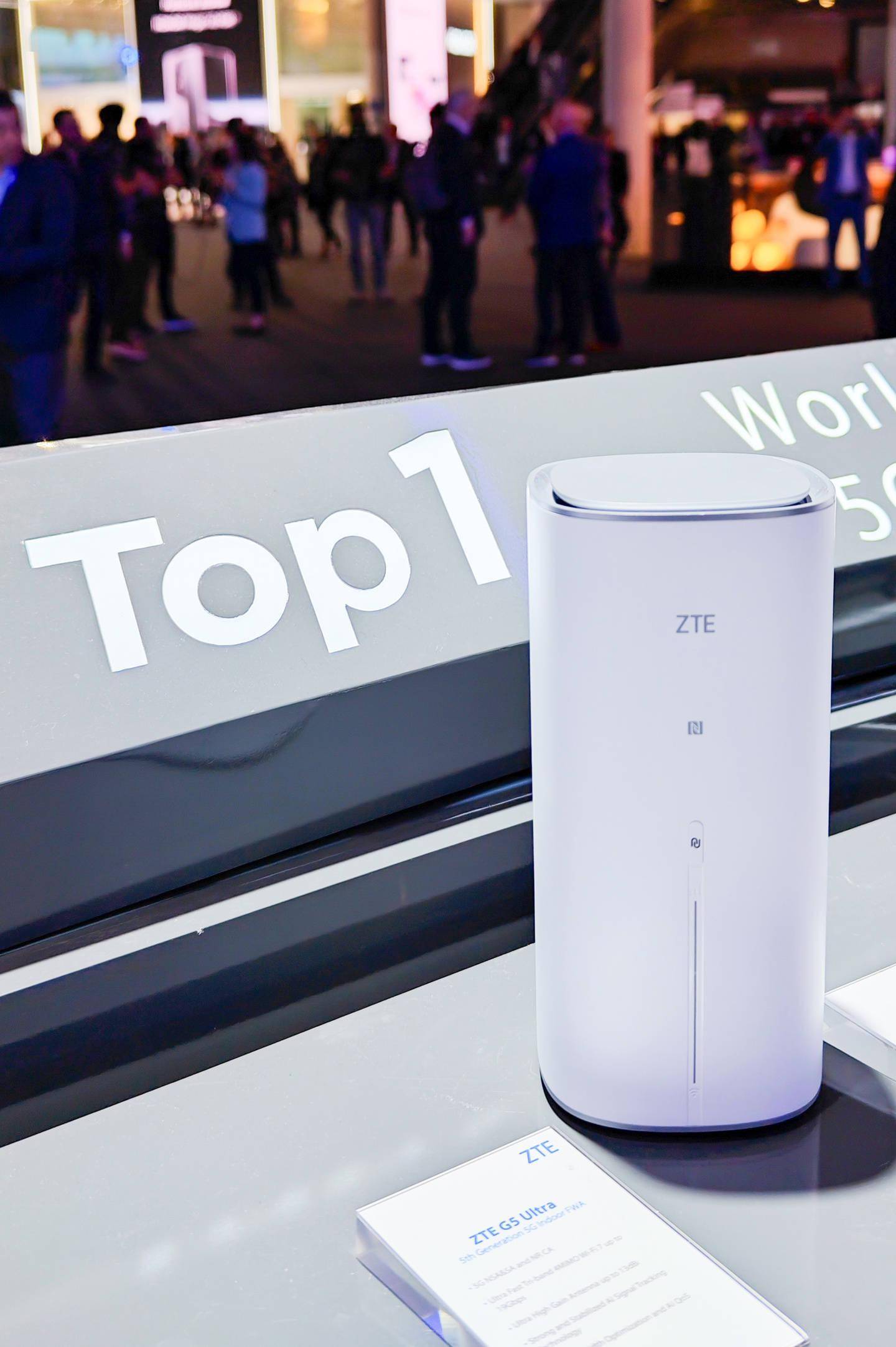
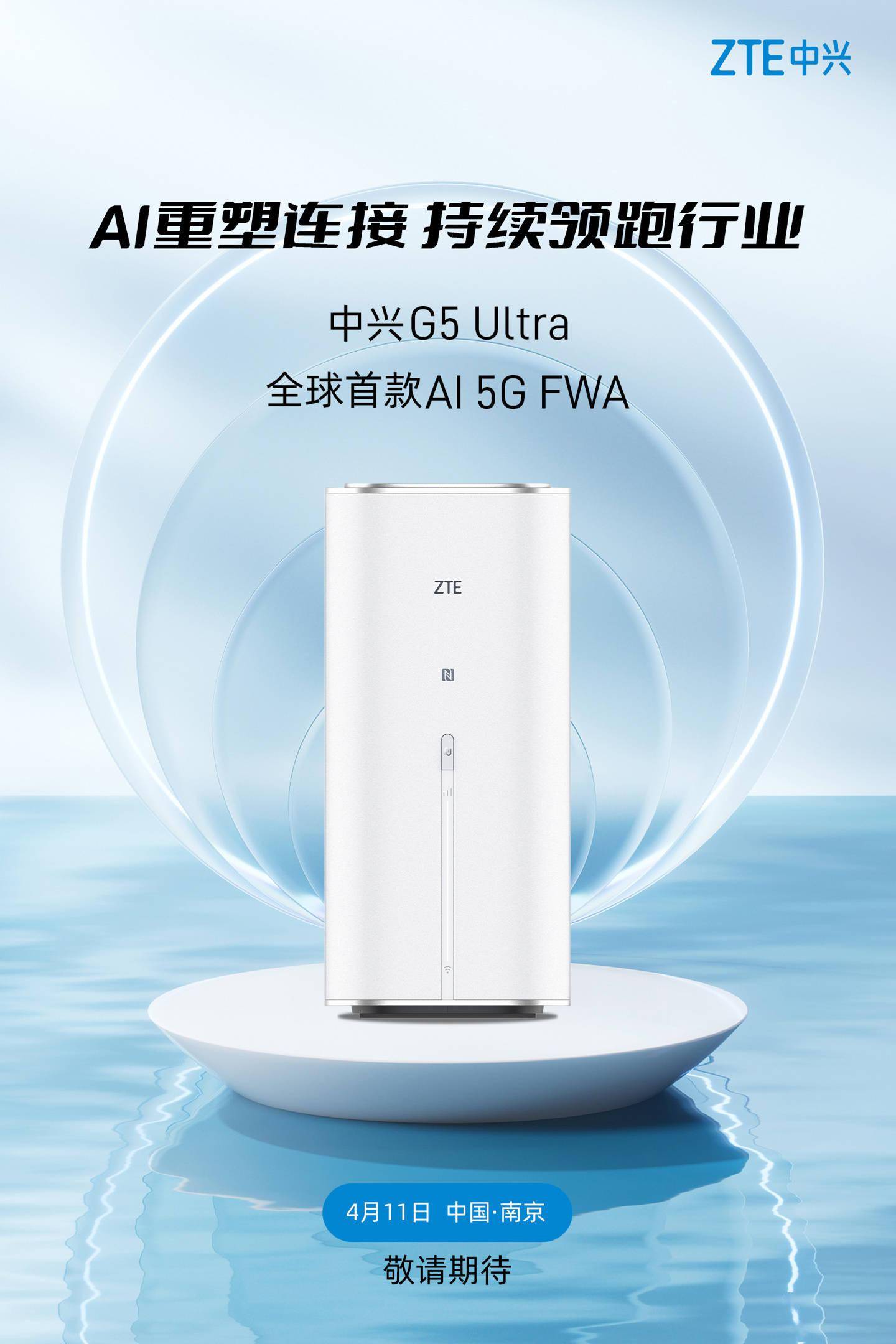
ZTE New Gen 5G Router

user posted image

user posted image
melondance
post Apr 10 2024, 10:18 PM

Getting Started
**
Junior Member
169 posts

Joined: Apr 2018
Is UMobile UHome 5G provided ZTE modem sim-locked? Has anyone tried inserting another telco sim? I know they stated in FAQ but just wondering if anyone tried.
mista_amin
post Apr 11 2024, 12:19 AM

Getting Started
**
Junior Member
88 posts

Joined: Sep 2007


QUOTE(waikit1985 @ Apr 8 2024, 04:10 PM)
I stay beside a 5G signal tower (about 100m distance).
Signal strength is strong and speed is good but I kept disconnected from the router, the frequency of dc is quite random.

Sometimes 2-3 times in 30 minutes, sometimes no dc in few hours.

Not sure why, hopefully is my setting problem so that I can adjust it, otherwise I also dont know what to do.
*
Try contact back umobile and tell your problem. Read few cases of firmware issues n they changed to new one. And got 1 case where umobile come n check (most probably tower issue)
E.Coli
post Apr 11 2024, 12:40 PM

Getting Started
**
Junior Member
56 posts

Joined: Aug 2012
What is the speed if lock to B28? I have huawei B818 and dont want to tie up with 24 mths contract.
ahlong0180
post Apr 11 2024, 01:16 PM

Casual
***
Junior Member
305 posts

Joined: Aug 2019


QUOTE(E.Coli @ Apr 11 2024, 12:40 PM)
What is the speed if lock to B28? I have huawei B818 and dont want to tie up with 24 mths contract.
*
around 50mbps if no congestion
MR_alien
post Apr 11 2024, 05:33 PM

Mr.Alien on the loss
*******
Senior Member
3,582 posts

Joined: Oct 2007
From: everywhere in sabah


QUOTE(ultrageek @ Apr 10 2024, 07:40 PM)
Hi,
The below are my observations in comparison between the ZTE MC888s (just started my contract) and Deco X50 5G (which i pinjam from my office to test).

Using the supplied ZTE MC888s, when I had first used it, it was pulling a paltry 50 to 100Mbps. I then took out that sim card, and with default settings on the Deco (I didn't change any its settings and no, my office staff isn't smart enough to change the network settings... they prefer everything default!), it was consistently getting 500 to 600Mbps!

Coming here, and reading this thread, I modified as per the information provided (aka 5G NSA, Band 78, Band 28 for 4G), and the values went up to 250Mbps but still no match for the Deco.

FYI, the tests were done one after another device, and to the same servers on SpeedTest (KL - ViewQwest).

Any ideas what else can be done to bring the numbers closer to the Deco? I know the Deco has way superior modem, but at half it's download value for the ZTE?

Thanks for the comments...
*
the speed difference is due to the chipset it's using....deco X50 is using Qualcomm’s Snapdragon X62 while ZTE isn't
no need different router, i switch the sim to my phone which runs on snapdragon chip also can go that fast and it's full bar too
thn switch back to this router, it's pulling 3 bars and not so fast speed but way more than enough
waikit1985
post Apr 12 2024, 04:04 PM

New Member
*
Junior Member
35 posts

Joined: Sep 2022
QUOTE(mista_amin @ Apr 11 2024, 12:19 AM)
Try contact back umobile and tell your problem. Read few cases of firmware issues n  they changed to new one. And got 1 case where umobile come n check (most probably tower issue)
*
Alright, thanks for letting me know, will contact umobile after this festive season, probably next week.

I try to update the firmware through the router, but it shows that the current one is the latest one.


mista_amin
post Apr 13 2024, 02:41 PM

Getting Started
**
Junior Member
88 posts

Joined: Sep 2007


QUOTE(waikit1985 @ Apr 12 2024, 04:04 PM)
Alright, thanks for letting me know, will contact umobile after this festive season, probably next week.

I try to update the firmware through the router, but it shows that the current one is the latest one.
*
Yeap. I can't update the firmware as well. But mine is working fine atm. Touchwood!

But the cases I've been reading that the modem often dc. Sometimes after do speed test also kena dc.
They contacted umobile n need to return back the modem due to firmware issues.
waikit1985
post Apr 13 2024, 05:12 PM

New Member
*
Junior Member
35 posts

Joined: Sep 2022
QUOTE(mista_amin @ Apr 13 2024, 02:41 PM)
Yeap. I can't update the firmware as well. But mine is working fine atm. Touchwood!

But the cases I've been reading that the modem often dc. Sometimes after do speed test also kena dc.
They contacted umobile n need to return back the modem due to firmware issues.
*
ya quite bad actually the user experience so far.

dc happening quite frequent now.. is like every 30 mins will dc once.

once the router dc, the WiFi might or might not restart itself, have to manually switch off and on the device and waited like 1 min only the WiFi SSID will reappear again.

Quite troublesome.. I wonder how is the process, need to bring the device back to Berjaya Times Square HQ ourselves?
mista_amin
post Apr 13 2024, 08:57 PM

Getting Started
**
Junior Member
88 posts

Joined: Sep 2007


QUOTE(waikit1985 @ Apr 13 2024, 05:12 PM)
ya quite bad actually the user experience so far.

dc happening quite frequent now.. is like every 30 mins will dc once.

once the router dc, the WiFi might or might not restart itself, have to manually switch off and on the device and waited like 1 min only the WiFi SSID will reappear again.

Quite troublesome.. I wonder how is the process, need to bring the device back to Berjaya Times Square HQ ourselves?
*
Most likely firmware issues.

Not sure bout the process tho if u bought from U shop. Just lodge report first n see how. But I think I should be able to return it at any U mobile center once got ref case number.

John00
post Apr 13 2024, 11:17 PM

Getting Started
**
Junior Member
180 posts

Joined: Aug 2011


I want to try the Umobile line with my Xiaoxi 13T Pro, but seems like cannot detect. I check the DNB supported device, and 13T Pro is not on the list. Is that the reason ah?
MR_alien
post Apr 14 2024, 10:59 AM

Mr.Alien on the loss
*******
Senior Member
3,582 posts

Joined: Oct 2007
From: everywhere in sabah


QUOTE(John00 @ Apr 13 2024, 11:17 PM)
I want to try the Umobile line with my Xiaoxi 13T Pro, but seems like cannot detect. I check the DNB supported device, and 13T Pro is not on the list. Is that the reason ah?
*
did u buy a package on the app?
ultrageek
post Apr 14 2024, 11:41 AM

Casual
***
Junior Member
342 posts

Joined: Jan 2003
While I don't face your random and frequent DC's , I too am facing some daily or every alternate day DC's. No firmware to update according to the portal.

I will see the following error on the display logs (Advance Settings > Others):
Apr 13 12:51:26 : [user][info]Rndis(1657): OnConnectFail, rndis_check_connect_state_count=0

Annoying... not sure whether it helps anyone else
John00
post Apr 14 2024, 11:44 AM

Getting Started
**
Junior Member
180 posts

Joined: Aug 2011


QUOTE(MR_alien @ Apr 14 2024, 10:59 AM)
did u buy a package on the app?
*
Do I need to buy?
From the app it seems I already have a high speed data
MR_alien
post Apr 14 2024, 11:46 AM

Mr.Alien on the loss
*******
Senior Member
3,582 posts

Joined: Oct 2007
From: everywhere in sabah


QUOTE(John00 @ Apr 14 2024, 11:44 AM)
Do I need to buy?
From the app it seems I already have a high speed data
*
yes, u need to buy a package for 5G to be activated
if u just use it as it is...it's 4G only

the "5G ready data" is not what you think/what it meant
MR_alien
post Apr 14 2024, 11:47 AM

Mr.Alien on the loss
*******
Senior Member
3,582 posts

Joined: Oct 2007
From: everywhere in sabah


QUOTE(ultrageek @ Apr 14 2024, 11:41 AM)
While I don't face your random and frequent DC's , I too am facing some daily or every alternate day DC's. No firmware to update according to the portal.

I will see the following error on the display logs (Advance Settings > Others):
Apr 13 12:51:26  : [user][info]Rndis(1657): OnConnectFail, rndis_check_connect_state_count=0

Annoying... not sure whether it helps anyone else
*
did u try to reset it?
John00
post Apr 14 2024, 11:47 AM

Getting Started
**
Junior Member
180 posts

Joined: Aug 2011


QUOTE(MR_alien @ Apr 14 2024, 11:46 AM)
yes, u need to buy a package for 5G to be activated
if u just use it as it is...it's 4G only

the "5G ready data" is not what you think/what it meant
*
No wonder.... Alright thanks, thought my phone has issue...

120 Pages « < 51 52 53 54 55 > » Top
 

Change to:
| Lo-Fi Version
0.0267sec    1.41    6 queries    GZIP Disabled
Time is now: 19th December 2025 - 06:09 AM