

I'm on 30Mbps and contract's due this year end.
Router -> TPLink Archer c5v

The Official Maxis FTTH Thread | v5, Maxis Home Fibre Internet, from RM89
|
|
 Apr 25 2020, 12:06 AM Apr 25 2020, 12:06 AM
Show posts by this member only | IPv6 | Post
#5181
|
 
Senior Member
1,841 posts Joined: Feb 2018  
|
If anyone is interested to know.
I'm on 30Mbps and contract's due this year end. Router -> TPLink Archer c5v
|
|
|
|
|
|
Apr 25 2020, 12:35 AM
|

Senior Member
1,394 posts Joined: Jan 2003 From: 68000
|
Both of you are right, I miss state Lucent is modem. My apology.
|
|
|
Apr 25 2020, 04:01 PM
Show posts by this member only | IPv6 | Post
#5183
|

Senior Member
1,878 posts Joined: Apr 2019
|
QUOTE(yongtjunkit @ Apr 24 2020, 05:51 PM) Maxis may say that you must use the Maxis router as it's the only one supported and saying that any 3rd party router other than maxis is not supported ( at least what Astro IPTV CS said The Technicolor router you're referring to is not distributed by Maxis Home Fibre to their customers. It's for Astro Broadband for connecting with their Astro set-top boxes(STB). Yes, it's crappier than the Aminia MA-131 or TP-Link C5V but the Technicolor router is the only working router that is compatible with the Astro Broadband IPTV tv boxes. They're only supplied to Astro Broadband subscribers now which is not relevant to this thread.  ) - Astro IPTV CS and Maxis CS may tell different info so you'll need to check with maxis ) - Astro IPTV CS and Maxis CS may tell different info so you'll need to check with maxis In reality, Maxis router is just aimed at the trash bin( at least for power user)  This Technicolor router has no 5GHz WiFi band and this is the reason why ASTRO IPTV Broadband is only offered upto 30M in many areas in this country due to this shortcoming. QUOTE(xenothrix @ Apr 24 2020, 11:02 PM) when I upgraded from 10mbps to 30mbps about 20 months ago, maxis replaced both modem and router. Router now Lucent I240. Can support gigabits? And router is also replaced to TPLink Archer cv5 or something . I still have about 3 or 4 months before my contract ends so if it affects my contract I am not going to do anything too. Should you decide to renew your contract and get a new C5V/newer router after the MCO, please request your Maxpert installer to pull along the TM installer to replace your old Alcate-Lucent I240(silver old box) with a new Nokia ONT/fibre modem to future proof your connection for gigabit connection.B4 MCO, 30mbps is quite sufficient - with not too much concurrent streaming between 4 users. Now quite occasional 3 or 4 people streaming video at the same time. 30mbps seem laggy. Tempted to go 100mbps. Alcatel-Lucent has been acquired by Nokia around 5 years back. The fibre modem has a very sleek and slimline design. 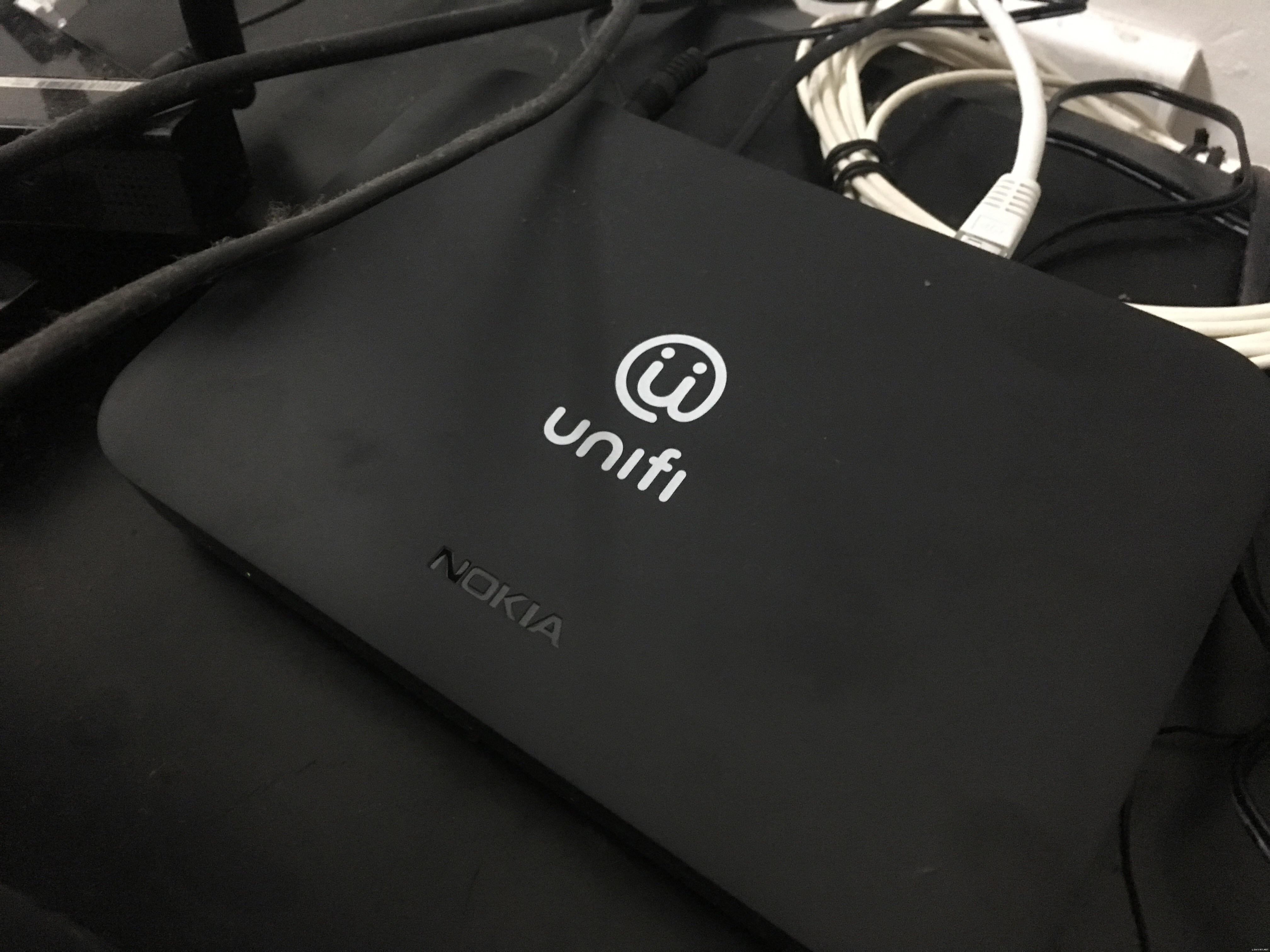 |
|
|
Apr 25 2020, 04:09 PM
Show posts by this member only | IPv6 | Post
#5184
|
|
Junior Member
222 posts Joined: Jan 2003
|
QUOTE(PoisonSoul @ Apr 25 2020, 12:06 AM) If anyone is interested to know. How to downgrade after 1 month?I'm on 30Mbps and contract's due this year end. Router -> TPLink Archer c5v
Need to call sc or can do in maxis app? |
|
|
Apr 25 2020, 05:10 PM
Show posts by this member only | IPv6 | Post
#5185
|
|
Senior Member
2,516 posts Joined: Mar 2016
|
QUOTE(Candy12 @ Apr 25 2020, 04:01 PM) The Technicolor router you're referring to is not distributed by Maxis Home Fibre to their customers. It's for Astro Broadband for connecting with their Astro set-top boxes(STB). Yes, it's crappier than the Aminia MA-131 or TP-Link C5V but the Technicolor router is the only working router that is compatible with the Astro Broadband IPTV tv boxes. They're only supplied to Astro Broadband subscribers now which is not relevant to this thread. Actually Astro IPTV supports up to 100 mbps only( and the technicolor router doesn’t support this speed) This Technicolor router has no 5GHz WiFi band and this is the reason why ASTRO IPTV Broadband is only offered upto 30M in many areas in this country due to this shortcoming. Astro and broadband goes all the way to 800mbps I do see maxis customer having that router too as well(must be old maxis fiber customer) This post has been edited by yongtjunkit: Apr 25 2020, 05:14 PM |
|
|
Apr 25 2020, 05:14 PM
Show posts by this member only | IPv6 | Post
#5186
|
|
Senior Member
1,878 posts Joined: Apr 2019
|
QUOTE(yongtjunkit @ Apr 25 2020, 05:10 PM) Actually Astro IPTV supports up to 100 mbps only I'm referring to the ASTRO IPTV Broadband which does not require satellite dish use ethernet cable connected to router directly like cable TV plan.Astro and broadband goes all the way to 800mbps I do see maxis customer having that router too as well They're forced to only use that Technicolor router only. Maxis customers who use the old Technicolor routers are those older customer more than 24 months ago. |
|
|
|
|
|
Apr 25 2020, 08:01 PM
Show posts by this member only | IPv6 | Post
#5187
|
|
Senior Member
1,841 posts Joined: Feb 2018
|
QUOTE(miss comet @ Apr 25 2020, 04:09 PM) How to downgrade after 1 month? Pretty sure you need to call CS and do so. Or maybe this Live Chat will do also.Need to call sc or can do in maxis app? |
|
|
Apr 26 2020, 12:49 AM
|

Senior Member
1,595 posts Joined: Jan 2016
|
QUOTE(Candy12 @ Apr 25 2020, 04:01 PM) The fibre modem has a very sleek and slimline design. That fiber modem sure looks like Xiaomi's TVbox, that's the new ONT? |
|
|
Apr 26 2020, 08:35 PM
|
|
Junior Member
5 posts Joined: Jan 2003
|
Contemplating whether I should switch from Archer C5v to Archer C1200. Any suggestions?
Notice there's a CWMP option but unable to disable it. Suspect is being used to capture and monitor Internet traffic... |
|
|
Apr 27 2020, 08:39 AM
Show posts by this member only | IPv6 | Post
#5190
|
|
Senior Member
1,878 posts Joined: Apr 2019
|
QUOTE(QuantumEdge @ Apr 26 2020, 12:49 AM) That fiber modem sure looks like Xiaomi's TVbox, that's the new ONT? Going as cheap as RM68 per unit on Carousell Malaysia.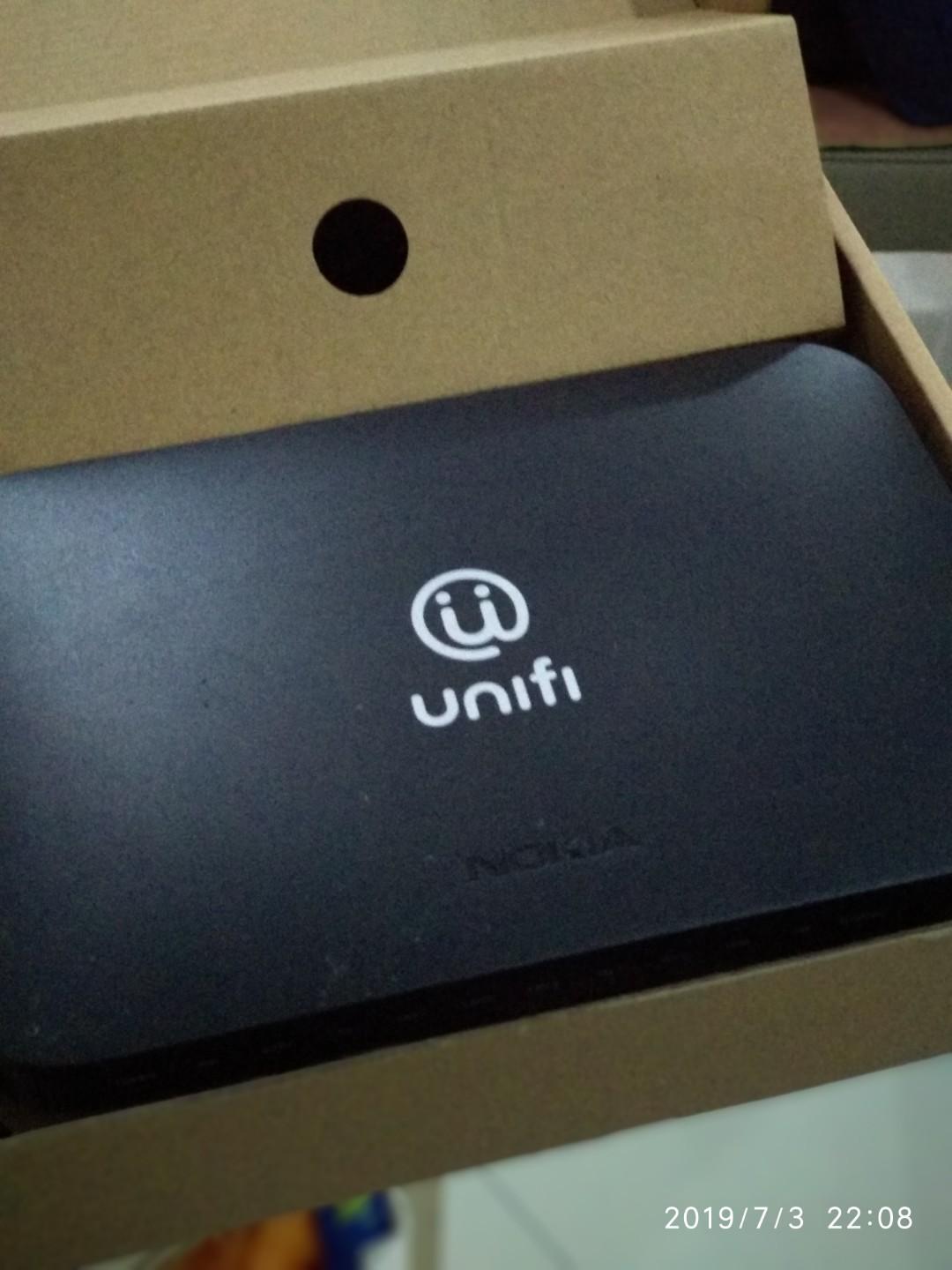 Some are selling at Mudah for RM100. Yes that's the new ONT replacement for those areas previously using Alcatel-Lucent modems. There are 3 OLT vendors for TM Unifi FTTH if I'm not wrong. 1)Nokia (previously Alcatel-Lucent) 2)Huawei 3)Fiberhome, Wuhan  |
|
|
Apr 27 2020, 11:22 AM
|
|
Senior Member
1,595 posts Joined: Jan 2016
|
QUOTE(Candy12 @ Apr 27 2020, 08:39 AM) Going as cheap as RM68 per unit on Carousell Malaysia. Thanks for the info, I'm guessing Nokia is the best of the bunch?Some are selling at Mudah for RM100. Yes that's the new ONT replacement for those areas previously using Alcatel-Lucent modems. There are 3 OLT vendors for TM Unifi FTTH if I'm not wrong. 1)Nokia (previously Alcatel-Lucent) 2)Huawei 3)Fiberhome, Wuhan And may I have the model number of it, please? |
|
|
Apr 27 2020, 01:48 PM
|
|
Senior Member
1,630 posts Joined: Jun 2006
|
canI know current maxis broadband 100mbps what router is given ?
|
|
|
Apr 27 2020, 02:44 PM
Show posts by this member only | IPv6 | Post
#5193
|
|
Senior Member
2,516 posts Joined: Mar 2016
|
QUOTE(ccschua @ Apr 27 2020, 01:48 PM) canI know current maxis broadband 100mbps what router is given ? TP link archer C5V This post has been edited by yongtjunkit: Apr 27 2020, 02:45 PM |
|
|
|
|
|
Apr 27 2020, 02:48 PM
|
|
Senior Member
1,630 posts Joined: Jun 2006
|
i have a archer c9 v3. but no matter how i try, i cant set it up
|
|
|
Apr 27 2020, 02:57 PM
|
|
Senior Member
3,032 posts Joined: Dec 2011
|
QUOTE(ccschua @ Apr 27 2020, 02:48 PM) i have a archer c9 v3. but no matter how i try, i cant set it up U need choose profile mode. |
|
|
Apr 27 2020, 04:20 PM
Show posts by this member only | IPv6 | Post
#5196
|
|
Senior Member
1,630 posts Joined: Jun 2006
|
gave up on this, so I just set it up as access point, and disable the maxis technicolor router wireless.
|
|
|
Apr 27 2020, 05:13 PM
|
|
Senior Member
1,787 posts Joined: Mar 2009 From: PJ lamansara... :D
|
QUOTE(ccschua @ Apr 27 2020, 04:20 PM) gave up on this, so I just set it up as access point, and disable the maxis technicolor router wireless. did the same, bought a new tplink router as an AP and :- disabled all wireless from Maxis router in 1st floor - connect the new AP in ground floor using one of the LAN port from Maxis router. - all wireless connection will go to this new AP, so far so good, at least i have good 5ghz and 1000M coverage now to the media players, TV and laptops in GF which are using wifi connection. |
|
|
Apr 28 2020, 10:35 AM
Show posts by this member only | IPv6 | Post
#5198
|
|
Senior Member
1,878 posts Joined: Apr 2019
|
QUOTE(QuantumEdge @ Apr 27 2020, 11:22 AM) Thanks for the info, I'm guessing Nokia is the best of the bunch? I do not have the specific model number myself. Maybe can try searching the internet. My area's OLT is not using Nokia OLT multiplexer equipment for FTTH.And may I have the model number of it, please? |
|
|
Apr 28 2020, 11:10 AM
|
|
Senior Member
1,595 posts Joined: Jan 2016
|
QUOTE(Candy12 @ Apr 28 2020, 10:35 AM) I do not have the specific model number myself. Maybe can try searching the internet. My area's OLT is not using Nokia OLT multiplexer equipment for FTTH. Most areas are using Huawei's equipment it seems? I thought ONT is universal for FTTH  |
|
|
Apr 28 2020, 11:37 AM
Show posts by this member only | IPv6 | Post
#5200
|
|
Senior Member
1,878 posts Joined: Apr 2019
|
QUOTE(QuantumEdge @ Apr 28 2020, 11:10 AM) Most areas are using Huawei's equipment it seems? Not really with GPON standard it's stricter. The fibre modem and OLT multiplexer must be of same brand for achieving compatibility.I thought ONT is universal for FTTH |
| Change to: |  0.0242sec 0.0242sec
 0.23 0.23
 6 queries 6 queries
 GZIP Disabled GZIP Disabled
Time is now: 3rd December 2025 - 06:45 PM |
 Quote
Quote