Welcome Guest ( Log In | Register )

4 Pages  1 2 3 > » Bottom

Outline · [ Standard ] · Linear+

 The Official Maxis FTTH Thread | v5, Maxis Home Fibre Internet, from RM89

views
     
SUSCandy12
post Jul 28 2019, 07:56 PM

Regular
******
Senior Member
1,878 posts

Joined: Apr 2019
It's not fully recovered. No doubt connection is back but Maxis international routing now is still affected.

Speedtest to OVH Singapore now seems throttled. Only getting no more than 5Mbps and on average most international test servers show spike in jitter and increase in latency.


SUSCandy12
post Sep 5 2019, 12:14 AM

Regular
******
Senior Member
1,878 posts

Joined: Apr 2019
FYI TM also uses a similar modem to this for their VDSL2 customers that are based in high rise HSBB areas.

How come they're not complaining?

Are TM resellers here at work trying to make up stories to promote their services?

I mean come on, the excuse of maintaining your old fixed line number and not being able to connect your phone directly to the BTU is a big fuss when modern day most people are already using mobile lines?


SUSCandy12
post Jan 19 2020, 10:05 PM

Regular
******
Senior Member
1,878 posts

Joined: Apr 2019
QUOTE(joshhd @ Jan 17 2020, 02:47 PM)
shocking.gif shocking.gif
That's something new to me eh... Use VPN to bypass throttle Maxis's speed cap...
Btw just to remind u guys, the official Maxis customer service agents are actually monitoring this forum topic from time to time... Pandai pandai la, if wan to share info like this here... Try not to reveal too much... Later maxis network team find ways to counter bypass the speed cap by the particular VPN, liddat all maxis customers kena, then that vpn trick doesn't work anymore or they make it harder to work 😓
*
No ISPs cannot simply throttle VPNs just like China which is a government ruling.

People still need to connect to their company's VPNs to work remotely.
Throttle popular VPN services that's another story, that's why it's not good to choose thos highly popular VPNs such as Nord, ExpressVPN, VyperVPN etc.

Go for the lesser popular ones until you find the sweet spot then keep your mouths quiet about it.

Maxis is not so notorious in doing this. TM is way more nasty when it comes to throttling and surveillance. Back when Boosku ruling time, Malaysia was right up there on the surveillance top chart along with China, Turkey and Saudi Arabia.
SUSCandy12
post Feb 5 2020, 09:45 PM

Regular
******
Senior Member
1,878 posts

Joined: Apr 2019
QUOTE(cool.seabreeze @ Feb 5 2020, 11:25 AM)
I thought firewall only block access from the internet into your local LAN, or between LAN and the internet.  If your devices and Chromecast are on the same LAN, the firewall should not interfere right?
*
I tried FTP'ing between 2 devices one act as server and the other client between 2 devices on the same LAN and always fail to connect after the router running for a few hours, then restart it works again.

Somehow the router's firewall seem to be blocking ports after a while. Need to restart then only will work again.
SUSCandy12
post Mar 4 2020, 11:26 AM

Regular
******
Senior Member
1,878 posts

Joined: Apr 2019
QUOTE(Steve Lum @ Mar 4 2020, 03:19 AM)
Hey guys, the maxis fibre plan that I have is 100mbps but I am only getting 30mbps from speedtest or 3mb/s in downloads. Is this normal?  hmm.gif
*
This is not the fault of your ISP but the limitations of the 2.4GHz WiFi itself.
Try changing your channel bandwidth for your 2.4GHz wifi to 40MHz instead of 20MHz to double its speed. Even that you will the most get around 100Mbps only with your wifi un less you use the 5GHz Wi-Fi option.

Why you're only getting 30Mbps is because it's very likely your setting for 2.4GHz channel bandwidth is only set to 20MHz. You need to change it to 40MHz instead.

This is the limitation of using 2.4GHz WiFi the most you can reach is only around 100Mbps with 40 MHz channel bandwidth.
SUSCandy12
post Apr 10 2020, 12:05 PM

Regular
******
Senior Member
1,878 posts

Joined: Apr 2019
QUOTE(silrave @ Apr 10 2020, 01:27 AM)
heard review not so good
i hope can get back 800 mbps
cause plan to get rm 200 with 800mbps
but they cant offer me
i worry after i cancel unifi
change to maxis then got issue
then my house no internet
die
*
During this MCO period, there will be no installers that will come to your place if you make any application for a new line with any of the telcos. Also all telco customer centres will be closed for walk-ins.Only automatic transaction kiosks and payment machines are available.

I guess you'll at least have to bear with your high bills for 1-2 months more until the MCO is lifted. DO NOT attempt to downgrade or change your current telco plan for time being even if they try to trick you with sweet offers over the line because any changes will RESULT in your contract being locked down for another 24 months.

For your case the 300M plan will be the most appropriate since it can cut down to about half of what you are paying currently. How many users/devices are there in your house?
SUSCandy12
post Apr 10 2020, 12:18 PM

Regular
******
Senior Member
1,878 posts

Joined: Apr 2019
QUOTE(ronnie @ Apr 10 2020, 10:53 AM)
Fortunately... not me wor....  biggrin.gif  tongue.gif
Don't be so generalise your opinion.
*
Don't bother answering agents or trolls in public forums. If they have issues, they can always contact the ISP to file complains or directly contact MCMC.

Why bother answering others trying to persuade them to change their opinions or influence their decisions?

Proof that such speeds are still achievable at peak hours even at 7-8pm to a Singapore test server for a 300M line?

https://testmy.net/db/ZQiwvDT2R

SUSCandy12
post Apr 14 2020, 11:25 PM

Regular
******
Senior Member
1,878 posts

Joined: Apr 2019
QUOTE(silrave @ Apr 10 2020, 09:01 PM)
3 user
but i am heavy user lol
*
300M is good enough, you take 200M and the other 2 users take 50M.

The satisfaction goes towards unwasted money spent on excess bandwith.
SUSCandy12
post Apr 15 2020, 11:30 AM

Regular
******
Senior Member
1,878 posts

Joined: Apr 2019
QUOTE(silrave @ Apr 15 2020, 02:11 AM)
may be i already use to it on 800 mbps
cause i got try to download tos compare with my friend maxis 300 mbps
i finish download it still downloading
so ... got bit not balance on it
*
Won't make a big difference for international files. They're capped by all our local isps because of resource constraints/limitations.


SUSCandy12
post Apr 16 2020, 01:00 PM

Regular
******
Senior Member
1,878 posts

Joined: Apr 2019
QUOTE(silrave @ Apr 16 2020, 12:11 AM)
haha
u sure ?
but when i try steam download games
the different come already
when torrent and direct download also come with different
except i not heavy usage
Can your 800M Unifi line sustain anywhere close to 800M consistently with direct downloads from servers located in other regions such Europe/USA? You'll be lucky if it can even reach anywhere near 300M.

For your case in your household with less than 4 people, 800M is a waste from experience. Even my Singaporean friends who subscribed anything more than 1Gbps found that their lines were a pure waste because they paid more for nothing.

Unless you're talking about using it for some large office or organization with over 50 people who wants to go online simultaneously requiring a huge load of simultaneous connections, you won't need this much bandwidth. Also to take advantage of it requires enterprise grade routers that can handle that much amount of traffic.

Do you get satisfaction for what you pay for? Like buying a Ferrari which claims to have a top speed of 260MpH when you know our local highway speed limit is only 110km/h?
You spend 10X less buying a Honda Civic Type R which can easily speed around 160km/h. At the end who is more satisfied with his purchase?

QUOTE(yongtjunkit @ Apr 16 2020, 08:02 AM)
What about upgrading plan in astro IPTV/Astro & broadband?

any upgrade in Astro will restart your contract?
*
This Maxis Home Fibre offer is STRICTLY offered to selected Maxis subscribers only.
Does not APPLY to Astro Broadband and Hotlink Flex Plus Fibre or has any co-relation with them even though they share the same wholesale ISP as Maxis Broadband.

They DO NOT follow/share Maxis's Home Fibre contract terms in any way.


QUOTE(joshhd @ Apr 16 2020, 08:54 AM)
If upgrade, I think won't restart contract.
Maxis also same.

If downgrade speed on Maxis Fibre, contract period won't be affected. But...
If downgrade speed on Astro Broadband, if still got remaining contract, prorated penalty.

So up to you lo, is it worth it to enjoy some tens of ringgit savings per month, in exchange for such contract terms and also uncertainty of after sales support.
*
@joshhd, there's a concern though. Even if opt out or downgrade from the 100M/300M plan after say 1 month when the MCO ends, you'll need to pay the FULL RM129/149 rate for that particular month itself before reverting back to the 30M plan's RM89 which will readjust back the following month thereafter.

Meaning say you decide to DOWNGRADE back to RM89 30M plan in May 2020, the rebates will be forfeited and you need to pay RM129+6% (additional RM40) for that month before the rate reverts back to RM89 in June 2020.

SUSCandy12
post Apr 23 2020, 01:36 PM

Regular
******
Senior Member
1,878 posts

Joined: Apr 2019
QUOTE(64bit @ Apr 22 2020, 08:34 PM)
Retested still not able to open microsoft.com and twitter.com on Maxis Fibre

Switched to my phone Celcom hotspot able to open.

Mine should be TM backbone as previously using unifi and switched to Maxis about a year ago.
*
Mine is on TM HSBB with modem supplied by TM. Working fine here.
I'm using Google DNS only.

Twitter loads instantaneously.

QUOTE(ciohbu @ Apr 23 2020, 11:53 AM)
free upgrade ? they offer me 30M to 100M need add RM40 monthly... got free meh ?
*
Free for one month only for 30M to 100M.
Free 2 months for 100M to 300M

No changes to contract will continue from where you signed up last time for installation.

If you downgrade before the offer ends, say in 1 months time. You only need to pay the RM40 difference from your regular monthly fee before reverting back to the cheaper one you're enjoying.
SUSCandy12
post Apr 23 2020, 01:41 PM

Regular
******
Senior Member
1,878 posts

Joined: Apr 2019
QUOTE(xenothrix @ Apr 23 2020, 10:24 AM)
anybody opted in for the so called free upgrade program? i got a call recently from their call center and the guy mentioned that i need to move to new router to enjoy the offer (thus extending my contract). have you gotten the speed upgrade yet?
*
What number is the call originated from?

It has to be 123 which is official Maxis call centre. If it's some mobile number or calling your mobile number it's from some unscrupulous agent.

Maxis will either call your home fixed line, your ONE plan registered Maxis mobile number via 123 or email you directly.
SUSCandy12
post Apr 24 2020, 10:21 AM

Regular
******
Senior Member
1,878 posts

Joined: Apr 2019
QUOTE(xenothrix @ Apr 23 2020, 10:24 AM)
anybody opted in for the so called free upgrade program? i got a call recently from their call center and the guy mentioned that i need to move to new router to enjoy the offer (thus extending my contract). have you gotten the speed upgrade yet?
*
I don't see why 100M needs a new router. You're currently on 30M or 100M?

QUOTE(sitescope @ Apr 23 2020, 04:38 PM)
Dun wan upg
This covid afraid me if kena cut salary wooo
*
I did not upgrade mine as well. Only 1 person using so 100Mbps is pure waste. Now trying to cut cost on my mobile line instead. Maybe with unlimited calls and smaller data quota since home already got fast WiFi.
SUSCandy12
post Apr 24 2020, 11:18 AM

Regular
******
Senior Member
1,878 posts

Joined: Apr 2019
QUOTE(syk @ Apr 24 2020, 11:11 AM)
Old maxis router do not have dual band wifi, so need to change new router with dual band wifi to enjoy full speed internet access.
TM modem might need to change if upgrade to >100M, because old TM modem LAN speed is limited to 100M.
*
TM modem is free, it's on leased you need to return it when you terminate your line in future. You don't need to renew your contract because it's supposed to be replaced free of charge to cater for higher speed plans.

Only issue is during MCO if you're not in green area, TM cannot replace it for you.

Router you can always purchase your own from online shopping sites. I don't see why they are asking him to renew his contract.
SUSCandy12
post Apr 25 2020, 04:01 PM

Regular
******
Senior Member
1,878 posts

Joined: Apr 2019
QUOTE(yongtjunkit @ Apr 24 2020, 05:51 PM)
Maxis may say that you must use the Maxis router as it's the only one supported and saying that any 3rd party router other than maxis is not supported ( at least what Astro IPTV CS said  ranting.gif  bangwall.gif  bangwall.gif ) - Astro IPTV CS and Maxis CS may tell different info so you'll need to check with maxis

In reality, Maxis router is just aimed at the trash bin( at least for power user)

*
The Technicolor router you're referring to is not distributed by Maxis Home Fibre to their customers. It's for Astro Broadband for connecting with their Astro set-top boxes(STB). Yes, it's crappier than the Aminia MA-131 or TP-Link C5V but the Technicolor router is the only working router that is compatible with the Astro Broadband IPTV tv boxes. They're only supplied to Astro Broadband subscribers now which is not relevant to this thread.

This Technicolor router has no 5GHz WiFi band and this is the reason why ASTRO IPTV Broadband is only offered upto 30M in many areas in this country due to this shortcoming.

QUOTE(xenothrix @ Apr 24 2020, 11:02 PM)
when I upgraded from 10mbps to 30mbps about 20 months ago, maxis replaced both modem and router. Router now Lucent I240. Can support gigabits? And router is also replaced to TPLink Archer cv5 or something . I still have about 3 or 4 months before my contract ends so if it affects my contract I am not going to do anything too.
B4 MCO, 30mbps is quite sufficient - with not too much concurrent streaming between 4 users. Now quite occasional 3 or 4 people streaming video at the same time. 30mbps seem laggy. Tempted to go 100mbps.
*
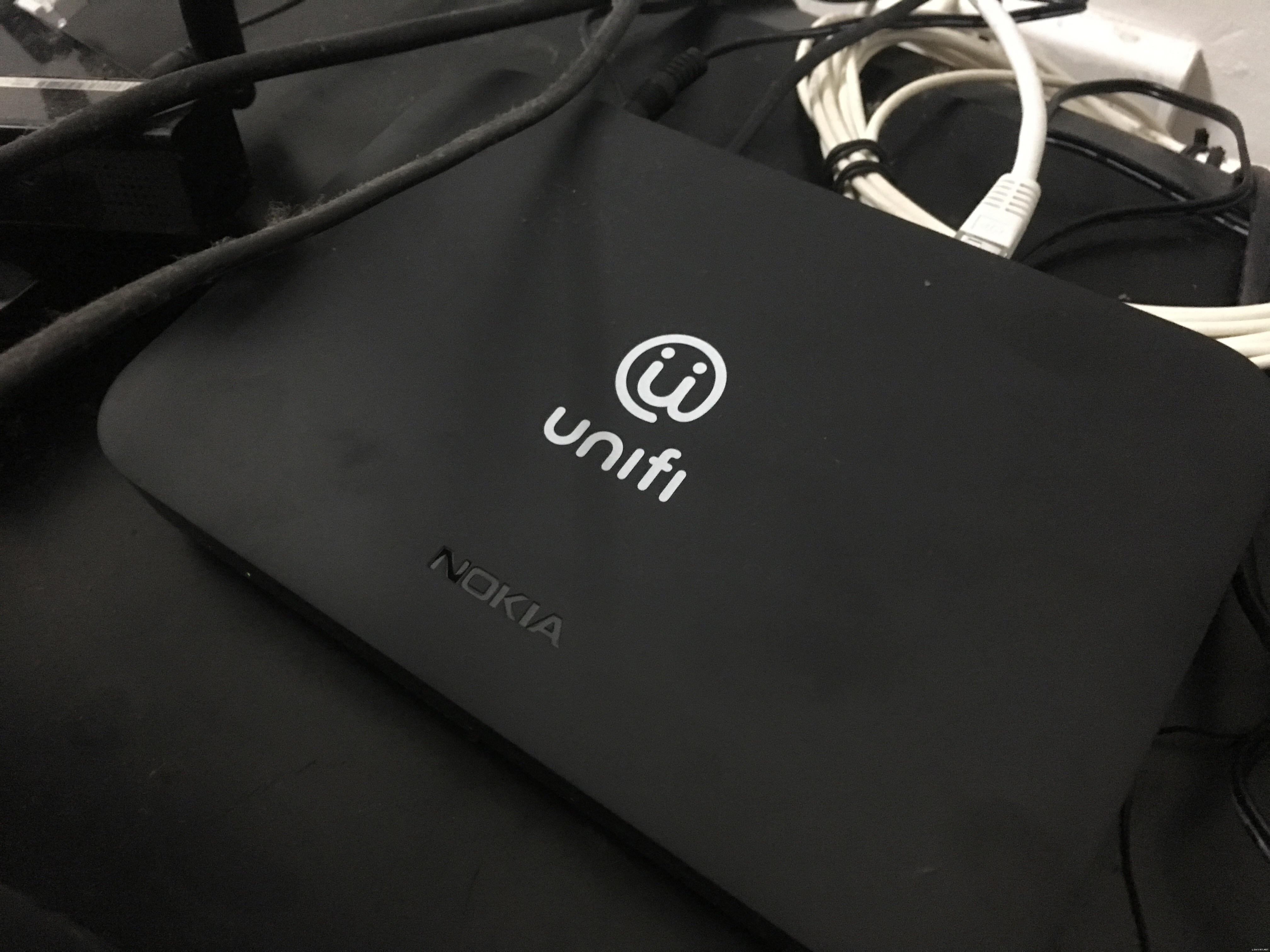
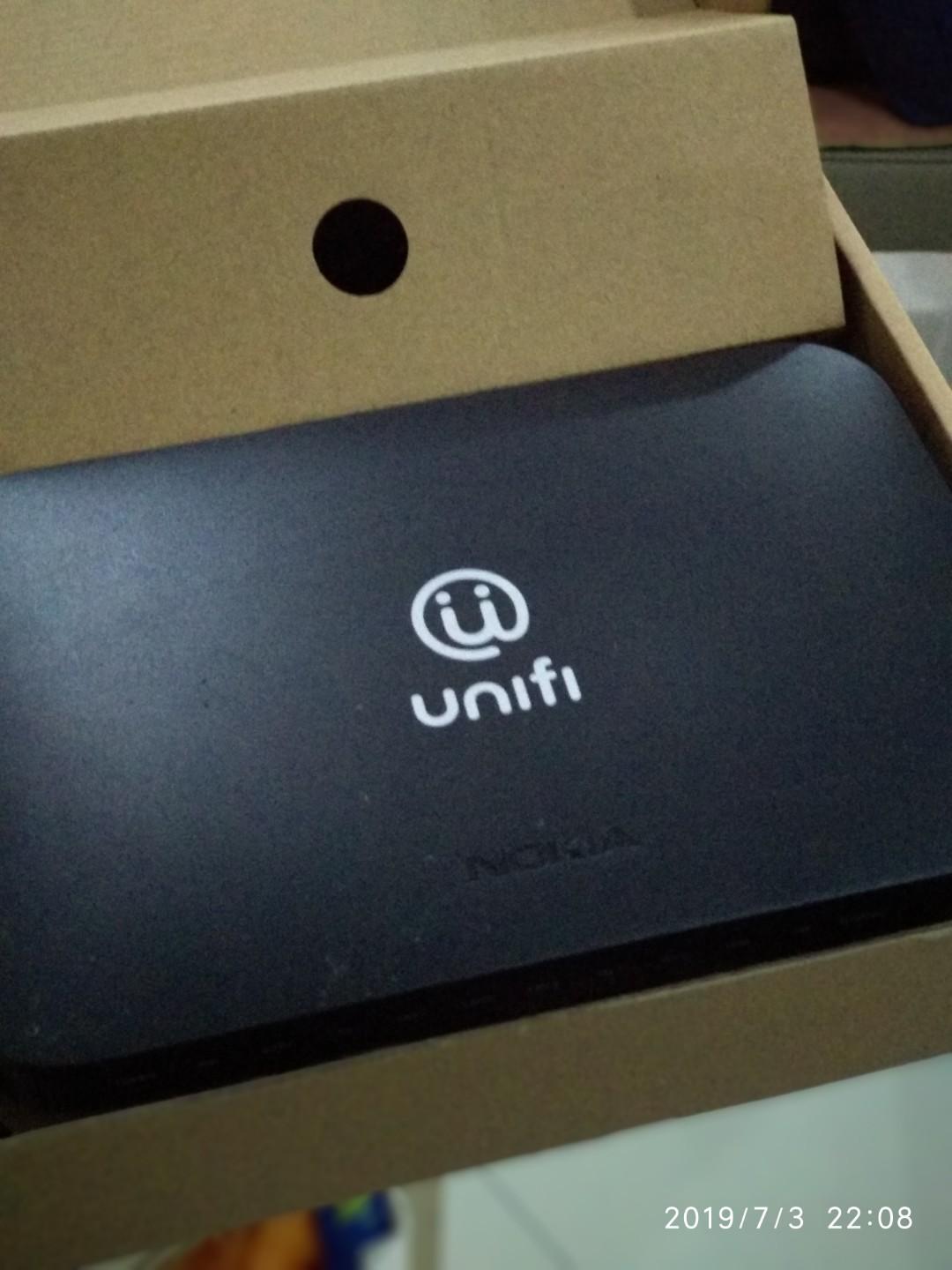
Should you decide to renew your contract and get a new C5V/newer router after the MCO, please request your Maxpert installer to pull along the TM installer to replace your old Alcate-Lucent I240(silver old box) with a new Nokia ONT/fibre modem to future proof your connection for gigabit connection.

Alcatel-Lucent has been acquired by Nokia around 5 years back.

The fibre modem has a very sleek and slimline design.

user posted image

SUSCandy12
post Apr 25 2020, 05:14 PM

Regular
******
Senior Member
1,878 posts

Joined: Apr 2019
QUOTE(yongtjunkit @ Apr 25 2020, 05:10 PM)
Actually Astro IPTV supports up to 100 mbps only

Astro and broadband goes all the way to 800mbps

I do see maxis customer having that router too as well
*
I'm referring to the ASTRO IPTV Broadband which does not require satellite dish use ethernet cable connected to router directly like cable TV plan.

They're forced to only use that Technicolor router only.

Maxis customers who use the old Technicolor routers are those older customer more than 24 months ago.
SUSCandy12
post Apr 27 2020, 08:39 AM

Regular
******
Senior Member
1,878 posts

Joined: Apr 2019
QUOTE(QuantumEdge @ Apr 26 2020, 12:49 AM)
That fiber modem sure looks like Xiaomi's TVbox, that's the new ONT?
*
Going as cheap as RM68 per unit on Carousell Malaysia.

user posted image

Some are selling at Mudah for RM100.

Yes that's the new ONT replacement for those areas previously using Alcatel-Lucent modems.

There are 3 OLT vendors for TM Unifi FTTH if I'm not wrong.

1)Nokia (previously Alcatel-Lucent)
2)Huawei
3)Fiberhome, Wuhan tongue.gif
SUSCandy12
post Apr 28 2020, 10:35 AM

Regular
******
Senior Member
1,878 posts

Joined: Apr 2019
QUOTE(QuantumEdge @ Apr 27 2020, 11:22 AM)
Thanks for the info, I'm guessing Nokia is the best of the bunch?
And may I have the model number of it, please?
*
I do not have the specific model number myself. Maybe can try searching the internet. My area's OLT is not using Nokia OLT multiplexer equipment for FTTH.
SUSCandy12
post Apr 28 2020, 11:37 AM

Regular
******
Senior Member
1,878 posts

Joined: Apr 2019
QUOTE(QuantumEdge @ Apr 28 2020, 11:10 AM)
Most areas are using Huawei's equipment it seems?
I thought ONT is universal for FTTH confused.gif
*
Not really with GPON standard it's stricter. The fibre modem and OLT multiplexer must be of same brand for achieving compatibility.
SUSCandy12
post May 18 2020, 02:47 PM

Regular
******
Senior Member
1,878 posts

Joined: Apr 2019
QUOTE(silrave @ May 15 2020, 08:45 PM)
got such thing
didn't notice I get the 500mbps
*
Also if you plan on switching to Maxis, don't cancel your Unifi line just yet. Apply for Maxis Home Fibre and have their installer come install their router first on your ONT(fibre modem) then only go and terminate your Unifi line.

That way you won't risk losing your HSBB port because if you're living in landed, your neighbors might be already on waiting list. Once you release your port, they might take it up immediately putting you on thr next waiting list indefinitely.

4 Pages  1 2 3 > » Top
 

Change to:
| Lo-Fi Version
0.2119sec    0.73    7 queries    GZIP Disabled
Time is now: 9th December 2025 - 11:56 PM