QUOTE(Crazee187 @ Jul 29 2015, 10:20 PM)
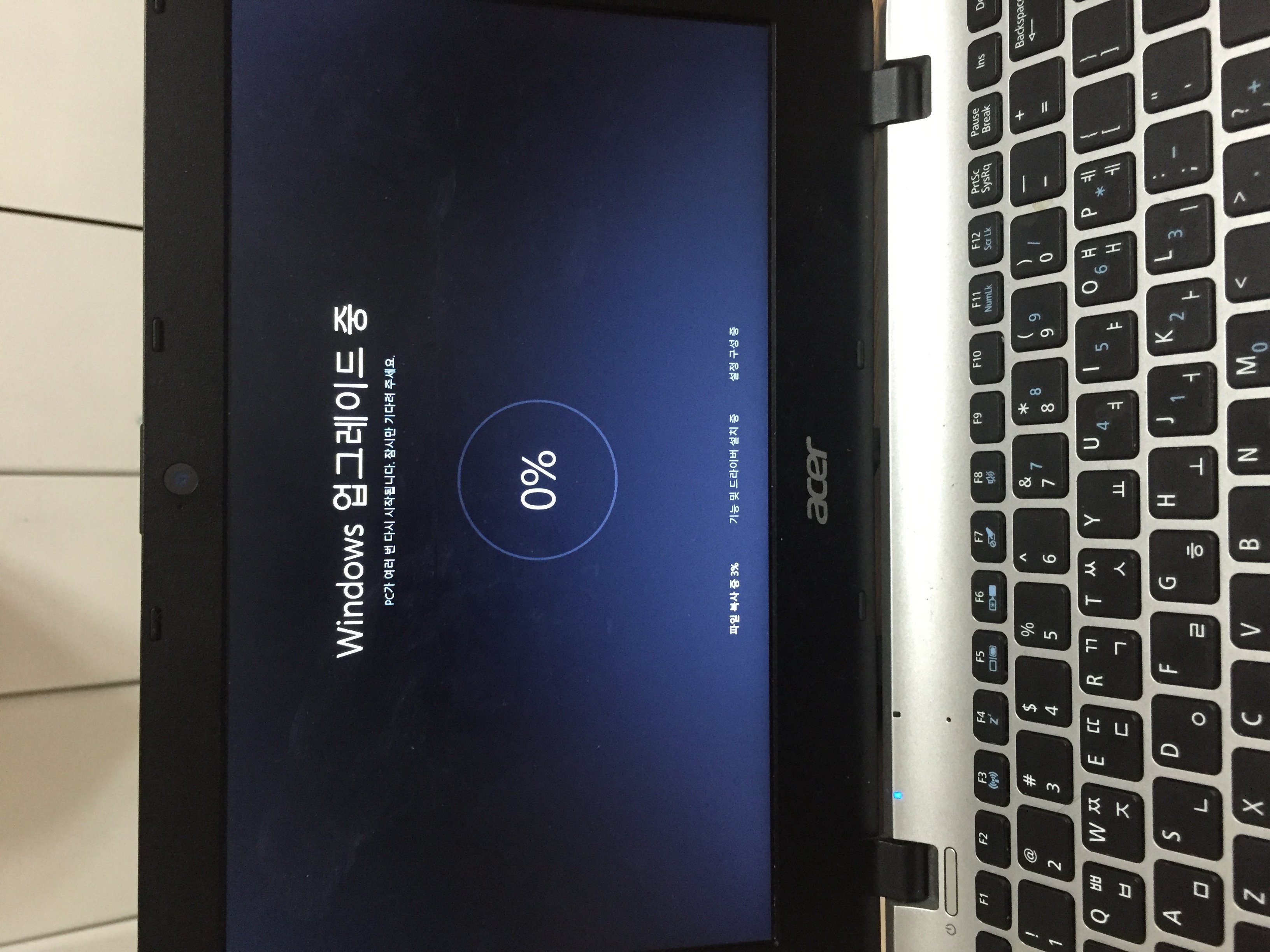
it fail on me about 5 time already the first time yesterday that not force.
i thing i already got windows 10 this morning than it still the same.
i notice on windows update history fail to update windows 10. sad

so today try force still same.. might go with iso or
The Windows 10 Media Creation Tool is available
Try this!
if you are installing it from the 'windows update' and you are getting errors. ignore it.
what you want to do is delete the files that the 'window update' installed on your computer.
then what you are going to want to do is visit this link;
https:// www. Microsoft .com/en-us/software-download/windows10
you will not need any USB or DISC, what it does is basically installed windows 10 onto your computer but this time around its going to download the original files for windows 10 without having any issues or errors when you are trying to use it.
you do not need to enter a product code or a key code for any matter, what it does is that it uses your windows key that is on your computer already, so all that it will do is update your computer if you are on win 7 or 8.1 to win 10..
you will get two choices a CLEAN install or KEEP files..
clean install will just clean the hard drive meaning there will be nothing on it. *safe and you do not need a new key code or anything*
keep files you know what that does.. just keeps everything on your computer and only updating the OS system..
I hope that made sense for everything.. its easy and quick..


 Jul 29 2015, 10:15 PM


 scare for nothing.
 Quote
Quote
 sure pirated? just try la, what to lose.





 0.0338sec
 0.73
0.73
 6 queries
 GZIP Disabled