

 Mar 16 2015, 09:39 AM


QUOTE(scFoong @ Mar 16 2015, 09:16 AM)
An update on my findings (Not fully resolve yet):
Decided to switch to another router to replace the existing Cisco E1000 -> Mi router. At least, the download speed is closer to at what is should be.

Again, the remaining item is the boost section. The speed is no change even after the boost activated (confirmed via speedtest from both speedtest.net & time.come.my)
I have question here:
Shall i be expecting any % from the Boost usage (as pointed by the arrow below)? As you can see, i still left 14hours more but the usage is always 0% usage. I did a check yesterday by logging into the selfcare page during the boost...still observing 0%. I just hope that the boost is activated at my side instead of accidentally to other user.
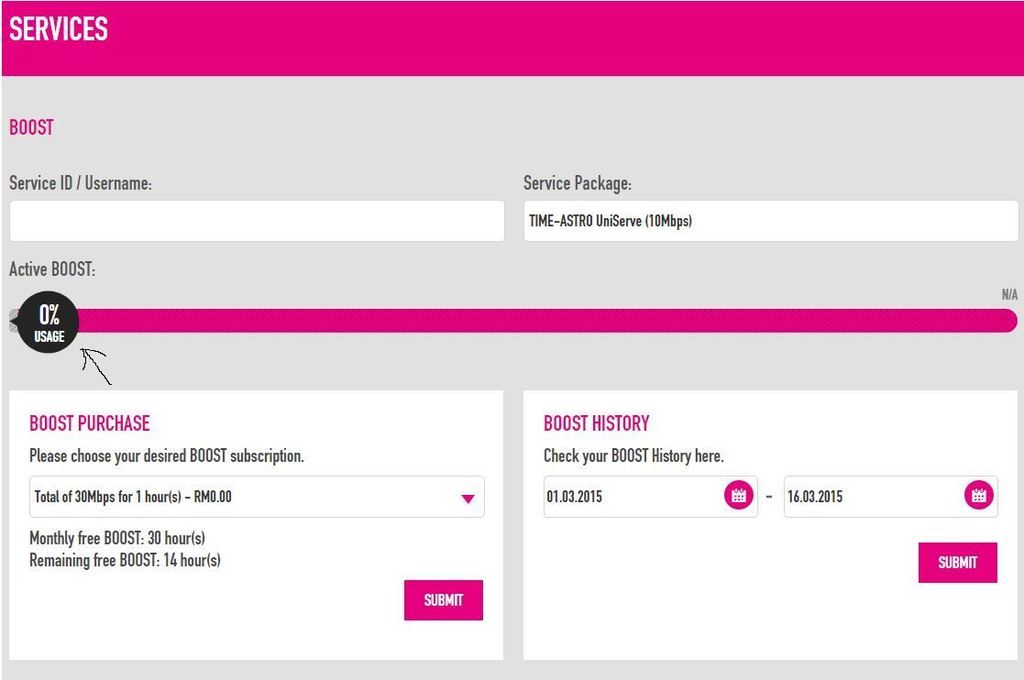

Hi Bro,Decided to switch to another router to replace the existing Cisco E1000 -> Mi router. At least, the download speed is closer to at what is should be.
Again, the remaining item is the boost section. The speed is no change even after the boost activated (confirmed via speedtest from both speedtest.net & time.come.my)
I have question here:
Shall i be expecting any % from the Boost usage (as pointed by the arrow below)? As you can see, i still left 14hours more but the usage is always 0% usage. I did a check yesterday by logging into the selfcare page during the boost...still observing 0%. I just hope that the boost is activated at my side instead of accidentally to other user.
Before changing your Router, u may refer to the guideline in your PM to further determine the root cause.
Yes the % indicator bar ought to move to show the remaining balance of Boost time each session.
Thanks.
 Quote
Quote


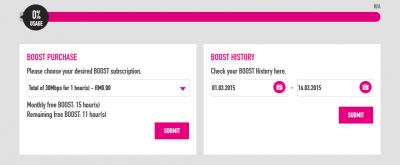

 thanks ya


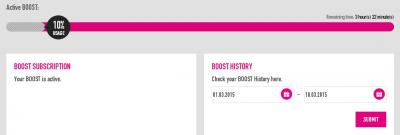


 ? Even my old streamyx can get xunlei dl rate of 1MBytes per second.
 0.0239sec
 0.78
0.78
 6 queries
 GZIP Disabled