

 Oct 4 2022, 03:11 PM


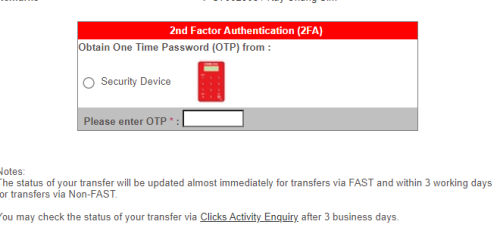
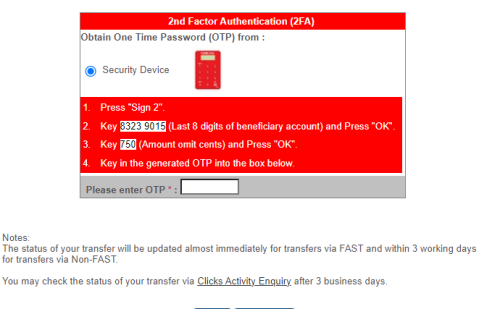
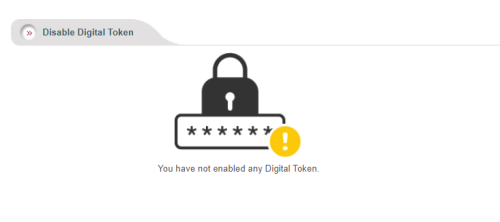
Currently, the CIMB CLICKS SG on web desktop does not have the option for me to do transaction signing (I originally had the transaction signing process available prior to being forced to use the newly updated app and new digital token), only one 2FA method via Security Device with very unclear options. This is the same if I use the mobile app to do the transfer, in which I'm stuck at the same 2FA process. What does the Security Device mean? Isn't it my mobile phone? I get the [EZM0101] Not registered for CIMB Security Device if I try using the OTP I get from the Generate OTP method of the mobile app.
I tried contacting customer service for hours and I can't even get a person on the line. This is freaking frustrating for me since I'm unable to find any helpful resource online to solve this issue. How do I get back the transaction signing QR code on the website during the 2FA process?
 Quote
Quote


 Maybe can ask
  anyway will still try my luck



 0.0279sec
 0.92
0.92
 6 queries
 GZIP Disabled