QUOTE(cruzzmz @ Apr 15 2022, 11:22 AM)
i agree with you ... the typing feels and the sound is individual preference ...

it is your own keeb and you alone can do what ever you want with it right

exactly. that's actually where the fun is imo, and one of the main reasons why i still make reference builds continuously.
basics are important for custom builds. the more you know, the better you understand underlying issues, and you will be more creative in solving issues. (within physical limits of parts used, of course)
i'm revisiting my basics now, from parts to mods. all keyboard constructions have their own strengths and weaknesses, and some of them still have significant rooms for improvement. i still pick up new stuff/little details along the way. it's really up to you to find out.
tbh, expensive kits don't mean they will give good typing experience out-of-box, and cheap kits don't mean they will be eternally bad. we have seen many failed attempts by users that were clueless about what they did, and i'm convicned that those who know better can make good builds out of cheap parts. the main reason that the same kit doesn't achieve desired outcomes is just the gap of experience/level of know-hows of the owners.
QUOTE(niakulah @ Apr 15 2022, 12:31 PM)
Any tips on daily driving a 60%? I haven't gotten mine yet, but right now I am planning to:
Mod tap the bottom right mods + shift as arrow keys.
These keys:
- =
[ ]
Will default to:
Ins Home
Del End
The keys on the legend will only be in layer 1.
Encoder will default to Page Up Page Dn.
it really depends on your habits, and your needs for keys that are missing when you use 60%. then, you just need to get used to ithem.
in terms of layouts, a way to find out is to check out
https://config.qmk.fm/ and load the supported layouts of 60% pcbs, e.g. standard-ansi, hhkb, and others. with chording, a lot of things are actually achievable with 60 or below.
i was a long-term gk-64 user previously, so i'm used to gk-64-style layout. i don't use right shift, so i make that 1u-right-shift as mo(2), for board settings. i can also set up the del key as mo(3) if i want to, because i can use shift + backspace as del.


 Apr 14 2022, 03:51 PM


 Quote
Quote
 )
)


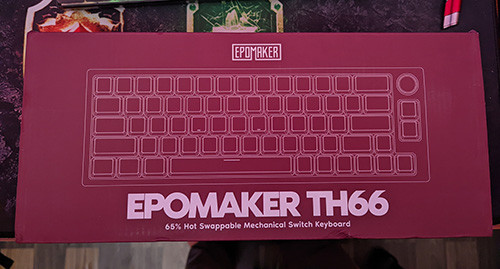
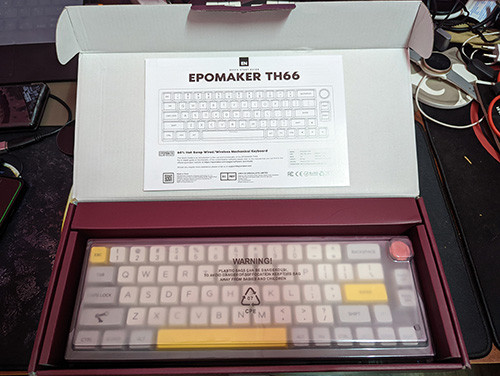
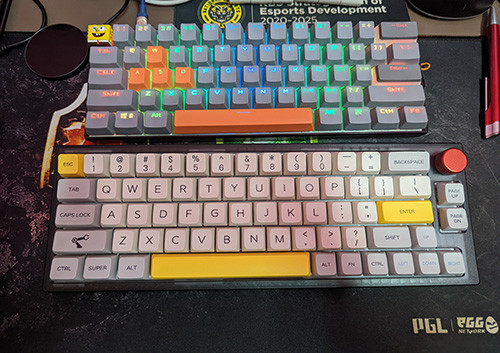
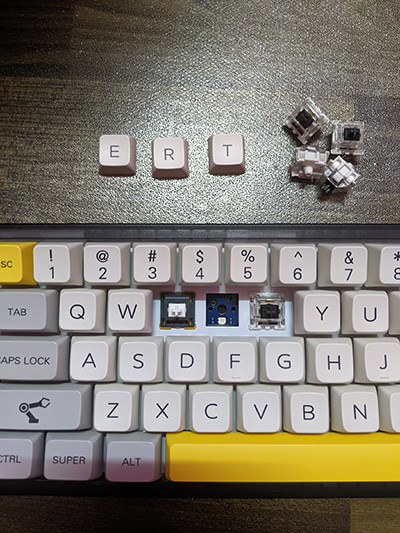
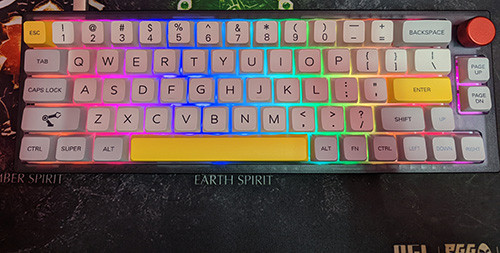
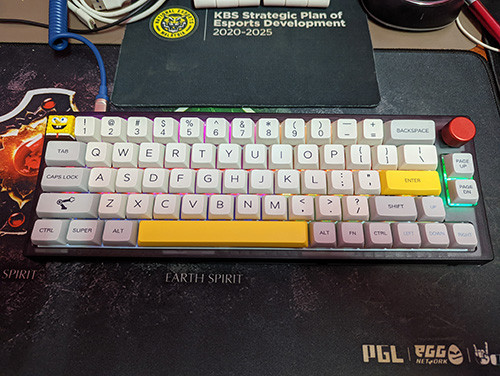
 it is a bit longer and feel a bit diff since have been with my rk61 for almost a year already.


 0.0249sec
 1.66
1.66
 6 queries
 GZIP Disabled