Hi guys.. managed to complete up to step 18.
But after step 19, pressed vol up+down+power. It went to a Lenovo screen, which can select "Chinese" or "English". After that, it didn't really have exact "Wipe" or "Advanced Wipe" as mentioned in the procedures.
Ok.. after that I selected "Install", but it was looking for "update.zip", which I do not have. Where to download that?
But without installing the "update.zip", my phone still have boot up with a new firmware. Is this considered done for the flashing the firmware?
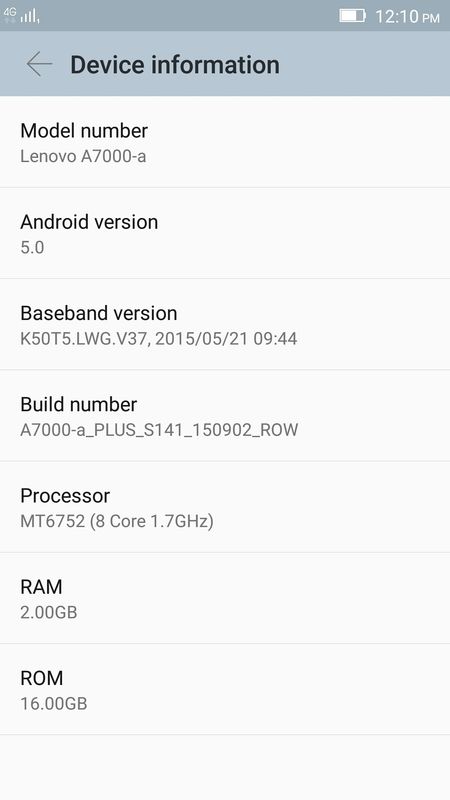
01. Go to Settings > About Phone > Device Information
02. Tap "Build Number" 10 times until u're developer
03. Go to Settings > Developer Options
04. Tick "USB Debugging"
05. Install "LenovoUsbDriver_autorun_1.0.13"
06. Restart PC
07. Run "flash_tool.exe" from "SP_Flash_Tool_exe_Windows_v5.1504.00.000" folder
08. Press "Ctrl + O"
09. Tick "DA DL All with Checksum" in "Download" category
10. Close
11. Click "Scatter-loading"
12. Select "MT6752_Android_scatter" in “K3NOTE-TWRP-2.8.6.0-ENG" folder
13. Press "Ctrl + D"
14. Off HP until vibrate.
15. Wait around 10 secs
16. Connect hp (with battery attached) to usb PC via usb
17. Wait until completed
18. Close flash-tool & disconnect hp from usb
19. Press vol up + down + power simultaneously
20. Press until TWRP appeared
21. Select "Wipe" > Select "Format Data" > “Swipe to Wipe”
22. Select “Advanced Wipe” > Tick “System” > “Swipe to Wipe”
23. Select "Install”
24. Select "<ROM>.zip" in /external_sd
25. Select "Swipe to Install"26. Wait until finish
27. Restart ur hp
Flashtool didn't manage to install ur twrp successfully.


 Oct 6 2015, 04:26 PM


 Quote
Quote











 0.0324sec
 0.32
0.32
 6 queries
 GZIP Disabled