QUOTE(MBL @ Nov 10 2011, 04:16 PM)
Guys,
Today I received my Dell UltraSharp U2312HM. Everything OK. But I've big problem with display setting

The default setting is wide 16:9 but my desktop and everything display shown stretch including font. How to setting display normal without stretch display? I already adjus to desktop properties resolution but still the same.
Help Me.
Added on November 10, 2011, 4:17 pmBTW I use VGA cable.
I tested before with VGA, 1920 x 1200 or 1920 x 1080 also no problem.
Did you install your GPU driver properly? Try change the resolution from GPU driver/tool.
Or maybe you need to update your GPU driver.
What GPU you are running now? My old AGP 4X GPU still can display up to 1920 x 1200, no problem.
*GPU = Graphic card
QUOTE(kapultek @ Nov 11 2011, 12:40 PM)
Vga also got differences, i thought dvi better than vga
DVI is little bit sharper than VGA (Digital vs Analogue).
QUOTE(barry80 @ Nov 11 2011, 02:28 PM)
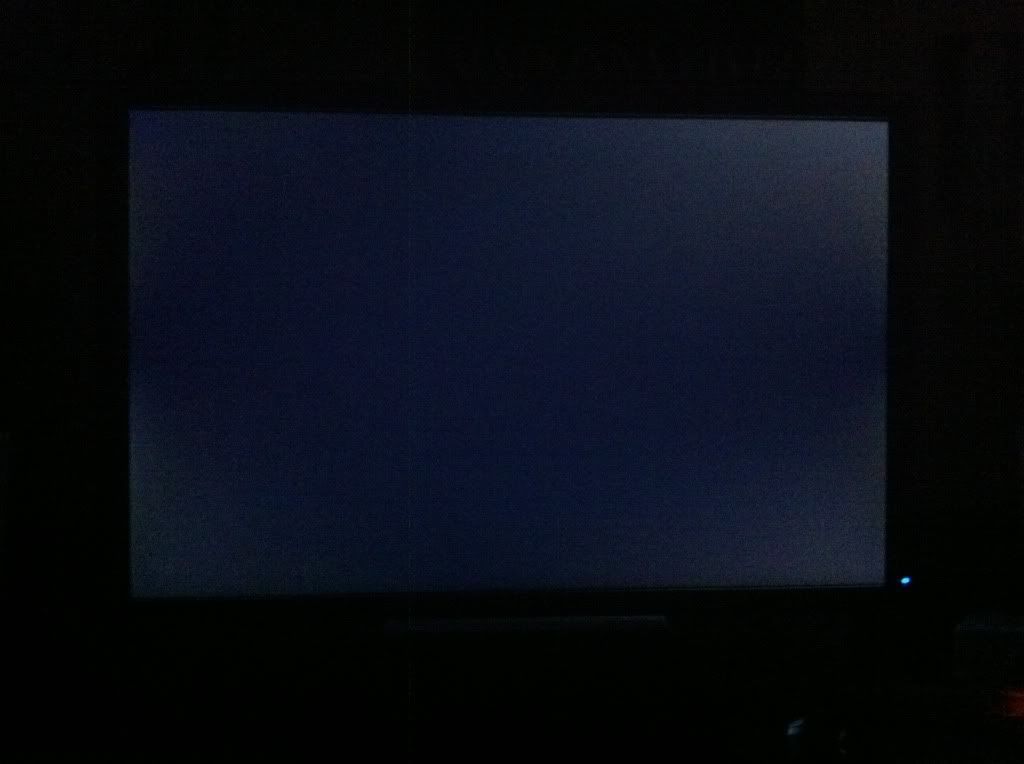
too bad dell sent me a "defect" u2412m with ips glow issue. The third purchased of my LCD & first ips panel i ever owned got such "glow" effect is very very bad. previous viewsonic & lg never have such issue on me, my bad...
» Click to show Spoiler - click again to hide... «
Before I bought U2412M, I already this panel has little bit IPS glow issue. So, you mean it should has perfect black color and no "glow" at all?
QUOTE(karhoe @ Nov 10 2011, 04:29 PM)
Karhoe, nice setup. Why not utilize your 17" with 24" like this:
» Click to show Spoiler - click again to hide... «
But I think your U2312HM (16:9) cannot match align with 17" vertically (my is U2412M, 16:10)


 Nov 10 2011, 06:20 PM


 Quote
Quote









 0.0333sec
 0.68
0.68
 6 queries
 GZIP Disabled