QUOTE(JYwang @ Jun 21 2011, 03:54 AM)
Bros, I got a big problem. Please please help advice me on what I should do to save my new dv6-6001TX!!

I just bought this new baby 2 days ago. So far here are the symptoms:
1)gpu has crashed a couple of times
2)I've got a blue screen (BSOD) once
3)i mysteriously get disconnected while i play WoW as if someone is trying to log in
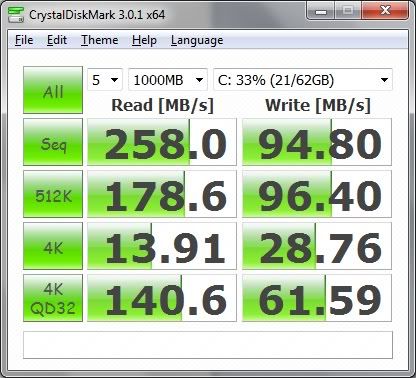
4)My boot time is about one minute+
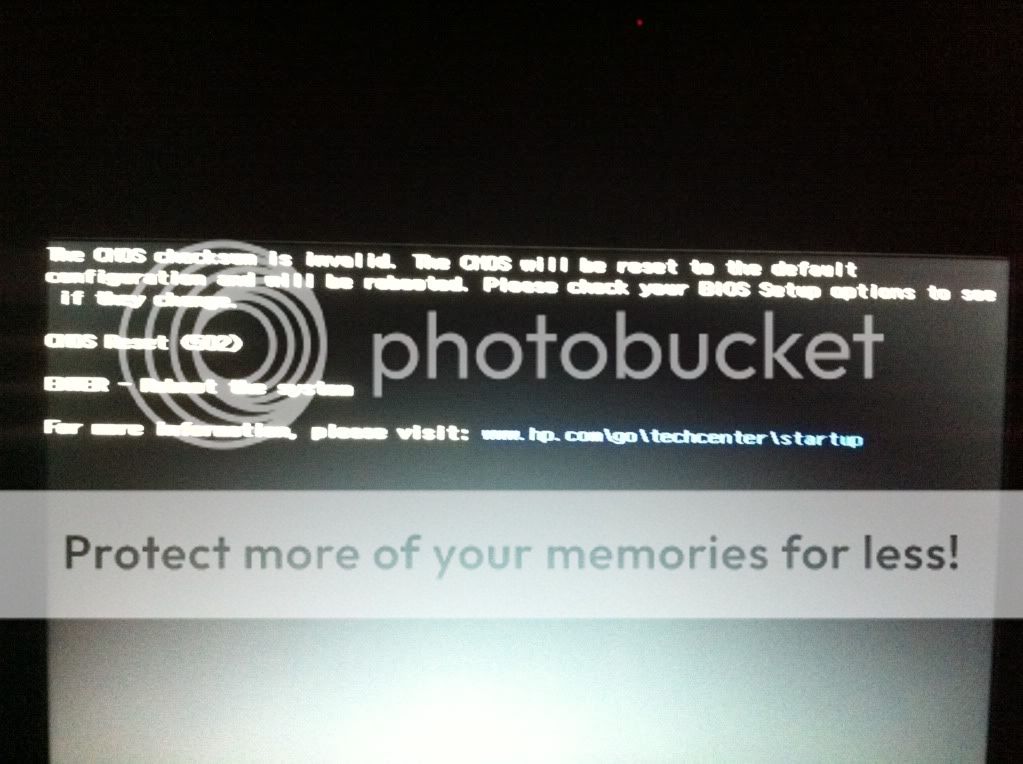
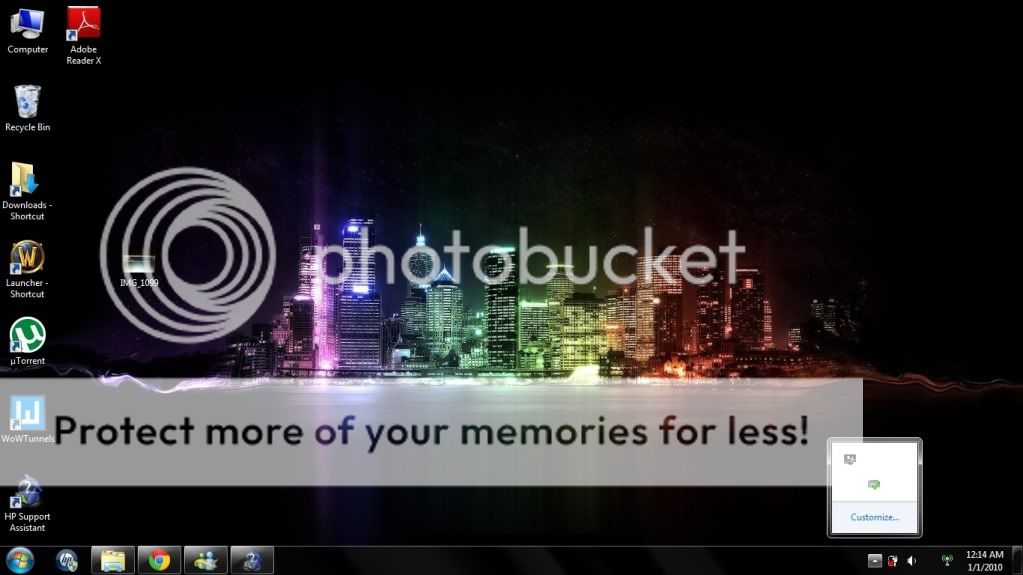
5)MOST CRUCIAL: Everytime I take out my battery without the power supply connected, or even without the battery and i just shut down the laptop and disconnect the power supply and put it back again, I get some kind of CMOS/BIOS error and I think it reverts back to origin (the time and date of my laptop gets reset to 12.00AM 1/1/10)
help me please bros i'm begging you!!
First of all, have created your recovery disc? You better do it first.
1) Which GPU is the one crashed and did you install any new driver in the last 2 days? How's the temp? There is a new driver update released in the past week, maybe you can try to download it and update you driver.
2) Your laptop comes with 4 or 8GB RAM? BSOD can be causes by hardware (such as RAM incompatibility, HD failure) or software (driver, corrupted Windows files). There is a software out there (bluescreen viewer, or something like that), download it and check the minidump file to identify the culprit.
3) Try update your Wireless card driver. Please check you wireless card brand before you download the appropriate update. Check also your Internet connection. The problem could be originated from your ISP too.
4) Looks normal to me.
5) Please read
Checksum is Invalid Or it could be that motherboard battery is dead. You could either replace it yourself or bring it back to the shop you bought from and launch a complaint to them to replace it for you. To replace it yourself, first get a replacement battery (CR2032 button battery) and a "-" screwdriver. Open the backplate (careful, this is one of the trickiest part) and once you've open it, you should be able to see the battery near the harddisk. Replace the battery, and close the backplate (the second trickiest part).
For 1,2 and 3, if the problem persist, you could opt to do recovery using the recovery disc you've created. If all else fail, bring it back to where you bought it from and demand a solution from them (warranty or a new unit, perhaps)
These are my opinion and you should wait for other user for their opinion on these matters.
Editted: added HP technical support website
This post has been edited by Efalex: Jun 21 2011, 09:11 AM 

 Jun 21 2011, 03:02 AM


 Quote
Quote










 0.0296sec
 0.34
0.34
 6 queries
 GZIP Disabled