QUOTE(Ngto @ Feb 23 2010, 09:39 PM)
You are testing DTS-MA / True-HD from your Blu-ray player or POHD ? If POHD, don't waste your time, it doesn't support either of the two HD Audio format.
Your surround is soft sometimes due to the movie itself is soft. Try out the test tone, if the surrounds are loud using the test tones, then the problem is the sound from the disc.
i tested them with blu ray disc (originals)...few different titles with different audio formats..and last night, i played the Spears & Munsil calibration blu ray disc...in there, there's a couple of demo clip you can use...one of them being testing of DTS-MA & True-HD audio...played the demo clip, and am very sure, i'm only getting the 'surround' from my front speakers...really dunno what's wrong..
QUOTE(matyeo @ Feb 23 2010, 10:33 PM)
Congratulation bro and welcome to Pioneer group...

From my understanding...
MCACC will detect the speaker as LARGE if your crossover speaker respond below 60Hz...check your speaker spec...
"i'm not seeing the DTS-MA, True-HD logo appearing at any times, whatever source i play. even with BD with DTS-MA..why is that?"
something wrong with your BD player setting, pls check your digital audio setting...
if i'm not wrong you cannot ON the BD player and another source at the same time ..

this is for connection using HDMI cable only...
i enter the MCACC setup menu last night, changed the two front speakers to 'small' but same problem still. for sound level, the AVR used the front Left speaker as bench mark and it was set at 0db. what should the other speakers be set at??
speaker Freq Response is 49Hz-20kHz. what is crossover? how to set?

i usually switched everything else off (POHD & Astro) if i'm using the BD Player..likewise, if i'm using POHD, i'll switch the others i'm not watching off.
can someone tell me how to switch off the UPMIX feature? followed the instruction on the manual, but cant seem to get into the setup mode as indicated. "hold down ENTER on front of panel, press STANDBY/ON" this doesn't work for me. the STANDBY/ON button refers to the button on the remote or the AVR panel itself? i tried both...holding down ENTER on front of panel & press STANDBY/ON on panel - nothing happens. hold down ENTER & press STANDBY/ON on remote - switches the AVR off.
anyways, CT Seong coming over to help me with the set up maybe tomorrow...hopefully can rectify before i watch 2012 & Dark Night



 Nov 4 2009, 10:51 AM, updated 16y ago


 Quote
Quote














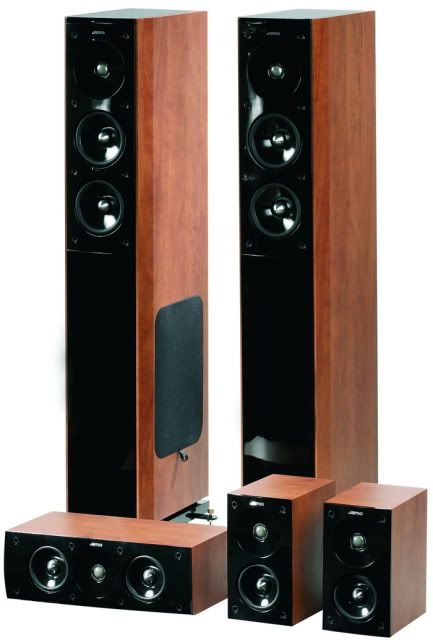
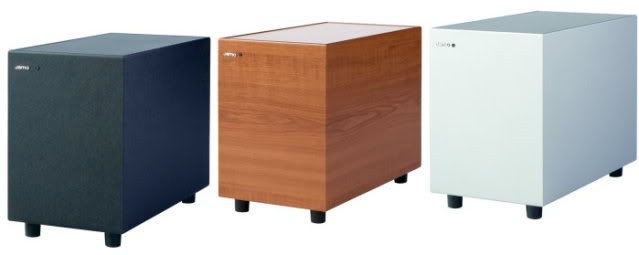




 with pioneer....i bought that Vsx-ax2as and now i upgrade to LX-82..





 0.2117sec
 0.66
0.66
 6 queries
 GZIP Disabled