Welcome Guest ( Log In | Register )

Bump Topic Topic Closed RSS Feed
50 Pages « < 6 7 8 9 10 > » Bottom

Outline · [ Standard ] · Linear+

 [Reference] LAPTOP GAMING Performance + Benchmarks, ~all thing gaming on laptop discussions~

views
     
Jeffery
post Dec 27 2007, 01:44 AM

Enthusiast
*****
Senior Member
930 posts

Joined: Jan 2005


Too bad i didnt screen shot my 3dmark but i got a record of the result. Juz ignore it if u dun believe it.

my lappy spec,
Benq s41
Santa Rosa
C2D T7100 1.8ghz , L2 2MB
2GB 667mhz DDR2 RAM
120GB 5,400rpm hitachi HDD
Geforce 8600M GS 256MB GDDR3
Windows XP Pro SP2

Attached Image

3dmarks score
» Click to show Spoiler - click again to hide... «


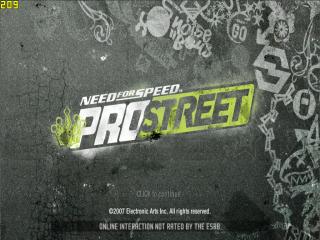
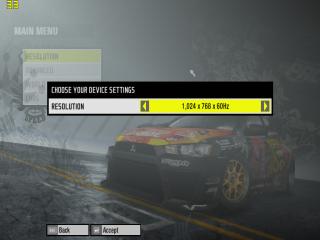
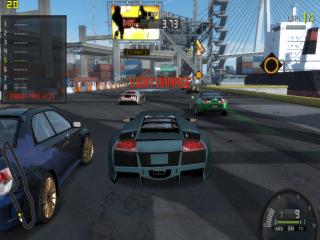
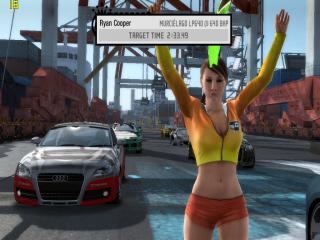
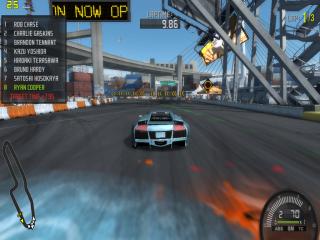
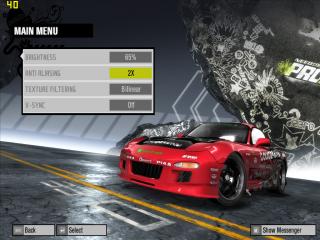
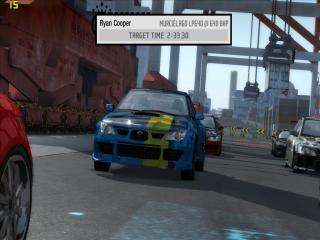
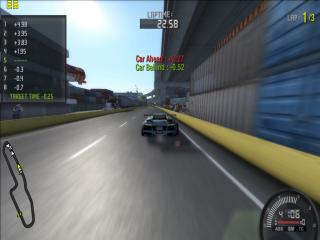
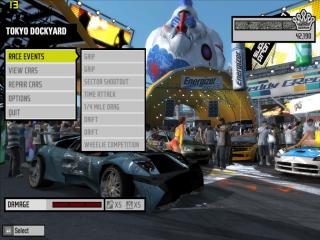
Screen shot of nfs pro street by my s41,

» Click to show Spoiler - click again to hide... «


This post has been edited by Jeffery: Dec 31 2007, 04:53 PM
imwhoiam
post Dec 27 2007, 04:17 AM

Getting Started
**
Junior Member
202 posts

Joined: Apr 2007
From: Chelas


is it ok to oc our laptop graphics?

i heard it is bad for the graphics card n whole laptop itself
Jeffery
post Dec 27 2007, 01:41 PM

Enthusiast
*****
Senior Member
930 posts

Joined: Jan 2005


QUOTE(imwhoiam @ Dec 27 2007, 04:17 AM)
is it ok to oc our laptop graphics?

i heard it is bad for the graphics card n whole laptop itself
*
i think is ok if ur cooling system is good. However, i juz OC to c the result coz my cooling system is pretty bad tongue.gif But few forumers OC for long term gaming and nothing bad happens smile.gif juz luck mayb ^^
Usernamed
post Dec 27 2007, 04:55 PM

Getting Started
**
Junior Member
110 posts

Joined: Dec 2007
From: -
O no wonder^
000022
post Dec 29 2007, 01:07 PM

Enthusiast
*****
Senior Member
761 posts

Joined: Aug 2006
My system Specs

Acer 5920g

CPU -T7300 2.0GHZ
GPU - 8600m gt 256mb GDDR2 O/C @ 619/1308/519
Driver Version - 169.28
RAM -3GB
OS - Vista ( switching to XP will boost my performance considerably, 300-400 marks in 3d mark 06, according to some people, but
meh..I love Vista's eye candy)

3D 06 Mark Score - 4442
» Click to show Spoiler - click again to hide... «


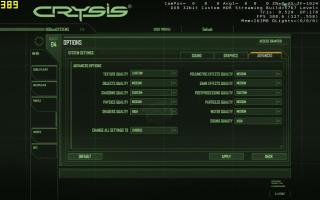
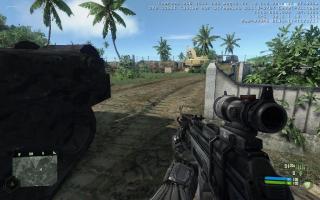
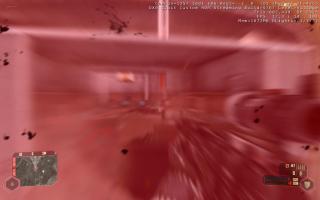
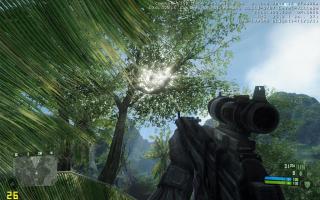
CRYSIS
» Click to show Spoiler - click again to hide... «
Endless9930
post Dec 30 2007, 12:45 PM

Enthusiast
*****
Senior Member
757 posts

Joined: Aug 2007


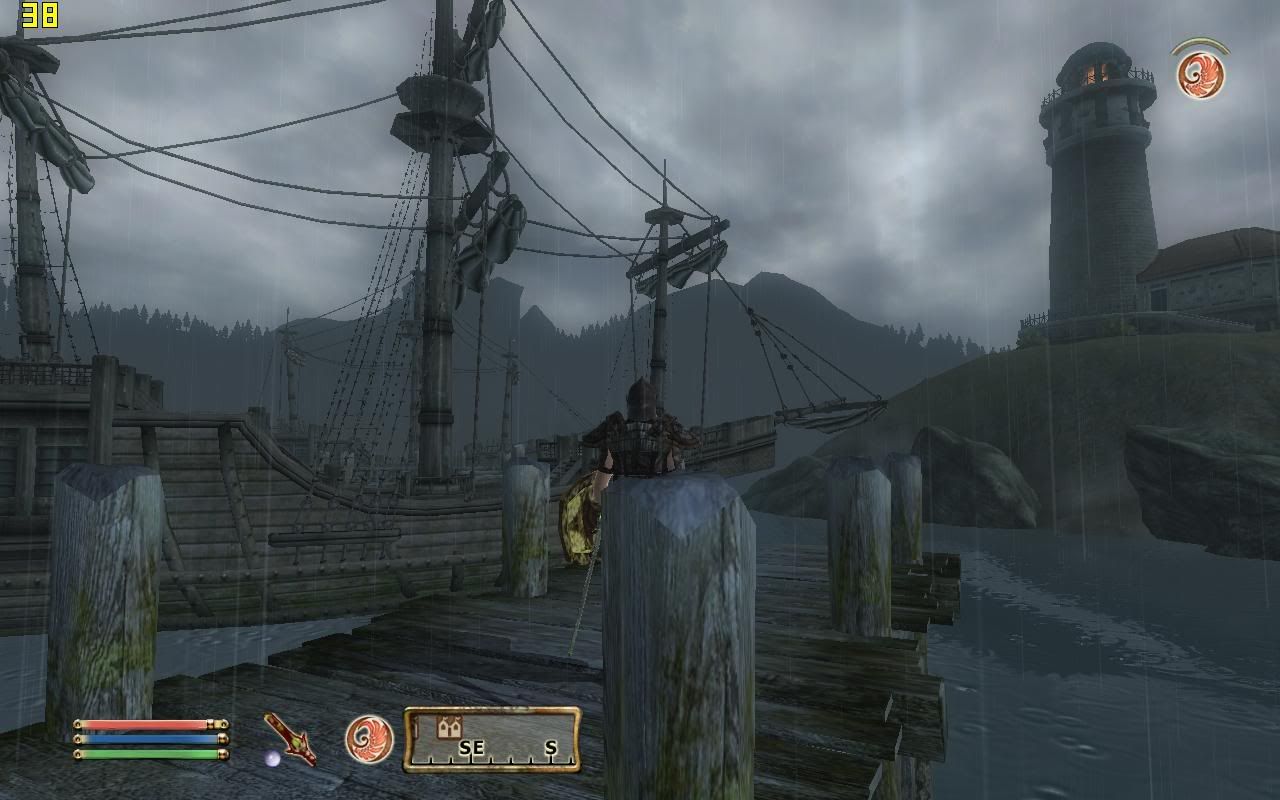
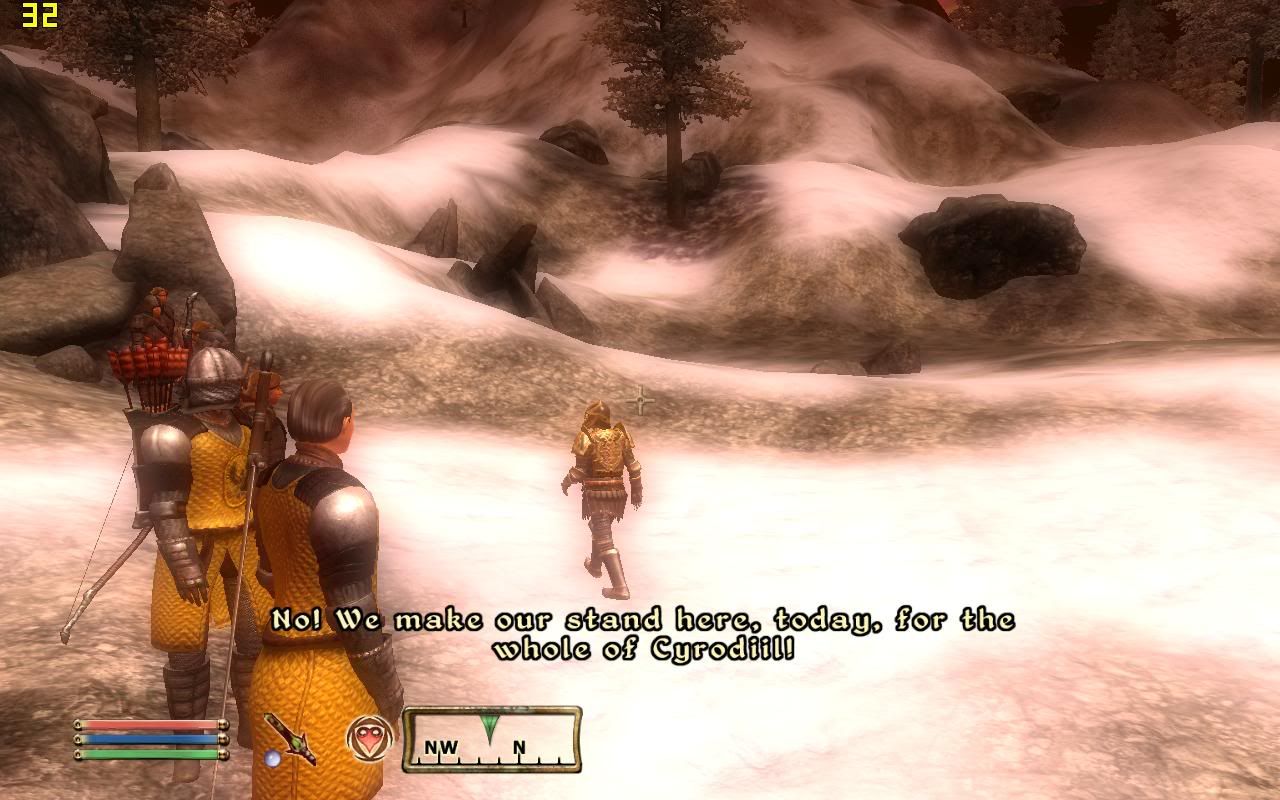
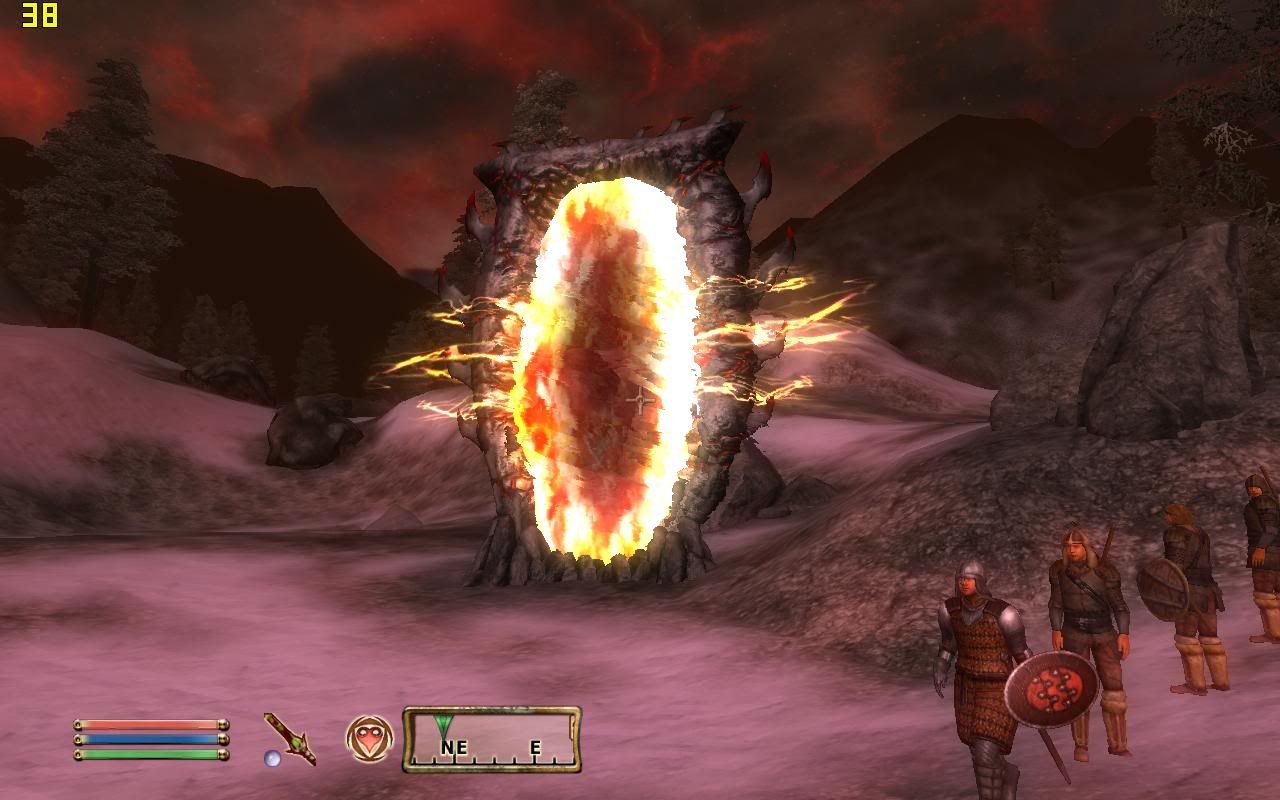
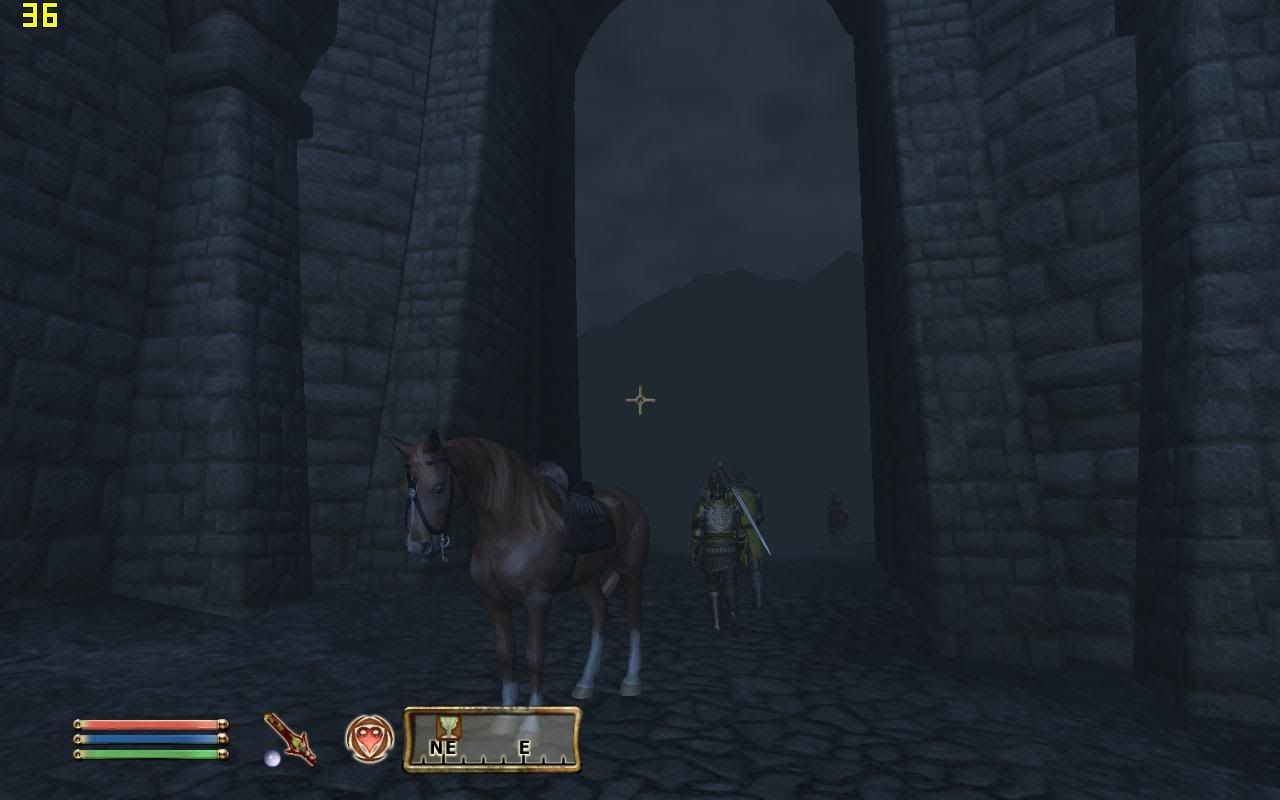
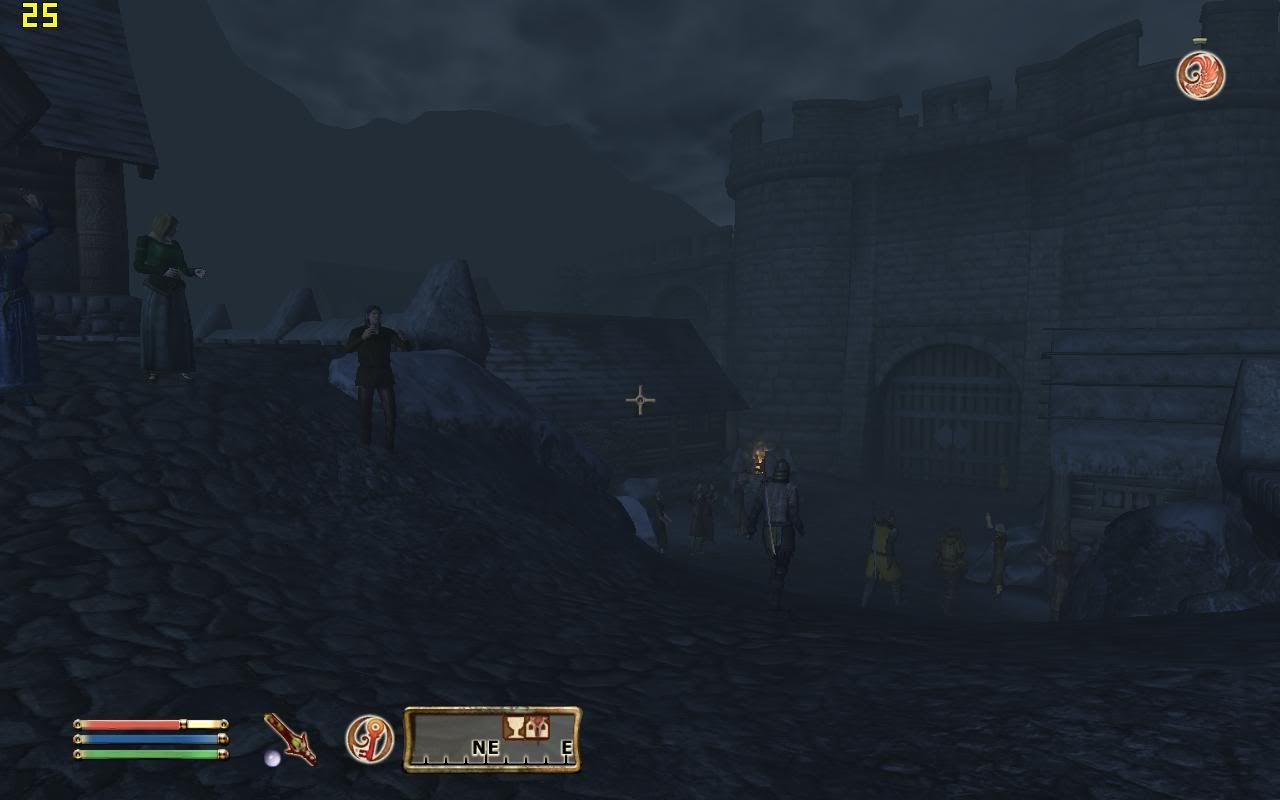
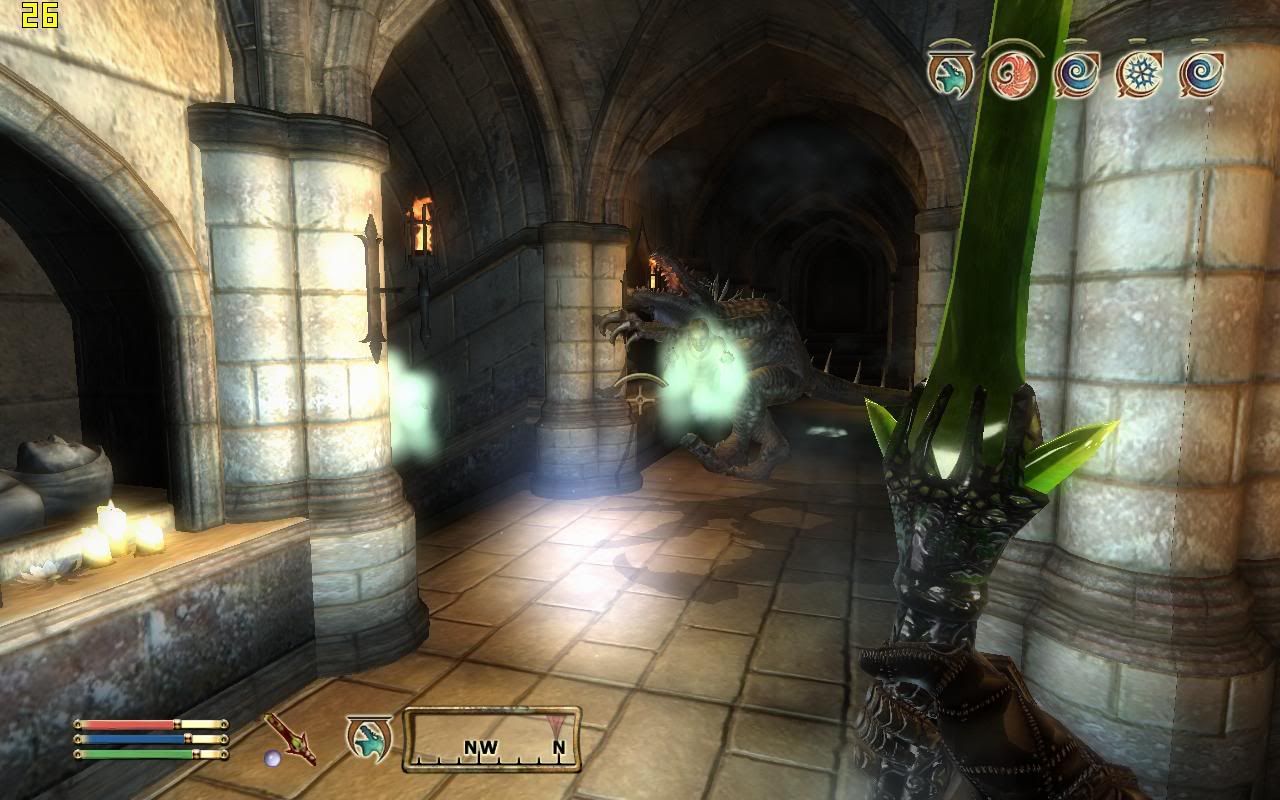
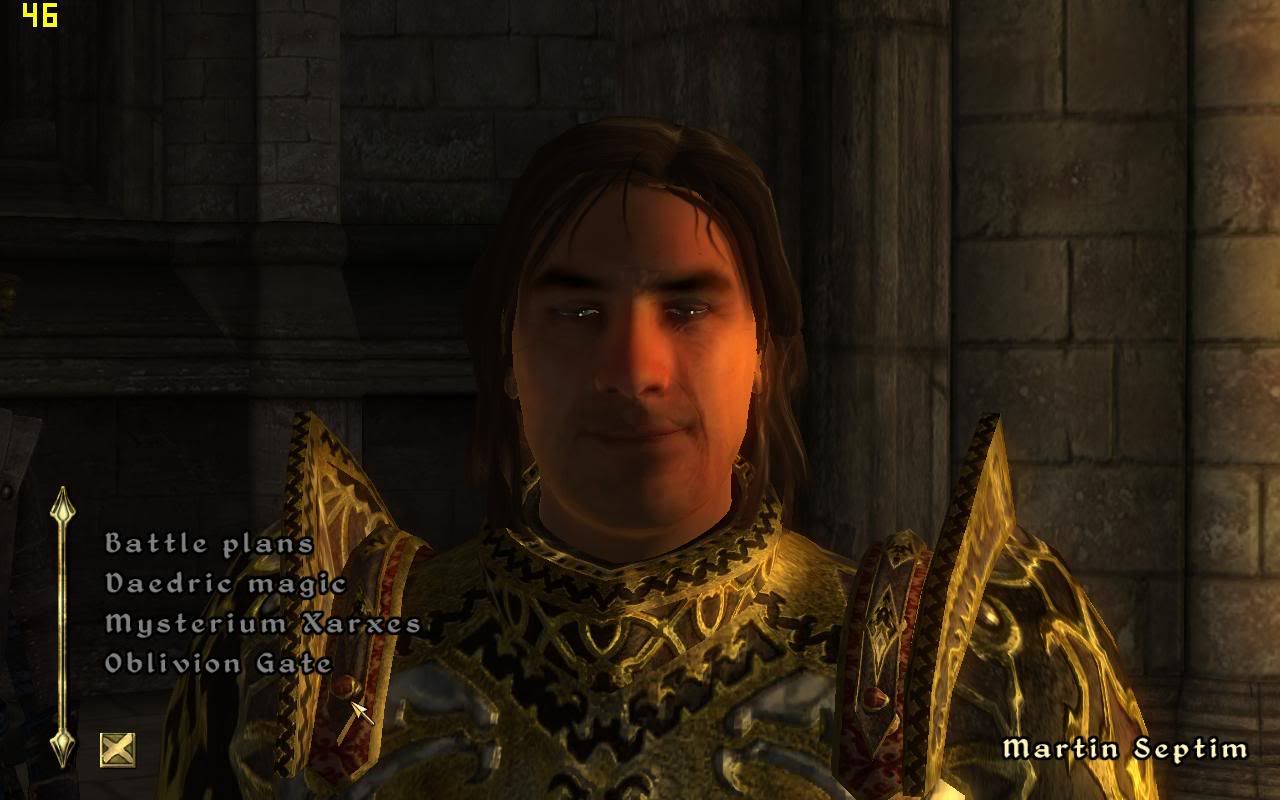
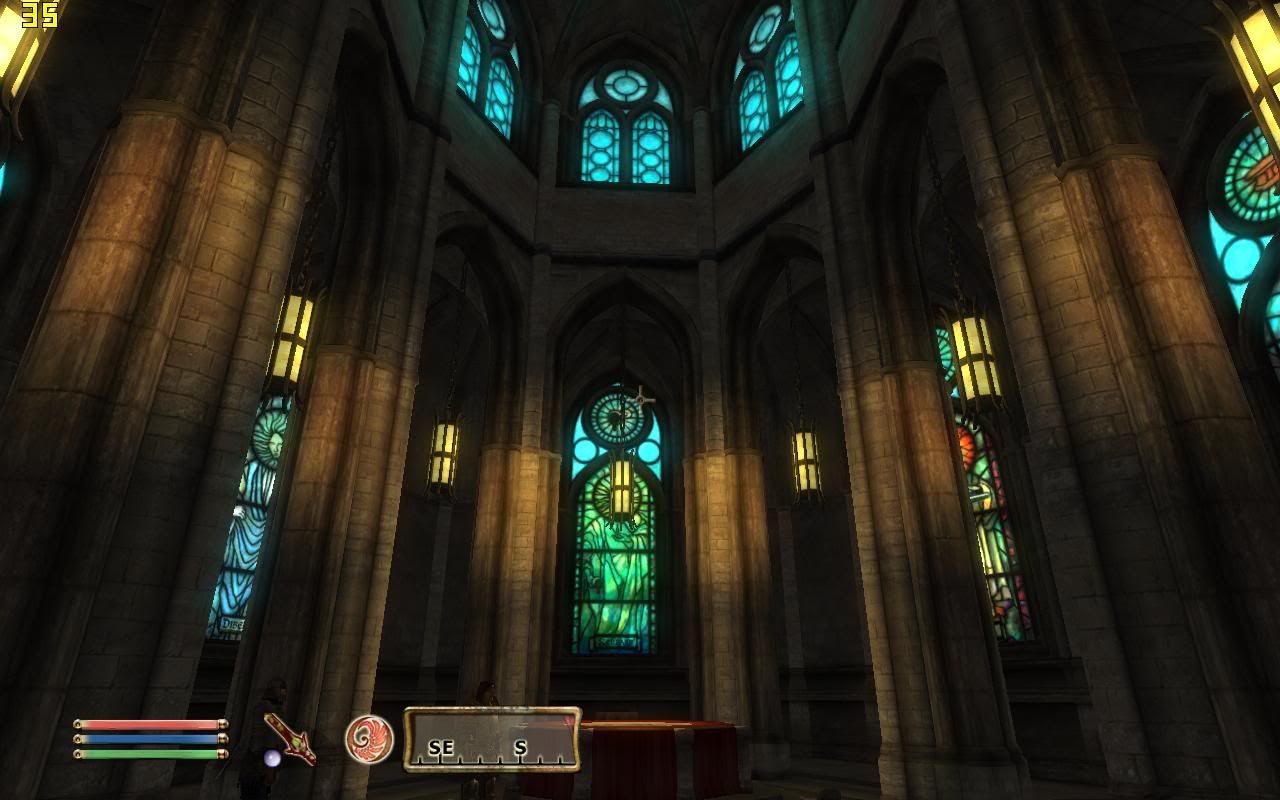
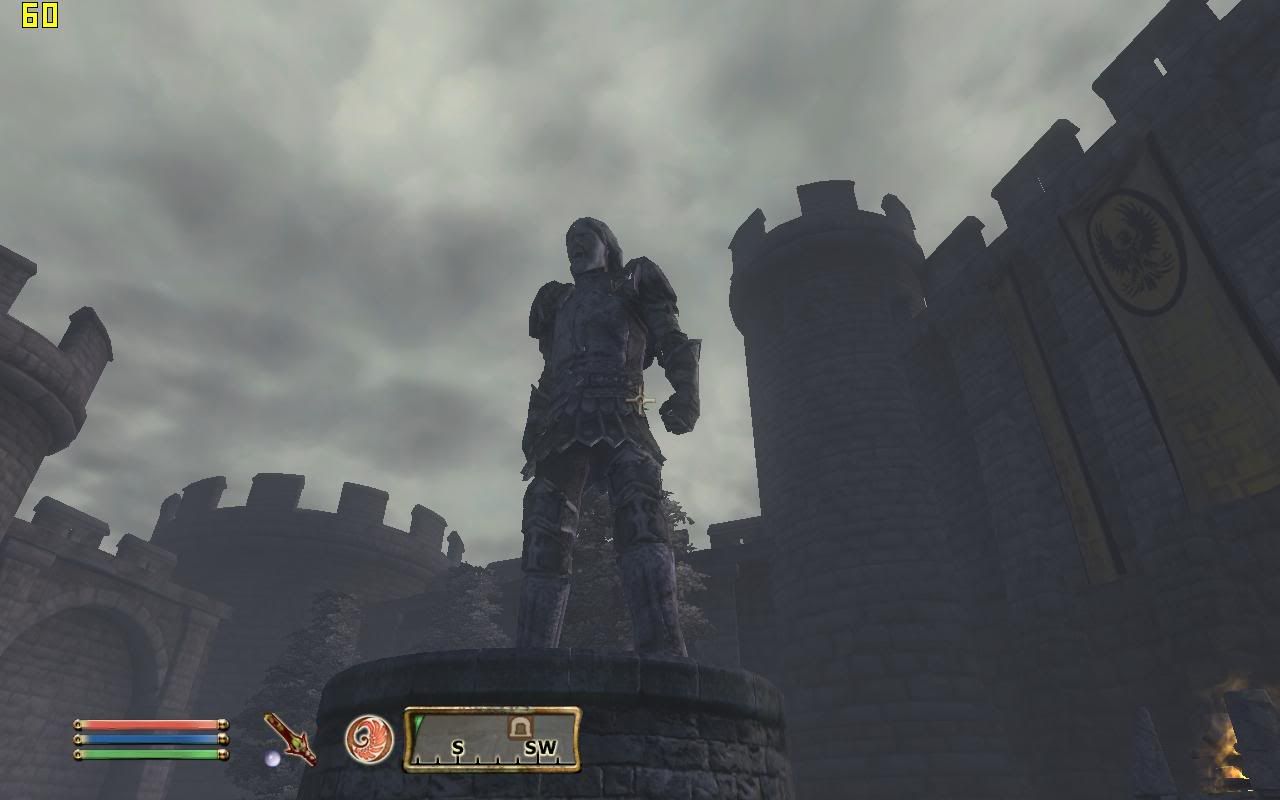
Elder Scroll 4 : Oblivion


Laptop Model: Dell Inspiron 1520
Processor: Intel Core 2 Duo T7250 @ 2.0GHz
Memory: 2.0GB 667MHz DDR2- SDRAM
Graphic: NVIDIA GeForce 8600M Gt (256MB DDR2)
Operating System: Microsoft Windows Vista Home Basic OEM (Dell)
Drivers: Microsoft DirectX 10

As a whole , Oblivion is running relatively smoothly and playable on my laptop ,and i would say , the 8600 GT card is worth it

The frame rate drop to 10 - 20 FPS when i am walking or riding a house outdoor , but raised to a considerably acceptable level of around 30 - 60 FPS in town.

Outdoor fighting proves to be fatal to my GC , but since most ( 99% ) fighting is either take place in a cave or the dungeon , so this is not a problem.

The game is making my laptop producing tons of heat and crashes often occur , but luckily autosave function always save me. ( This might caused by unstable software because other games dont meet this end )

As a conclusion , this game is definitely playable on my laptop , if you want a better performance , turn off some eye candies , and the game will run a lots smoother.

» Click to show Spoiler - click again to hide... «


More screeny here

This post has been edited by Endless9930: Jan 4 2008, 10:38 AM
TSHellRyzer
post Dec 31 2007, 11:25 AM

Casual
***
Junior Member
326 posts

Joined: Sep 2007
From: Terra; the 3rd planet in the Sol System, Milky Way


Topic's main page updated. Thanx all contributors.
Endless9930
post Dec 31 2007, 04:14 PM

Enthusiast
*****
Senior Member
757 posts

Joined: Aug 2007


Halo 2

Laptop Model: Dell Inspiron 1520
Processor: Intel Core 2 Duo T7250 @ 2.0GHz
Memory: 2.0GB 667MHz DDR2- SDRAM
Graphic: NVIDIA GeForce 8600M Gt (256MB DDR2)
Operating System: Microsoft Windows Vista Home Basic OEM (Dell)
Drivers: Microsoft DirectX 10

Halo 2 is a big disappointment , simply because It require Window Vista to play ( Directx 10 is required ) , and yet the graphic looks more like direct 9.0 than Directx 10. When you look at it , the character still looks "Boxes" and the texture looks aweful . Its obviously looks no difference then the five years back graphic technologi.

Furthermore , the game play appears to be lagging although the graphics is normal ( Or ugly for todays standard ). For my laptop spec , this game , considering its ugly presentation , it should run flawlessly in high settings ( While the antialiasing switch to "disabled " ) . And yet , I only can get an average framerate of about 30 only if i set to a lower resolution ( 1280 x 800 to 1024x 720 ) and degrade the texture from high to middle , while the antialiasing is set to "disable "

The cutscence is surprisingly nice , but the its just a cover . The in game graphic , as described above , its simply ugly. So basically , this game , viewed form the side of eyes candy , forget it , it still have the absolutely same graphic as the xbox 1 ( Considering they used 4 years to convert , i still dont understand why they didnt improved the graphic when they moved the platform to pc )

OK these are my settings:

Resolution: 1024x720
Texture size: Medium
Antialiasing: Disabled

The screenshot are mostly taken from the cutscene , dont fool by its appearance , and i had some problems in the game , and i end up deleting it. I will update as i install it again.

» Click to show Spoiler - click again to hide... «


More screeny here

This post has been edited by Endless9930: Dec 31 2007, 04:22 PM

fr33dom
post Jan 1 2008, 08:36 PM

Casual
***
Junior Member
309 posts

Joined: Nov 2007
From: Penang


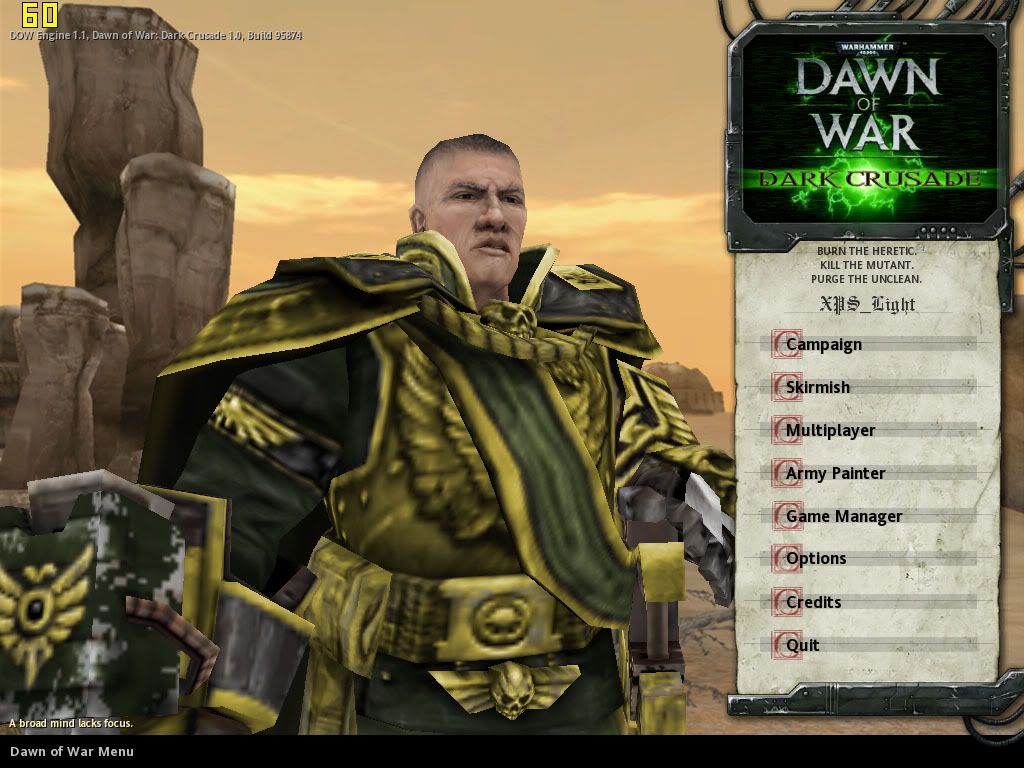
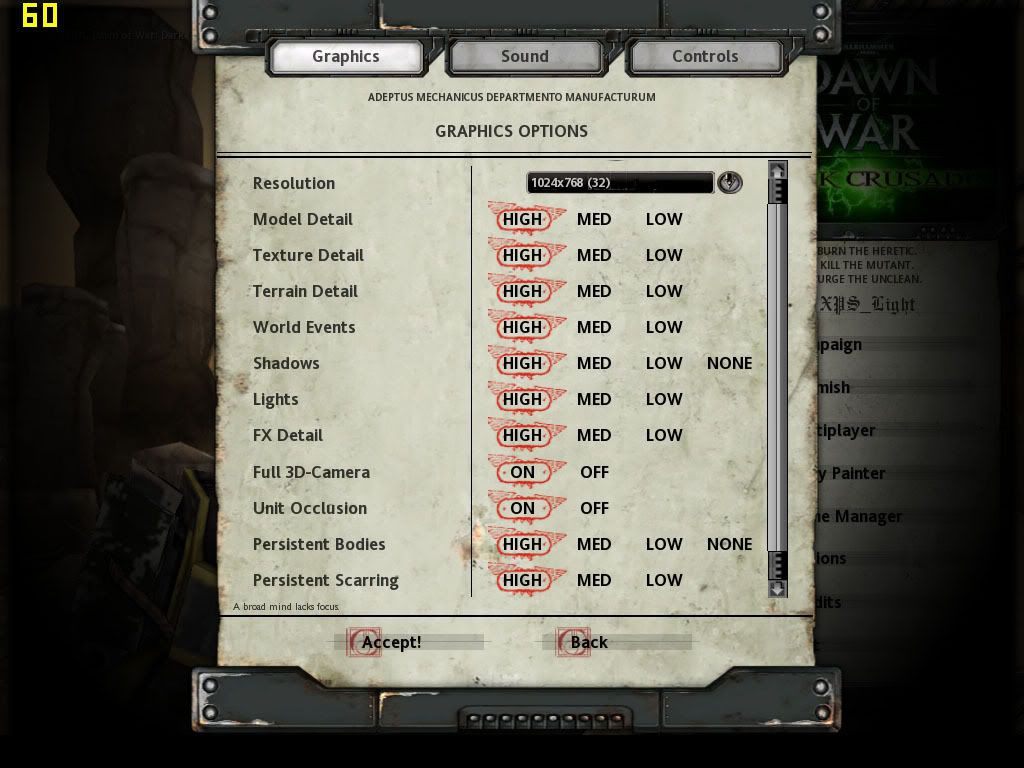
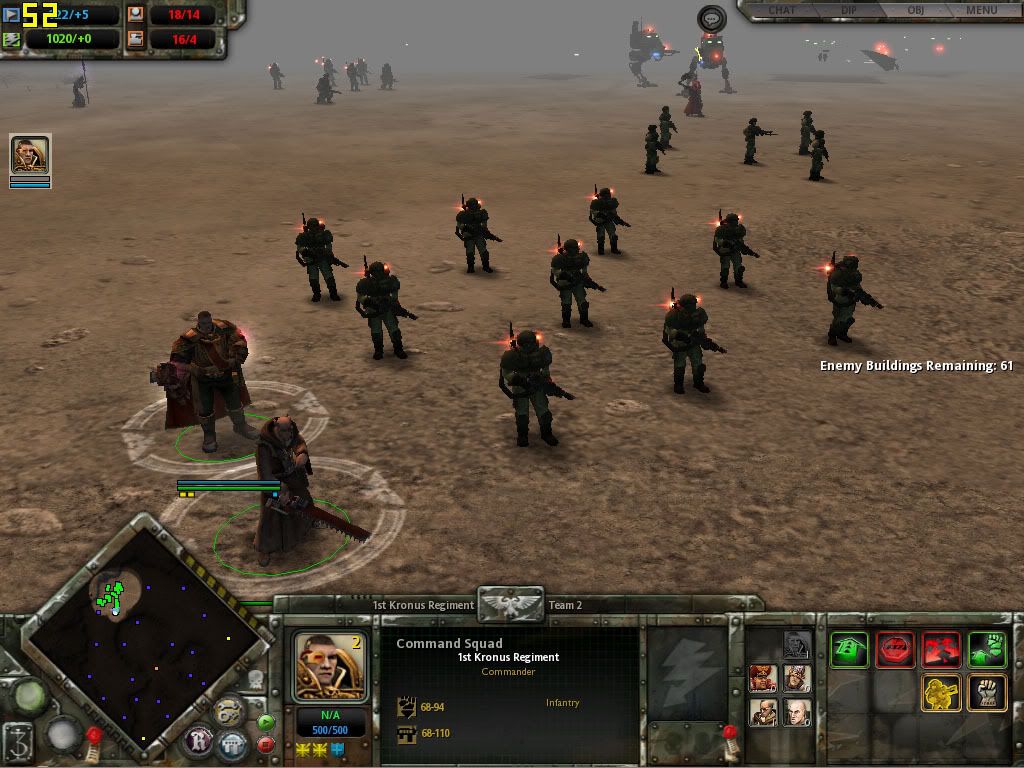
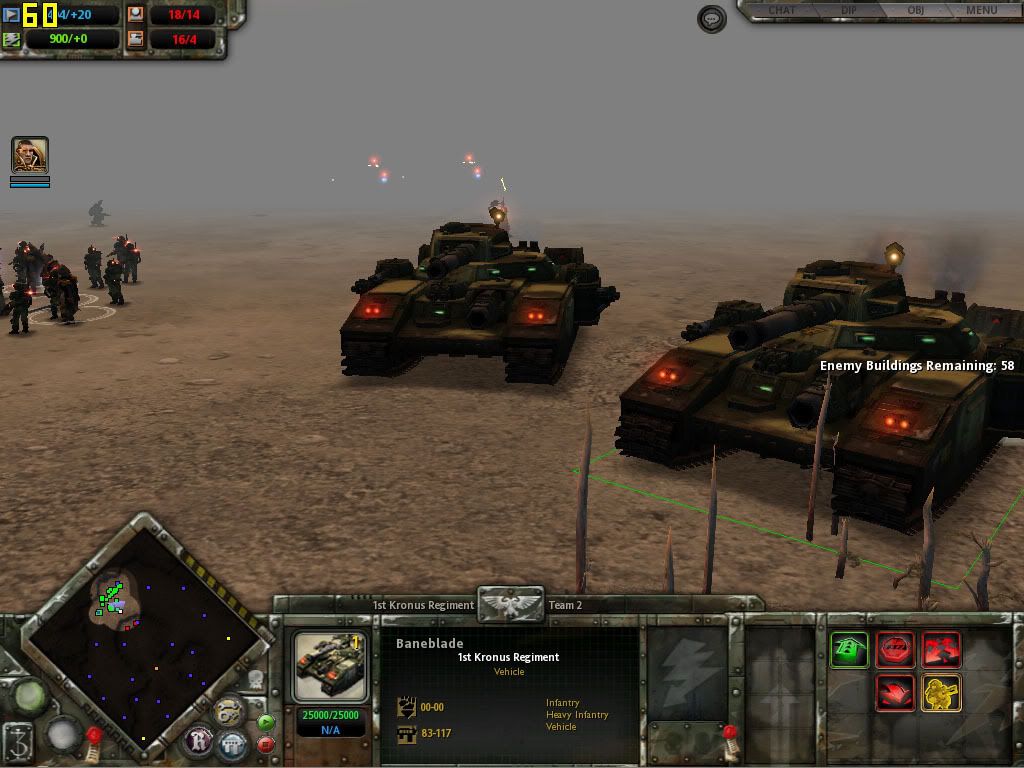
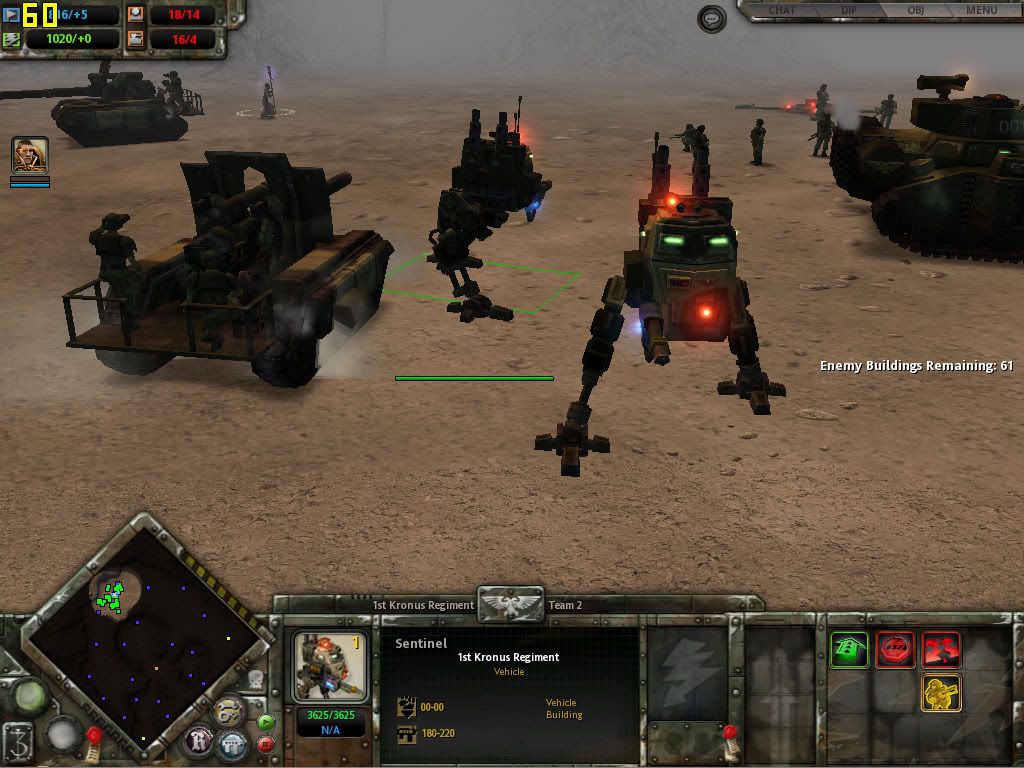
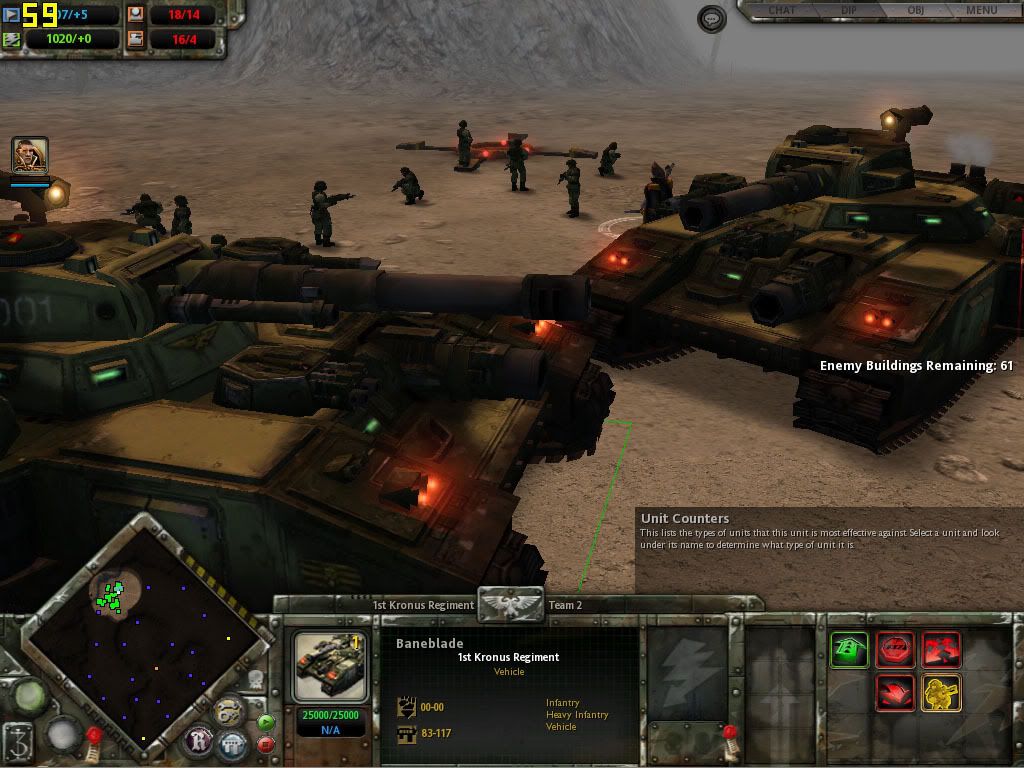
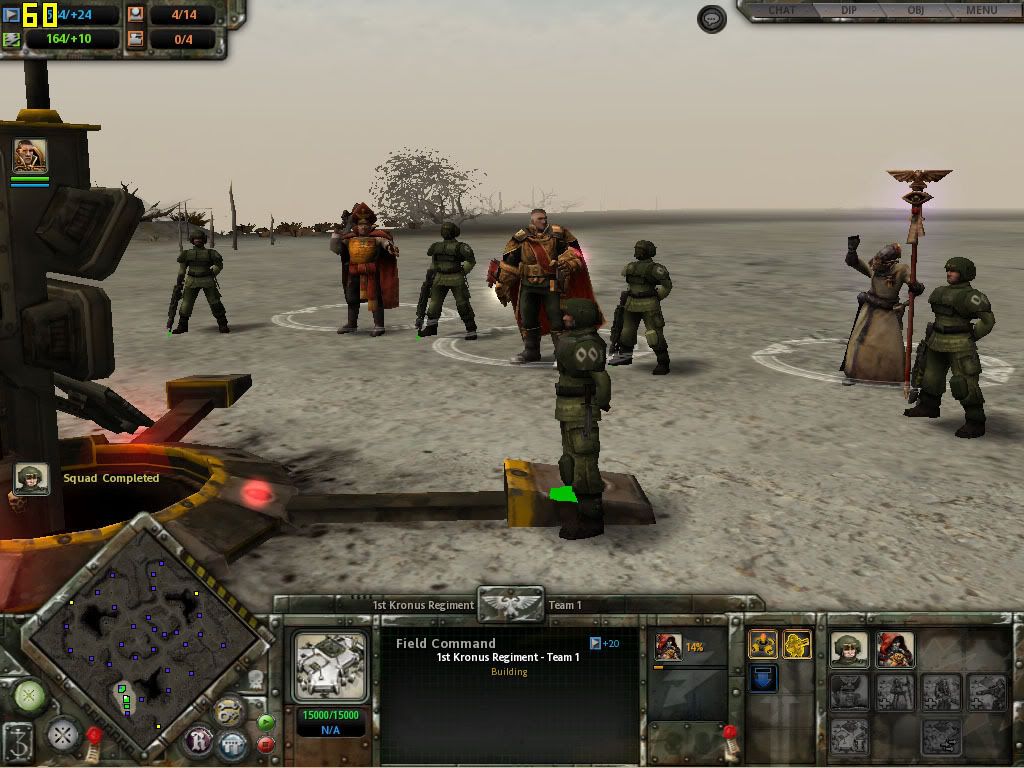
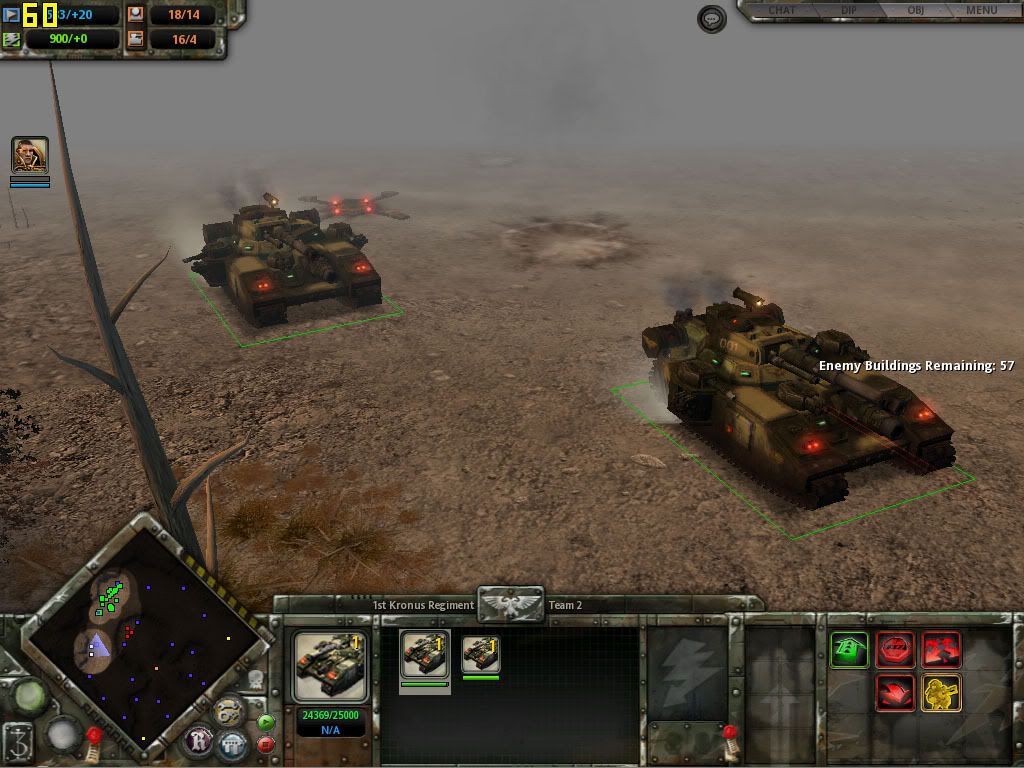
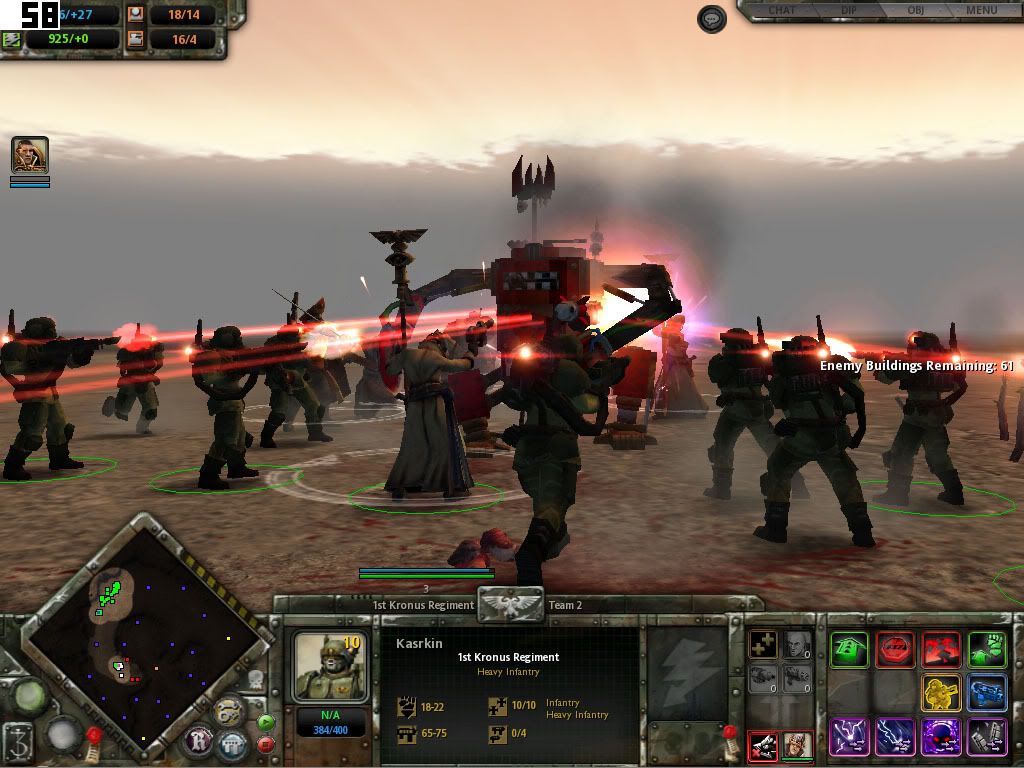
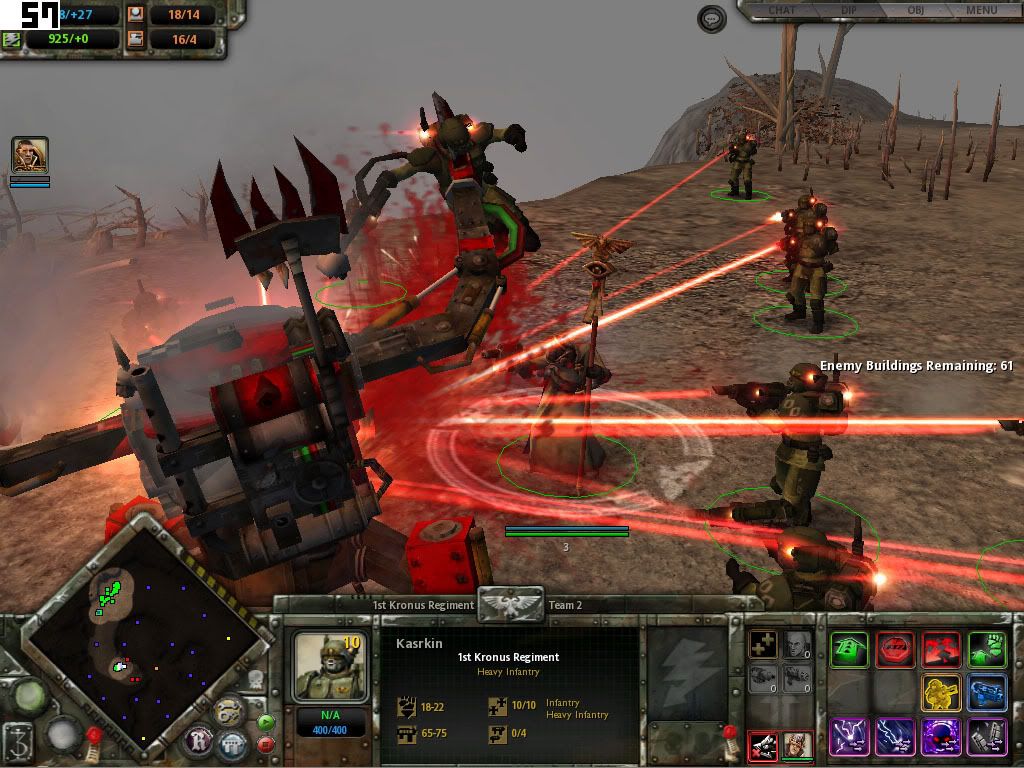
Warhammer 40k: Dawn of War: Dark Crusade

Dell XPS 1530
Processor: C2D T7500
Memory: 2GB RAM
Graphics: NVIDIA GeForce 8600M GT (256MB DDR3)
OS: Vista Home Premium

Summary:
Warhammer 40,000: Dawn of War: Dark Crusade is the second expansion to the PC-based RTS game Warhammer 40,000: Dawn of War developed by Relic Entertainment and published by THQ. Based on Games Workshop's popular tabletop wargame, Warhammer 40,000, Dark Crusade was released on October 9, 2006.[5] The expansion features two new races, the Tau Empire and the Necrons. Including the Imperial Guard from Dawn of War's first expansion pack Winter Assault, this means a total of seven playable races in this expansion.[wikipedia]

The game ran smoothly on high details and 3D camera view. No lags even during heavy fights.

» Click to show Spoiler - click again to hide... «


This post has been edited by fr33dom: Jan 3 2008, 07:27 PM
JayYeong39
post Jan 2 2008, 03:14 PM

Getting Started
**
Junior Member
84 posts

Joined: Apr 2007
From: Penang


Wow nice XPS spec with nice game graphic, can post more??

This post has been edited by JayYeong39: Jan 2 2008, 03:14 PM
000022
post Jan 4 2008, 12:47 AM

Enthusiast
*****
Senior Member
761 posts

Joined: Aug 2006
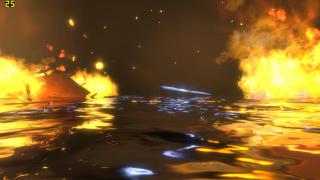
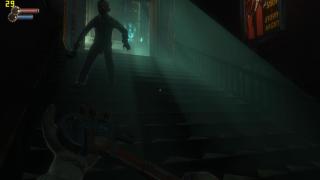
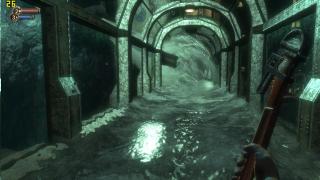
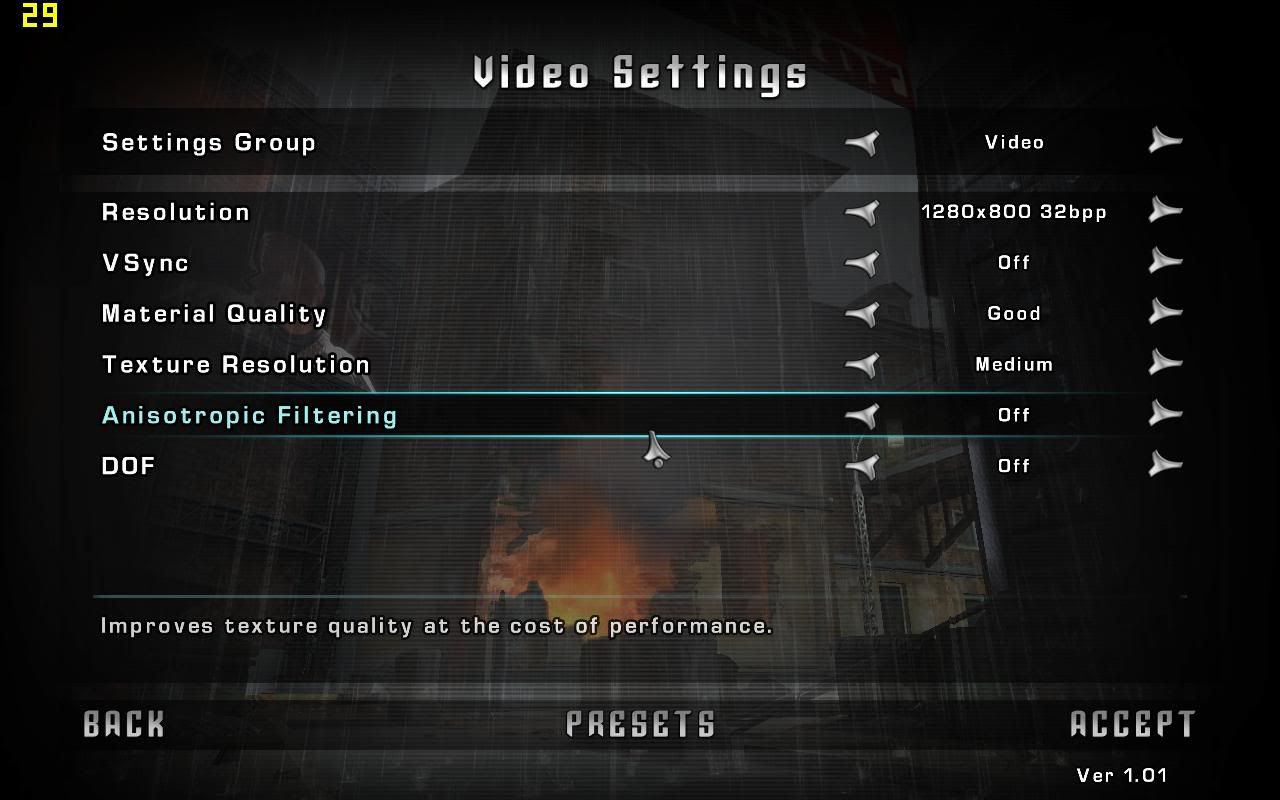
Can't believe no one's done a benchmark of Bioshock yet... I previously had it uninstalled after finishing the game as to not take space in my already minute HDD. I installed it again just for the sake of posting some benchmark pictures of it because I loved the game =)

BIOSHOCK
» Click to show Spoiler - click again to hide... «
Jeffery
post Jan 4 2008, 01:01 AM

Enthusiast
*****
Senior Member
930 posts

Joined: Jan 2005


i planned to post bioshock but somehow the file corrupted lol...
Endless9930
post Jan 4 2008, 10:31 AM

Enthusiast
*****
Senior Member
757 posts

Joined: Aug 2007


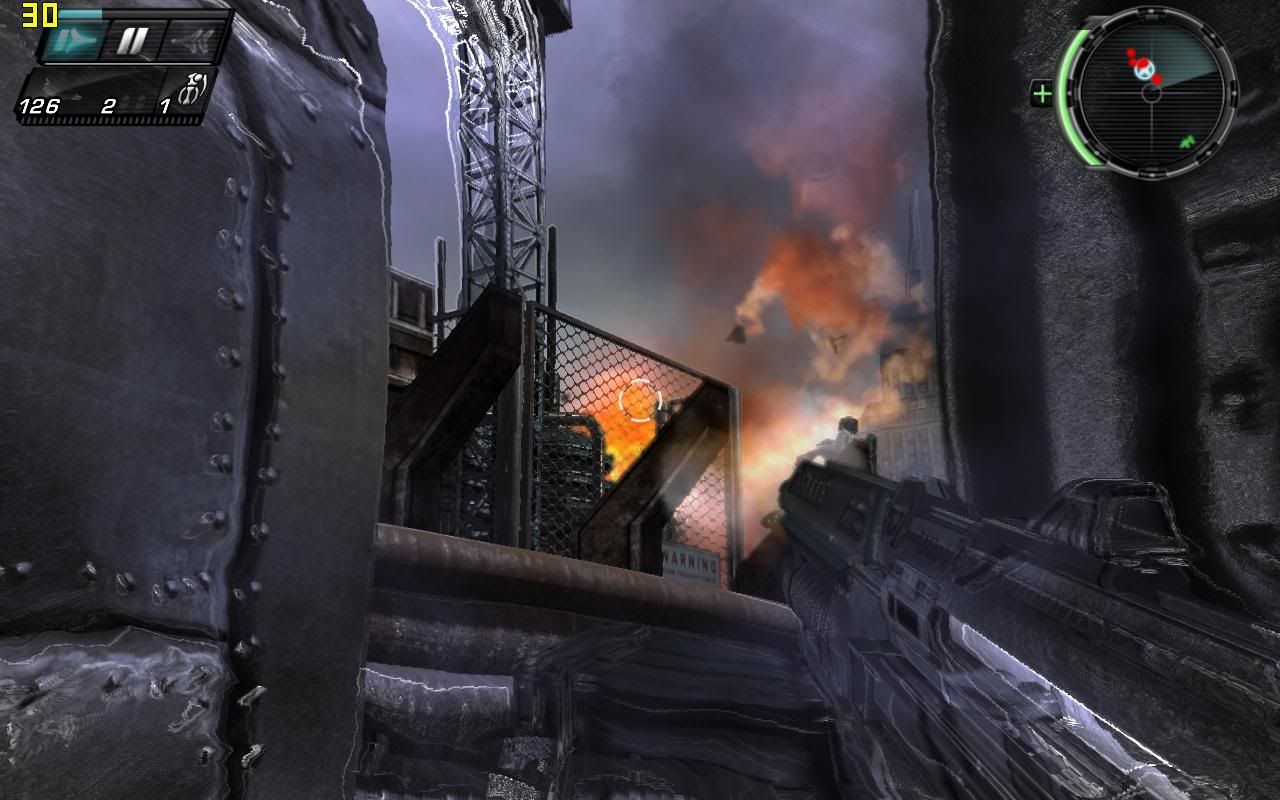
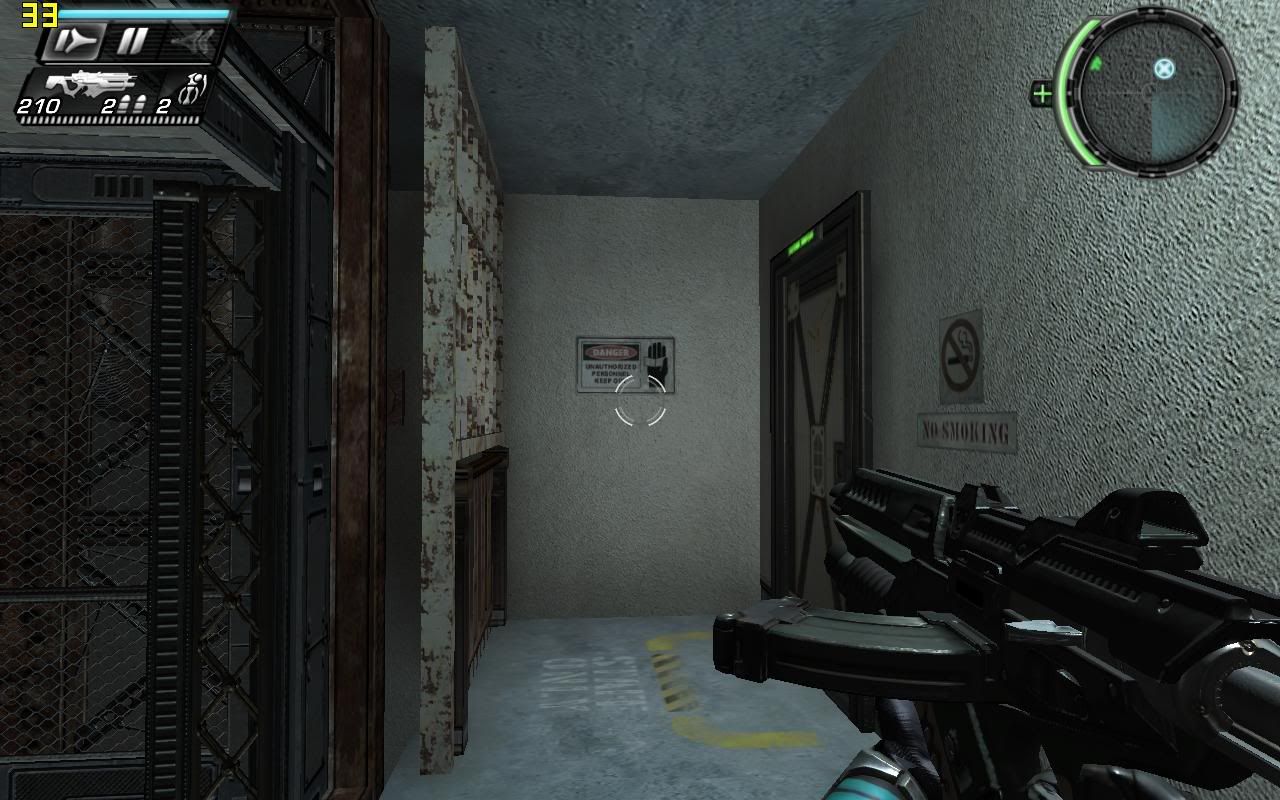
Time Shift

Laptop Model: Dell Inspiron 1520
Processor: Intel Core 2 Duo T7250 @ 2.0GHz
Memory: 2.0GB 667MHz DDR2- SDRAM
Graphic: NVIDIA GeForce 8600M Gt (256MB DDR2)
Operating System: Microsoft Windows Vista Home Basic OEM (Dell)
Drivers: Microsoft DirectX 10

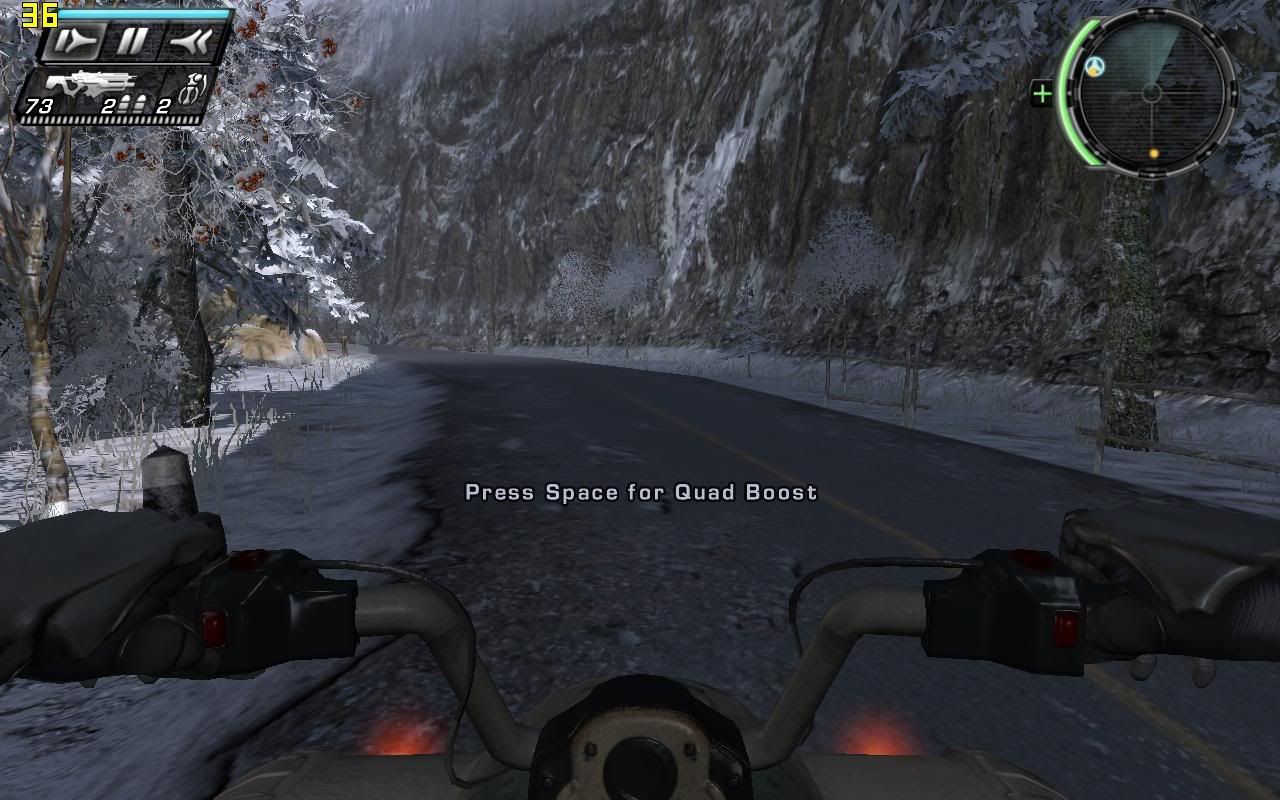
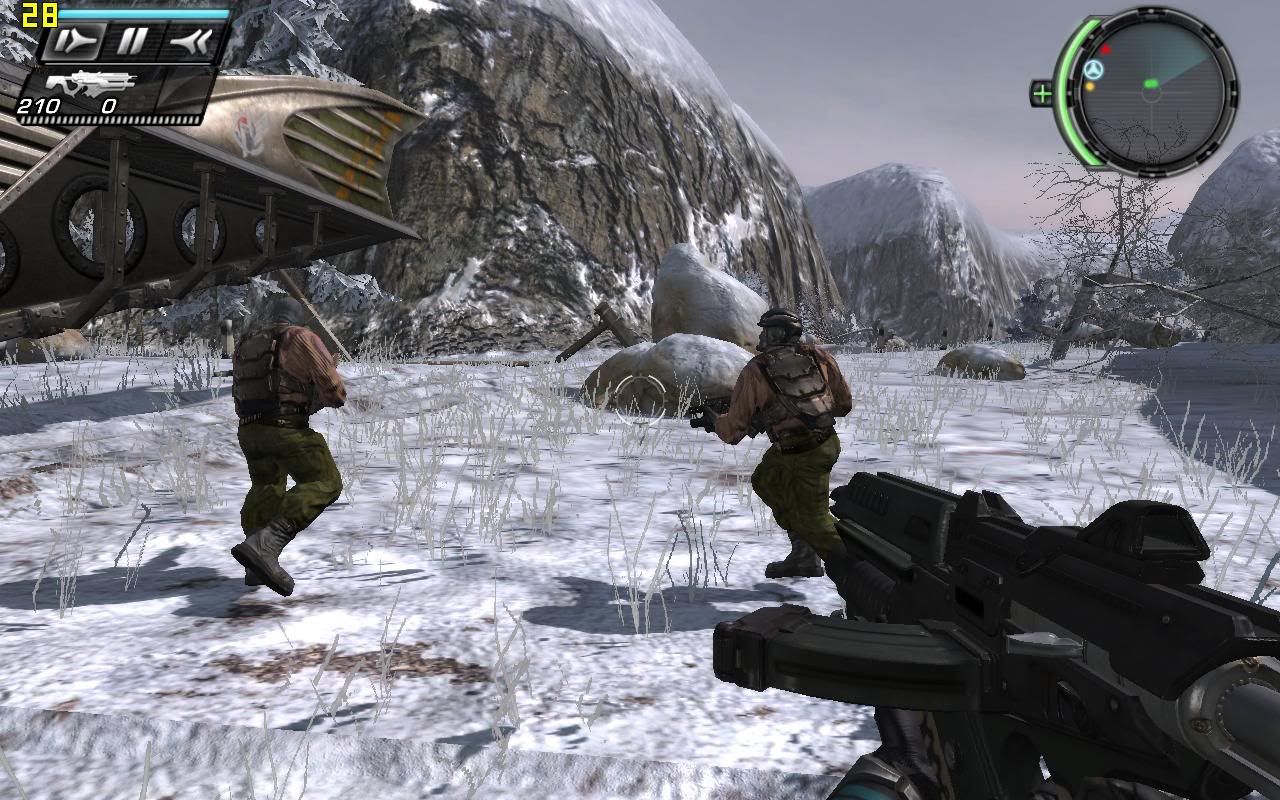
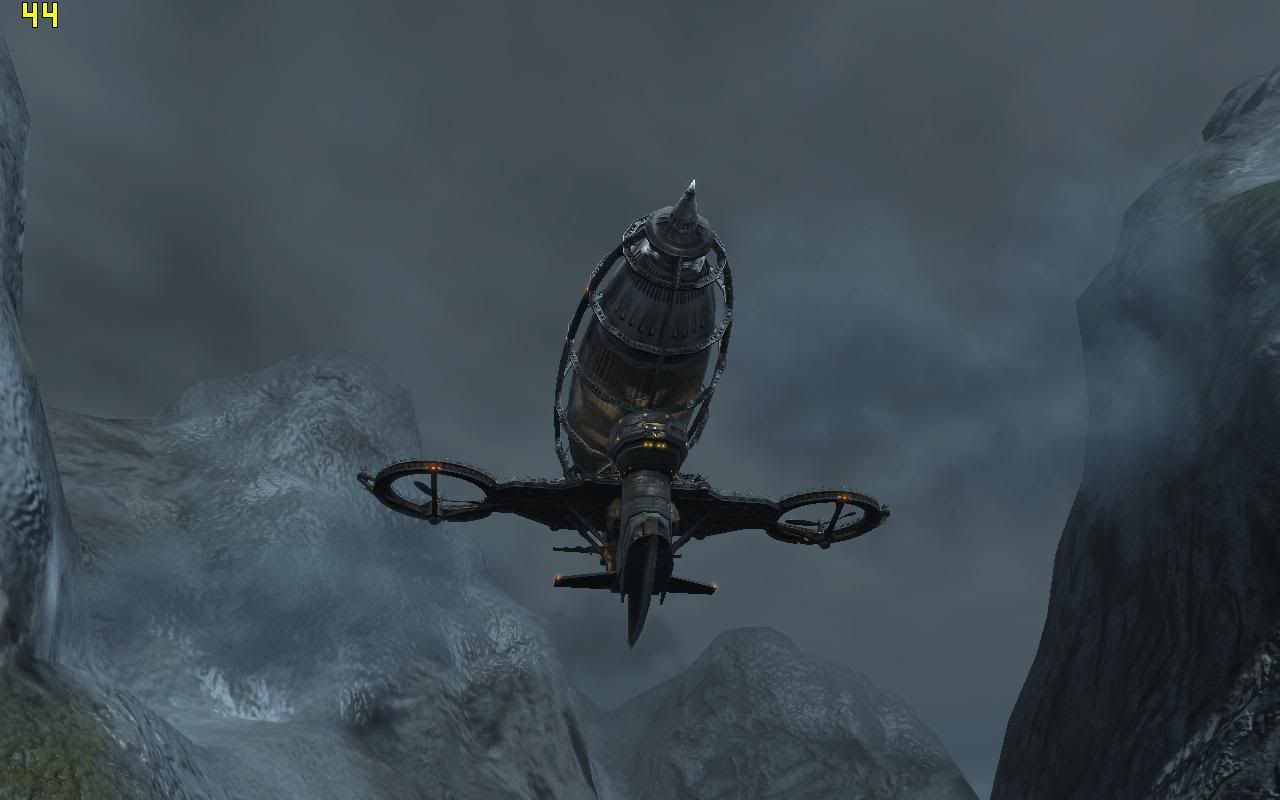
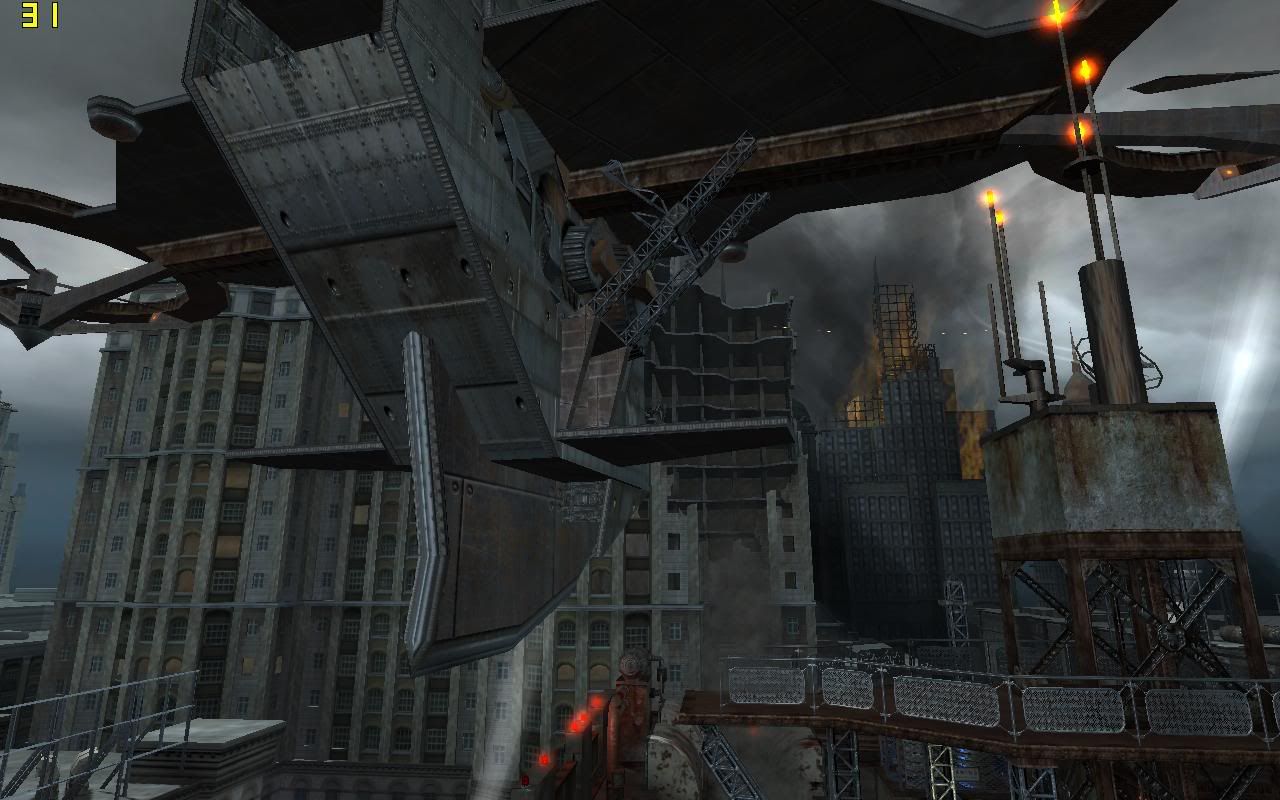
Time Shift , surprisingly , is able to play flawlessly on my hot babe Dell inspiron 1520 . The default settings is already relatively high and the only configuration i changed is to set the resolution from 800*600 to 1280*800 , and the game runs smoothly without any problem.

The average frame rate is about 30 - 40 , which , needless to say , an acceptable level even for a hardcore gamer. The main feature of the game , " reverse , slow down and stop " , has proof to be a big eye candy for me , especially the stop function , when its use on a rainy day , you can surely see the rain drops stop in front of you , and wow!!!! Its Pretty!!!

Even when i encounter about 10 enemies at a time , the game didnt slow down dramatically , although i admit that , its slow down , but its absolutely playable and the frame rate is minimum 25 fps.

As a conclusion , the game is absolutely excel in both eye candy and smoothness

» Click to show Spoiler - click again to hide... «


More screeny here

This post has been edited by Endless9930: Jan 4 2008, 10:36 AM
TSHellRyzer
post Jan 7 2008, 11:49 AM

Casual
***
Junior Member
326 posts

Joined: Sep 2007
From: Terra; the 3rd planet in the Sol System, Milky Way


Topic's main page updated. Thanx all contributors.
eXPeri3nc3
post Jan 10 2008, 12:25 AM

It's coming! 3ɔu3ıɹǝdxǝ ♥
*******
Senior Member
9,257 posts

Joined: Aug 2005
From: Not so sure myself Status: 1+3+3=7


Benchmarking any game will do right?
HyeoshinX
post Jan 10 2008, 12:58 AM

Casual
***
Junior Member
491 posts

Joined: May 2007
From: [P]etaling [J]aya || [M]elbourne


QUOTE(eXPeri3nc3 @ Jan 10 2008, 12:25 AM)
Benchmarking any game will do right?
*
I guess it should be alright. But preferably benchmark the more recent games will be a lot better since the more recent games are more demanding in many factors. wink.gif
KoguraD
post Jan 21 2008, 08:38 AM

New Member
*
Junior Member
16 posts

Joined: Jan 2008
From: Kuala Lumpur

Anyone care to benchmark Battlefield series?? on a 8400GS preferably
TSHellRyzer
post Jan 21 2008, 12:45 PM

Casual
***
Junior Member
326 posts

Joined: Sep 2007
From: Terra; the 3rd planet in the Sol System, Milky Way


Grand Theft Auto - San Andreas

High settings playable on my Dell Inspiron 1420
Processor: Intel Core 2 Duo T5250 @ 1.50GHz
Memory: 1.50GB 667MHz DDR2-SDRAM
Graphic: NVIDIA GeForce 8400M GS (128MB DDR3)
Operating System: Microsoft Windows XP Home Edition Service Pack 2 OEM (Dell)
Drivers: Microsoft DirectX 9.0c (Nov 2007), NVIDIA ForceWare G86 v156.83 WHQL XP


Grand Theft Auto: San Andreas is a sandbox-style action-adventure computer and video game developed by Rockstar North. It is the third 3D game in the Grand Theft Auto video game franchise and fifth original game overall. Originally released for the PlayStation 2 in October 2004, the game has since been ported to the Xbox and Microsoft Windows, and has received wide acclaim and high sales figures on all three platforms. San Andreas was preceded by Grand Theft Auto: Vice City and will be succeeded by Grand Theft Auto IV. Set in 1992, the game revolves around the main character, Carl "CJ" Johnson returning home from Liberty City to Los Santos after learning of his mother's murder. CJ finds his family and his old gang, the Grove Street Families, in disarray. Over the course of the game, CJ gradually unravels the plot behind his mother's murder while reestablishing his gang and exploring his own business ventures. Much like the previous entries in the Grand Theft Auto series, San Andreas's critical and commercial success has not been without controversy; explicit hidden content in the game resulted in the game's re-rating and subsequent removal from many retailers' shelves. [from wikipedia]

» Click to show Spoiler - click again to hide... «

ttwy
post Jan 25 2008, 03:15 PM

Getting Started
**
Junior Member
214 posts

Joined: Jan 2005
From: USJ (Subang Jaya)


is the 128MB nVidia Quadro NVS 135M better or worst that the 128MB nVidia 8400M GS? Is there a really big difference?
Jeffery
post Jan 25 2008, 10:04 PM

Enthusiast
*****
Senior Member
930 posts

Joined: Jan 2005


QUOTE(ttwy @ Jan 25 2008, 03:15 PM)
is the 128MB nVidia Quadro NVS 135M better or worst that the 128MB nVidia 8400M GS?  Is there a really big difference?
*
I'm not sure quadro nvs 135m is in which product line but quadro is a workstation graphic card while geforce usually for home user and gaming optimized. If 135 is same level wif 8400m gs (means both entry level) then 8400m gs would definitely perform better than 135m in term of gaming. However, super high end workstation graphic card can pawn mid end graphic card in no time. biggrin.gif

This post has been edited by Jeffery: Jan 25 2008, 10:10 PM

50 Pages « < 6 7 8 9 10 > » Top
Topic ClosedOptions
 

Change to:
| Lo-Fi Version
0.0284sec    0.60    6 queries    GZIP Disabled
Time is now: 8th December 2025 - 06:02 PM