Welcome Guest ( Log In | Register )

Bump Topic Topic Closed RSS Feed
50 Pages « < 8 9 10 11 12 > » Bottom

Outline · [ Standard ] · Linear+

 [Reference] LAPTOP GAMING Performance + Benchmarks, ~all thing gaming on laptop discussions~

views
     
cloudstrife07
post Feb 2 2008, 07:21 PM

I'm back, beaches!
*******
Senior Member
4,688 posts

Joined: Jan 2003
From: http://127.0.0.1


QUOTE(137807102 @ Feb 2 2008, 06:44 PM)
benchmark?xps 1330  hmm.gif

[attachmentid=392289]
*
nice benchmark there. smile.gif

but then can u put it in detail like what i've done above?? the proc, ram how much, what graphic card, windows used etc..that's better i guess wink.gif
000022
post Feb 2 2008, 07:35 PM

Enthusiast
*****
Senior Member
761 posts

Joined: Aug 2006
QUOTE
nice benchmark there. smile.gif

but then can u put it in detail like what i've done above?? the proc, ram how much, what graphic card, windows used etc..that's better i guess
Err...he did? the picture he posted actually comprises all those details (except RAM), you know.

Proc : T5450 @ 1.66Ghz
GPU : 8400m GS
OS : Vista Home Premium

I'm guessing his RAM is 1gb. Why? well, it's written in his signature.
0137807102
post Feb 2 2008, 10:00 PM

Getting Started
**
Junior Member
169 posts

Joined: Jul 2007
From: german to be


Brand: XPS 1330
Processor: Intel Core 2 Duo T5450 @ 1.66GHz
Memory: 1GB 667MHz DDR2
Graphic: NVIDIA GeForce 8400M GS (128MB DDR3)
Operating System: Microsoft Windows Vista Home Premium
Drivers: Microsoft DirectX 10.0

sori im new around here
so teach me...

This post has been edited by 137807102: Feb 7 2008, 01:59 PM
RegentCid
post Feb 2 2008, 10:16 PM

グローバル防衛構想
*******
Senior Member
4,060 posts

Joined: Dec 2007
From: クアラルンプール > 日本


Brand: HP2715TX
Processor: Intel Core 2 Duo T7500 @ 2.20GHz
Memory: 4GB 667MHz DDR2
Graphic: NVIDIA GeForce 8400M GS (128MB DDR3)
Operating System: Microsoft Windows Vista Home Premium
Drivers: Microsoft DirectX 10

3dmark06 = 17XX

Izzit result really too low....emmm

cloudstrife07
post Feb 2 2008, 11:10 PM

I'm back, beaches!
*******
Senior Member
4,688 posts

Joined: Jan 2003
From: http://127.0.0.1


QUOTE(22 @ Feb 2 2008, 07:35 PM)
Err...he did? the picture he posted actually comprises all those details (except RAM), you know.

Proc : T5450 @ 1.66Ghz
GPU : 8400m GS
OS : Vista Home Premium

I'm guessing his RAM is 1gb. Why? well, it's written in his signature.
*
i know, but it's actually better if he list out his spec too, just like HellRyzer and the others had done before smile.gif easier to link and for reference smile.gif

QUOTE(137807102 @ Feb 2 2008, 10:00 PM)
Brand: XPS 1330
Processor: Intel Core 2 Duo T5500 @ 1.66GHz
Memory:  1GB 667MHz DDR2
Graphic: NVIDIA GeForce 8400M GS (128MB DDR3)
Operating System: Microsoft Windows Vista Home Premium
Drivers: Microsoft DirectX 9.0c

sori im new around here
so teach me...
*
it's ok mate. it's better for u to edit your post that has the benchmark together with your spec above, so that HellRyzer would link directly to that post.easier smile.gif


Added on February 2, 2008, 11:12 pm
QUOTE(RegentCid @ Feb 2 2008, 10:16 PM)
Brand: HP2715TX
Processor: Intel Core 2 Duo T7500 @ 2.20GHz
Memory: 4GB 667MHz DDR2
Graphic: NVIDIA GeForce 8400M GS (128MB DDR3)
Operating System: Microsoft Windows Vista Home Premium
Drivers: Microsoft DirectX 10

3dmark06 = 17XX

Izzit result really too low....emmm
*
guess it's because of Windows Vista? hmm.gif

btw, r u getting 4GB in vista or just 3.5GB due to OS limitation?

This post has been edited by cloudstrife07: Feb 2 2008, 11:12 PM
0137807102
post Feb 2 2008, 11:25 PM

Getting Started
**
Junior Member
169 posts

Joined: Jul 2007
From: german to be


ello HellRyzer(tm)
wat software did u use to show the fraps number
... icon_question.gif icon_question.gif icon_question.gif
000022
post Feb 2 2008, 11:30 PM

Enthusiast
*****
Senior Member
761 posts

Joined: Aug 2006
QUOTE
ello HellRyzer(tm)
wat software did u use to show the fraps number
... icon_question.gif icon_question.gif icon_question.gif
err....FRAPS? The software includes capturing screens during gameplay.
RegentCid
post Feb 3 2008, 12:32 AM

グローバル防衛構想
*******
Senior Member
4,060 posts

Joined: Dec 2007
From: クアラルンプール > 日本


Yup...it show 3GB only

This post has been edited by RegentCid: Feb 3 2008, 12:33 AM
0137807102
post Feb 3 2008, 10:16 AM

Getting Started
**
Junior Member
169 posts

Joined: Jul 2007
From: german to be


QUOTE(RegentCid @ Feb 2 2008, 11:16 PM)
Brand: HP2715TX
Processor: Intel Core 2 Duo T7500 @ 2.20GHz
Memory: 4GB 667MHz DDR2
Graphic: NVIDIA GeForce 8400M GS (128MB DDR3)
Operating System: Microsoft Windows Vista Home Premium
Drivers: Microsoft DirectX 10

3dmark06 = 17XX

Izzit result really too low....emmm
*
where did u dwnld ur 3dmark 06...
i cant dwnld mine
i dnt know wat happen

icon_question.gif
Insydious
post Feb 3 2008, 04:25 PM

Powaaaaah
*****
Senior Member
894 posts

Joined: Dec 2005


QUOTE(RegentCid @ Feb 2 2008, 10:16 PM)
Brand: HP2715TX
Processor: Intel Core 2 Duo T7500 @ 2.20GHz
Memory: 4GB 667MHz DDR2
Graphic: NVIDIA GeForce 8400M GS (128MB DDR3)
Operating System: Microsoft Windows Vista Home Premium
Drivers: Microsoft DirectX 10

3dmark06 = 17XX

Izzit result really too low....emmm
*
Well, its too low to game with satisfactory graphics settings but this aint a job for entry level gcs rite? heh.
RegentCid
post Feb 3 2008, 05:05 PM

グローバル防衛構想
*******
Senior Member
4,060 posts

Joined: Dec 2007
From: クアラルンプール > 日本


i got my 3Dmark06 CD from my Asus EN8800GTS Graphic Card
Endless9930
post Feb 4 2008, 08:53 PM

Enthusiast
*****
Senior Member
757 posts

Joined: Aug 2007


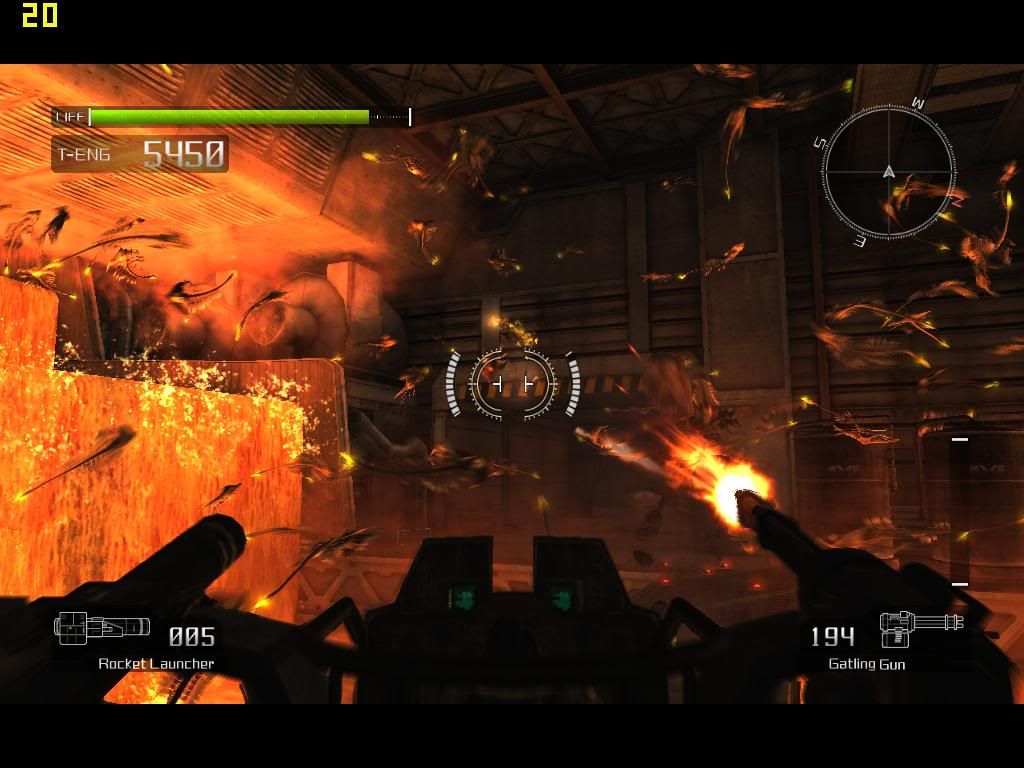
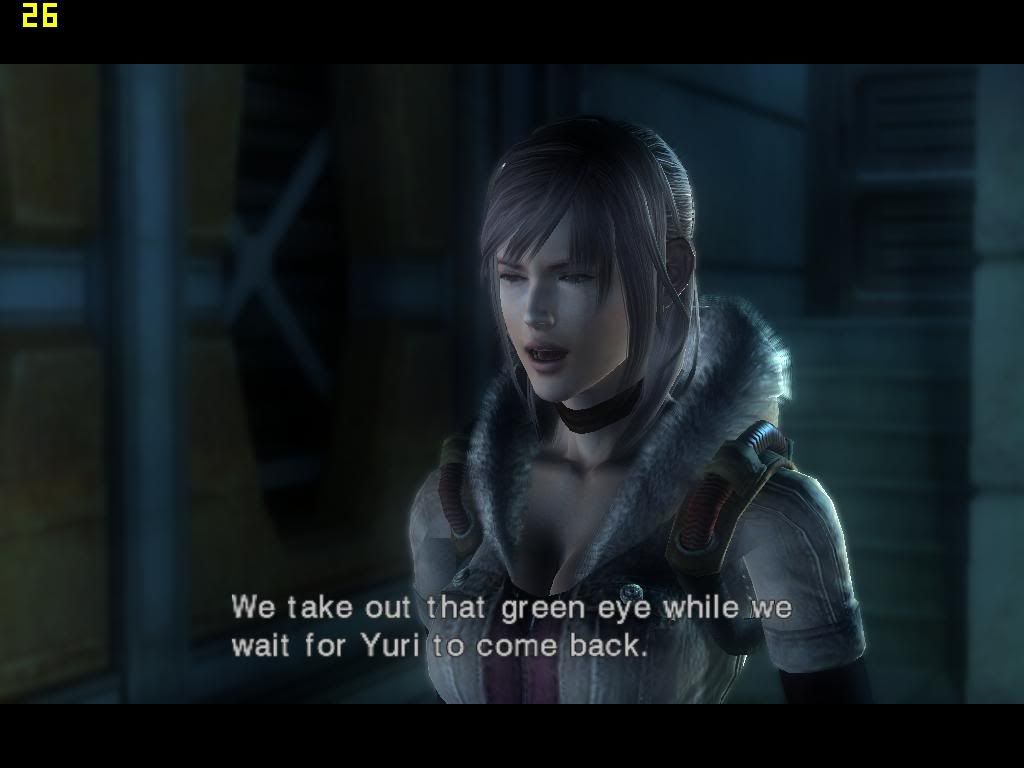
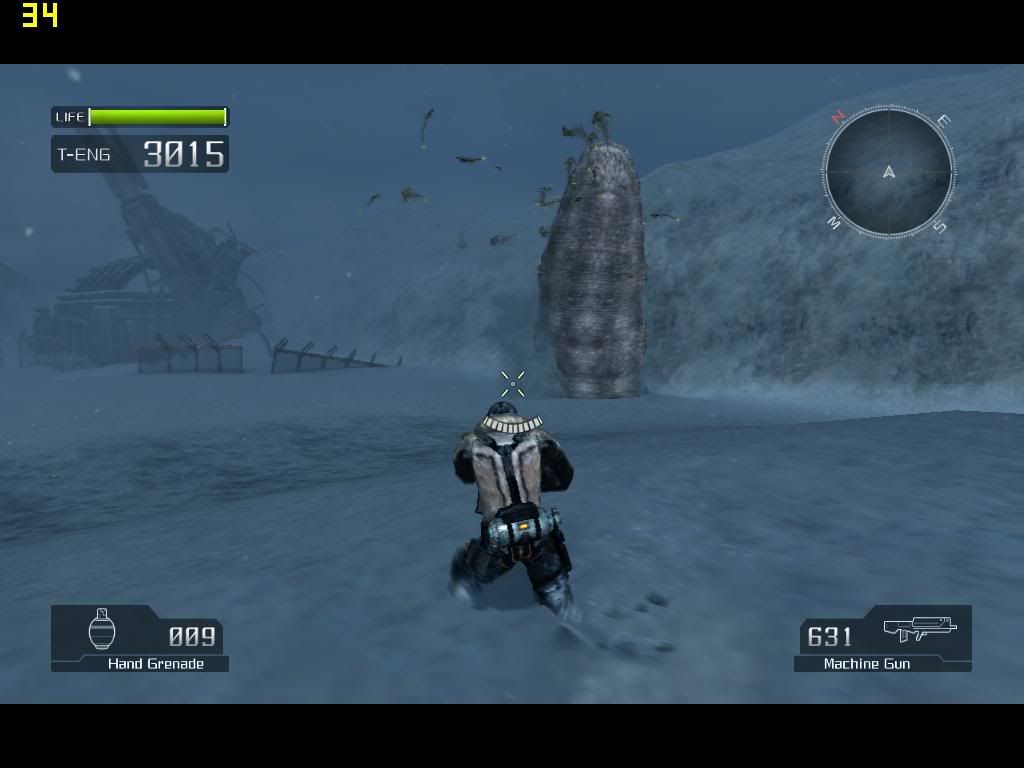
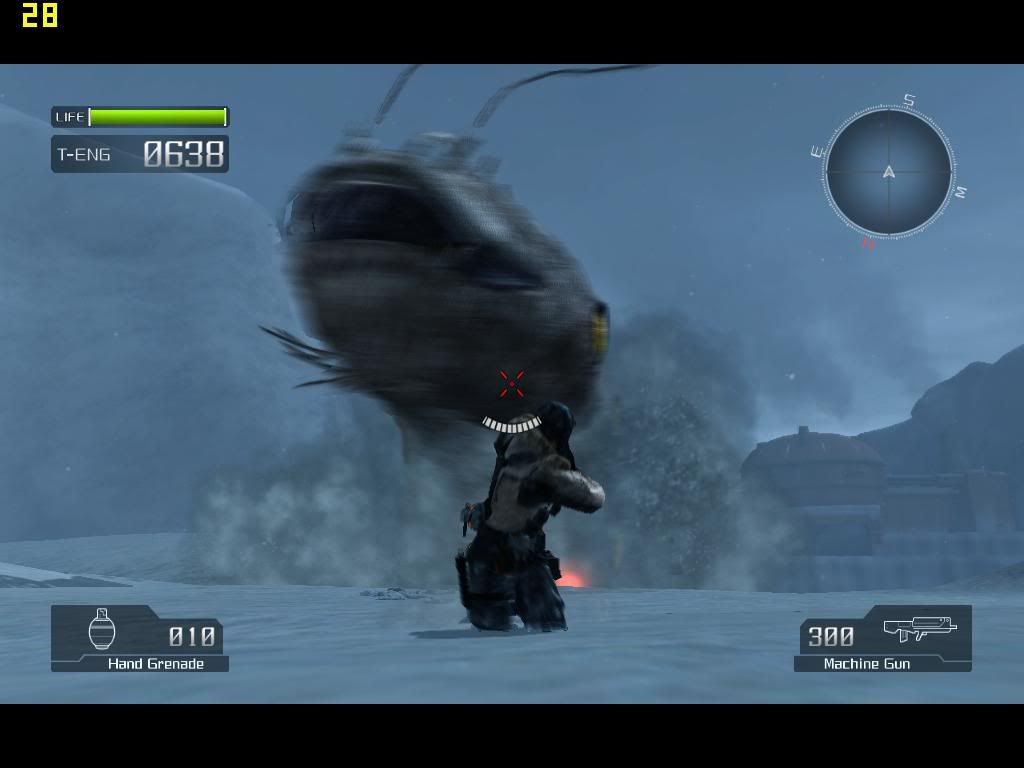
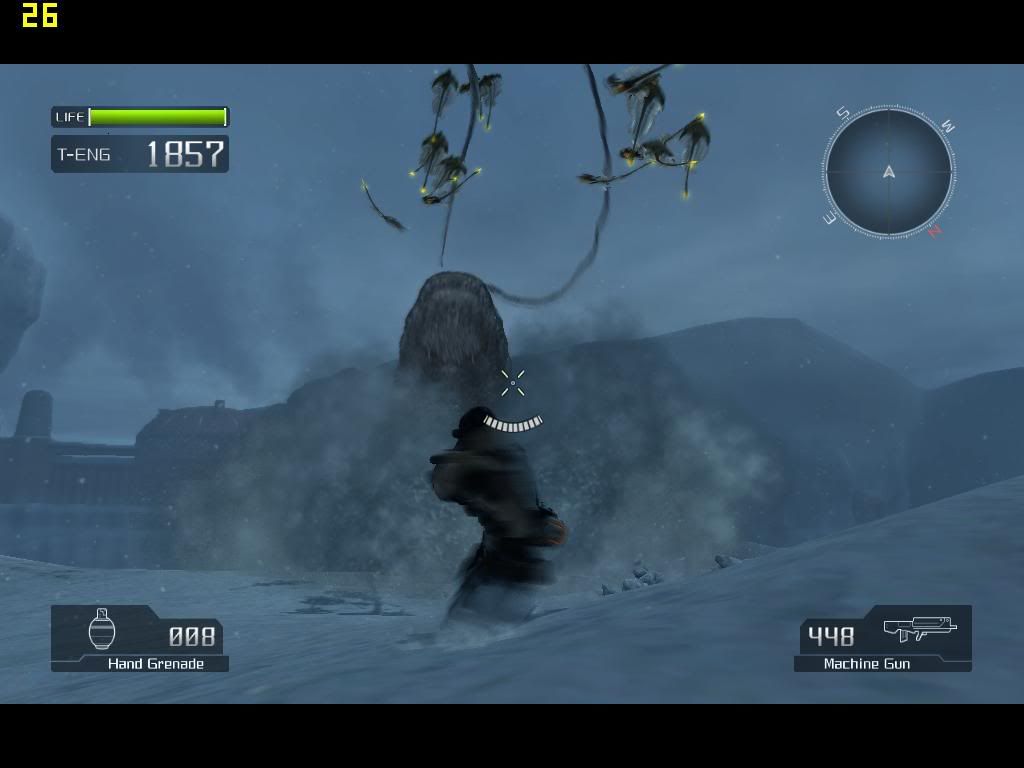
Lost Planet


Laptop Model: Dell Inspiron 1520
Processor: Intel Core 2 Duo T7250 @ 2.0GHz
Memory: 2.0GB 667MHz DDR2- SDRAM
Graphic: NVIDIA GeForce 8600M Gt (256MB DDR2)
Operating System: Microsoft Windows Vista Home Basic OEM (Dell)
Drivers: Microsoft DirectX 10

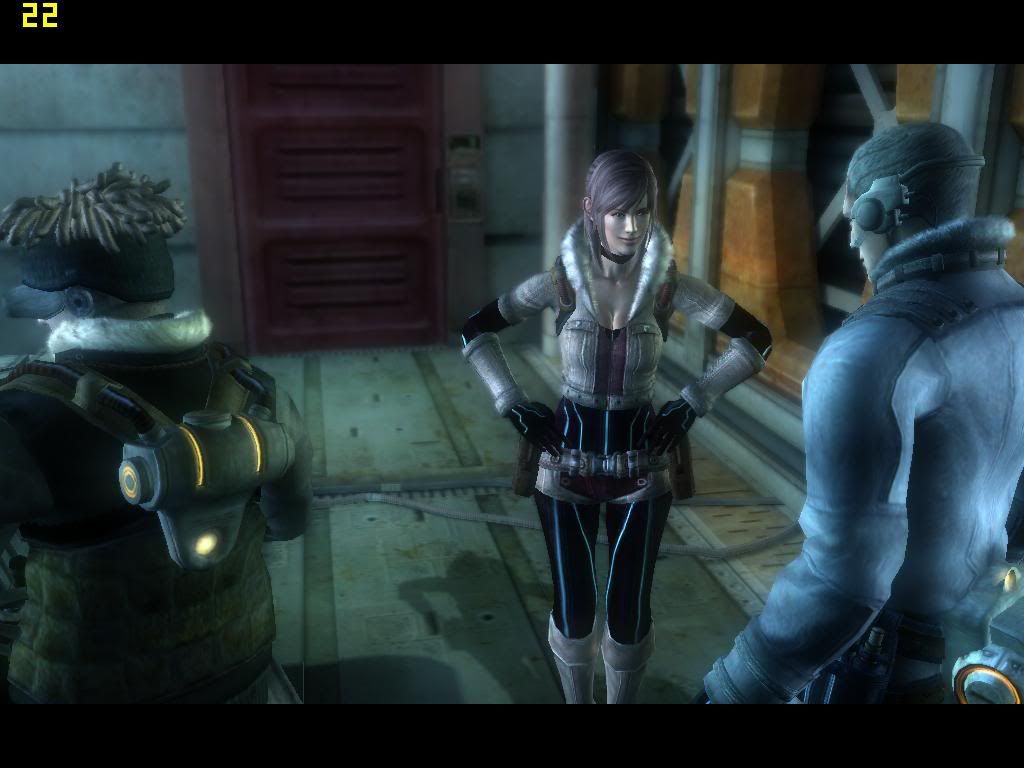
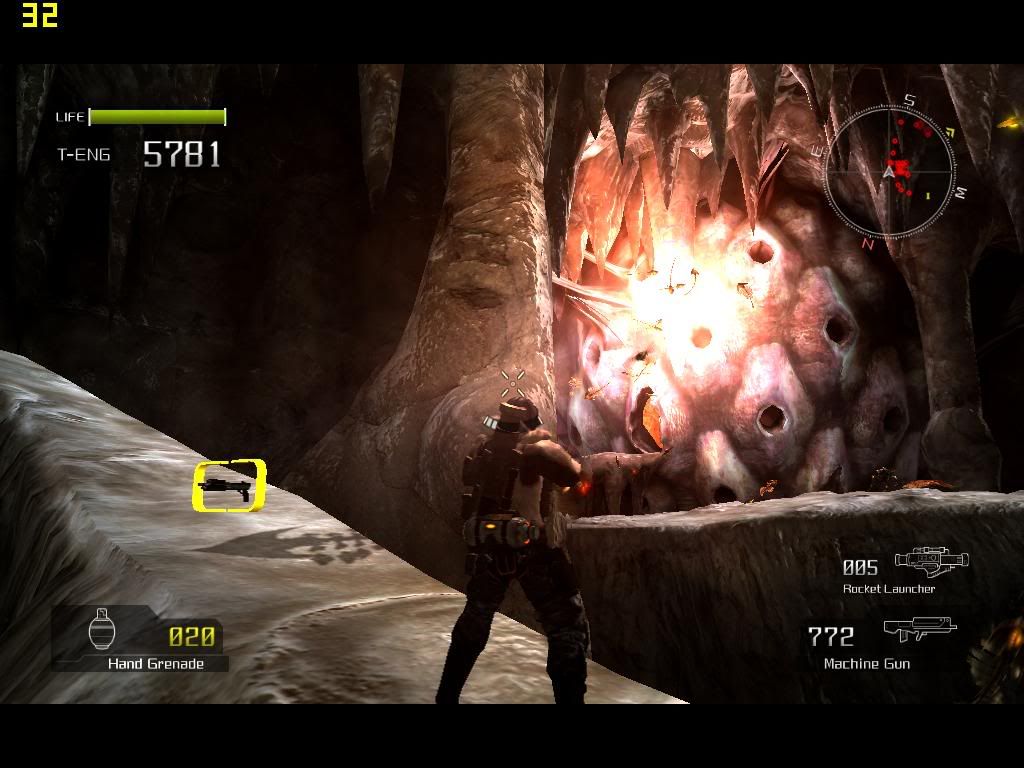
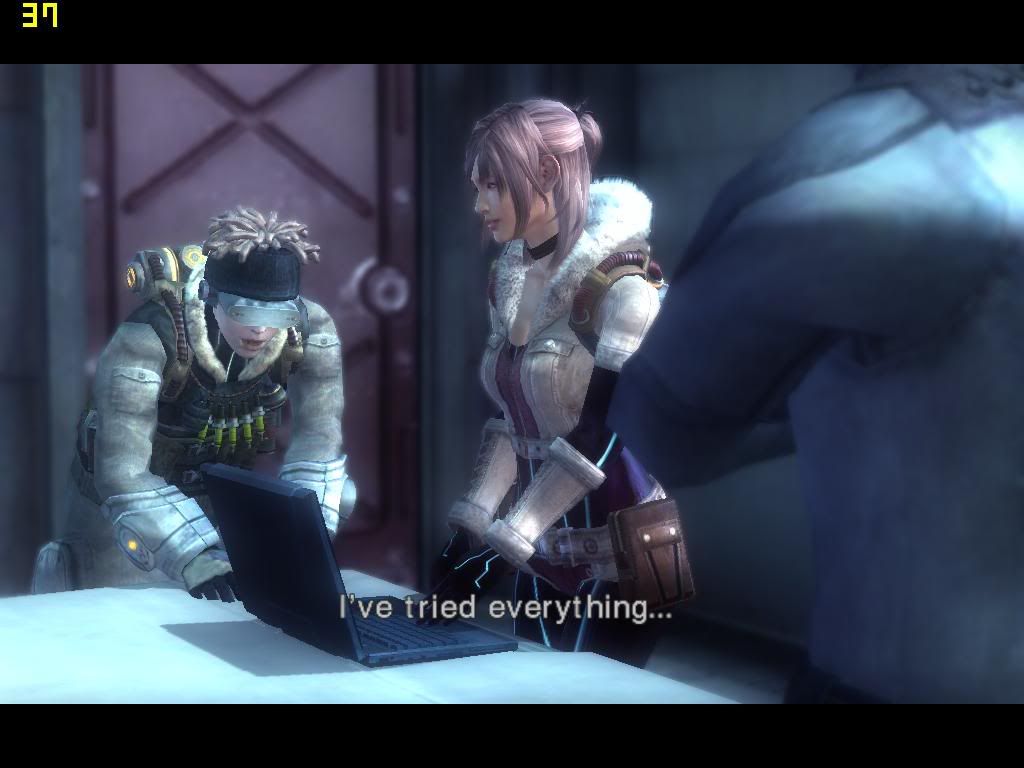
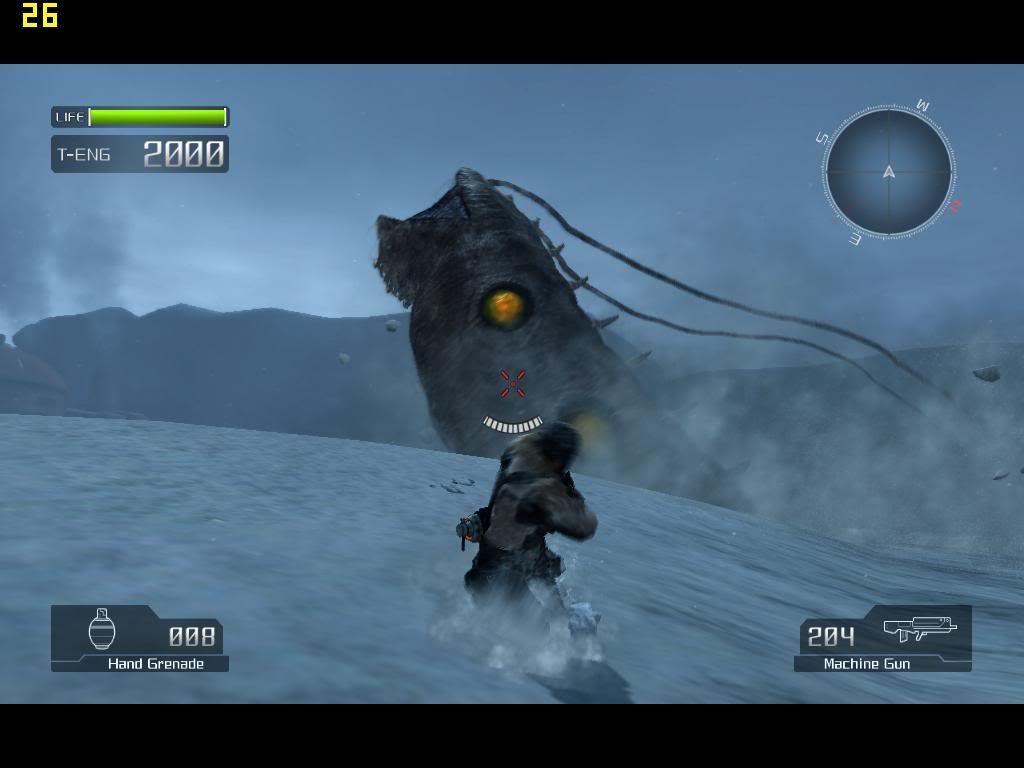
The game , although it is a freedom restricted game , and appeared to be a one-way gameplay setting , Lost planet indeed have a nice graphic and able to run on my Laptop flawlessly with good Frame rate.

The graphic settings are set with the auto detect function , which is relatively high . And the resolution is 1024x640. I tried the same graphic settings with my max possible resolution , which is 1280X800 , but result in a poor performance. As a conclusion , there is a big gap between these two resolution settings.

Normally , the framerate is over 30 fps , even when encounter multiple enemies , framerate still stay at an acceptable level of at least 25 . As for the cut scene , the framerate will always maintain above 30 as there is only involve a few character at a time .

This game , is absolutely performance friendly , and i can deduce that it can play on low end gaming spec flawlessly with all the graphic settings set to low or off .

» Click to show Spoiler - click again to hide... «


More screeny here

Endless9930
post Feb 4 2008, 09:11 PM

Enthusiast
*****
Senior Member
757 posts

Joined: Aug 2007


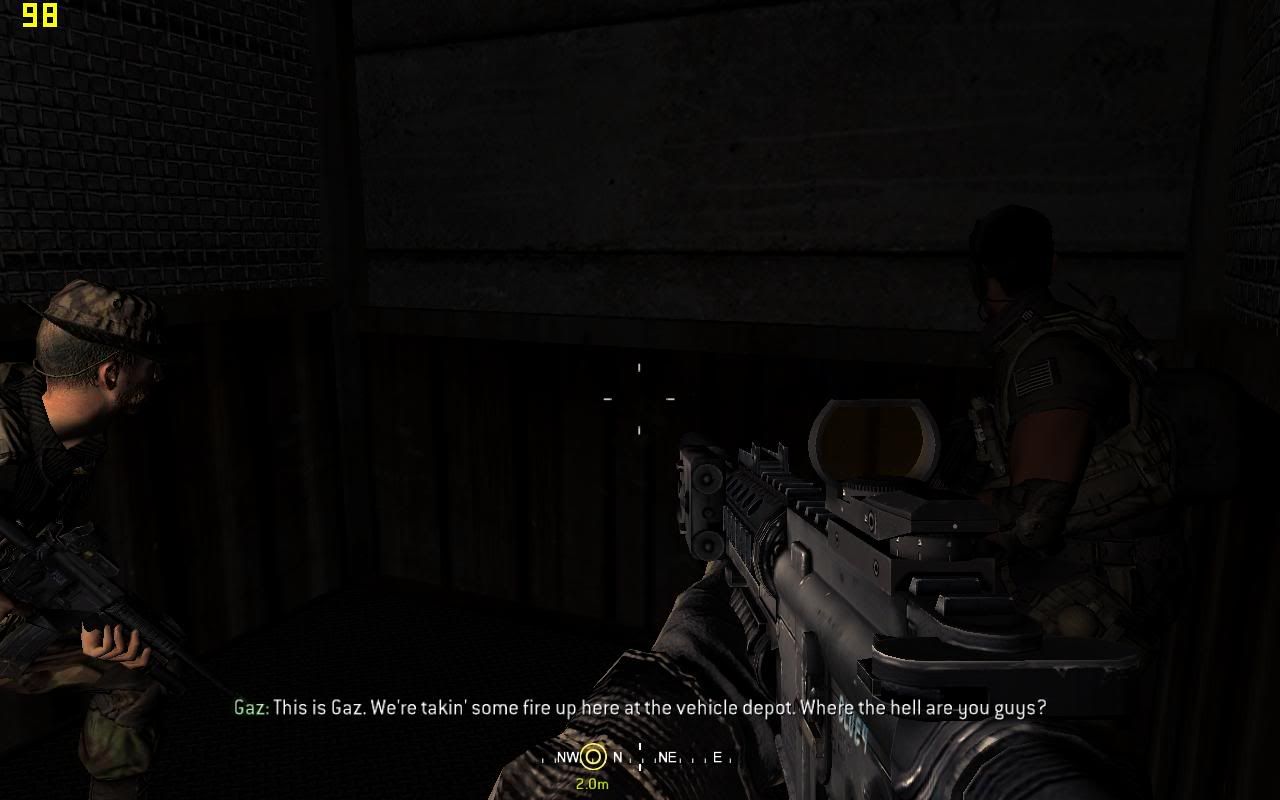
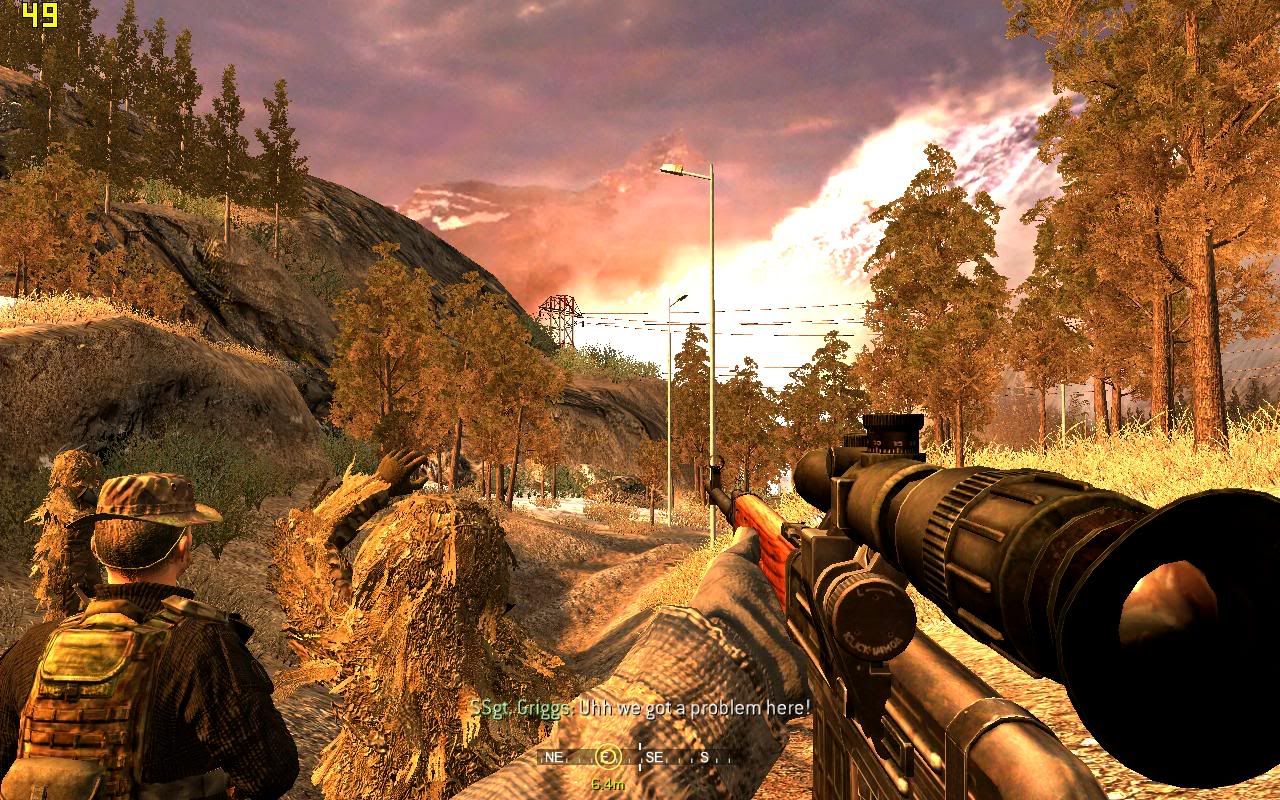
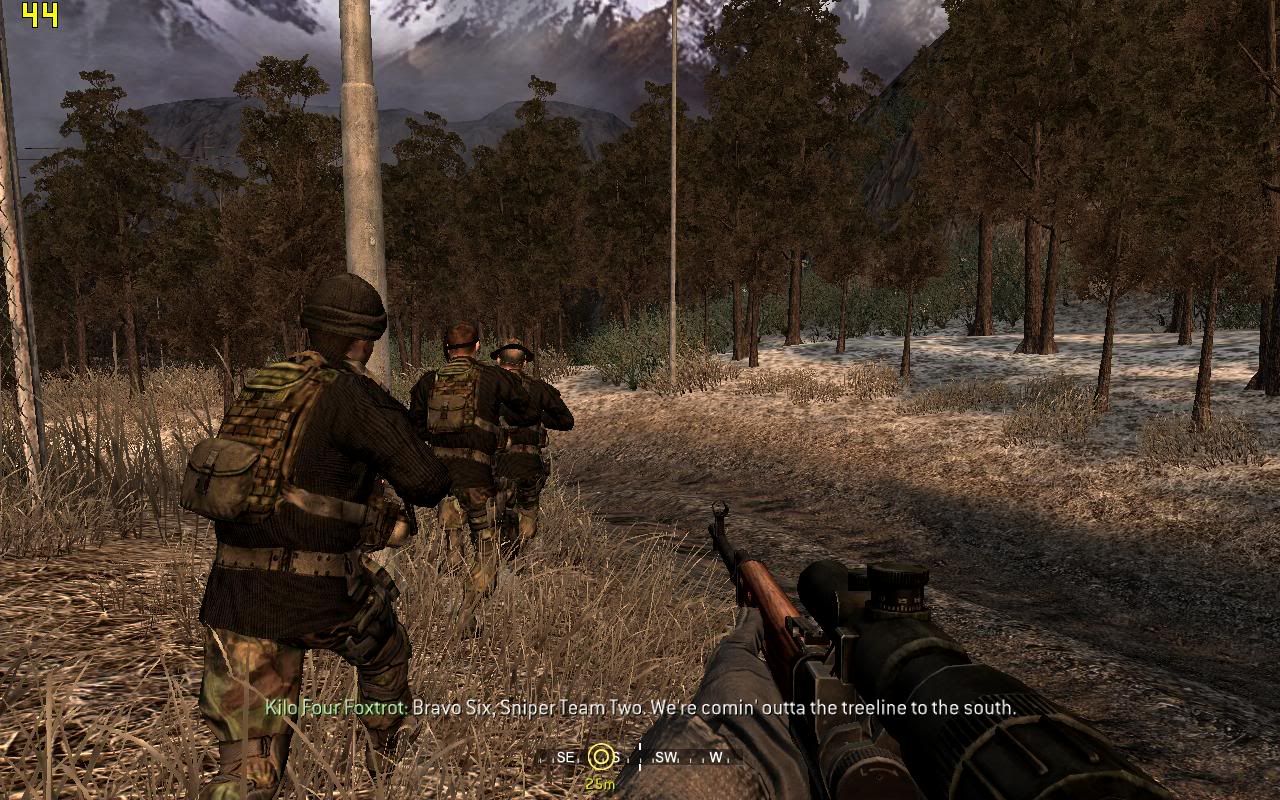
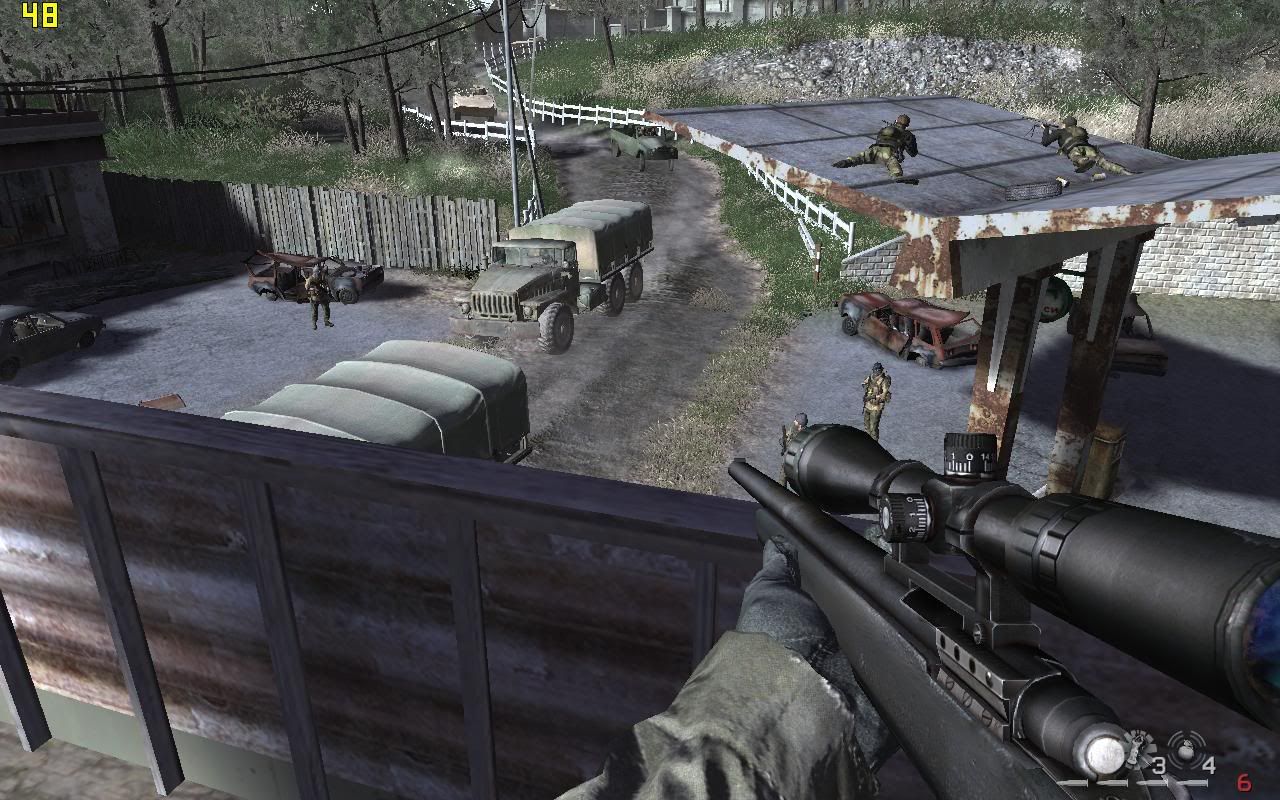
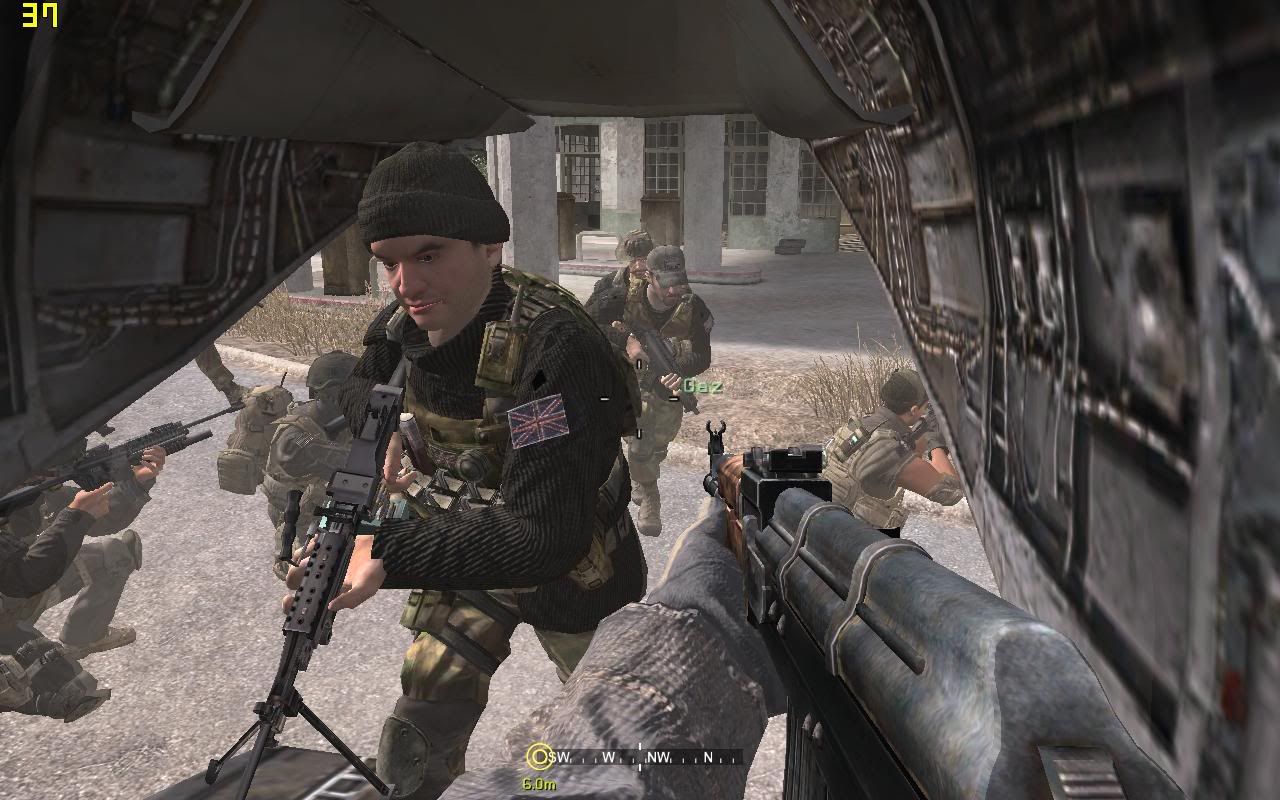
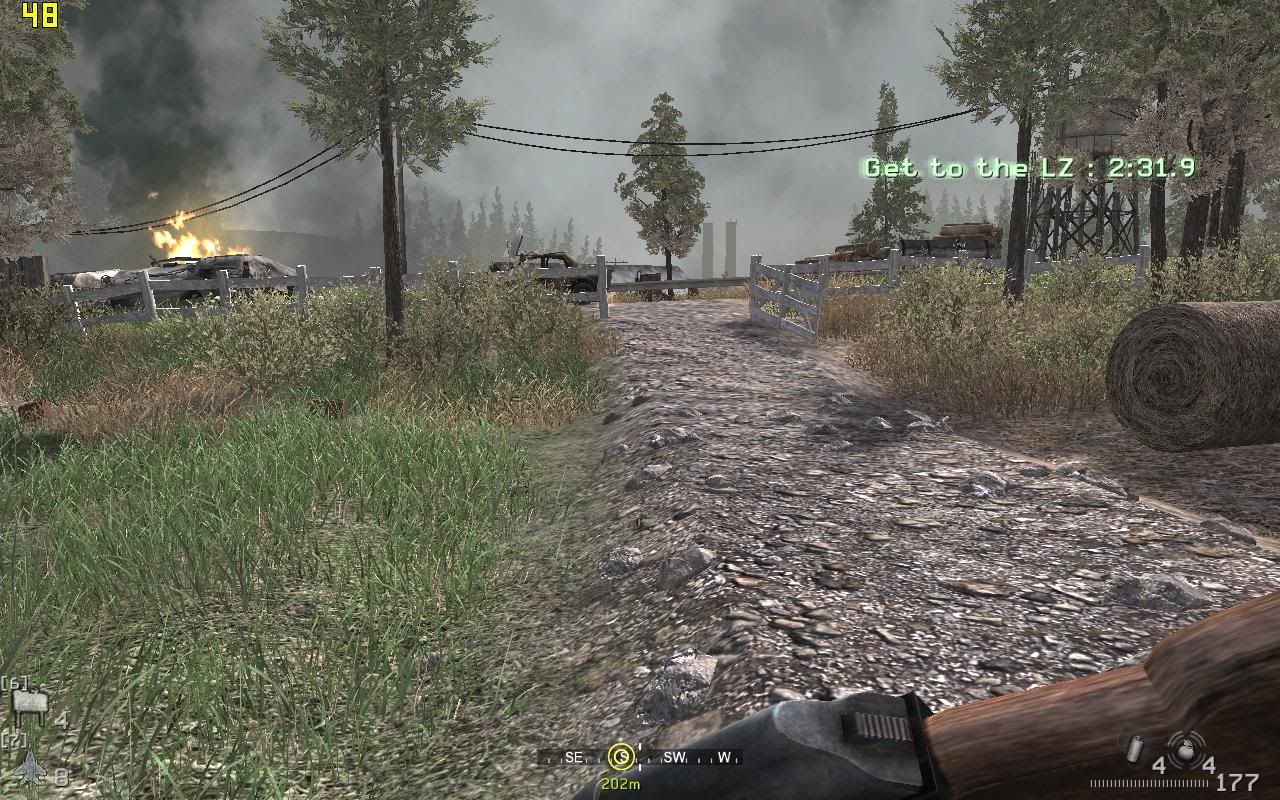
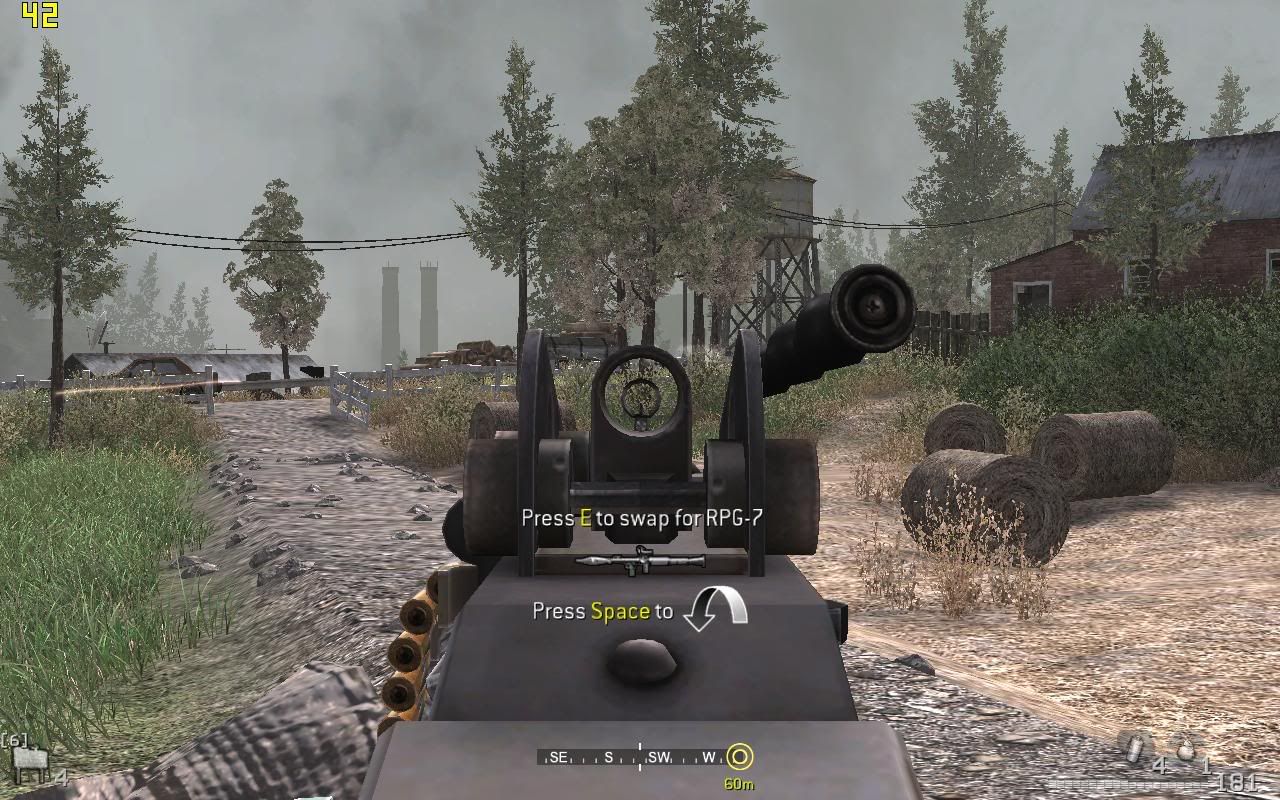
Call of Duty 4 : Modern Warefare

Laptop Model: Dell Inspiron 1520
Processor: Intel Core 2 Duo T7250 @ 2.0GHz
Memory: 2.0GB 667MHz DDR2- SDRAM
Graphic: NVIDIA GeForce 8600M Gt (256MB DDR2)
Operating System: Microsoft Windows Vista Home Basic OEM (Dell)
Drivers: Microsoft DirectX 10

This game is gorgeous , not only it is performance friendly , but it save performance and bring stunning graphic as well!!!

The graphic settings is using the default settings ( It is relatively high ), except i change the resolution from the lowest 800X600 to the max possible which is 1280X800.

The game , is surprisingly , running at an average of 40 FPS flawlessly throughout the levels. The graphic is stunning , but even when facing lots of enemies at a time , the frame rate still seldom drops below 40 , which is a miracle to me . The in game graphic is insanely beautiful , although it is only using DX 9 , but you might easily mistaken it to be DX 10.

» Click to show Spoiler - click again to hide... «


More Screeny Here


Jeffery
post Feb 5 2008, 09:07 AM

Enthusiast
*****
Senior Member
930 posts

Joined: Jan 2005


ermm.... wanted to ask something, those screenshot u guys provided are shot by game default screen capture or manual capture? Coz from wat i saw, most of the screen shot doesn't look nice even you guys have stated that the settings are almost highest...
000022
post Feb 5 2008, 02:52 PM

Enthusiast
*****
Senior Member
761 posts

Joined: Aug 2006
QUOTE
ermm.... wanted to ask something, those screenshot u guys provided are shot by game default screen capture or manual capture? Coz from wat i saw, most of the screen shot doesn't look nice even you guys have stated that the settings are almost highest...
Too much Crysis?
Endless9930
post Feb 5 2008, 06:11 PM

Enthusiast
*****
Senior Member
757 posts

Joined: Aug 2007


QUOTE(Jeffery @ Feb 5 2008, 09:07 AM)
ermm.... wanted to ask something, those screenshot u guys provided are shot by game default screen capture or manual capture? Coz from wat i saw, most of the screen shot doesn't look nice even you guys have stated that the settings are almost highest...
*
In order to upload , i compressed the image to jpeg file , which the colors is a bit "not original".

As for the capture screen method , i am using a software called " Fraps"

It is a very useful software that enable us to keep track the frame rate all the time , along with the function to capture screen and record video too.
Jeffery
post Feb 5 2008, 09:31 PM

Enthusiast
*****
Senior Member
930 posts

Joined: Jan 2005


QUOTE(Endless9930 @ Feb 5 2008, 06:11 PM)
In order to upload , i compressed the image to jpeg file , which the colors is a bit "not original".

As for the capture screen method , i am using a software called " Fraps"

It is a very useful software that enable us to keep track the frame rate all the time , along with the function to capture screen and record video too.
*
ya... i know fraps... lol. I think games look better on screen than screen capture it therefore they look so weird in screenshot smile.gif
000022
post Feb 5 2008, 10:54 PM

Enthusiast
*****
Senior Member
761 posts

Joined: Aug 2006
QUOTE
ya... i know fraps... lol. I think games look better on screen than screen capture it therefore they look so weird in screenshot smile.gif
I thought Crysis finally got to your mind like a cobra's poison to a heart
Endless9930
post Feb 6 2008, 08:18 AM

Enthusiast
*****
Senior Member
757 posts

Joined: Aug 2007


QUOTE(Jeffery @ Feb 5 2008, 09:31 PM)
ya... i know fraps... lol. I think games look better on screen than screen capture it therefore they look so weird in screenshot  smile.gif
*
Like i said , the screenny are compressed , they dont look exactly the same , thats why .

And the main purpose is showing the framerate , along telling us the spec and settings etc...


nicks
post Feb 17 2008, 01:12 AM

TC
*******
Senior Member
2,070 posts

Joined: Sep 2005
From: Sungai Buloh


COD4 environment gameplay looks similar with Halo 2. right?

50 Pages « < 8 9 10 11 12 > » Top
Topic ClosedOptions
 

Change to:
| Lo-Fi Version
0.0354sec    0.52    6 queries    GZIP Disabled
Time is now: 11th December 2025 - 03:44 AM