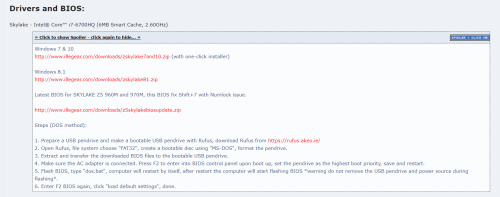
hi, this file already broken, anyone have any working link for me to download
 http://www.illegear.com/downloads/z5skylakebiosupdate.zip
Steps (DOS method):
1. Prepare a USB pendrive and make a bootable USB pendrive with Rufus, download Rufus from
https://rufus.akeo.ie/2. Open Rufus, file system choose "FAT32", create a bootable disc using "MS-DOS", format the pendrive.
3. Extract and transfer the downloaded BIOS files to the bootable USB pendrive.
4. Make sure the AC adapter is connected. Press F2 to enter into BIOS control panel upon boot up, set the pendrive as the highest boot priority, save and restart.
5. Flash BIOS, type "dos.bat", computer will restart by itself, after restart the computer will start flashing BIOS *warning do not remove the USB pendrive and power source during flashing*.
6. Enter F2 BIOS again, click "load default settings", done.


 Jan 5 2022, 02:26 PM


 Quote
Quote






 0.0174sec
 0.33
0.33
 6 queries
 GZIP Disabled