Welcome Guest ( Log In | Register )

5 Pages < 1 2 3 4 5 >Bottom

Outline · [ Standard ] · Linear+

 Best movie player, With subtitle

views
     
cstkl1
post Jul 10 2012, 03:31 PM

Look at all my stars!!
Group Icon
Elite
6,799 posts

Joined: Jan 2003

QUOTE(mintgadget @ Jul 10 2012, 03:26 PM)
plex media center is the player. media server does the scrapping and all the good stuff. the account creation is for myplex, a lot has been discussed about this over their forums, you don't like it don't use it. but they assured nothing is passed to their servers. like bank lor, u don't like put your money somewhere else.
*
lol
lagging 1080p
suspect streaming issue with ipad limitation at only 60mbps.
but i was very fast on go encoding at lower

hmm think gonna keep this program.. can see how its useful.
very fast on searching and tagging and sorting..

but again this is only for media sharing

itunes 720p streaming to plex.. smooth. no captioning support on m4v

This post has been edited by cstkl1: Jul 10 2012, 03:34 PM
mintgadget
post Jul 10 2012, 03:36 PM

Casual
***
Junior Member
328 posts

Joined: Jun 2008
hmmm must be your hardware, i encode at 20MBps no issue. run smoothly on the iPad. no lag whatsoever streaming off my NAS. its as good as watching in on tv with a media player.
cstkl1
post Jul 10 2012, 03:42 PM

Look at all my stars!!
Group Icon
Elite
6,799 posts

Joined: Jan 2003

QUOTE(mintgadget @ Jul 10 2012, 03:36 PM)
hmmm must be your hardware, i encode at 20MBps no issue. run smoothly on the iPad. no lag whatsoever streaming off my NAS. its as good as watching in on tv with a media player.
*
again np with hardware. theres actually nothing better than what i have lol.. unless its a gold plated cat 6 cable.

it doesnt work like that when u say encoding on 20mbps. if plex reduces those bitrates at limits it at 20.. thats gonna be a problem. u use high profile 4.1 to get better compression with better quality hence the vbr

when it says 20mbps it means the bandwidth. it uses 20mbps on the max spikes
http://en.wikipedia.org/wiki/H.264/MPEG-4_AVC

thats y it was smooth on my 720p at h3.1
when they encode a 1080p at 4.1 although ure average is a 16 ++ mbps example on the movie just now
it uses more on high detail enviroments.. so it has a max of 50mbps.
thats what i have been saying all this players has issue with 4.1. heck even quicktime pro. while IOS default video eats it easily.. Androids until today has issues with tegra 3


keeping this for as i download to watch series and delete etc..
pretty niffy

This post has been edited by cstkl1: Jul 10 2012, 03:49 PM
mintgadget
post Jul 10 2012, 03:49 PM

Casual
***
Junior Member
328 posts

Joined: Jun 2008
see, you agree right. this is probably the best media organizer around. might not be able to handle some of your requirements but i am happy got another plex supporter... hahaha. now to get u converted to auto grabbing and renaming with sick beard, you will love it.
cstkl1
post Jul 10 2012, 04:03 PM

Look at all my stars!!
Group Icon
Elite
6,799 posts

Joined: Jan 2003

QUOTE(mintgadget @ Jul 10 2012, 03:49 PM)
see, you agree right. this is probably the best media organizer around. might not be able to handle some of your requirements but i am happy got another plex supporter... hahaha. now to get u converted to auto grabbing and renaming with sick beard, you will love it.
*
wait till i head back home and write that tutorial
lol

ure way is caching the metatags
i am talking about having it permanently on each file. down to even ure Itunes account on it, Yes u can tag each mp4 with ure itunes account.

mintgadget
post Jul 10 2012, 04:08 PM

Casual
***
Junior Member
328 posts

Joined: Jun 2008
hmmm... ok sounds like heck of a lot of work to do for each episode that comes out. don't you think. and if you mentioned watch then delete what an effort. hehe anyway. i guess it was fun having this back and forth. we have already stir off topic.
eclipsejee
post Jul 10 2012, 05:16 PM

New Member
*
Junior Member
48 posts

Joined: Jun 2012
QUOTE(cstkl1 @ Jul 10 2012, 03:13 PM)
darn it atleast ures lag
mine loading the pyramid logo at the start of the movie
straight crash and exit
lets see how my ahem ipad video ios handles it..

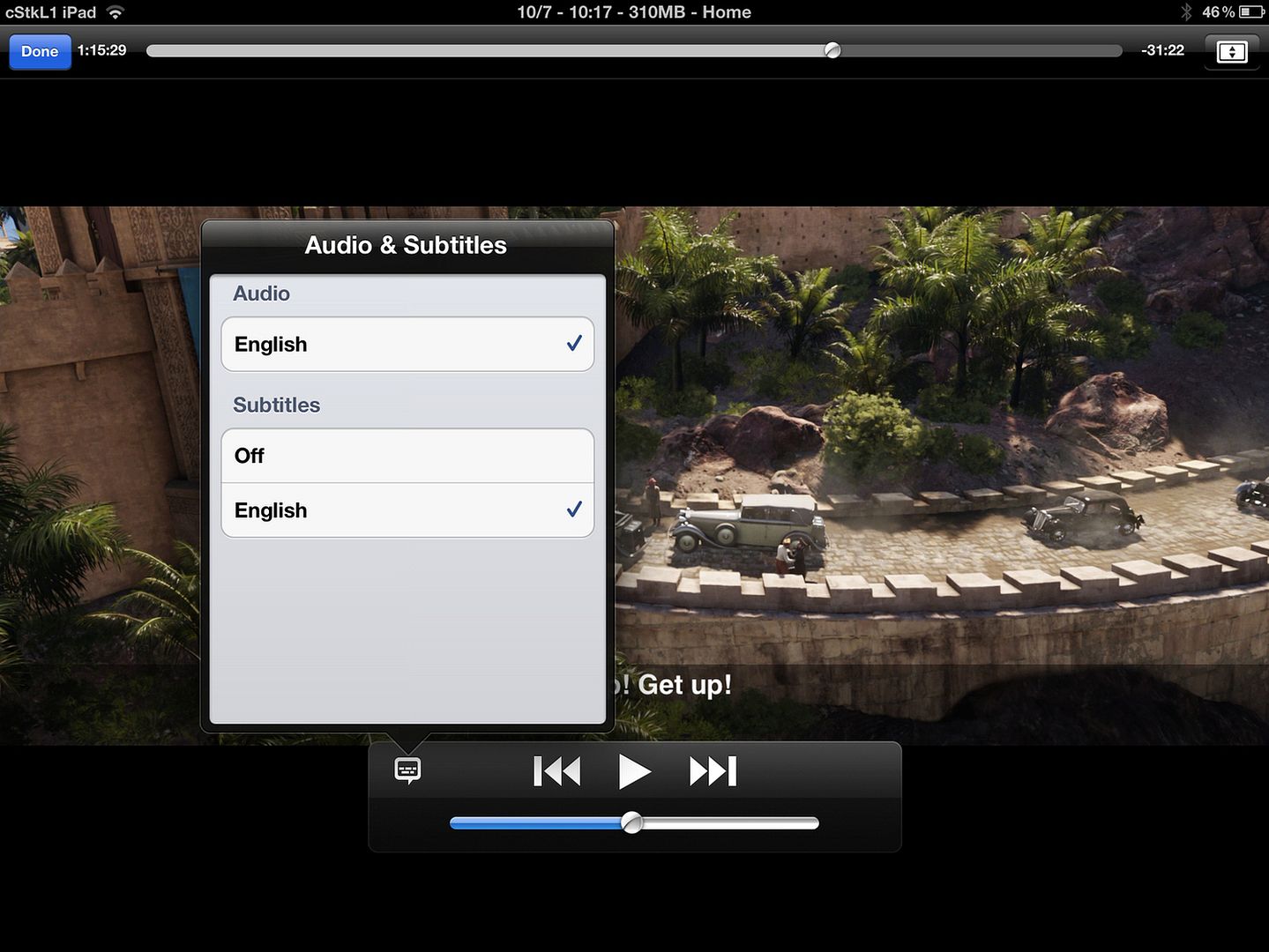
lol chapters, subtitles, high speed scrubbing.. flawless.
hence y i go back to my original stand. m4v for ipad. nothing else
*
This post has been edited by eclipsejee: Dec 24 2012, 10:14 AM
KelJun
post Jul 10 2012, 05:51 PM

New Member
*
Junior Member
17 posts

Joined: Oct 2006


Guys, any software to recommend for converting videos to iPad supported format?
cstkl1
post Jul 10 2012, 06:10 PM

Look at all my stars!!
Group Icon
Elite
6,799 posts

Joined: Jan 2003

QUOTE(eclipsejee @ Jul 10 2012, 05:16 PM)
Wow.. you all really push your ipad to the limit by loading so huge file...  laugh.gif 
I'm using New Ipad 3 to play 1080p MKV about 6GB of file size, it is very smooth, and it won't crash. Please isolate the wireless bandwidth issue if it is the root causes...

And it is the best player for RMVB as well.. with very high quality pictures rendering and very smooth up to 1.2GB of RMVB file size which i've tested...

BTW... i'm not selling this software smile.gif just to share only...
*
this is still basic
ipad ios video app can handle even bigger. ive gone up to 30mbps around 50gb just one movie just to test the limits
it just chewed it.

so when apple advertises 30fps level 4.1 they really mean it.

TSdarosha
post Jul 11 2012, 06:55 PM

Casual
***
Junior Member
470 posts

Joined: Jan 2003
From: UM, KL, PJ, 14


QUOTE(cstkl1 @ Jul 10 2012, 09:45 AM)
Lol..
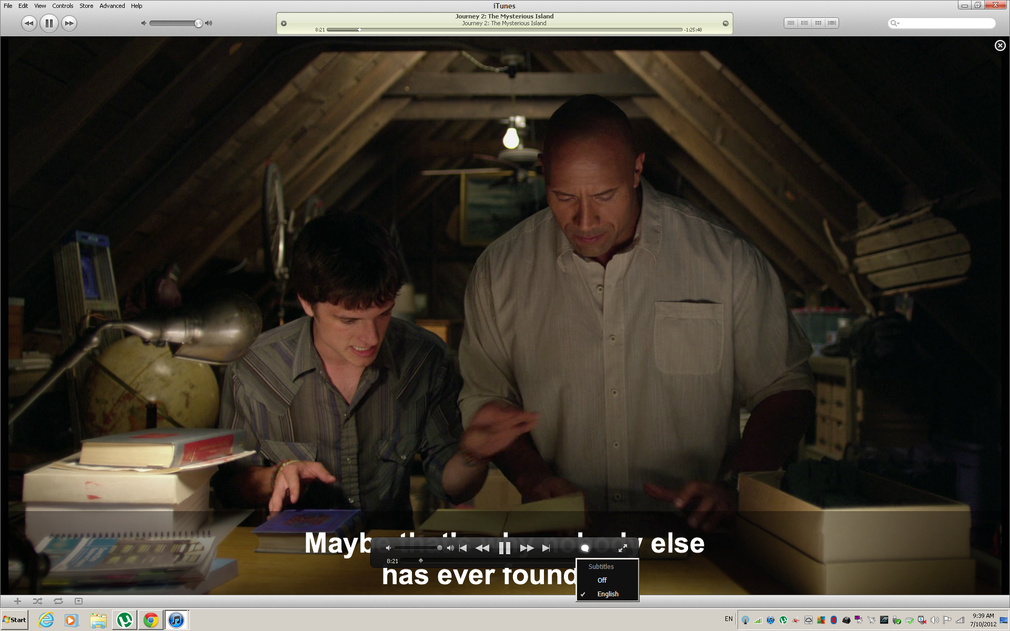
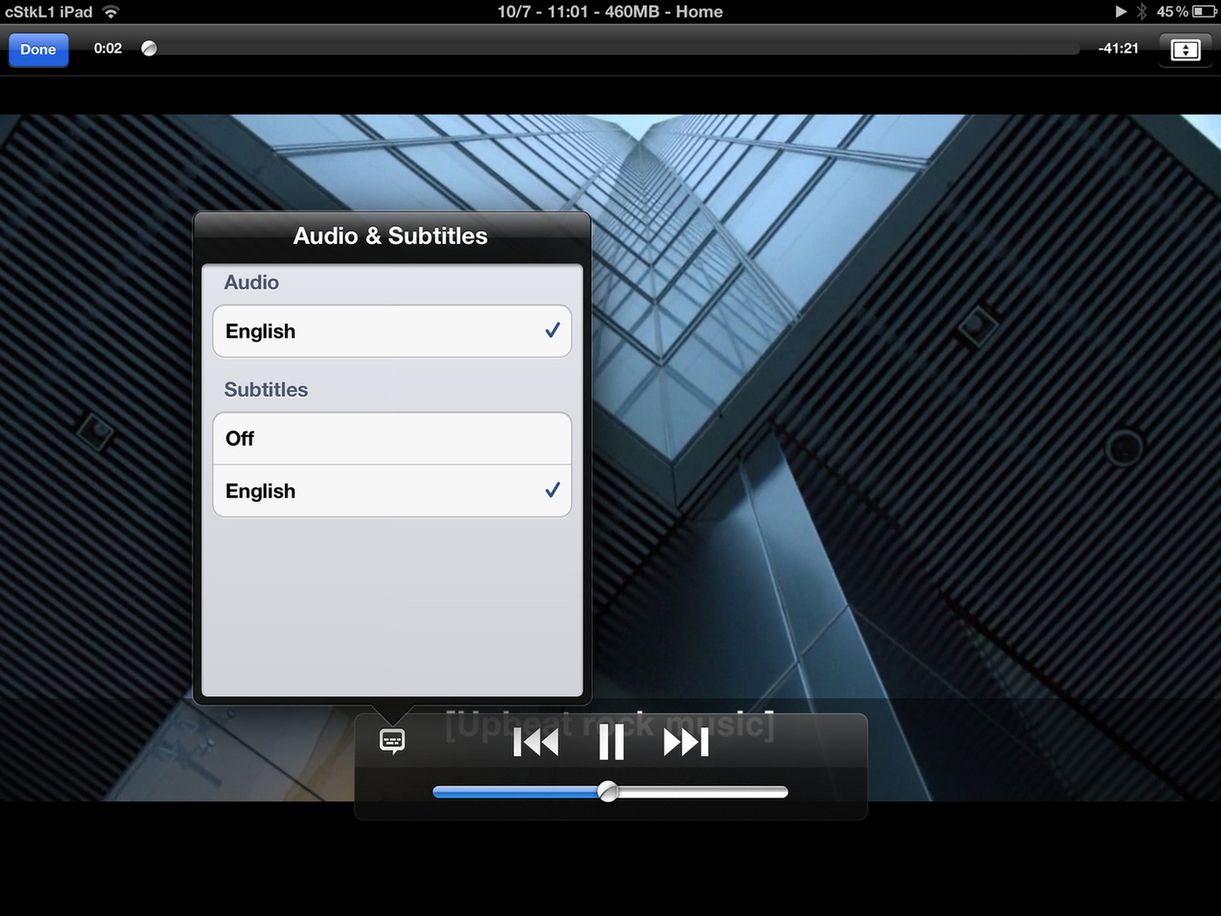
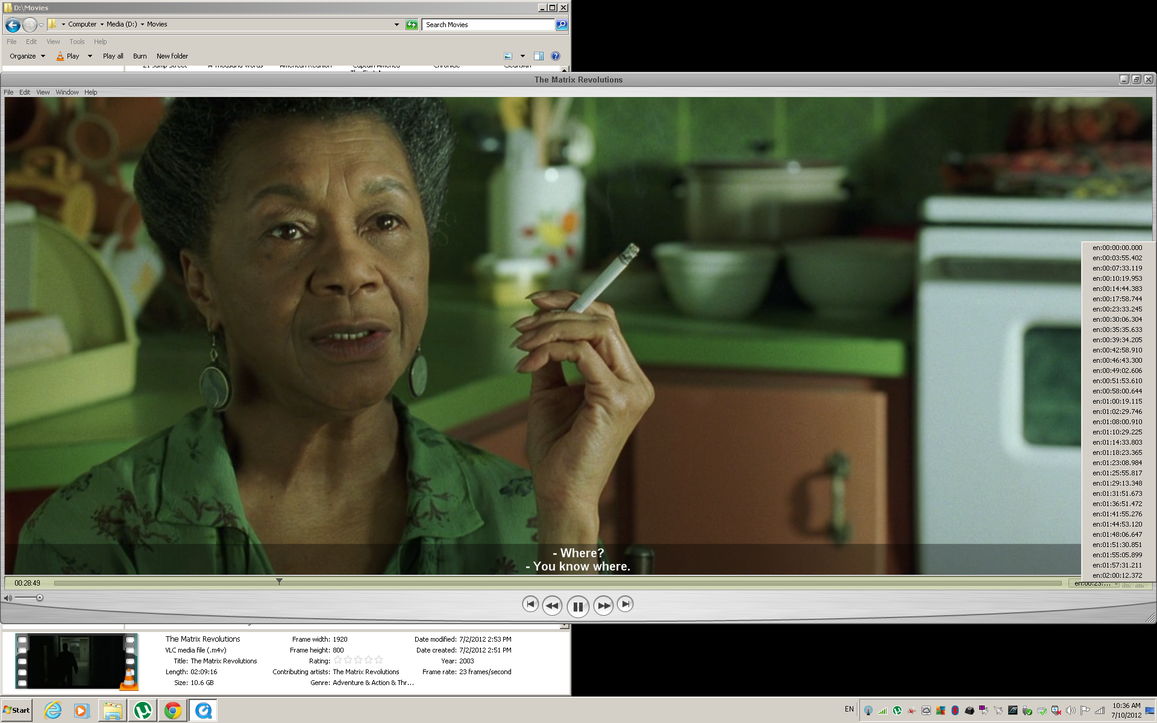
1.It supports subtitles, closed captioning,
2.U only have to change the audio as most mkv's vids are already in AVC.
3.It can player higher bitrates perfectly fine unlike ure third party players.
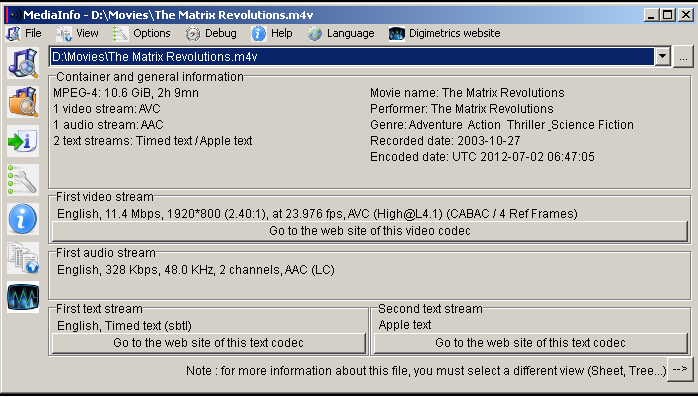
4.For those who meta tag.. its much nicer too look at. The problem is everybody has been conned by this third party converters etc.. It only takes a few minutes if u know which programs to do it with. Heck theres this one totally free that converts all multiple, metatags it even the whole series etc.

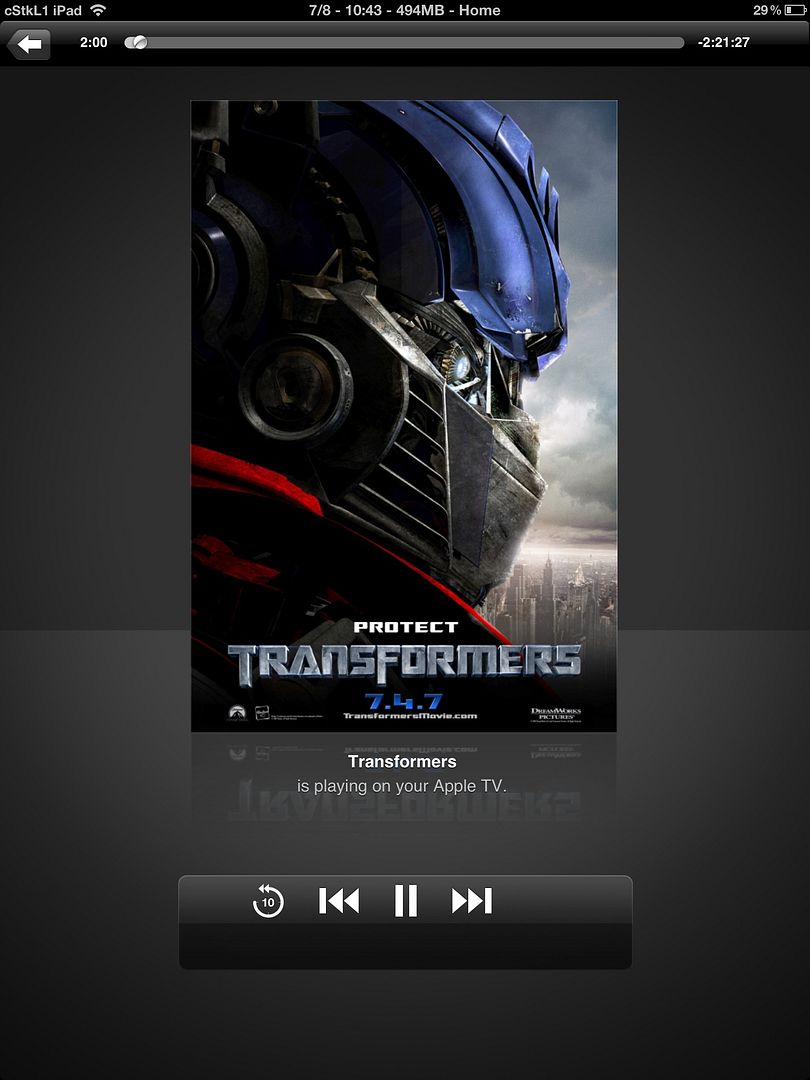
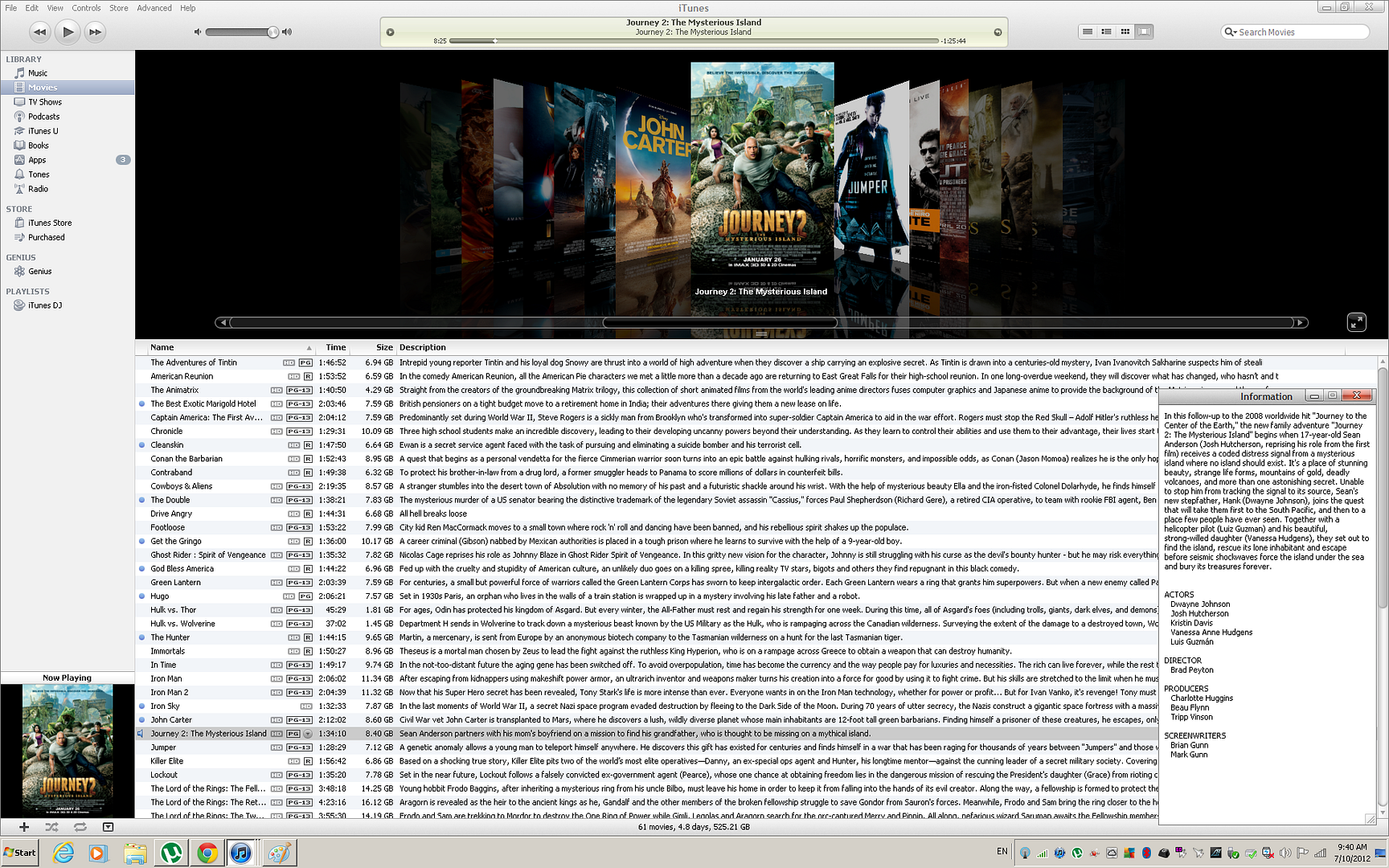
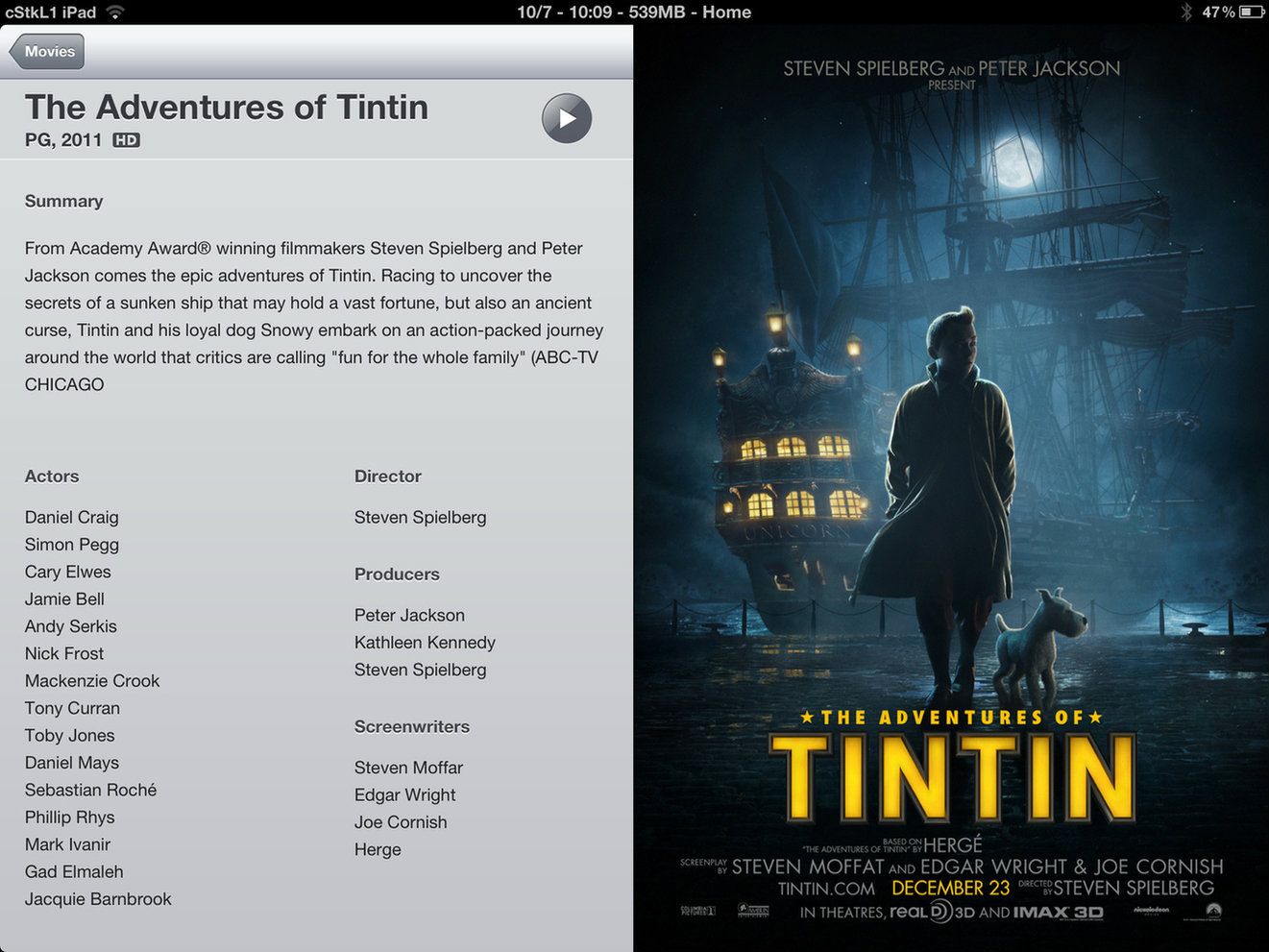
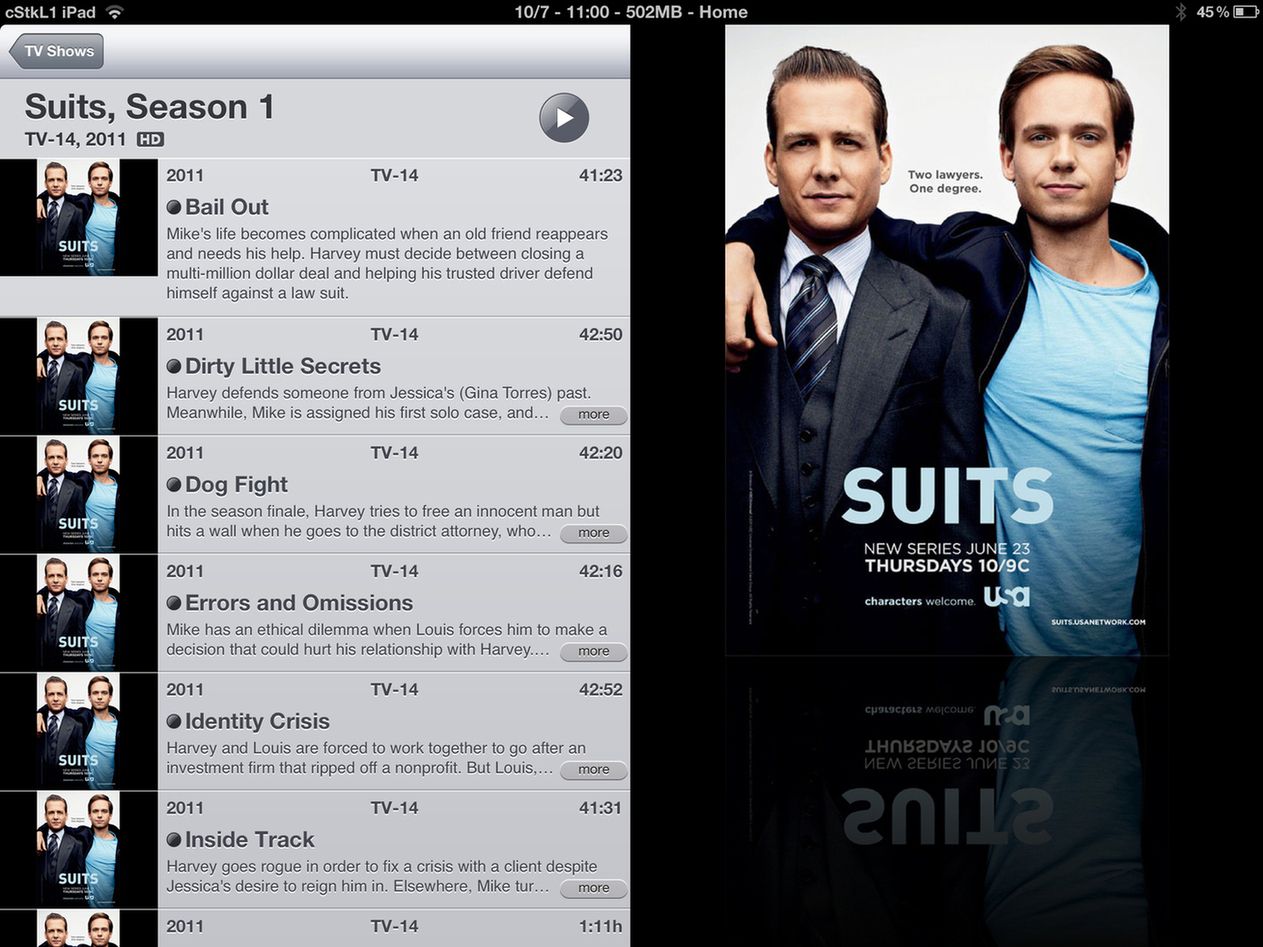
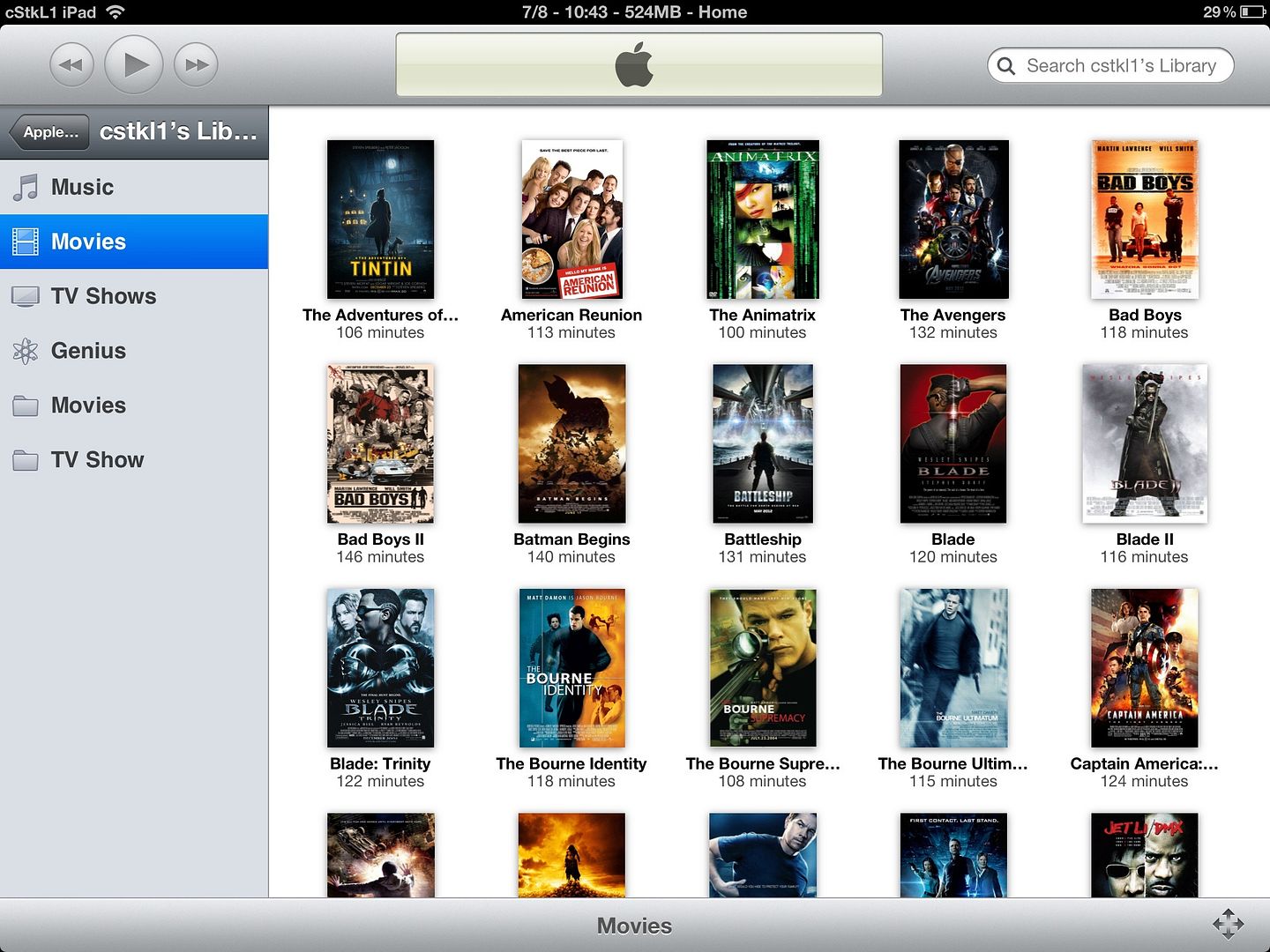
example of itunes with proper metatag (external) with ios video with subtitles. it will look like exactly like the movies u download from itunes store except u wont have some of the movie extra part.. if u want that can be done but u need to create a html pages.

Warning 1920x1200 etc
» Click to show Spoiler - click again to hide... «
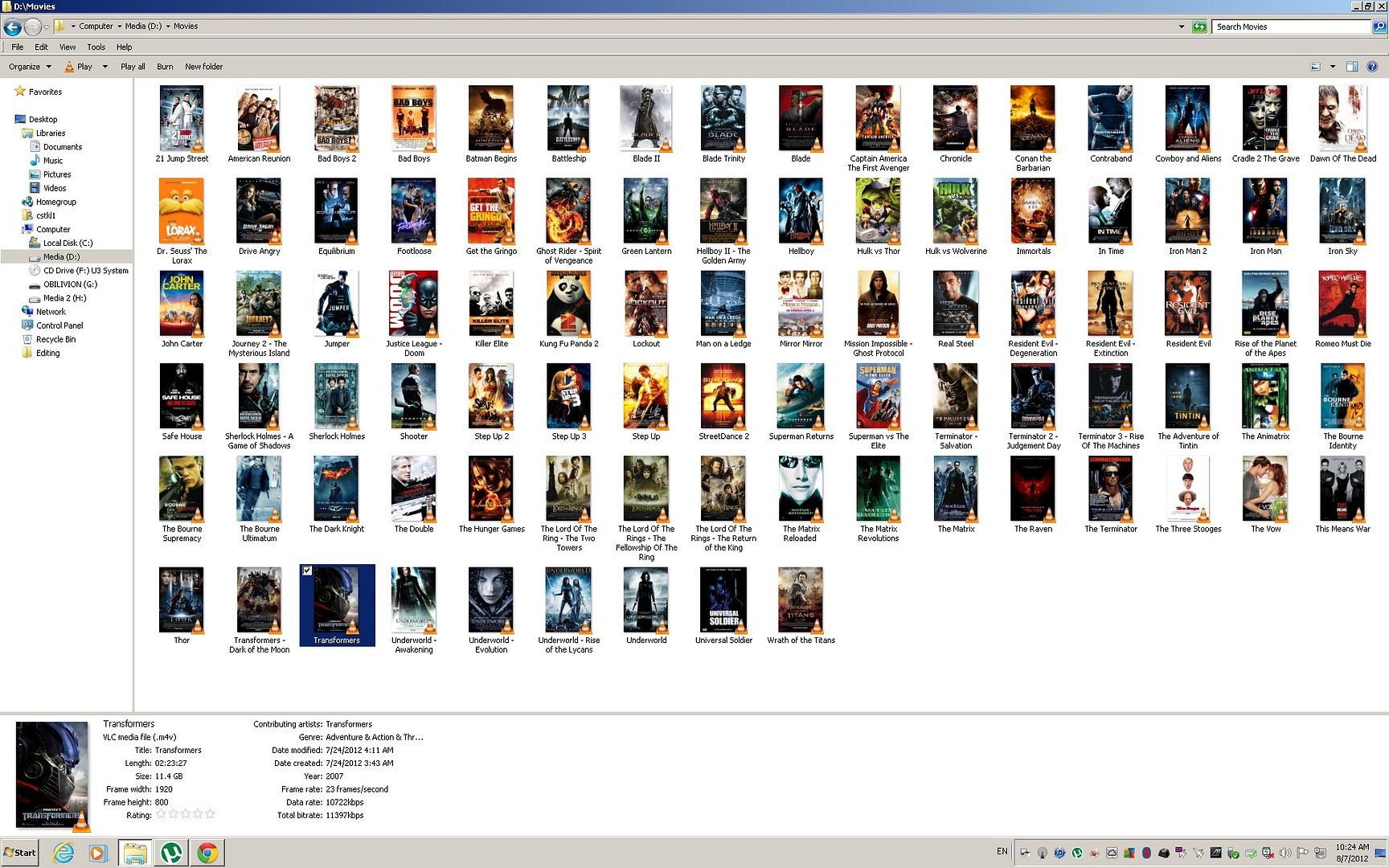
U tell me. I say worth it. All clean and organize in One file only. BTW in windows explorer u only see the coverarts at thumbnails for Mac OSX and windows if u didnt use VLC and only windows FFDSHOW codecs etc.. same.

So far nobody asked me how to do this .. I can post a tutorial or show u links if u like and how to fix files etc.
Theres some silly companies online that even charge ppl for this. When u can do it ureself pretty quickly.

BTW Dont be CONNED by third party apps etc that makes u pay to to do this.. Its all Free and much faster than their apps. Longest Movie here to Tag, Covert the MKV DTS to MP4 AAC was Lord of the rings cause the audio is was around 2-3gb. was 17 mins. For series etc only takes like 50 secs for a 720p 2gb file. 50 secs to reencode the audio, organize the streams, and lol it will also search online and tag ure file with the artwork and all the metainfo.

Disclaimer on my part for Time Given
Hardware Spec:
» Click to show Spoiler - click again to hide... «
*
oh that's nice
tell me it can play rmvb files
any other type of subtitle

tried ttplayer
nice thing it can transfer from your desktop to ipad wirelessly using your desktop any web browser
stream4341
post Jul 13 2012, 04:12 PM

New Member
*
Junior Member
11 posts

Joined: Sep 2011
QUOTE(darosha @ Jul 11 2012, 07:55 PM)
oh that's nice
tell me it can play rmvb files
any other type of subtitle

tried ttplayer
nice thing it can transfer from your desktop to ipad wirelessly  using your desktop any web browser
*
cstkl1 can you PM me your method step by step?
Appreciate that bro..
cstkl1
post Jul 13 2012, 04:45 PM

Look at all my stars!!
Group Icon
Elite
6,799 posts

Joined: Jan 2003

QUOTE(stream4341 @ Jul 13 2012, 04:12 PM)
cstkl1 can you PM me your method step by step?
Appreciate that bro..
*
Yeah need to really write it down. Cause there is actually more like setting dual audio one in AAC stereo and Dolby Digital 5.1.

That makes it a complete like itunes like movie. Only difference is u have a higher quality in picture.

Tested.. New ipad Streaming from Homesharing with AV kit to tv.. Dolby Digital 5.1 supported.
Hence makes Apple TV sux all time since its limited with high profile 4.0

But doesnt look like lyn folks here really want to do it lol. A thread with no followers after so much work to write and explain etc.. hmm again need more feedback.


This post has been edited by cstkl1: Jul 13 2012, 04:46 PM
mrSherlock
post Jul 13 2012, 05:36 PM

Getting Started
**
Junior Member
84 posts

Joined: Aug 2007


QUOTE(cstkl1 @ Jul 13 2012, 04:45 PM)

But doesnt look like lyn folks here really want to do it lol. A thread with no followers after so much work to write and explain etc.. hmm again need more feedback.
*
whoa brother, chill. dont worry your HOWTO will be appreciated. I'm looking forward for it. Thanks brother.

empty
post Jul 19 2012, 03:48 AM

Casual
***
Junior Member
396 posts

Joined: Sep 2006
From: Le Bedroom desk ♍👽
been using Oplayer HD by far the most nicest video player as u can play any kinds of video format and u could adjust the position/size of the subtitles.
peter32
post Jul 19 2012, 02:20 PM

心旷神怡
******
Senior Member
1,162 posts

Joined: Sep 2008
From: PJ


Not sure if I can help, but right now I am using my htpc to serve as Air Playit server, and my iphone 3GS can use the Air Playit app to play any full HD video smoothly, not to mention all the audio files too.

Trick is I need to keep the HTPC on to use it. Actually I am not sure if I have talked about the same thing.

-----------

For android gang members, read this.


Added on July 19, 2012, 2:34 pmJust found out that Air Playit (which is a free apps) is also available on Android platform too. And it can play flac files well.

But if XBMC is available on iOS, its going to be a no brainer. oh and xbmc is also free too.

This post has been edited by peter32: Jul 19 2012, 02:34 PM
cyberfly
post Aug 5 2012, 06:22 PM

Web Dev Zero to Hero
*****
Senior Member
706 posts

Joined: Dec 2006


QUOTE(peter32 @ Jul 19 2012, 02:20 PM)
Not sure if I can help, but right now I am using my htpc to serve as Air Playit server, and my iphone 3GS can use the Air Playit app to play any full HD video smoothly, not to mention all the audio files too.

Trick is I need to keep the HTPC on to use it. Actually I am not sure if I have talked about the same thing. 

-----------

For android gang members, read this.


Added on July 19, 2012, 2:34 pmJust found out that Air Playit (which is a free apps) is also available on Android platform too.  And it can play flac files well. 

But if XBMC is available on iOS, its going to be a no brainer.  oh and xbmc is also free too.
*
XBMC is available on iOS since last year I believe. Hands down the best media player for iPad for me. smile.gif
cstkl1
post Aug 6 2012, 12:10 AM

Look at all my stars!!
Group Icon
Elite
6,799 posts

Joined: Jan 2003

still will say and advocate iPad native video kick ass any 3rd party apps on video playback. Heck it handles cabac 16 frames no issues.
TSdarosha
post Aug 7 2012, 09:16 AM

Casual
***
Junior Member
470 posts

Joined: Jan 2003
From: UM, KL, PJ, 14


QUOTE(cstkl1 @ Aug 6 2012, 12:10 AM)
still will say and advocate iPad native video kick ass any 3rd party apps on video playback. Heck it handles cabac 16 frames no issues.
*
still that need converting and so on
what the 3rd party is the convenience to allow you is to play any kind of video, with any kind of subtitle, just drag in via itune, no need sync, no need converting, no need changing file type, no need a lot of step just to see it in itune with the picture synopsis and so on, especially with video that you're sure not going to keep it in your ipad after you finish watching it, not when your ipad only 64gb or even less
cstkl1
post Aug 7 2012, 09:56 AM

Look at all my stars!!
Group Icon
Elite
6,799 posts

Joined: Jan 2003

QUOTE(darosha @ Aug 7 2012, 09:16 AM)
still that need converting and so on
what the 3rd party is the convenience to allow you is to play any kind of video, with any kind of subtitle, just drag in via itune, no need sync, no need converting, no need changing file type, no need a lot of step just to see it in itune with the picture synopsis and so on, especially with video that you're sure not going to keep it in your ipad after you finish watching it, not when your ipad only 64gb or even less
*
thats cause depends on the quality ure watching.

all my encodes plays now on my appletv flawlessly and homesharing on mutiple pc's and ipad.also streaming from my media computer. also no issue with airplay. Hence moral of story. Do the work in the beginning , Reap the benefits for the future. No issues with any apple devices. Theres no excuse that u have when ppl come to ure place and want to download ure movies or stream etc from u .. with excuses like oh u need a third party app etc etc.

so lol.. all this third app does is limit u with poor quality videos.

btw again on coverting.. its encoding not converting. most vids out there are in mkv already. the video codec is the same. Y apple mp4 is more advance cause its made for streaming and the coding on the metatag etc all is optimized for streaming. Y u think quicktime is very popular with online streaming sites. Anybody can tell u sites with quicktime are faster in streaming with higher quality compared to flash based flv.f4v( this is exactly same as mp4 except different container)


Added on August 7, 2012, 10:20 amhere is a example of my movie's collection at my computer. NAS has a bigger collection but way older stuff and more on tv shows

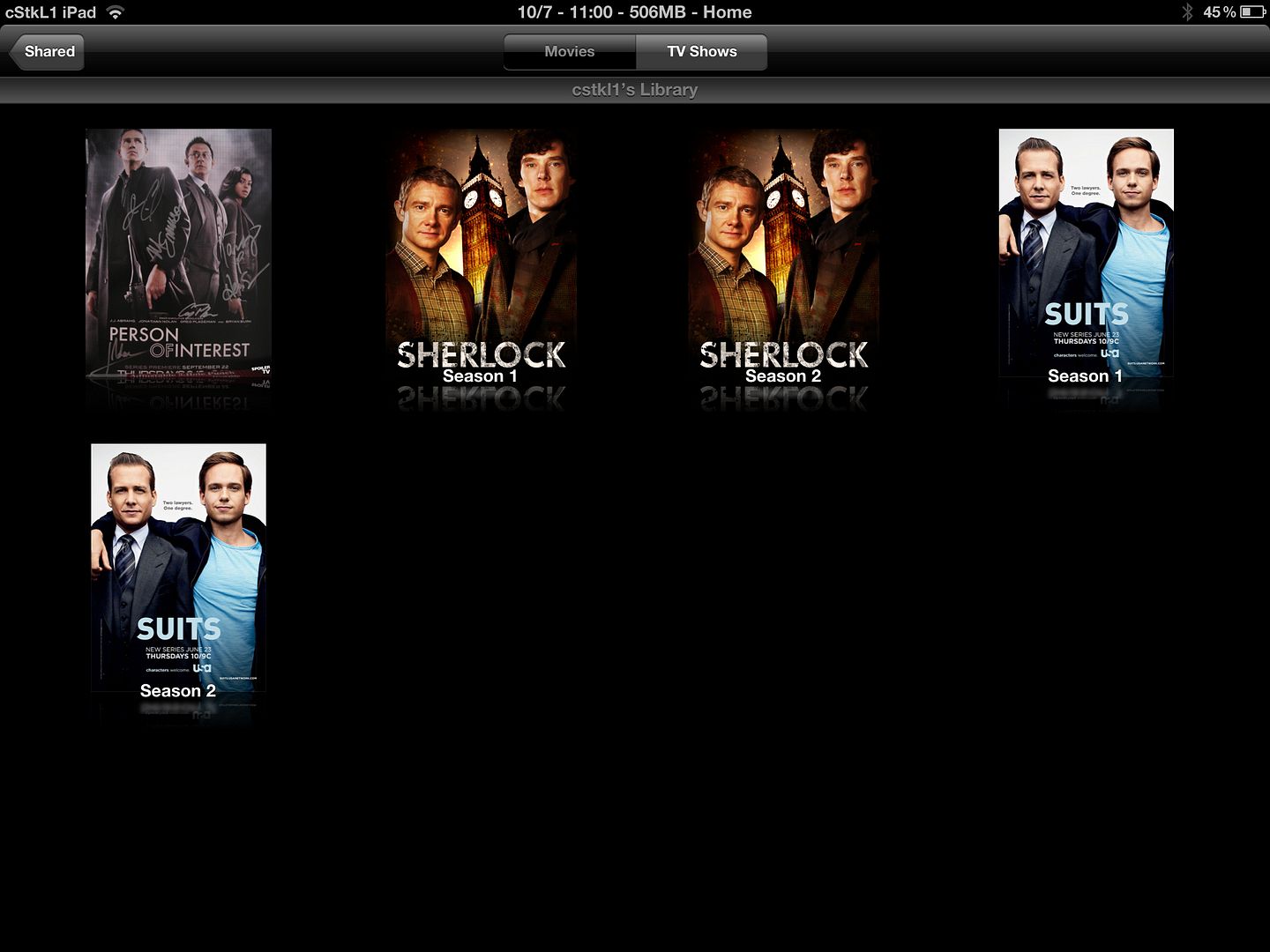
All with cover, metatag, subs, multi audio ( AAC dual and DD for 5.1)

windows native without any codec etc. Heck even windows media player plays this flawlessly without the need for extra codecs. So when ppl take my stuff. No issues other than the subs which can only be used by itunes. ( Because of the handler tag)

Warning 1920x1200..
» Click to show Spoiler - click again to hide... «


Clean look with no multiple files for one movie. Its optimized and loads fast. Streams fast. Apple quicktime format is awesome. Its fast on buffering from homesharing to apple tv and also for ipad airplay.

Hence again advocate on just changing the container and re encoding. Long run saves a lot of time.


Added on August 7, 2012, 10:55 am
Warning 2048x1536
» Click to show Spoiler - click again to hide... «


u get all this goodies when u comply with itunes format. Is it worth it?? Hell Yeah.

This post has been edited by cstkl1: Aug 7 2012, 10:57 AM

Da_Shiang
post Aug 7 2012, 11:11 AM

Enthusiast
*****
Senior Member
746 posts

Joined: Jul 2006
From: Penang


Looking forward for the guide! Really good.

5 Pages < 1 2 3 4 5 >Top
 

Change to:
| Lo-Fi Version
0.0278sec    2.63    5 queries    GZIP Disabled
Time is now: 23rd December 2025 - 11:44 PM