QUOTE(darosha @ Jul 10 2012, 06:33 AM)
ios default video? now that's a bad choice
didnt support a lot of type of video
the hell with converting
and no subtitle
yeah, i need to forget yxplayer. none server player like it, cant play high def h264 1020p or even 720p video. i better stick with airvideo for streaming which can do that smoothly. and now i got a new NAS with UPnP, it might work for ttplayer
yeah, i think goodplayer might be good but heard it have gesture that can't disabled. any thought, preducer?
Lol..
1.It supports subtitles, closed captioning,
2.U only have to change the audio as most mkv's vids are already in AVC.
3.It can player higher bitrates perfectly fine unlike ure third party players.
4.For those who meta tag.. its much nicer too look at. The problem is everybody has been conned by this third party converters etc.. It only takes a few minutes if u know which programs to do it with. Heck theres this one totally free that converts all multiple, metatags it even the whole series etc.
example of itunes with proper metatag (external) with ios video with subtitles. it will look like exactly like the movies u download from itunes store except u wont have some of the movie extra part.. if u want that can be done but u need to create a html pages.
Warning 1920x1200 etc» Click to show Spoiler - click again to hide... «
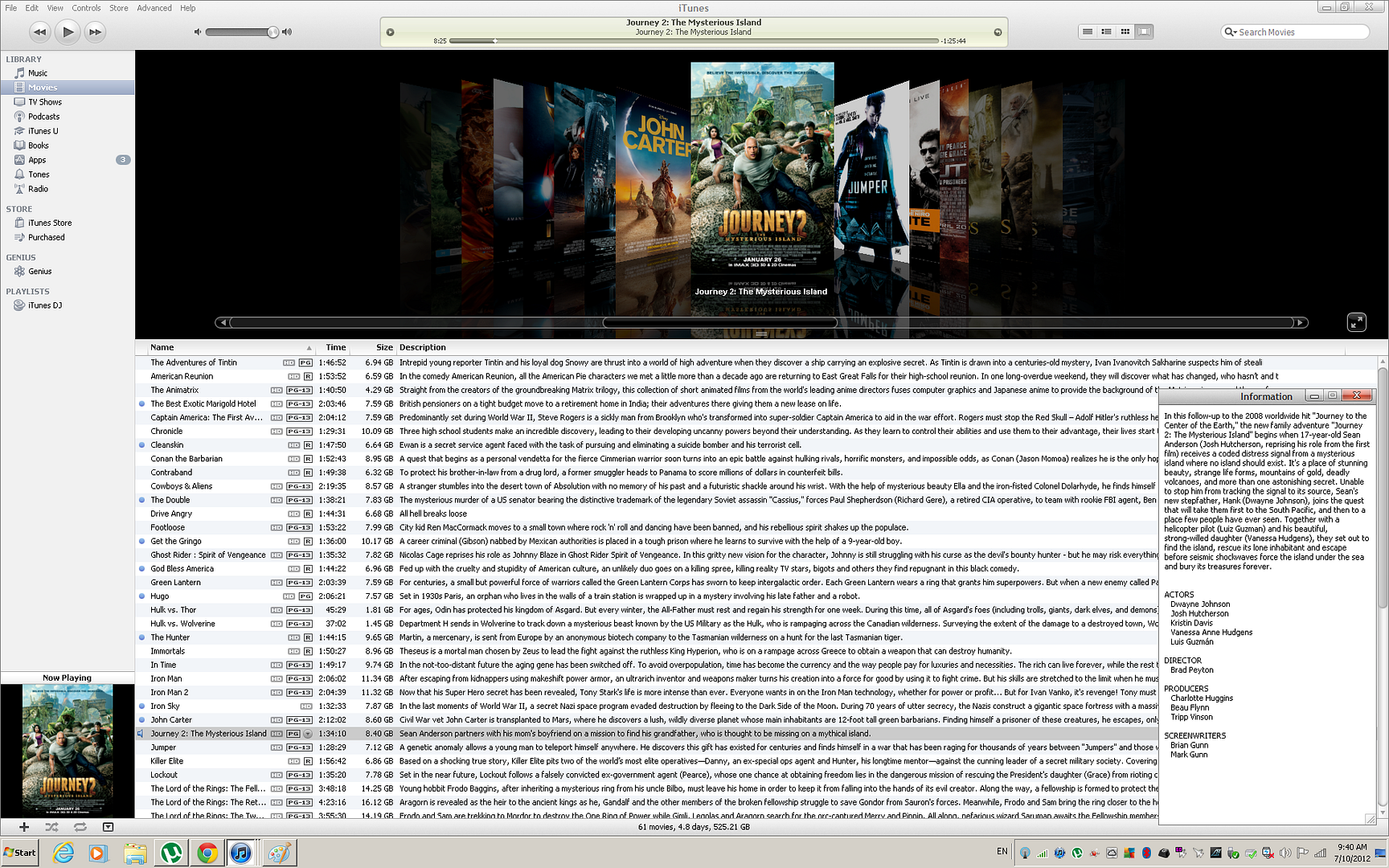
MetaTag in Itunes
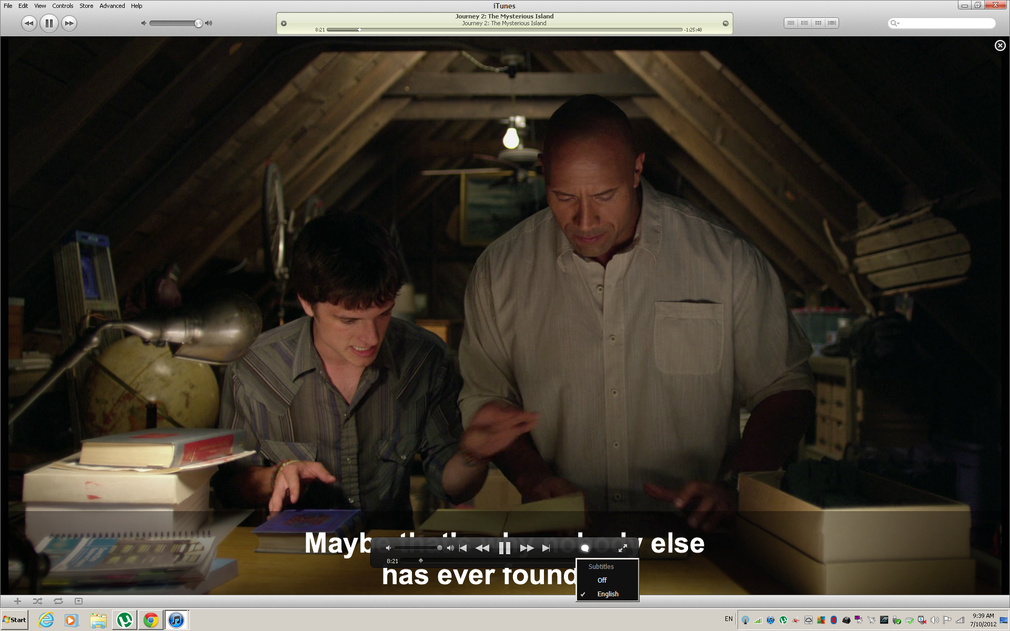
Itunes CC
Been reduced by photobucket cause of file size.
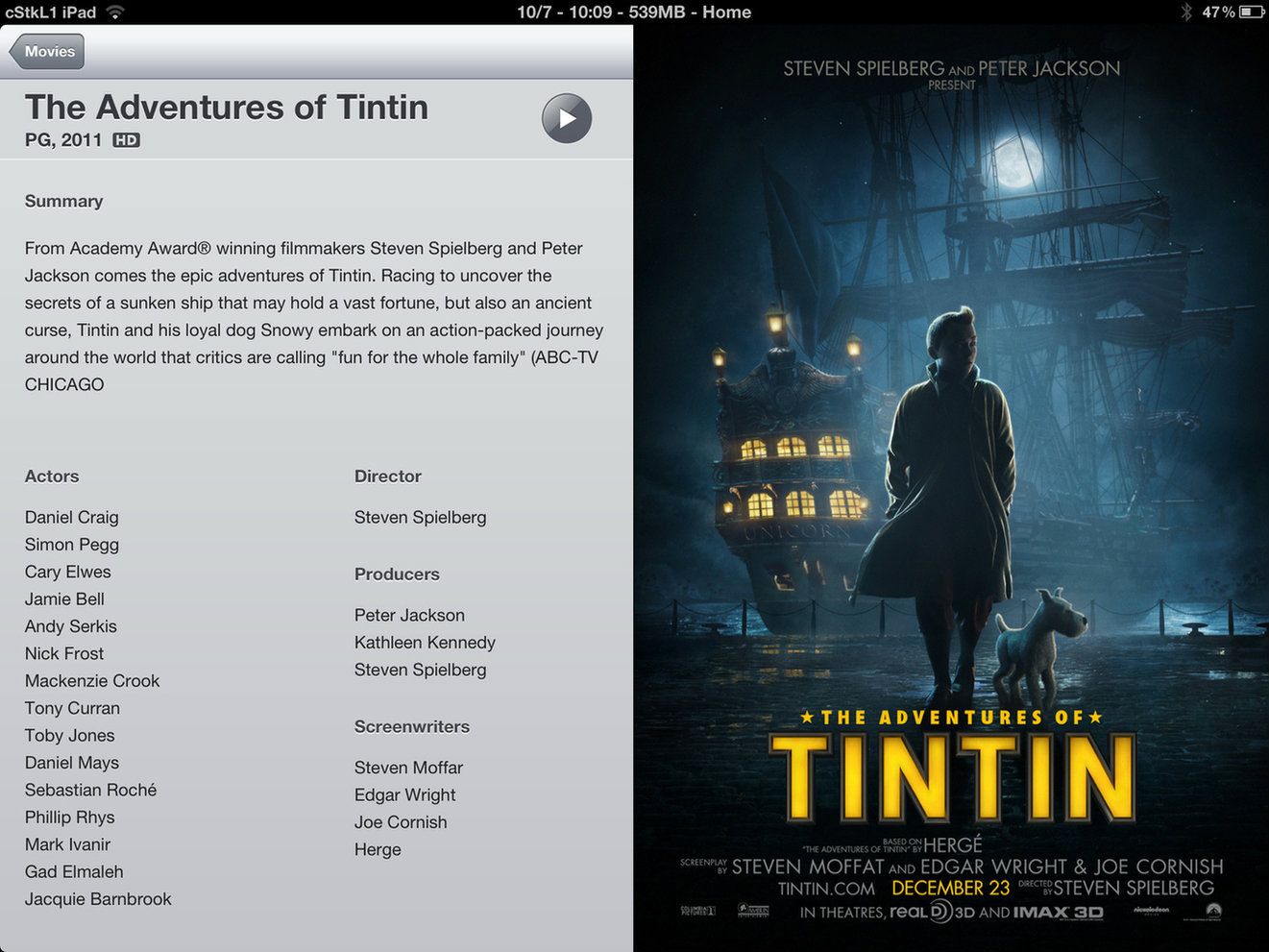
Ipad Meta.Complete Except this one i didnt put Chapters. Also file size reduced from New Ipad res
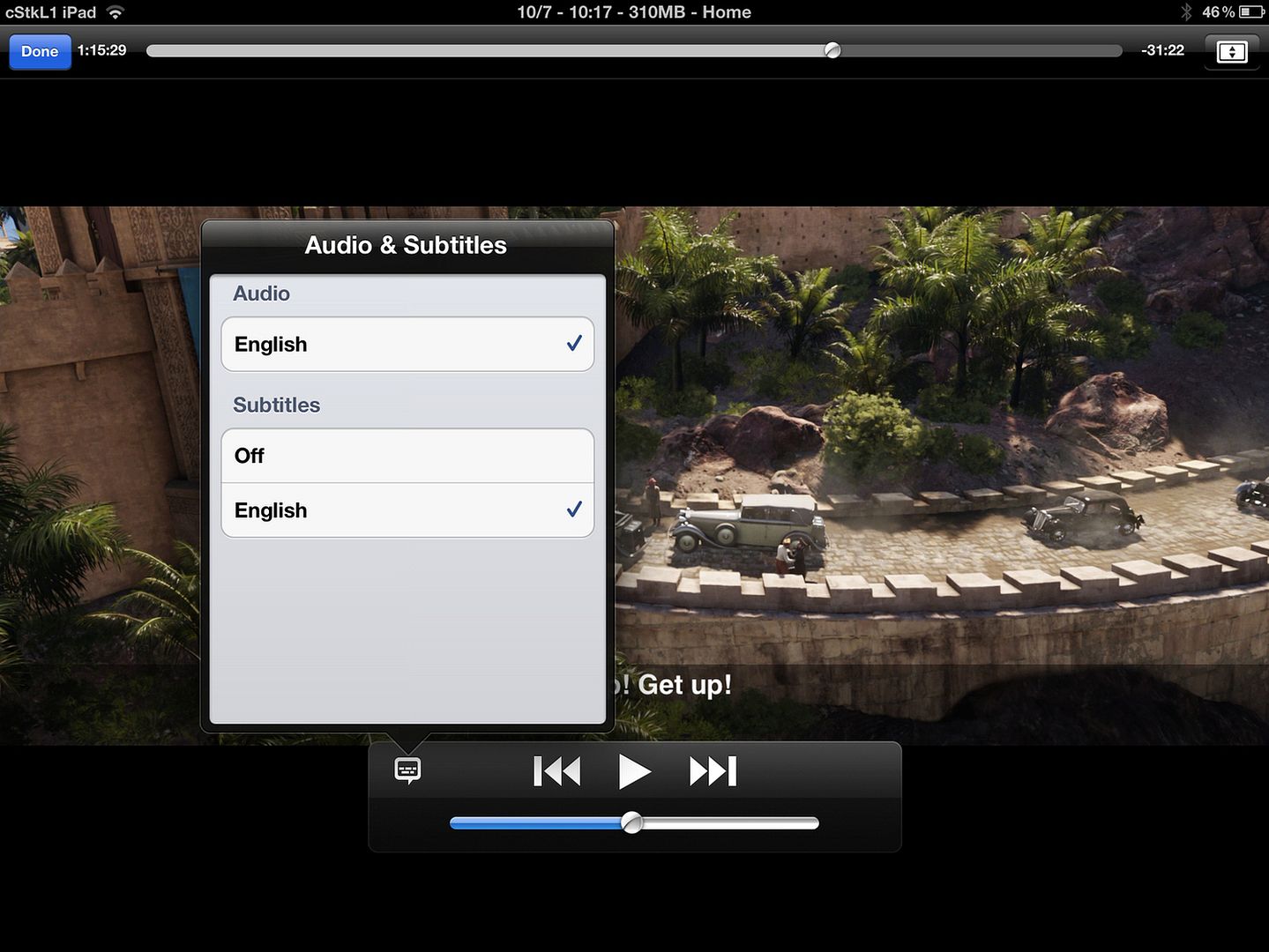
Ipad CC .. Want multiple language?? Multiple subtitles.. Again file size reduced from New Ipad Res
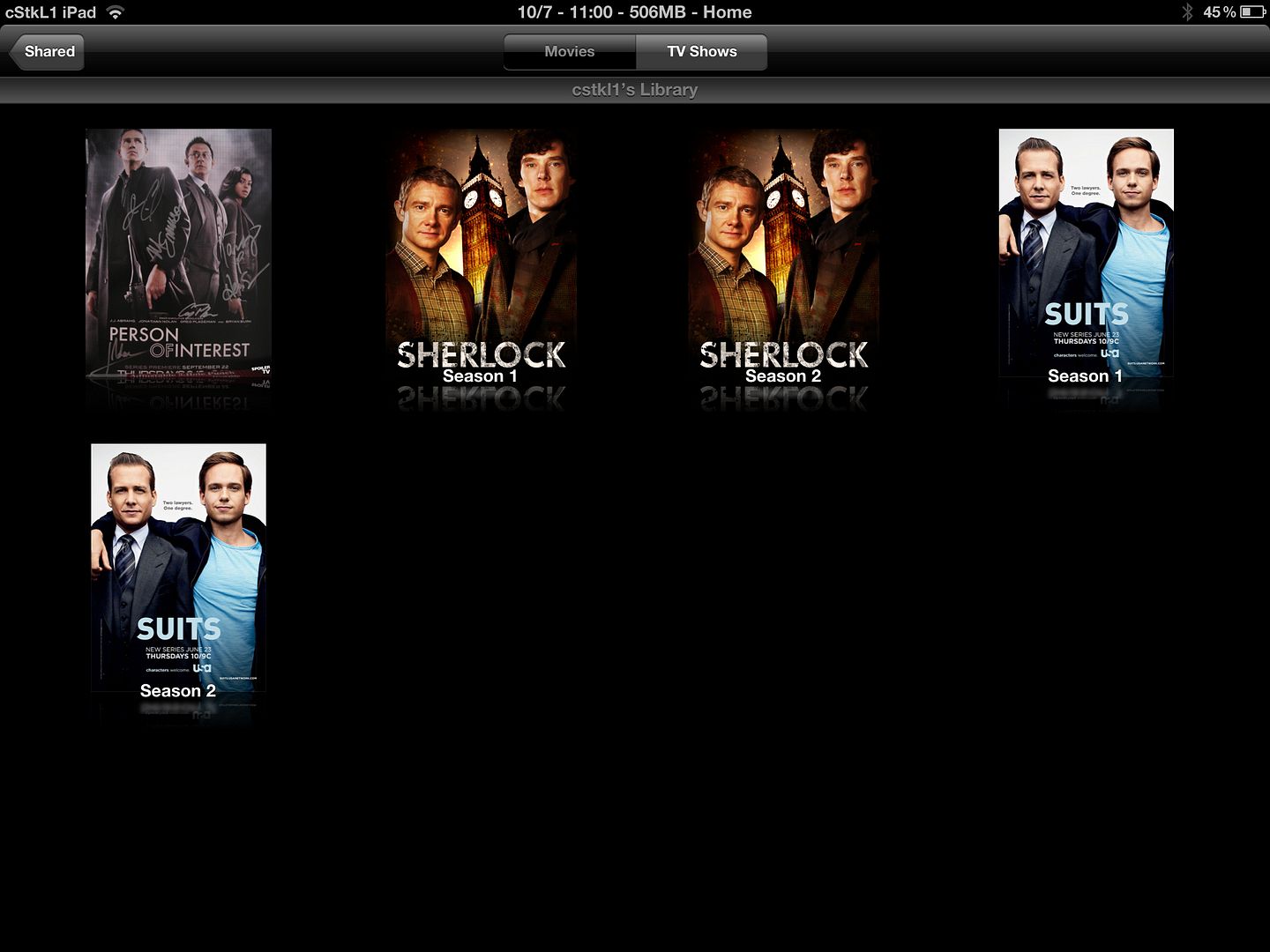
Ipad one Homesharing for TV Shows.....Again photobucket New ipad Res file size
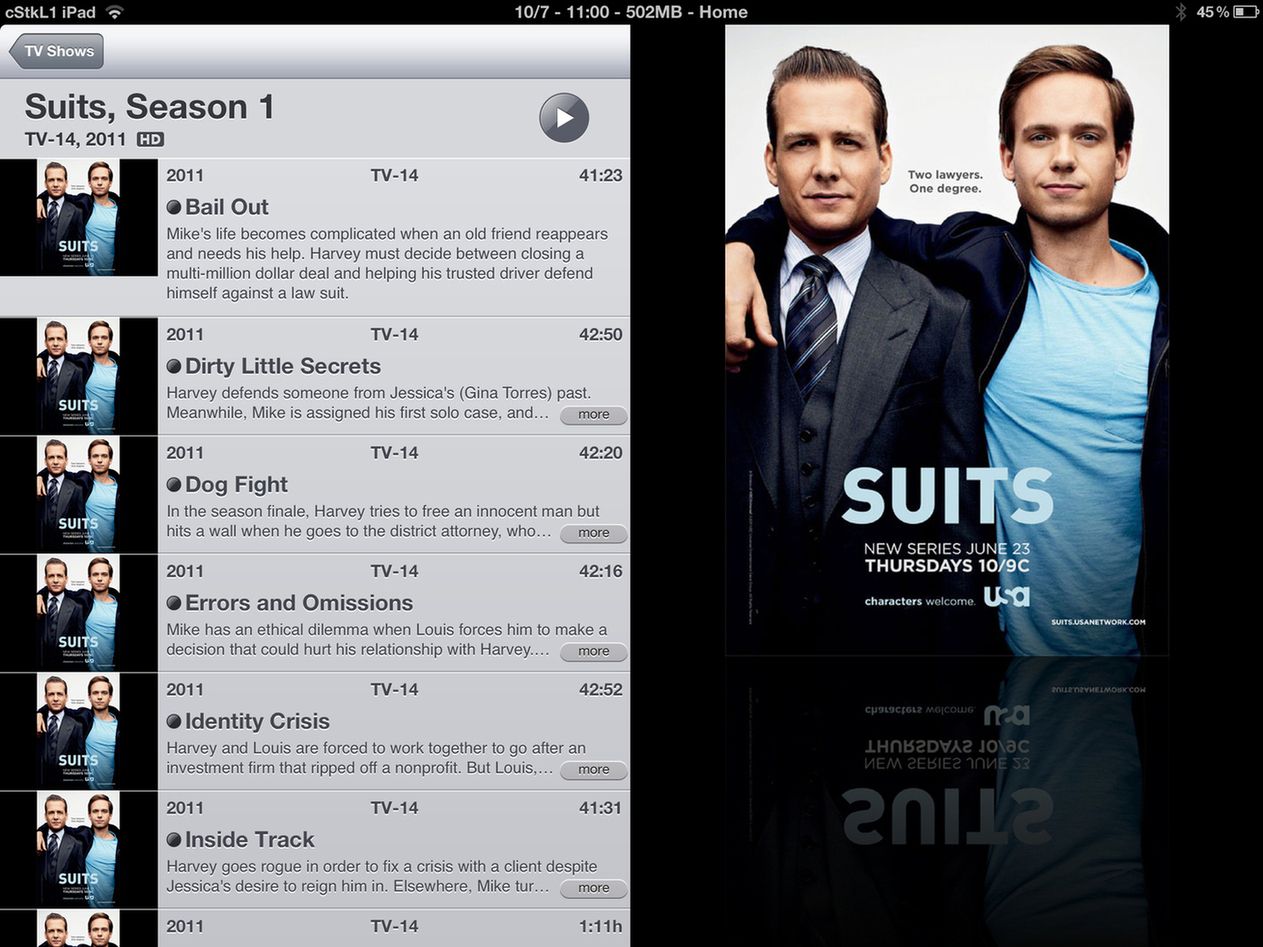
Ipad Homesharing for Suits Season 1 Metatagged etc.. Again photobucket New ipad Res file size
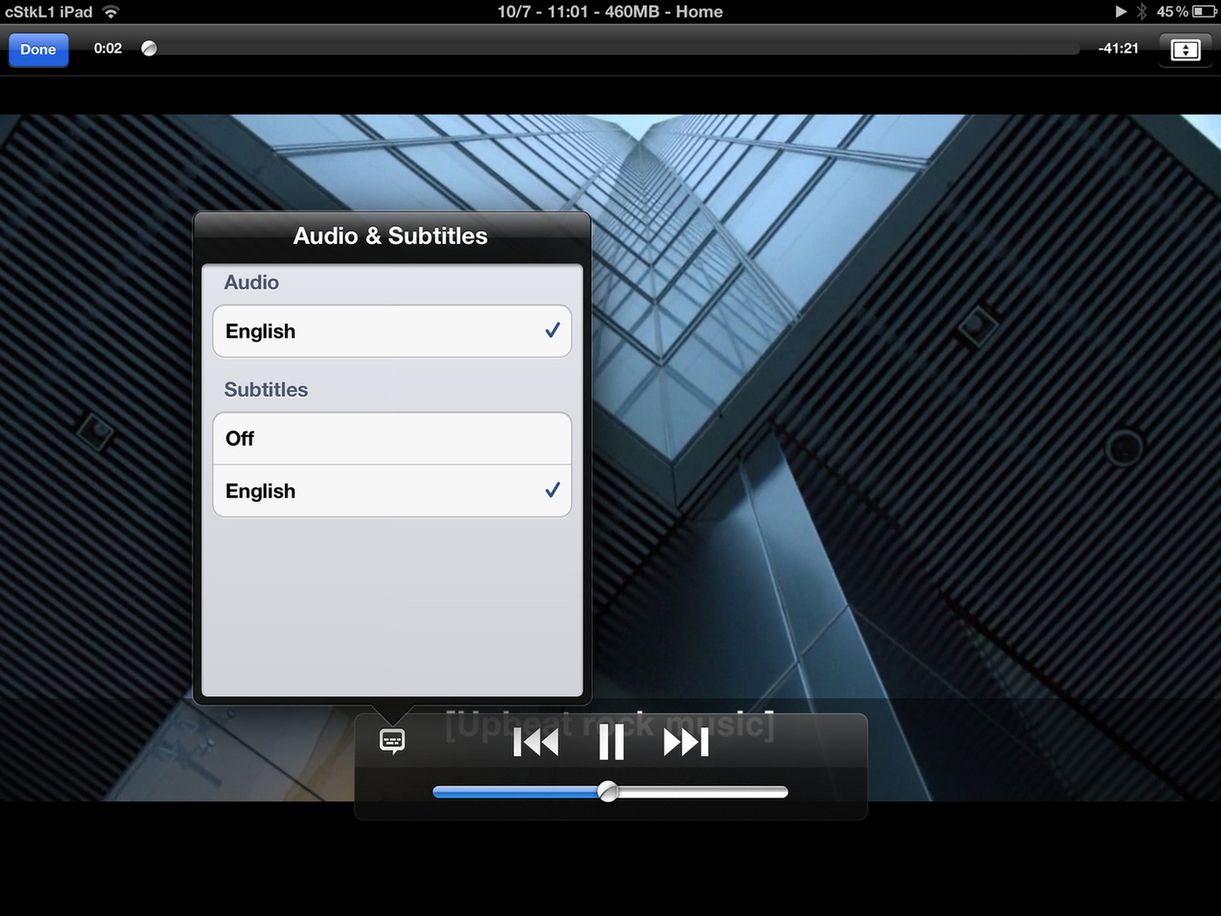
Ipad Streaming Suits 720p with CC....Again photobucket New ipad Res file size
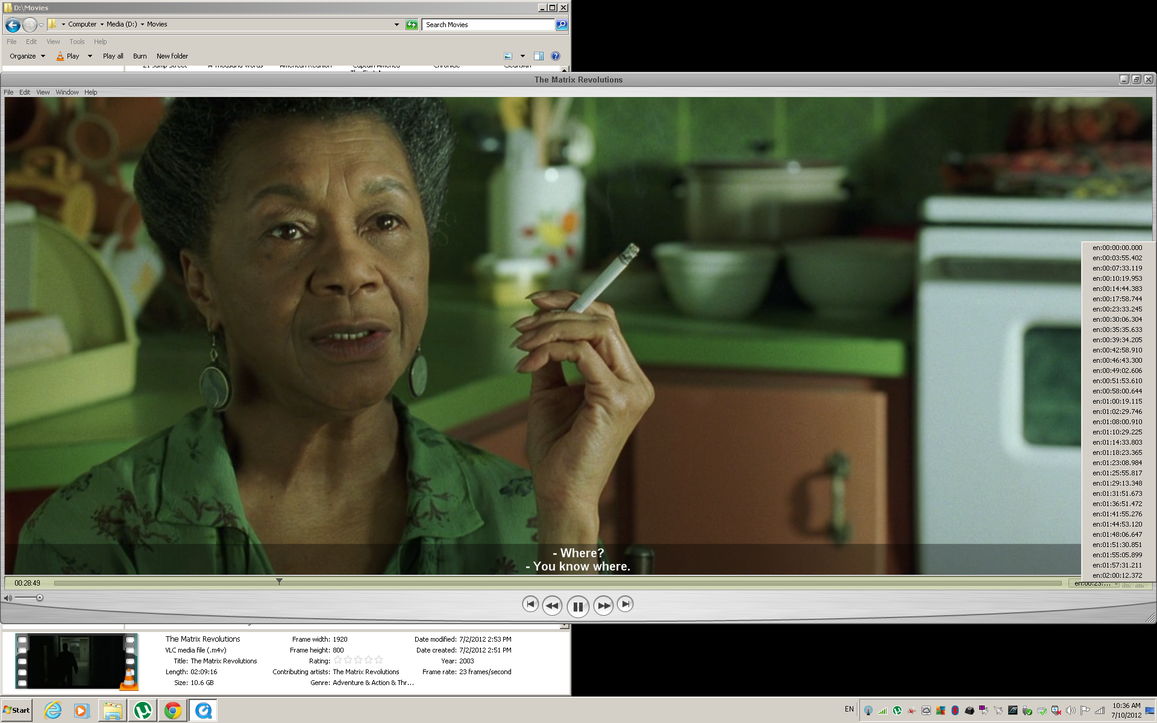
Quick Time Pro.. CC with Chapters..Again File Size Limit
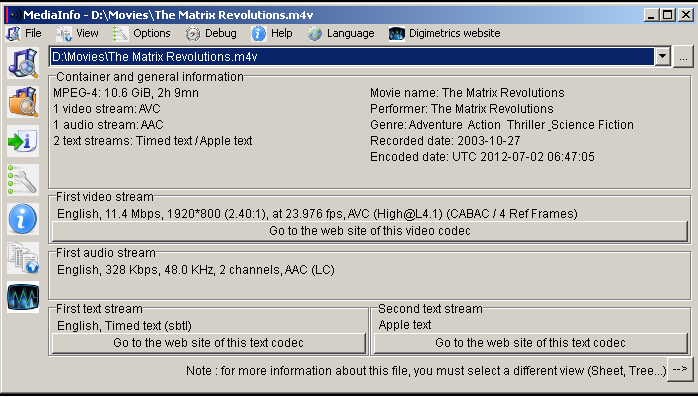
MediaInfo on the m4v.
1st Stream Video
2nd Stream Audio
3rd Stream Subtitles
4th Stream ChaptersU tell me. I say worth it. All clean and organize in One file only. BTW in windows explorer u only see the coverarts at thumbnails for Mac OSX and windows if u didnt use VLC and only windows FFDSHOW codecs etc.. same.
So far nobody asked me how to do this .. I can post a tutorial or show u links if u like and how to fix files etc.
Theres some silly companies online that even charge ppl for this. When u can do it ureself pretty quickly.
BTW Dont be CONNED by third party apps etc that makes u pay to to do this.. Its all Free and much faster than their apps. Longest Movie here to Tag, Covert the MKV DTS to MP4 AAC was Lord of the rings cause the audio is was around 2-3gb. was 17 mins. For series etc only takes like 50 secs for a 720p 2gb file. 50 secs to reencode the audio, organize the streams, and lol it will also search online and tag ure file with the artwork and all the metainfo.
Disclaimer on my part for Time Given
Hardware Spec:
» Click to show Spoiler - click again to hide... «
i7 2600k at 4.5ghz with dram at 8gb 2133 CL7. Pagefile/Virtual mem Disabled. HDD Corsair Force GT 240 Raid 0.
I normally code etc on my SSD's faster slightly by few minutes and then transfer to my 4x1tb black Raid 0. CPU could up it but at 4.5ghz everything works.. sleep, hibernation etc.. also this is a my main streaming media pc. Cpu has a backup UPS so no worrty about data corruption on poweroutage
This post has been edited by cstkl1: Jul 10 2012, 11:30 AM 

 Jul 8 2012, 07:36 PM, updated 14y ago


 Quote
Quote





 U have the option to lock your video as well



 0.0240sec
 0.68
0.68
 5 queries
 GZIP Disabled