

 Aug 9 2012, 08:57 PM


» Click to show Spoiler - click again to hide... «
QUOTE(cstkl1 @ Aug 7 2012, 09:56 AM)
thats cause depends on the quality ure watching.
all my encodes plays now on my appletv flawlessly and homesharing on mutiple pc's and ipad.also streaming from my media computer. also no issue with airplay. Hence moral of story. Do the work in the beginning , Reap the benefits for the future. No issues with any apple devices. Theres no excuse that u have when ppl come to ure place and want to download ure movies or stream etc from u .. with excuses like oh u need a third party app etc etc.
so lol.. all this third app does is limit u with poor quality videos.
btw again on coverting.. its encoding not converting. most vids out there are in mkv already. the video codec is the same. Y apple mp4 is more advance cause its made for streaming and the coding on the metatag etc all is optimized for streaming. Y u think quicktime is very popular with online streaming sites. Anybody can tell u sites with quicktime are faster in streaming with higher quality compared to flash based flv.f4v( this is exactly same as mp4 except different container)
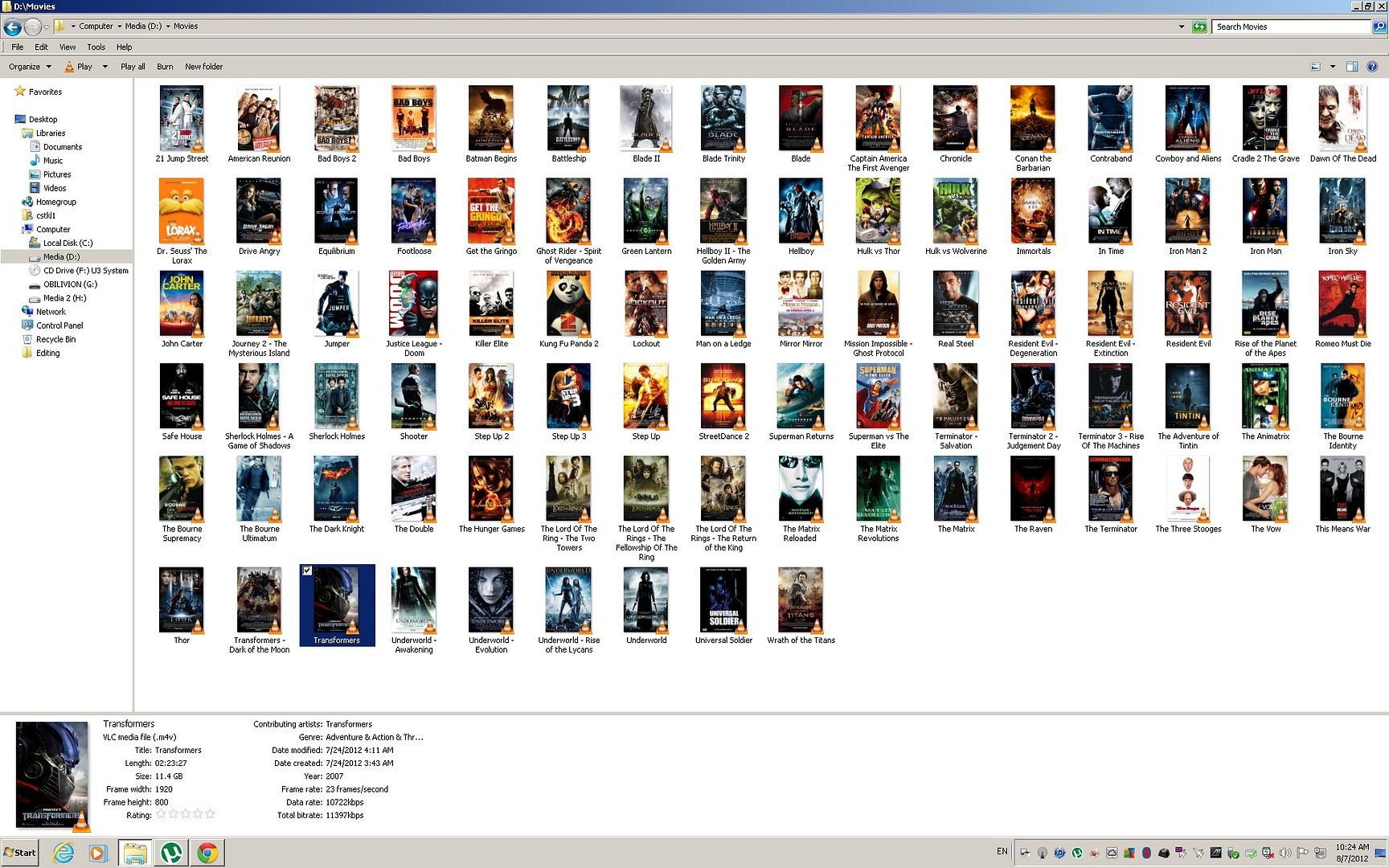
Added on August 7, 2012, 10:20 amhere is a example of my movie's collection at my computer. NAS has a bigger collection but way older stuff and more on tv shows
All with cover, metatag, subs, multi audio ( AAC dual and DD for 5.1)
windows native without any codec etc. Heck even windows media player plays this flawlessly without the need for extra codecs. So when ppl take my stuff. No issues other than the subs which can only be used by itunes. ( Because of the handler tag)
Warning 1920x1200..
 [/img]
Clean look with no multiple files for one movie. Its optimized and loads fast. Streams fast. Apple quicktime format is awesome. Its fast on buffering from homesharing to apple tv and also for ipad airplay.
Hence again advocate on just changing the container and re encoding. Long run saves a lot of time.
Added on August 7, 2012, 10:55 am
Warning 2048x1536
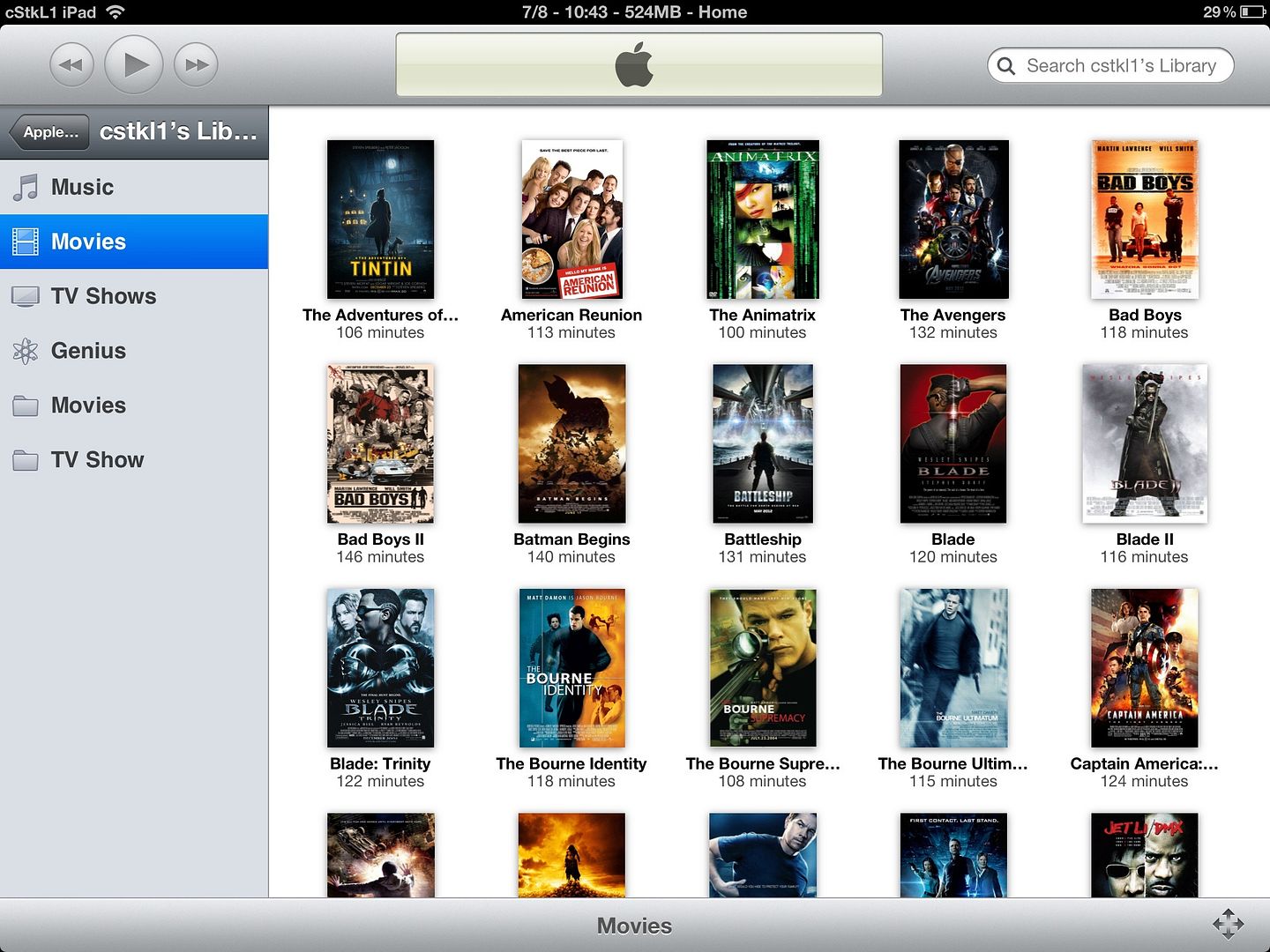
Air Play Remote on Apple TV and Homesharing Library
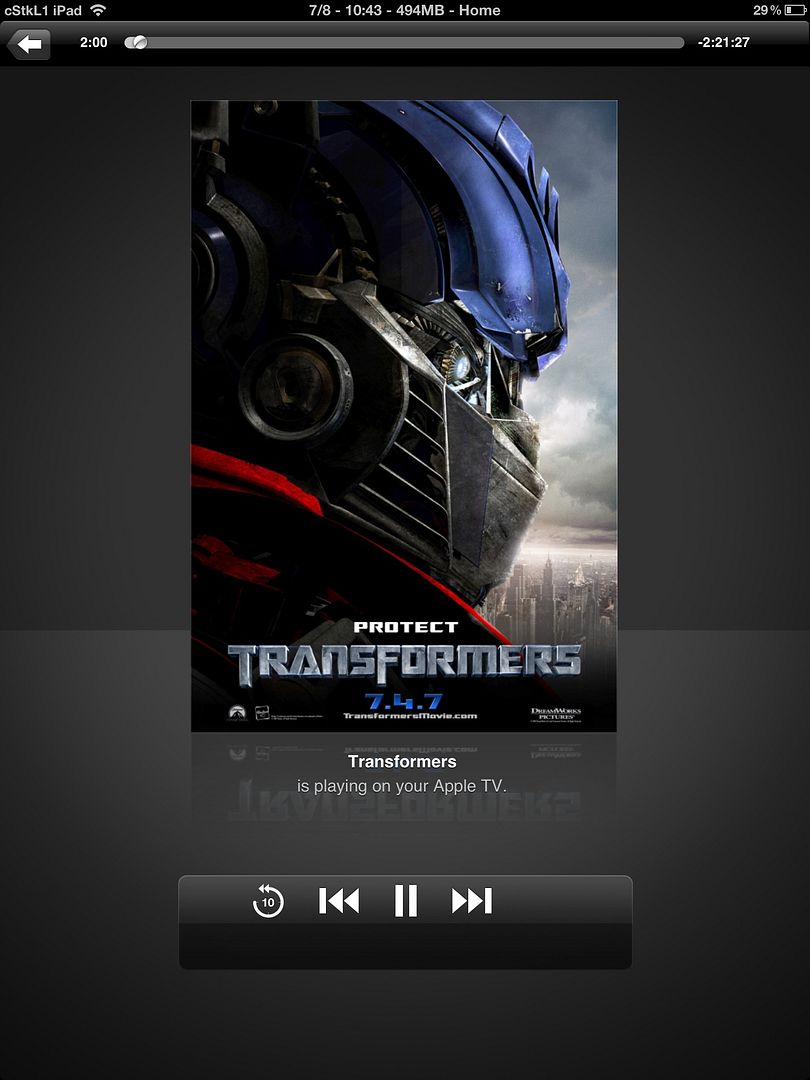
Air Play Showing Coverart on Now Playing Stream
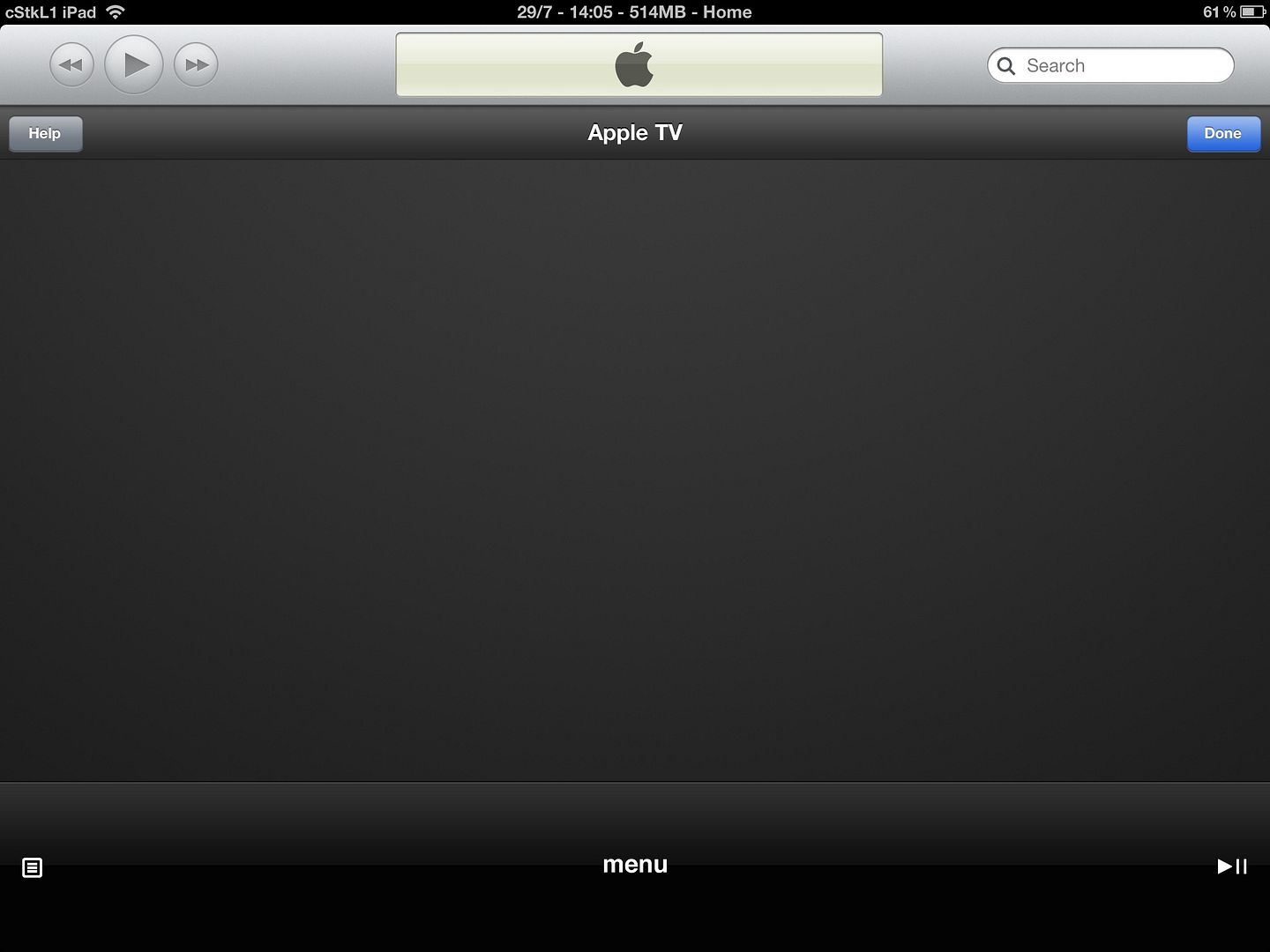
Air Play Remote Control. The First button and the bottom left controls chapters and subs
u get all this goodies when u comply with itunes format. Is it worth it?? Hell Yeah.

all my encodes plays now on my appletv flawlessly and homesharing on mutiple pc's and ipad.also streaming from my media computer. also no issue with airplay. Hence moral of story. Do the work in the beginning , Reap the benefits for the future. No issues with any apple devices. Theres no excuse that u have when ppl come to ure place and want to download ure movies or stream etc from u .. with excuses like oh u need a third party app etc etc.
so lol.. all this third app does is limit u with poor quality videos.
btw again on coverting.. its encoding not converting. most vids out there are in mkv already. the video codec is the same. Y apple mp4 is more advance cause its made for streaming and the coding on the metatag etc all is optimized for streaming. Y u think quicktime is very popular with online streaming sites. Anybody can tell u sites with quicktime are faster in streaming with higher quality compared to flash based flv.f4v( this is exactly same as mp4 except different container)
Added on August 7, 2012, 10:20 amhere is a example of my movie's collection at my computer. NAS has a bigger collection but way older stuff and more on tv shows
All with cover, metatag, subs, multi audio ( AAC dual and DD for 5.1)
windows native without any codec etc. Heck even windows media player plays this flawlessly without the need for extra codecs. So when ppl take my stuff. No issues other than the subs which can only be used by itunes. ( Because of the handler tag)
Warning 1920x1200..
» Click to show Spoiler - click again to hide... «
[/img]Clean look with no multiple files for one movie. Its optimized and loads fast. Streams fast. Apple quicktime format is awesome. Its fast on buffering from homesharing to apple tv and also for ipad airplay.
Hence again advocate on just changing the container and re encoding. Long run saves a lot of time.
Added on August 7, 2012, 10:55 am
Warning 2048x1536
» Click to show Spoiler - click again to hide... «
Air Play Remote on Apple TV and Homesharing Library
Air Play Showing Coverart on Now Playing Stream
Air Play Remote Control. The First button and the bottom left controls chapters and subs
u get all this goodies when u comply with itunes format. Is it worth it?? Hell Yeah.
so need to convert/encode/whatever it is, for each video? and then delete the original file? i dont want that. i dont want 2 copies of similar movie either.
and i find it hard to believe u can convert/encode/whatever 56gb mkv under 30min. unless u use high end pc, which i dont have.
 Quote
Quote





 0.0244sec
 0.13
0.13
 5 queries
 GZIP Disabled