Here simplified Rooting and CWM recovery for Galaxy Note N7000
- Download Root package, see at end of post
- There are three folder
1. Initial CFroot flasher
2. Two other folder having zImage file , you need one only
Which file do I use ?
Listen closely, for I will say zis only once!
Go to Settings -> About phone -> Kernel Version. Note the string present there:
2.6.35.7-N7000XXKJ4-CL641703
What matters most (KJ4) in this case, is in bold. Try to find the matching file
e.g. CF-Root-SGN_XX_XEN_KJ4-v5.0-CWM4.zip)
so choose accordingly
- Place the zImage file accordingly in folder 1.initial CFroot flasher /zImage folder
dis part i dun understand...hahaha

all of dis done on pc rite...?
"Extract tar file from the ROM(remember to extract it till tar, dont go deep)."
one time extract or what..? i dun understand the word till tar, dun go deep
wat u din understand? i dun find any difficulties from reading thru this.
after u extract the zip file, different format of the file will show but the icon will still the zip icon cz tar is another zip format. u go deeper than that will become the folders already. so stop at the tar step and put the tar inside the folder and start flashing. done


 Jan 30 2012, 08:03 AM


 Quote
Quote


 anyone have used the Zagg shield before? is it really scratch proof? Coz the price quoted was RM90, so its more expensive than average casings. so still considering if wanna get one. Maybe its time to get our Note play out NAKED (but protected).
 Very busy.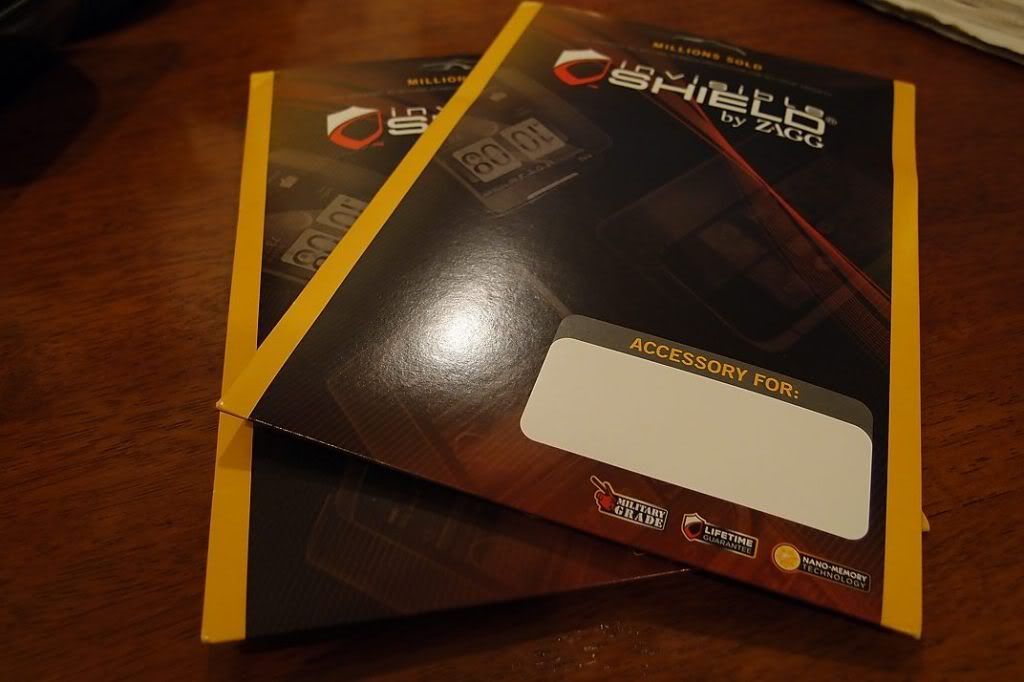





 0.0298sec
 0.46
0.46
 6 queries
 GZIP Disabled