AMD has always been cheaper than Intel, it's the reason why I bought it.
People comparing clock for clock and saying how intel is faster, but when you compare performance per ringgit, different story.
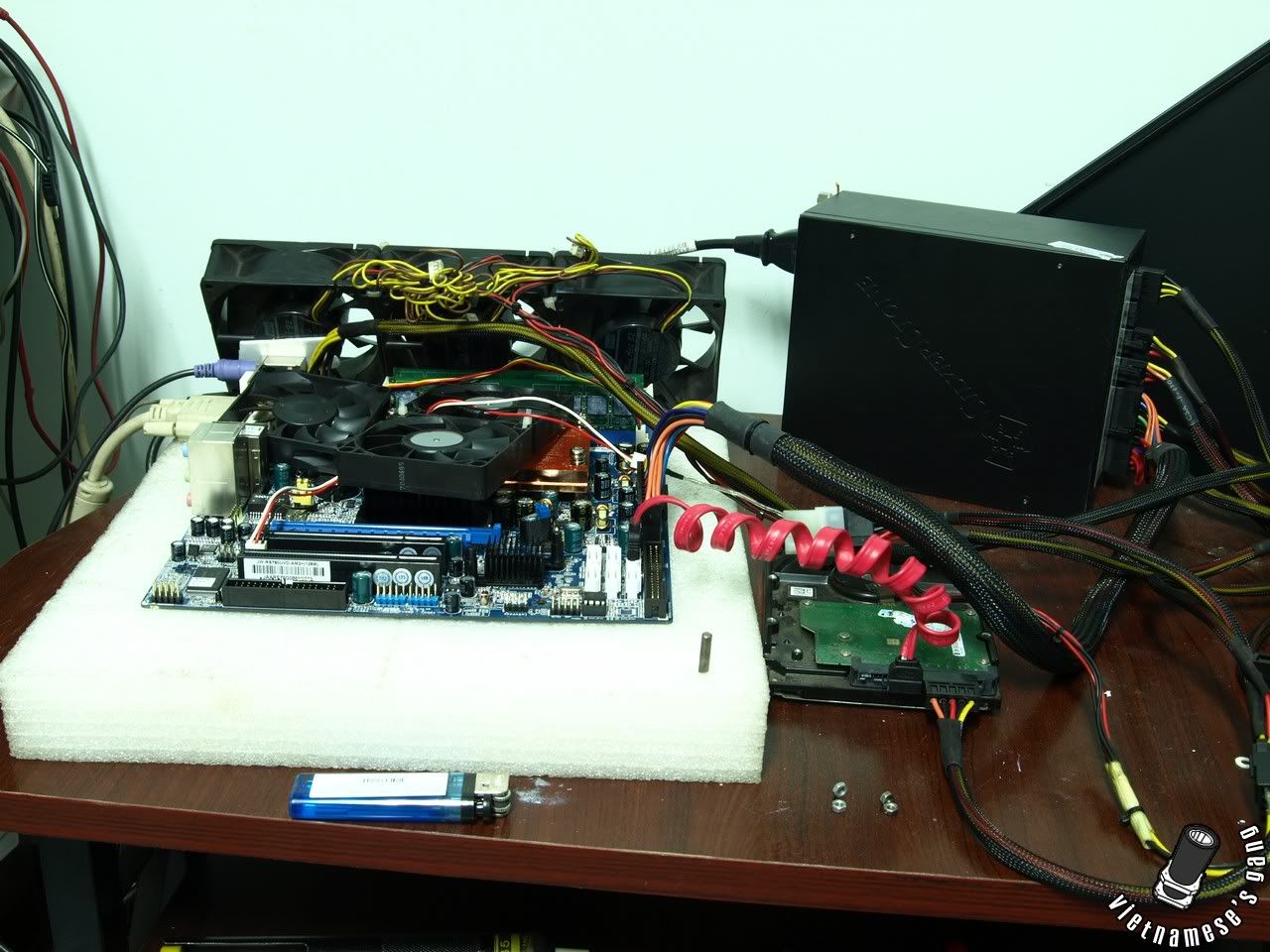
Update.. on the testing of the J&W mobo
The NB multi is locked, confirmed again and again
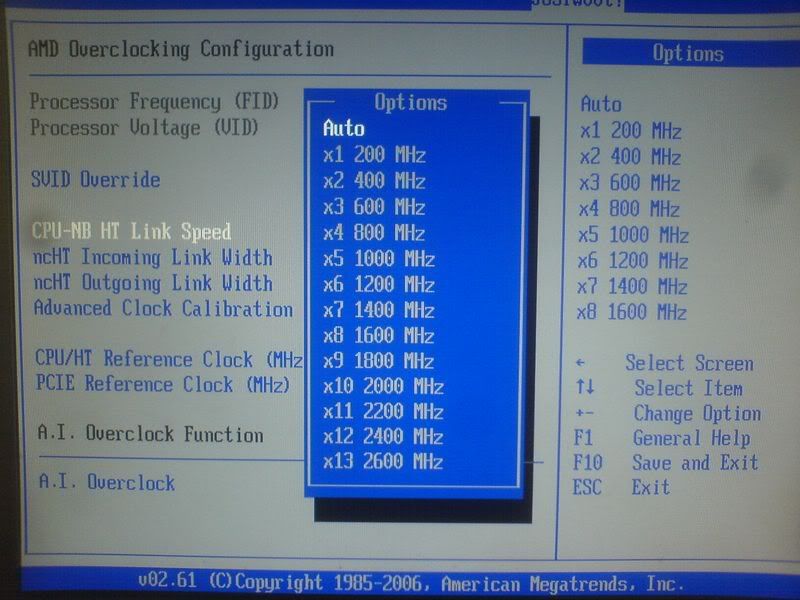
No option to slow down the NB speed from the stock 1800Mhz.
I tried retarding HTT link, but the NB speed still at stock 1800 at stock FSB (200Mhz)
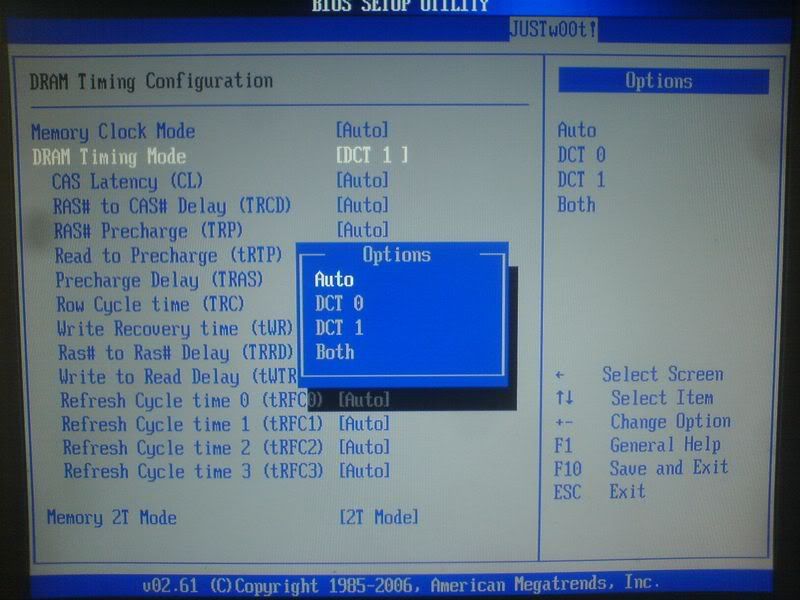
Ram Divider option available, but not through the conventional 1:2, 3:5 option.. Just set Ram options to Manual, with 400, you get 1:2 mem divisor, 333, you get 3:5 mem divider. 533, I cannot confirm.. wont' post, but I assume maybe 1:1
The NB multi is tied to the CPU multiplier I think. I tried 3:5 divider and retarded my ram to 333mhz, but the NB still runs at 1800mhz, go figure. I can overclock it by pumping up the FSB, but I can't underclock it, which lies my problem of OC'ing using the FSB. More than 2000Mhz at NB, OCCT will fail.
Oh, and after playing with ACC, I think I figured out how to play with it.. FSB independent overclocking.. clever.. going to test it out before I say more though.
Edit:
OK..
On ACC
ACC seems to slow down the CPU speed independently of the FSB, when I tried a -2% setting for all cores, I got a CPU speed of 2Ghz per core..
In which case, I can see how it relates to higher overclock ability, as you can also slow down one particular core that could not hit the desired speed.
I tried increasing it to +2%, but nothing happens, probably increasing clocks are reserved for Black Edition Phenoms only.
The J&W bios is AOD friendly, as the only way I could adjust my CPU multiplier lower was through the AOD application.
However, northbridge multiplier is STILL non existent.
If the J&W board has it, they must have HIDDEN IT PRETTY WELL, cause there isn't any NB Multi adjustment.. nope, zip, zilch, none, nada, zero.
Without a phenom black edition, I don't think a reasonable amount of overclocking is available to me soon.
With my locked phenom, increasing FSB was my only avenue of OC, and without the NB Multi adjustment, looks like I'm limited in my FSB overclocking endeavour.
One can only hope they address this is future bios updates, or if AMI bios editor is out, I'd unhide the option myself. >_>
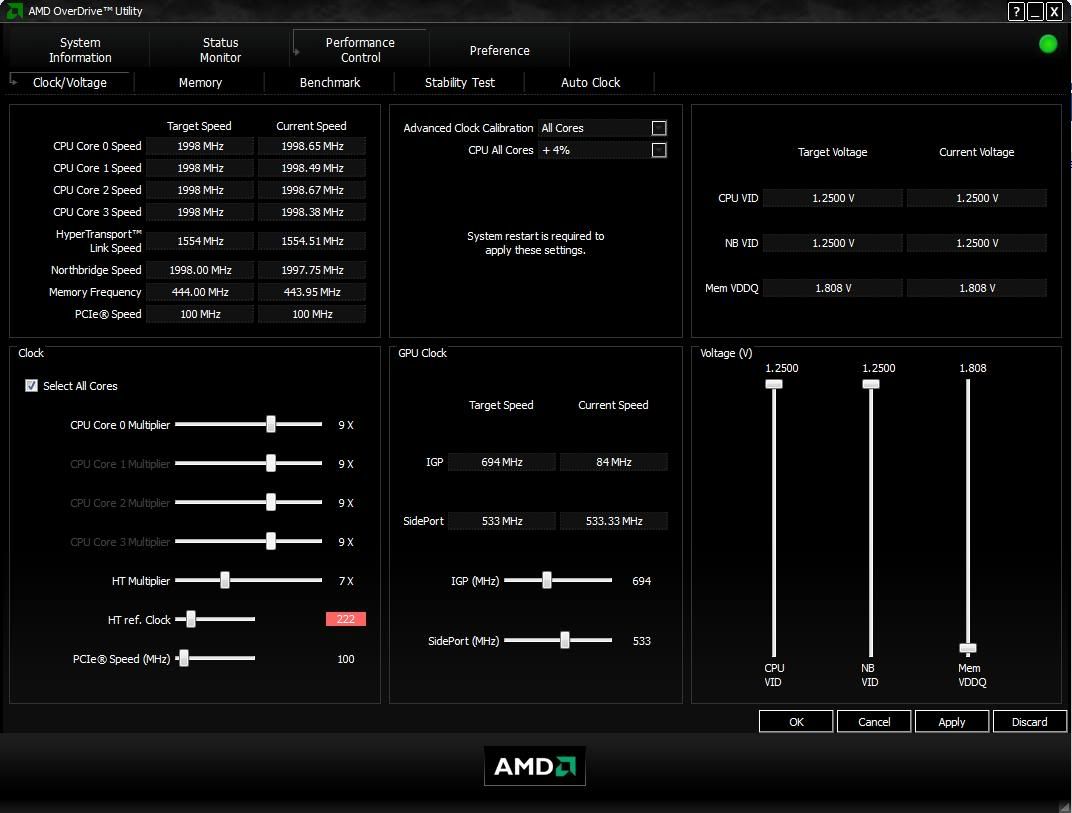
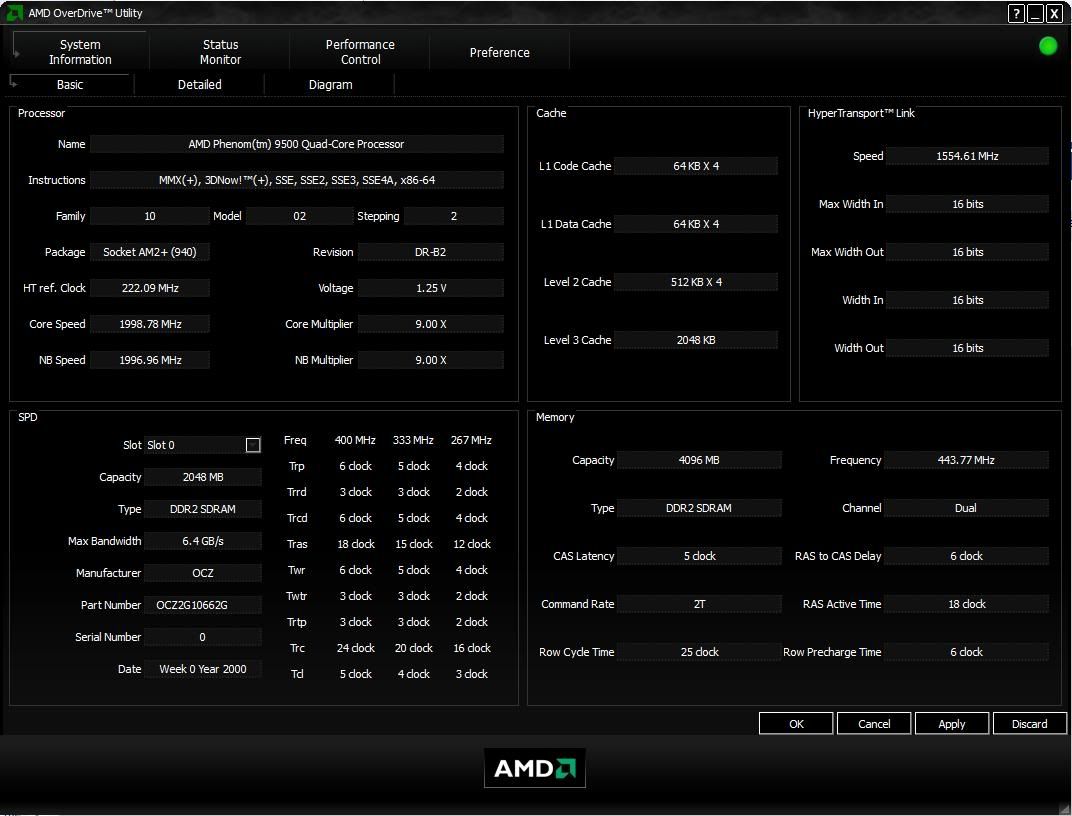
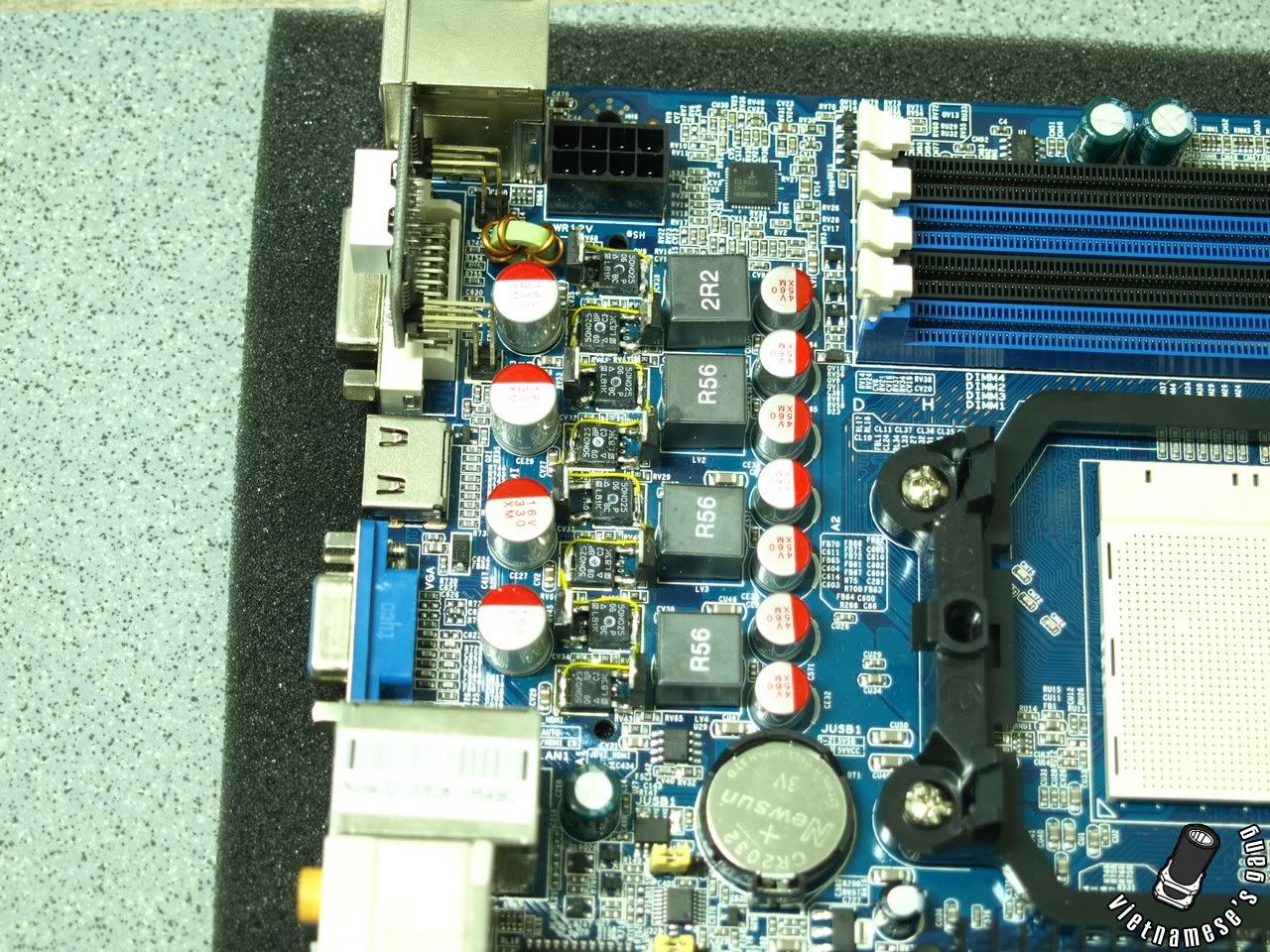
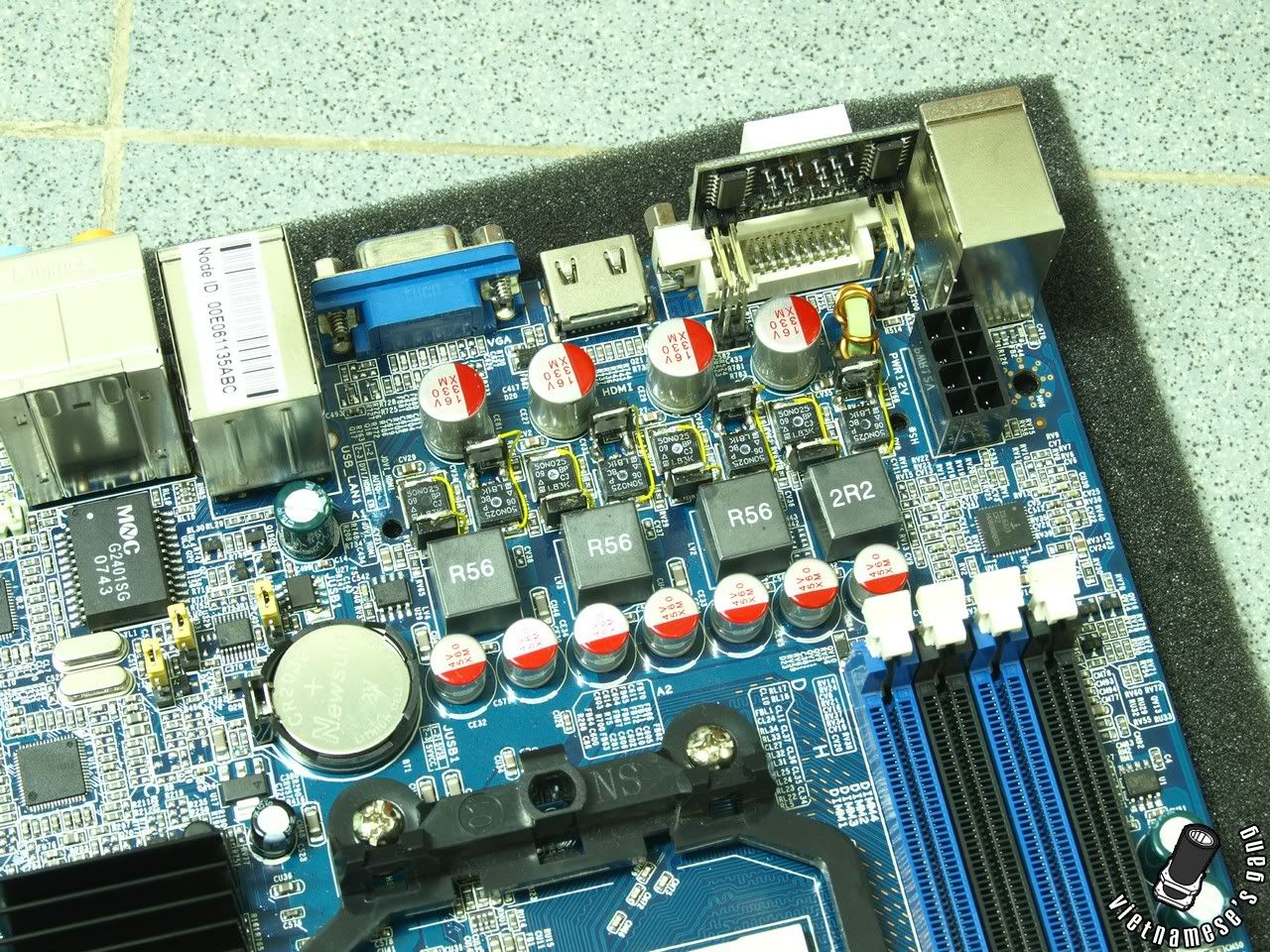
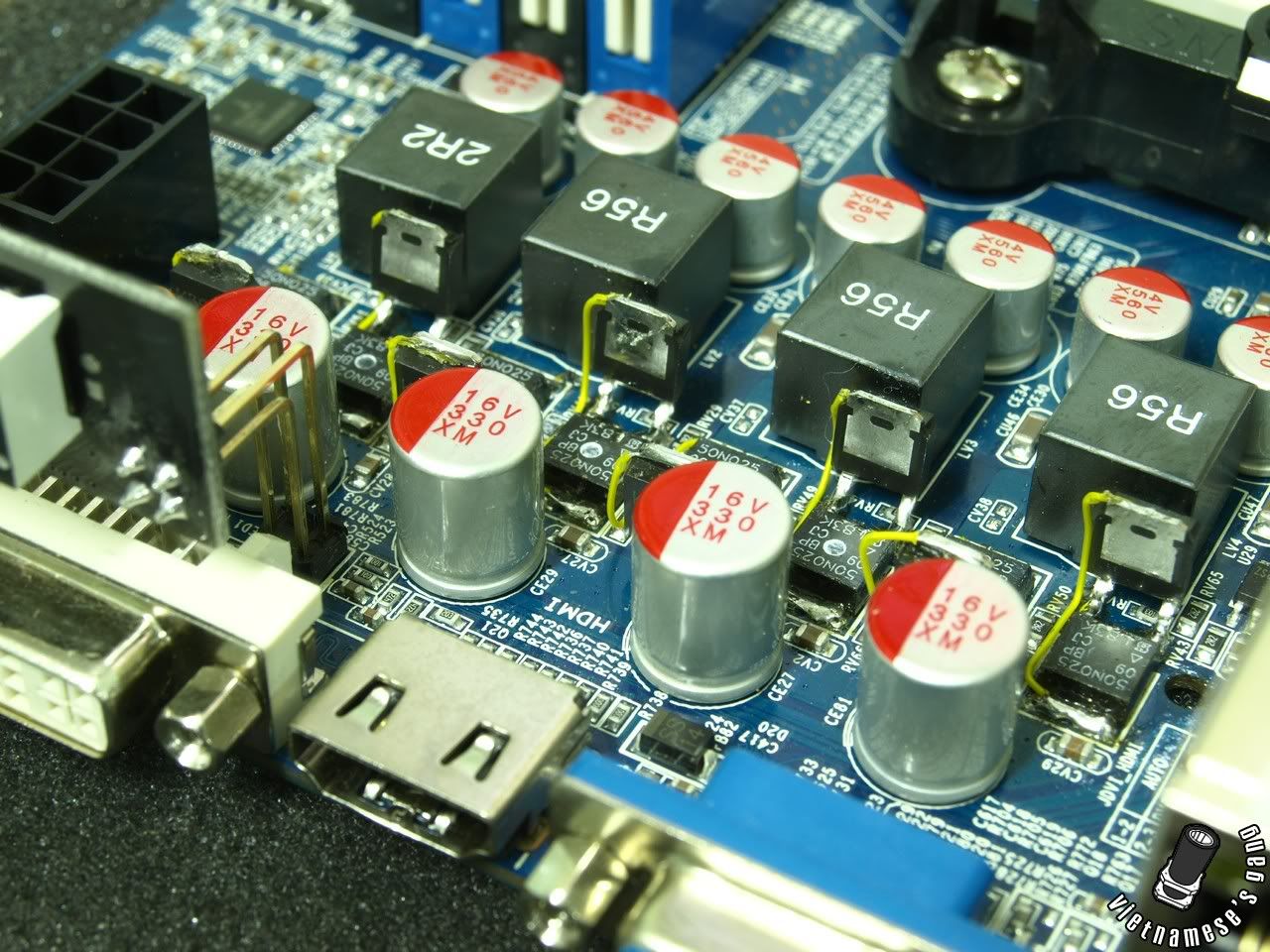
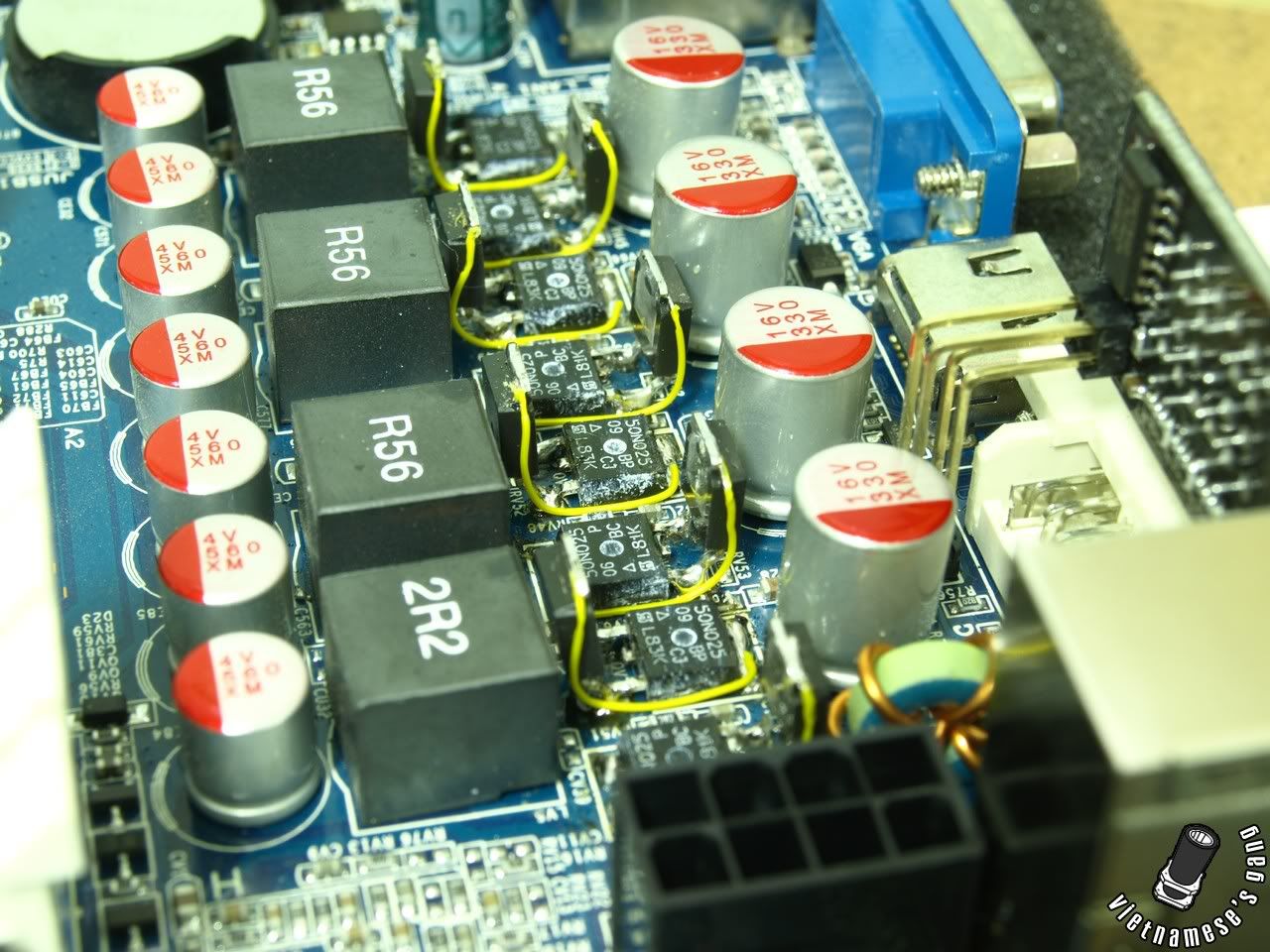
Photo whoring of UNDERclocking the cpu, while upping the FSB with AOD. The bios is meant to be used with AOD. I click apply, and on next reboot, the options sticks in the bios.., even though the CPU multiplier option isn't available in the bios, on next reboot, the mobo actually boots up with a x9 multiplier (O_o)
As usual, the pictures.. This is underclocking, just to show how the NB multi irritatingly stays at x9 even when I reduced CPU multiplier from x11 to x9, and increased FSB.
» Click to show Spoiler - click again to hide... «
But as an enthusiast's board.. Why the heck is the NB multiplier option MISSING? (>_>)
An excerpt from
http://www.hardwarezone.com/articles/view....2502&cid=6&pg=6QUOTE
Basically, for an AMD 790FX (or any AM2+) based motherboard to properly support overclocking Phenom processors, it will need to have a NB multiplier control as well. Of the four motherboards we've tested, the ASUS M3A32-MVP Deluxe and Gigabyte GA-MA790FX-DQ6 both feature standard multiplier controls for CPU and NB. The MSI K9A2 Platinum on the other hand, had surprisingly scant BIOS options. It was the only board that didn't even feature a NB multiplier at time of testing. This was surprising because we were using the latest v1.3 official BIOS. It was widely reported that the older v1.1 BIOS actually had a sub-menu with full advanced overclocking control, but MSI seems to have removed this feature again.
Well, I guess J&W forgot to put that in.. maybe I should go rant on their forums about it. Ha ha.
Edit:
Seems stable enough at the moment.. 2442Mhz with 1.3V.. 1.25 is a no go for anything above 2.4Ghz - 10 mins into the OCCT test, CPU was at 66degs, and climbing... looks like I might need a cooler after all, even though in real life, I hardly ever hit peak load

Well anyway, I trawled the J&W forums and found something about JHDT jumper being an item I should set when OC.. with anticipation, I set the jumper to JHDT, and NOTHING... no new options in the bios, nothing! Damn for not having NB multi.. lol
What a waste of time.
 This post has been edited by sadako-chan: Dec 13 2008, 09:23 AM

 Dec 13 2008, 12:21 AM


 long time never post ...


 Quote
Quote


 ram oso cnt tune??? NB too??
  if too much prob thn i dun1 aim it oledi
 <- pic3
 <- pic 8




 0.0295sec
 0.58
0.58
 6 queries
 GZIP Disabled