QUOTE(nickeleonidas @ May 14 2008, 09:02 PM)
erk, sorry forr noobing here, download for free or buy it online? huhuhu
Pay to get it, another way, get the 'ehem' version.
Click here to download 
QUOTE(sunauto @ May 14 2008, 09:03 PM)
Some people like my dad, feels that 64mb is more than enuff. His phone really botak one, not a single thing stored in the m2.

I use my M2 to store all photos I've taken with my phone only.
And I got 3 full size 320kbps MP3, for testing purposes.
No custom ringtones, no custom pics, and no application on my M2.
I installed all those important application in my phone memory, feel like they work much better than installed in M2.
QUOTE(LittleD @ May 14 2008, 09:39 PM)
i scare asked wrong, bcoz my english not very well, i explain again.
3G镜头上面右边一点有一个明显的凹进去的疤痕、背面电池盖有一个小痕迹、底部的铝壳也有一点敲到凹进去、左右的黑色Plastic也有一点花、红外线很花(不懂为什么)、前面荧幕下面keypad上面的P1i有一条不明显的刮伤痕迹
so everyone, please take care your P1i ~ dun do some one like me

I really can't imagine how you treat your phone.

My GF scolding me everyday ask me to take care of my phone already as I always throw here throw there.
But I have 1 obvious scratch only, which I got it when 1 dropped my phone.
Other than that, seriously, still look like new.
Added on May 14, 2008, 10:20 pmQUOTE(allenultra @ May 14 2008, 10:06 PM)
After 2 days of P1i usage.
1. Flashed to latest firmware, Singapore firmware. Just nice for me as I need the chinese input. SMS now comes with the virtual keyboard, not available with the default firmware (can't remember the version name) but the virtual keyboard doesn't appear in Opera Mobile/Mini browser though.
2. Did walkmanv3 hack, followed carbon14 guide and it was successful at first attempt. There isn't volume control in walkmanv3 AFAIK, if u know how to alter volume in walkmanv3, please enlighten me.
3. SwissManager is a nice application but I don't know how to set it "autostart", I remember I read at p1iblog.com that this function disable in UIQ 3.0? Correct me if I'm wrong.
4. Green Tint issue was horrible on the default firmware(was it R9H007? can't really remember), it seems better now with the latest firmware. Will snap a photo of white paper and upload here later.
5. Nokia N series browser is clearly better than Opera Mobile/Mini browser after tried my bro's N82.
6. The loudspeaker volume is quite ok, not as loud as w800i but the volume still pretty acceptable. Just use any audio editing software and increase the amplitude of the audio files, you should get a louder playback.
7. Symbian UIQ 3.0 softwares not that easy to find compared to S60 though, had hard time looking for games.
8. On GSM & 3G mode, 3G signal always drop and change to GPRS mode. If I force 3G mode, its seem better, hardly drop. P1i not really a good 3G phone? or Maxis3G just sux?
That's all for now, quite a happy P1i user.
1st of all, sorry for editing your original post, to number sequence.
This easier for me to give you some feedback according to your review.
1. The virtual keyboard does come with the phone from the very beginning. Just I think you didn't on it when you're on older firmware. But, do we really need virtual keyboard when you got QWERTY keyboard?

2. Yes the WALKMAN 3.0 does have volume control. Let me ENLIGHTEN
(seriously, I love this word  )
) you.
*
Button - Function* E/R - Equalizer
* T/Z - Volume up
* A/S - Stop
* D/F - Previous track
* G/H - Play / Pause
* J/K - Next track
* X/C - Shuffle
* V/B - Volume down
* N/M - Minimize
7. Google ipmart-forum, dotsis, and you'll find yourself tons of UIQ softwares and games.
8. Yes this happened on me also when in certain area. May I ask how do you force it to full GPRS or full 3G mode?
This post has been edited by Shufflerz: May 14 2008, 10:26 PM 

 May 14 2008, 06:08 PM


 Quote
Quote


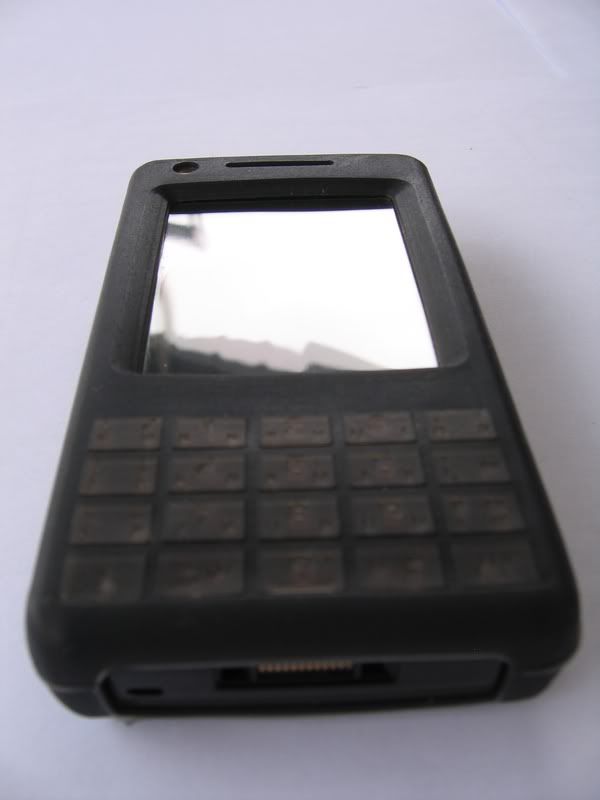
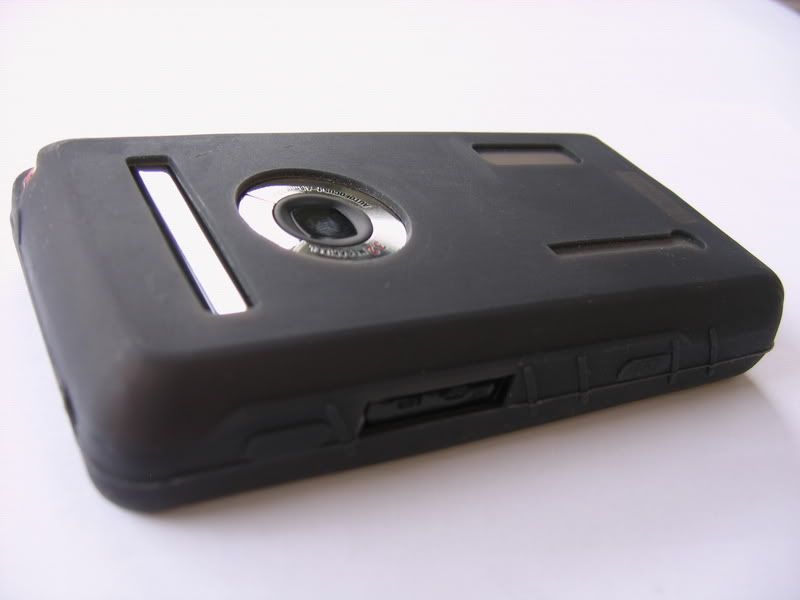
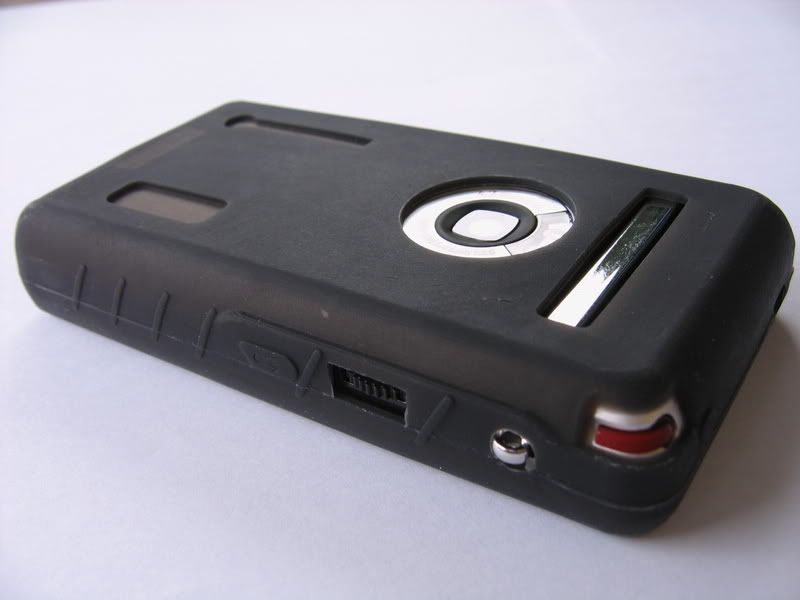
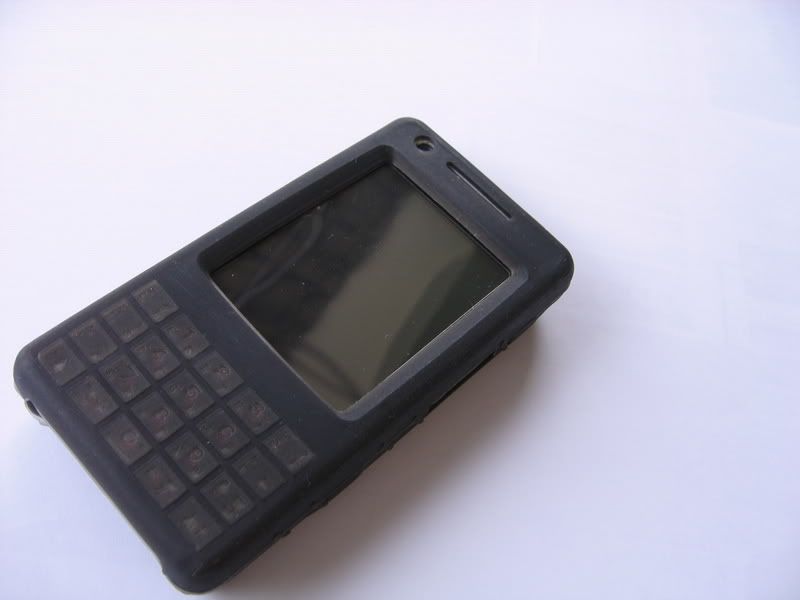

 ...must taking a good care of my p1i


 0.0193sec
 0.51
0.51
 6 queries
 GZIP Disabled