QUOTE(BenYeeHua @ Nov 19 2023, 09:32 PM)
Can, use IPv6, now global internet 50% IPv6 already, if including China, 70%.
Unless your router blocked IPv6 incoming data, you can get incoming traffic from IPv6, and no issues.
As IPv6 bypass NAT as well, no need worry too much overhead for NAT processing issues.
Example, above post using EvXnK5.md.jpg, middle size jpg by default.
I think slow loading caused by slowdown of cloudflare, now cloudflare SG IPv4/IPv6 going via telstra HK then telstra SG....
You need to blame UniFi for doing that HK reroute...
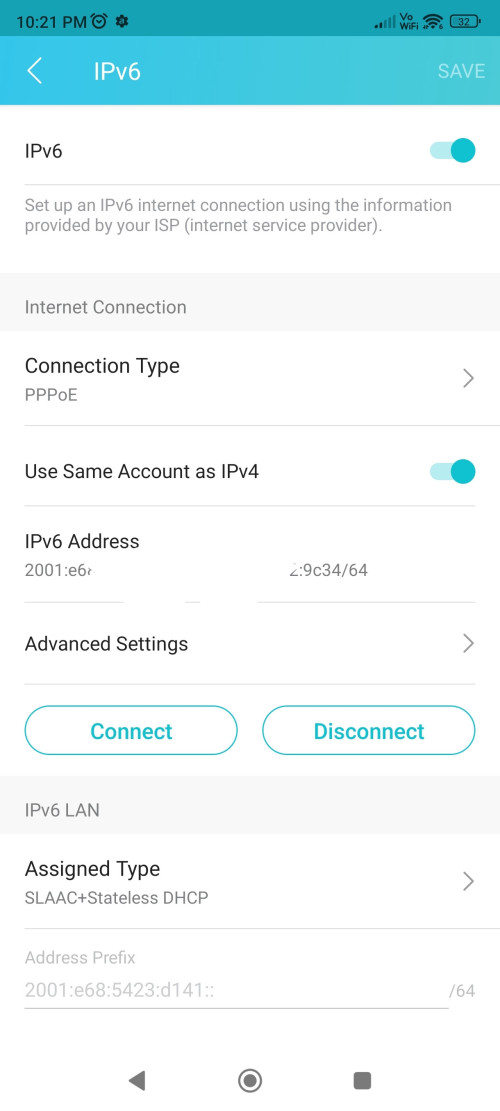
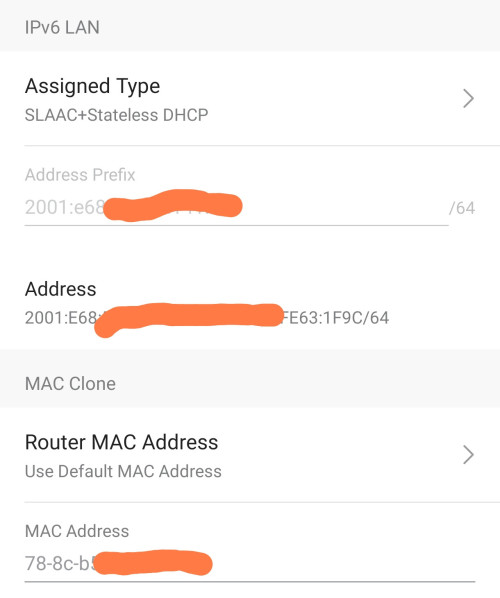
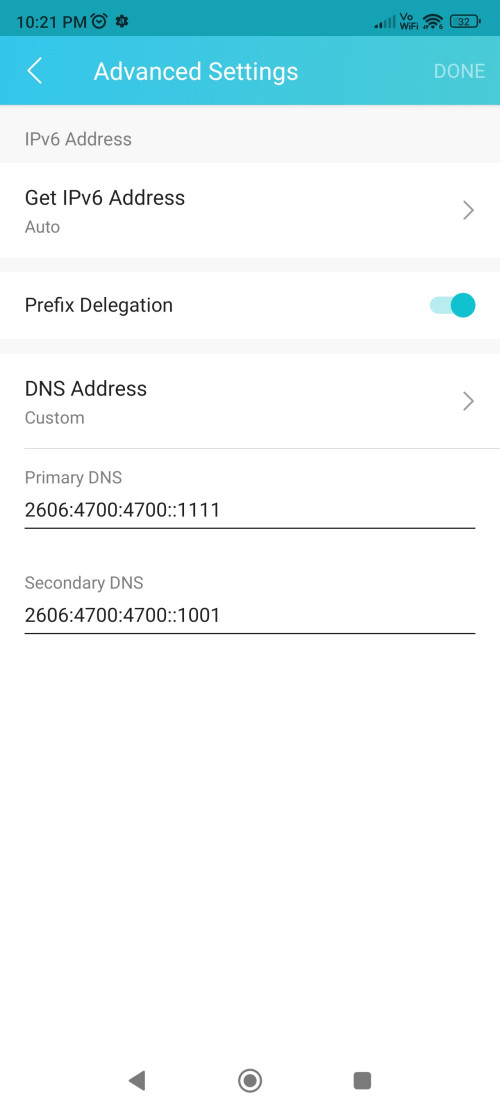
Does below ipv6 setting is correct on tplink ax55 ?
» Click to show Spoiler - click again to hide... «
QUOTE(BenYeeHua @ Nov 19 2023, 09:33 PM)
Easy test is switch another router, see got similar issues or not.
If got, it means problem lies on your computer, like your SSD written speed too low, or you forget set firewall open to your torrent software, lol.
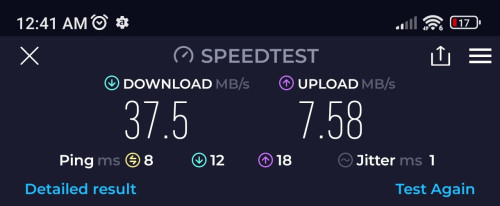
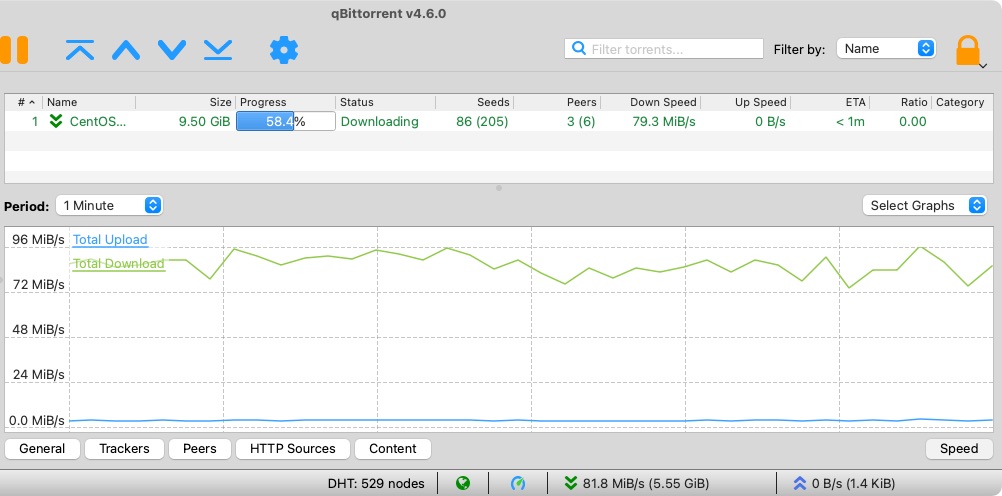
Will try with my old tenda router. So lazy to dismantle
Laptop is using nvme disk.
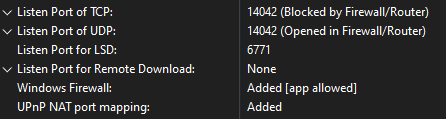
Torrent s/ware is allowed in windows fwall laptop
QUOTE(PJng @ Nov 19 2023, 09:41 PM)
what i do is when upgrade 100mbps speed
firewall already open long time ago
torrent client set fix port, router open port only for torrent client for TCP UDP
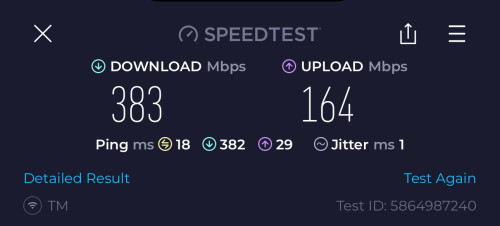
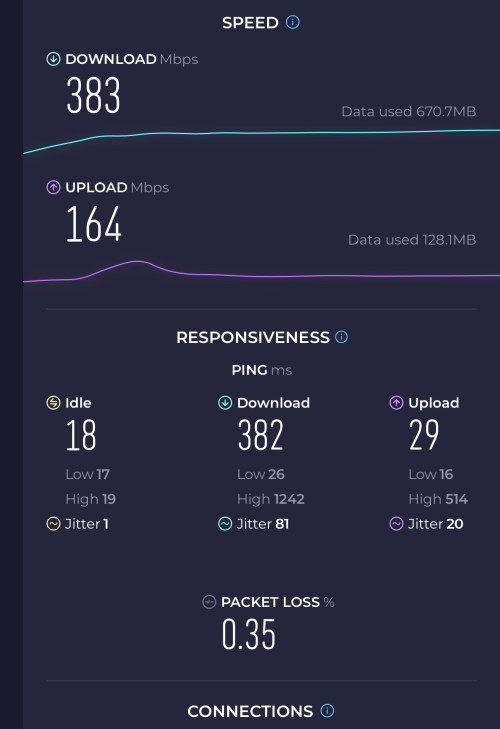
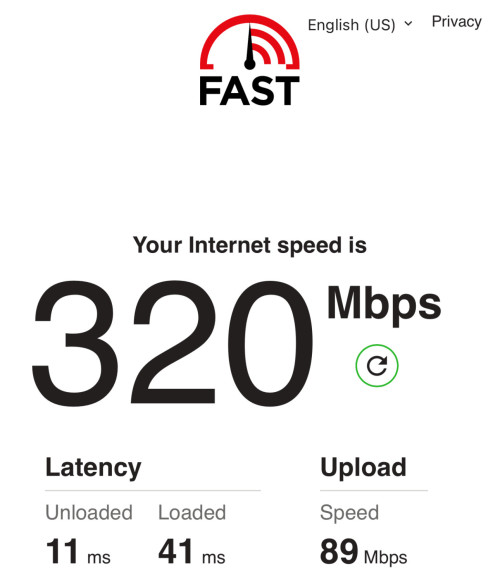
upload speed i limit either 3 or 4 MB/s, if no limit download cannot full speed
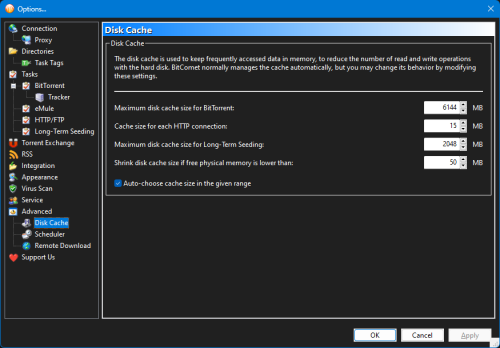
disk cache i manual increase
default i think only 2MB, i notice speed hardly increase with default cache, as disk usage keep 80% above
increase disk cache also increase RAM usage
Will try folo ur settings
Thought in priv ip, open fwding port in router doesnt affect anything
This post has been edited by sitescope: Nov 19 2023, 10:36 PM 

 Nov 19 2023, 09:33 PM


 Quote
Quote





 0.0215sec
 0.50
0.50
 6 queries
 GZIP Disabled