QUOTE(westlife @ Dec 18 2023, 11:40 PM)
wow... then i just swallow the slow speed then...

i think i will try to do this.
1) change the huawei stoopig ONT to bridge. does time even use PPPoE?
2) use my existing linksys tri-band mesh to see if i can hit above the speed i can get now.. the speed sucks now...
in my previous landed house, i can get 300Mbps++ at least at the child node... but with the thick walls between room, i will see whether can beat the limit. i have 3 x units of the linksys MR8300 mesh wifi router that i can mesh them together...
one connects to the huawei ONT at living room, one places inside study room, one places inside master bed room. and i have one more linksys dual band velop node can place in other blind spot.
is this the part to change to bridge mode? or it just to make a wifi router a child node for mesh?
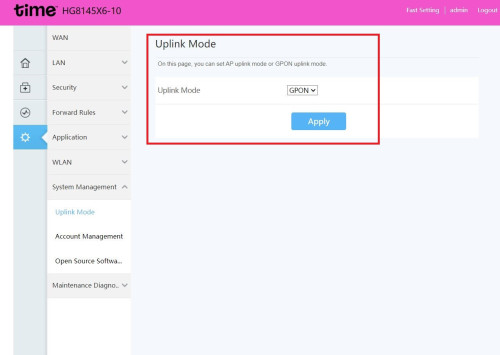
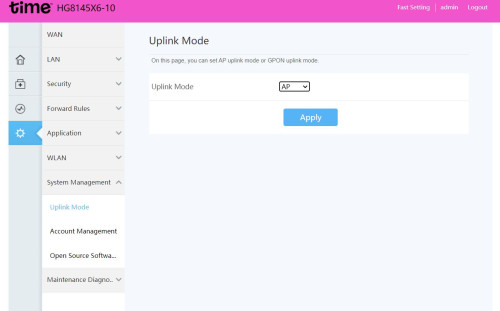
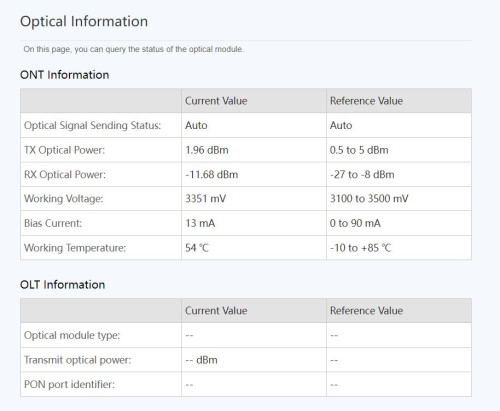
I don't believe you can change the ONT to bridge mode by yourself,, that GPON/AP setting is unrelated, you gotta ask time to do it for you
(Unless you get your hands on the elusive "telecomadmin" account password)
They'll do it remotely, free
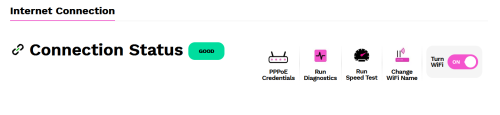
I believe yes, PPPoE is used, VLAN 499, PPPoE credentials can be obtained from account page


 Nov 6 2023, 05:43 PM


 Quote
Quote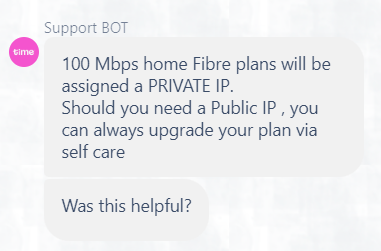


 0.1649sec
 1.17
1.17
 7 queries
 GZIP Disabled