QUOTE(azwandy @ Jul 17 2020, 06:39 PM)
Skyworth G2 Android 8.. ngeh ngeh
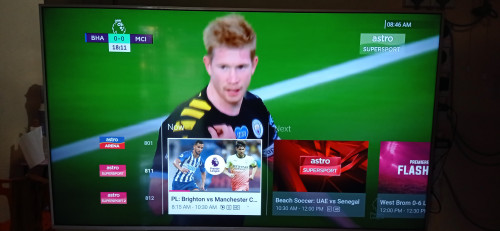
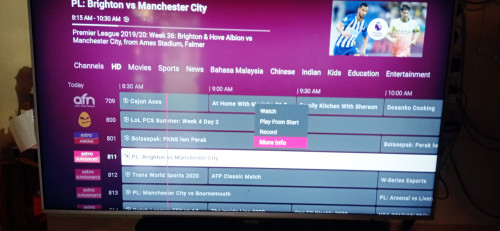
U cant use normal astro ID (the one that binds with decoder).. the tv app will only accept tv beta ID..
QUOTE(doubleM2 @ Jul 17 2020, 08:57 PM)
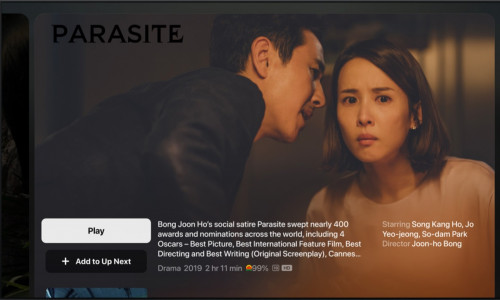
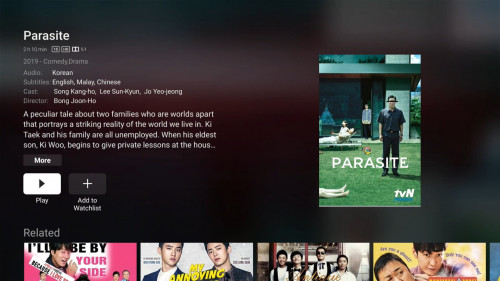
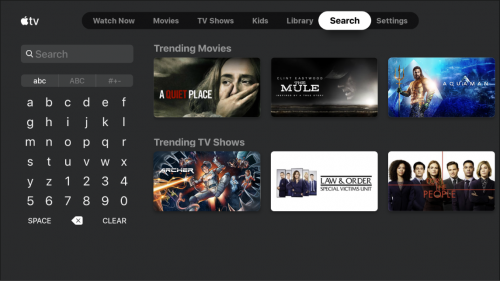
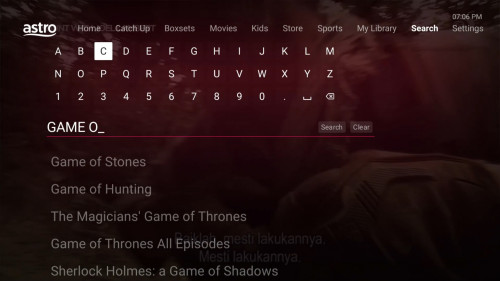
Screengrabs from the Astro TV Beta App using my Mi Box S
» Click to show Spoiler - click again to hide... «
[attachmentid=10541048]
[attachmentid=10541049]
[attachmentid=10541050]
[attachmentid=10541051]
[attachmentid=10541053]
[attachmentid=10541054]
[attachmentid=10541055]
[attachmentid=10541056]
[attachmentid=10541057]
[attachmentid=10541058]
[attachmentid=10541059]
[attachmentid=10541060]
[attachmentid=10541061]
[attachmentid=10541062]
[attachmentid=10541063]
I'm not a beta tester for Astro TV app, but base on the screenshots given above, I'll just share my opinion here...
I don't like that all channel type options are shown in the same horizontal line like this:
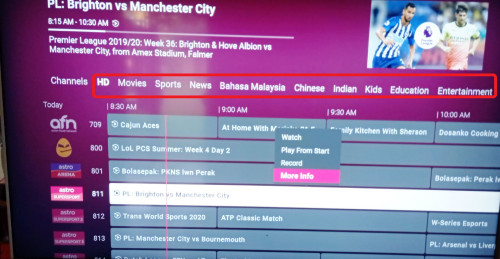
It makes it very "messy" and "too much unnecessary information" shown in the same page.
I prefer if they would put it a dropdown menu like the current one on Ultra Box, makes it look clean and organised...
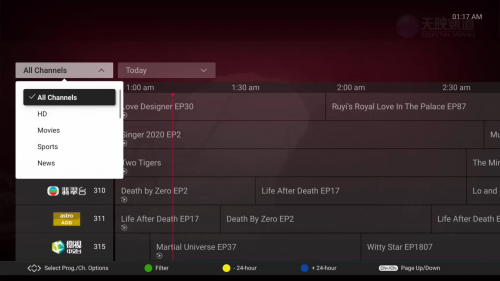
But the good thing is, finally they put the programme info summary on top corner of the screen, which the current Ultra Box software still appear as blank (refer photo above)...
And also, a pop up menu appears (Watch, Play from Start, Record....) as you press OK to select the programme. This one good

And I hope they can use other fonts in their upcoming updates... Roboto font is too commonly used...

If Astro wants to use a font that supports all languages (especially Chinese and Tamil characters), maybe they can consider use free fonts from the 'Google Noto Font' family for their English/Malay UI language:
https://www.google.com/get/noto/Any modern looking fonts but not those commonly seen fonts like Roboto will do
This post has been edited by joshhd: Jul 18 2020, 06:12 PM 

 Jul 18 2020, 12:17 AM


 Quote
Quote






 0.0260sec
 0.41
0.41
 6 queries
 GZIP Disabled