

 Feb 22 2010, 09:19 PM, updated 5y ago


For starters, I'd insist anyone using a notebook/netbook to use a cooler, as most pf them get hot over an extended period of time. But what cooler are you gonna buy? Cheap china tri-fan-blue-LED ones? Or a decent CoolerMaster? Well, like I said, depends on scenario.
So, if you're budget is ->
RM0-10
Here, you can, DIY your own cooler, or use those Made-In-China ones. My bet goes for the DIY option, as there are many ways you can cool and customize your cooler. Brands from this range is only those China ones. Other than buying cheap coolers, you may want to start from buying a can of compressed air (available at most established computer stores). This is a cheap and effective option.
Should you need any help in terms of DIY, here's the place to go.
RM10-RM50
From here, you can opt for imitation Cooler Master coolers. Whether they work as well as the real thing, that I cannot guarantee. There are many types of imitations, from the Cooler Master Notepal X1 to the X2. lol. But honestly, to me, I think they're all from the same OEM manufacturer. So it also depends on you. For this range, you can also choose the DIY route, as you have more cash to customize your cooler.
 For here, you may be able to get a Cooler Master (Second hand, maybe), but mostly would be Evercool etc.
RM60-RM100
From this range, you can get yourself a decent Cooler Master cooler. If you're within the distance to Low Yat Plaza, do check out Viewnet, as the Infinite's price is currently at RM89.

RM110-RM300
This is where the fun begins. You can get those Zalman coolers from this range. The idea is, the more you pay, the better the cooler? Well, I still need some user feedbacks regarding this issue. You may also find Logitech and Belkin coolers in this price range.
Here's a list of threads selling laptop coolers. * Active as of 2/1/2010 *
- Zalman Notebook Coolers by kin kin
- Cooler Master Notebook Coolers by bruceleestore
- YuLong Notebook Coolers by ngbh
- Thermaltake Notebook Coolers by zhen^wei
- Logitech Notebook Coolers by bluerhinoit
- Thermapak Notebook Coolers by coolerlaptop
- Cooler Master Notebook Coolers by leonlaitl
- Cooler Master Notebook Coolers by zhen^wei
- Zalman/Cooler Master Notebook Coolers by moderno
* I cannot guarantee on stock availability. *
Others
- You may also want to consider undervolting your laptop. Do visit the thread for more details.
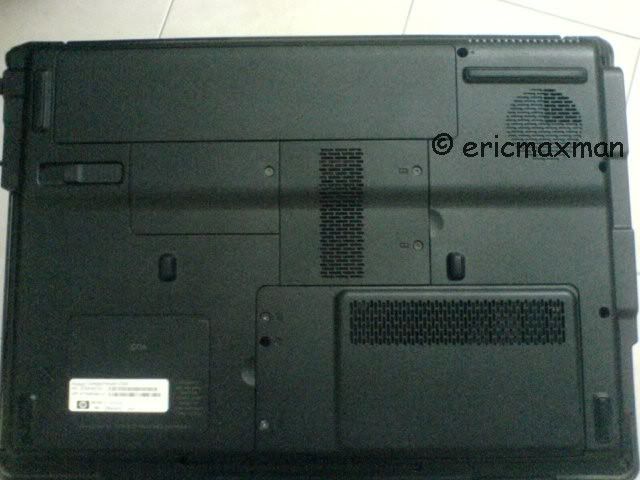
- You can also remove your back panel. It may void your warranty, so be careful. This is also a widely used method.
- Here's Najmods' method of cooling his Asus K40AB
» Click to show Spoiler - click again to hide... «

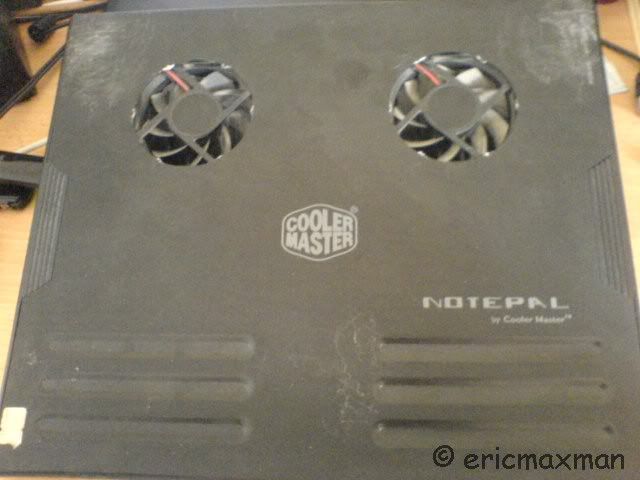
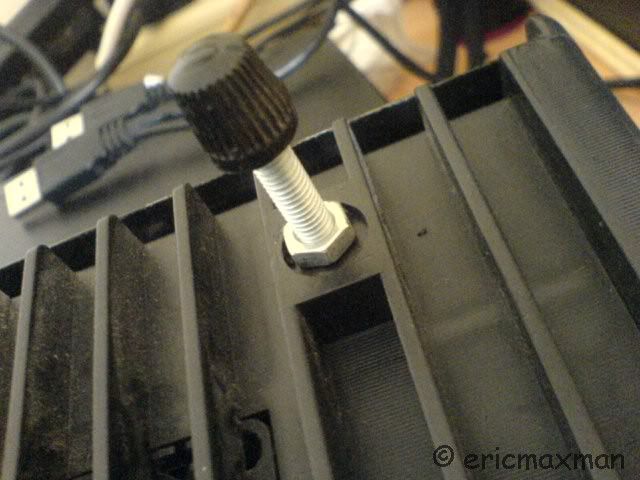
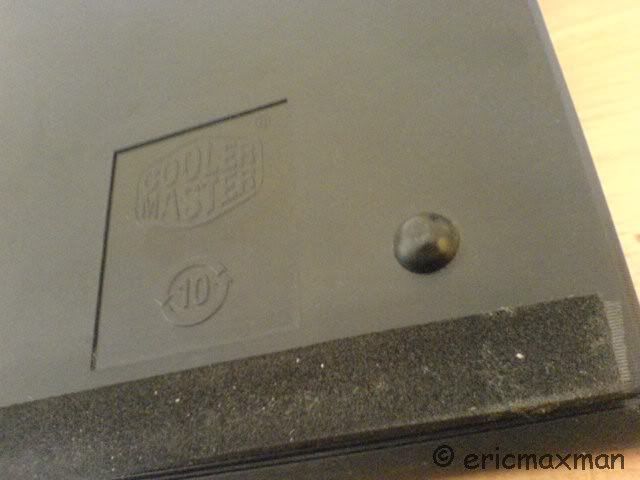
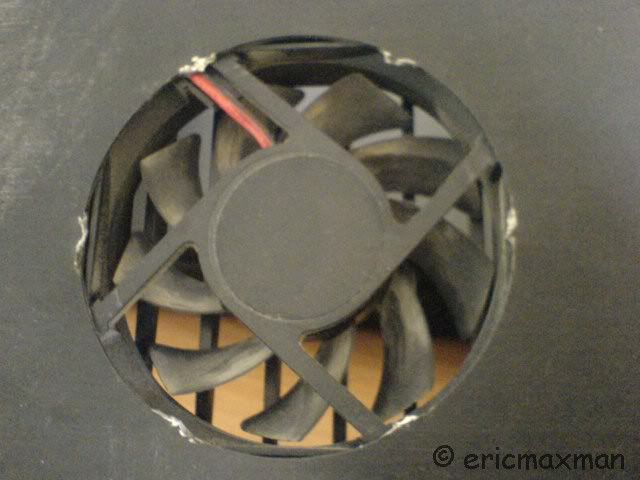
- If you have a Notepal V1, like me, you may want to do this custom to "enable" more air going through.
» Click to show Spoiler - click again to hide... «
- If you are brave enough, I'd also suggest you to replace the thermal compound of your laptop.
- If you already have, let's say, a CM Infinite, and you're still getting higher temperatures, you may want to clear your laptop's heatsink, as it is a good trap for dust, especially if you remove your back panel.
- Article from HP regarding dust removal.
» Click to show Spoiler - click again to hide... «


I will constantly update this page for relevant information.
Cheers.

 Quote
Quote


 "
"


 or could i find any better ones?


 0.0266sec
 1.18
1.18
 6 queries
 GZIP Disabled