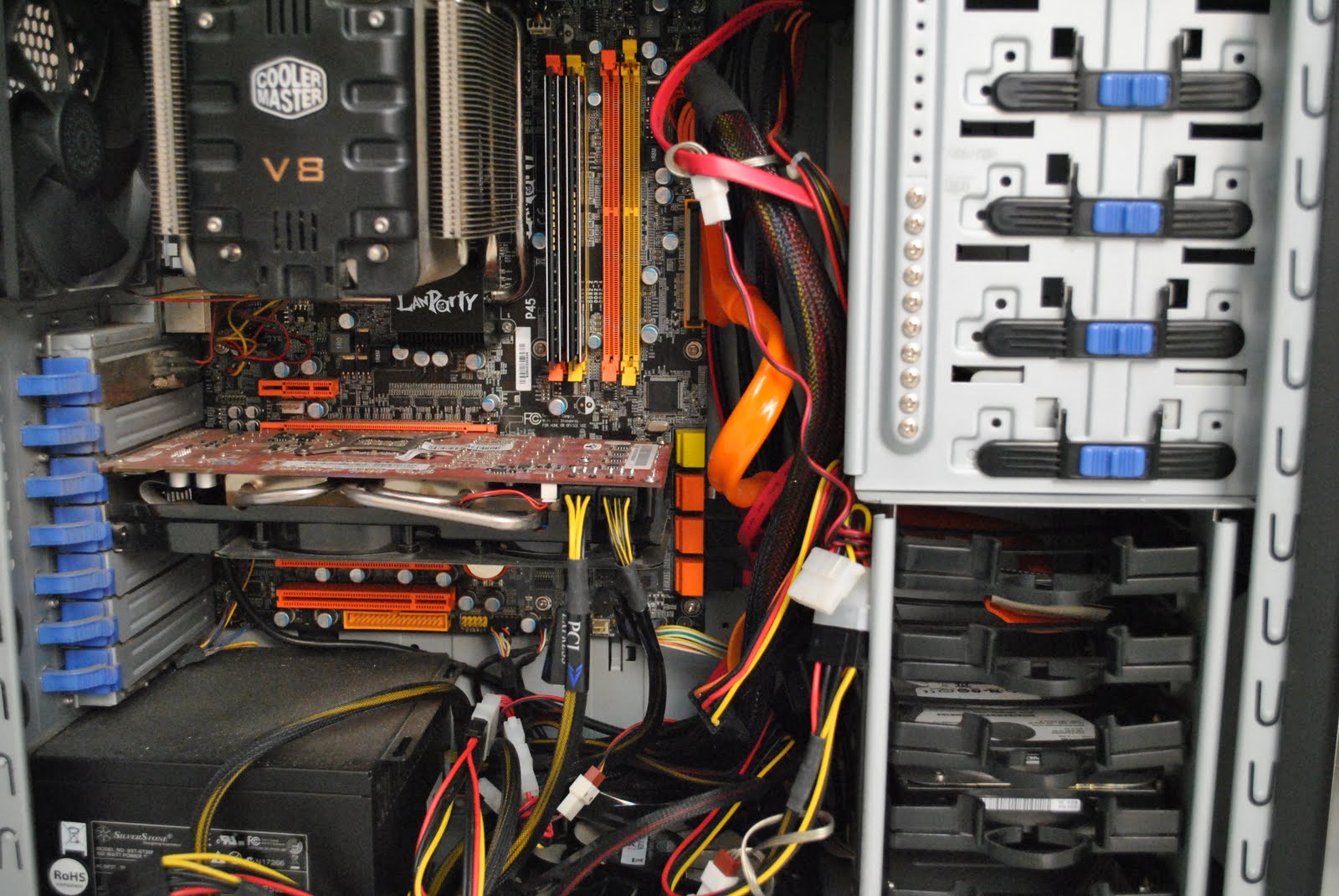
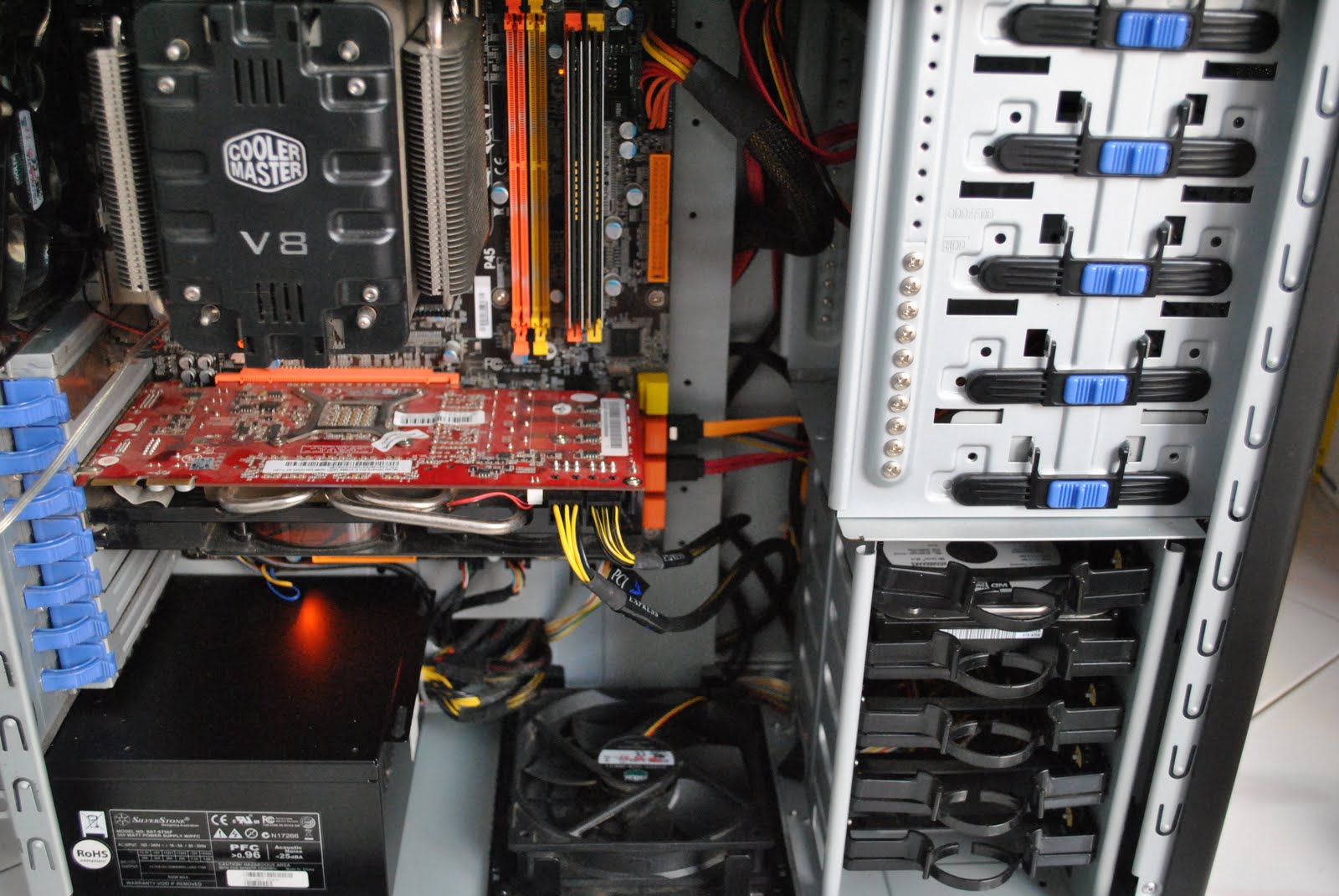
QUOTE(cent88 @ Jul 13 2010, 12:18 AM)
turn your cpu heatsink fan and hide the fan cable. 

Nice idea! 
thank you so much!!!

gonna do it soon
Cable Management Thread V2, Share your cabling tricks here
|
|
 Jul 13 2010, 12:27 AM Jul 13 2010, 12:27 AM
|
 
Senior Member
2,367 posts Joined: Oct 2008 From: Penang / Selangor   
|
QUOTE(cent88 @ Jul 13 2010, 12:18 AM) turn your cpu heatsink fan and hide the fan cable. Nice idea! thank you so much!!! gonna do it soon |
|
|
|
|
|
Jul 13 2010, 10:51 AM
|

Senior Member
1,111 posts Joined: Aug 2005 From: UK
|
QUOTE(ikan_semilang @ Oct 27 2009, 07:13 AM) CM Scout user here. |
|
|
Jul 13 2010, 11:46 AM
|

Junior Member
438 posts Joined: Aug 2008
|
Before
» Click to show Spoiler - click again to hide... « After » Click to show Spoiler - click again to hide... « Still dusty  |
|
|
Jul 13 2010, 11:57 AM
|

Junior Member
277 posts Joined: Jul 2009 From: Pearl of Orient
|
QUOTE(Turnip @ Jul 13 2010, 10:51 AM) Can snap a pic of the other side of the casing?I wonder how you did to hide all those cables. ex scout user here. CM Scout user here. its very difficult to hide the cables in scout, most people hide it at 5.25 or hdd bay. |
|
|
Jul 13 2010, 06:43 PM
|

Junior Member
18 posts Joined: Jul 2010
|
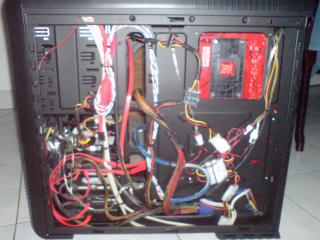
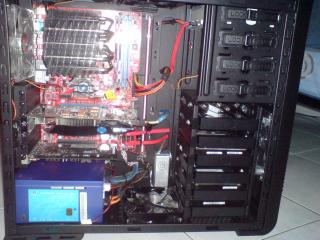
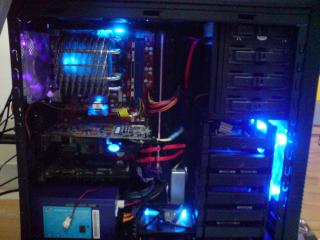 HI i just gotmy new CM690 II case,
Trying my best to do my cable management things still can be improve can give some advice |
|
|
Jul 13 2010, 07:00 PM
|
|
Junior Member
277 posts Joined: Jul 2009 From: Pearl of Orient
|
QUOTE(markoton1 @ Jul 13 2010, 06:43 PM)
HI i just gotmy new CM690 II case,Trying my best to do my cable management things still can be improve can give some advice |
|
|
|
|
|
Jul 13 2010, 07:53 PM
|
|
Senior Member
1,314 posts Joined: Aug 2007 From: Sarikei --> Kajang
|
QUOTE(cent88 @ Jul 13 2010, 07:00 PM) what cpu cooler is that? Thermaltake... |
|
|
Jul 13 2010, 08:58 PM
|

Junior Member
174 posts Joined: May 2008 From: K.L.
|
QUOTE(em0ti0n @ Jul 13 2010, 11:46 AM) Before Forgive me if I'm wrong and this is out of topic, but i think your ram is not running dual channel right? Or is it different for intel? I thought to run dual channel, u have to put each ram sticks at the corresponding colored ram slot?» Click to show Spoiler - click again to hide... « After » Click to show Spoiler - click again to hide... « Still dusty Again, i could be wrong and feel free to correct me  |
|
|
Jul 13 2010, 09:14 PM
|

All Stars
10,530 posts Joined: Nov 2004 From: Petaling Jaya & Mid Valley
|
QUOTE(rzs77 @ Jul 13 2010, 08:58 PM) Forgive me if I'm wrong and this is out of topic, but i think your ram is not running dual channel right? Or is it different for intel? I thought to run dual channel, u have to put each ram sticks at the corresponding colored ram slot? that actually depends on the motherboard's manufacturer...Again, i could be wrong and feel free to correct me some intel board will require the ram into same color... while other intel boards will require the ram to be in different colors. ull need to refer to the motherboard manual but most of the time i see the requirement to be the same color...easier to spot i guess. but ive come across mobos that requires the ram to be slotted in different colored slots... besides...its just color...thats it... |
|
|
Jul 13 2010, 09:56 PM
|
|
Junior Member
438 posts Joined: Aug 2008
|
QUOTE(rzs77 @ Jul 13 2010, 08:58 PM) Forgive me if I'm wrong and this is out of topic, but i think your ram is not running dual channel right? Or is it different for intel? I thought to run dual channel, u have to put each ram sticks at the corresponding colored ram slot? I actually dunno bout this.. Again, i could be wrong and feel free to correct me But i think it just colour...Oh wait... i go find Mobo manual... Editted: Manual say it support dual-channel.. Now i change it dual channel, put ram at the corresponding colored slot... This post has been edited by em0ti0n: Jul 13 2010, 10:41 PM |
|
|
Jul 13 2010, 10:46 PM
|
|
Senior Member
2,367 posts Joined: Oct 2008 From: Penang / Selangor
|
QUOTE(markoton1 @ Jul 13 2010, 06:43 PM) » Click to show Spoiler - click again to hide... « HI i just gotmy new CM690 II case, Trying my best to do my cable management things still can be improve can give some advice dunno why though |
|
|
Jul 13 2010, 11:53 PM
|
|
Junior Member
174 posts Joined: May 2008 From: K.L.
|
QUOTE(em0ti0n @ Jul 13 2010, 09:56 PM) I actually dunno bout this.. Huhu! Glad u can now run dual channel But i think it just colour...Oh wait... i go find Mobo manual... Editted: Manual say it support dual-channel.. Now i change it dual channel, put ram at the corresponding colored slot... |
|
|
Jul 14 2010, 12:07 AM
|
|
Junior Member
18 posts Joined: Jul 2010
|
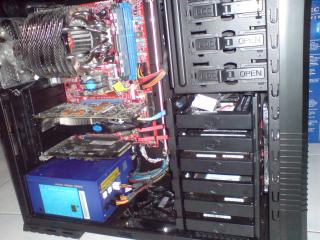
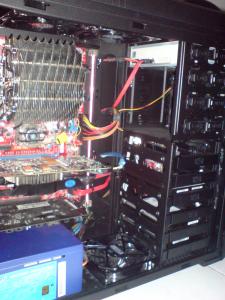
yaya true, i also find very messy , but anyway i just rerout my cable, how you thing about it now?
just let me know if they anything can be improve 
|
|
|
|
|
|
Jul 14 2010, 12:11 AM
|
|
Junior Member
438 posts Joined: Aug 2008
|
QUOTE(rzs77 @ Jul 13 2010, 11:53 PM) Huhu! Glad u can now run dual channel thanks for telling me,  i never noticed this b4  |
|
|
Jul 14 2010, 12:58 AM
|
|
Junior Member
174 posts Joined: May 2008 From: K.L.
|
QUOTE(em0ti0n @ Jul 14 2010, 12:11 AM) thanks for telling me, No need to thank me bro. I also wasn't sure. Plus, this is what forums are suppose to be for. To share knowledge i never noticed this b4  |
|
|
Jul 14 2010, 01:15 AM
|
|
Senior Member
2,367 posts Joined: Oct 2008 From: Penang / Selangor
|
QUOTE(markoton1 @ Jul 14 2010, 12:07 AM) yaya true, i also find very messy , but anyway i just rerout my cable, how you thing about it now? More tidy liao!!just let me know if they anything can be improve » Click to show Spoiler - click again to hide... « for me,i would say is perfect liao |
|
|
Jul 14 2010, 01:57 AM
|
|
Junior Member
18 posts Joined: Jul 2010
|
QUOTE(cent88 @ Jul 13 2010, 07:00 PM) what cpu cooler is that? well is the Thermaltake Spin Q |
|
|
Jul 14 2010, 02:36 AM
|
|
Junior Member
277 posts Joined: Jul 2009 From: Pearl of Orient
|
QUOTE(markoton1 @ Jul 14 2010, 01:57 AM) well is the Thermaltake Spin Q Looks powerful.  |
|
|
Jul 14 2010, 02:40 AM
|
|
Junior Member
18 posts Joined: Jul 2010
|
QUOTE(cent88 @ Jul 14 2010, 02:36 AM) Looks powerful. yar mabye, but i have use it for some time to me it is very good i overclock my CORE from 2.6Ghz to 3.2Ghz and do a stress test it never reach 40'c and in idel is around 30 to 32'c |
|
|
Jul 14 2010, 10:03 AM
|
|
Junior Member
277 posts Joined: Jul 2009 From: Pearl of Orient
|
QUOTE(markoton1 @ Jul 14 2010, 02:40 AM) yar mabye, but i have use it for some time to me it is very good i overclock my CORE from 2.6Ghz to 3.2Ghz and do a stress test it never reach 40'c and in idel is around 30 to 32'c in air cond room? what is your ambient temperature, how come the idle so low?how much you bought the spinQ, thinking of getting one to try too. This post has been edited by cent88: Jul 14 2010, 10:04 AM |
| Change to: |  0.0205sec 0.0205sec
 0.80 0.80
 6 queries 6 queries
 GZIP Disabled GZIP Disabled
Time is now: 21st December 2025 - 07:36 AM |
 Quote
Quote