Outline ·
[ Standard ] ·
Linear+
Public Panasonic Lumix LX-3's gallery, Let's share da works done by LX-3..
|
europology
|
 Aug 26 2009, 12:54 PM Aug 26 2009, 12:54 PM
|

|
^
Normally I use 640x427 (for 3:2 aspect ratio), which you see on the pictures above.
Also, do try to explore more on those manual settings, like A, S, M etc. You'll have much control over the output you want as well as a way to stretch your creativity.
BTW, try to snap more on nature instead of those usual things we see. Sometimes those little details around you can be made into a memorable shot.
|
|
|
|
|
|
popsoul
|
Aug 30 2009, 04:04 PM
|
|
|
Hey fellas i want to ask how can i adjust the picture size to smaller? Now its default set to 3968 x 2232 and around 4mb 1 picture. Too big right? Still new to LX3 and what is dynamic mode?  |
|
|
|
|
|
DJFoo000
|
Aug 30 2009, 05:56 PM
|
|
|
QUOTE(popsoul @ Aug 30 2009, 04:04 PM) Hey fellas i want to ask how can i adjust the picture size to smaller? Now its default set to 3968 x 2232 and around 4mb 1 picture. Too big right? Still new to LX3 and what is dynamic mode? lol you'll have to compromise quality for smaller file size. If you shoot in JPG, in the menu you can choose b/w 2 quality, one is little compression (arrow wit 2 layer of bricks), one is a lot of compression (arrow wit one layer of bricks). Obviously the latter will yield a smaller file size. The manual is a fuss to read huh? |
|
|
|
|
|
ianho
|
Aug 30 2009, 06:04 PM
|
Cucimangkoklife

|
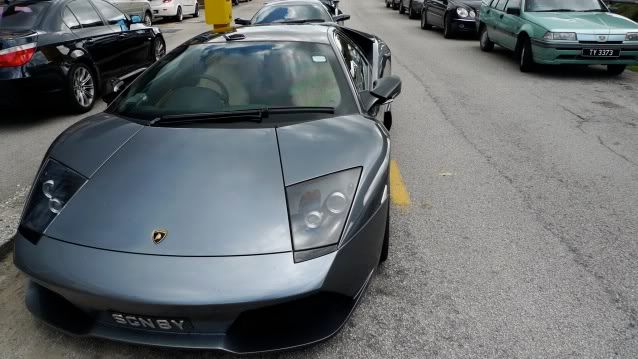
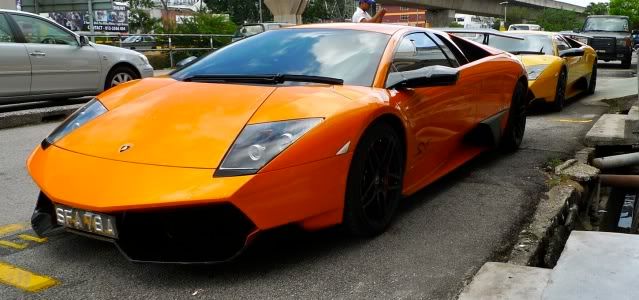
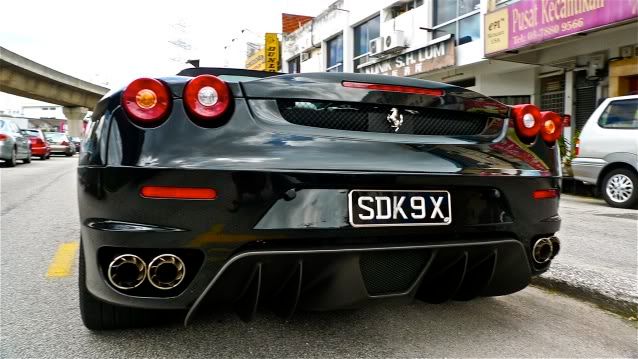
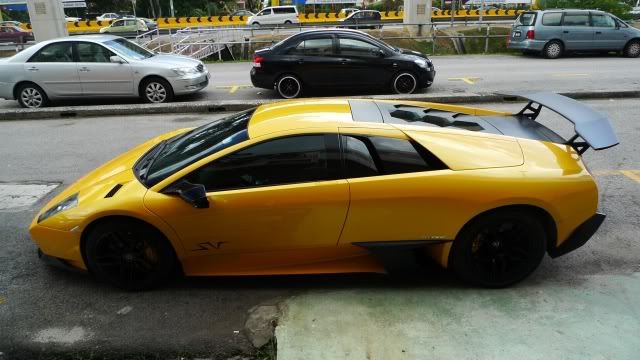
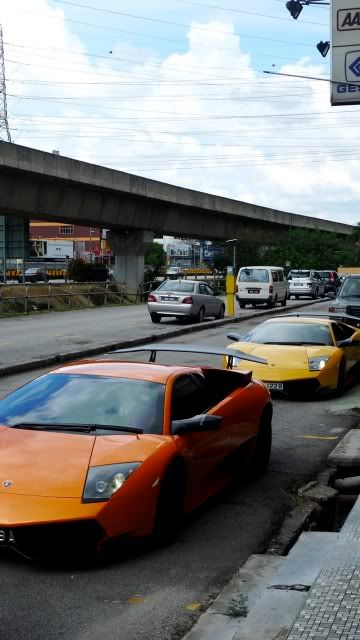
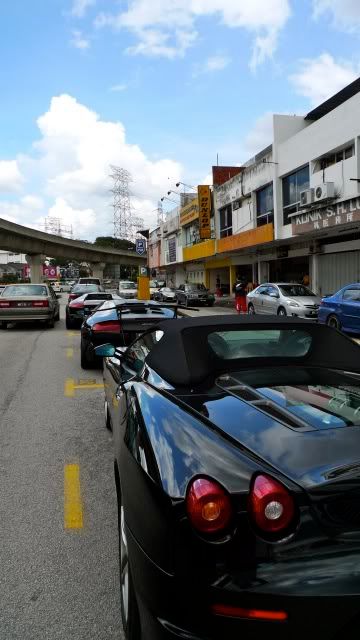
QUOTE(=Hanxz= @ Aug 26 2009, 12:07 AM) @reader try uploading your pictures to photobucket here are some cars i spotted on the weekends, had been posted on another thread, direct quote only  » Click to show Spoiler - click again to hide... « hoho the same convoy i spotted here's some better pics! » Click to show Spoiler - click again to hide... « more pictures later after tis page  @caerulln i think that matte design is intended, owner had a glossy bull decal over its matte front bonnet. Huhu they all go makan at the famous bak kut teh place along the LDP.
Added on August 30, 2009, 6:05 pmQUOTE(DJFoo000 @ Aug 30 2009, 05:56 PM) lol you'll have to compromise quality for smaller file size. If you shoot in JPG, in the menu you can choose b/w 2 quality, one is little compression (arrow wit 2 layer of bricks), one is a lot of compression (arrow wit one layer of bricks). Obviously the latter will yield a smaller file size. The manual is a fuss to read huh? Actually the LX3 manual where got anything to read 1?  This post has been edited by ianho: Aug 30 2009, 06:05 PM This post has been edited by ianho: Aug 30 2009, 06:05 PM |
|
|
|
|
|
Nightstalker1993
|
Aug 30 2009, 06:22 PM
|
|
|
huhu. Just joined the LX3 club! rm1599 with 8gb card. Promo time in a shop in Summit. still got 3 more units when i went there!  edit: whoops. thought this was the LX3 general discussion thread This post has been edited by Nightstalker1993: Aug 30 2009, 07:22 PM |
|
|
|
|
|
DJFoo000
|
Aug 30 2009, 06:37 PM
|
|
|
QUOTE(ianho @ Aug 30 2009, 06:04 PM) Huhu they all go makan at the famous bak kut teh place along the LDP.
Added on August 30, 2009, 6:05 pmActually the LX3 manual where got anything to read 1? Shhh... I'm trying to make a generalised statement on encouraging manual reading. Haha. Manuals nowadays (even the one included in the CD) are so difficult to read. It's easier to just fiddle around with the buttons and see what happens, huh? |
|
|
|
|
|
jackorock
|
Aug 30 2009, 06:46 PM
|
New Member

|
ya lo. not reli fool-proof one
|
|
|
|
|
|
Nezs
|
Aug 30 2009, 09:43 PM
|
Getting Started
|
Title: The Fly Photographers: Nezs and Shahrizar 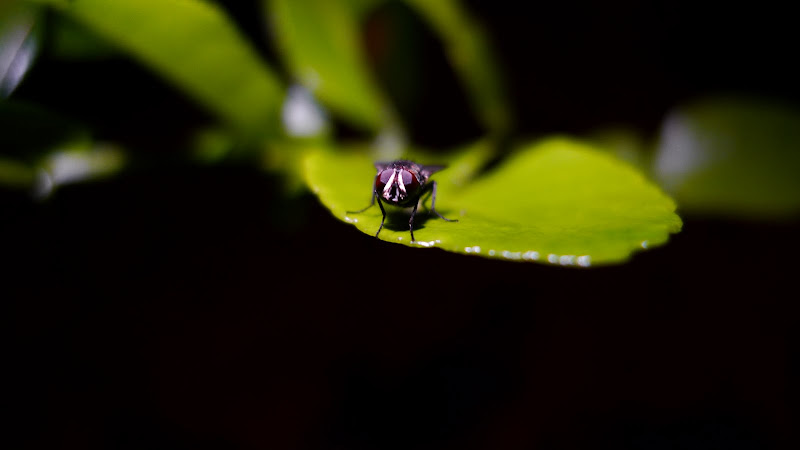 Click image for full size picture This post has been edited by Nezs: Aug 30 2009, 10:05 PM |
|
|
|
|
|
nmb3rs
|
Aug 30 2009, 10:03 PM
|
Getting Started
|
nice macro!
|
|
|
|
|
|
laichong
|
Aug 31 2009, 02:19 AM
|
|
|
shot a G10 with LX3    ISO : 400 Aperture : F2.0 Shutter : 1/3 sec No flash. and trying something on the Manual Focus... purposely blurred out the photo  |
|
|
|
|
|
jackorock
|
Aug 31 2009, 08:42 AM
|
New Member
|
wow.. vey sharp leh!
|
|
|
|
|
|
popsoul
|
Aug 31 2009, 10:20 AM
|
|
|
QUOTE(DJFoo000 @ Aug 30 2009, 05:56 PM) lol you'll have to compromise quality for smaller file size. If you shoot in JPG, in the menu you can choose b/w 2 quality, one is little compression (arrow wit 2 layer of bricks), one is a lot of compression (arrow wit one layer of bricks). Obviously the latter will yield a smaller file size. The manual is a fuss to read huh? QUOTE Actually the LX3 manual where got anything to read 1? Hi bro thanks for your useful information but i did try to change the settings to smaller MP but doesn't help much eventually. About the manual yeah covers not enough of topic. So really needs to merry-go-round with the camera itself.  This post has been edited by popsoul: Aug 31 2009, 10:21 AM This post has been edited by popsoul: Aug 31 2009, 10:21 AM |
|
|
|
|
|
DJFoo000
|
Aug 31 2009, 12:21 PM
|
|
|
QUOTE(popsoul @ Aug 31 2009, 10:20 AM) Hi bro thanks for your useful information but i did try to change the settings to smaller MP but doesn't help much eventually. About the manual yeah covers not enough of topic. So really needs to merry-go-round with the camera itself. Couldn't be. Shooting in JPG, changing the compression level from low to high doubles the number of shots available (file size ~ decrease by 50%). Changing file size but maintaining compression level only reduce the file size by a bit (~20% ?) I'm no maths expert but the file size is definitely reduced. You shoot RAW+JPG izit? This post has been edited by DJFoo000: Aug 31 2009, 12:27 PM |
|
|
|
|
|
popsoul
|
Aug 31 2009, 12:42 PM
|
|
|
QUOTE(DJFoo000 @ Aug 31 2009, 12:21 PM) Couldn't be. Shooting in JPG, changing the compression level from low to high doubles the number of shots available (file size ~ decrease by 50%). Changing file size but maintaining compression level only reduce the file size by a bit (~20% ?) I'm no maths expert but the file size is definitely reduced. You shoot RAW+JPG izit? It's indeed true from your statement, and the file size reduced too. I am pretty sure i shoot in JPEG not RAW, but i am wondering what is the normal file size that you guys getting if shoot in JPEG? and alos how to adjust the JPEG resolution during shooting too. |
|
|
|
|
|
DJFoo000
|
Aug 31 2009, 02:28 PM
|
|
|
10MP low compression JPG average I'm getting 3 to 5MB. It fluctuates based on the number of colors in the picture (i think, do correct me if i'm wrong).
Why are you so concerned about the file size anyway? I resize my pics b4 uploading it to the net coz it's faster and uneccessary to upload full sized pics. Or you not enough disk space?
LOL i think this is getting a bit out of hand considering this a gallery thread.
The resolution (i assume you're referring to picture size) can choose 10Mp, 7Mp 5Mp and so on from Q-Menu. If aspect ratio then the lever above the lens barrel (?).
|
|
|
|
|
|
Klesk
|
Aug 31 2009, 09:17 PM
|
|
|
|
|
|
|
|
|
reader
|
Aug 31 2009, 10:17 PM
|
Getting Started
|
QUOTE(x_X @ Aug 31 2009, 08:11 PM) my 1st photo using LX-3  Welcome to the club! Nice shoot. I like the "black" of your photo. Dark, but plenty of details |
|
|
|
|
|
lejoant
|
Aug 31 2009, 10:51 PM
|
Getting Started
|
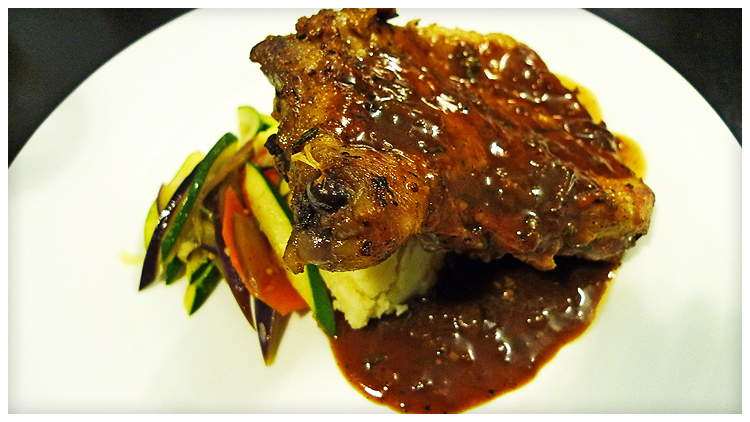
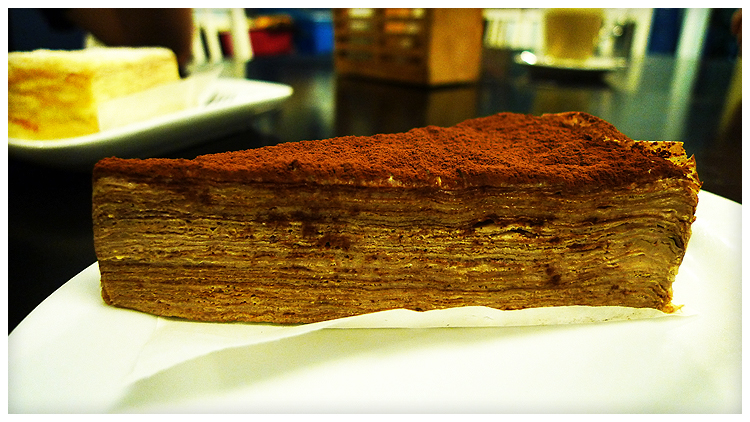
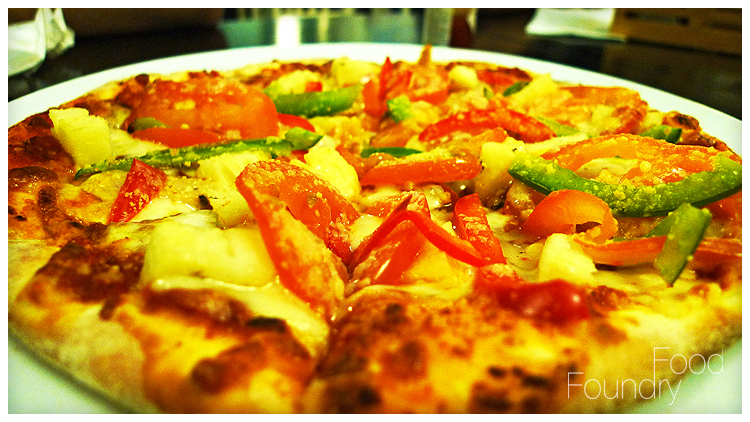
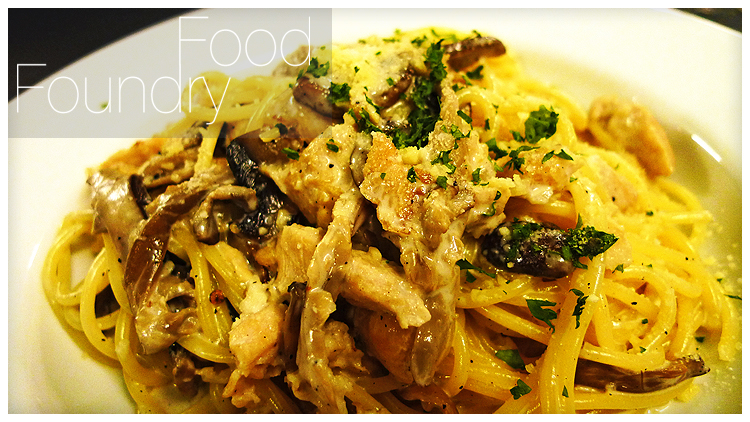
» Click to show Spoiler - click again to hide... « nomnomnom |
|
|
|
|
|
Mr.LKM
|
Sep 1 2009, 07:40 AM
|
|
|
Lejoant, that place looks familiar to me, where is the shop?
|
|
|
|
|



 Quote
Quote







 0.0355sec
 0.49
0.49
 6 queries
 GZIP Disabled