Welcome Guest ( Log In | Register )

Bump Topic Topic Closed RSS Feed
3 Pages  1 2 3 >Bottom

Outline · [ Standard ] · Linear+

 The Coolermaster League V4

views
     
hahn87
post Dec 16 2008, 01:12 AM

Enthusiast
*****
Senior Member
820 posts

Joined: Apr 2006
From: Klang Valley | Penang | Sungai Petani


been thru 2 CM cases in the past 4-5months and i forgot about this thread... blink.gif HOW COULD I..
so here goes all the photos..
because i use photobucket and i dunno how to made them thumbnails so i just gonna use spoilers. tongue.gif
prepare yourself coz it's gonna be quite a journey blush.gif

it all started with....
CM690 with a CRT monitor
» Click to show Spoiler - click again to hide... «
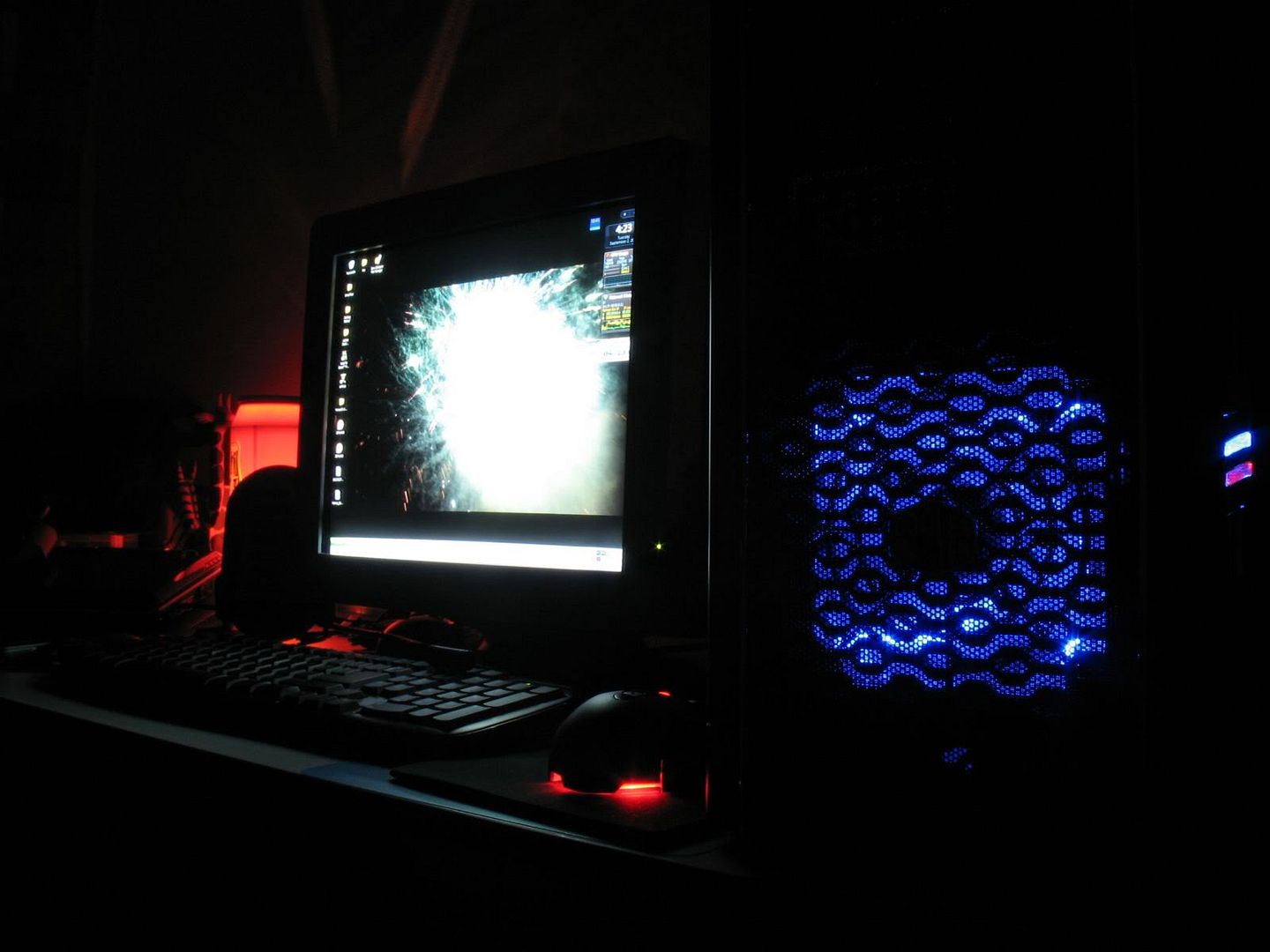
With some hardware which are not mine (borrowed E2160 dual core processor and 6600GT 128mb DDR3)
» Click to show Spoiler - click again to hide... «
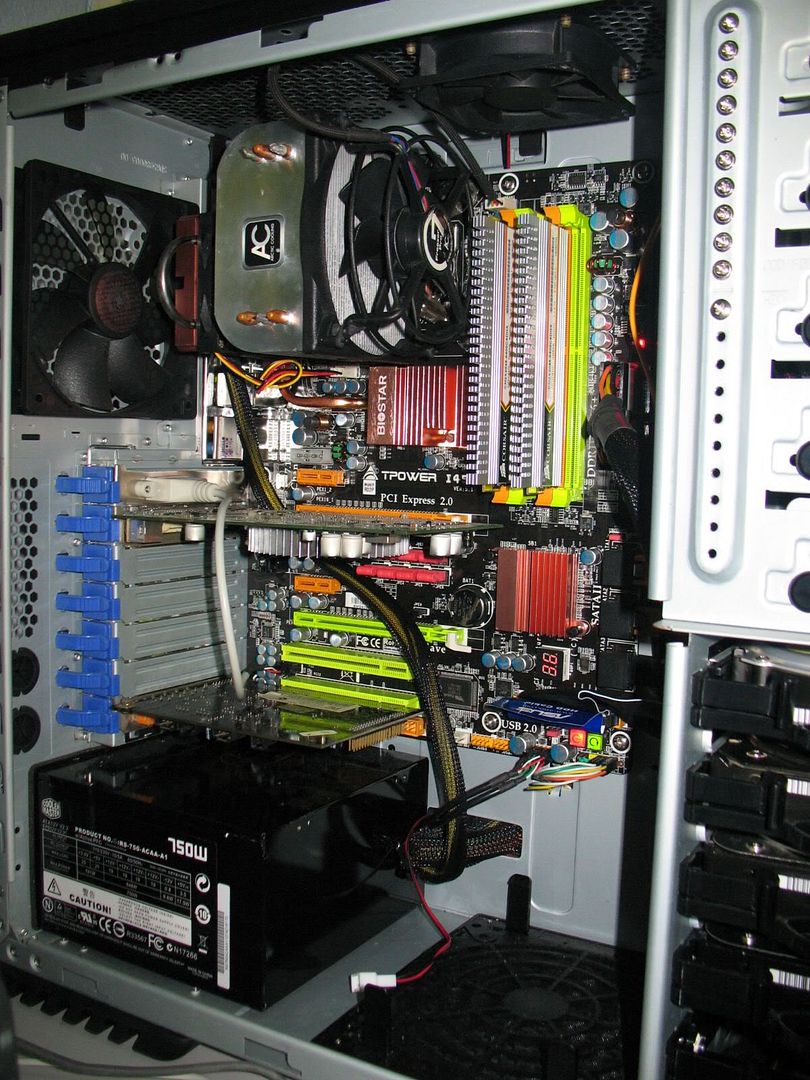
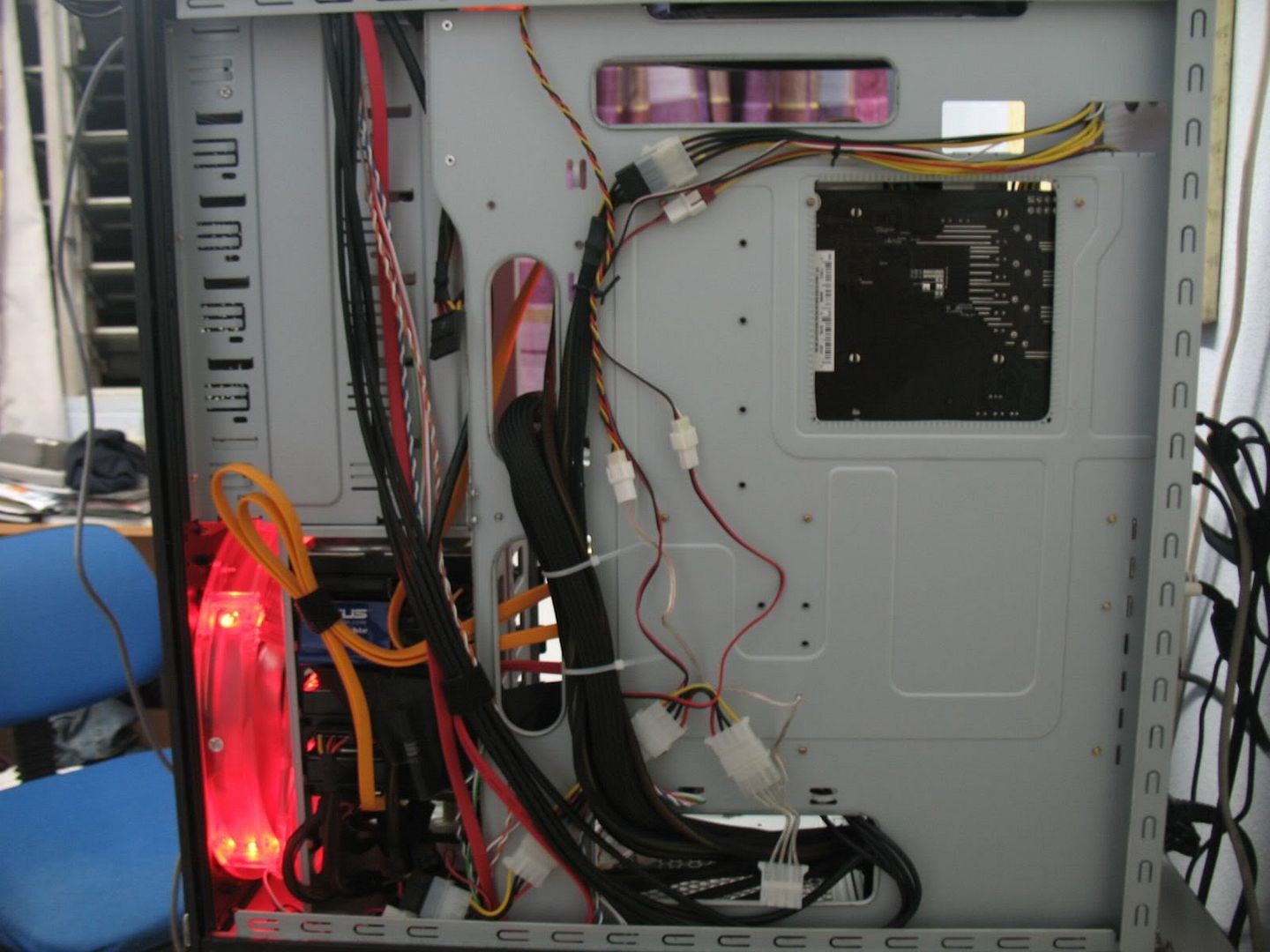
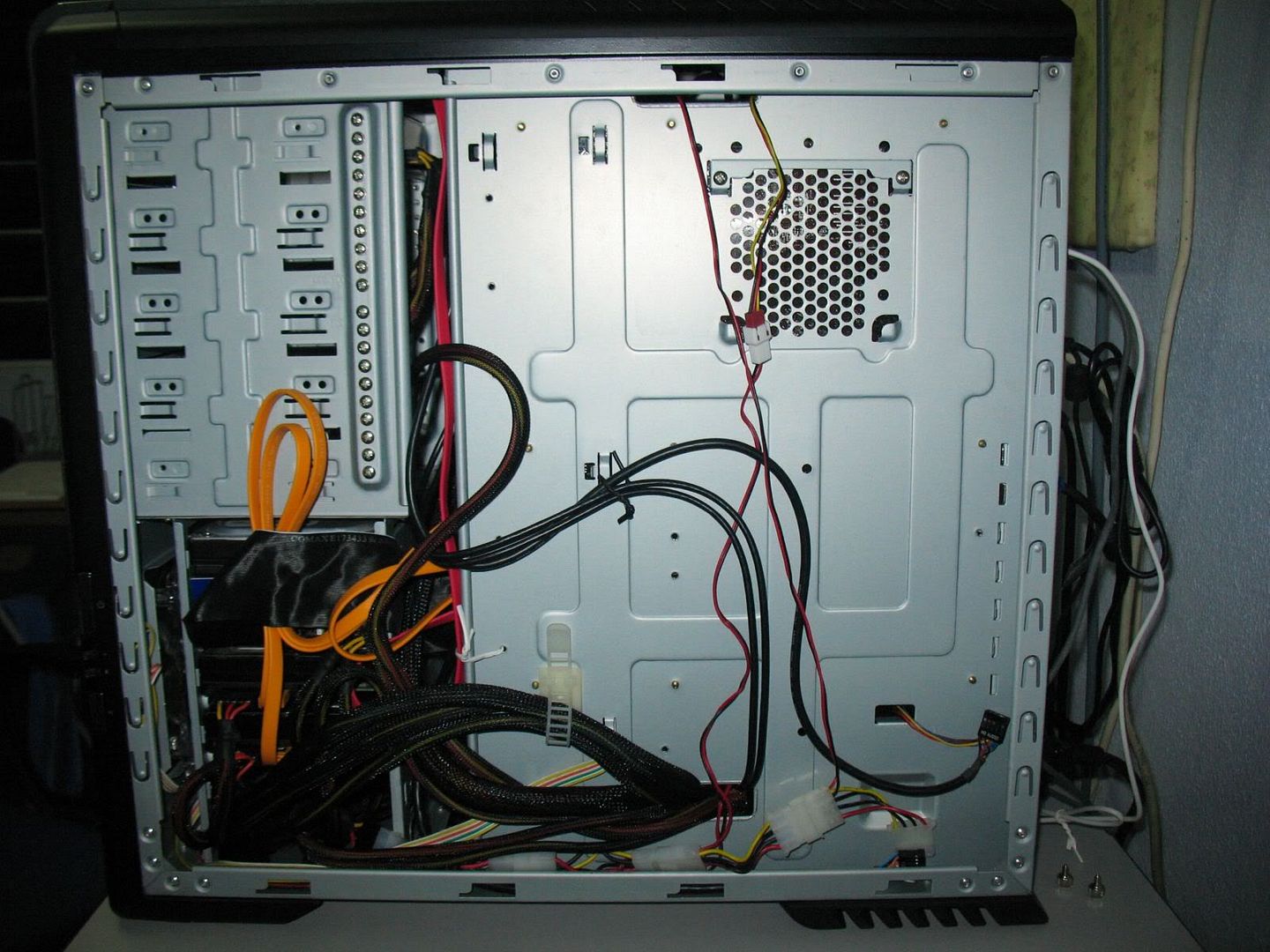
i can say the cables are pretty well managed
» Click to show Spoiler - click again to hide... «
along the way... i found 5 CM red led 120mm fans!!!!
» Click to show Spoiler - click again to hide... «
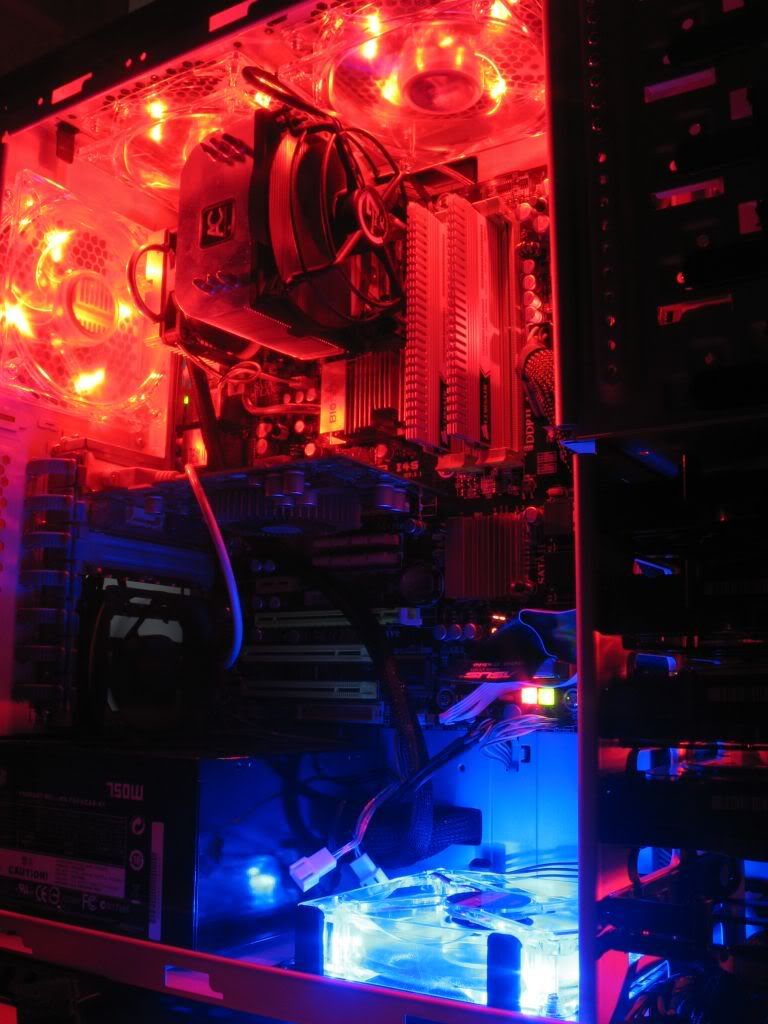
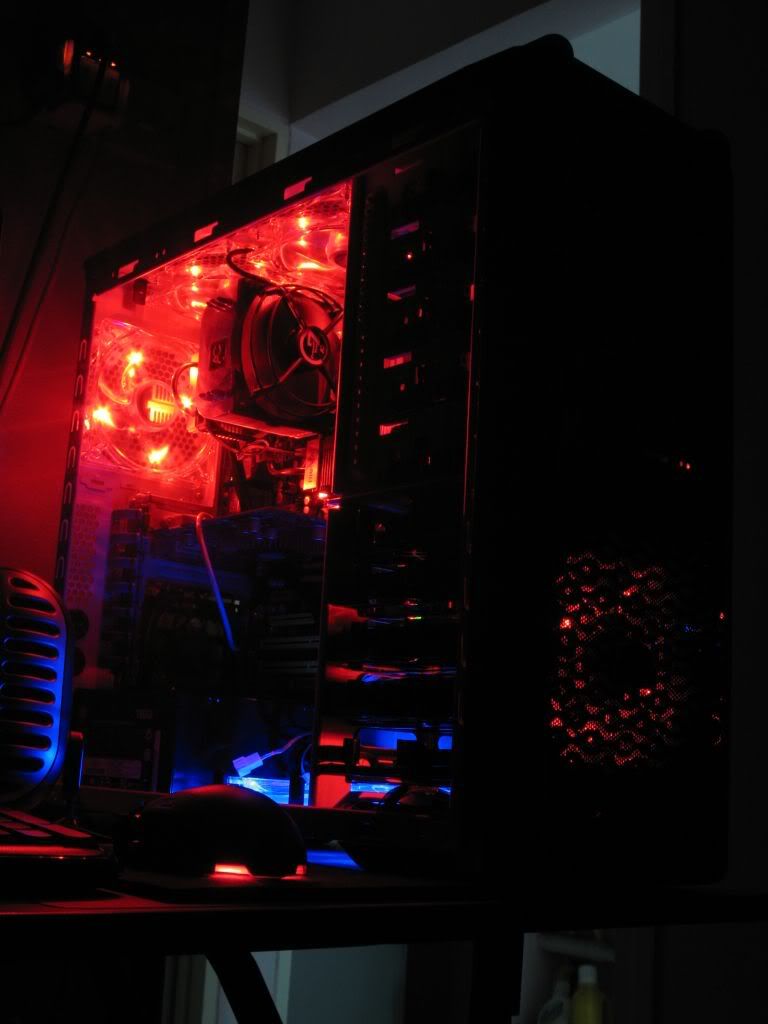
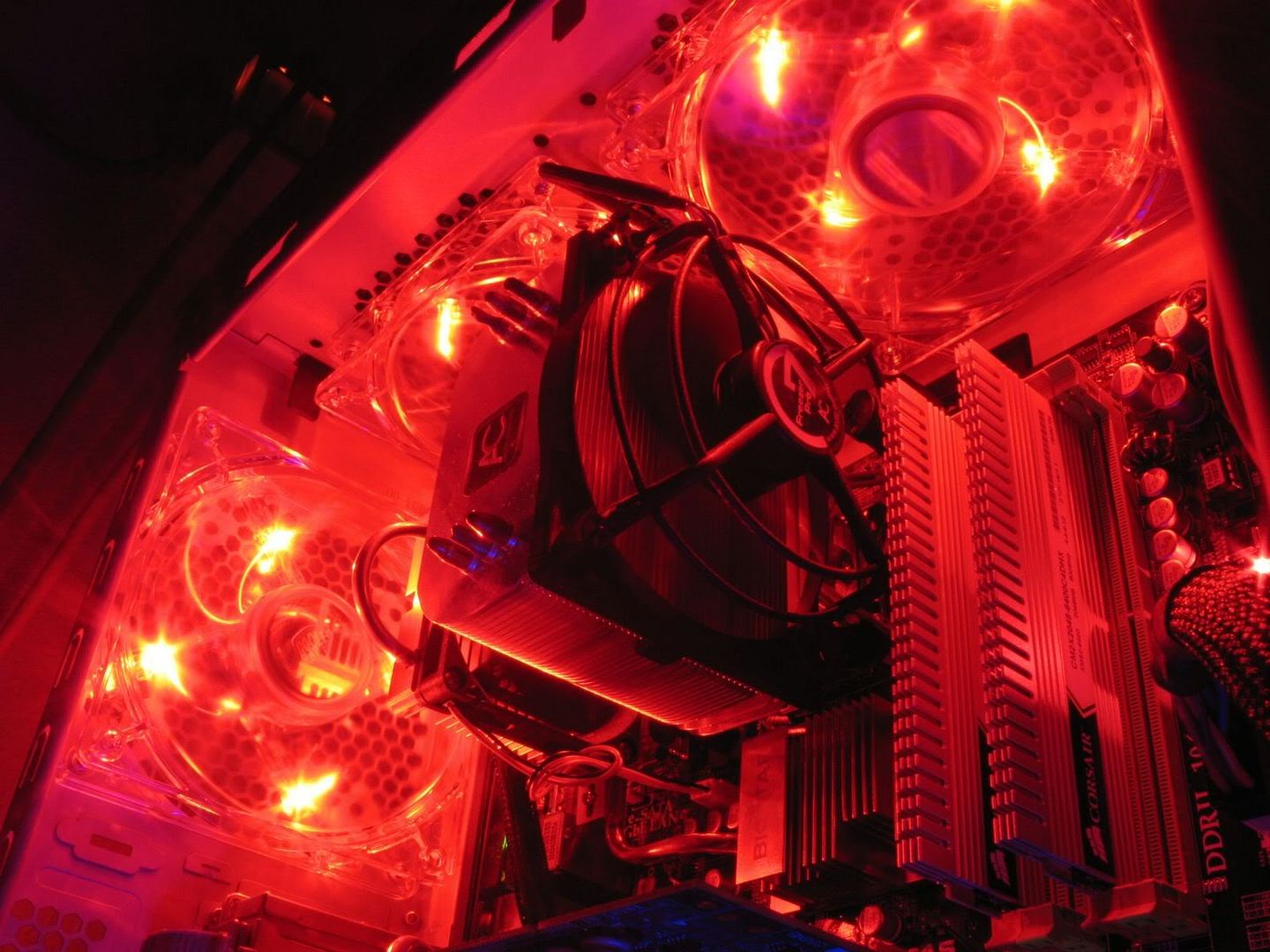
since can't post too many pic at one go...
to be continue

This post has been edited by hahn87: Dec 16 2008, 01:22 AM
hahn87
post Dec 16 2008, 01:52 AM

Enthusiast
*****
Senior Member
820 posts

Joined: Apr 2006
From: Klang Valley | Penang | Sungai Petani


sorry but the photos was already uploaded for some time already so... too many to edit or reupload now

continue........

a week later this appeared (along with some other stuff)
» Click to show Spoiler - click again to hide... «
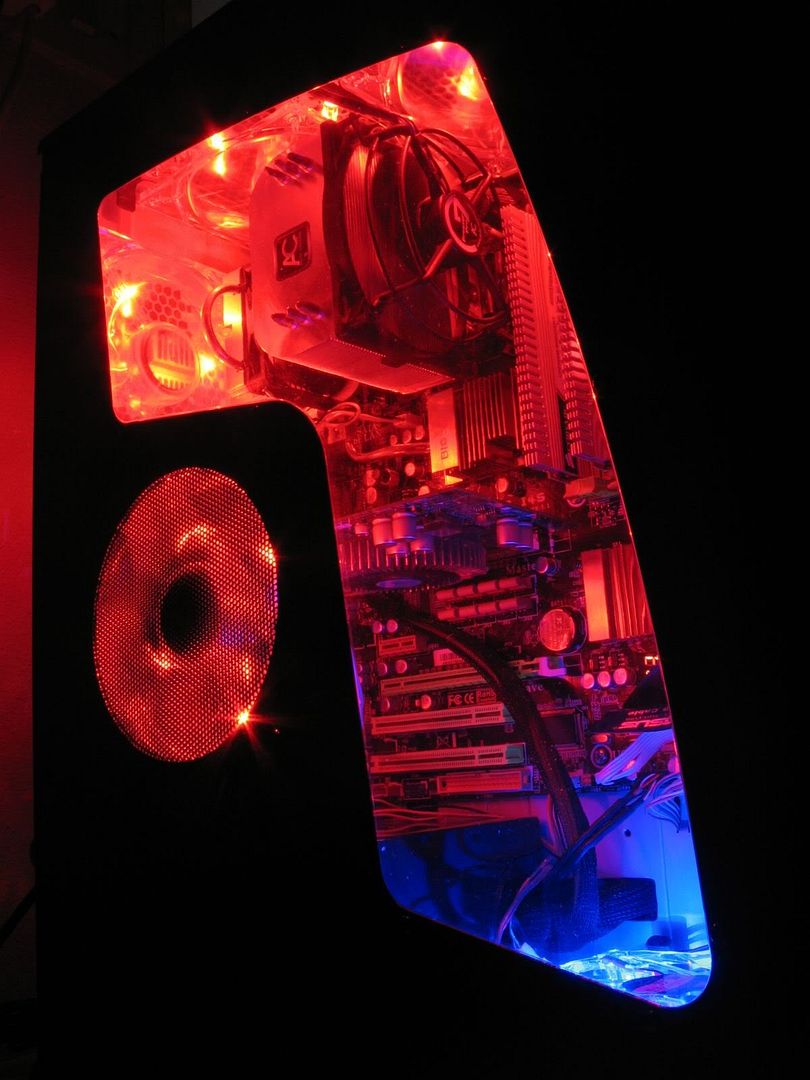
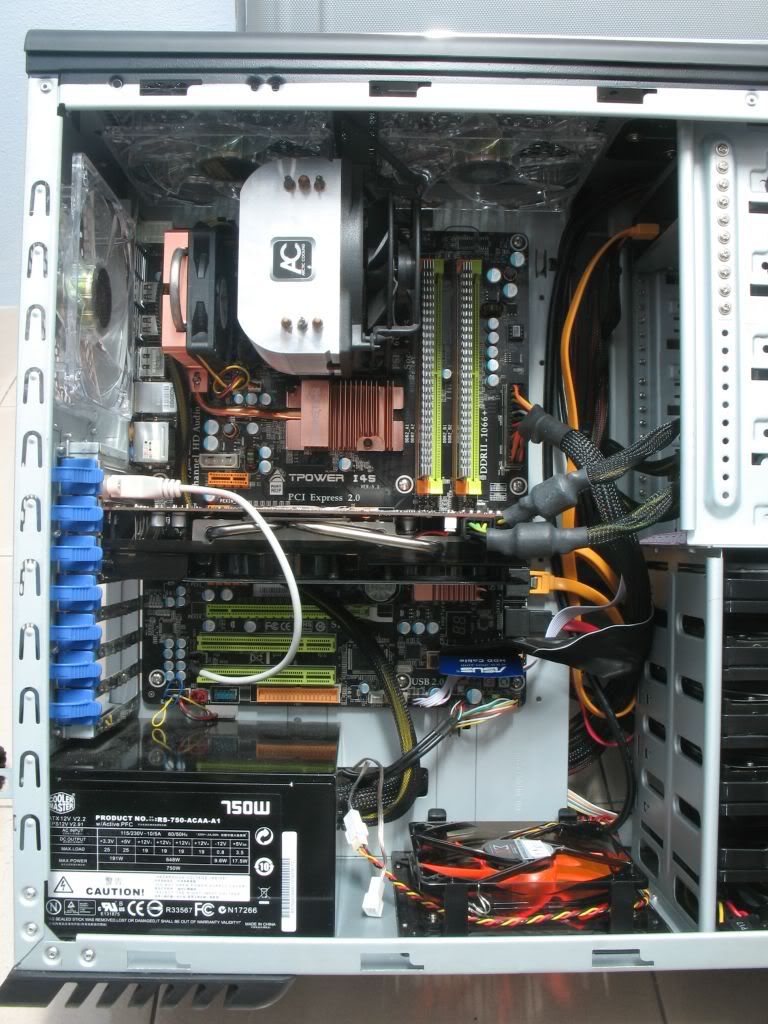
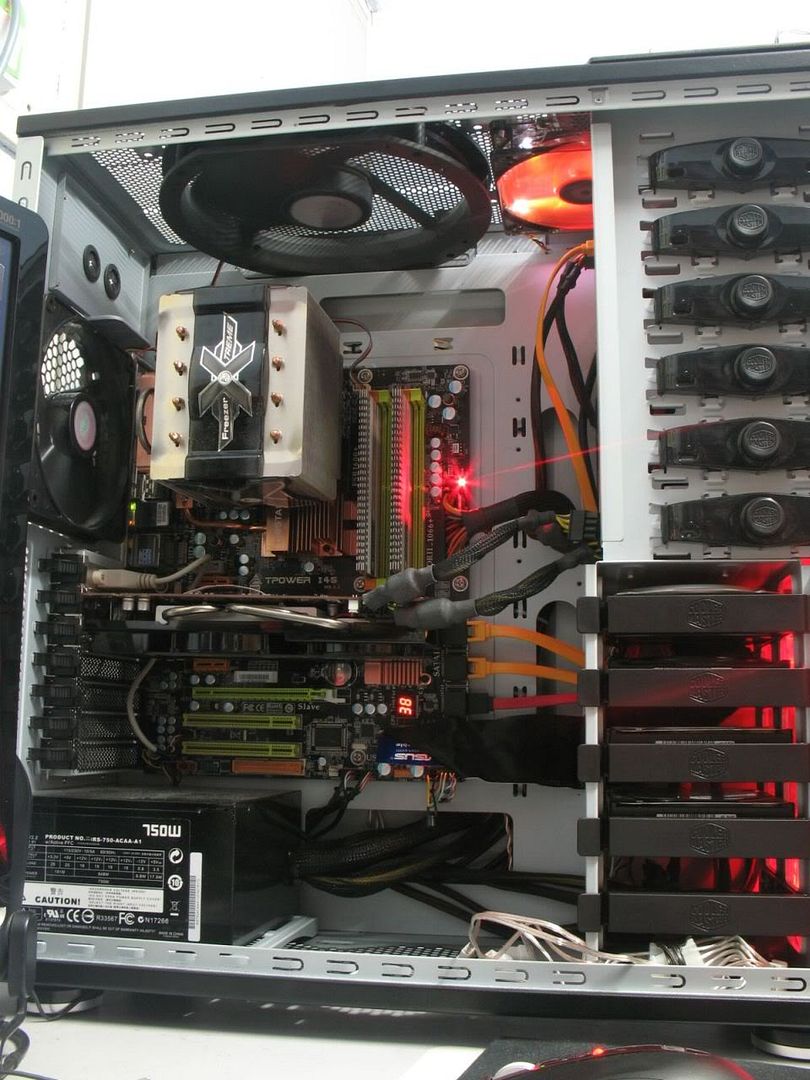
so now the inside look like this
» Click to show Spoiler - click again to hide... «
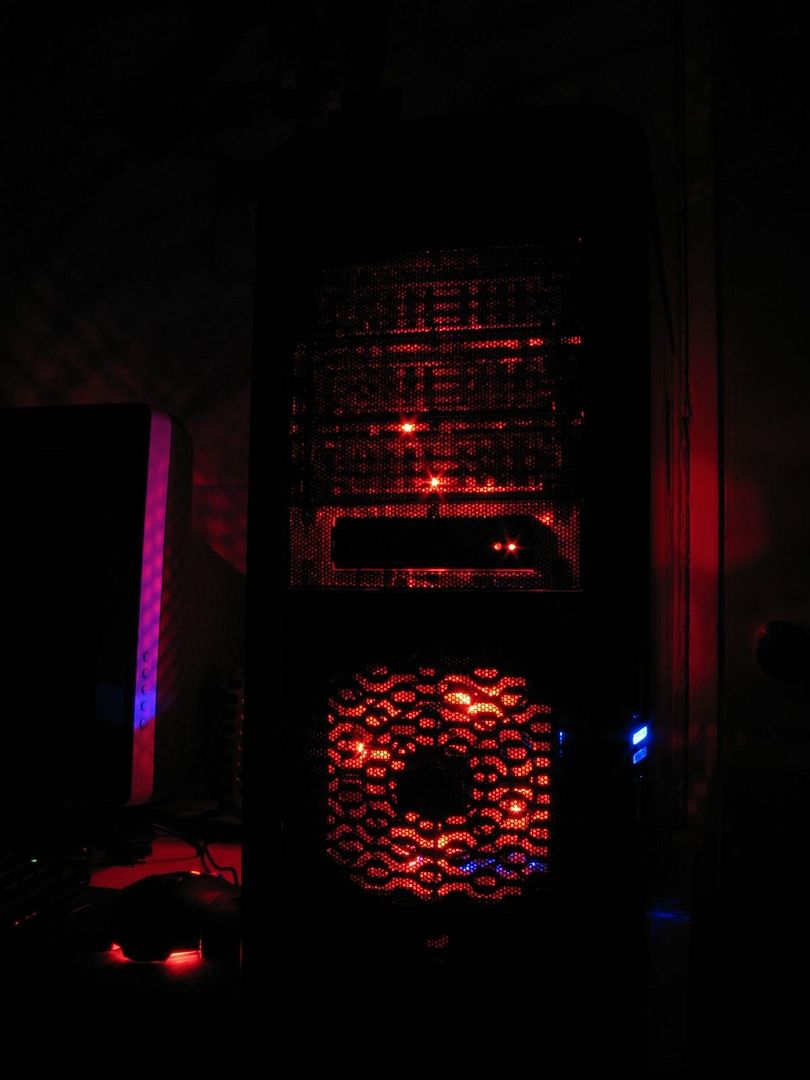
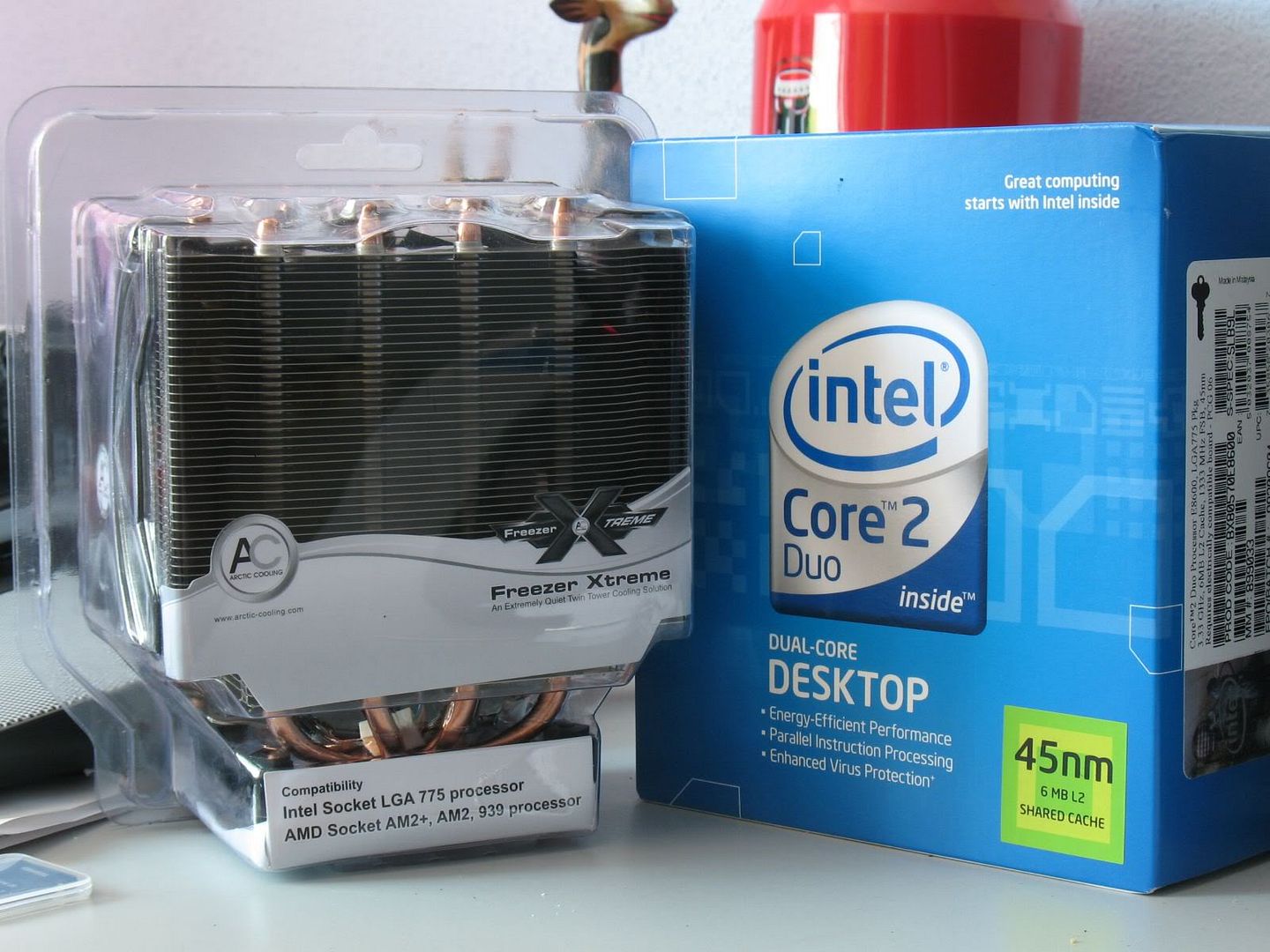
then few weeks later Core2Duo drop on my hands blink.gif so i decide the other stuff got install together with it
» Click to show Spoiler - click again to hide... «

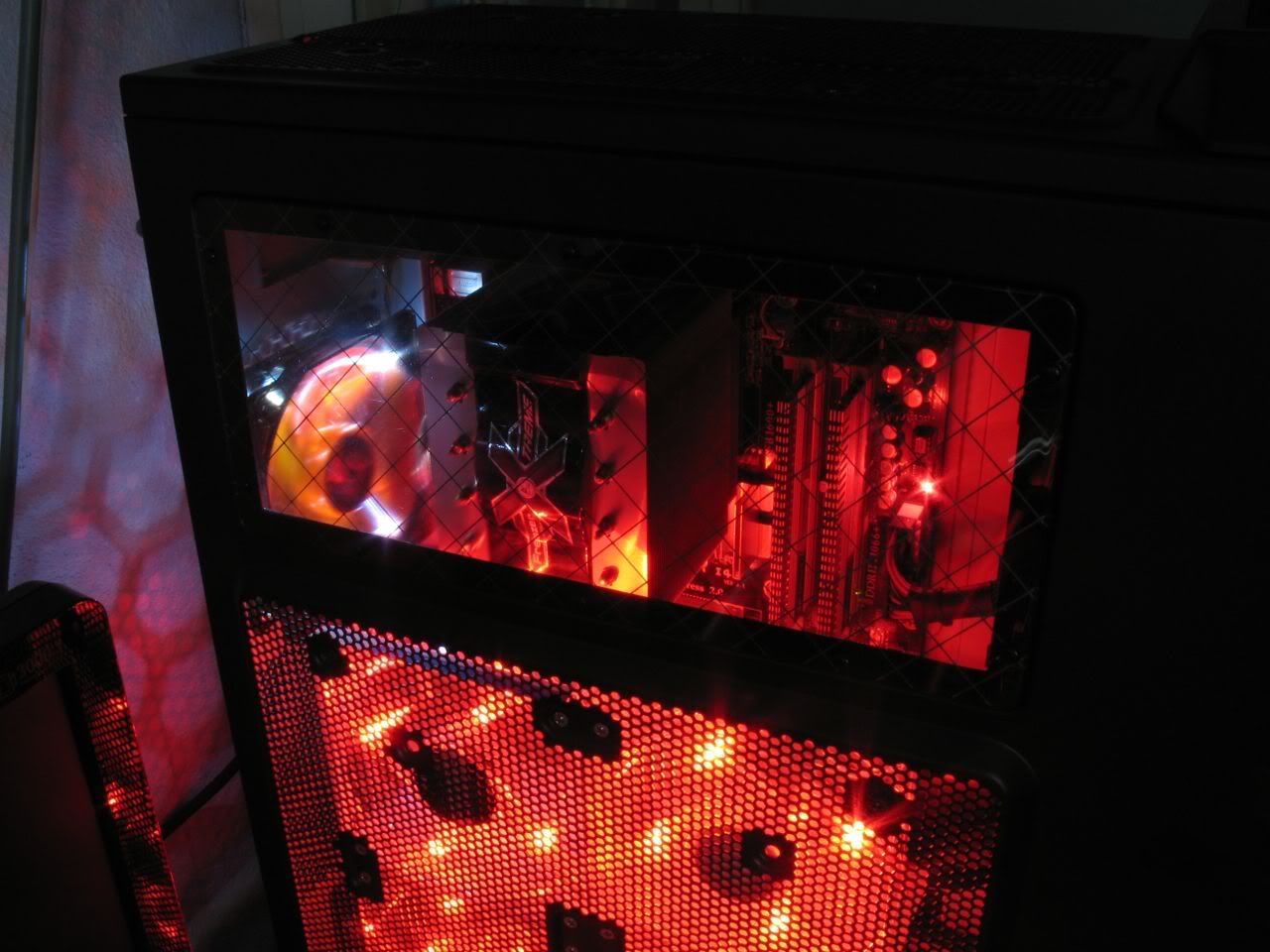
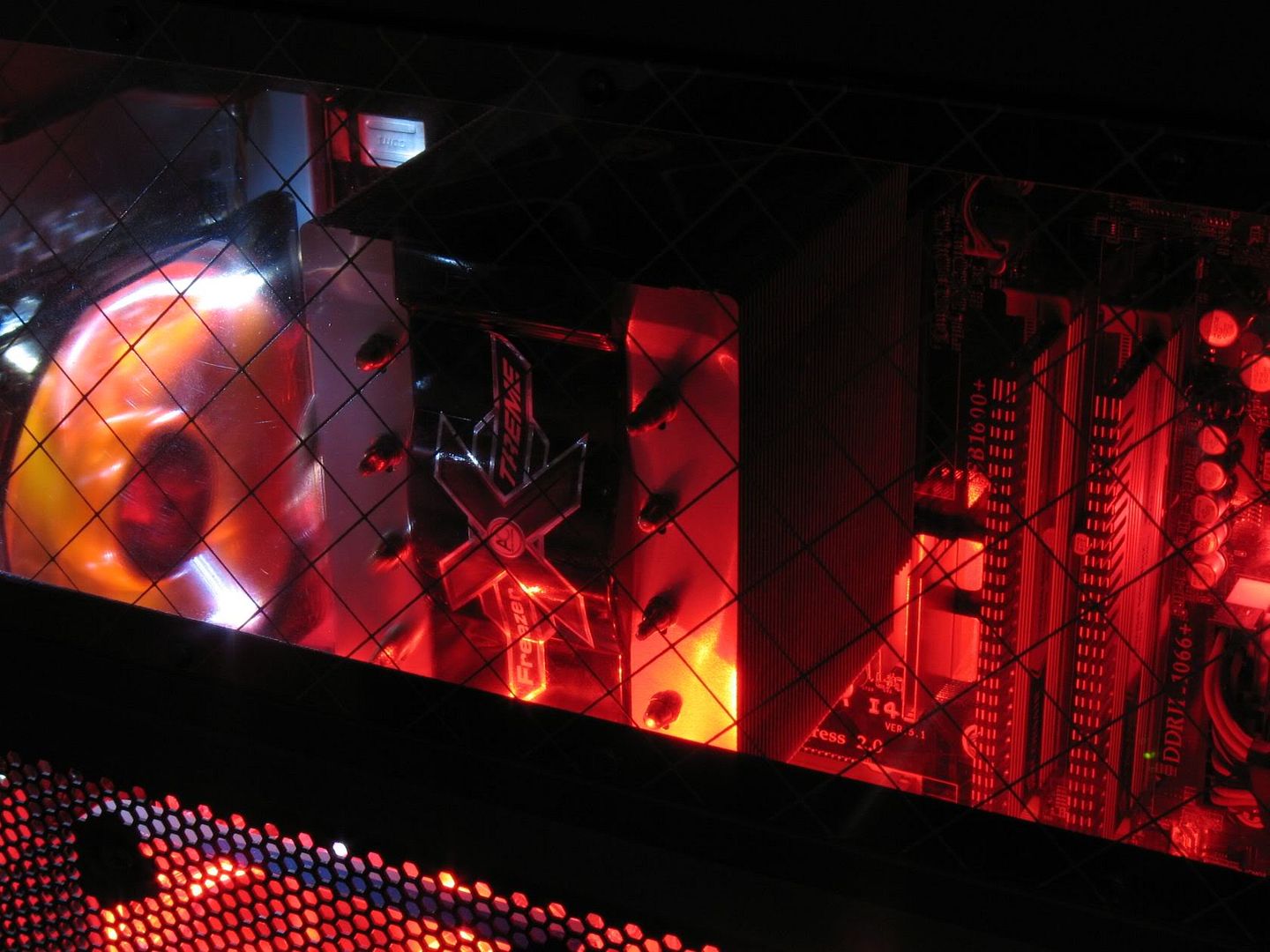
then my monitor came along (here u can see the Freezer Xtreme installed. i had to remove both 2 top red fan because the cooler too big T_T)
» Click to show Spoiler - click again to hide... «

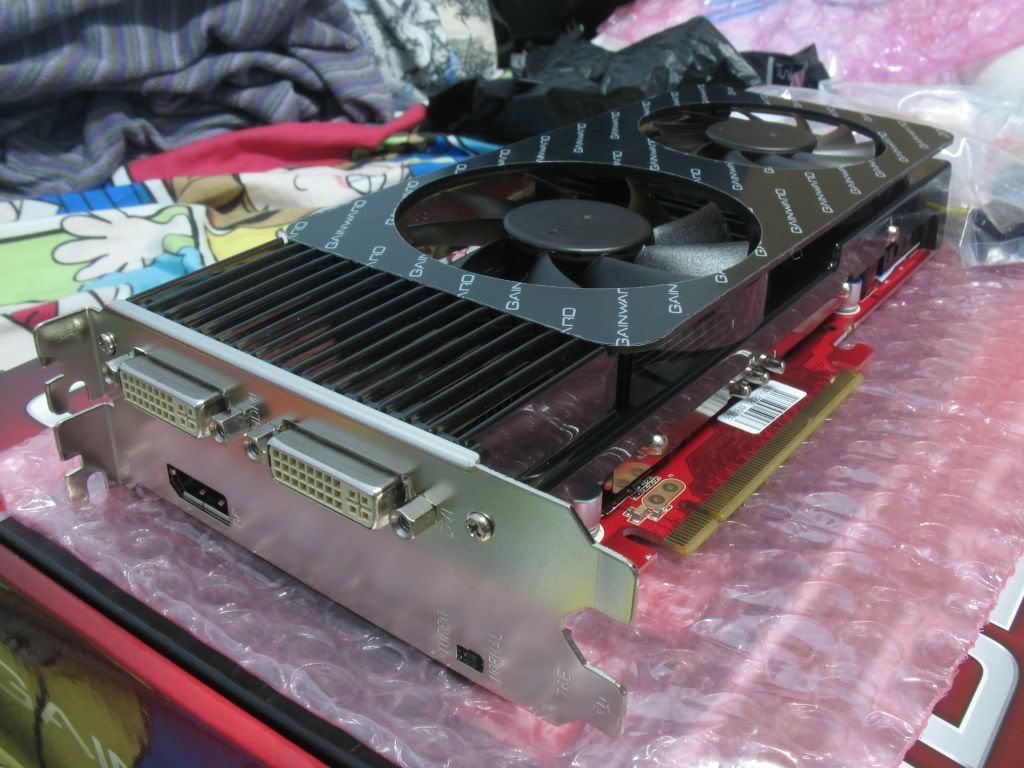
was not happy with it because it VGA input and i wan both DVI and VGA so.......
» Click to show Spoiler - click again to hide... «

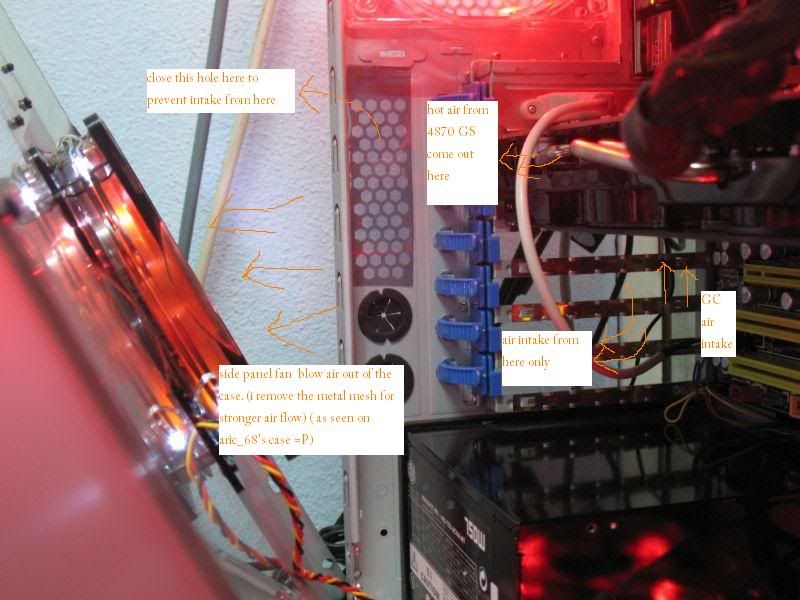
then i decide the side panel fan should not be blowing in but exhaust out because of the way th 4870GS release the heat so i did some little DIY
» Click to show Spoiler - click again to hide... «


the last part will come after this

This post has been edited by hahn87: Dec 16 2008, 01:54 AM
hahn87
post Dec 16 2008, 02:29 AM

Enthusiast
*****
Senior Member
820 posts

Joined: Apr 2006
From: Klang Valley | Penang | Sungai Petani


this is the last part =D

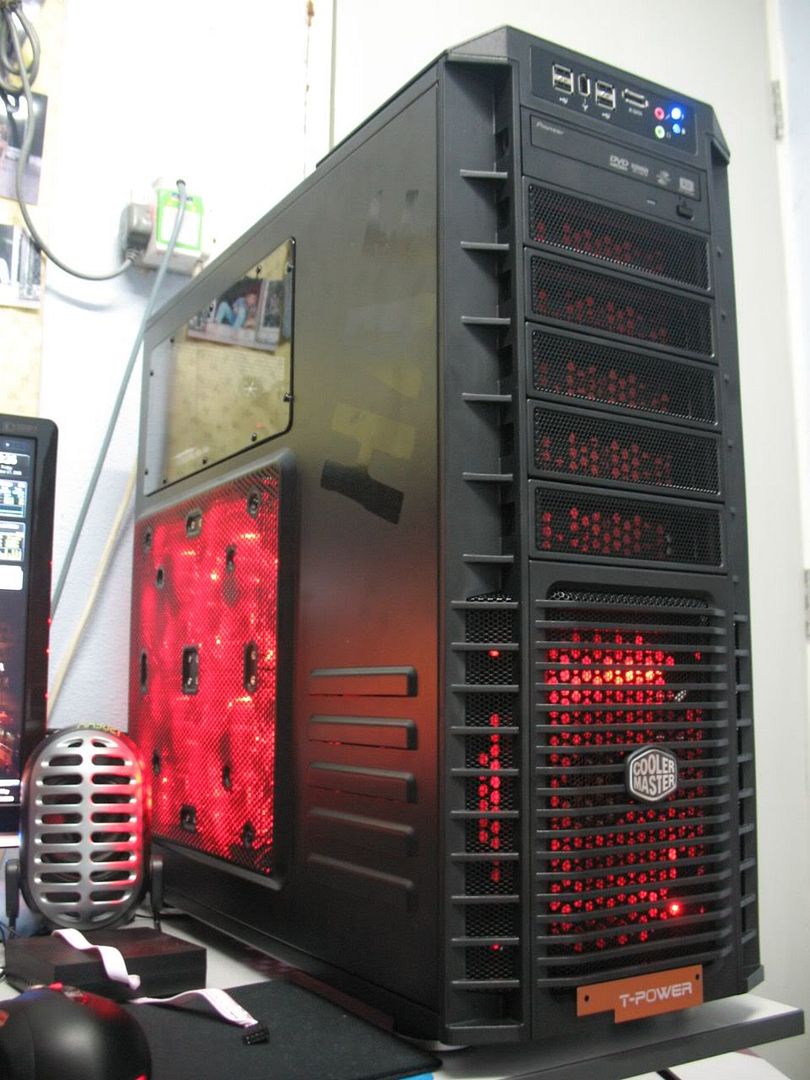
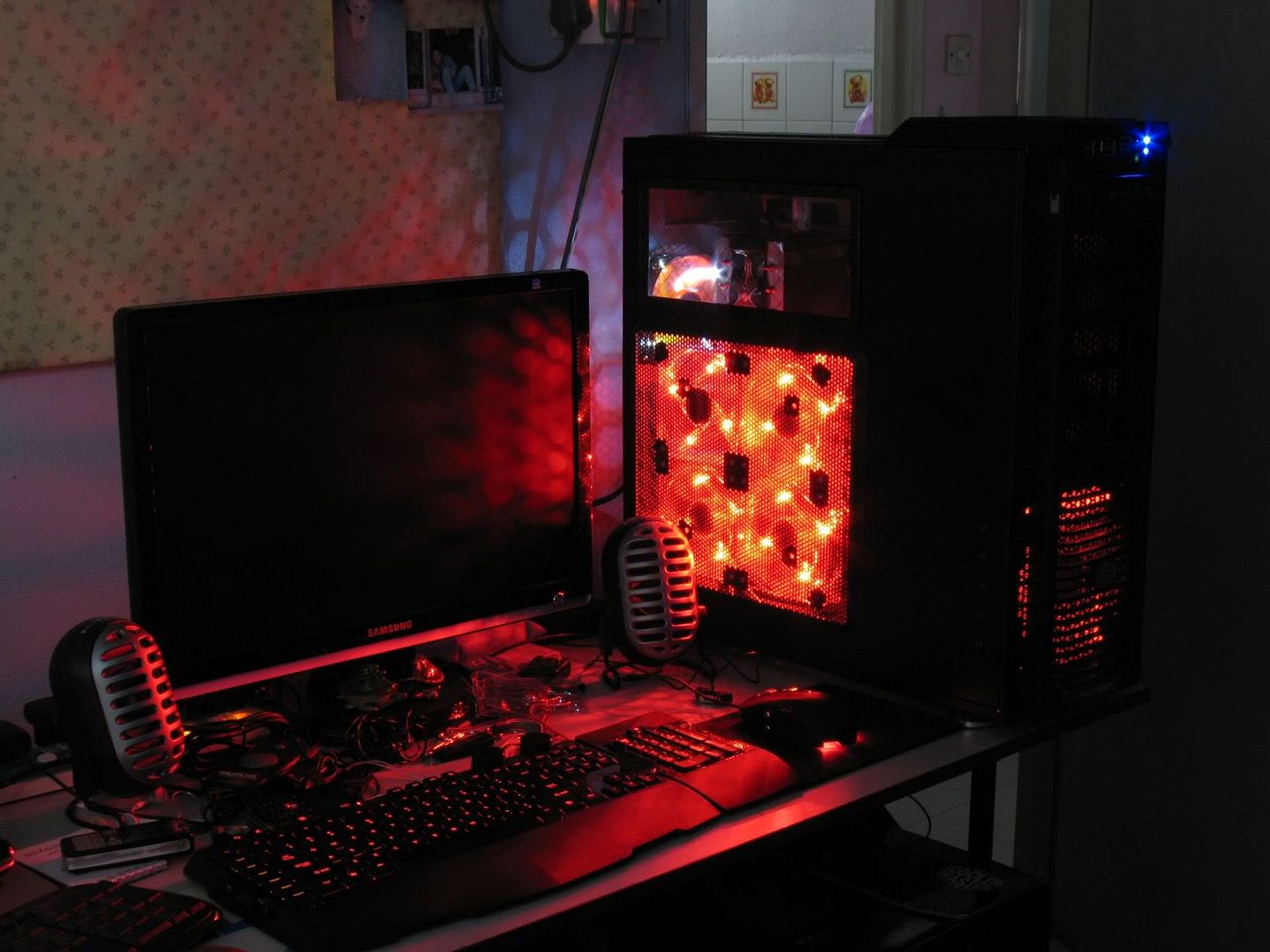
then i saw the HAF932 and i fell in love with it INSTANTLY and the 2 fan i remove can come into good use!!
» Click to show Spoiler - click again to hide... «

and then i got my sidewinder x6 keyboard to match with my sidewinder mouse along with the casing red theme
» Click to show Spoiler - click again to hide... «

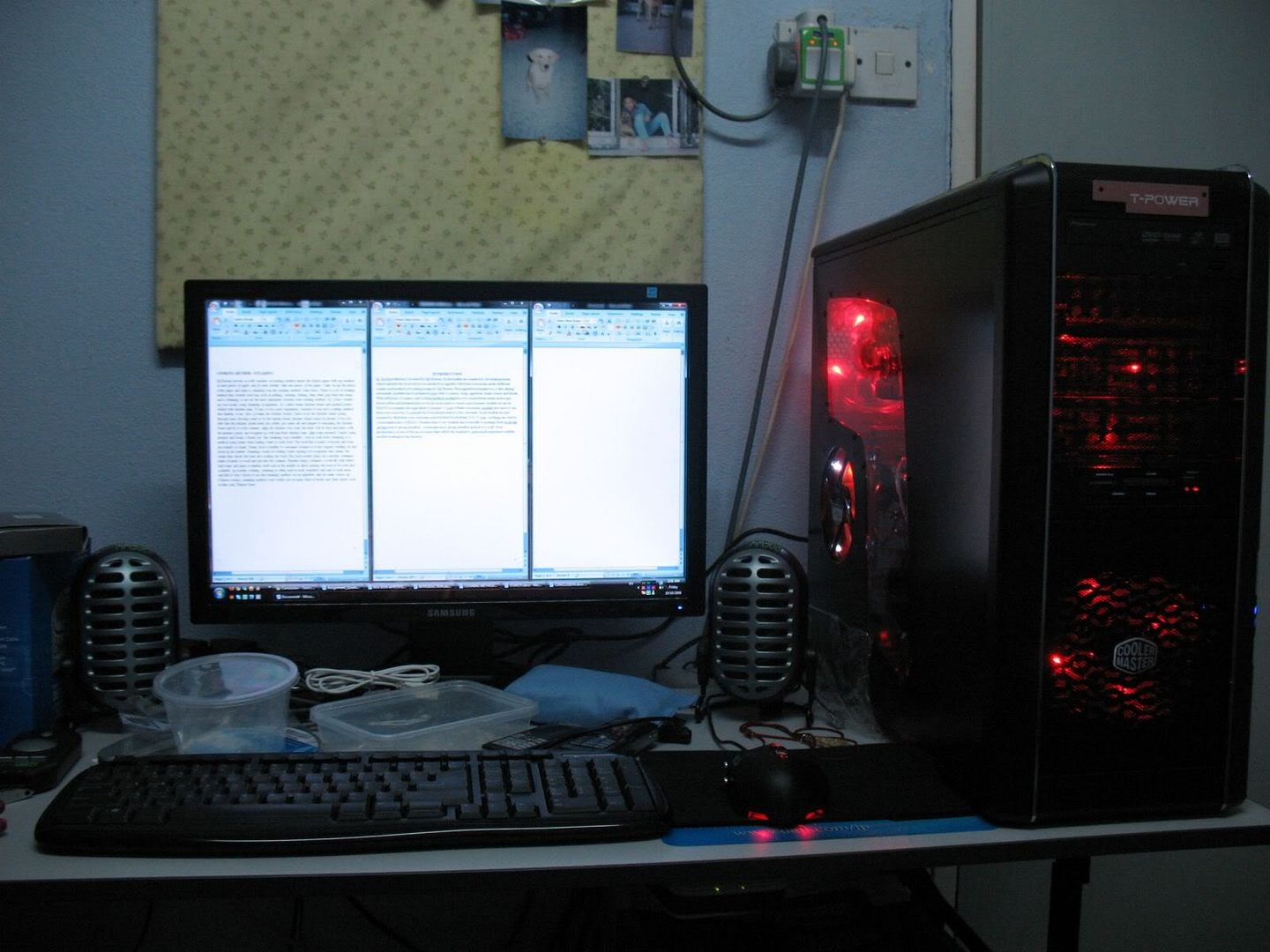
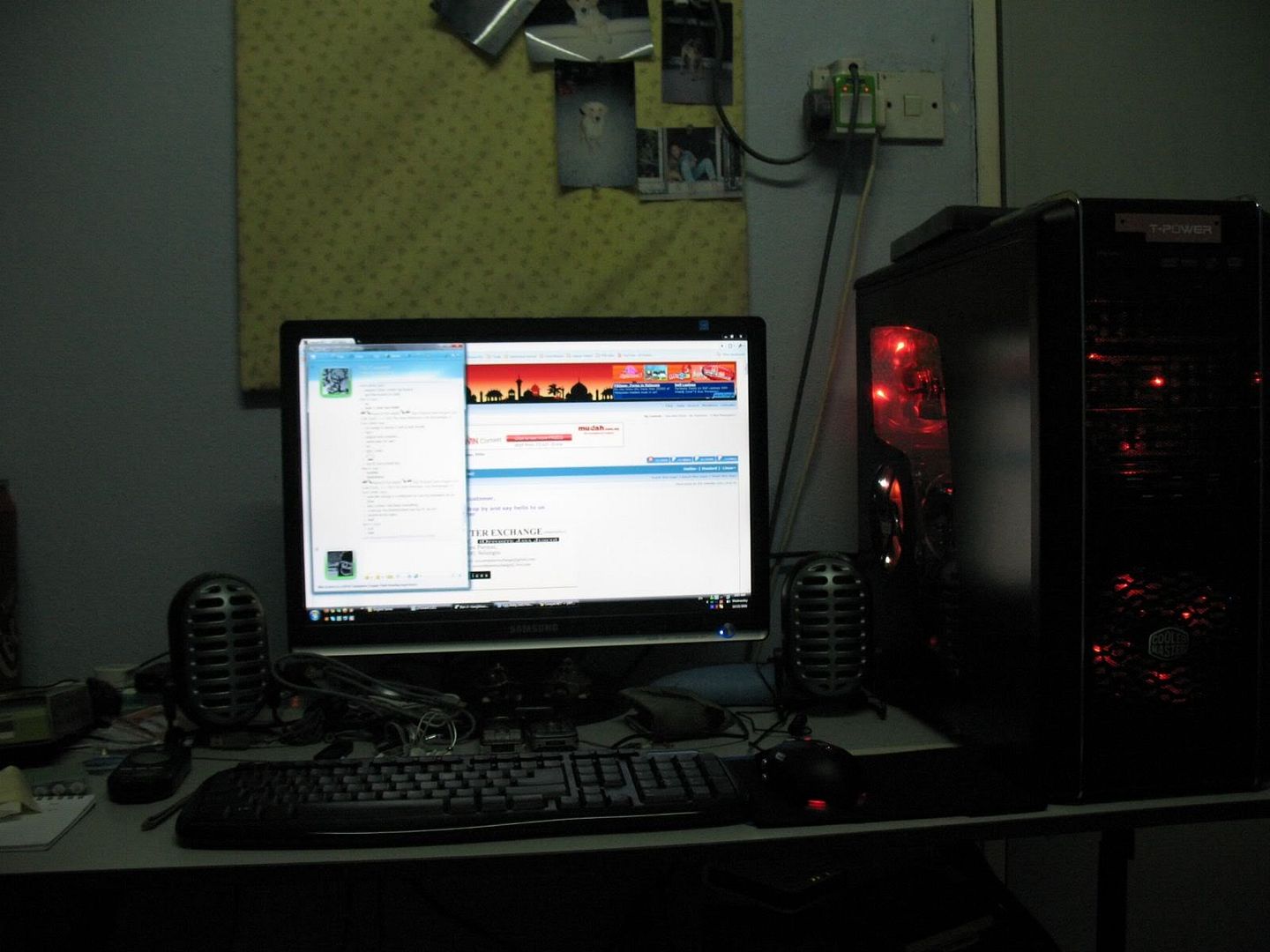
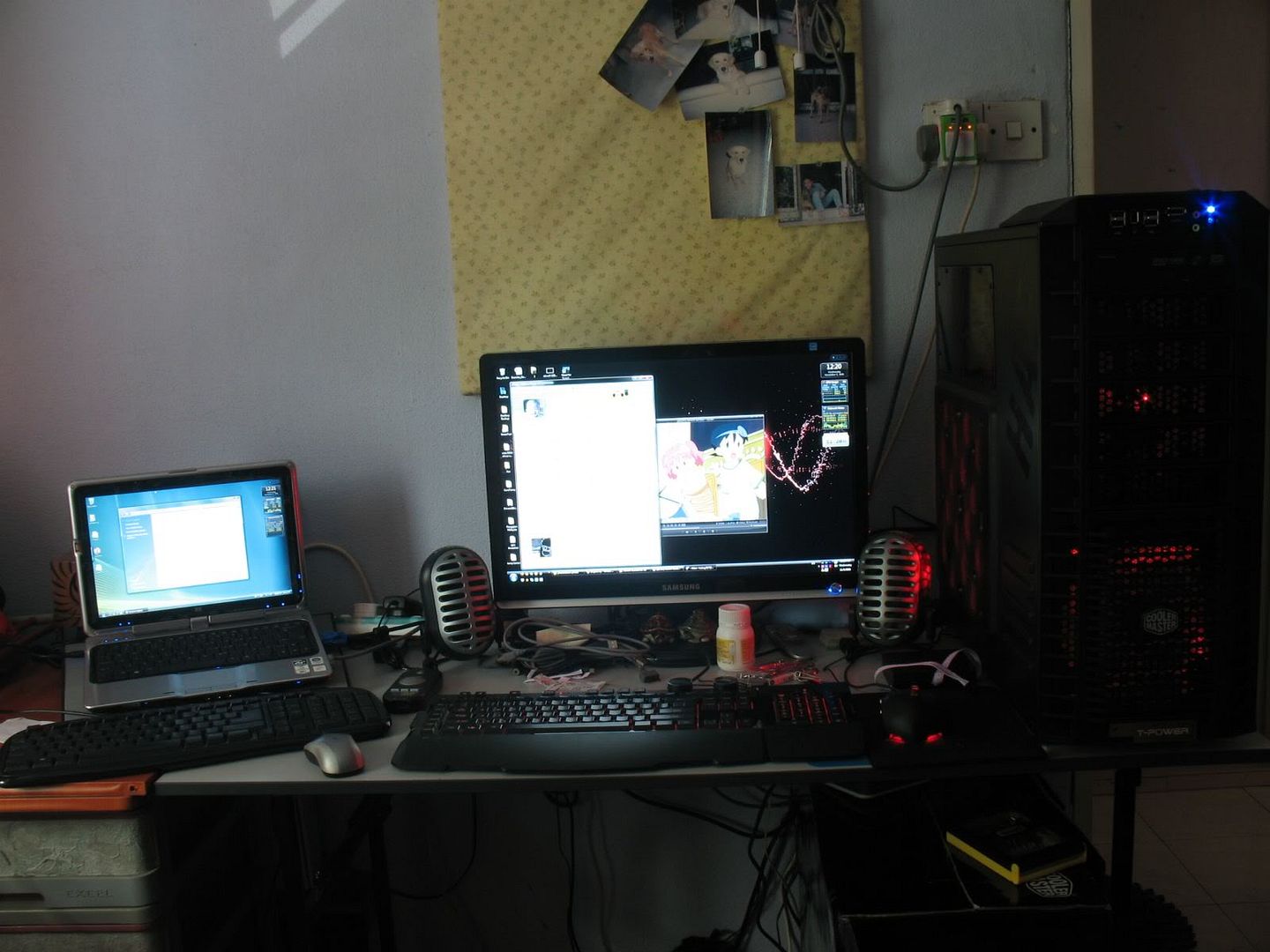
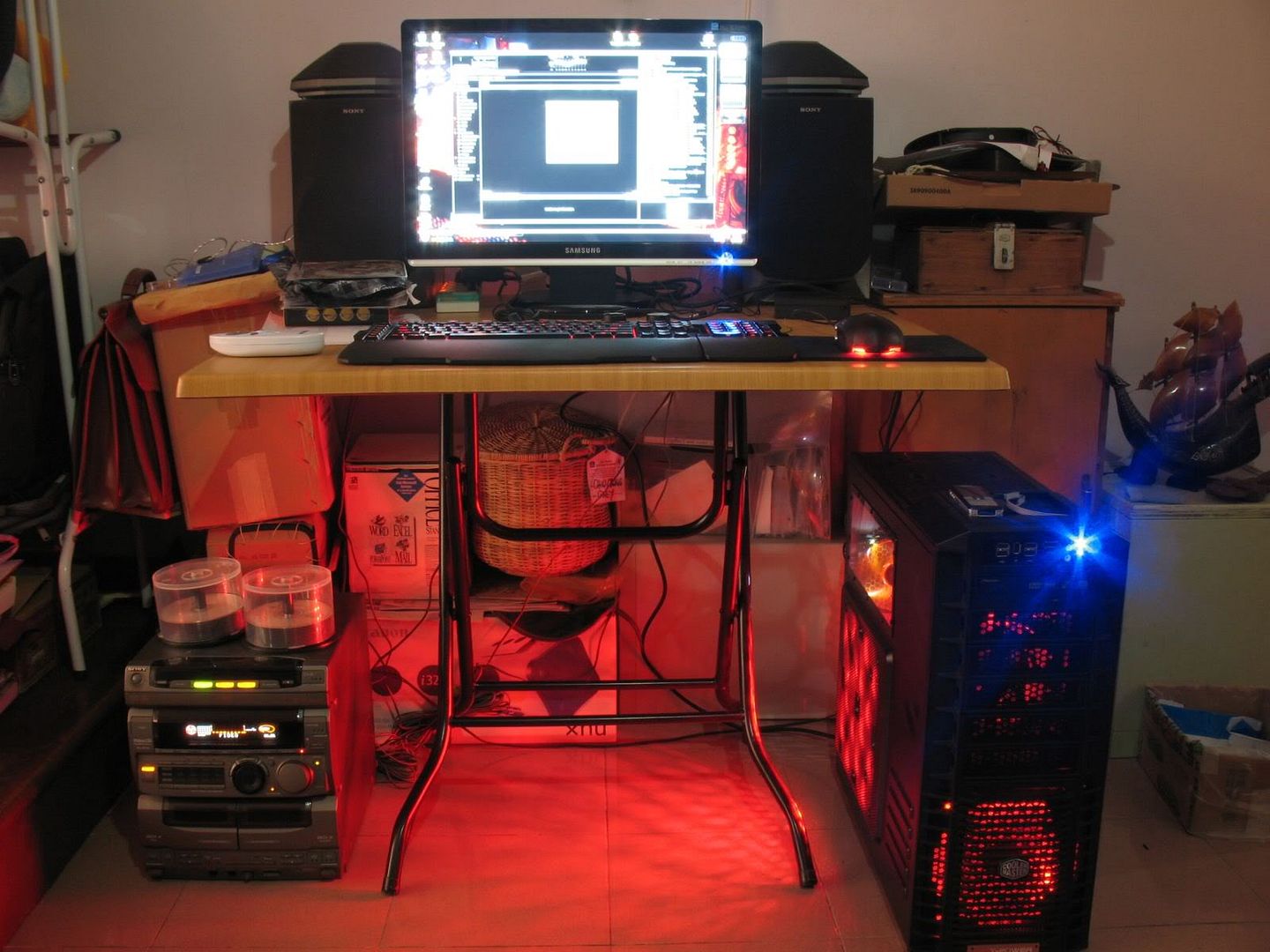
now my table look like this (yes that's a CM notepal infinite cooler under my HP Pavilion TX1316au)
» Click to show Spoiler - click again to hide... «

some extras (i'm at my hometown now lazy carry speaker so i use my old HiFi as my speaker tongue.gif
» Click to show Spoiler - click again to hide... «


sorry i flood the page =D


@chyu89
when u have the gainward 4870 golden sample the heat actually stray out from the heatpipe area and it's is constantly 50c so if u have the fan blow in directly at the pipe the heat is going to spread around the case
that is the reason why i have one powerful fan there as an exhaust and remove the back PCI plates and seal off the holes besides it so that air would only come in from there. bottom part filter will lower the air flow but there is a way around it. have something in between the filter and the fan. let it have like about 2mm of clearance.. like that the air at the bottom of the case get suck up too and they are often not hot. i did add another intake at the drive bay so there is plenty of intake. make use of all the holes you got smile.gif
this is a good way to set up if u have graphic card that doesn't exhaust heat directly out of the casing. tested and it is effective
remember to remove the mesh of the side panel when u install fan as exhaust. install a fan grill for safety purposes biggrin.gif
hahn87
post Dec 16 2008, 03:34 PM

Enthusiast
*****
Senior Member
820 posts

Joined: Apr 2006
From: Klang Valley | Penang | Sungai Petani


@loongking , yshiuan
THX~~~ unfortunatedly the red fans are now no where to be found in any shops i can think off.... it's like i bought the last 5 unit in penang when i got them =.=
keeping some cash.. wanna get xigmatek 14cm XLF fan for the back and another 2 more 12cm XLF fan so i can install all 3 of them on the top. and a CM 90cfm 19db dan blue led ones to put at the bottom. i wan that blue + red effect back again see how it turns out in the HAF
hahn87
post Dec 26 2008, 11:21 AM

Enthusiast
*****
Senior Member
820 posts

Joined: Apr 2006
From: Klang Valley | Penang | Sungai Petani


u can hide it under the hdd tray enuf ady... noneed to stuff into the fan area lar hahhah. below hdd tray so much space... use it...


Added on December 26, 2008, 11:30 amlong time no catch up with the page and V8 is definately better than core contact freezer.

This post has been edited by hahn87: Dec 26 2008, 11:30 AM
hahn87
post Jan 1 2009, 02:28 PM

Enthusiast
*****
Senior Member
820 posts

Joined: Apr 2006
From: Klang Valley | Penang | Sungai Petani


ATCS very sui ler... make my feel like building another rig only... coz i love my HAF932 and never gonna give it up! (it rick rolled me)
well ATCS to me look more classy compare to cosmos to me.. the airflow is really good also.. 2 huge fan on top compare to HAF932 which comes with 1 but both model oso can convert to 3x 12cm.
what's nice about ATCS is the GC cooling from the hdd... 2x 12cm fan can mount there... and got air duct that can be attach at the back of the pci plate for GC exaust.. it is not totally unmodable oso lar.. if u guys crazy enuf u can install some crazy light effect and let it shine out from the top of the case.. it would be like watching cartoon.. when they open the threasure box... with gold shining *************
only u have it with motherboard ram gc proc and so on HAHHAHAHAH


hahn87
post Jan 6 2009, 07:03 PM

Enthusiast
*****
Senior Member
820 posts

Joined: Apr 2006
From: Klang Valley | Penang | Sungai Petani


did CM bought over raidmax or wad...
look at this
http://www.overclockersclub.com/reviews/raidmaxwindstorm/
is like exactly the same just minor difference =.=

@pekies
if ur car is shotting it's hot air inside the case instead of going out at the back.... get the side panel to exaust.... and remove the Pci braket
click on the little link on my signature as with that i did get around 3-4C lower temp on graphic card.
i am still doing so with my HAF casing. 4 fans at the side panel with 3 blow in and the top left one nearest to the GC exaust out with cheap cards to partition them out.
me personally dun mind cleaning my desktop every once a while. so no filter for me.. optimum airflow. u can try that out.
as for making back the one and only exhaust with those positive air pressure thinggy, dun think i gonna go try it with my HAF but i do believe in a more simple and straight forward method.
that is to get the heat that produced by the heat source out of the case before they stray elsewhere in the case.
and heat usually rises to the top so having the top vents as intake IMO is not a good idea.
IF and only IF got time. since u got a lot of intake from the front and bottom of the case.. try turning the side panel fan and top fan to exaust and check the temperature
i notice ur motherboard temp is 33C which is a bit high... i dun have air cond and i manage 28C mobo temp using everest too
try it out and let us know. =D

This post has been edited by hahn87: Jan 6 2009, 07:21 PM
hahn87
post Jan 6 2009, 07:47 PM

Enthusiast
*****
Senior Member
820 posts

Joined: Apr 2006
From: Klang Valley | Penang | Sungai Petani


will be anticipating the result. i am pretty confident with my way of setup would get u better temp =D but remember to remove filter when u turn them to exhaust =D
hahn87
post Jan 7 2009, 03:43 AM

Enthusiast
*****
Senior Member
820 posts

Joined: Apr 2006
From: Klang Valley | Penang | Sungai Petani


@pekies.. i forgot to ask u who u stack ur fan together.. from the picture look like double sided tape lol
mind to tell? i was thinking of staking my side exhaust to get it nearer to my graphic card


hahn87
post Jan 7 2009, 09:41 AM

Enthusiast
*****
Senior Member
820 posts

Joined: Apr 2006
From: Klang Valley | Penang | Sungai Petani


cable tie scare not tight enuf and cause of vibration in between them... cable tie can be bought and any local hardware store rite
hahn87
post Jan 7 2009, 02:57 PM

Enthusiast
*****
Senior Member
820 posts

Joined: Apr 2006
From: Klang Valley | Penang | Sungai Petani


cm690 front panel has no wire or anything attach to the casing so dun worry and just pull it out
hahn87
post Jan 8 2009, 09:44 PM

Enthusiast
*****
Senior Member
820 posts

Joined: Apr 2006
From: Klang Valley | Penang | Sungai Petani


@yen262
woohoo!!! now got somebody have exactly the same setup as mine =D
i see sonic gear armageddon speaker there =D

This post has been edited by hahn87: Jan 8 2009, 09:45 PM
hahn87
post Jan 9 2009, 06:06 AM

Enthusiast
*****
Senior Member
820 posts

Joined: Apr 2006
From: Klang Valley | Penang | Sungai Petani


......... there are screw holes for 4 120mm ler pekies....... swt ler.. look carefully... anyway pekies... how is the result of the new fan setup? u haven't post neh.....

@yen262
i also want to change speaker but currently no cash... my 6 year old altec lansing XA3021 woofer connection area is giving me headache... rosak liao.. left channel keep hilang sound i have to keep sepak the torpedo woofer =.="
anyway what is ur spec? ur casing light look a lot red than mine till it shine out from the top. lol besides the 4 red fan at the side panel is there more? it seems like ur drive bay u have another one attached =D
i have moved my 14cm exhaust fan to the front drive bay and use xigmaltek XLF for exhaust. more powaahh =D
one of the 4 side panel fan of mine is exhaust tho =D

will take photo to show u guys soon. now sorta busy
hahn87
post Jan 9 2009, 06:28 PM

Enthusiast
*****
Senior Member
820 posts

Joined: Apr 2006
From: Klang Valley | Penang | Sungai Petani


@RegentCid
is not that bad ler really...the honeycomb of the side panel does did some small part in blocking the dust.. i clean mine after almost 2 month. not as bad as i thought. it's a small price to pay for good performance cooling. i am sure ppl who buy HAF932 are very much aware of that. that's why i switch from CM690 without hesitation. =D

@pekies!!
i still waiting for the temperature result leh~~~
hahn87
post Jan 10 2009, 11:55 AM

Enthusiast
*****
Senior Member
820 posts

Joined: Apr 2006
From: Klang Valley | Penang | Sungai Petani


@pekies
eh how u physically mod fan power?
i only know how to adjust the speed by plugging it into the motherboard fan header and adjust at bios smart fan config...

@yen262
anyway noneed to worry about the dust lar if ur table is clean enuf it wont be so bad till jam everything lar.. =.= just clean ur system once every few month can ady...
eh i tot the 4-3 module got front plate one.. can remove 1 arh? coz that silver front plate i dun think match HAF. got thought of getting 1... meanwhile just cable tie =D
you had a red cathod installed... no wonder so damn red LOL
hey ur power supply 24pin cable can be bring to the back to the case for better and cleaner overall look =D u can take a look at mine for example. Page 89 of this thread =D


@madman
dun scare ppl like that lar... haiyo... dust half year wont totally jam geh =.= my friend cm690 default oso use 1 year inside full on dust till haven't jam every fan still moving just the radeon 3850 reference cooler ventilation got blocked.. clean up a bit and good to go ady...

@vinlu
plug in the HD audio head. last time i tried AC-97 funny thing happen lol. i can use the front header but the main speaker wont disable. it's like an extention haha. both back and front port working at the same time and the realtek audio manager didn't detect any input from the front lol. then somehow sometimes not working at all ahaha.

This post has been edited by hahn87: Jan 10 2009, 12:15 PM
hahn87
post Jan 10 2009, 12:25 PM

Enthusiast
*****
Senior Member
820 posts

Joined: Apr 2006
From: Klang Valley | Penang | Sungai Petani


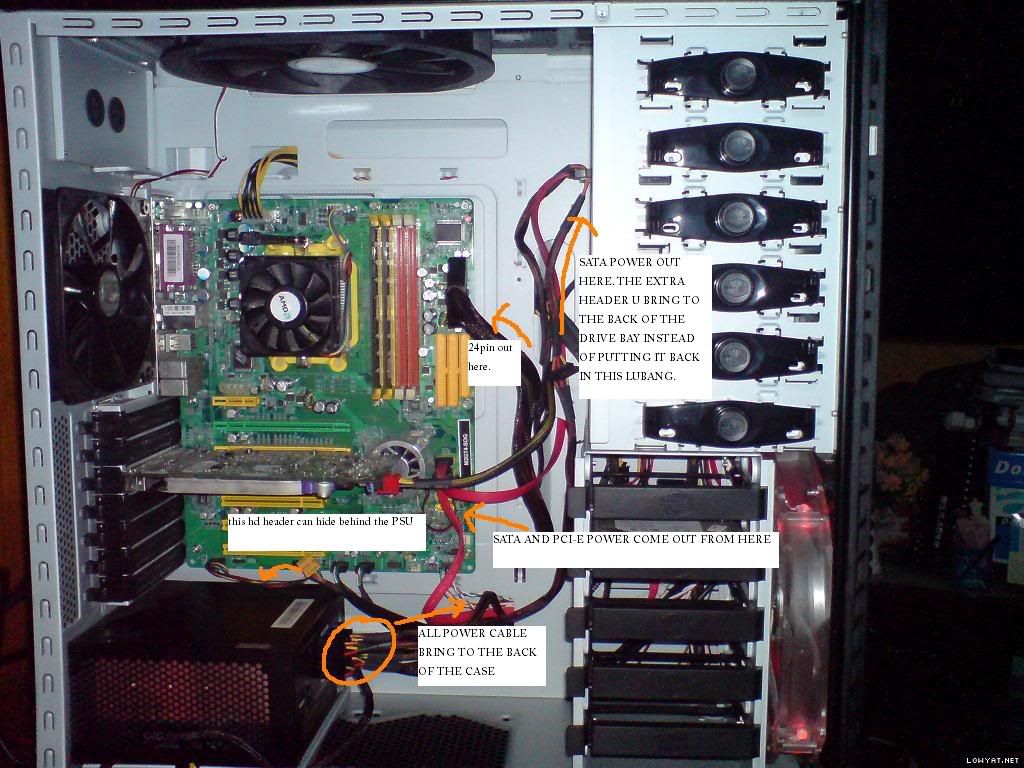
erm.. 1st time see inside HAF so empty lol!! kinda cute.. ok now.. cables
ur 24pix atx power let it come out from the top right hole instead of the bottom hole.. (i mean the 2 hole at the right of the motherboard i think u understand la) then PCI-e power cable let it come out from the bottom right hole.
HDD sata cable let it come out from the bottom right hole
bring the sata power cable for ur dvd rom to to behind the case and come out from the top right hole


hahn87
post Jan 10 2009, 01:47 PM

Enthusiast
*****
Senior Member
820 posts

Joined: Apr 2006
From: Klang Valley | Penang | Sungai Petani


trying to upload the pic i edit from ur pic dunno why kenot upload..
hahn87
post Jan 10 2009, 02:07 PM

Enthusiast
*****
Senior Member
820 posts

Joined: Apr 2006
From: Klang Valley | Penang | Sungai Petani


finally it uploaded
user posted image
behind the motherboard tray u can tie up ur cables there. u can roughly refer to my photo at page 89 see if it helps


Added on January 10, 2009, 2:08 pm@Liuteva
is that a DeepCool KillerWhale? damn it's huge.. and damn goo looking!!!

@yen262
just it'l kinda too bright =D now i put my PC on the floor already so better now.. just that the power and hdd LED its too bight and blasting towards my bed and i can't sleep lol so now i have a paper blocking it so it's not too bight and i can still see the hdd activity.
my sidewinder keyboard bought for RM279 as i remember from CEX and my sidewinder mouse bought for RM250 at lowyat Czone back at last year july when i was in KL
anyway about the dust. usually they will just stick on ur fan fins. they wont go into the bearing area 1. just wipe them. as for your CPU cooler just remove and clean the fan and get red of the dust on the heatsink fin. same goes to ur graphic card. i personally remove my CPU cooler and clean the heatsink thru running water and dry them with hair dryer (beware... after blowing with hairdryer dun touch it. as it will be very hot LOL.) those like graphic card if u kenot remove the cooler just use cotton bud to wipe the fan
let's just say different cooler got different way of cleaning. i dunno anything about ur CM sphere. most common way is go get a can of compressed air which i dunno where to get and blow those tight places for the dust to come out. (becareful not to hold the can upside down or u will spray water out.) my friend house got that air gun they use at car wash. pretty convenient. if u have a vacuum cleaner that can be used reverse oso good. just find the head with small hole so the air it shot out is faster =D

This post has been edited by hahn87: Jan 10 2009, 02:23 PM
hahn87
post Jan 10 2009, 02:24 PM

Enthusiast
*****
Senior Member
820 posts

Joined: Apr 2006
From: Klang Valley | Penang | Sungai Petani


what processor u use? overclocked? wanna know the cooling power =D
share your temperature pls
hahn87
post Jan 10 2009, 05:33 PM

Enthusiast
*****
Senior Member
820 posts

Joined: Apr 2006
From: Klang Valley | Penang | Sungai Petani


pekies u no try top 2 exaust?
i think side exaust not ment for you zalman gpu cooler as it exaust the air out.
try top exhaust and this time we measure CPU temp pulak
anyway how much is that cm90cfm fan. penang nanyang at prangin sell 45 each -,-. so damn expensive.

me not gonna filter my fan for sure. =D i dun mine cleaning my PC once a while... it's like... a joy for me lol! i dunno why =.= my fren say i love pc hardware so much i might bring them to toilet and get high... =.=

sorry i implanted some sort of dirty image to your brains.

This post has been edited by hahn87: Jan 10 2009, 05:33 PM

3 Pages  1 2 3 >Top
Topic ClosedOptions
 

Change to:
| Lo-Fi Version
0.0455sec    0.42    7 queries    GZIP Disabled
Time is now: 14th December 2025 - 11:13 PM