QUOTE(Mr.LKM @ Jul 13 2008, 12:36 PM)
Do you guys know any software that can optimise the performance and battery life of this phone?
Some general tips:
1) Close all apps when not in use. This include standard ones like Log, Contacts, Messages, etc. Press and hold Menu key to know which are not close properly
2) Uninstall all unnecessary stuff like Themes, Screensaver, 3rd party clocks, etc. This takes up TSR resources and eats up battery juice
3) Crank down LCD brightness level as much as possible.
4) Reduce the LCD auto-dim to a few seconds.
5) Turn off BT if not in use
6) Turn off auto-WiFi search
7) Use GSM network only, instead of 3G if not necessary.
8) Stop using ridiculously long ringtones/mp3.
999) Keep a car charger or USB charger somewhere, multiple sets are fine

Added on July 13, 2008, 4:40 pmQUOTE(ITrocks @ Jul 13 2008, 01:53 PM)
Hi all,
I just bought an AP N82 Black from a shop. However, when i access the active standby screen, my font is bold, unlike all other Nseries phones. It is starting to annoy me and i have no idea how to change it back to normal font. Can anyone help me with this?
I'm using the firmware 20.0.062.
Here is a screenshot of my active standby screen,
» Click to show Spoiler - click again to hide... «
Thanks,
ITrocks
Added on July 13, 2008, 1:55 pmHey what theme are you using?
IINM, starting somewhere N82 firmware v20.x or v11.x, the default fonts are like "bold". This is normal. Goto Menu->Tools->Settings->General->Personalisation->Display->Font Size->Small and you might be comfortable with the smaller ones.
However, it may not be exactly the same as initial before "bold" by the latest firmware.
... and NO. I don't think there are any fake N82, yet.
Added on July 13, 2008, 4:44 pmQUOTE(the100308 @ Jul 13 2008, 03:10 PM)
Sorry, I think my post has been skipped. Erm, can anyone tell me what video format can N82 support? Like rmvb, mpeg, 3gp2, .... and such, thanks
Don't be lazy, please try google next time.
Video player - supports MPEG4, AVC/H.264, H.264, H.263, RV
RM- Supported video formats: MPEG-4, H.264/AVC, H.263/3GPP, RealVideo 8/9/10
Added on July 13, 2008, 4:50 pmQUOTE(iJoel @ Jul 13 2008, 03:31 PM)
nop tried out everything i could do.
found out that i can get to access to my images/files only when my phone language is set to chinese wtf -.-
why lidat one-.- or i think i should just hand over to the moible shop.
just my temporary phone anyway.
Temporary for how long ? Try copy out using USB, do a search and delete all _PALBTN , delete it and all sub-directories & files inside.
Then change phone to English (or whatever language you using, except Chinese), format the memory card, take out, plug back into PC and copy entire thing over again. Troublesome ? Or can try copy using PC Suite instead of USB Transfer.
Added on July 13, 2008, 4:52 pmQUOTE(ITrocks @ Jul 13 2008, 04:30 PM)
Hmmmm i see. Is everyone elses N82's active standby font the same? Because i've seen the active standby's on some N82's in pics and they do not have bold fonts.
Thanks for reply

This is due to their firmware version are 10.x or 11.x (forgot). Those older N82 firmwares are using slimmer fonts.
Check firmware version:
*#0000#
Latest SanDisk 8GB micro-SD @RM105
 http://images.lowyat.net/pricelist/czone.pdf
Will they have 16GB at PC Fair Aug'08 ?
 This post has been edited by cute_boboi: Jul 13 2008, 05:12 PM

 Jul 9 2008, 06:19 PM


 Quote
Quote
 That's weird. Did you try viewing in PC (USB reader) whether can auto-detect it ? Are there any hidden _PALBTN folders created in Images subfolders ? Is the memory card full (I don't think so...) ? Is the folder/files are hidden ?
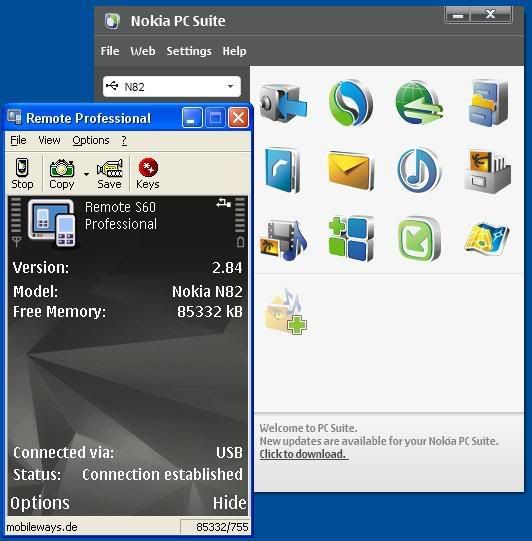
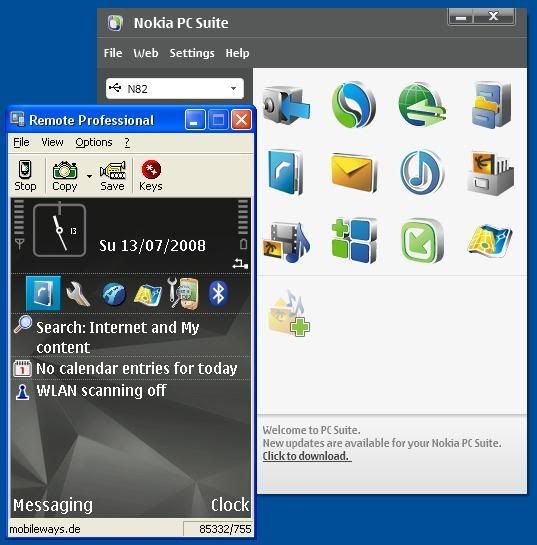
 Anyone familiar with PPC/WM & ActiveSync + Remote Display application will understand it 100%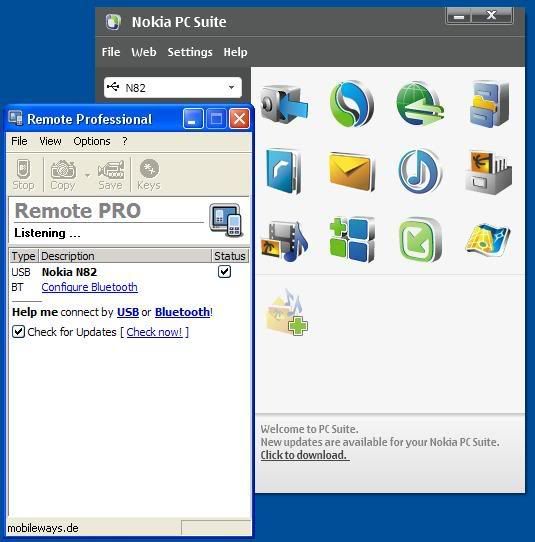


 Hopefully PC Fair Aug'08 already release worldwide.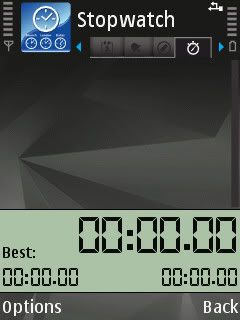


 )
)
 0.0473sec
 0.57
0.57
 7 queries
 GZIP Disabled