QUOTE(tanos @ Jun 15 2008, 12:34 AM)
does proximitron still works? Hrmm... interesting.... Could you post the setup? I've used it before, but already uninstalled it in this new pc.... forgot how to configure it....

Sure, just download proxomitron june edition, run it(using google isn't that HARD).
Press Headers, scroll down to an user-agent. Edit one of them(or create a new one) by selecting it and pressing the edit button. Rename it to User-Agent:Mozilla Firefox under HTTP Header. Replace the text under Replacement Text with this:
Mozilla/5.0 (Windows; U; Windows NT 5.1; en-GB; rv:1.8.1.14) Gecko/20080404 Firefox/2.0.0.14
Then Press the Ok button.
Now tick the "Out" box next to User-Agent:Mozilla Firefox. Press Apply then Ok and you're good to go.
I use the User Agent Switcher plugin to find out my user-agent(on firefox). You can always use something else, but I can't get it to work with netscape's user agent or whatever, so I decided to use firefox's.
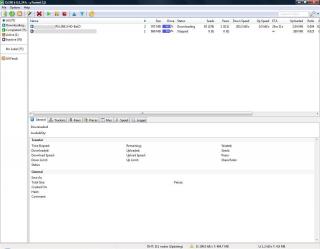
Now, in utorrent 1.8, go to Options>Preferences(or just press ctrl+p)>Connection. Select proxy type as http, and insert 127.0.0.1 as ip and 8080 as port. Proxomitron needs to keep running for this to work. DO NOT tick the "Use proxy server for peer-to-peer connection".
By the way, your computer won't act as a public proxy as long as the "limit access to only this pc" is selected under config in proxomitron. If you still have doubts, just have a firewall on (I have my router for that).
Note: Proxomitron must be running while utorrent 1.8 is running if you were to use Proxomitron.
This post has been edited by blindbox: Aug 3 2008, 08:42 PM 

 Jun 13 2008, 12:51 AM


 Quote
Quote






 0.0277sec
 0.26
0.26
 6 queries
 GZIP Disabled