QUOTE(hanissyazwan @ Dec 10 2007, 12:51 AM)
here few photographs and one in absolute dark !!only flash and red meter of light shot.
http://www.esato.com/phonephotos/index.php?uid=136694Hey..on the link provided, they could get infos on each pic such as exposure time, aperture, ISO, .....how do u actually get this information?
Anyone?
QUOTE(carpathia @ Dec 10 2007, 09:55 AM)
Hello gang, new viewty user here. questions
1) haptic feedback/slight vibration- do you need to turn this function on or off? myself and my wife cant seem to feel it at all. maybe there is a defect on my unit ?
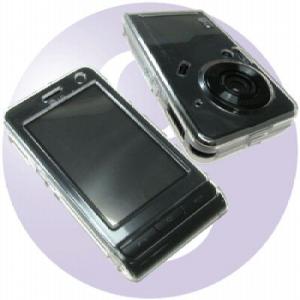
2) Where to buy the leather case? feel like getting this or the GOLLA cases.
here is my review after 2 days
1)great screen ( and i havent even take off the protective screen cover yet! )
2)touchscreen - most ppl, including myself kept trying to tap the screen to fast, just like how we usually do with computer touchpads. the thing is, the screen works best if you just press and hold it slightly, and the icon will have a circle around it.
3) UI - responsive but not extremely fast but its satisfactory. not a very complicated UI system, dummy proof. only problem i have is with the security settings.
4) camera - great ! already tons of review on the net so i wont bother to talk more
5) pictures - you cant rotate pics ? can someone verify this?
Added on December 10, 2007, 9:57 ami got mine from low yat on Fri nite. they had about 3 units. on 1st floor,
5) Yes you can. just access the camera but move the swith to view the pics. choose a pic that u want to rotate and then view it. on the right side there should be an option to edit ur pic. You know, where u can write on it and stuff. and then click on "more". There should be an option to rotate ur pic.


 Dec 10 2007, 02:18 PM


 Quote
Quote








 0.0282sec
 0.43
0.43
 6 queries
 GZIP Disabled