Outline ·
[ Standard ] ·
Linear+
Widescreen Thread V2.0, All widescreen discussions here
|
kianwee
|
 Aug 5 2007, 12:13 AM Aug 5 2007, 12:13 AM
|

|
QUOTE(dattebayo @ Aug 4 2007, 10:43 PM) those watching xvid on a 22" and feeling pixelated, should enable both of the deblocking methods in xvid decoder config, under k-lite codec pack, and it makes big difference with the cost of additional cpu resource. It doesn't make much difference on 24 and 30 incher. |
|
|
|
|
|
kianwee
|
Aug 5 2007, 12:22 AM
|
|
|
QUOTE(The Scent LYN @ Aug 5 2007, 12:15 AM) I just ordered my Dell 22". Getting next week. Cant wait. Looking @ the display model,the pic quality is very good. My question is,will my 6600GT support the max resolution? Even my build-in graphics support that reso. Don't worry. |
|
|
|
|
|
kianwee
|
Aug 5 2007, 08:56 AM
|
|
|
QUOTE(dattebayo @ Aug 5 2007, 01:39 AM) got difference if u watch at a same distance when u re working with ur pc. Where do you think I sit then? 50 feets away from my PC? The resolution of 30" is simply too big for gimmick like that to work. |
|
|
|
|
|
kianwee
|
Aug 6 2007, 09:43 AM
|
|
|
QUOTE(akachester @ Aug 6 2007, 08:33 AM) About 1 to 1 replacement, as long as your LCD is still UNDER WARRANTY with DELL, you are entitled it. Dell would not take your LCD for RMA. They will straight replace you with another one on the spot if the problem is found. However, AFAIK, you will risk getting refurbished units if you requested for RMA. About the pixelation, for one, it really depends on the DVD quality you are watching at. If its poor, it will be noticeable. For me, it does look fine after about 5 feet away. But the acceptance really depends on personal preferences.. Yes, but only for the first month during purchase. But you still need to pay RM80 for courier fees...  I would say majority of the RMA request would resulting in replacement of a refurbished unit. Those who have a very solid reason that DELL is providing a faulty unit. eg: the 2007WFP Rev.A00 will have the chance to argue for a brand new replacement. |
|
|
|
|
|
kianwee
|
Aug 6 2007, 11:13 PM
|
|
|
QUOTE(steventan85 @ Aug 6 2007, 10:11 PM)
Added on August 6, 2007, 10:14 pmit is not possible to do so unless ur g.card can support dual LCD Wow, amazing answer. I was wondering if you even know what you are talking about. X300 can support dual display. Any card with dual output can do so. |
|
|
|
|
|
kianwee
|
Aug 6 2007, 11:26 PM
|
|
|
QUOTE(jolipoli81 @ Aug 6 2007, 11:14 PM) but my gpu got 2 port, how can i know if my graphic card can support dual lcd? Read the previous 2 posts above you. You were misled right now. |
|
|
|
|
|
kianwee
|
Aug 6 2007, 11:34 PM
|
|
|
QUOTE(InLove @ Aug 6 2007, 11:30 PM) i got 20" dell ... i set my resolution to 1600 X 900 .. the text is bigger than 1600 X 1050 ...but not as sharp as 1600 X1050 text  looks abit blur is this normal? O.O Set your resolution to 1680x1050 and maintain it that way forever. |
|
|
|
|
|
kianwee
|
Aug 6 2007, 11:51 PM
|
|
|
QUOTE(InLove @ Aug 6 2007, 11:38 PM) 1600 X 1050 text is smaller but sharp i gonna be blind to see that small text LMAO! You should research more on the font size before purchasing. The font size is just perfect for me. I guess you have no other choice, either set it at 1680x1050 and get a lasik surgery, or set it a lower resolution and live with huge blocky fonts. |
|
|
|
|
|
kianwee
|
Aug 7 2007, 08:31 AM
|
|
|
QUOTE(bryan @ Aug 7 2007, 08:25 AM) Never heard of those model numbers - Link us? |
|
|
|
|
|
kianwee
|
Aug 7 2007, 08:42 AM
|
|
|
The swan design looks weird for me on such a small LCD. I get used to seeing it on 37" & 40" so much, suddenly it became so small.
|
|
|
|
|
|
kianwee
|
Aug 7 2007, 09:08 AM
|
|
|
QUOTE(steventan85 @ Aug 7 2007, 08:59 AM) wat phone no for replacement of Dell LCD ? mine got problems .... Aren't you from DELL? You got no number to your own office? |
|
|
|
|
|
kianwee
|
Aug 7 2007, 09:36 PM
|
|
|
QUOTE(outdoorxplorer @ Aug 7 2007, 08:45 PM) I am planning to upgrade to a Dell 2407WFP-HC. Any owners care to share their experience? Search the thread for 2407 and you will get all the experience you need. |
|
|
|
|
|
kianwee
|
Aug 10 2007, 12:14 PM
|
|
|
QUOTE(DarkWonder @ Aug 10 2007, 10:39 AM) Hi guys, newbie try to ask a noob question. Any software or method to make my screen not look too bright (i already setting the brightness and contrast but still look too bright for me). By the way, i am using DELL 22" LCD. thanks Try adjusting the brightness via your graphics properties. Or get a pair of Rayban shades. |
|
|
|
|
|
kianwee
|
Aug 13 2007, 11:07 PM
|
|
|
QUOTE(alfa99 @ Aug 13 2007, 10:58 PM) Dell E228WP using 6 bit or 8bit panels? Sad to say it is a 6 bit panel. |
|
|
|
|
|
kianwee
|
Aug 13 2007, 11:12 PM
|
|
|
QUOTE(alfa99 @ Aug 13 2007, 11:08 PM) thanks for the info kianwee. then i'll go fo samsung 22. Which is also a 6 bit panel.  If you ask me, I've compared both panels and if I were you, I will go for the DELL due to the price and warranty. The difference in quality between the two panels is not justified by the price difference of both. |
|
|
|
|
|
kianwee
|
Aug 15 2007, 08:49 PM
|
|
|
ASUS PG221USpec:Contast ratio 2000:1 Response time 2ms Brightness 320 cd/mē TN panel Integrated subwoofer <------- I LOL! Inputs: Composite A/V, S-Video and YPbPR with up to 1080i/p  Comes with USB hub + build in webcam  
|
|
|
|
|
|
kianwee
|
Aug 17 2007, 10:10 PM
|
|
|
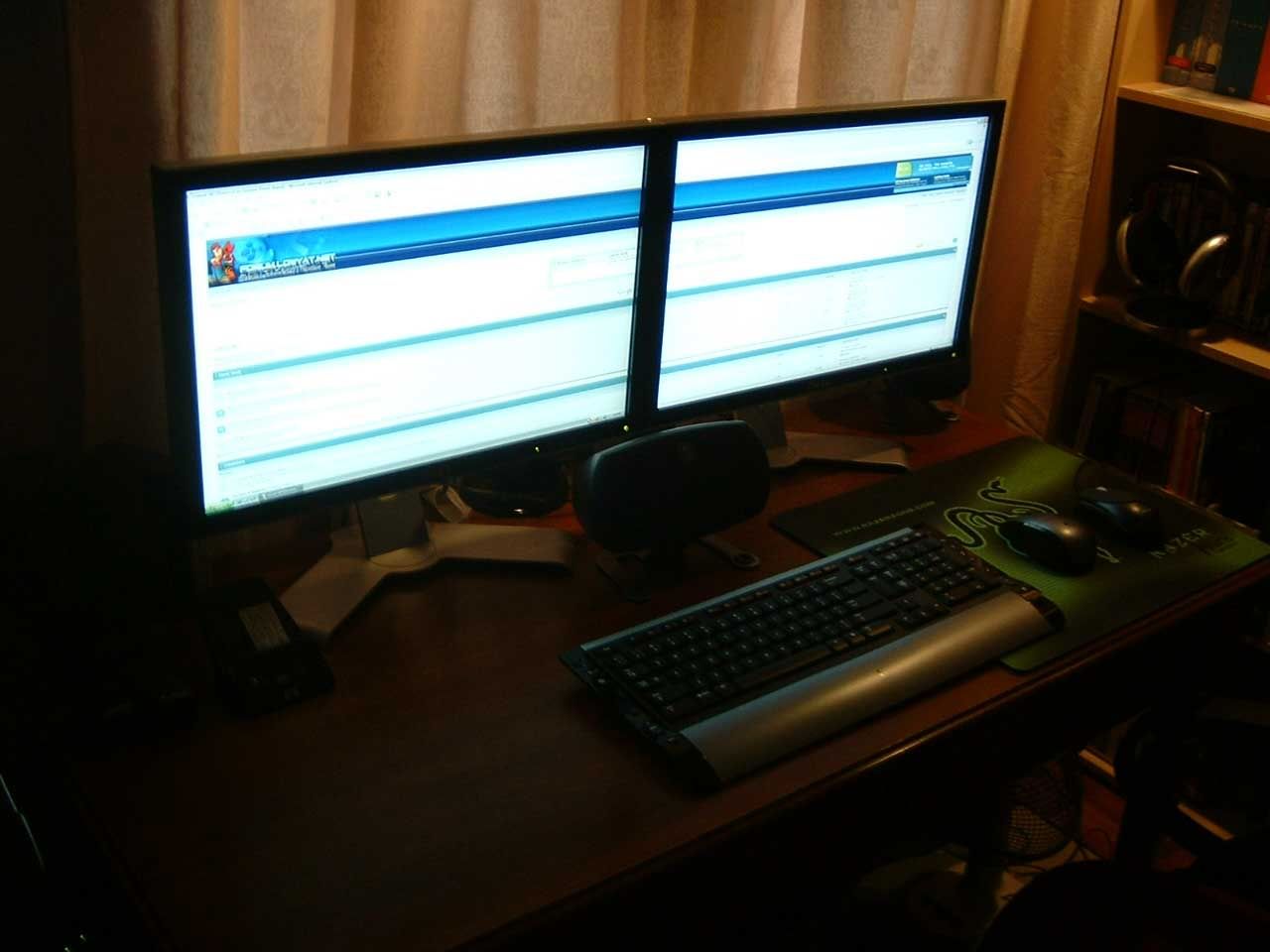
QUOTE(blacktrix @ Aug 17 2007, 06:06 PM) Ok, I might be moving into Widescreen LCDs to replace my aging 2x17" CRTs... Looking at the Dell 20"..... Has anybody have any troubles with Dual Screen Widescreens? And I prefer Dual Monitors because I'm a multi-task freak and love to have multi windows on either monitors, or maybe gaming in one, while cheat codes on the other  Definitely no trouble. Seldom see you in this section man. Aiming for the 20"? 24" suits you better dude, at least matches those Epiphones you got there. » Click to show Spoiler - click again to hide... « |
|
|
|
|
|
kianwee
|
Aug 22 2007, 07:48 PM
|
|
|
QUOTE(Dreamworks @ Aug 21 2007, 08:10 PM) Oh no... Why so many Dell LCDs suffer from bleeding? Now I'm a bit worried Even the sample pics are Dell monitors: http://forum.lowyat.net/topic/383529Backlight bleeding is quite common among LCD, not all are as bad as those pic because the LCD shown in the pic is the 2005FPW - the most backlight bleeding LCD ever made by mankind. |
|
|
|
|
|
kianwee
|
Aug 22 2007, 09:17 PM
|
|
|
QUOTE(Dreamworks @ Aug 22 2007, 08:20 PM) Just curious, is HDMI equivalent to HDCP in terms of image quality? Both are digital so should be the same right? You should read more about HDMI and HDCP. HDMI is a input, like DVI. HDCP is a content protection developed by Intel Corp. Both have nothing in common. It is like comparing apple with orange. |
|
|
|
|
|
kianwee
|
Aug 22 2007, 09:45 PM
|
|
|
QUOTE(Dreamworks @ Aug 22 2007, 09:30 PM) Ooo... I see So can I compare between HDMI and DVI? Just between image quality since DVI doesn't carry audio signals. DVI is actually HDMI without audio signal, and it uses a different design connector. Data encoding algorithm is the same, thus you get same image quality. |
|
|
|
|



 Quote
Quote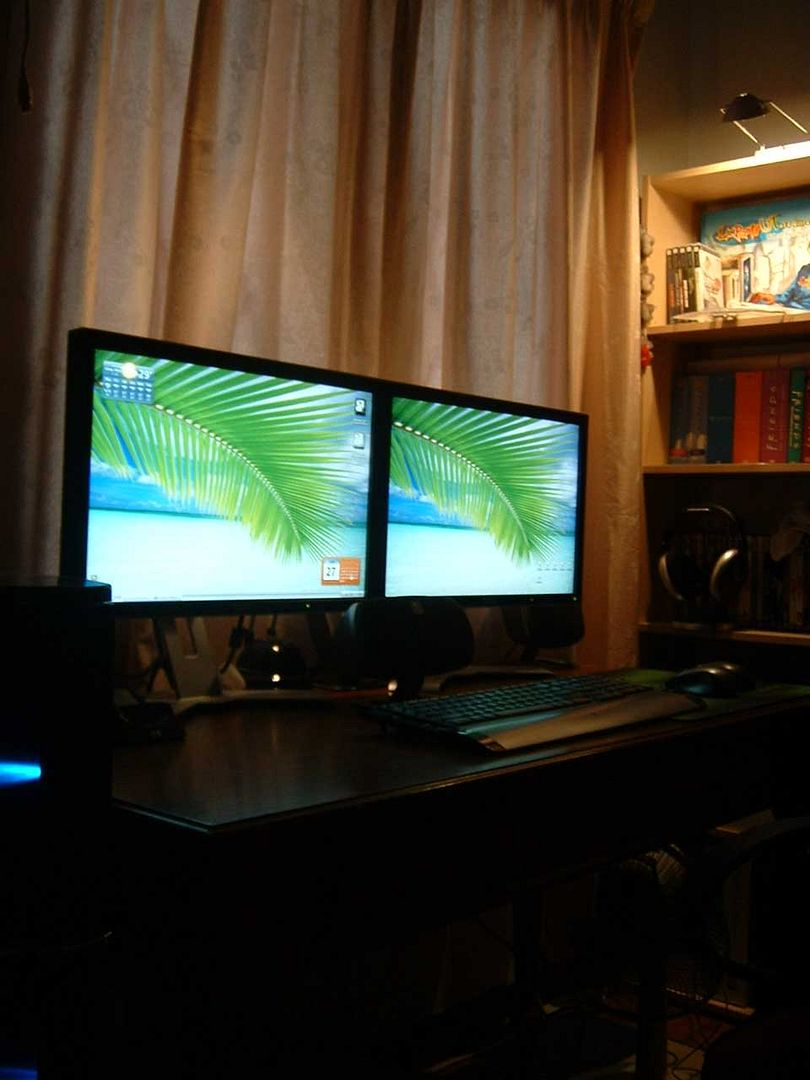

 0.0216sec
 1.61
1.61
 7 queries
 GZIP Disabled