Hi @patricktoh and @Amimin,
I believe until 2020, Netis DL4480V has not stop giving headache to users haha. I face the same problem and now i want to configure it as modem only and want to cucuk a new router into it. I have been googling around on how to configure and i find that these steps are the most technical and reliable/ clear u can find. I just want to know, if i follow these steps, can i still use the hypptv/ unifitv?
QUOTE(patricktoh @ Dec 30 2017, 02:05 PM)
Found a simpler solution.
Make sure you backup current Netis settings before making any changes. So that you could go back to original condition if needed. Anyway do at your own risk. I hold no responsibility

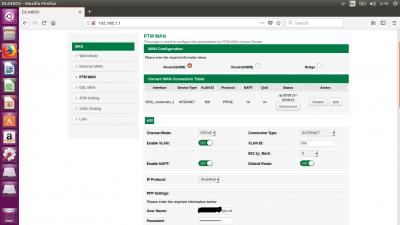
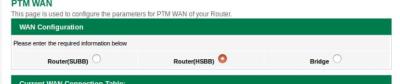
1. Go to Setup > PTM WAN
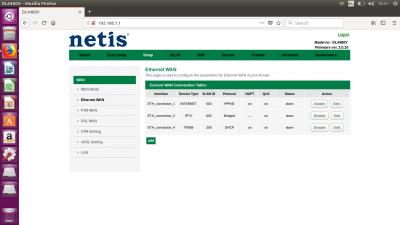
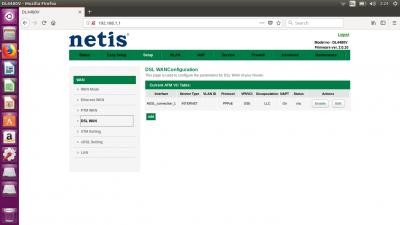
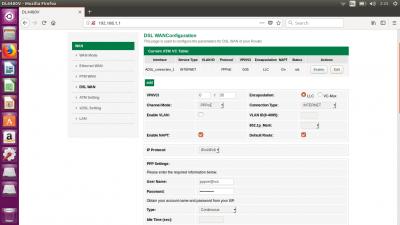
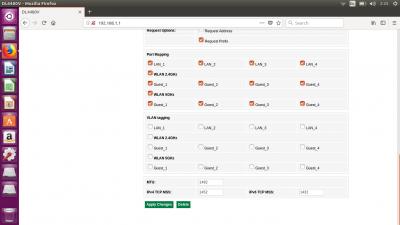
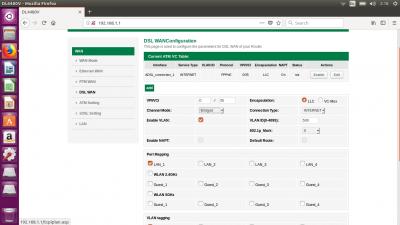
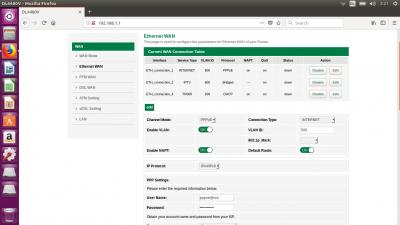
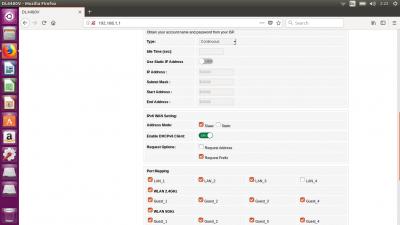
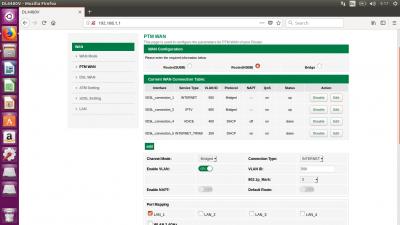
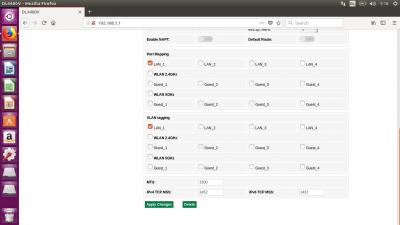
2. Disconnect VDSL_connection_1 then edit according to below settings (refer attached picture)
- Channel mode: Bridged
- Connection Type: INTERNET
- Enable VLAN: ON
- VLAN ID: 500
- 802.1p_Mark: 0
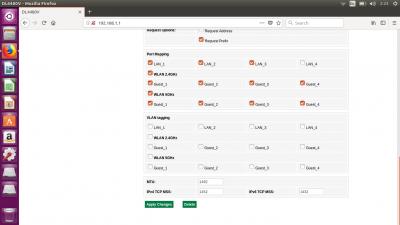
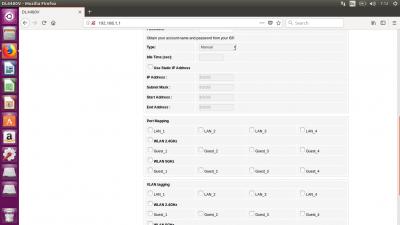
- Un-ticked all the Port mapping & VLAN tagging. Then "ticked" only LAN_1 in both
3. Save then reboot Netis
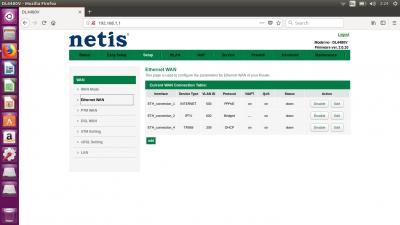
4. Login Netis to confirm the changes registered
4. Connect Netis LAN_1 to your router WAN port
You're ready to configure PPPoE and VLAN in own router. Most standard routers on the shelves come with Unifi profile so configuration is a breeze

This settings confirmed by
Amimin

 Dec 27 2017, 02:48 PM, updated 8y ago


 Quote
Quote



 )
)










 0.0300sec
 0.87
0.87
 6 queries
 GZIP Disabled