Outline ·
[ Standard ] ·
Linear+
AMD Ryzen, AM4 / AM5 Platform
|
Andrewtst
|
 Apr 6 2021, 12:47 AM Apr 6 2021, 12:47 AM
|

|
I decide flash back to previous beta firmware of 33e for Gigabyte X570 as it is solid stable but current beta firmware of 33g keep hanging during standby time.
This post has been edited by Andrewtst: Apr 6 2021, 12:54 AM
|
|
|
|
|
|
Andrewtst
|
Apr 6 2021, 10:34 PM
|
|
|
QUOTE(Andrewtst @ Apr 6 2021, 12:47 AM) I decide flash back to previous beta firmware of 33e for Gigabyte X570 as it is solid stable but current beta firmware of 33g keep hanging during standby time. 33g really is the culprit. My PC no more hang during idle after I flash back older firmware 33e. |
|
|
|
|
|
Andrewtst
|
Apr 10 2021, 05:50 PM
|
|
|
After revert to previous firmware I still get hang during idle.
So I change to new beta firmware again and off course still hang during idle. What is that...
Later I decide play with manual value input for RAM after select the XMP setting profile 1.
The manual value input of multiply totally fixed my issue, now no more hang during idle.
I think XMP implementation support in AMD really not that good.
Actually I didn’t face idle hang issue very long already but it is return after I turn on resizable bar and more than 4G.
Thanks lucky the manual value multiply entry solve the hanging in idle issue.
This post has been edited by Andrewtst: Apr 10 2021, 06:20 PM
|
|
|
|
|
|
Andrewtst
|
Apr 13 2021, 01:15 AM
|
|
|
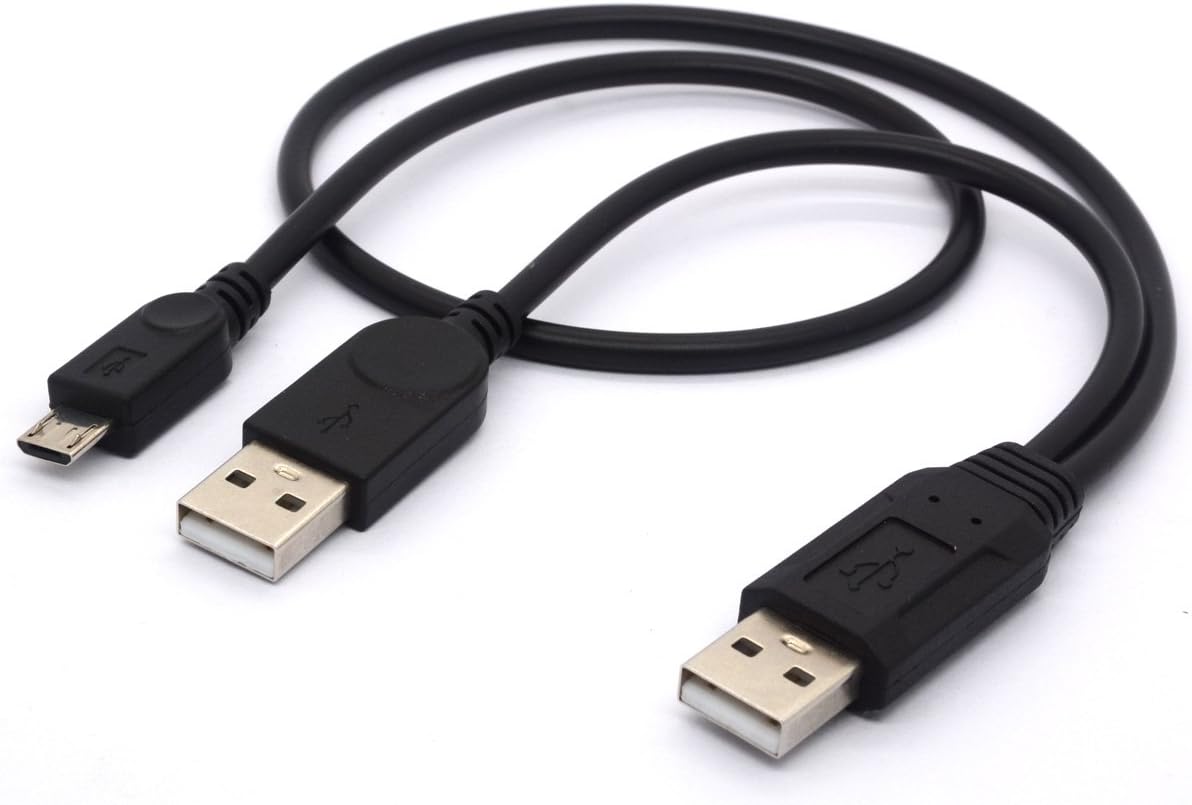
QUOTE(Bonchi @ Apr 12 2021, 10:52 PM) My friend one still kena leiii.... I cucuk my HDD then once in a while it will ding dong but this HDD is running fine on my rig. But it did improve la...... last time cannot detect at all, now can tahan like 10+ minutes. but the USB type C works fine... so he cucuk HDD to the USB C port with an adapter. I connect plenty USB device and never face any ding dong issue, include external HDD, the copying in and out data is working perfectly fine. I had try in any type of USB up to USB-C. This post has been edited by Andrewtst: Apr 13 2021, 01:16 AM |
|
|
|
|
|
Andrewtst
|
Apr 13 2021, 01:34 AM
|
|
|
QUOTE(Bonchi @ Apr 13 2021, 01:25 AM) Maybe cuz my HDD is an old school USB 2.0 external sata case HDD but it works on my intel rig, so I dunno. I lost this cable, so maybe if I used this then no problems on AMD... but at the moment it didnt work on my friend's AMD but it works on mine own rig. » Click to show Spoiler - click again to hide... « But glad to know that it has improved... so it should get better eventually. I also got old type one, actually I never face disconnect issue since build, but in earlier firmware it do slow copying data as it will quickly drop to very low data speed. This issue do solved after AMD release the new Agesa. So far now very ok already. |
|
|
|
|
|
Andrewtst
|
May 8 2021, 03:03 AM
|
|
|
Edit
This post has been edited by Andrewtst: May 8 2021, 05:52 AM
|
|
|
|
|
|
Andrewtst
|
Jun 10 2021, 06:37 PM
|
|
|
Information sharing - Gigabyte had release X570 New Final Firmware of F33 - Update AMD AGESA ComboV2 1.2.0.2  https://www.gigabyte.com/us/Motherboard/X57...support-dl-bios https://www.gigabyte.com/us/Motherboard/X57...support-dl-bios |
|
|
|
|
|
Andrewtst
|
Jul 15 2021, 01:33 AM
|
|
|
Hi, kindly ask anyone running Windows 11 Latest Dev Preview and fail to update the Gigabyte Motherboard Bios using @Bios apps?
I getting Update Bios Failed using any Bios Firmware directly from Server or manually download.
Edit: send feedback to Gigabyte CS and reply they not going to support Windows 11 until it is final release. The only way is using Q-Flash.
Done flash to F35 using Q-Flash instead.
This post has been edited by Andrewtst: Jul 31 2021, 04:58 PM
|
|
|
|
|





 Quote
Quote

 0.2493sec
 0.39
0.39
 7 queries
 GZIP Disabled