

 Dec 22 2006, 06:00 PM


QUOTE(AllnGap @ Dec 22 2006, 05:18 PM)
this will only work if you leave the bay door open....if you close the bay door, then it's meaningless

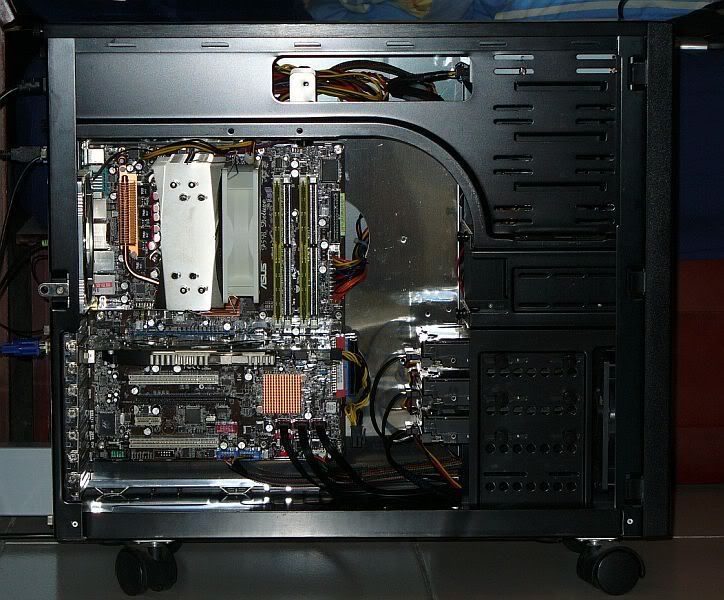
I guess the option to put a fan at the 5" bay can be ruled out for now coz I dont plan to leave the bay door open all the time. At the moment, from the suggestions that I got from you very helpful ppl, there's a few option that I can take:
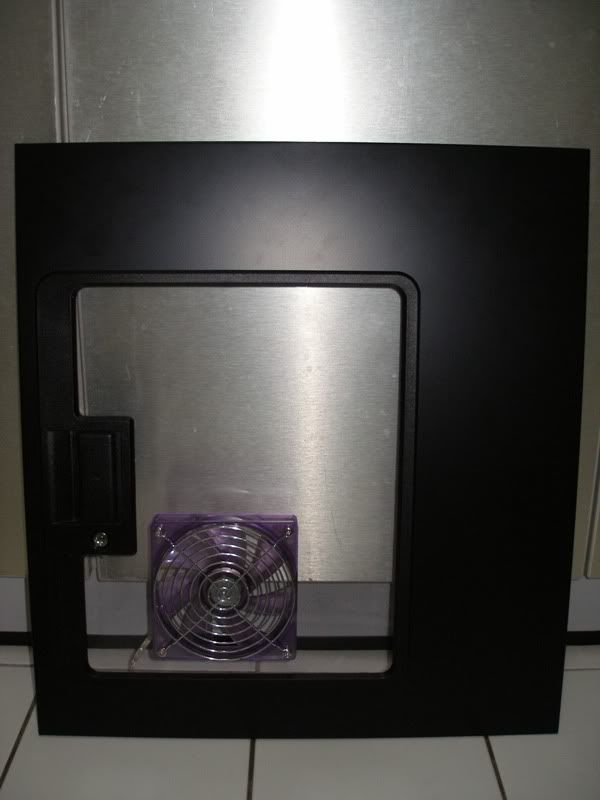
1) easiest is to remove the air filter, plastic cover, put in a stronger intake fan (to ensure the air gets through the hdd cage) and put a 120mm fan at the side panel. But this might be a bit noisy. Not too sure how noisy and also make my computer dusty quite fast.
2) put the harddisk at the 5" bay by using the 3.5" to 5" converter. Take out the hard disk cage and do an air tunnel there. For this, im not really that crafty, so theres a big chance that the air tunnel will suk. haha.. and if i do move my hdisk to the 5" bay, it "might" increase the temp as there will be no airflow at all at that area. (albeit there is minimal airflow in the current setup). This solution will be more quieter than the option 1.
3) another option would be to use an air duct directly to my heatsink fan.. and probably get a silverstone fm121 fan to go with my heatsink. This solution will be more quite than option 1, but probably as silent as option 2. From what I understand, im sure this will bring about improvement over the current setup, but probably lower than method 1 and 2?
Did I miss anything else?
Thanks guys. Really appreciate all your help.
This post has been edited by vassalle: Dec 22 2006, 06:02 PM
 Quote
Quote


 same goes for the metal enclosure for the intake fan.






 0.0290sec
 0.90
0.90
 6 queries
 GZIP Disabled