Welcome Guest ( Log In | Register )

4 Pages < 1 2 3 4 >Bottom

Outline · [ Standard ] · Linear+

 Ultrawide monitor fan's club, Ultrawide master race

views
     
drunkonpiss
post Jul 31 2017, 09:31 PM

Getting Started
**
Junior Member
216 posts

Joined: Nov 2009


QUOTE(Someonesim @ Jul 31 2017, 10:27 PM)
bloodsuck*r ! ! ! I thought worst case SIRIM ( RM100 ) and 6% tax  doh.gif
*
yeah bro! I showed the receipt to people around and they looked at me with pity bye.gif I guess LEDs or any panels are subject to 30% tax. shakehead.gif Felt that it was a robbery on broad daylight.
drunkonpiss
post Jul 31 2017, 10:08 PM

Getting Started
**
Junior Member
216 posts

Joined: Nov 2009


QUOTE(PowerSlide @ Jul 31 2017, 11:01 PM)
sucks get tax like this  sweat.gif

btw what monitor did you buy? microboard?
*
yeah bro. felt like I wanted to cry when they handed the receipt to me. cry.gif
drunkonpiss
post Aug 1 2017, 12:44 AM

Getting Started
**
Junior Member
216 posts

Joined: Nov 2009


QUOTE(edmund_yung @ Aug 1 2017, 01:36 AM)
That truly sucks... I wonder if the LED tax thing is written somewhere or they simply tax 30% to just anything you bring in. Imagine buying a 1080 Ti for Amazon and getting 30% at custom. wow
*
In fairness to the agents, I saw a Tariff with 30% tax for LED online. I should have known?!?!?! bangwall.gif However, other computer parts such as Videocards, Processors, etc, they only charge 6% GST. I checked it as well. It's probably a discretion of the Customs agent. There are forumers in LYN who got only 6% GST. Guess I ain't lucky huh? cry.gif Guess i'm the guinea pig for all those people who are planning to buy a monitor outside MY. To know more about the Tariff, you can click here.
drunkonpiss
post Aug 1 2017, 08:27 PM

Getting Started
**
Junior Member
216 posts

Joined: Nov 2009


QUOTE(soul_fly9900 @ Aug 1 2017, 09:24 PM)
Which 38" can replace the X34A?
*
X34a is the best in the market now until the Z35p and the ultrawide with HDR is available in MY.
drunkonpiss
post Aug 1 2017, 10:09 PM

Getting Started
**
Junior Member
216 posts

Joined: Nov 2009


VA to IPS or vice versa is more of a preference. Some like deep blacks/contrast of the VA but personally for me, IPS has better colors. PG348Q is damn expensive! So X34a is better value in my opinion and performance I guess is similar or of little difference. I heard that Z35 will only be available 4th Quarter 2017 in the ASEAN region. Saw it in Acer Singapore's FB page.
drunkonpiss
post Aug 1 2017, 10:15 PM

Getting Started
**
Junior Member
216 posts

Joined: Nov 2009


Btw, I forgot to post the korean monitor that I just purchased. So far so good. Even if was ripped off 800 bucks, it felt a little bit better haha smile.gif

user posted image

user posted image


drunkonpiss
post Aug 1 2017, 10:36 PM

Getting Started
**
Junior Member
216 posts

Joined: Nov 2009


QUOTE(mdzaboy @ Aug 1 2017, 11:28 PM)
drunkonpiss where u bought it?
*
From ebay brother! Pretty cheap around rm2,023. Taxes not included. You can declare it lower so you can save money. Paid rm800 for taxes tho. I will Under-declare stuff next time. The seller can do that for you. So much for being a law abiding citizen bangwall.gif

Btw, I got the item 6 days including weekend. If we count out the weekend, it'll be 4 days! Pretty FAST!

This post has been edited by drunkonpiss: Aug 1 2017, 10:37 PM
drunkonpiss
post Aug 2 2017, 05:38 PM

Getting Started
**
Junior Member
216 posts

Joined: Nov 2009


QUOTE(PowerSlide @ Aug 2 2017, 05:31 PM)
actually Z35P looks interesting, review from those who bought it is also good..at least acer did a better job than AOC and HP using the same panel..there is even a recall for HP omen X35 for flickering issue

because X34A now dropped to like RM4.4K im thinking of buying, but Z35P looks like a good VA gaming monitor
*
Heard great reviews about a Z35p. I know someone who has X34a, PG348Q and Z35p. The best of course is the latter. He sold the Asus hehe! Anyways, I think the 120hz OC matters. Enthusiasts can max it all out with their setup.
drunkonpiss
post Aug 2 2017, 05:52 PM

Getting Started
**
Junior Member
216 posts

Joined: Nov 2009


QUOTE(svfn @ Aug 2 2017, 02:12 AM)
nice, what model is this LG? 1440p?
*
Crossover 3412um. It's probably an Acer reject haha! So far so good. Haven't calibrated it yet tho.
drunkonpiss
post Aug 3 2017, 05:57 PM

Getting Started
**
Junior Member
216 posts

Joined: Nov 2009


QUOTE(koonghx @ Aug 3 2017, 01:43 PM)
LOL
Bro, why didn't check Lowyat first.. I had been selling these here for a few years already.. Never before anyone kena tax RM800.  brows.gif
*
Lesson learned bro sad.gif should have taken from you instead.I thought you only have Microboard. Microboard bit expensive compared to Crossover 3412UM.
drunkonpiss
post Aug 3 2017, 08:04 PM

Getting Started
**
Junior Member
216 posts

Joined: Nov 2009


QUOTE(PowerSlide @ Aug 3 2017, 07:07 PM)
no review on your crossover? at least tell us what you think..im thinking of buying  tongue.gif
*
Here's my quick review on the Crossover 3412UM.

My goal towards gaming is always graphics-centered and immersion that's why I bought the monitor.

The base is ripped out of the pages of Acer Predator haha! It still looks cool tho. Frames are brushed aluminum and sturdy. Don't expect too much on the fine details of it as there are edges that are uneven but it's no deal breaker. It may be just from the manufacturing. The monitor doesn't swivel however, it can still tilt until 90 degrees maybe? As for the colors, it may use the same panel AHIPS panel of LG. Coming from an LG monitor, the colors are very similar but you have to use and configure the settings according to your preference. One of the best things I like about the monitor is that you can OC it to 95hz with ease! No frame skipping and the frames are seamless when I did the test. Much better performance than my LG monitor. Another thing that I like is that it's cheap! I only paid RM 2,200 minus tax. If you're luck enough it'll be RM 2,400 in total shocking.gif Awesome Deal!

Comparing it to my LG29UM68p monitor, am I happy, yes. am I satisfied, maybe. Am I impressed, No. The reason for those answers is that I thought jumping from a 2560x1080 will give you HUGE benefits in terms of visuals but it wasn't the case. If you have a keen eye on details, you may spot the difference but for fast paced shooters like Battlefield1 and Doom. It's not so much. The pixel density plays a big part I guess. To make it simple, 3440x1440 is the same as your 29 inch just a bit taller haha! if you have a 34 inch with a 1080p resolution, it looks crap to me. If you are using a 29 inch and you're satisfied with it, keep it and save the money. If you have the cash to spare, spend it wisely. smile.gif If my budget is more flexible I would have taken the Acer XR34C2K but this is a great budget-friendly monitor if you want to save a few hundred bucks. Also get the Pixel Perfect version just so that you'll get a better quality. I think Crossover doesn't have a good QC and they just separate the good ones from the bad and sell with a higher price tag. Well that's better than getting something with defects right? Buy at your own risk smile.gif So far so good smile.gif thumbup.gif

This post has been edited by drunkonpiss: Aug 3 2017, 09:42 PM

drunkonpiss
post Aug 9 2017, 07:50 PM

Getting Started
**
Junior Member
216 posts

Joined: Nov 2009


wait for Z35p since it has better refresh rate. The colors on it despite having a VA panel is actually quite impressive based from reviews and user reviews I read it reddit. Also, it's $200 cheaper than X34a so I guess you know what to buy from the two smile.gif
drunkonpiss
post Aug 9 2017, 09:13 PM

Getting Started
**
Junior Member
216 posts

Joined: Nov 2009


QUOTE(PowerSlide @ Aug 9 2017, 10:09 PM)
yea..down to individual preference, no wrong choice going for either one also what compromise you can accept

hand so itchy now to order x34 lol
*
If I have the money, I'll buy it. 100hz with G-sync? SOLD biggrin.gif
drunkonpiss
post Aug 26 2017, 06:01 PM

Getting Started
**
Junior Member
216 posts

Joined: Nov 2009


QUOTE(Mart @ Aug 26 2017, 05:05 PM)
Just got myself the LG 34UC79G from Dotatech. A great 34" monitor. I dont see a big deal with the low PPI that everyone is talking about. Adjust abit of sharpness, it looks as sharp as my previous 24" with 1080p. Maybe its me.

Loving it. Freesync at 144hz is bliss. Now i understand why everyone says once you go 144hz, you will never turn back.  biggrin.gif
[attachmentid=9080154]
[attachmentid=9080155]
*
Congrats brotherman! How much you got it for?
drunkonpiss
post Aug 29 2017, 09:08 PM

Getting Started
**
Junior Member
216 posts

Joined: Nov 2009


QUOTE(PowerSlide @ Aug 29 2017, 09:34 PM)
just now collect my x34 and have to re-done all cabling and setup  sweat.gif

oc to 100Hz, no dead pixel and acceptable blb at least to my eyes

but the stand is a stupid design takes up so many space behind make my setup looks ugly with a small table  puke.gif
*
Finally! Congrats with your new toy! What card are you using? Share some pics so you can poison me hahaha
drunkonpiss
post Aug 31 2017, 07:07 AM

Getting Started
**
Junior Member
216 posts

Joined: Nov 2009


QUOTE(PowerSlide @ Aug 29 2017, 11:47 PM)
thanks to you guys for poisoning me into buying one..make my pocket hurt but damn its amazing so far  laugh.gif

im using GTX1070, mostly just play world of warship even so its great..the difference is huge compare to a 23inch 1080p

looking at monitor arm, these things is not cheap at all  sweat.gif maybe later decide how

still playing around adjusting things to suit my eye taste
*
Your 1070 is perfect for the X34's resolution with G sync! Have fun!
drunkonpiss
post Sep 4 2017, 06:45 PM

Getting Started
**
Junior Member
216 posts

Joined: Nov 2009


QUOTE(Cynox @ Sep 4 2017, 04:59 PM)
since you already spend so much, just spend a little bit more to perfect it.  tongue.gif

Going to pick up my PG348Q after work. Luckily the shop open today despite it is a public holiday.  thumbup.gif
*
How much? Post pics once you get it smile.gif
drunkonpiss
post Sep 5 2017, 06:24 PM

Getting Started
**
Junior Member
216 posts

Joined: Nov 2009


QUOTE(Cynox @ Sep 4 2017, 11:29 PM)
Get it at quite a good price I think - RM4,299.  Here are 2 photos as requested.  biggrin.gif

Initial impression - it is not as big as I expected, the height is a bit short.  Maybe I have use to the tall display of the Dell U3014, need some time to get used to.

The font is much smaller than I expected too at default resolution 3440x1440.  Dun think the font at my previous Dell U3014 is this small.  So will aim for 38" 3440x1440 @ 144hz 3 years later.  biggrin.gif

Watching 21:9 youtube and movies are damn nice.  thumbup.gif  Yet to have time to test game yet.

Edit: 1 more thing - the stand although very nice with the lighting on, is really takes up too much of desk space - a third party monitor arm is a must.
*
Congrats on your purchase! very good price too! cheaper than the x34a! For the most part, it is more expensive than mot monitors I know. Lucky guy rclxms.gif
drunkonpiss
post Sep 17 2017, 06:28 AM

Getting Started
**
Junior Member
216 posts

Joined: Nov 2009


QUOTE(Andrewtst @ Sep 17 2017, 01:52 AM)
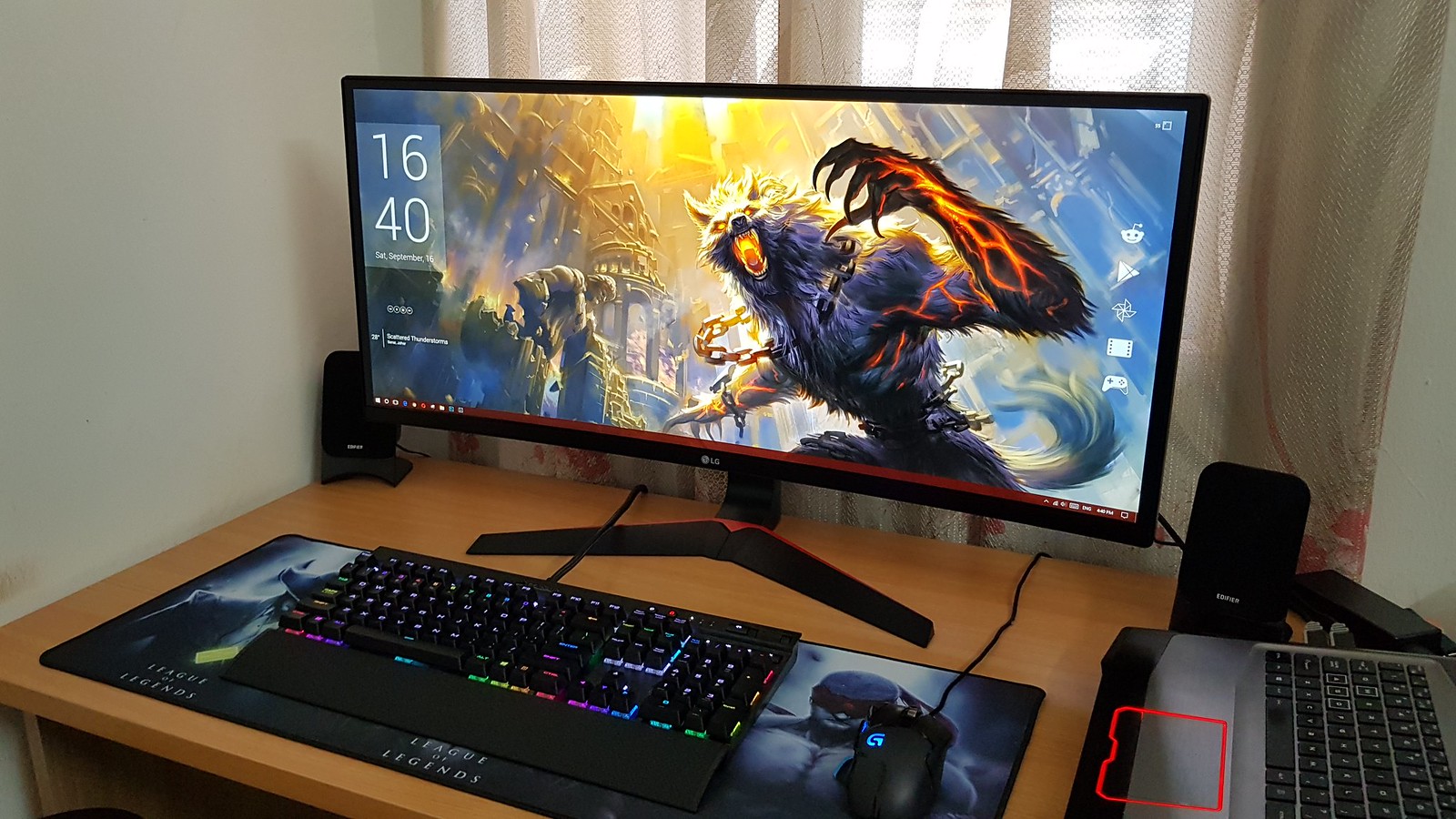
My short review of LG 34UC79G - 34" Curved UltraWide Gaming Monitor.

user posted image

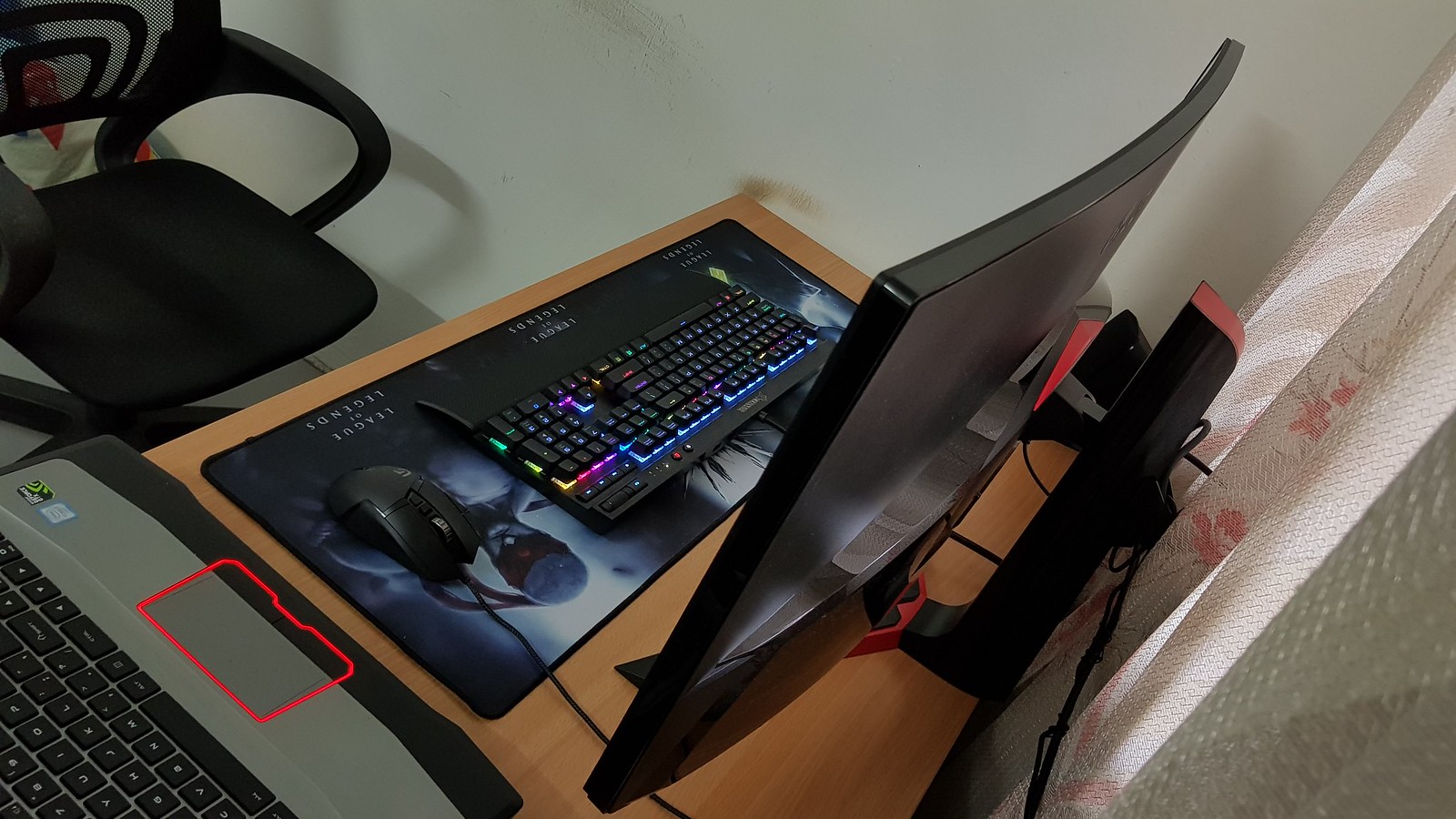
  • Design - Simple & elegance, I love that little red bar, the back also very nice with few simple red and black combination, just it is for back can't really see it after setup. Haha!
  • Resolution - It is 2560x1080 not full 2k where I previously using 2560x1440 a 2k display. But lucky the horizontal still is 2560, for this part I find it not too much differences beside need scroll more when viewing website or reading. 34" UltraWide is kind of similar with 27" wide but longer, this is one of the reason I not picking 3440x1440 as this resolution at 34" UltraWide will be probably too small font size in 100% scaling as I find the font is ok only with wide 32" not 27". Another reason is currently I am only use it to connect to my laptop where only have HDMI 1.4 that is capable for up to 2560x1440 60hz. If running 3440x1440 will down to 50hz only. I very happy and thankful now I manage to run at 75hz at 2560x1080. I know this monitor is capable of 144hz but I can't test it now due to HDMI 1.4 and now I know why people prefer higher hz already, as even at 75hz I already can see the differences in gaming, this part really need personally see it as wording can't describe and proof it.
  • Display Quality - Before that I am so worry the monitor will be not enough sharp as 1920x1080 at some wide 27" is not enough sharpness, but thankfully they is no worried on this part, it is sharp enough in this monitor, the font is crispy clear by default. The default custom setting is well done and perfect without any tuning required, the only I change is reduce the brightness from 100% to 65%. The color output is well perfect and nice. As for gaming setting frank speak is rubbish, why LG turn the sharpness to 100%, it looks extremely awful to me. Lucky the custom (gaming) setting can change the sharpness but the white balance is not something I prefer. Another mode I will use is the cinema mode which make watching video very appealing. The Default Custom mode is my default now as it is well balance and nice punchy color output. Cinema mode will be the mode I use when want to watch video.
    In summary - this monitor is the best display I ever own, it is one step ahead and nicer than my previous already great looking ViewSonic 32" VX3209-2K display.
  • Gaming - It is another level feel of gaming in 21:9 UltraWide screen, no regret joining this UltraWide Club.  biggrin.gif  biggrin.gif  biggrin.gif
Will I back to Normal Wide? Definitely not! UltraWide is my only choice monitor now. biggrin.gif

The awesome back look - I can only seen it by side, haha!
user posted image

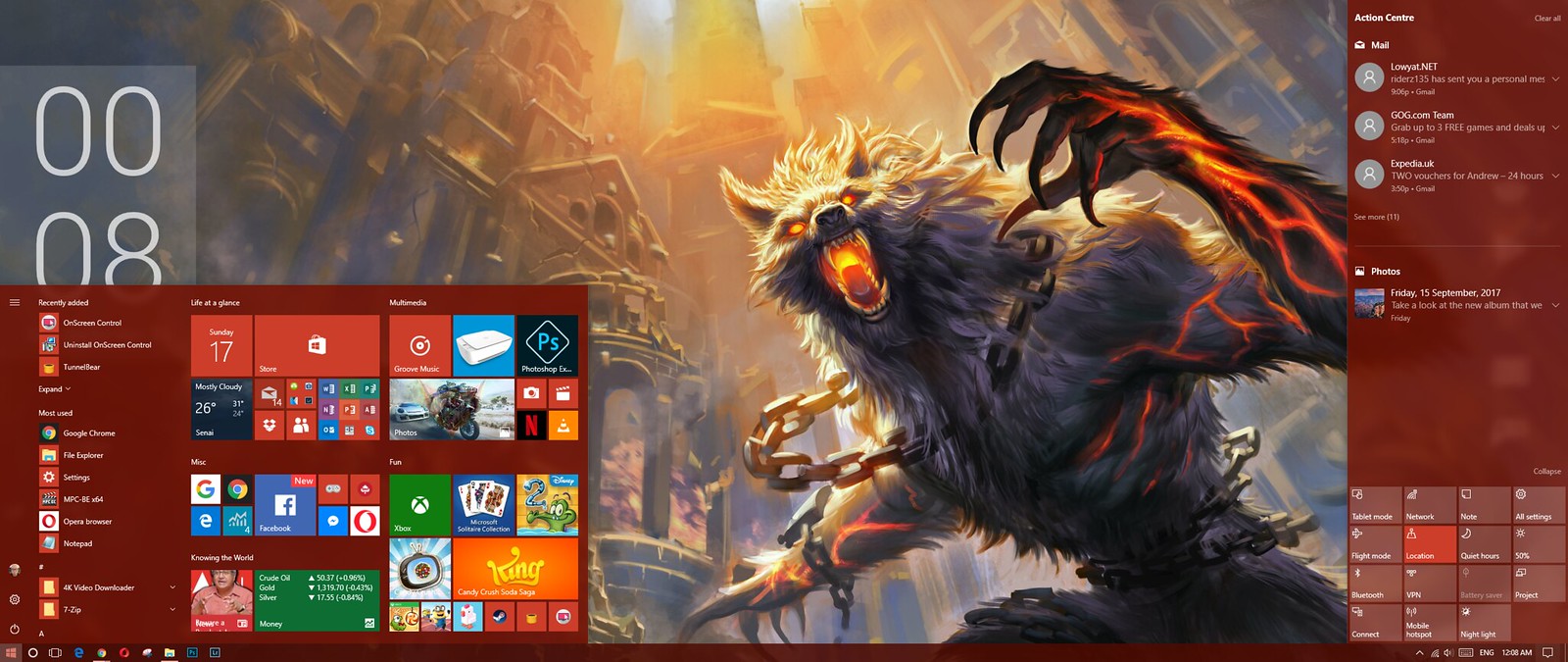
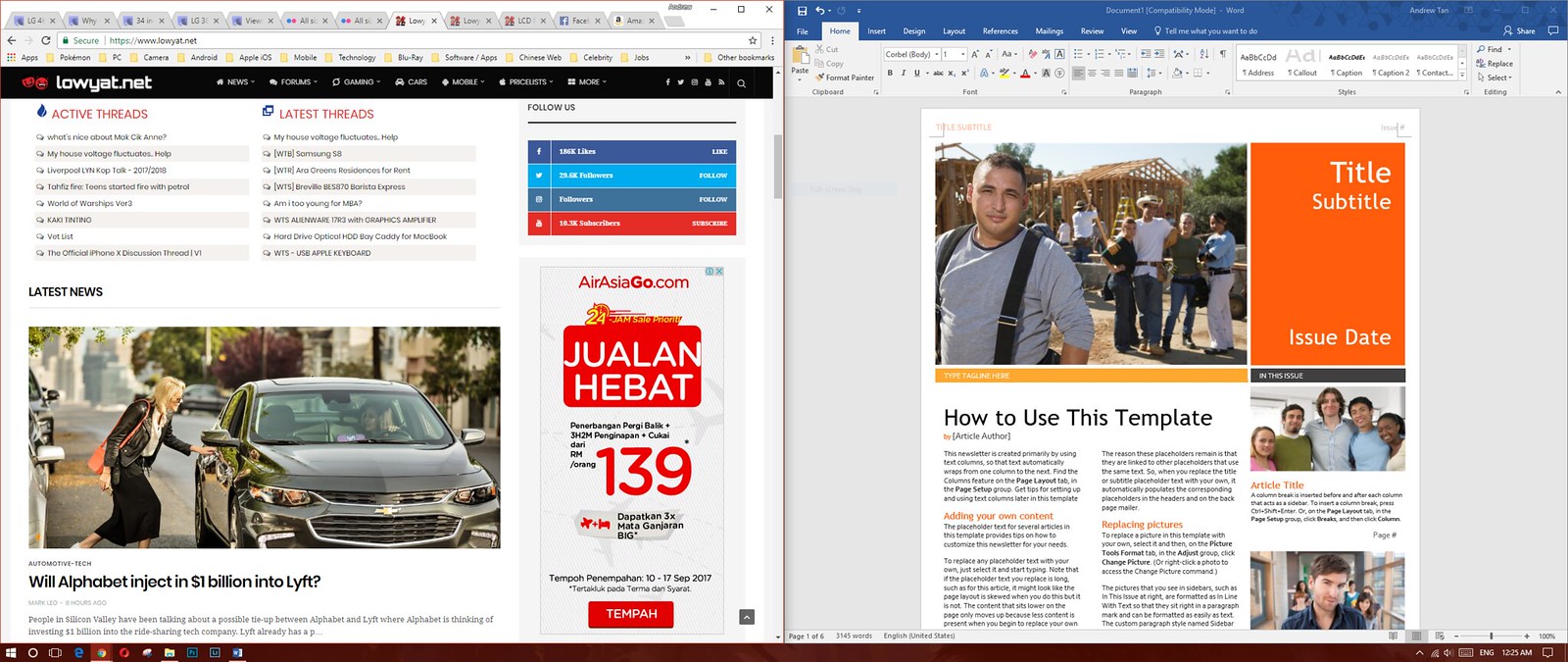
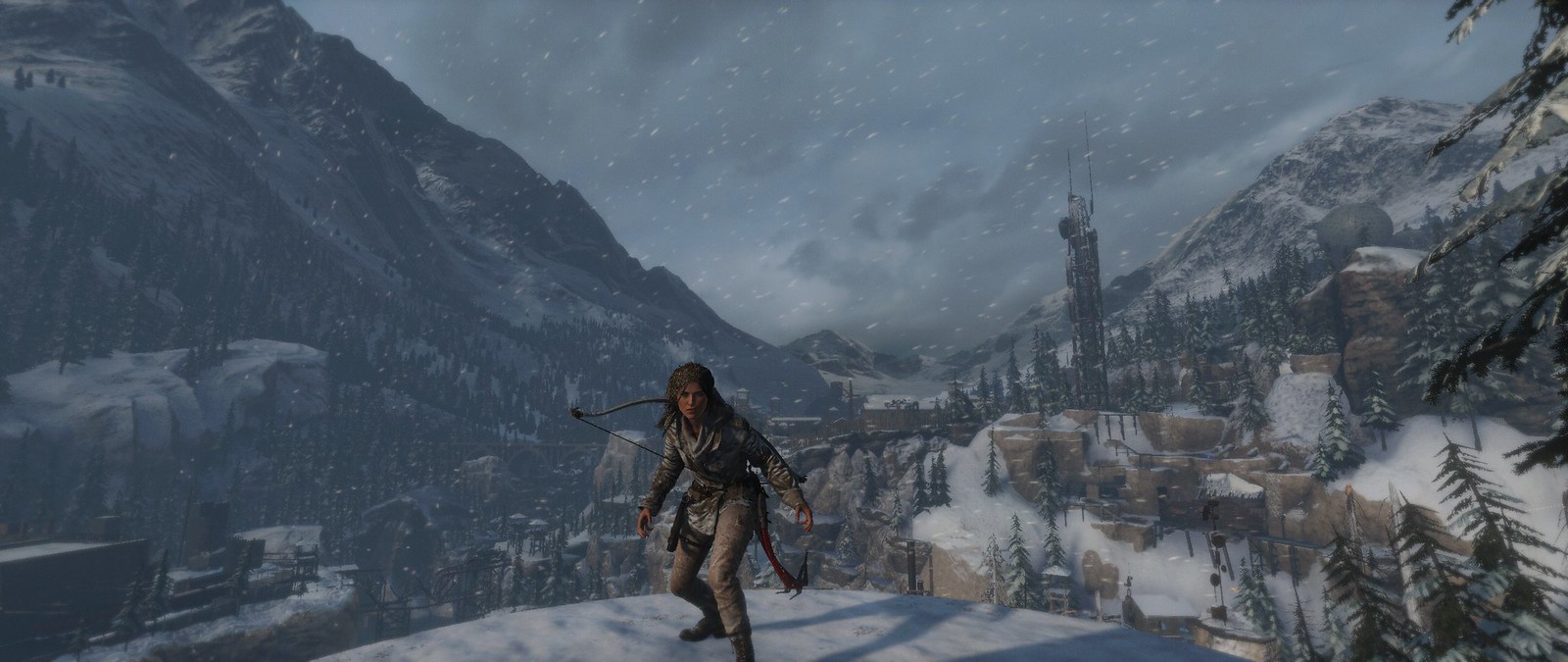
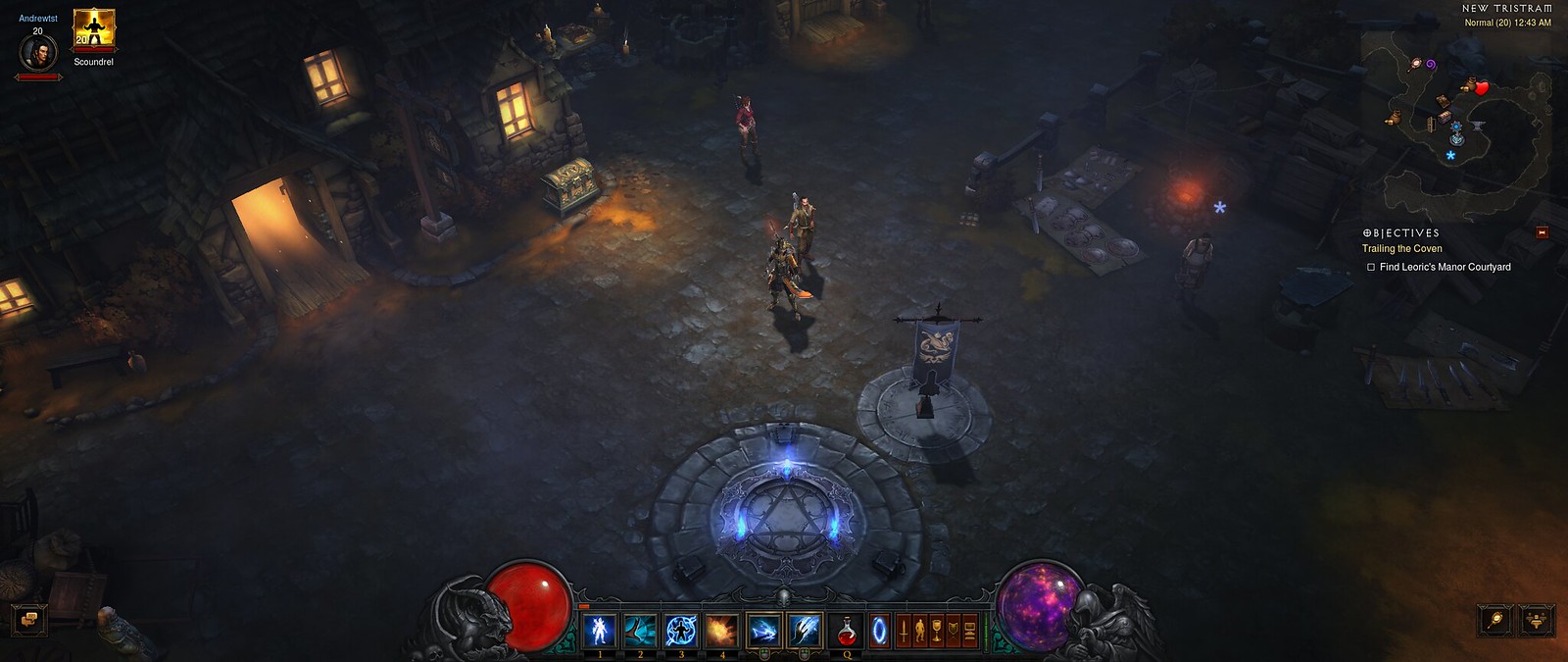
The actual screenshot of apps/games in 2560x1080 UltraWide.
user posted image

user posted image

user posted image

user posted image

user posted image
*
Congrats on your ascension! rclxms.gif Great review as well!
drunkonpiss
post Sep 17 2017, 06:30 AM

Getting Started
**
Junior Member
216 posts

Joined: Nov 2009


3440x1440 resolution, 100hz, 2MS, VA panel, Curved? Yes please!

Check out the Massdrop produced Ultrawide monitor for only $550?!?!?!

https://www.massdrop.com/buy/massdrop-vast-...mode=guest_open

This post has been edited by drunkonpiss: Sep 17 2017, 06:31 AM

4 Pages < 1 2 3 4 >Top
 

Change to:
| Lo-Fi Version
0.0273sec    0.40    7 queries    GZIP Disabled
Time is now: 11th December 2025 - 05:16 PM