QUOTE(coolkwc @ Nov 9 2013, 08:59 PM)
Developed by LightRoom

» Click to show Spoiler - click again to hide... «
Why take photo at night? hehe.
What changes have you made ya?
QUOTE(gunzerdude @ Nov 9 2013, 09:08 PM)
That kitten photo might be overcooked but this one looks fantastic lei

Thanks, I use HDR on this one.
QUOTE(amduser @ Nov 9 2013, 09:27 PM)
the leaves at the foreground is distracting but overall the picture is still usable
take note that the cat and the leaves has different color, if you want a warmer tone, try adjust the green hue more to the yellow side, in lightroom the green hue value should be around -20, if you think the green i too saturated then try to desaturate the green, not too much but maybe -10 or -15, can try to play with luminance as well
that way you can leave color tone of the cat untouched, so let's say you want a warmer tone you can adjust the whilte balance +200 or +400 from your current white balance reading, if you are using lightroom then click on the temperature slider and roll your mouse wheel to adjust, that way will be faster
lastly the eyes, lightroom got an iris enhance brush preset and it works everytime, when you enhance the details in the eyes it will look very nice

the final touch up would be adding some vignette to make the viewer focus on the cat since the leaves at foreground is distracting
Such a detailed tutorial. Thank you for this guide, I'll try this concept on my future photos.


 Nov 9 2013, 12:08 PM


 Quote
Quote
 just curious u guys how 'depth' the raw image has been developed only. Anyway, this is what i thought, no hard feeling.


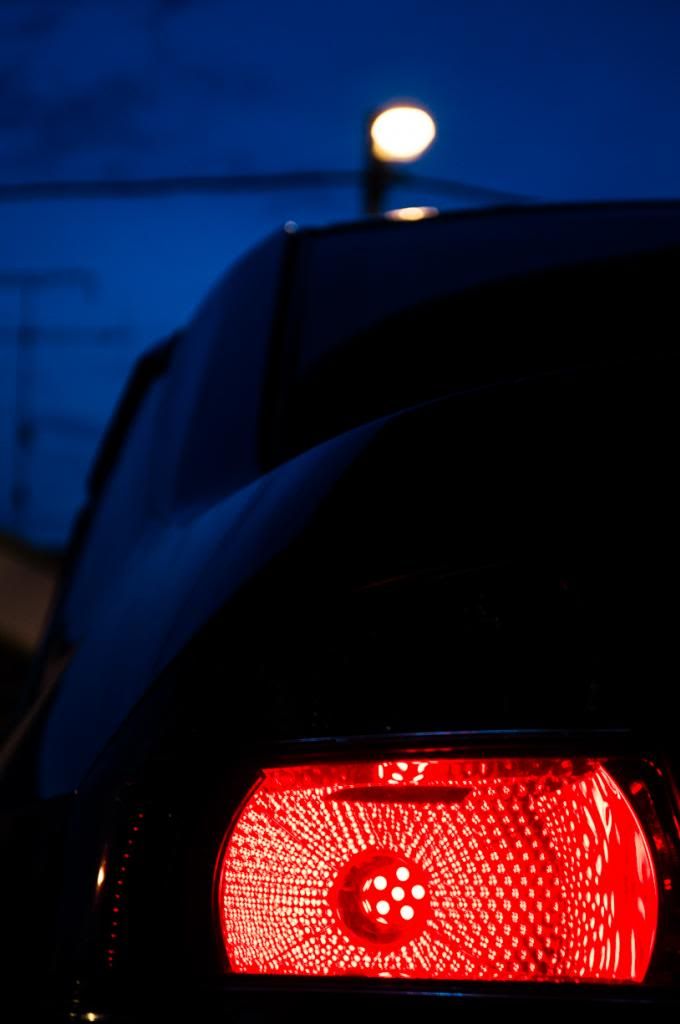


 But the second one
  Have to step up my game liao


 )
)


 0.0659sec
 0.89
0.89
 7 queries
 GZIP Disabled