Welcome Guest ( Log In | Register )

Bump Topic Topic Closed RSS Feed
122 Pages « < 25 26 27 28 29 > » Bottom

Outline · [ Standard ] · Linear+

Hardware 2012 NEW MacBook Pro | MacBook Air Users Thread, Version 9.0 - 95%/92% score on Gdgt.com!

views
     
Eidilfitrix
post Jun 24 2012, 11:28 AM

Executive Troll Officer
******
Senior Member
1,477 posts

Joined: Aug 2011
From: your girl's bed


QUOTE(PS3.Gamer @ Jun 24 2012, 11:17 AM)
+1 rclxms.gif

Not EVERYONE has a RDMBP yet, those who do, good. But we want to discuss about it and its pros and cons. Not see the wallpapers and videos and it supports. Because that's not the only thing thats going to judge weather we buy it or not.

But some are just excited with their new toy I guess.
*
Yup exactly. You get what i mean thumbup.gif
TSstringfellow
post Jun 24 2012, 12:43 PM

Ultrawide | 4K | VR
********
Senior Member
11,305 posts

Joined: Jan 2003
QUOTE(erymanthus @ Jun 24 2012, 07:27 AM)
Hi, I have been reading the discussion above.
It's mentioned that MBP RD can only achieve 20 to 30frame rate compared to non RD MBP at 48-60frame per second.... Does it happen only if you are using the highest display resolution?
Do you have this issue if you run your MBP RD at the Best For Retina Display resolution.?
Thanks

It's quite disheartening to read that non Retina Display MBP is better then the RD MBP

Thanks for feedback.

I'm new to MBP and I'm planning to book one in July or August. Hope to make the right decision whether to go for RD or not
*
The non-Retina has to push only 1440x900, Retina has to push 4 times of that, while still keeping things coherent on the UI and the background processes. Pushing 4 times the numbers of pixels isn't an easy feat.

That framerate mentioned was Safari scrolling, not the UI elements in Lion. And it is scrolling at 1440x900 sampled at 2880x1800. I do not have issues running at "Best For Retina", the problem gets more evident at 1680x1050 or the 1920x1200 sampled, because as how Anand describes it, these resolution are doubled (3360x2100 and 3840x2400, way beyond the Retina's 2880x1800) and then down sampled back to 2880x1800 into the native Retina resolution. Sampling at these scaled resolution will always take a performance hit.

He also mention, as how I've mentioned earlier as well, that Mountain Lion will take advantage of the hardware, using Core Animation processes, and speeds up this lag in Lion. Lion do not take advantage of this, hence therefore you see hi mentioning that even scrolling in Safari around will shoot up one of the 4 IVB cores to 100%.


Added on June 24, 2012, 12:47 pm
QUOTE(BRY7 @ Jun 24 2012, 11:26 AM)
read many reviews, but I'm really confused.
Apple added four times the pixels, but why does it still shrink when its at 2880x1800? :s
shouldn't the icon have more detail?
*
HiDPI. Read what Anand has to say in in his review. Apple does not expose that resolution because it is not workable at that resolution unless you have super eagle eyes. Simple test,go to you notebook run now, run though all the supported resolution and see how the UI elements behave. They will shrink.

Apple adds more pixels, yes that is current. But The space they're residing does not increase, instead they're densely packed.


Added on June 24, 2012, 12:52 pm
QUOTE(PS3.Gamer @ Jun 24 2012, 11:17 AM)
+1 rclxms.gif

Not EVERYONE has a RDMBP yet, those who do, good. But we want to discuss about it and its pros and cons. Not see the wallpapers and videos and it supports. Because that's not the only thing thats going to judge weather we buy it or not.

But some are just excited with their new toy I guess.
*
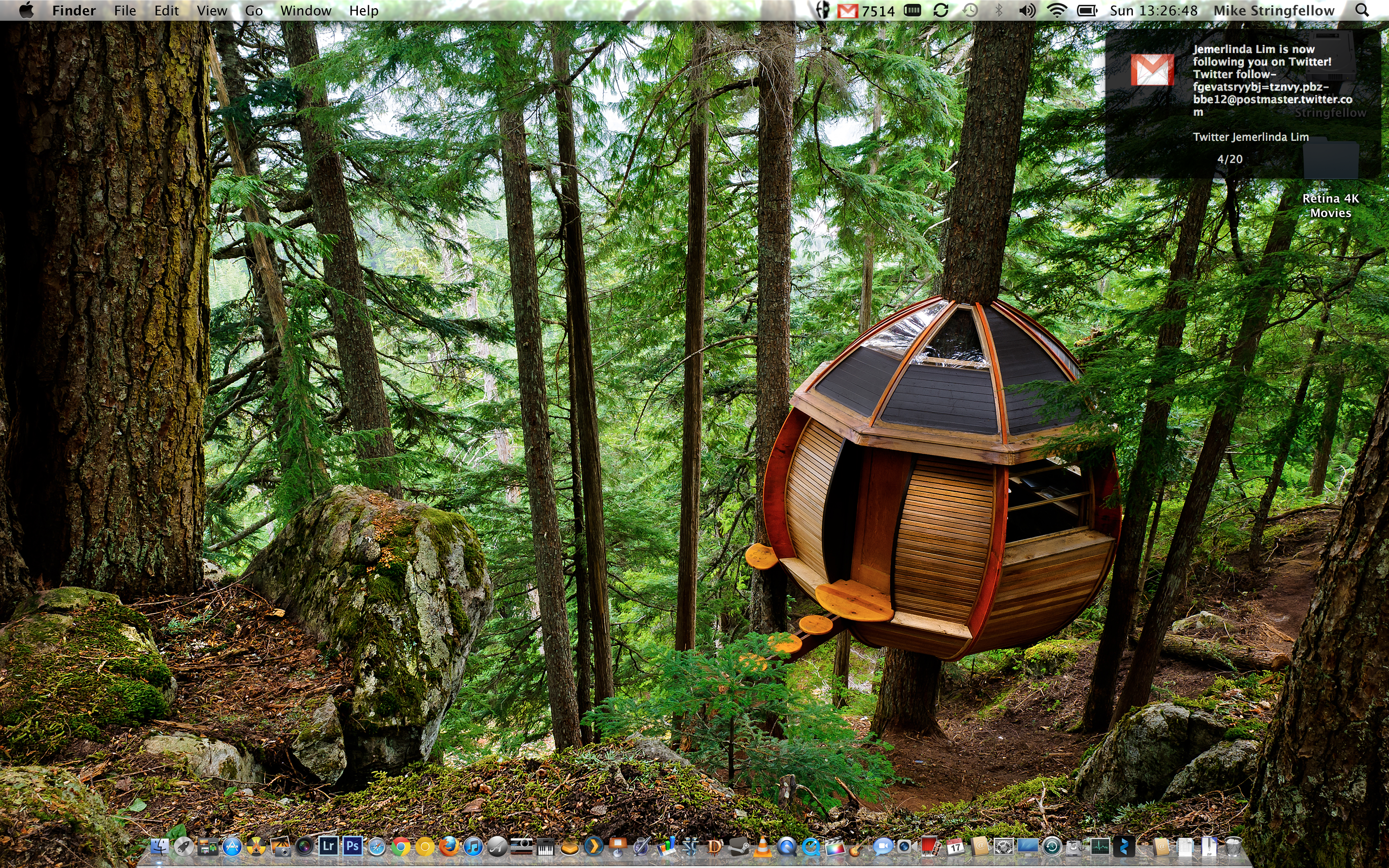
Then come on over, test mine. I have pro apps like Adobe CS6 running, Extended version of Photoshop or Premiere Extended, Lightroom 3.3 just recently updated to Retina, FCPX for video, and Chrome Canary, dev channel Chrome browser supporting Retina but uses its own rendering engine, Sound quality wise, I've Fidelia FHX to test. Diablo 3, StarCraft 2 and Portal 2 if you game. That should've been a clue when you bother looking at the screenshots I posted. rolleyes.gif

The least I can do compared to troll-baiters who have nothing to contribute other than posting single one-liners of his Kopitiam-style posts.

This post has been edited by stringfellow: Jun 24 2012, 12:54 PM

BRY7
post Jun 24 2012, 12:53 PM

Siri: I'm your humble personal assistant
*******
Senior Member
7,924 posts

Joined: Jul 2009


QUOTE(stringfellow @ Jun 24 2012, 12:43 PM)
The non-Retina has to push only 1440x900, Retina has to push 4 times of that, while still keeping things coherent on the UI and the background processes. Pushing 4 times the numbers of pixels isn't an easy feat.

That framerate mentioned was Safari scrolling, not the UI elements in Lion. And it is scrolling at 1440x900 sampled at 2880x1800. I do not have issues running at "Best For Retina", the problem gets more evident at 1680x1050 or the 1920x1200 sampled, because as how Anand describes it, these resolution are doubled (3360x2100 and 3840x2400, way beyond the Retina's 2880x1800) and then down sampled back to 2880x1800 into the native Retina resolution. Sampling at these scaled resolution will always take a performance hit.

He also mention, as how I've mentioned earlier as well, that Mountain Lion will take advantage of the hardware, using Core Animation processes, and speeds up this lag in Lion. Lion do not take advantage of this, hence therefore you see hi mentioning that even scrolling in Safari around will shoot up one of the 4 IVB cores to 100%.


Added on June 24, 2012, 12:47 pm

HiDPI. Read what Anand has to say in in his review. Apple does not expose that resolution because it is not workable at that resolution unless you have super eagle eyes. Simple test,go to you notebook run now, run though all the supported resolution and see how the UI elements behave. They will shrink.

Apple adds more pixels, yes that is current. But The space they're residing does not increase, instead they're densely packed.
*
understand it now, thanks for your explanation.
this won't stop me from my purchase.
will use it at 1440x900 resolution until ML is released.
many bought it for the display, but I'm not buying it for the display, so it doesn't seem to be a set back for me
only receiving my rMBP this coming week
melvin418
post Jun 24 2012, 01:06 PM

Getting Started
**
Junior Member
145 posts

Joined: Jan 2011
From: Sabah KK


Anyone tried installing windows on rmbp?

Eidilfitrix
post Jun 24 2012, 01:07 PM

Executive Troll Officer
******
Senior Member
1,477 posts

Joined: Aug 2011
From: your girl's bed


Lol, kopitiam style single line post? Dude, you're only a Pilot. You don't even have any contacts of your MDs. Kids and their toys, active on the net but not verbally.

Oh wait, now he's talking about performance wise? Well it's about time. I thought he wasn't going to stop with his boastful high res wallpapers lol. If he's stating that he has all of those, we are more than welcome for him to put them to test, not just saying "Hey, my car can go 300km/h". Everyone can talk the talk, but not walk the walk.

This post has been edited by Eidilfitrix: Jun 24 2012, 01:22 PM
TSstringfellow
post Jun 24 2012, 01:24 PM

Ultrawide | 4K | VR
********
Senior Member
11,305 posts

Joined: Jan 2003
QUOTE(melvin418 @ Jun 24 2012, 01:06 PM)
Anyone tried installing windows on rmbp?
*
Last checked, Windows Bootcamp drivers aren't available yet. Particularly display drivers. Maybe things has changed since then.

Gonna be a better person and not feed the troll. Oh hey, I see someone reported this post earlier than I am, thanks whoever you are. Let's get back on track.

Just for kicks though:

» Click to show Spoiler - click again to hide... «


This post has been edited by stringfellow: Jun 24 2012, 01:32 PM
zad78
post Jun 24 2012, 01:29 PM

Remember... Remember
******
Senior Member
1,237 posts

Joined: Nov 2006
From: 3rd Rock From The Sun


QUOTE(Eidilfitrix @ Jun 24 2012, 01:07 PM)
Lol, kopitiam style single line post? Dude, you're only a Pilot. You don't even have any contacts of your MDs. Kids and their toys, active on the net but not verbally.

Oh wait, now he's talking about performance wise? Well it's about time. I thought he wasn't going to stop with his boastful high res wallpapers lol. If he's stating that he has all of those, we are more than welcome for him to put them to test, not just saying "Hey, my car can go 300km/h". Everyone can talk the talk, but not walk the walk.
*
Sorry for asking....wat is MDs?...medical degrees...medical devices?..mat despatches?....
In another world....just bought the new MBA 13 inch...seems to be lot faster compared to my old mba...
TSstringfellow
post Jun 24 2012, 01:33 PM

Ultrawide | 4K | VR
********
Senior Member
11,305 posts

Joined: Jan 2003
QUOTE(zad78 @ Jun 24 2012, 01:29 PM)
Sorry for asking....wat is MDs?...medical degrees...medical devices?..mat despatches?....
In another world....just bought the new MBA 13 inch...seems to be lot faster compared to my old mba...
*
SATA 3 6Gbps flash storage helps. Proprietary connectors though. Not to mention IVB. 4 or 8GB? I still miss my old MBA form factor.
BRY7
post Jun 24 2012, 01:37 PM

Siri: I'm your humble personal assistant
*******
Senior Member
7,924 posts

Joined: Jul 2009


QUOTE(stringfellow @ Jun 24 2012, 01:24 PM)
Last checked, Windows Bootcamp drivers aren't available yet. Particularly display drivers. Maybe things has changed since then.

Gonna be a better person and not feed the troll. Oh hey, I see someone reported this post earlier than I am, thanks whoever you are. Let's get back on track.

Just for kicks though:

» Click to show Spoiler - click again to hide... «

*
bro, this is already full scale at best retina right? biggrin.gif
TSstringfellow
post Jun 24 2012, 01:38 PM

Ultrawide | 4K | VR
********
Senior Member
11,305 posts

Joined: Jan 2003
Anyone interested to test drive the apps mentioned in the spoilered screenshot, welcomed to do so. I'm heading to this audiophile meet now, and will be there probably until late.


Added on June 24, 2012, 1:40 pm
QUOTE(BRY7 @ Jun 24 2012, 01:37 PM)
bro, this is already full scale at best retina right?  biggrin.gif
*
Yup. Download the image and you'll see from the file info that it is 2880x1800. The difference is, in "Best for Retina" display settings, the UI element take the size of 1440x900 elements. The text size, the icon sizes are all the size you'll see from a 1440x900 UI behavior.

This post has been edited by stringfellow: Jun 24 2012, 01:41 PM
olivur
post Jun 24 2012, 01:40 PM

ollie ollie oxen free
******
Senior Member
1,283 posts

Joined: Jul 2011
QUOTE(Eidilfitrix @ Jun 24 2012, 06:48 AM)
Tht dude moans a lot because he thought he spend on something which he thought the greatest laptop Apple has ever made and which he had in mind had no flaws with it.

All he does here was just posting how good and excellent the wallpapers looked like, which doesn't contribute much to my point of view of having the rMBP.

Let's run down the apps and scrutinize how the software really works with the rMBP.

He's like "hey i just bought a new car, look how good it looks, but he didn't really mention much on how good and reliable the performance of the car"

Do you get what i mean?  rolleyes.gif
*
to what degree does said poster actually owe the rest of us a thorough review of his said new toy, though? to my understanding he purchased it using his own cash and was not given one by apple for the sole purpose of scrutinization for the benefit of the general consumer.

would you purchase a car, and then jump straight into mentioning it's flaws (which by virtue of being human i'm sure you'd overlook as well - not a fortnight into purchase while the buzz is still there) before sharing the pros?

there's good bantering but it requires some finesse and you're sorely mistaken if you think you're providing just that for the readers here.

QUOTE(PS3.Gamer @ Jun 24 2012, 11:17 AM)
+1 rclxms.gif

Not EVERYONE has a RDMBP yet, those who do, good. But we want to discuss about it and its pros and cons. Not see the wallpapers and videos and it supports. Because that's not the only thing thats going to judge weather we buy it or not.

But some are just excited with their new toy I guess.
*
to what extend do those that have owe the have not's anything? interested in a full fledge review? common sense would've directed me to an actual review site. shrugs*
Eidilfitrix
post Jun 24 2012, 01:44 PM

Executive Troll Officer
******
Senior Member
1,477 posts

Joined: Aug 2011
From: your girl's bed


Oh did I hurt your feelings? It's funny how a simple post could affect your feelings. This is an open forum, where everyone are welcomed to discuss and has their own opinions. Just because I'm not on the same page as you are, and you're offended to what I've said.

If I have offended, it means that what I've said must have been true somehow or the other way around. What moderators can do? Delete the post? I didn't do anything wrong to be exact, what I did was to voice out my opinion which oppose yours.

Stop being arrogant and ignorant, just because you just bought yourself a Macbook Pro lol.
BRY7
post Jun 24 2012, 01:44 PM

Siri: I'm your humble personal assistant
*******
Senior Member
7,924 posts

Joined: Jul 2009


QUOTE(stringfellow @ Jun 24 2012, 01:38 PM)
Anyone interested to test drive the apps mentioned in the spoilered screenshot, welcomed to do so. I'm heading to this audiophile meet now, and will be there probably until late.


Added on June 24, 2012, 1:40 pm

Yup. Download the image and you'll see from the file info that it is 2880x1800. The difference is, in "Best for Retina" display settings, the UI element take the size of 1440x900 elements. The text size, the icon sizes are all the size you'll see from a 1440x900 UI behavior.
*
okay, so in which setting does the Safari scrolling lags?

This post has been edited by BRY7: Jun 24 2012, 01:44 PM
TSstringfellow
post Jun 24 2012, 01:46 PM

Ultrawide | 4K | VR
********
Senior Member
11,305 posts

Joined: Jan 2003
QUOTE(BRY7 @ Jun 24 2012, 01:44 PM)
okay, so in which setting does the Safari scrolling lags?
*
Not evident on the "Best for Retina" settings, as far as I can see. More noticeable on the higher 1680x1050 and 1920x1200 because of the nature of Apple's sampling engine, AND the fact that it doesn't take advantage of Core Animation hardware.
zad78
post Jun 24 2012, 01:48 PM

Remember... Remember
******
Senior Member
1,237 posts

Joined: Nov 2006
From: 3rd Rock From The Sun


QUOTE(stringfellow @ Jun 24 2012, 01:33 PM)
SATA 3 6Gbps flash storage helps. Proprietary connectors though. Not to mention IVB. 4 or 8GB? I still miss my old MBA form factor.
*
Got the 4gb...well...this is my portable laptop anyways...used specifically for powerpoint presentation and word documents...so 8gb is too overpowered for me...oh ya....does macs have any app to convert any documents formats to pdf? Like windows got this program called cute pdf writer? Any help will be much appreciated...
TSstringfellow
post Jun 24 2012, 01:50 PM

Ultrawide | 4K | VR
********
Senior Member
11,305 posts

Joined: Jan 2003
QUOTE(zad78 @ Jun 24 2012, 01:48 PM)
Got the 4gb...well...this is my portable laptop anyways...used specifically for powerpoint presentation and word documents...so 8gb is too overpowered for me...oh ya....does macs have any app to convert any documents formats to pdf? Like windows got this program called cute pdf writer? Any help will be much appreciated...
*
Preview does it. Any text editing app in Mac OS X IIANM, has the "save as PDF" feature built into them. That's how I converted my monthly work roster to PDF for viewing on my iPhone/iPad.
BRY7
post Jun 24 2012, 01:50 PM

Siri: I'm your humble personal assistant
*******
Senior Member
7,924 posts

Joined: Jul 2009


QUOTE(stringfellow @ Jun 24 2012, 01:46 PM)
Not evident on the "Best for Retina" settings, as far as I can see. More noticeable on the higher 1680x1050 and 1920x1200 because of the nature of Apple's sampling engine, AND the fact that it doesn't take advantage of Core Animation hardware.
*
now i truly understand why the display unit at KLCC didn't catch my eyes at all, its at Best for Retina setting and the wallpaper is the standard Andromeda Galaxy.
nonetheless, high resolution screen just seem to be a bonus for me.
not really important tongue.gif
flash architecture and redesigned body is the main reason I'm purchasing
olivur
post Jun 24 2012, 01:54 PM

ollie ollie oxen free
******
Senior Member
1,283 posts

Joined: Jul 2011
QUOTE(zad78 @ Jun 24 2012, 01:48 PM)
Got the 4gb...well...this is my portable laptop anyways...used specifically for powerpoint presentation and word documents...so 8gb is too overpowered for me...oh ya....does macs have any app to convert any documents formats to pdf? Like windows got this program called cute pdf writer? Any help will be much appreciated...
*
open the file (or files) you wish to convert into pdf in preview, (ctrl+a if you wish to combine all open files into a single pdf) and press cmd+p and do these steps smile.gif

This post has been edited by olivur: Jun 24 2012, 01:54 PM


Attached thumbnail(s)
Attached Image

Attached image(s)
Attached Image
TSstringfellow
post Jun 24 2012, 01:56 PM

Ultrawide | 4K | VR
********
Senior Member
11,305 posts

Joined: Jan 2003
Those on the fence, I'd say stay until Mountain Lion. If it fixes the lag or if it annoys you that much, then go for non-Retina MBP or MBA. I'm just sick of being stuck in the 1920x res for more than 10 years already on portable computers. Apple pushing this forward means other manufacturers (read: PC) now have to step up and do comparably similar or get left out. It's the race to the bottom when it comes to PCs (whoever supplies the cheapest with whatever standards acceptable to general public, wins), and I'm glad that with the MBA, companies like Asus has stepped up with their Asus ZenBook Prime. Otherwise there won't be any motivation to improve display user experience.
zad78
post Jun 24 2012, 01:57 PM

Remember... Remember
******
Senior Member
1,237 posts

Joined: Nov 2006
From: 3rd Rock From The Sun


QUOTE(stringfellow @ Jun 24 2012, 01:50 PM)
Preview does it. Any text editing app in Mac OS X IIANM, has the "save as PDF" feature built into them. That's how I converted my monthly work roster to PDF for viewing on my iPhone/iPad.
*
Thanks..what I meant actually is a virtual printer apps whereby when you select this as a default printer...it will convert the output automatically into pdf doc...does mac have those apps? thanks in advance.


Added on June 24, 2012, 1:58 pm
QUOTE(olivur @ Jun 24 2012, 01:54 PM)
open the file (or files) you wish to convert into pdf in preview, (ctrl+a if you wish to combine all open files into a single pdf) and press cmd+p and do these steps smile.gif
*
Thanks...

This post has been edited by zad78: Jun 24 2012, 01:58 PM

122 Pages « < 25 26 27 28 29 > » Top
Topic ClosedOptions
 

Change to:
| Lo-Fi Version
0.0254sec    0.58    6 queries    GZIP Disabled
Time is now: 22nd December 2025 - 03:04 PM