Looks like this thread is flourishing since I last saw it. Some updates.
1. I tried installing the Euro version and then I re-installed the stock Starhub one and ran a OTA update. Found that functions are the same. Will stick with Starhub.
2. I saw someone asked about not needing to unlock the phone. There is a built in function but needs a little tricking but you can try.
- Go to 'Location & security'
- Go to 'Phone lock settings'
- Set 'Phone lock type' to password or pattern (I use pattern and if you do, you will have to set the pattern as well)
- Set 'Security lock timeout' to a maximum of 30mins. This means that now, when you press the Power button, your screen will go off but when you press it again, it will open up the screen without any prompts for 30mins. After that it will ask for password or pattern, depending on what you set above.
**If at 'Security lock timeout' you set 'When display is off', your screen will lock as soon as you press the power button or when the screen goes off after timeout (set at another place).
3. Someone also asked about manually setting the Custome rate (speed) and VSEL.
- Launch Milestone Overclock.
- Press the options key(not sure if that's what it's called but it's the key on the extreme left, just beside the Home key).
- Select 'Settings'
- There you will have the option to change the Custome rate in Khz (1Ghz = 1,000,000 Khz) as well as the vsel.
- There's also the option to 'Autoload on boot' but I wouldn't recommend it until you get the right mixture of vsel for your rate. If there's a problem with the rate, your phone will reboot. Leaving this option out will let your phone boot up to it's default settings

Will try to answer questions if and when I can.
This post has been edited by ranggie4: Sep 23 2010, 07:34 AM 

 Sep 21 2010, 07:52 PM


 Quote
Quote


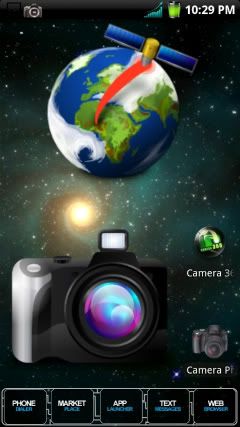
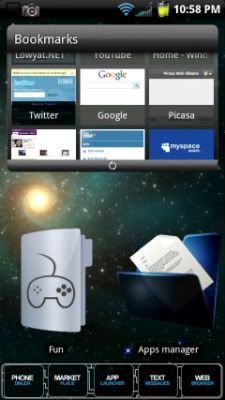
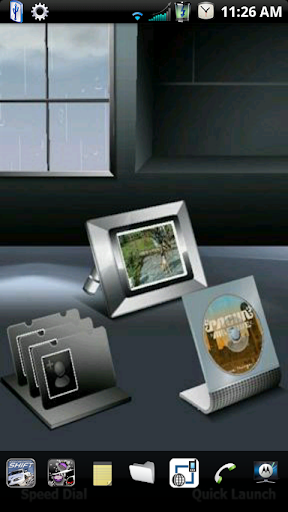
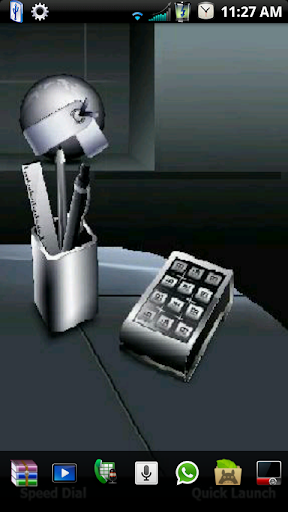
 Will post mine also in a minute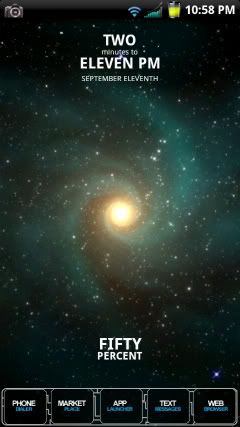
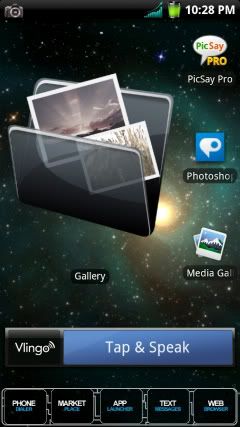
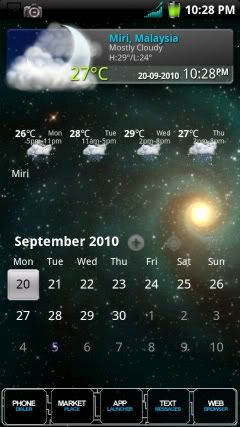
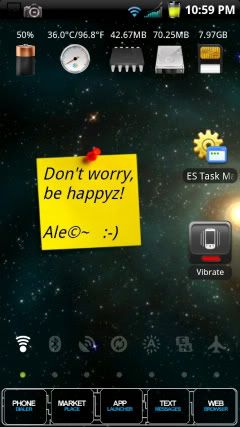








 0.0318sec
 0.35
0.35
 6 queries
 GZIP Disabled