QUOTE(eddmecha @ Apr 12 2010, 08:38 AM)
hi im a newbie on desktop modding...can i know if win 7 are able to be modded? thank u in advance
hello there
good questions
actually win 7 is already awesome from the day they were born
but there is still some gap to be perfect isnt it ?
as they did mention earlier , here is some software that u can use to enhanced your win7 look
windows blind=
Windows Blind HomepageCustomize your entire Windows experience with WindowBlinds. This one-of-a-kind program can change virtually every element of the Windows graphical user interface.
Because WindowBlinds extends the existing painting routines of the operating system, it uses very little memory.
With thousands of free skins to choose from, you can customize Windows to look like another a new take on the standard Windows look, a totally different OS, or something completely different.
is now already compatible with win 7
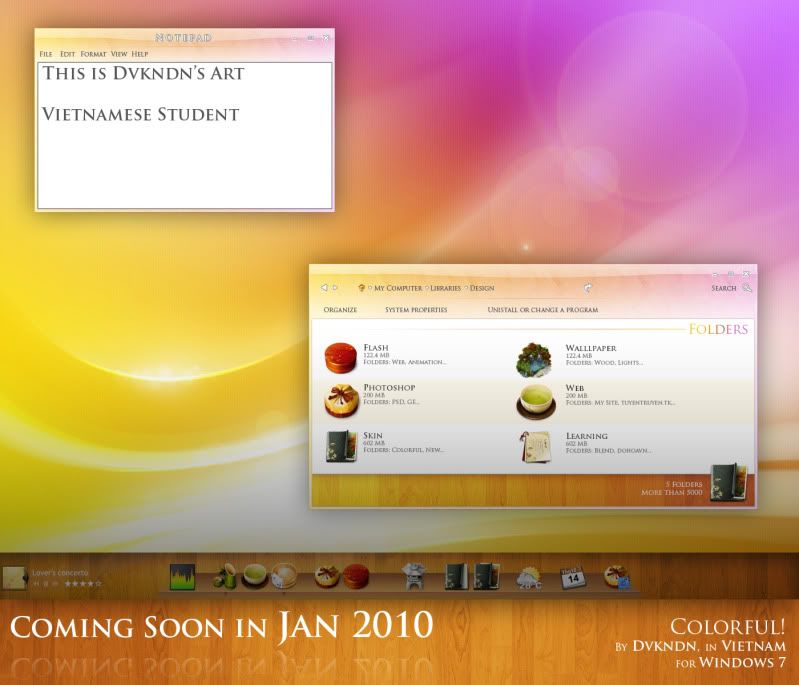
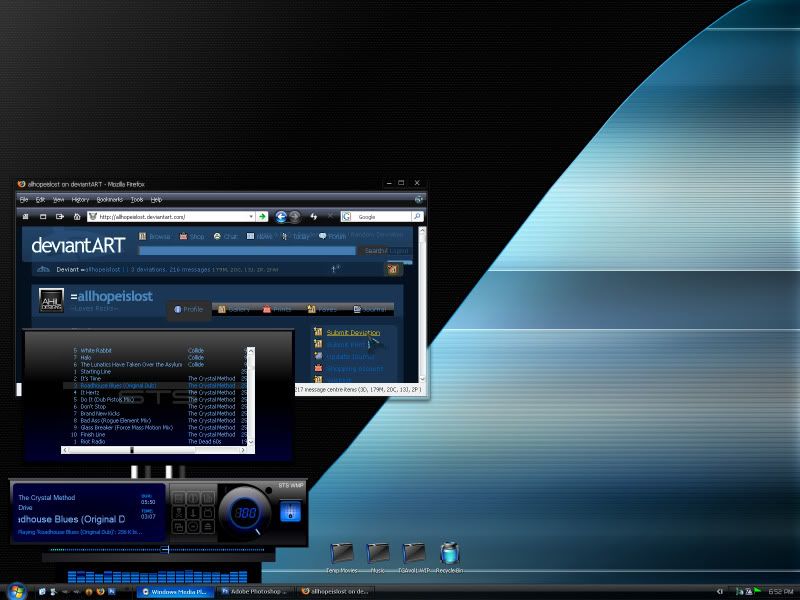
this software can be customize with skins like u never seen before ( most of the skin can be found on deviantart.com /wincustomize.com)
Screenshot win7 (randomly get from website)
Hyperdesk =
Hyperdesk HomepageHyperdesk is an exciting new product from The Skins Factory that allows you to transform the appearance of your regular Windows desktop, with an endless array of exciting new desktop themes, skins, wallpapers, widgets and other applications called “hypersuites”.
Using Microsoft's own skinning engine, Hyperdesk uses a “native” and stable way to theme Windows. Because the magic of Hyperdesk occurs entirely in memory, your system files are never touched or replaced. And just as it takes a single button to make the magic happen, a single click will return you to your default Windows desktop.
Each Hyperdesk installation contains a custom hypersuite. These works of art have been painstakingly, hand-crafted by the world's most talented commercial interface artists at The Skins Factory, with the same attention to detail & flawless execution we've become known for throughout the industry.
Screenshot win7(from hyperdesk website)

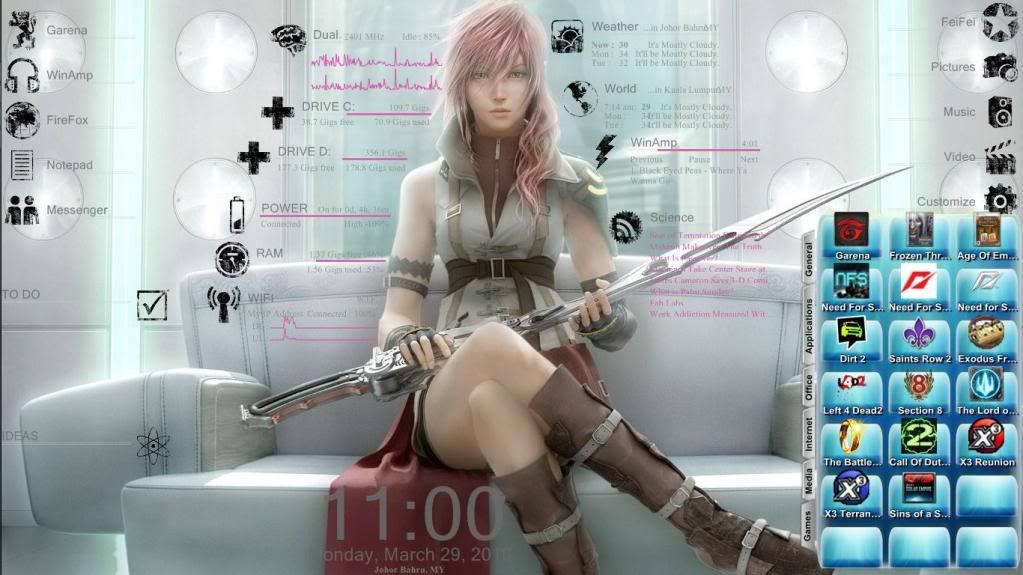
Rainmeter =
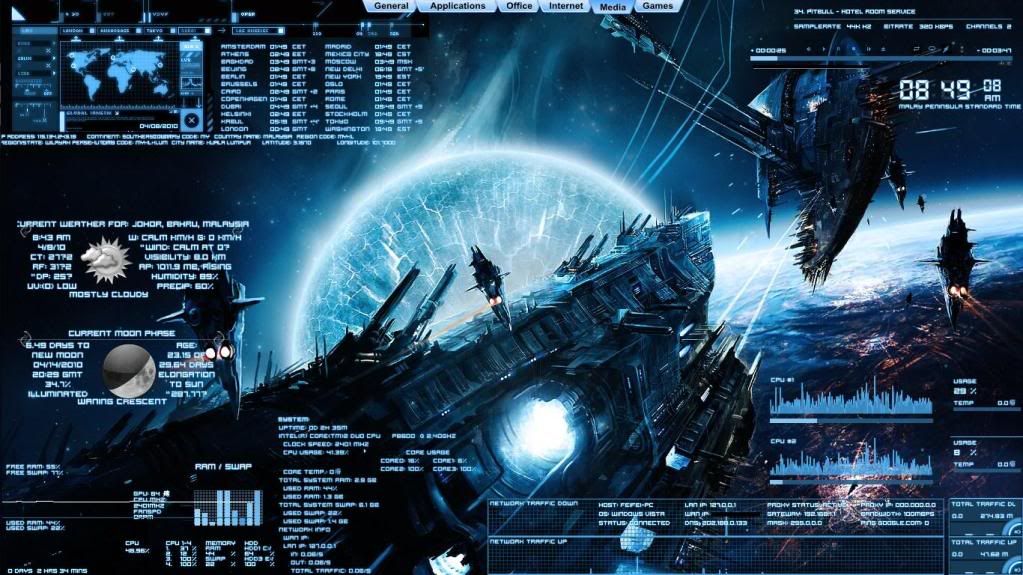
Rainmeter Homepage Rainmeter is an application which will allow you to place what are called "Skins" on your desktop. These skins can measure and display a wide variety of information. Some examples of things you can display are:
* System Information - CPU, RAM, Network, Drive Space, you name it...
* Launchers and Docks - Be creative and create your own RocketDock or launcher
* Music and more - Interfaces for WinAmp and iTunes, Internet radio or online video
* Web-based content - Weather, GMail inbox, RSS feeds. Just about anything you can parse from the web
Screenshot win 7 (from my own arsenal)

ObjectDock =
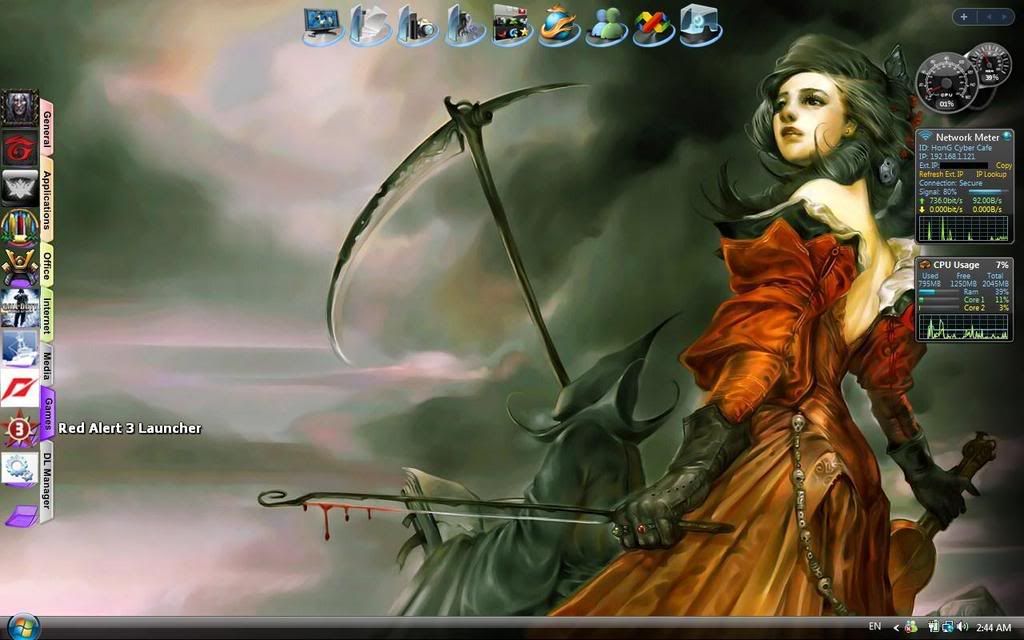
ObjectDockObjectDock™ is a program that enables users to organize their shortcuts, programs and running tasks into an attractive and fun animated Dock. By allowing users to have more control over how they organize their desktop, users can take control of their desktop icons and shortcuts to have them be available when where and how they need them. With ObjectDock, you can make your computer more usable, and more fun at the same time!
Version 2.0 beta has arrived, and includes such features as a completely redone state of the art UI, icon reflections, background blur-behind, quick-detachable tabs, system tray icon filtering and more. With ObjectDock 2.0, setting up fun custom animated docks to help your efficiency and organization has never been so easy. Upgrades from previous versions can be had for a discounted price of $9.95, and the beta is available today if you want to get started playing right away.
ScreennShot win7 (my previous objectdock)
Good luck mate
feel free to ask =)
This post has been edited by skychilled: Apr 12 2010, 07:41 PM 

 Apr 9 2010, 06:32 AM


 Quote
Quote


 0.0277sec
 0.45
0.45
 6 queries
 GZIP Disabled