Sorry kinda busy preparing for exam next week so can't reply much. I'll leave it to DarkSaviour. Thx.
QUOTE(ksleong88 @ Nov 27 2008, 06:24 PM)
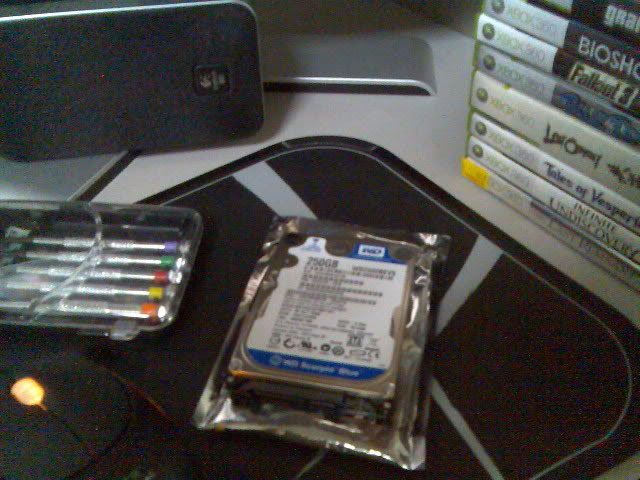
Im using the WD 160gb BEVS Scorpio HDD. Seems like theres a lot of it here. Bought mine in PJ digital mall. Plenty of stock. Only 153.00 for the HDD.

Added on November 27, 2008, 6:29 pmThanks bro. I actually was reading both yours and mmx's tutorial. Hex part really confusing. I had to download ahem copy of win hex to get the job done. Thanks again bro. Love the fact i can have alot of games installed now. My DVD about to kaput d cos alot of DVD's cant be read properly.
I'll find away to avoid the hex part. The only way to avoid it to remodify the explorer360 programme to avoid the hexing part. But there is still complication even with the modify xplorer360 cause the still can't see the partition 3


QUOTE(ben3003 @ Nov 27 2008, 06:46 PM)
If hddhackr cannot detect it will say wat? Becos i type hddhackr -f the it will stop at some sata device has responded.. Then wait 10 20 minutes also no respond. I dunno is my bios cant detect or wat.. Or the hdd got prob.. Becos the bios detect the drive need like 1 to 2 mins which is considered slow..
Does your bootable USB works? Is your hddhackr working properly?
I suggest pull out all your PC HDD and just plug the new HDD only and set your boot to USB.
QUOTE(DarkSaviour @ Nov 27 2008, 08:22 PM)
if ur mobo didn't detect it, the hddhackr will just let's give u option which ask u to key in 1~4 or exit..
r u sure ur mobo detected ur hdd?
BTW u need to set bios to sata to "enchanced mode"
I see wat i can do... to simplify it again.... I think mmx will be busy with exam....
Sorry about it. I'll leave it up to you to answer them. Thx.



 Nov 27 2008, 06:46 PM


 Quote
Quote




 Hope it wont be fustrating..



 0.0262sec
 0.84
0.84
 5 queries
 GZIP Disabled