

 Sep 20 2008, 12:28 PM, updated 18y ago


Step One
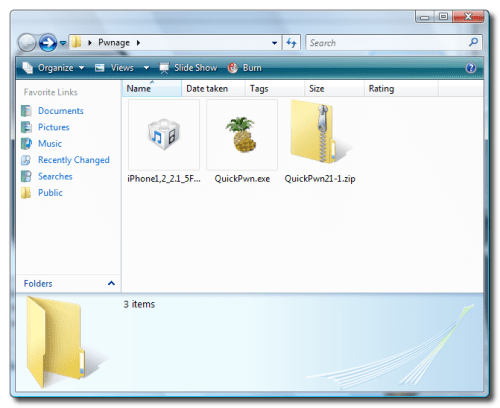
Create a folder called Pwnage on your desktop.
Download the following files and place them in the Pwnage folder you just created:
- QuickPwn 2.1
- 2.1.0 (3G): iPhone1,2_2.1_5F136_Restore.ipsw
Extract the QuickPwn21-1.zip file to the Pwnage folder.
Step Two
Connect your iPhone to the computer and launch iTunes.

Select your iPhone from the list of devices on the left. Now hold down shift and click the Restore button. Restore is preferred as it won't create any wasted space on your iPhone.

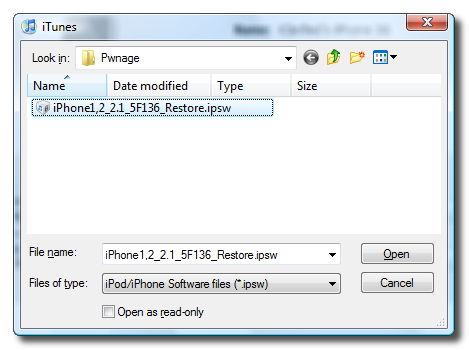
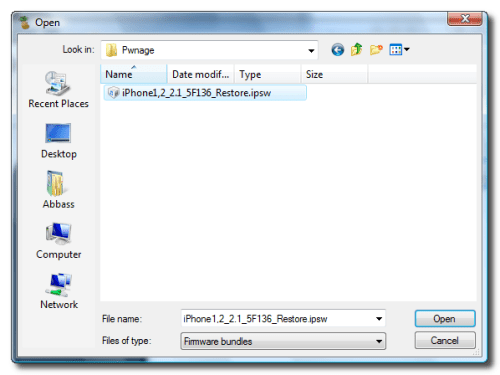
Navigate to the Pwnage folder on your desktop and select the 2.1 firmware ipsw. Click the Open button to continue.
Step Three
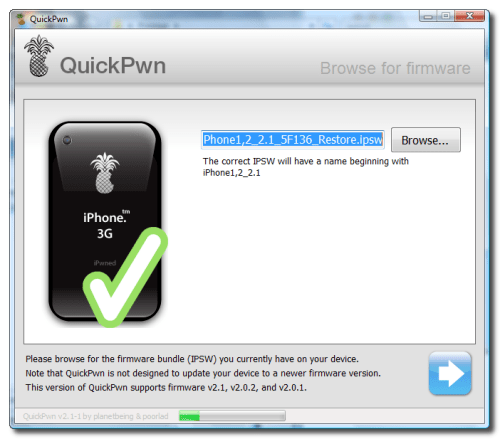
Once iTunes has finished updating your iPhone to the 2.1 firmware you may launch QuickPwn.exe from the Pwnage folder on your desktop.

Step Four
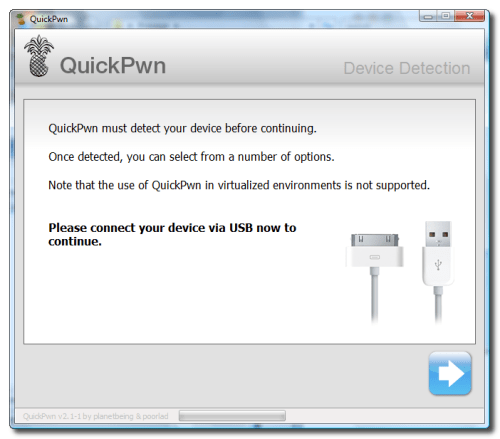
Make sure you iPhone is connected to the computer and click the blue arrow to continue.
This post has been edited by twinkles: Sep 21 2008, 01:36 AM
 Quote
Quote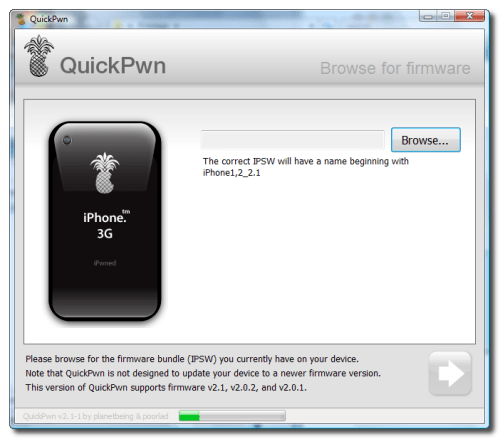


 0.0202sec
 0.44
0.44
 6 queries
 GZIP Disabled